
Visual Studio Blog
The official source of product insight from the Visual Studio Engineering Team
Latest posts
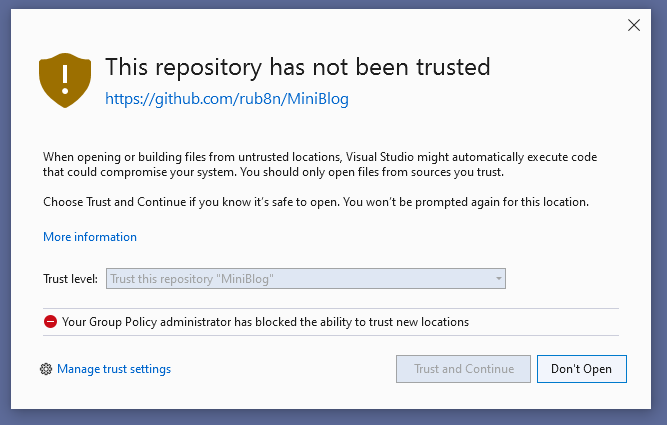
Improving developer security with Visual Studio 2022

Software developers are increasingly being targeted by malware. Recent incidents include Nobelium, Octopus Scanner, and ZINC. To reduce the risk of open-source library adoption in the face of such attacks, developers need a toolchain that assists them in evaluating untrusted content. In Visual Studio 2022 we've been focused on developer and team productivity. Key to this is how the IDE can help developers evaluate the level of trust for code. Visual Studio Code recently introduced Workspace Trust, and today we’ll discuss how Visual Studio 2022 is also redesigning it’s trust settings functionality, starting in ...
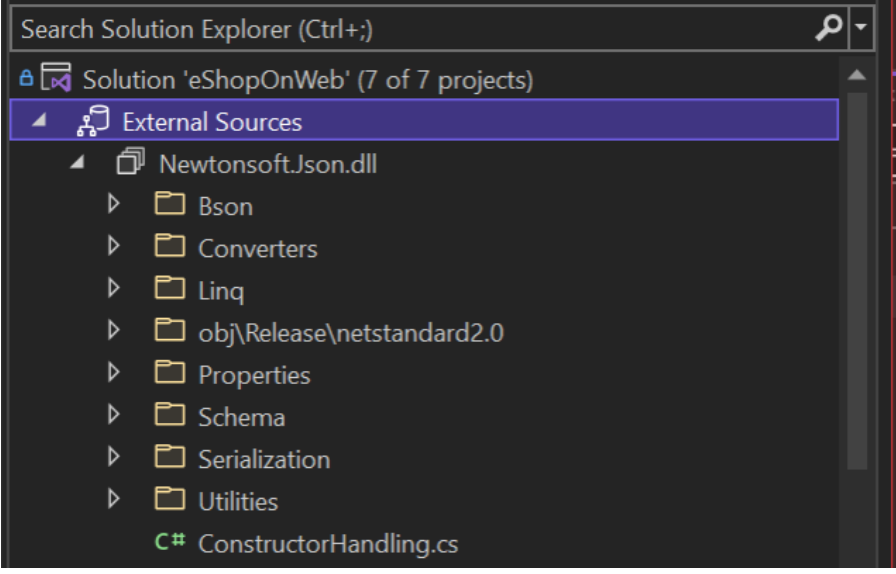
Debugging External Sources with Visual Studio

Have you ever needed to debug and step into a code of dependent NuGet or .NET libraries that do not build as part of your solution? Today, debugging through them is not so easy as debugging your projects that are part of your solution. Starting with Visual Studio 2022 Preview 3, we are adding a new "External Sources" node in the Solution Explo
The New JavaScript/TypeScript Experience in Visual Studio 2022 Preview 3

Today we are excited to announce a new experience for JavaScript and TypeScript developers in Visual Studio. We are bringing new tooling to enhance the experience for SPA applications and front-end development. What’s New? With Visual Studio 2022, we really wanted to make our JavaScript & TypeScript experience shine. We spoke with many developers to understand their expectations and experiences. What we heard was that while our editing features – IntelliSense, Quick Info, Go-to-Definition, etc. – worked well, Visual Studio still had a few gaps when it came to integrated workloads like testing and getting st...
Multi-repo Support in Visual Studio

Have you ever needed to work on a solution with projects hosted on different Git repositories? Previously, you had to either use multiple instances of Visual Studio or rely on external Git tools. Starting with Visual Studio 2022 Preview 3, you can enable the multi-repo support preview feature which will enable you to work with a single solution with projects in multiple repositories and contribute to them from a single instance of Visual Studio. The easiest way to enable multi-repo support is to use CTRL+Q, type “preview” and open the preview features pane. Scroll to “Enable multi-repo support” and tog...

Personalize Your Visual Studio 2022

One of Visual Studio’s core goals is to increase your individual and team productivity. And, one of our key focus areas is to make Visual Studio more personalized and flexible, so that you can make the IDE your own. Below, we'll summarize some of the personalization features we’ve shipped in our preview channel or plan to ship soon: Your IDE should be uniquely yours. We know that developers like you have different ways to focus, learn, and code. We’re on a journey to create the most flexible IDE ever—one that helps everyone learn effectively and become more productive. In the next few wee...
Visual Studio 2022 Preview 3 now available!

We are excited to announce the third preview release of Visual Studio 2022! With Preview 3 there are more new capabilities on the themes of personal and team productivity, modern development, and constant innovation. In this blog we’re going to highlight a few of the new capabilities of Visual Studio 2022 Preview 3. We’d love for you to download it, try it out, and join us in shaping the next major release of Visual Studio with your feedback. Personal & team productivity In the Visual Studio 2022 vision blog we talked about delivering innovative features that revolutionize development is an important ...

Visual Studio 2019 v16.11 is Available Now!
We are excited to announce the release of Visual Studio 2019 v16.11 GA. This release improves upon the Git tooling experience in Visual Studio, enables Hot Reload for .NET applications, adds convenient links to the help menu, and upgrades LLVM tools to LLVM 12. For full details, see the Visual Studio 2019 release notes. Servicing Baselines This is the final servicing baseline for Visual Studio 2019. This version will be supported with fixes and security updates for the duration of the Visual Studio 2019 support timeframe. As a result, we encourage Enterprise and Professional customers to standardize on Visu...
Load Only the Projects You Need with Solution Filters

You, like many other developers, may work in very large codebases that contain hundreds or thousands of projects in a single Visual Studio solution. However, you may only work with a few of those projects and their dependencies. Our Visual Studio team has seen multiple approaches that developers use to only load and work in the projects that they need. Solution Filters are a new, recommended approach that provide a focused and more performant workspace for you. What are Solution Filters? Solution Filters in Visual Studio allow you to selectively load and work with the projects that you need. For instance, if yo...
Speed up your .NET and C++ development with Hot Reload in Visual Studio 2022

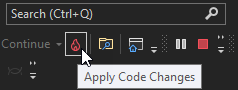
With the recent release of Visual Studio 2022 Preview 2 we’d like to use this blog post to dive deeper into the brand-new Hot Reload experience which works for both managed .NET and newly supported native C++ apps. With Hot Reload our goal is to save you as many app restarts between edits as possible, making you more productive by reducing the time you spend building/restarting as you continue to build your app. We try to achieve this goal by making it possible for you to edit your applications code files and, in many cases, apply those code changes immediately without having to do things such as pause the app...