
Visual Studio Blog
The official source of product insight from the Visual Studio Engineering Team
Latest posts

Keep learning, keep building! Make the most of VSLive! with your Visual Studio Subscription

Keeping up with new technology is one thing. Finding worthwhile opportunities to explore what matters most to your work is another. That's where VSLive! can help. It brings technical learning, hands-on experience, expert guidance, and a community of developers together in one place, giving you focused time to explore evolving technologies and decide what’s worth bringing back to your team. And if you're an eligible Dev Essentials member, Visual Studio Professional subscriber, or Visual Studio Enterprise subscriber, you have benefits that can provide a significant discount for these in-person events. D...

Preparing for your next certification could start with your Visual Studio Subscription
Are you thinking about earning a Microsoft certification to help advance your career, build on your existing skills, or meet new requirements at work? If so, you may already be wondering where to start. Which courses, labs, and hands-on exercises will help you prepare? How much time will it take to find the right resources, and how much will that training cost? Here's something you may not be aware of: Eligible Visual Studio Subscriptions already include many of the learning resources you need to prepare for your next certification. Visual Studio subscribers can access training from Cloud Academy ...
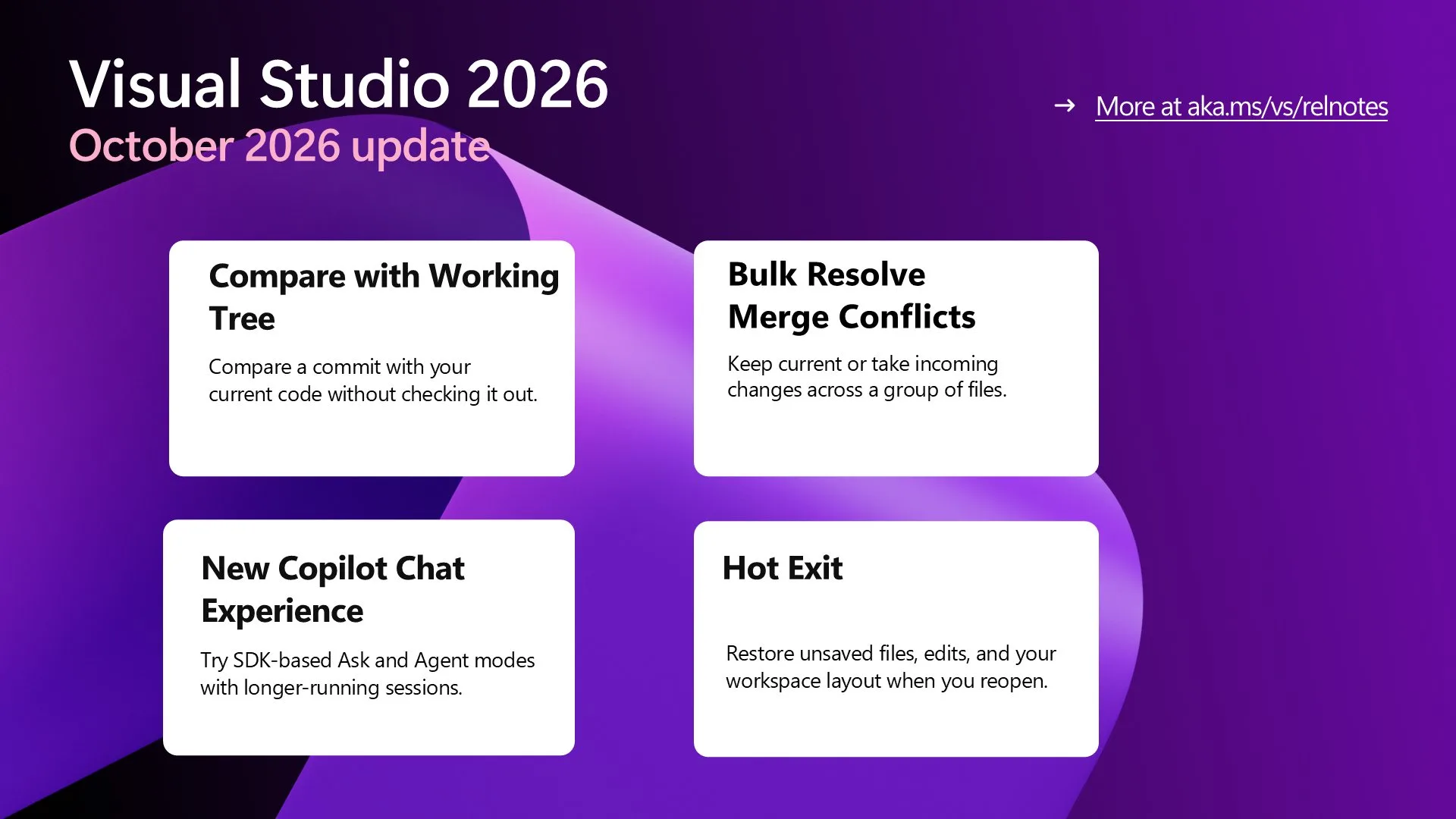
Visual Studio October Update – Compare Commits to Your Code, Resolve Conflicts in Bulk, Keep Coding

Compare commits with your working tree, resolve merge conflicts in bulk, and keep coding with refreshed Copilot chat, Hot Exit, keyboard tab controls, and Fonts and Colors.
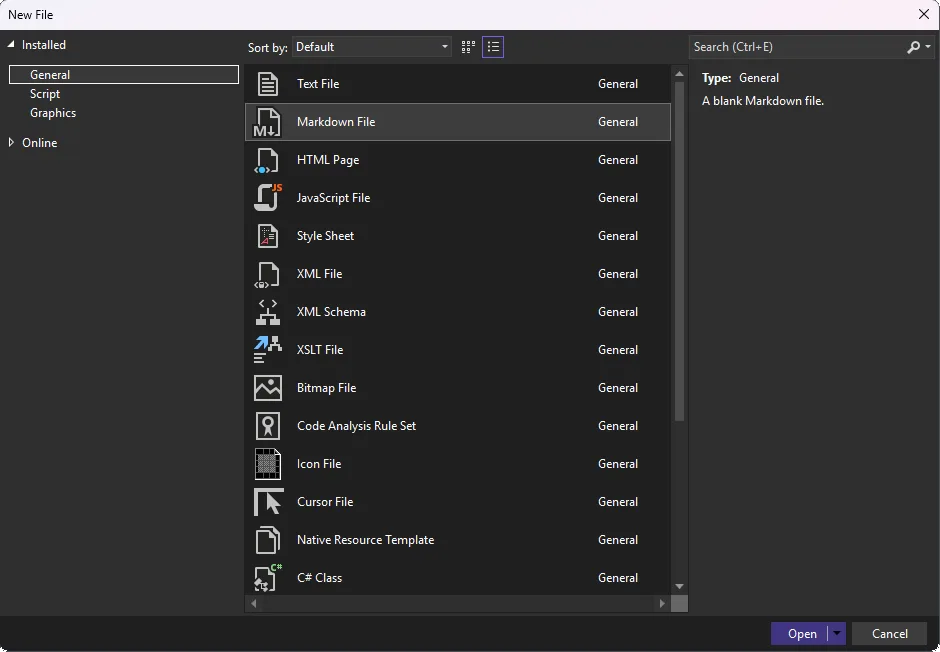
Keep your investigation between sessions


Start a standalone Markdown note and use the opt-in Hot Exit preview to resume unsaved work next session.

Are you getting everything you can from Your Visual Studio Subscription?
What if you could experiment with a new Azure service without requesting additional budget, prepare for your next technical certification using learning resources you already have, or build a dashboard without creating every UI component from scratch? If you're a Visual Studio subscriber, you may already have benefits that can help you do all three. Here’s a few possibilities you may not have considered: 1. What could you build with your Azure credits? Have you been curious about an Azure service but haven't had the opportunity, or the budget, to try it? Maybe you want to experiment with an AI-powered a...
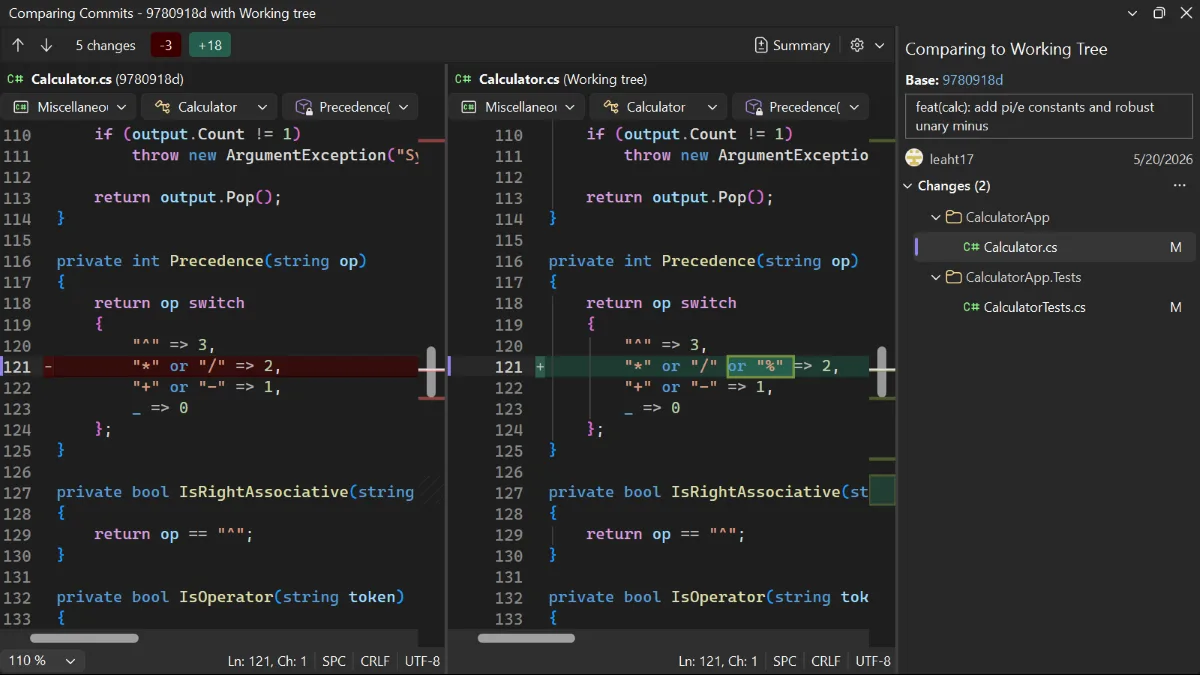
Compare today’s code with an earlier commit

Compare a historical commit with your working tree without checking out the commit or leaving your branch.

Organize and revisit tabs with the keyboard
Reorder your document tabs and return to them by visual position with new keyboard shortcuts.
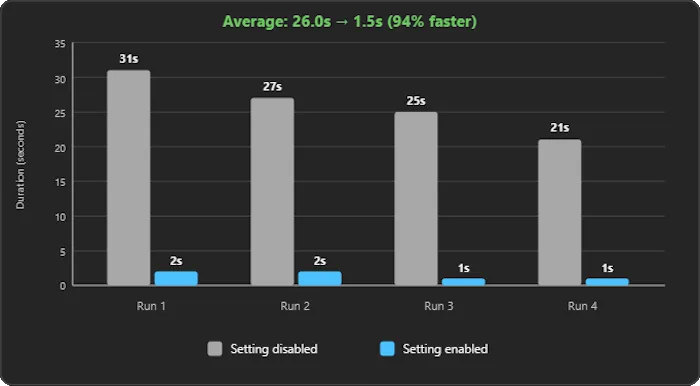
Stop waiting on a failed build
Stop solution builds after the first project failure so you can return to fixing the error sooner.

New tools, new workflows and the value of the Visual Studio Subscription: What we learned at VSLive! San Diego
What happens when developers who have spent decades working with Visual Studio start rethinking how they write code, learn new skills, and expand their access to development tools? At VSLive! San Diego, we had an opportunity to find out as developers gathered for five days of technical sessions, hands-on learning, and conversations about Visual Studio, .NET, AI, cloud, data, and modern application development. One of the most interesting things we heard in San Diego was how readily experienced developers are adopting new tools and workflows. GitHub Copilot is part of that story, and developers aren't...