
Visual Studio Blog
The official source of product insight from the Visual Studio Engineering Team
Latest posts

Visual Studio 2022 for Mac Preview 2 is now available

One month ago, we released the first public preview of Visual Studio 2022 for Mac after an initial private preview. Today, we’re happy to share that Visual Studio 2022 for Mac Preview 2 is now available. The focus of this preview is to support the new .NET 6 Release Candidate 2 (RC2) release on Intel-based Macs.

Learn to write Visual Studio extensions

Writing extension for Visual Studio can be a daunting task for even the seasoned developer. Figuring out where to start is a not obvious and the whole process a bit mysterious. At least, that’s what you’ve told over the years from trying to write extensions. That’s why we’re now introducing a new video series to make extension writing easier than ever. The series starts at the very beginning to make sure you have the right tools and setup. Then it goes through writing your first extension to show the full process of writing an extension. These are important steps since they provide the base from which you’...

Join us November 8 for the Launch of Visual Studio 2022

On behalf of our entire team, I’m excited to announce the upcoming release of Visual Studio 2022 on November 8, and the immediate availability of the Visual Studio 2022 Release Candidate (RC) and Preview 5. We invite you to explore the latest capabilities of Visual Studio 2022 at our virtual launch event on November 8. Throughout the day, you can learn from some special guest speakers, talk back to the Visual Studio team, and even download exclusive digital swag. Join us at our virtual event Our free, online launch event kicks off at 8:30 AM Pacific Time on November 8 with a keynote from Scott Hanselman...

Case Study: Using Visual Studio Profiler to reduce memory allocations in the Windows Terminal console host startup path

Setting The Stage Around the holidays of 2020 it was a bit quieter, and I decided it might be a great time to go investigate how the Visual Studio profiling tools worked. I have been a long-time user of the Windows Performance Analyzer (WPA), which is a great tool for doing systems-level performance analysis. It is, however, quite complex and difficult to learn, and I'd heard that the Visual Studio Profiler had improved a lot since I last looked at it. I could have chosen a toy program to look at, but it felt like I'd learn more by approaching a real codebase of significant size. The Windows Terminal project ...
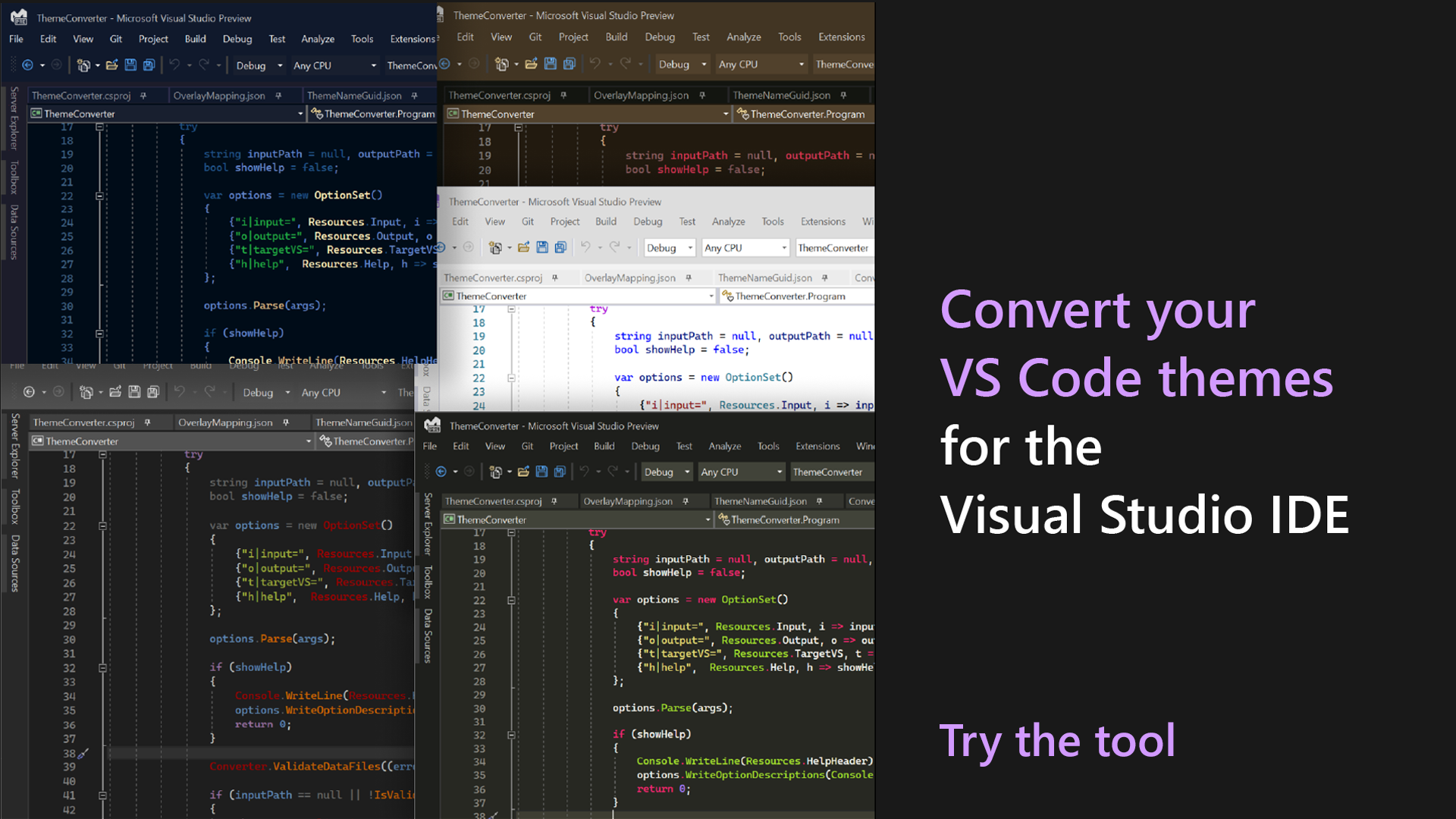
Bring VS Code themes to Visual Studio 2022!

We want developers to have the flexibility to personalize their Visual Studio IDE to fit their individual preferences, and themes are an important component for achieving this goal. We’ve been testing out a Theme Converter that helps theme authors convert their Visual Studio Code themes to work in VS. Last week, we shared a collection of new community themes created using this tool. Today, we’d like to share with you a bit more detail about this converter tool, and how you can convert your own theme as well! Using this tool, you can now convert any VS Code theme for use in Visual Studio 2022! This gives yo...
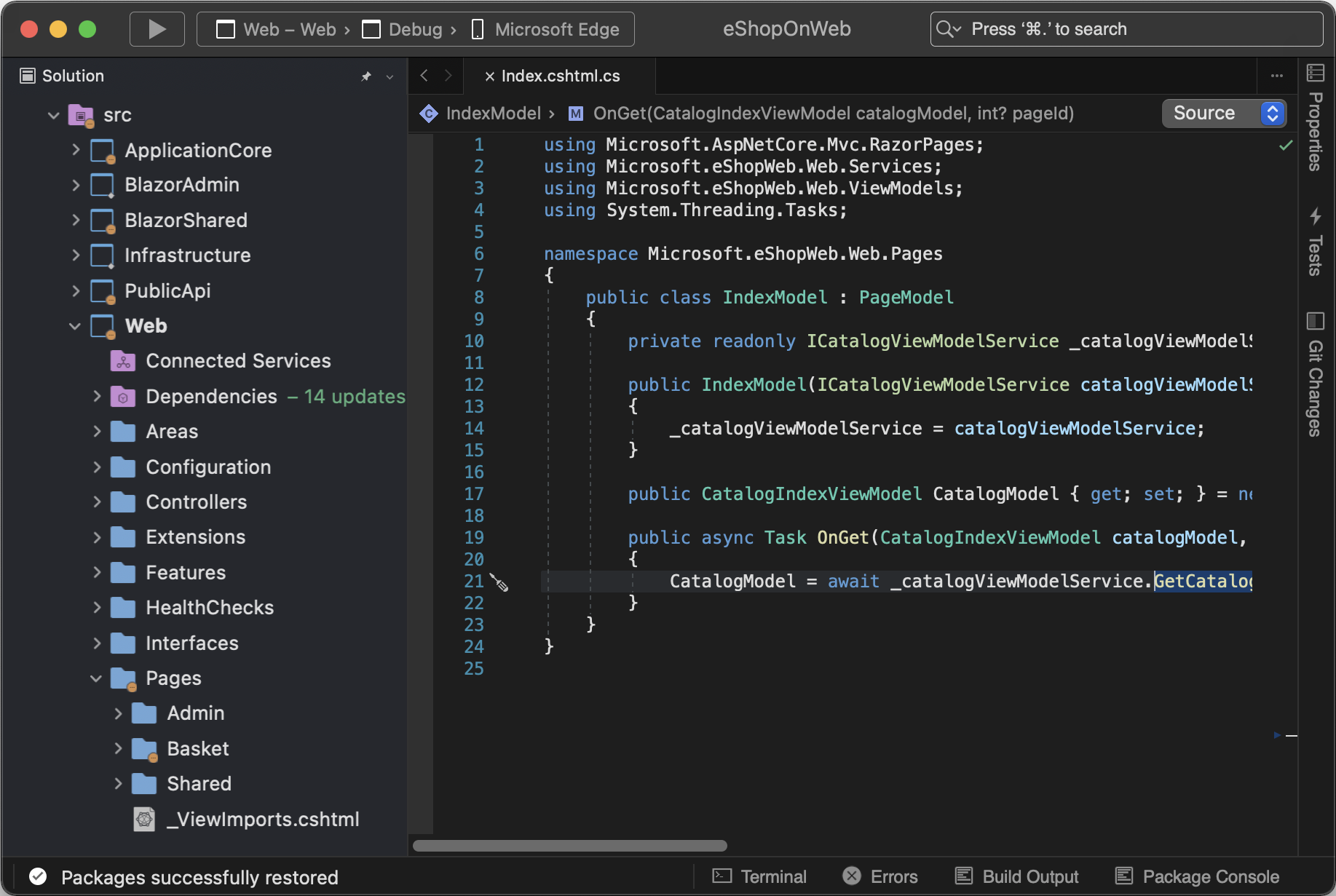
Visual Studio 2022 for Mac Preview 1 is now available!
Visual Studio 2022 for Mac Preview 1 is now available! This is the first public release of our .NET IDE with a refreshed, fully native macOS UI; we’d love for you to download it, try it out, and share your feedback to help us shape the next major release of Visual Studio for Mac. We owe a huge THANK YOU to our community of private preview users – over 4,000 developers tried out the release and worked with our team to help identify, reproduce, and fix over 100 issues. Feel at home on the Mac, with a modern Visual Studio experience Our goal with Visual Studio 2022 for Mac is to make a modern .NET IDE tailored ...
Avoiding Memory Leaks in Visual Studio Editor Extensions

Visual Studio extenders make VS even better by augmenting it with specialized tools, new languages, and workflows. As a Visual Studio extender, you can ensure your extension’s customers have the most performant, reliable experience possible by avoiding common sources of memory leaks, described within this blog post. Background In the early 2010s, a small team of engineers was spun up to rethink Visual Studio’s C++/COM/Win32 Editor and Extensibility in terms of new, cutting edge technologies like C#, .NET, and WPF. This team created several foundational pieces, such as Visual Studio MEF and the Visual Studio ...
We want to make Help all you need

On the Visual Studio team, we aspire to deliver higher satisfaction across all areas of Visual Studio with greater awareness, connectivity, and productivity. With this in mind, we’ve been investigating the age-old “Help Menu”. This is just the start of a series of experiments we’re trying, and we want your (ahem) help to improve it. This change aims to connect you to resources that will better unlock Visual Studio: docs, getting started material, our social media, Developer Community, and your subscription information. The new help menu in Visual Studio 2019 version16.11 (Download Here) Before vs After ...
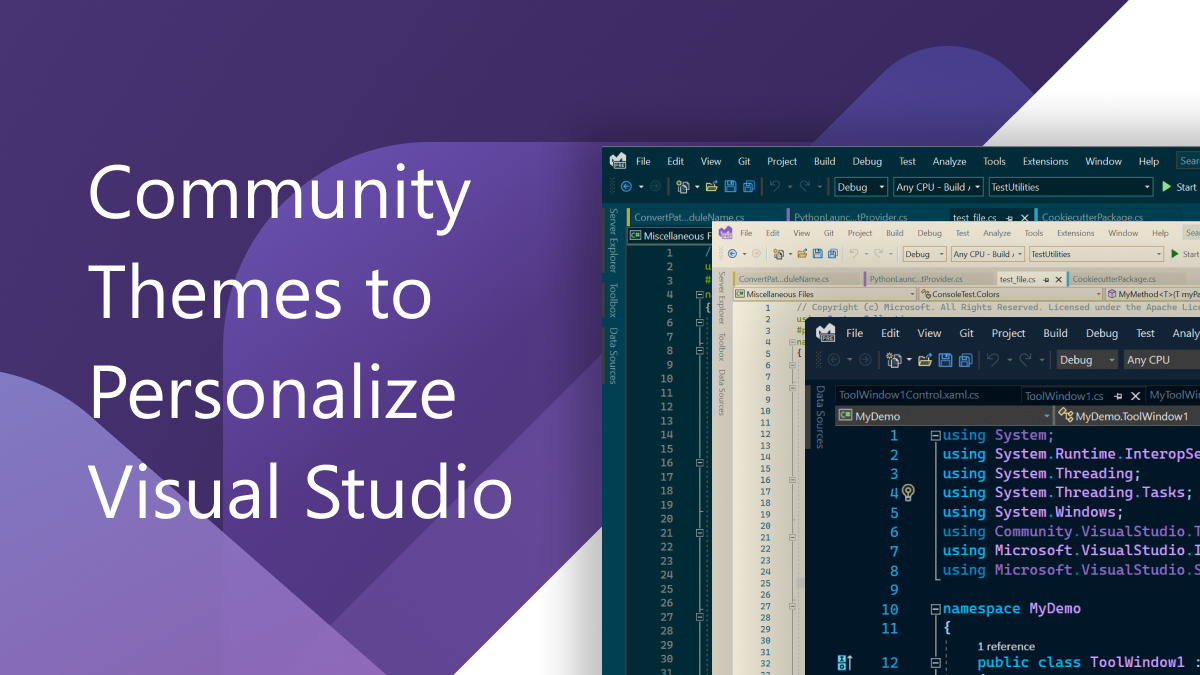
Introducing Collection of New Visual Studio Themes!
We are on a journey to make Visual Studio more flexible than ever, so that you can make the IDE work just the way you like it! One of our key focus areas for Visual Studio 2022 is to build a personal, flexible IDE that you can make your own. We’ve teamed up with theme authors from the community to test a new tool that converts VS Code themes to work in Visual Studio. This way, you now have the flexibility to choose from new community themes in Visual Studio 2022. We know that picking a great theme is as important as picking an office chair. Every developer has unique personalization preferences. We’ve been...