
C++ Team Blog
The latest in C++, Visual Studio, VS Code, and vcpkg from the MSFT C++ team
Latest posts
C++ Inliner Improvements: The Zipliner

Visual Studio 2019 versions 16.3 and 16.4 include improvements to the C++ inliner. Among these is the ability to inline some routines after they have been optimized, referred to as the “Zipliner.” Depending on your application, you may see some minor code quality improvements and/or major build-time (compiler throughput) improvements. C2 Inliner Terry Mahaffey has provided an overview of Visual Studio’s inlining decisions. This details some of the inliner’s constraints and areas for improvement, a few of which are particularly relevant here: Modern C++ Unfortunately, many of the coding patte...

Debugging Linux CMake Projects with gdbserver

Update 2/20/20: We have addressed a bug which allows you to debug simple CMake projects using one level of CMakeLists.txt files with gdbserver in Visual Studio 2019 version 16.5 Preview 3. The example launch configuration has been updated below. Gdbserver is a program that allows you to remotely debug applications running on Linux. It is especially useful in embedded scenarios where your target system may not have the resources to run the full gdb. Visual Studio 2019 version 16.5 Preview 1 enables remote debugging of CMake projects with gdbserver. In our previous blog post we showed you how to build a C...
Build C++ Applications in a Linux Docker Container with Visual Studio
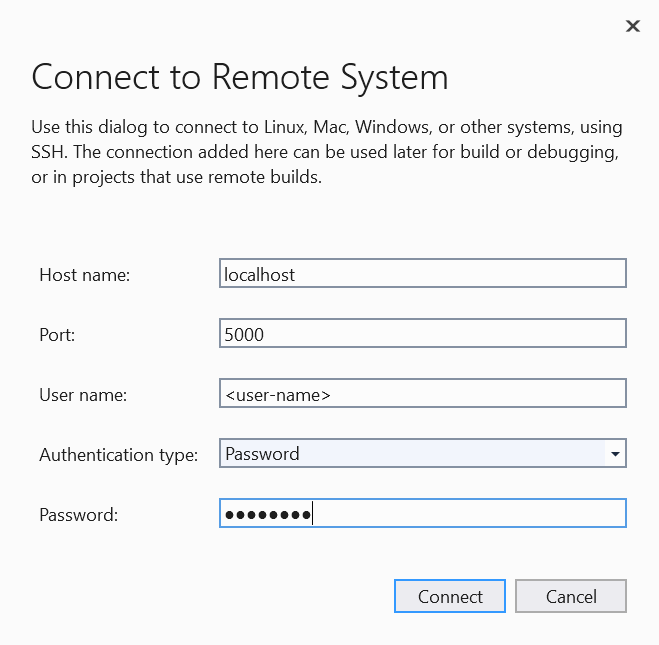
Docker containers provide a consistent development environment for building, testing, and deployment. The virtualized OS, file system, environment settings, libraries, and other dependencies are all encapsulated and shipped as one image that can be shared between developers and machines. This is especially useful for C++ cross-platform developers because you can target a container that runs a different operating system than the one on your development machine. In this blog post we’re going to use Visual Studio’s native CMake support to build a simple Linux application in a Linux docker container over SSH. This...
CMake Tools Extension for Visual Studio Code
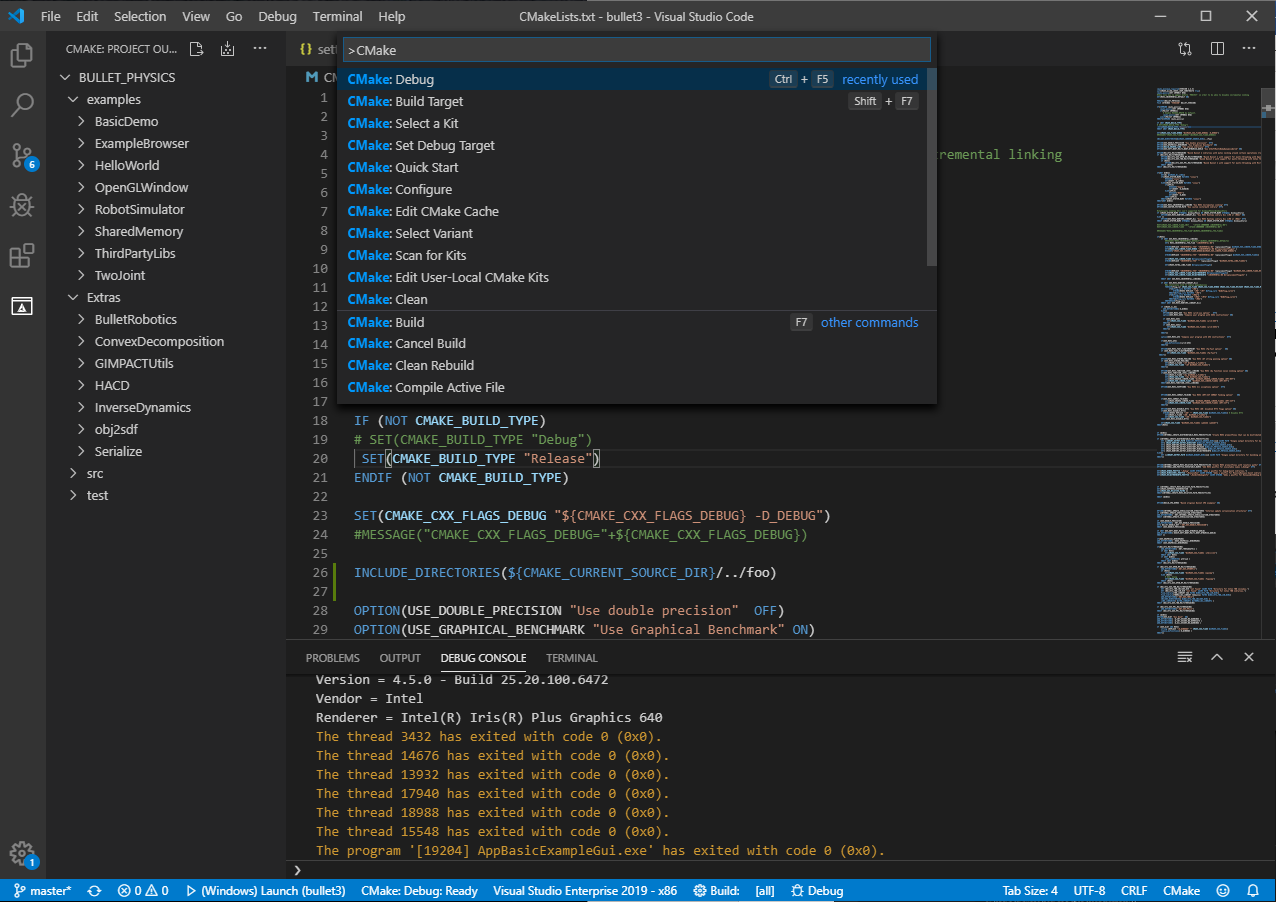
Microsoft is now the primary maintainer of the CMake Tools extension for Visual Studio Code. The extension was created and previously maintained by vector-of-bool, who has moved on to other things. Thank you vector-of-bool for all of your hard work getting this extension to where it is today! About the extension The CMake Tools extension provides developers with a convenient and powerful workflow for configuring, building, browsing, and debugging CMake-based projects in Visual Studio Code. You can visit the CMake Tools documentation and the extension’s GitHub repository to get started and learn more. The fol...
Set Environment Variables for Debug, Launch, and Tools with CMake and Open Folder

There are many reasons why you may want to customize environment variables. Many build systems use environment variables to drive behavior; debug targets sometimes need to have PATH customized to ensure their dependencies are found; etc. Visual Studio has a mechanism to customize environment variables for debugging and building CMake projects and C++ Open Folder. In Visual Studio 2019 16.4 we made some changes to simplify this across Visual Studio’s JSON configuration files. This post is going to cover how to use this feature from the ground up with the new changes since not everyone may be familiar with how a...
Electronic Arts and Visual Studio’s Linux Support
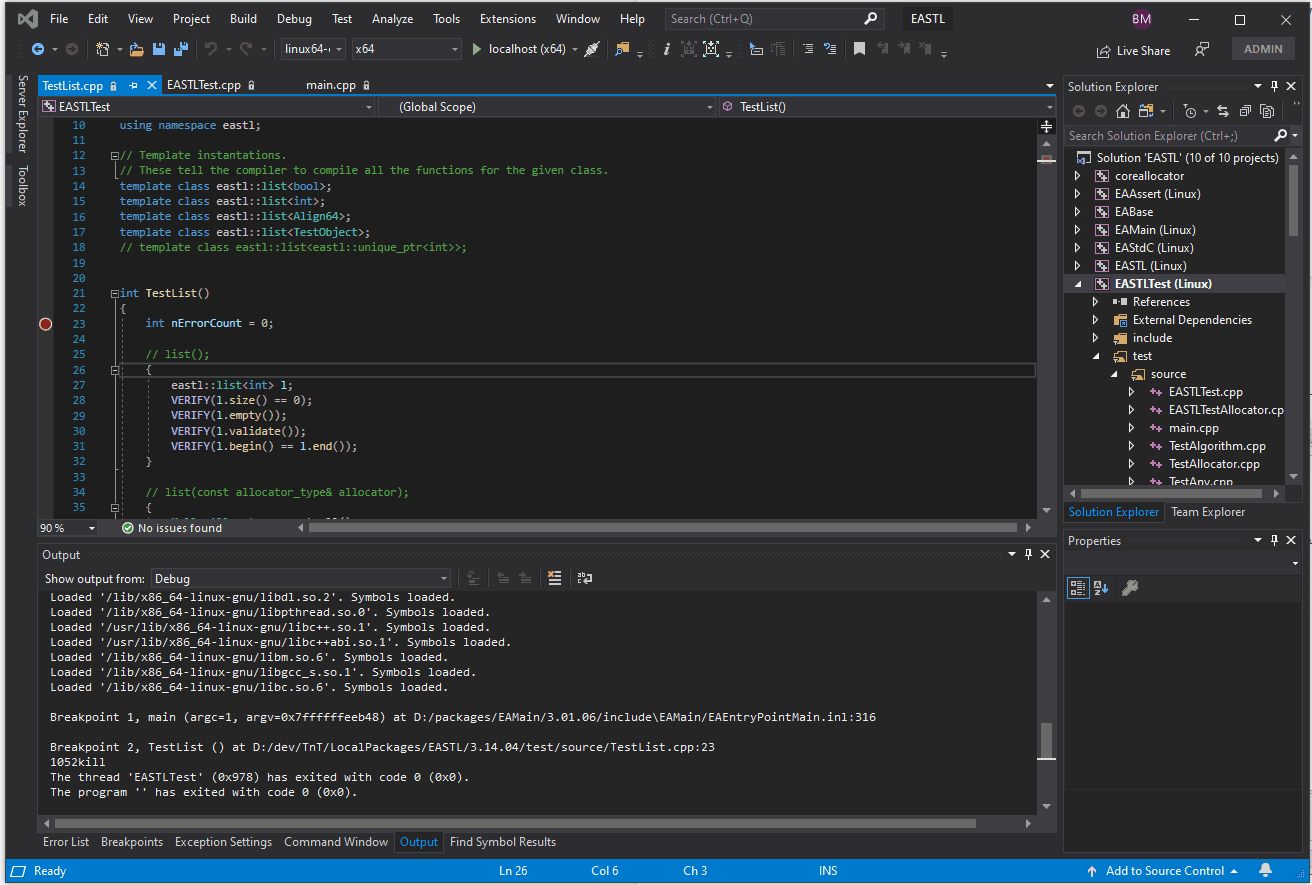
Electronic Arts (EA) is using Visual Studio’s cross-platform support to cross-compile on Windows and debug on Linux. The following post is written by Ben May, a Senior Software Engineer of Engineering Workflows at EA. Thanks Ben and EA for your partnership, and for helping us make Visual Studio the best IDE for C++ cross-platform development. At EA our Frostbite Engine has a Linux component used for our dedicated servers that service many of our most popular games. When we saw that Microsoft was adding support for Linux in a workload in Visual Studio, this caught my interest! At EA our game developers are us...

Introducing C++ Build Insights

C++ builds should always be faster. In Visual Studio 2019 16.2, we’ve shown our commitment to this ideal by speeding up the linker significantly. Today, we are thrilled to announce a new collection of tools that will give you the power to make improvements of your own. If you've ever had time for breakfast while building C++, then you may have asked yourself: what is the compiler doing? C++ Build Insights is our latest take at answering this daunting question and many others. By combining new tools with tried-and-tested Event Tracing for Windows (ETW), we’re making timing information for our C++ toolchain more ac...
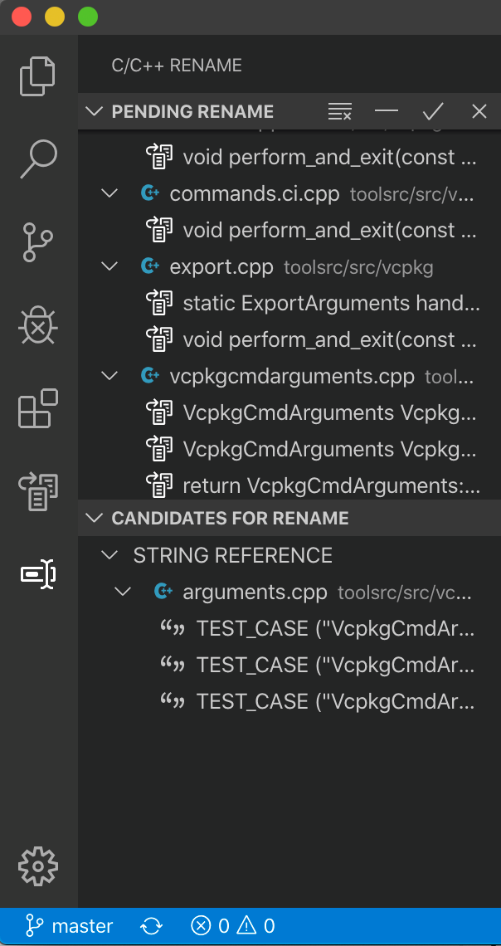
Visual Studio Code C++ extension: Nov 2019 update

Find All References, Rename Symbol refactoring, support for localization, new navigation breadcrumb controls, and improvements to the Outline view are only a few of the improvements in the November 2019 update of Visual Studio Code C++ extension.
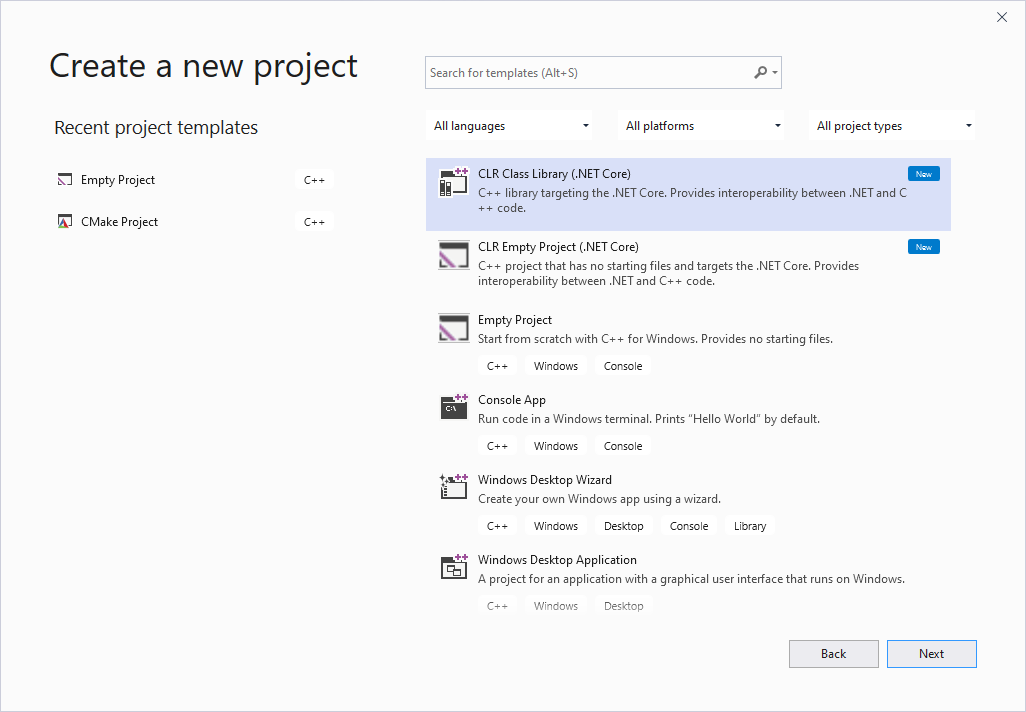
An Update on C++/CLI and .NET Core
The first public release of our C++/CLI support for .NET Core 3.1 is now available for public preview! It is included in Visual Studio 2019 update 16.4 Preview 2. We would love it if you could try it out and send us any feedback you have. For more info about what this is and the roadmap going forward, check out my last post on the future of C++/CLI and .NET Core. To get started make sure you have all the necessary components installed. C++/CLI support for desktop development is an optional component, so you will need to select it on the installer’s right pane: You will also need the .NET Core cross-plat...