
C++ Team Blog
The latest in C++, Visual Studio, VS Code, and vcpkg from the MSFT C++ team
Latest posts
MSVC Backend Updates in Visual Studio 2019 version 16.9 Preview 3

In Visual Studio 2019 version 16.9 Preview 3 we have continued to improve the C++ backend with new features, new and improved optimizations, build throughput improvements, and better security. Here is a brief list of improvements for you to review. Do you want to experience the new improvements of the C++ backend? Please download the latest Visual Studio 2019 and give it a try! Any feedback is welcome. We can be reached via the comments below, Developer Community, email (visualcpp@microsoft.com), and Twitter (@VisualC).
Build Throughput Series: More Efficient Template Metaprogramming

In the previous blog post I shared how template specialization and template instantiation are processed in the MSVC compiler. We will now look at some examples from real-world code bases to show some ways to reduce the number of them. Example 1 This example is extracted from our own MSVC compiler code base. The code tries to apply several stateless functors on an object. Because the functors are stateless, they are represented by a list of types. Here is the code: Now let us see the initial implementation of . We extract the functors from and apply them one by one: To extract the functor from the list, w...
C++ with Visual Studio and WSL2

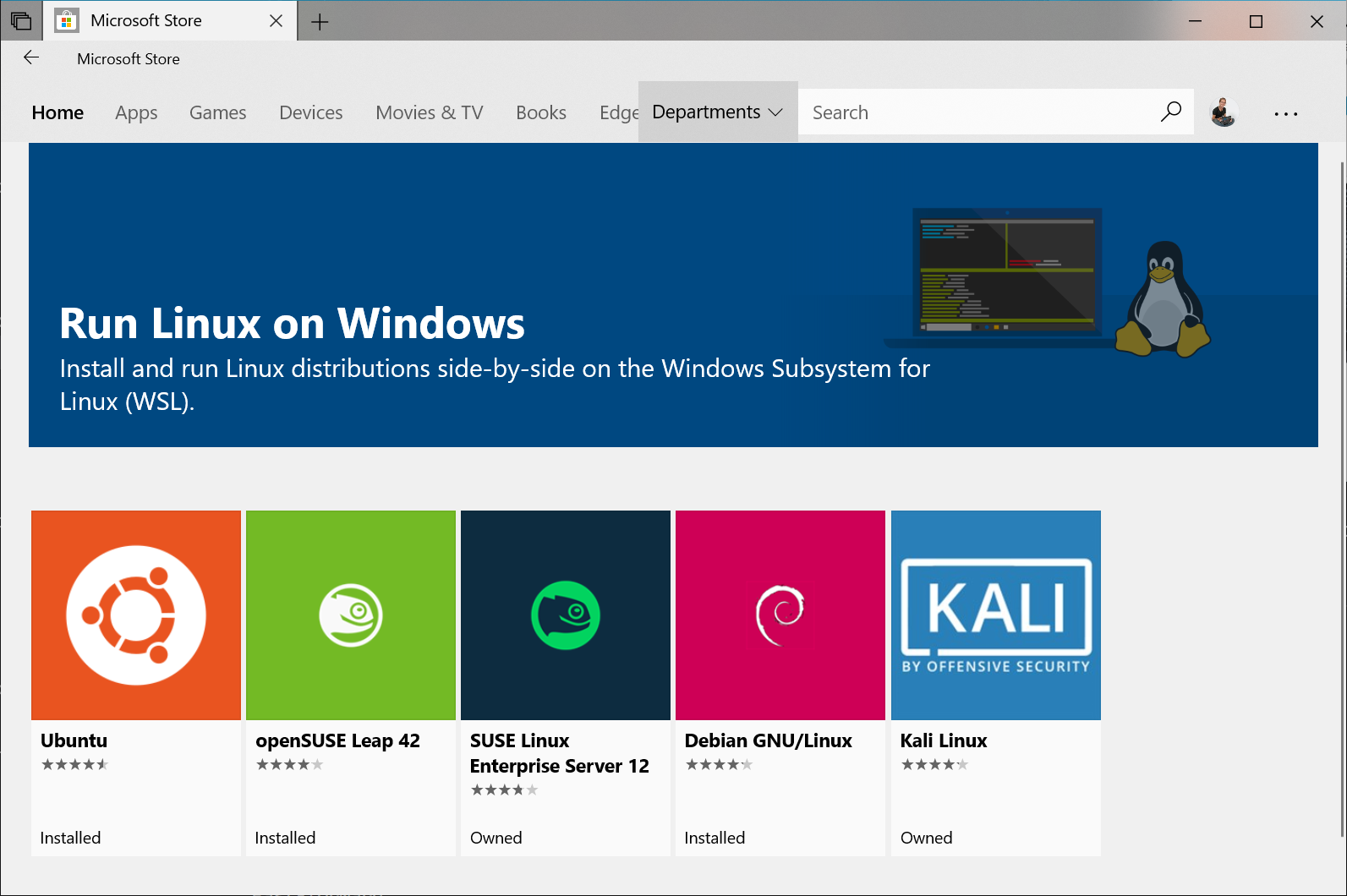
Our team released native support for C++ with the Windows Subsystem for Linux (WSL) in Visual Studio in 2019. “Native support” means that all commands are executed locally instead of over a SSH connection. Since then, WSL2 has been announced and we’ve received questions about our support for WSL2 in Visual Studio. The purpose of this blog post is to: Current support for WSL1 and WSL2 Our native support for WSL currently works best with WSL1. Our support executes all commands locally through wsl.exe and relies on Windows drives mounted under the /mnt folder (e.g. /mnt/c/Users…) to access local so...
Build Throughput Series: Template Metaprogramming Fundamentals
Template metaprogramming is popular and seen in many code bases. However, it often contributes to long compile times. When investigating build throughput improvement opportunities in large codebases, our finding is that more than one million template specializations and template instantiations is quite common and often provides optimization opportunities for significant improvement. In this blog post, I will walk through the differences between template specialization and template instantiation and how they are processed in the MSVC compiler. I will cover how to find these bottlenecks related to too many temp...

Faster C++ Iteration Builds

We made improvements to C++ link time earlier in Visual Studio 2019, and we have more improvements to tell you about. As of version 16.7, we measure up to 5X improvement in some incremental linking and debugging scenarios and up to a 1.5X speedup in full linking. These represent some of the improvements The Coalition saw in their recent experiment. Keep reading to find out the details. After the link time improvements in versions 16.0 and 16.2, we took a step back and re-evaluated the complete edit-build-debug (“inner loop”) experience of C++ developers. We were still looking at large projects like AAA games a...
Configure IntelliSense with CMake Toolchain Files in Visual Studio 2019 16.9 Preview 2
Visual Studio can now configure IntelliSense in CMake projects based on the value of CMake variables set by CMake toolchain files. These improvements provide automatic IntelliSense configuration when a CMake toolchain file is used for configuration and build. For example, Visual Studio can now provide IntelliSense for CMake projects using an Android toolchain file. These changes will also improve IntelliSense for embedded developers using Visual Studio’s IoT (cross-compiler) configuration. More information on these changes is provided below. This support builds on Visual Studio’s native support for CMake and is a...
Visual Studio Code C++ Extension: ARM and ARM64 support

The latest release of the Visual Studio Code C++ extension brings C++ IntelliSense and build support for Windows ARM64, Linux ARM and Linux ARM64 architectures. What’s more, you can download VS Code builds for ARM and ARM64 architectures, meaning you can officially use VS Code and the C++ extension on a Raspberry Pi, Chromebook, Surface Pro X, and other ARM-based devices! To find out more about all the enhancements in the November 2020 update, check out our release notes on GitHub. Windows ARM64 support If you’re using a Surface Pro X, you now have access to the C++ extension’s rich feature set. This includes I...
Conditionally Trivial Special Member Functions

The C++ standards committee is currently focusing on adding features to the language which can simplify code. One small example of this in C++20 is conditionally trivial special member functions, which we added support for in Visual Studio 2019 version 16.8. Its benefit isn’t immediately obvious unless you’ve been deep down the rabbit hole of high-performance library authoring, so I’ve written this post to show you how it can make certain generic types more efficient without requiring huge amounts of template magic. The Problem Types which wrap other types are common in the C++ world: pairs, tuples, optionals, ...
C++20 Features in Visual Studio 2019 versions 16.7 and 16.8

What’s New We have continued our efforts to implement C++20 in the MSVC toolset, with noteworthy progress being made in VS (Visual Studio) 2019 v16.7 and VS 2019 v16.8. This blog post lists the features implemented since the C++20 Features and Fixes in VS 2019 16.1 through 16.6 blog post. This blog post will specifically focus on language features implemented in the MSVC compiler (cl.exe). The changelog for conformance progress for the STL is tracked in the Standard Library changelog in the Microsoft STL GitHub repo. Some of the features covered were already highlighted in the announcements made at CppCon ...