
Windows Command Line
Windows Terminal, Console and Command Line, Windows Subsystem for Linux, WSL, Windows Package Manager
Latest posts
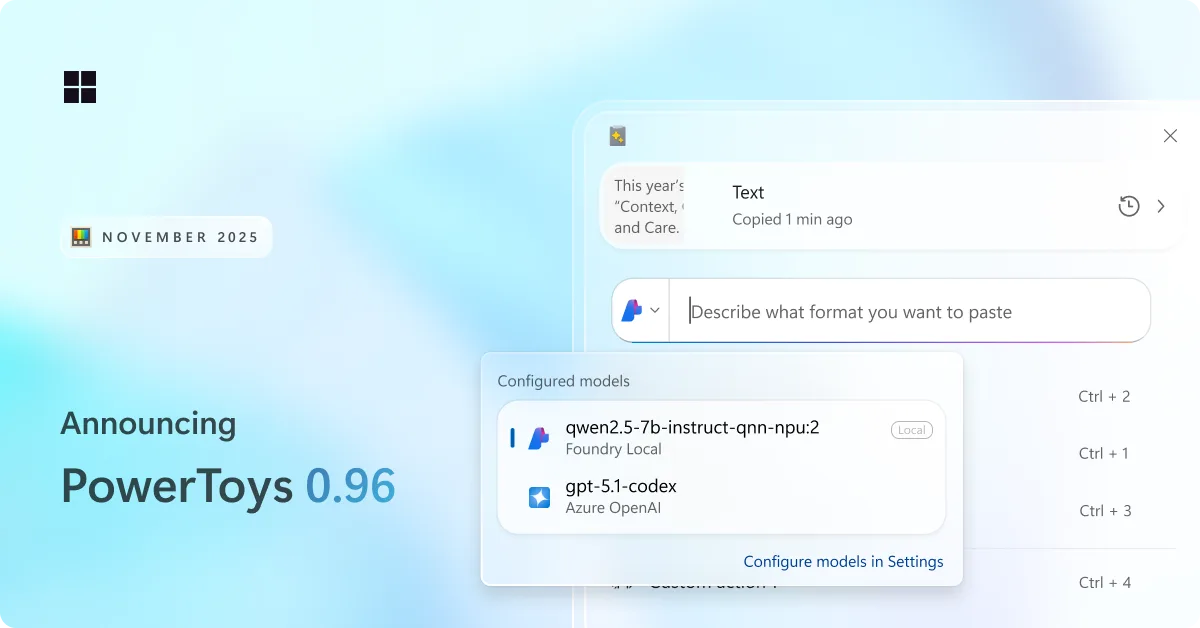
PowerToys 0.96 is here: endpoints for Advanced Paste, metadata support for PowerRename and more!

We are back with a fresh PowerToys release! This month brings a redesigned Advanced Paste experience with support for multiple AI model endpoints, a wave of improvements to Command Palette, and plenty of smaller upgrades across the utility suite. Grab the update by checking for updates in PowerToys or heading to the release page. Let's jump in! 📋 Smarter, faster, and more flexible: Advanced Paste gets a big upgrade We have been hard at work improving Advanced Paste. Both the Settings experience and the Advanced Paste UI have been refreshed with a cleaner, more modern design. A lot of you asked for more flexib...
PowerToys 0.95 is here: new Light Switch utility, faster Command Palette, and Peek with Spacebar
New month, new release! This one’s packed with quality-of-life improvements, performance boosts, and a bunch of long-standing community requests finally checked off the list — all while keeping the focus on fundamentals like speed and reliability! Get the update by checking for updates in PowerToys or heading to the release page. Let’s dive in! 🆕 Automatically switch between light and dark-mode with Light Switch Meet Light Switch, a brand-new utility that automatically switches your PC between light and dark mode! You can set custom start and end times, or let Light Switch handle it for you by using the sunri...
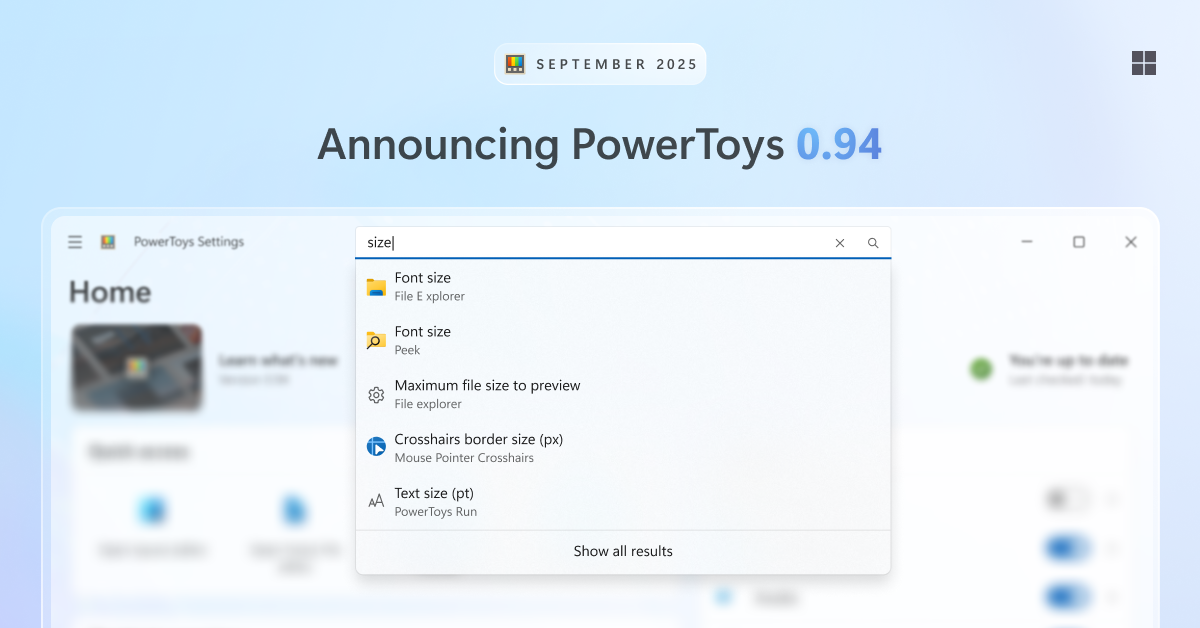
PowerToys 0.94 is here: Settings search, shortcut conflict detection and more!
This release is all about quality-of-life improvements — making it easier to find the setting you’re looking for, spot shortcut conflicts, and even adding a new way to move your mouse cursor. Get the update by checking for updates in PowerToys or heading to the release page. Search in Settings PowerToys has grown a lot over the years, and with so many settings it can sometimes be hard to find exactly what you need. That’s why we’ve added a search box in Settings. Search supports fuzzy matching, so you don’t need to type the exact name. Just press Ctrl+F (or click the search box) and start typing. Suggestion...
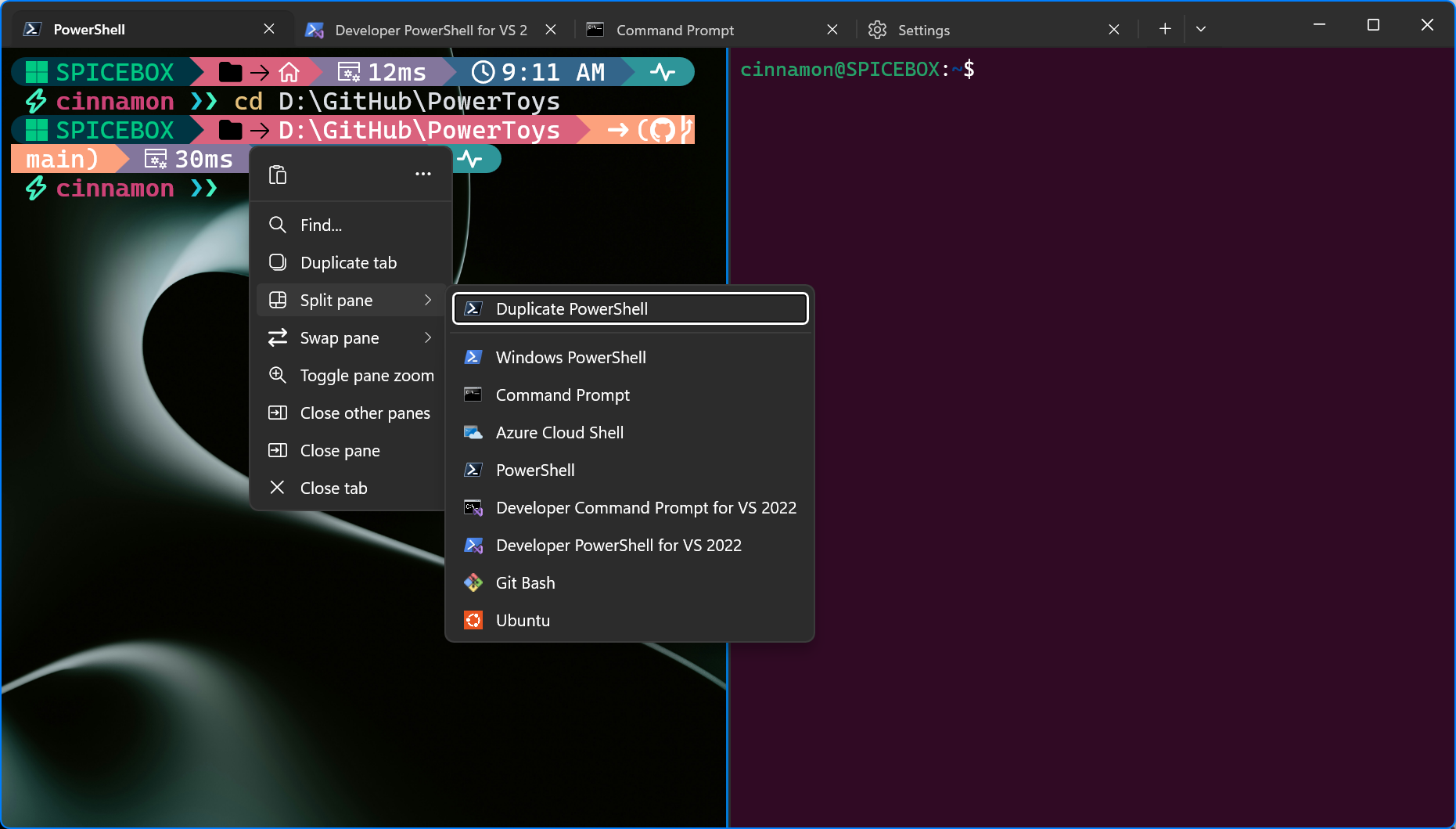
Windows Terminal Preview 1.24 Release

We’re back with another Terminal release for you! This development cycle, we focused on overall quality of life improvements and bug fixes. We are also updating Windows Terminal stable to version 1.23, which will include all of the features from this previous blog post. Some notable features to call out are: 🌟 A completely new and more reliable windowing architecture, featuring a more robust tray icon, window actions, and "summoning" (i.e. Quake mode). 🌟 A new UI in settings for customizing your New Tab dropdown menu. 🌟 Additional settings that have been added to the settings UI that originally only existed i...
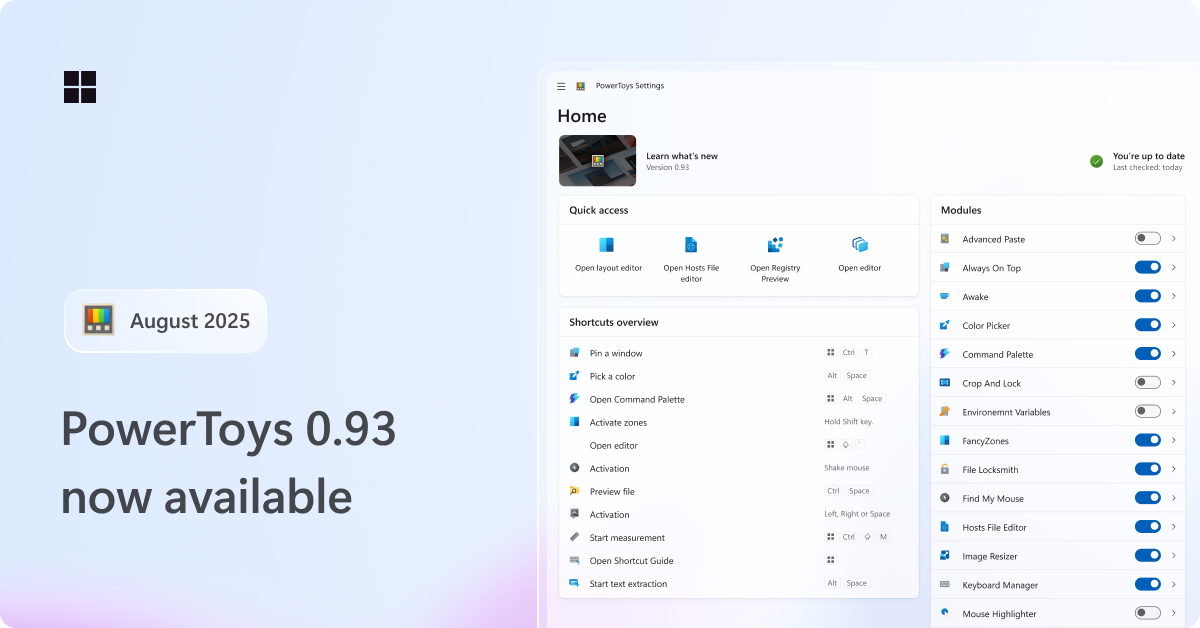
PowerToys 0.93 is here: faster Command Palette, new dashboard UX and more
Hey PowerToys fans! We’re back with a fresh release: PowerToys 0.93! As usual, we've squashed a bunch of bugs and made some small quality of life tweaks, but we've also packed in some bigger, exciting changes you'll want to check out. Get the update by checking for updates in PowerToys or heading to the release page. Command Palette – smaller, better, faster, stronger! We’ve been hard at work with the community to iron out issues and speed things up. And wow… it’s paid off. By enabling Ahead of Time (AOT) compilation in the Windows App SDK, we successfully reduced the startup memory usage by 15%, load time b...

Edit is now open source

What is Edit? Edit is a new command-line text editor in Windows. Edit is open source, so you can build the code or install the latest version from GitHub! This CLI text editor will be available to preview in the Windows Insider Program in the coming months. After that, it will ship as part of Windows 11! How to use Edit Open Edit by running in the command line or running . With this, you will be able to edit files directly in the command line without context switching. What are Edit's features? Edit is still in an early stage, but it has several features out of the box. Here are some highlights! Lightwe...
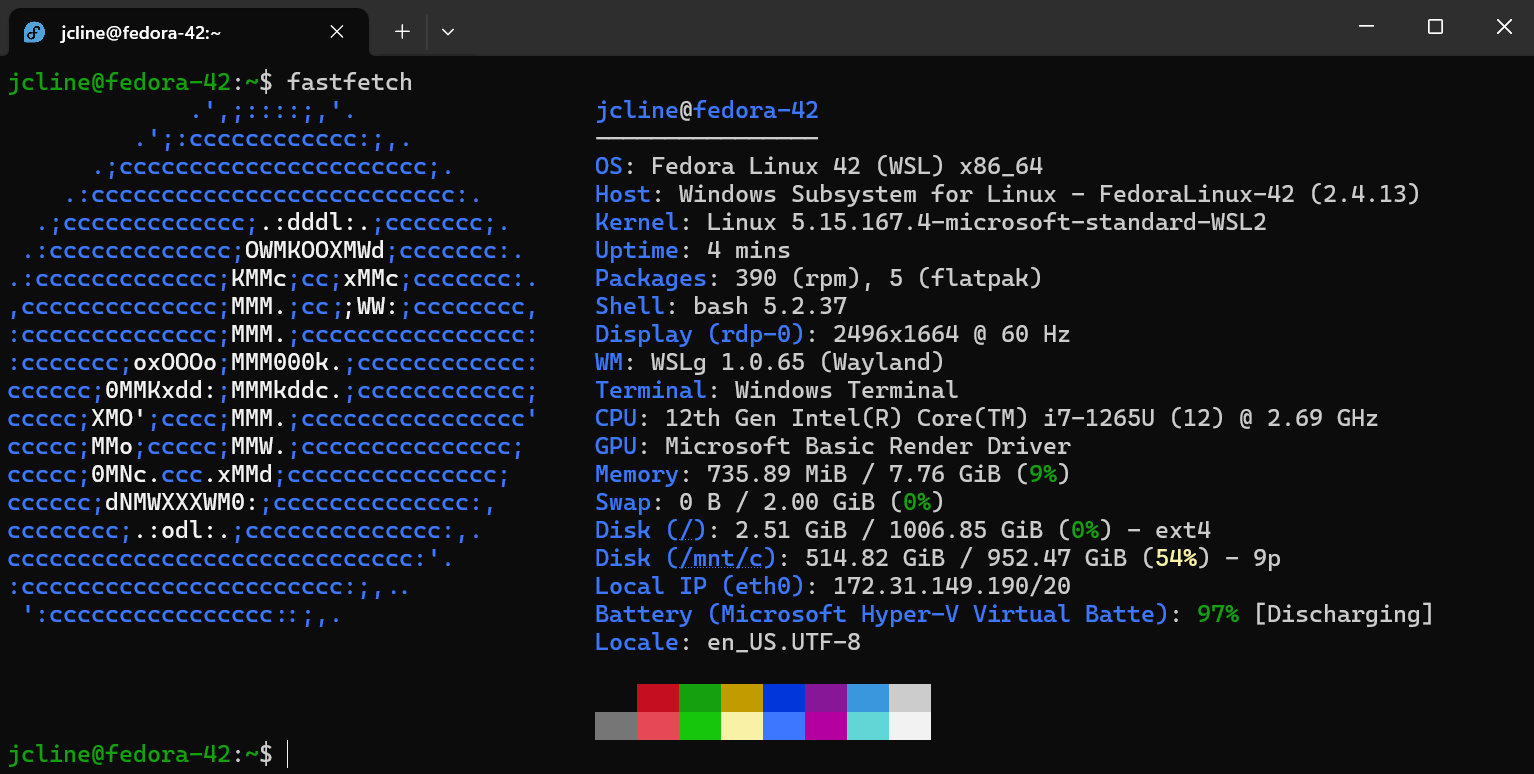
Fedora Linux is now an official WSL distro

We’re pleased to announce that one of the latest additions to the list of official WSL distros is Fedora Linux! The Fedora Project has taken advantage of WSL’s new tar-based architecture to produce WSL images beginning with Fedora 42. Try it out To install it, run and then launch it with . You’ll be prompted for a username, and then you’ll be ready to go. By default, your user does not have a password and is part of the group which allows you to use to run commands that require elevated privileges. Tour of Fedora 42 If this is your first time using Fedora, the Fedora documentation is a good place to start a...

Terminal Chat now included in GitHub Copilot Free
Windows Terminal Canary users can now use Terminal Chat with the GitHub Copilot Free plan! 🚀 GitHub Copilot Free is limited to 50 chat messages per month. This includes the usage of Copilot in the CLI, VS Code, and Visual Studio. If you reach your quota, you can upgrade on the web. You can sign up for GitHub Copilot Free through the Copilot setting in your GitHub account. No subscription needed! :D What is GitHub Copilot? GitHub Copilot is an AI coding assistant that helps you write code faster and with less effort, allowing you to focus more energy on problem solving and collaboration. GitHub Copilot has ...

Windows Terminal Preview 1.23 Release
Happy New Year everyone! Here is our first Windows Terminal Preview release of the year! In this release, we focused on porting many of our beloved settings to the Settings UI. We also have several bug fixes and accessibility updates as well. We are also updating Windows Terminal stable to version 1.22 which will include all of the features from this previous blog post. Those that loved our sixel support and Snippets Pane in 1.22 Preview can now see those features in our mainline product! Also, huge thanks to the folks that have shared the cool stuff they've been doing with sixels to us. We're glad that you fol...

What’s new in the Windows Subsystem for Linux in November 2024

The latest updates to WSL bring new enterprise security features, new improvements to WSL distros, and the announcement that RedHat is officially becoming a WSL distro! Check out the table of contents in this post for a quick overview of all the announcements! Red Hat is becoming an official WSL distro Although you can run any Linux distro in WSL, being an official distro makes it easier for WSL users to install and discover it with actions like and . We’re excited to announce that Red Hat will soon be delivering a Red Hat Enterprise Linux WSL distro image in the coming months, and it will be shipped with t...

GitHub Copilot in Windows Terminal
GitHub Copilot users can now use the power of GitHub Copilot to get command suggestions and explanations without leaving the terminal with Terminal Chat in Windows Terminal Canary 🚀 This is available for all GitHub Copilot Individual, Business, and Enterprise customers. To get started, sign up for a GitHub Copilot free trial and check out the GitHub Copilot quickstart guide. What is GitHub Copilot? GitHub Copilot is an AI coding assistant that helps you write code faster and with less effort, allowing you to focus more energy on problem solving and collaboration. GitHub Copilot has been proven to increase d...

Windows Terminal Preview 1.22 Release
Hello friends, we have a new Windows Terminal Preview release! Windows Terminal Preview 1.22 is a large release that contains new features such as Sixel image support (a LARGE community contribution!), Grapheme Cluster Support, the Snippets Pane, Quick Fixes in CMD, and a new Cooked Read popup in CMD to name a few! We are also updating Windows Terminal stable to version 1.21 which will include all of the features from this previous blog post. For those that use Input Method Editor (IME), you will notice that we have improved our IME integration in Windows Terminal 1.21. We strive to make a globally-conscious pro...
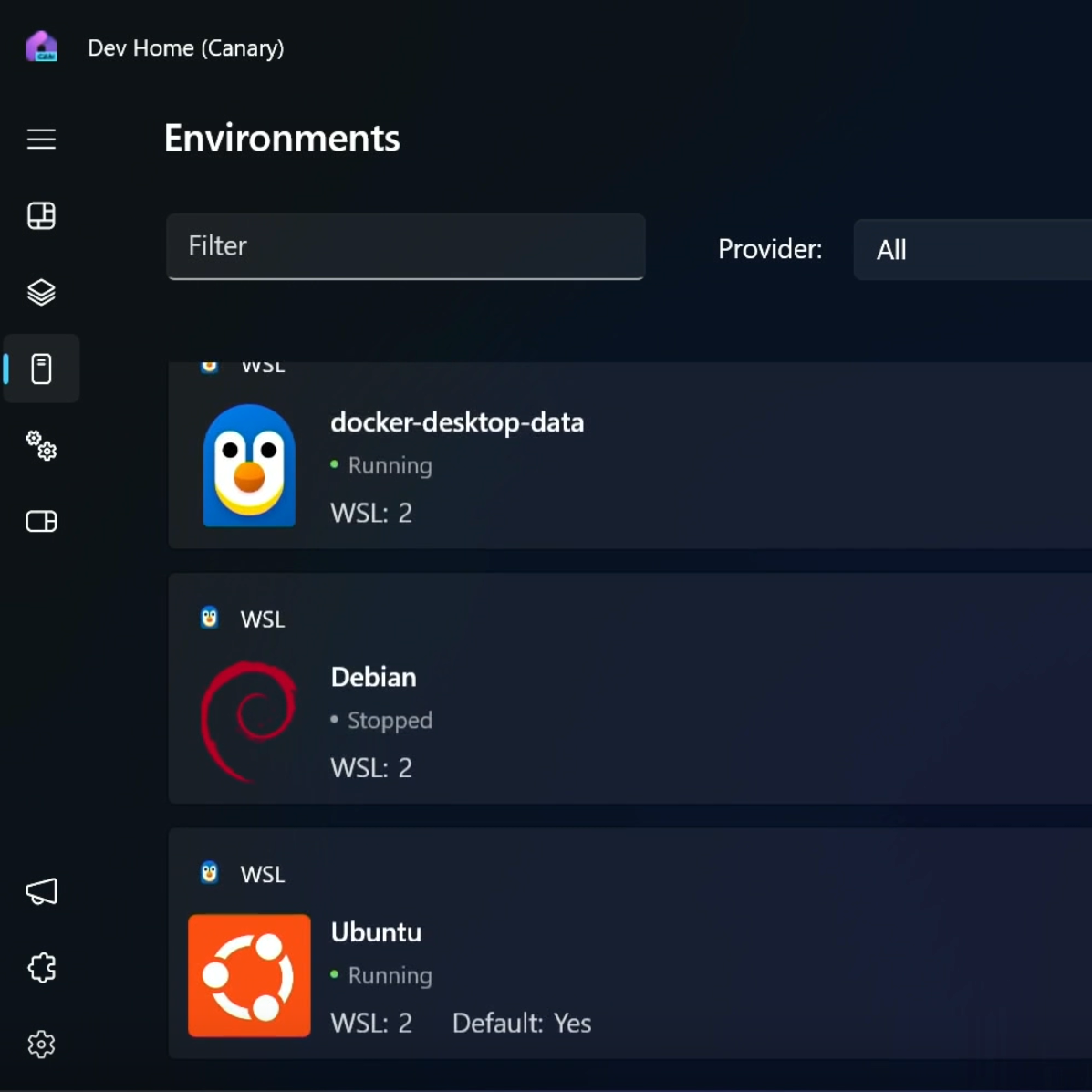
What’s new in the Windows Subsystem for Linux in May 2024
For this year's Microsoft BUILD conference, we are thrilled to announce significant updates to WSL. This blog post will provide an overview of these enhancements and the recent developments in WSL. Memory, storage, and networking improvements We announced several improvements back in September as experimental features and have since been moving these features from experimental to the default settings. The latest pre-release version of WSL contains improvements to fundamentals of WSL, including: Experimental features include: - to enable automatic disk space reclaim. - wslconfig setting of s...
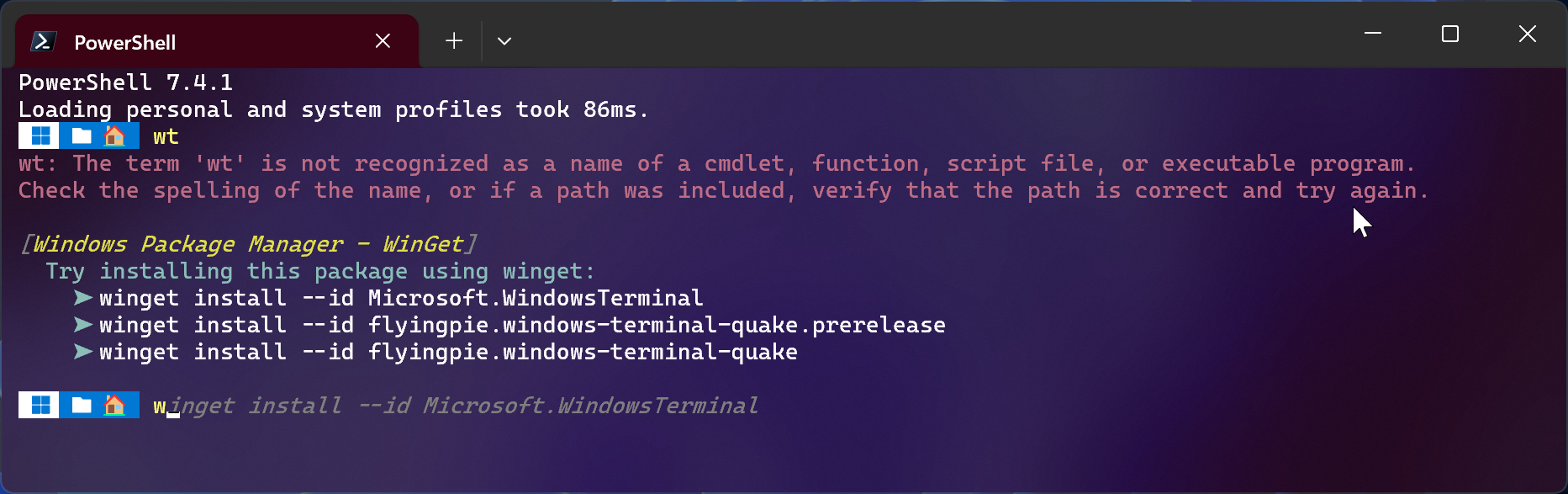
WinGet.CommandNotFound
We are pleased to announce the release of ! This PowerShell module is a feedback provider plugin for PowerShell that leverages the Windows Package Manager to provide suggestions for packages to install when a native command cannot be found. The command-line predictor feature in PowerShell enables this module to display WinGet packages as predictive suggestions. This module was originally incubated as a utility in PowerToys. Thanks to the help of the PowerShell and PowerToys community, we got lots of positive feedback to turn this PowerToys utility into a real PowerShell module! :) Requirements The module is...
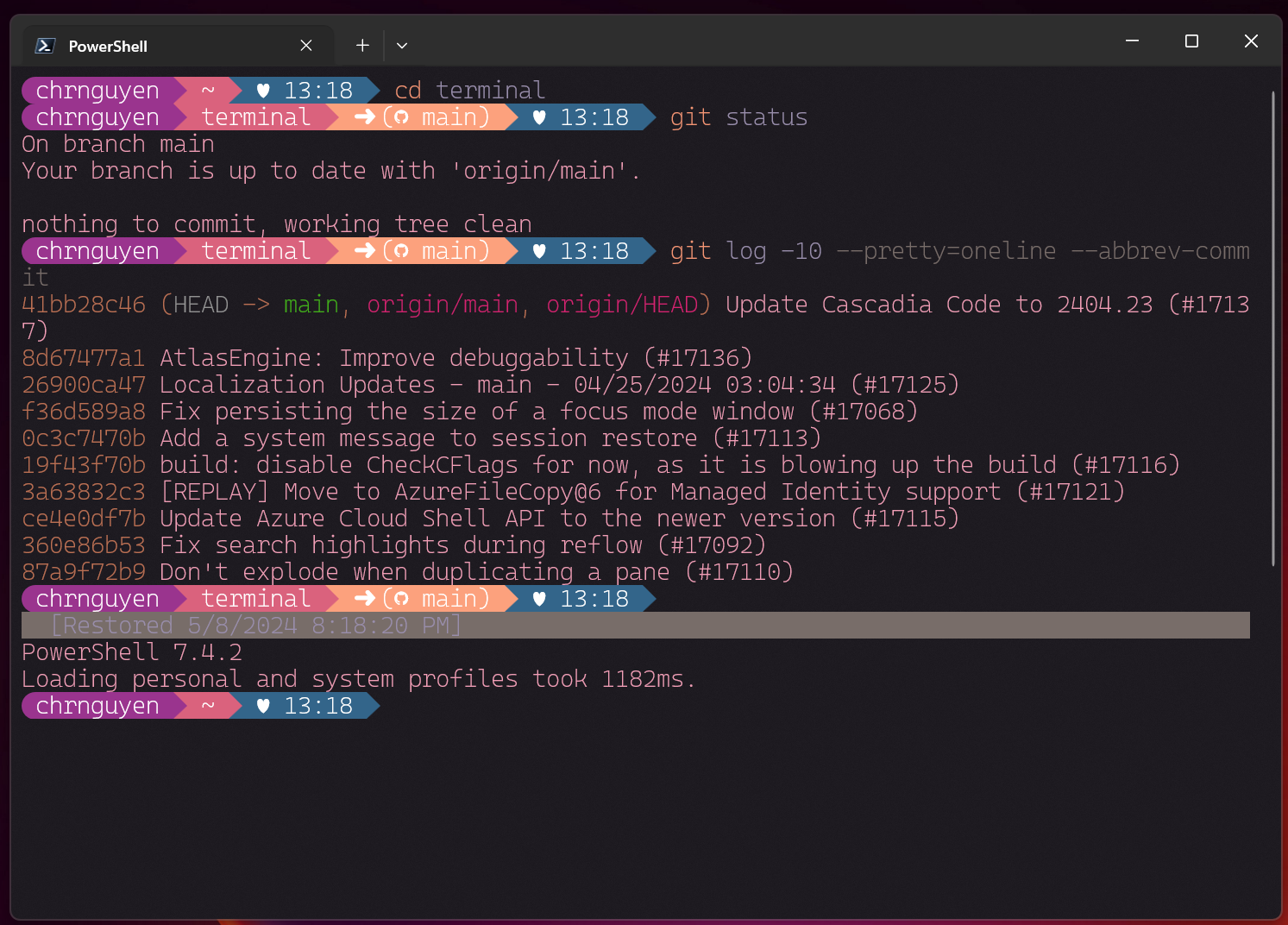
Windows Terminal Preview 1.21 Release
Windows Terminal is back with another preview release! Windows Terminal Preview 1.21 introduces long-awaited features like Buffer Restore and fontfall back as well as new experimental features like Scratchpad and the ability to load up an image as a texture. There's also a LOT MORE stuff so check out the rest of this blog post to learn more! We are also updating Windows Terminal stable to version 1.20 which will include all of the features from this previous blog post. You can install Windows Terminal and Windows Terminal Preview from the Microsoft Store, from the GitHub releases page, or by using winget. If yo...
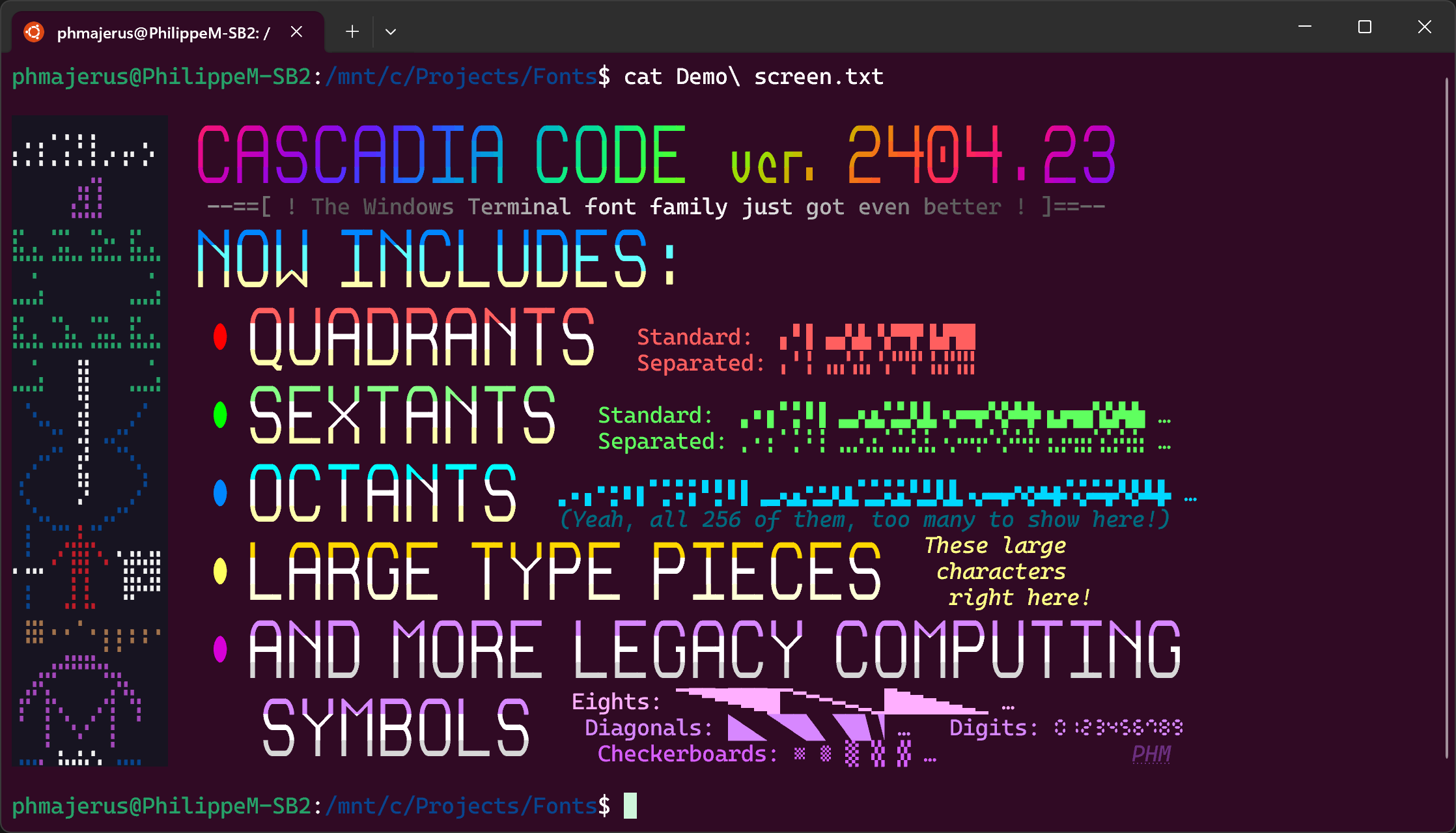
Cascadia Code 2404.23
Hello world! We are excited to announce the first major version update of Cascadia Code since the 2111.01 release three years ago! (Wow, time sure flies!) In this new 2404.03 release, we have added support for Quadrants, Sextants, Octants, Large Type Pieces, more legacy computing symbols, and Nerd Fonts to Cascadia Code. Huge shoutouts to Philippe Majerus (@PhMajerus), Aaron Bell (@aaronbell), and Fini (@Finii) for contributing to this release! You can download the latest version of the font from the GitHub releases page and it will be shipped in the latest update of the Windows Terminal. Quadrants and Sexta...

Introducing Sudo for Windows!

Introducing Sudo for Windows We're excited to announce the release of Sudo for Windows in Windows 11 Insider Preview Build 26052! Sudo for Windows is a new way for users to run elevated commands directly from an unelevated console session. It is an ergonomic and familiar solution for users who want to elevate a command without having to first open a new elevated console. We are also excited to announce that we are open-sourcing this project here on GitHub! We're working hard to add more information about the project in the GitHub repo and will be sharing more details about our plans in the coming months! If you...
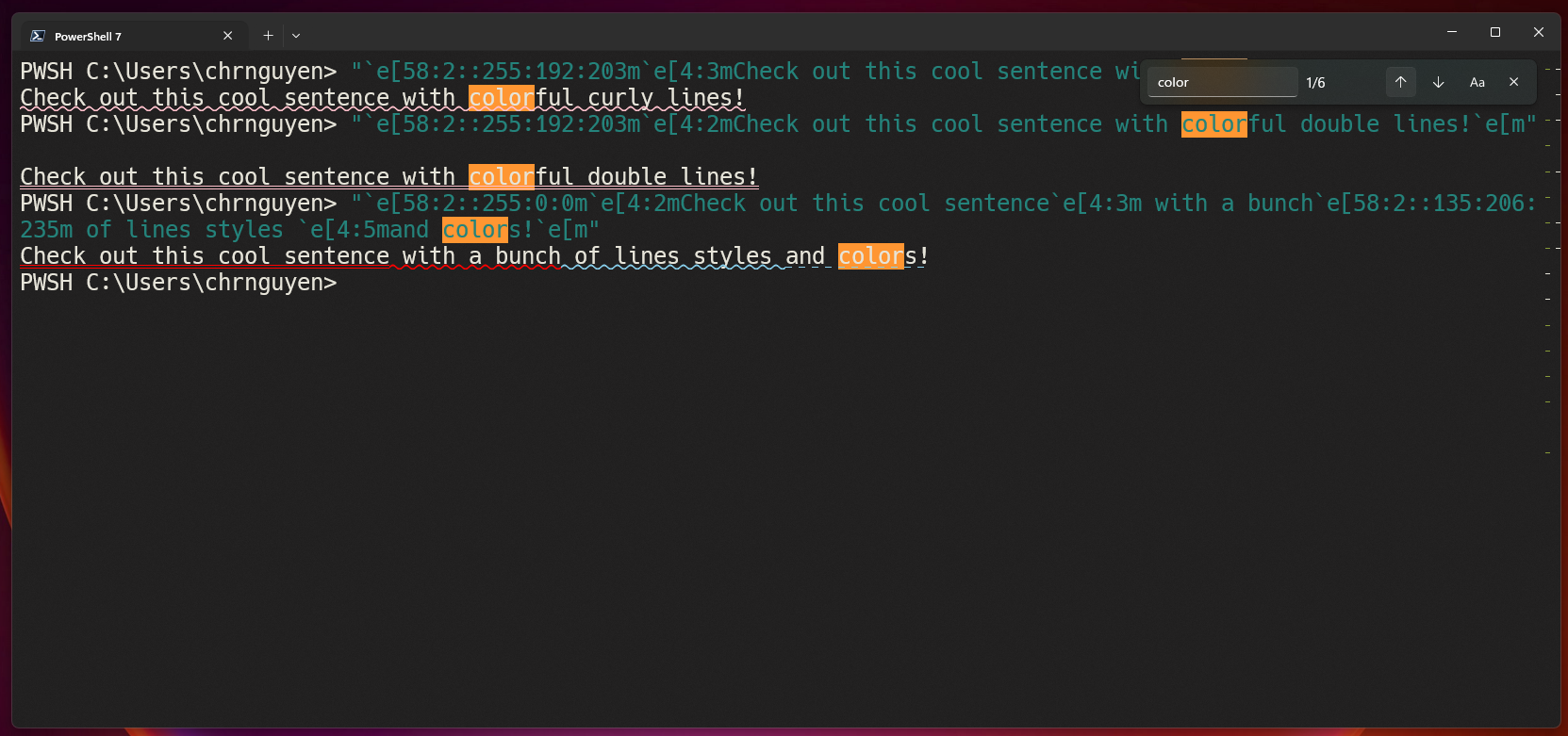
Windows Terminal Preview 1.20 Release
Happy New Year! The Windows Terminal team is back with our first preview release of the year! Windows Terminal Preview 1.20 introduces several changes such as the automatic deferral of package updates while Windows Terminal is running, support for colorful and crazy line styles, changes to the way search results are highlighted and LOTS of usability updates and bug fixes! We are also updating Windows Terminal stable to version 1.19 which will include all of the features from this previous blog post. As always, you can install Windows Terminal and Windows Terminal Preview from the Microsoft Store, from the GitHub...
Self-help support for Azure using Help API : CLI Extension

Today, Azure customers navigate across multiple tools, portals and knowledge bases to troubleshoot Azure incidents. Azure is now introducing Help API, an offering that streamlines and simplifies troubleshooting steps by returning relevant solutions associated with the problem, wherever you need them! Help API empowers you and/or your users to access rich, Azure curated self-help solutions, diagnostics and troubleshooters from your preferred interface, without the need to create a support case, thereby putting the power of troubleshooting issues in your own hands, within minutes from when the issue occurs! In this...

Terminal Chat in Windows Terminal Canary
At Build 2023, we announced that Windows Terminal users will be able to take advantage of natural language AI to recommend commands, explain errors and take actions within Windows Terminal. Since then, we have been listening to customer feedback and iterating on our AI chat experiments in Windows Terminal. The Windows Terminal team is committed to transparency, and we want to give the open-source community an opportunity to help us define what AI looks like in a terminal application. As a result, we are open sourcing our work on Terminal Chat, our AI chat feature. Open sourcing this feature will allow developer...
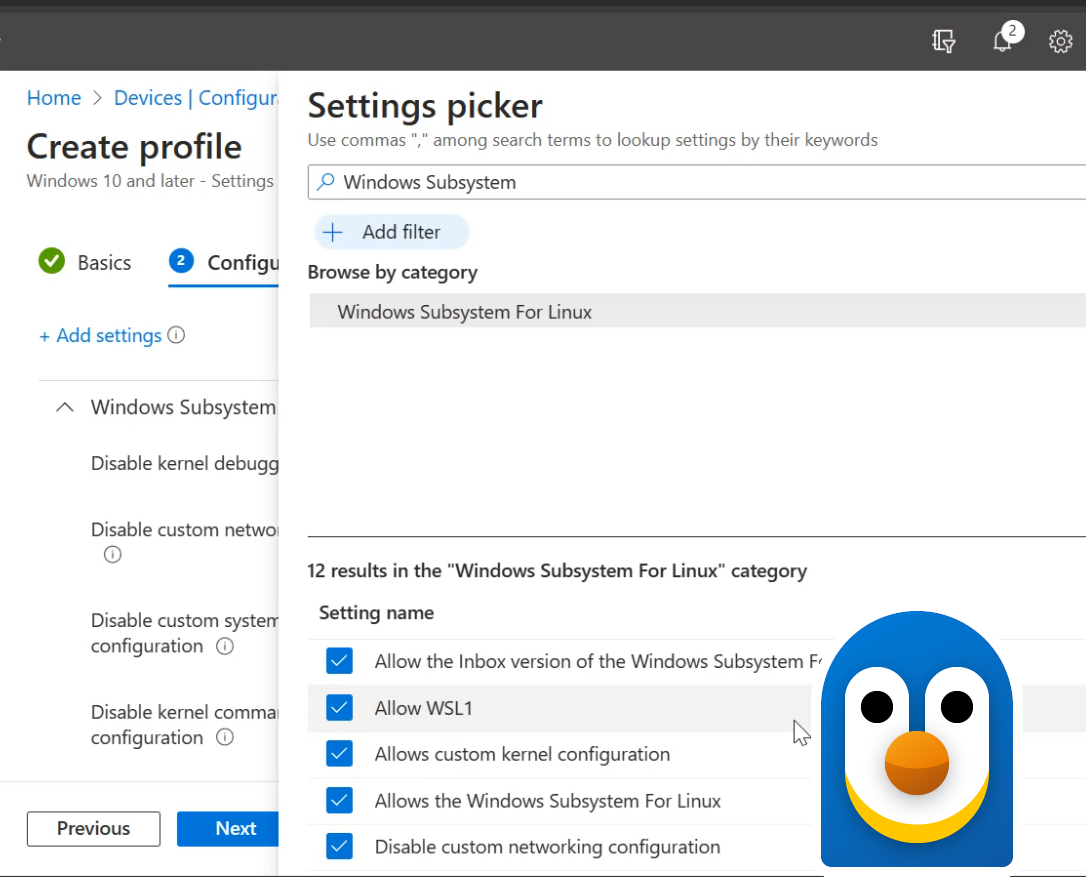
New enterprise-grade security controls for the Windows Subsystem for Linux
The Windows Subsystem for Linux (WSL) has added new enterprise-oriented features that will help you deploy, monitor, and configure WSL safely within your organization's setting. Virtual Machine-based environments, like WSL, can be difficult to manage security for in enterprise business settings. We've listened to your feedback and have developed new features to enhance this specific scenario, enabling any Enterprise to use WSL securely and reliably. WSL has these new capabilities which you can learn more about below: See and monitor all WSL distributions with Microsoft Defender for Endpoint While WSL ...

Introducing Windows Terminal Canary
Windows Terminal is distributed in a variety of formats. We are thrilled to announce that we are adding Windows Terminal Canary to the Windows Terminal family. Windows Terminal Canary is a new canary channel of Windows Terminal that ships nightly and includes “hot off the presses” features. This Canary channel gives users the opportunity to try new and experimental features before those features go into Windows Terminal Preview. Windows Terminal Canary can be installed side-by-side with Windows Terminal stable and Windows Terminal Preview. The Canary channel is also our least stable channel, so you may discover...
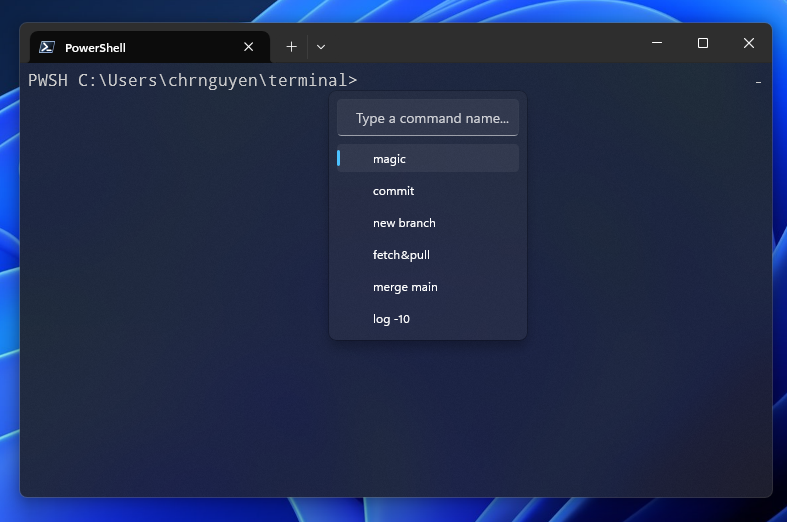
Windows Terminal Preview 1.19 Release
The Windows Terminal team is back with a new preview release! Windows Terminal Preview 1.19 introduces new features such as Broadcast Input, Web Search, the Suggestions UI and more! We are also updating Windows Terminal to version 1.18 which will include all of the features from this previous blog post. As always, you can install Windows Terminal and Windows Terminal Preview from the Microsoft Store, from the GitHub releases page, or by using winget. Let's talk about these new Windows Terminal Preview 1.19 features and how to set them up! Broadcast Input Broadcast Input allows the contents of one terminal pan...
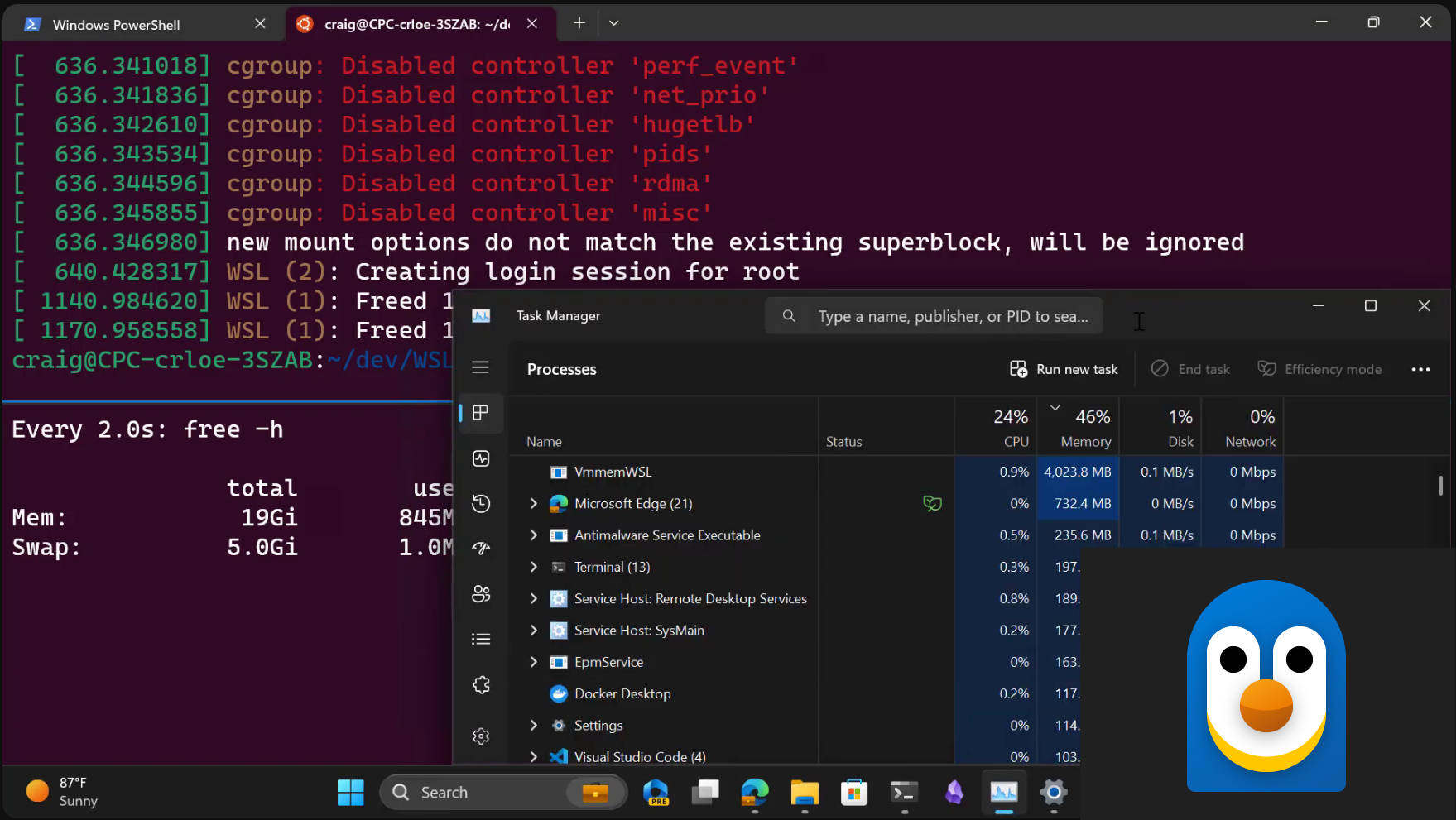
Windows Subsystem for Linux September 2023 update
There is a new release for the Windows Subsystem for Linux (WSL) with new features and bug fixes! Check out the summary below, and read on to learn more about new experimental features, and some significant quality improvements. Experimental features We know that WSL is used for a wide array of workflows and we want to help you get the best performance and quality experience from these workflows. That's why we are introducing new features listed below as experimental features, so you can try them and provide us feedback and we will make the features you love as default! Here’s the summary of what we’re adding...
Walkthroughs in the Windows Terminal Repository

Note: You can also watch a video version of this blog post on Open at Microsoft. Driving open-source contributions in large projects can be a challenge. As a new contributor, you might have a great idea for a new feature, or want to help fix a nagging bug, but you don't know where to start. Even with a small project, it can be difficult to find the right place to start writing code. As a maintainer, you might know exactly where to start working on a feature or a bug fix. You might even have a good idea of how to implement it. But, you don't have the time to write up a detailed guide for every feature. How t...

Windows Terminal on Open at Microsoft
Are curious about how the Windows Terminal project got started? Are you interested in open sourcing your own project? Check out this special Open at Microsoft episode where we discuss the history of Windows Terminal and recap the decisions that led to Windows Terminal being an open-source project 🙂 What is Open at Microsoft? Open at Microsoft is a weekly show for open-source enthusiasts. It features a diverse group of guests including maintainers, software and DevOps engineers, and community members who come together to share their insights on an open-source project. Each episode focuses on one collaborative ...
Shell integration in the Windows Terminal
Starting in Terminal 1.15 Preview, the Windows Terminal has started experimentally supporting some new "shell integration" features that make the command line easier to use. In earlier releases, we enabled the shell to inform the Terminal about the current working directory. Now, we have added support for more sequences that allow your shell to semantically describe parts of the terminal output as a "prompt," a "command," or "output." The shell can also indicate whether a command has succeeded or failed. This is a guide to some of the shell integration features we've rolled out as of Terminal v1.18. We're planni...

WinGet configuration Preview

The Windows Package Manager team has been working on several things we're sure you will be very excited about. If you've been following the WinGet blogs, you're already familiar with package management on Windows. We've got some goodies in store for you like package pinning, our new PowerShell module, and running WinGet in the system context. We've gotten lots of feedback on how WinGet has been a game changer in terms of time saved, convenience, and simplification when setting up a new Windows PC. WinGet configuration takes things to the next level! WinGet configuration Save time and skip the manual effort of ...
Windows Terminal Preview 1.18 Release
Welcome back to another Windows Terminal release! This release updates Windows Terminal to version 1.17 and includes all of the features from this previous blog post. Additionally, Windows Terminal Preview is getting an update to version 1.18 and will include all the features detailed here, so let's talk all about them! As always, you can install Windows Terminal and Windows Terminal Preview from the Microsoft Store, from the GitHub releases page, or by using winget. Tab Tearout Yes! We finally have tab tearout! This has been a highly requested feature since the dawn of Terminal time. Starting in Windows Termi...
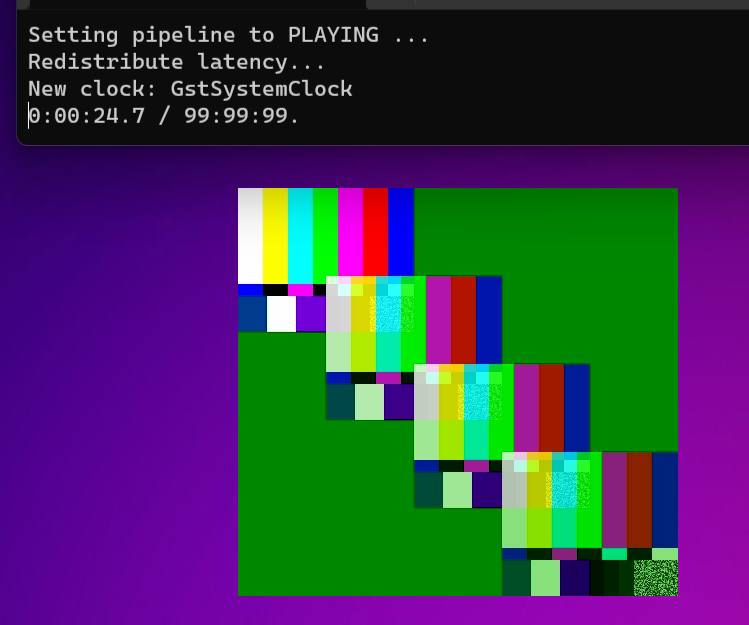
D3D12 GPU Video acceleration in the Windows Subsystem for Linux now available!

Introduction In DirectX ❤ Linux - DirectX Developer Blog we wrote about DXCore & D3D12 support on WSLg and described OpenGL & OpenCL support by adding a D3D12 backend to Mesa 3D, allowing such 3D and compute workloads to be offloaded to the GPU. To extend the types of workloads that we can accelerate with the GPU in WSLg, we also recently added support for GPU Video Acceleration by building on top of the existing Mesa 3D D3D12 backend and integrating the VAAPI mesa frontend. Several linux media apps use the VAAPI interface to access hardware video acceleration when available, and this can now be levera...
Windows Terminal Preview 1.17 Release
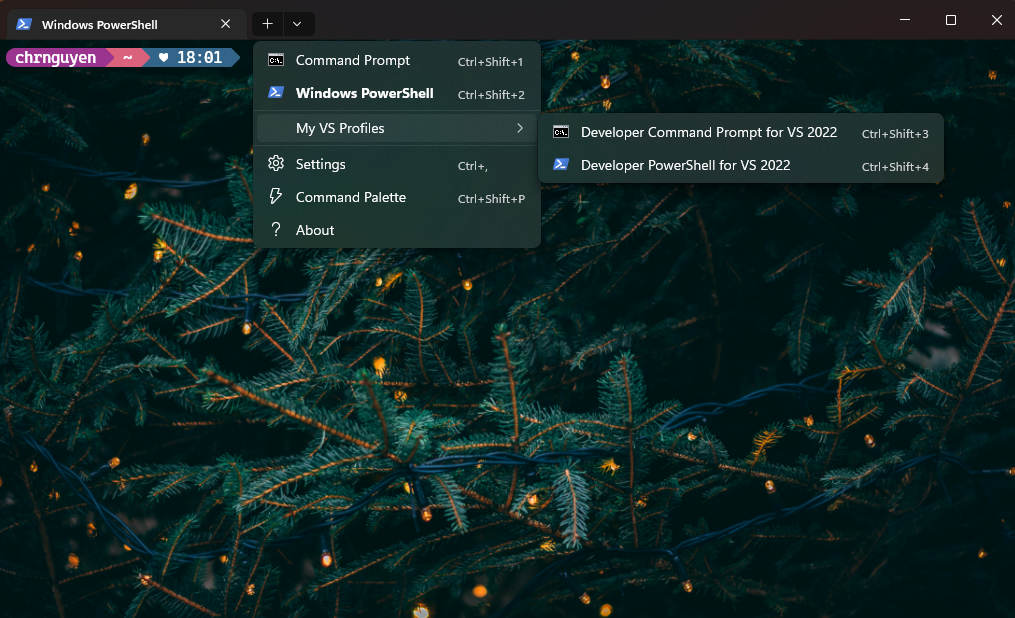
The Windows Terminal team is back with our first release of the year! 🎉 This release introduces version 1.17 to Windows Terminal Preview and updates Windows Terminal to version 1.16 with these new features. As always, you can install Windows Terminal and Windows Terminal Preview from the Microsoft Store, from the GitHub releases page, or by using winget. Here's what's new in Windows Terminal Preview 1.17: Dropdown Menu Customization Windows Terminal now supports dropdown menu customization! Shoutout to @fwest98 for this feature! This feature includes support for adding folders, adding separators, and adding pro...
Windows Package Manager 1.4
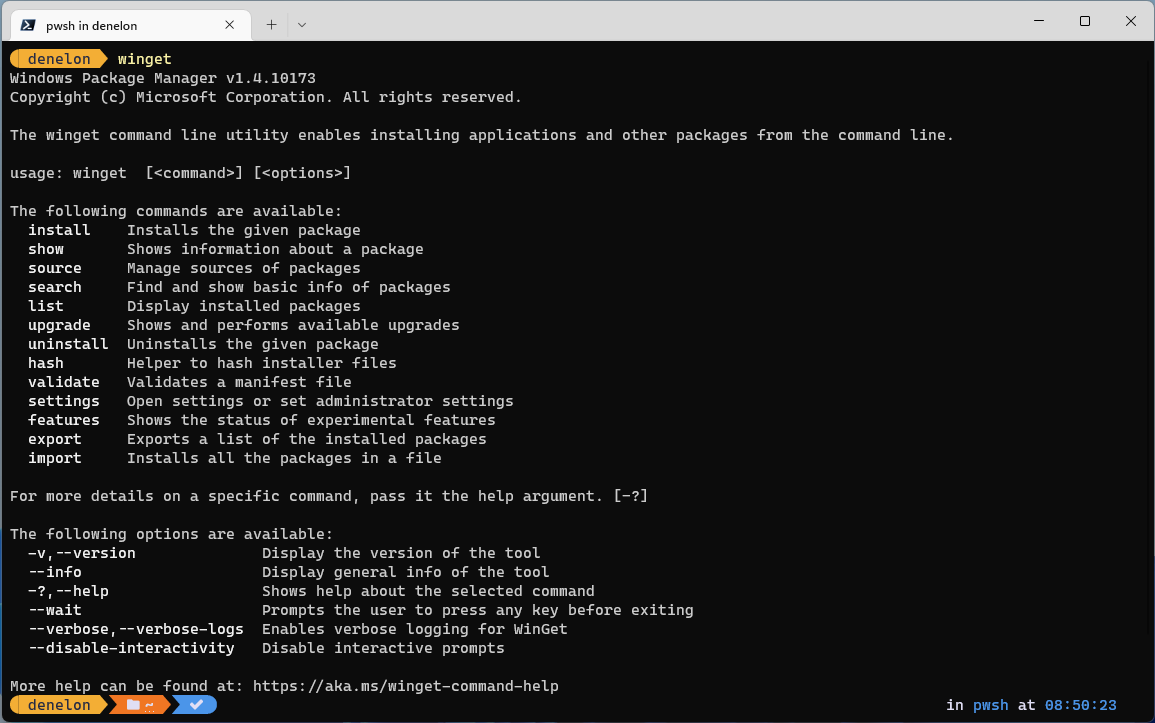
The Windows Package Manager team has been busy working on WinGet 1.4. This release introduces support for .zip-based packages. WinGet can now extract and run an installer inside of a .zip archive or install one or more portable packages from an archive. The WinGet open-source community has also been busy adding new features like command aliases to help with muscle memory if you use more than one package manager, and a wait argument to keep winget.exe open long enough to see what’s happening if it’s called from other applications. WinGet Show Improvements A few more manifest values like tags and purchase URL w...
The Windows Subsystem for Linux in the Microsoft Store is now generally available on Windows 10 and 11
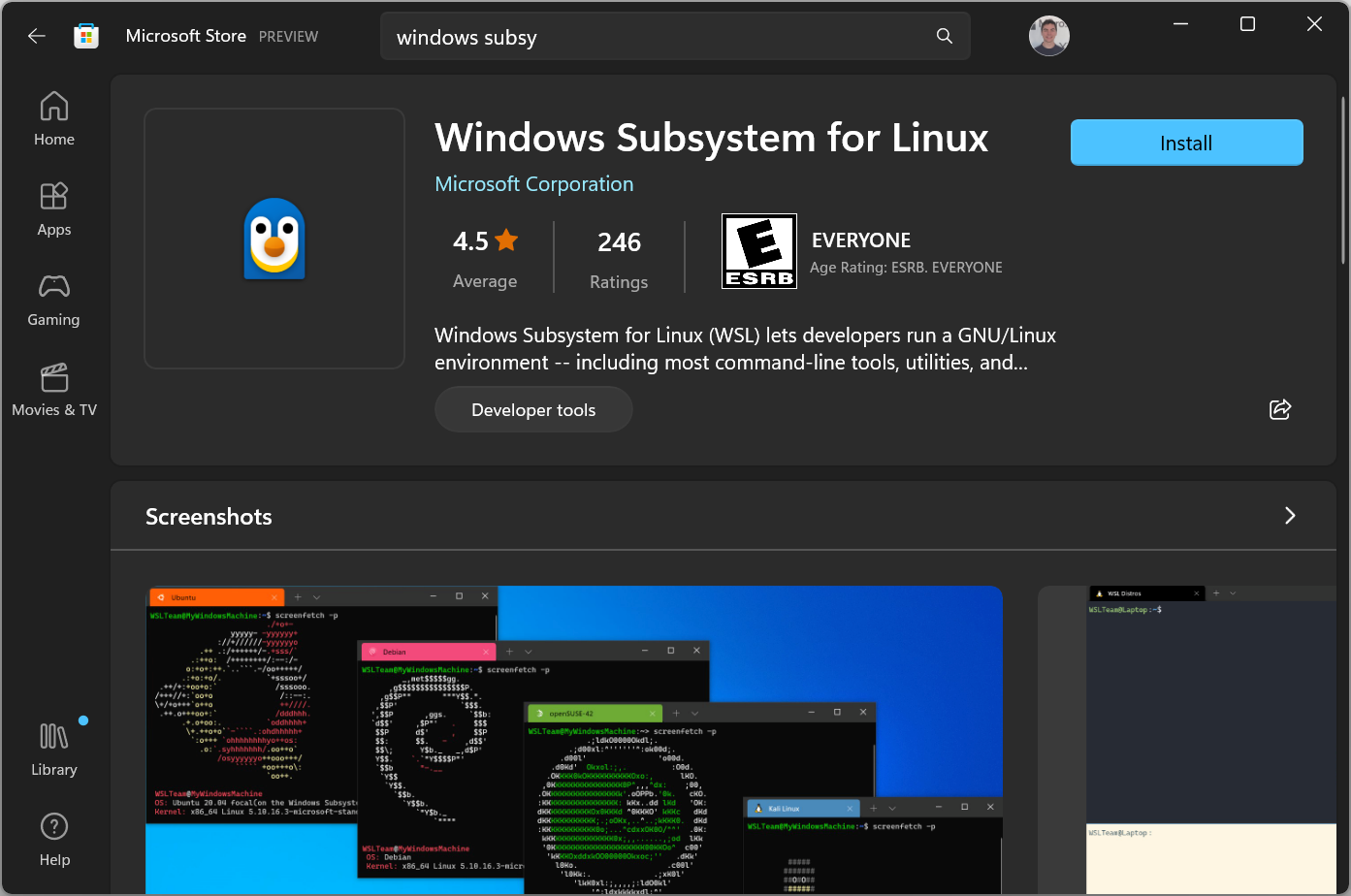
Today the Windows Subsystem for Linux (WSL) in the Microsoft Store is dropping its “Preview” label and becomes generally available with our latest release! We are also making the Store version of WSL the default for new users who run and easily upgradeable by running for existing users. Using the Store version of WSL allows you to get updates to WSL much faster compared to when it was a Windows component. In response to the WSL community’s requests, WSL in the Store will now also be available on Windows 10 in addition to Windows 11. So, Windows 10 users will also be able to enjoy all of the latest features for...
Windows Terminal is now the Default in Windows 11
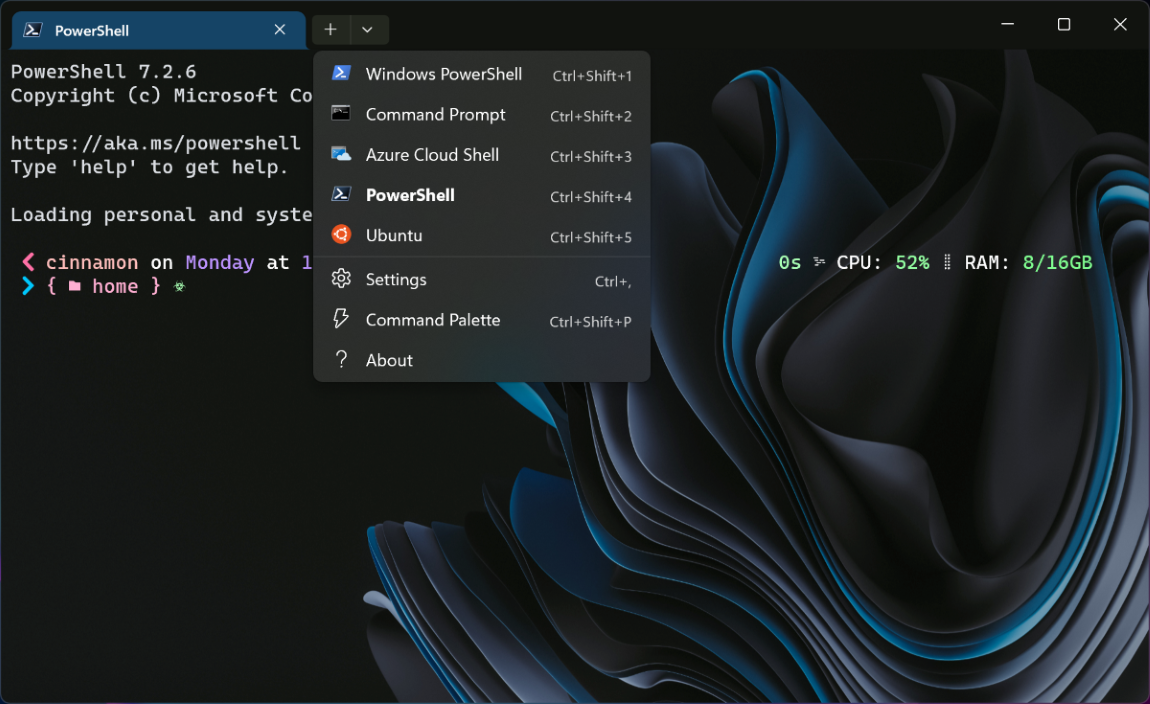
The day has finally come! Windows Terminal is now the default command line experience on Windows 11 22H2! 🎉 This means that all command line applications will now automatically open in Windows Terminal. This blog post will go into how this setting is enabled, the journey of Windows Terminal along with its fan-favorite features, as well as give a huge thank you to our contributors who have helped throughout Terminal's journey. ❗In order for this behavior to take effect, you'll need to be running Windows Terminal version 1.15 or greater. Default terminal setting The setting for the default terminal is on the Pri...
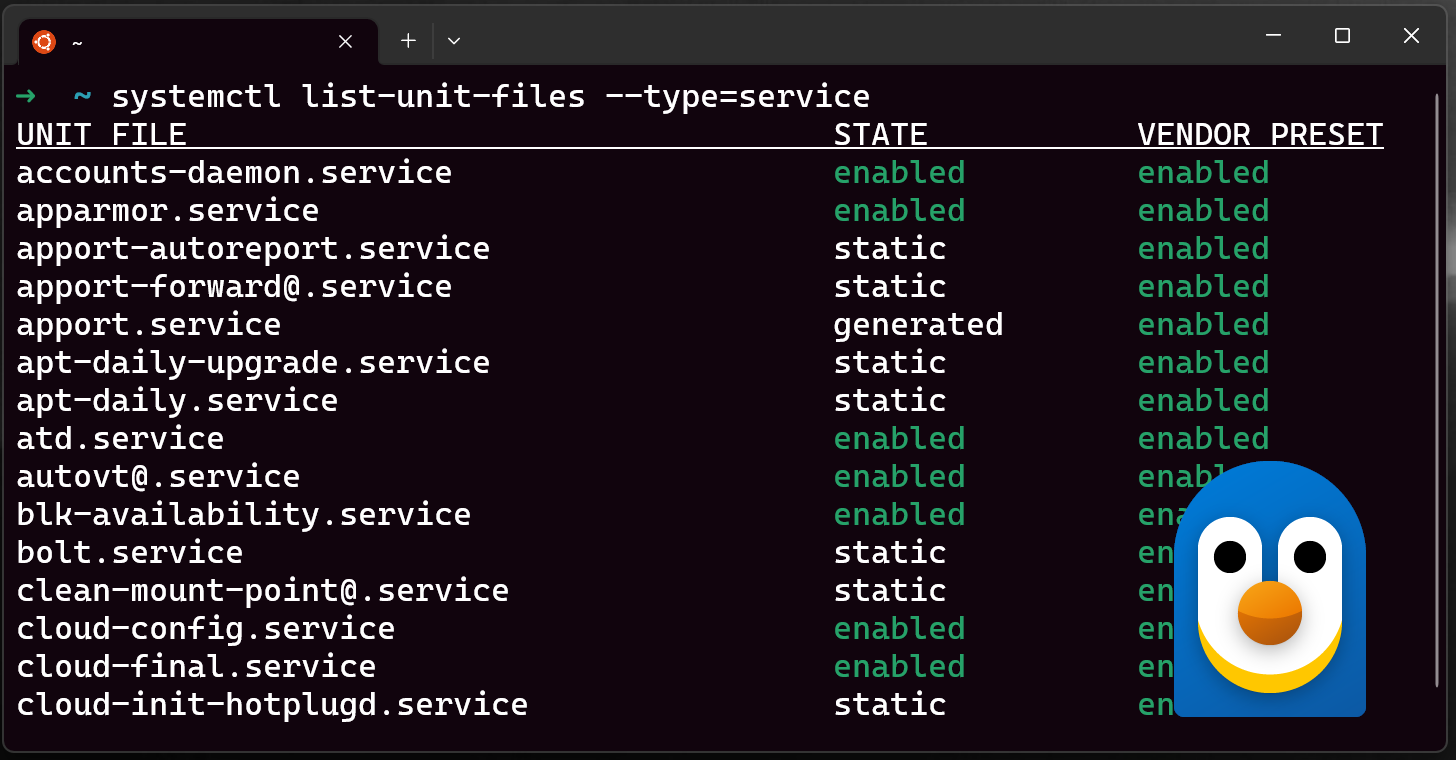
Systemd support is now available in WSL!
Systemd support is now available in WSL! The Windows Subsystem for Linux (WSL) can now run systemd inside of your WSL distros, empowering you to do more with your Linux workflows on your Windows machine. This post will cover: For a summary, check out the video below: What is systemd? What can you do with it? From systemd.io : Systemd is a suite of basic building blocks for a Linux system. It provides a system and service manager that runs as PID 1 and starts the rest of the system. Many popular distributions run systemd by default, such as Ubuntu, Debian and more. This change means that WSL wil...
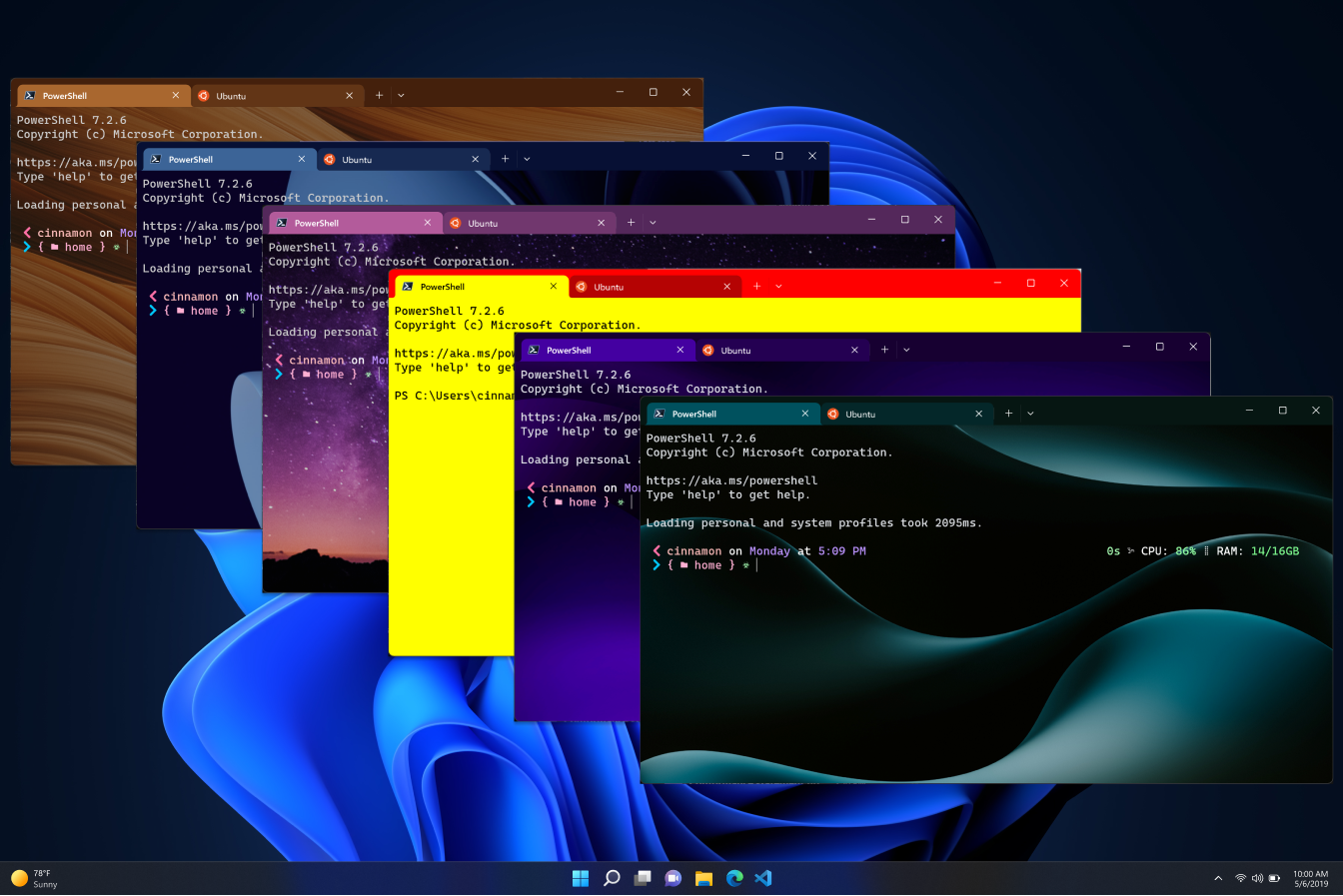
Windows Terminal Preview 1.16 Release
The Windows Terminal team is back with another release for you! This release introduces version 1.16 to Windows Terminal Preview and updates Windows Terminal to version 1.15 with these new features. As always, you can install Windows Terminal and Windows Terminal Preview from the Microsoft Store, from the GitHub releases page, or by using winget. Here's what's new: Screenshot from the Windows Terminal launch video Theming We've added even more customization possibilities with the introduction of . It could be brown, it could be blue, it could be violet sky… 🎶 is a global property that can contain a variet...
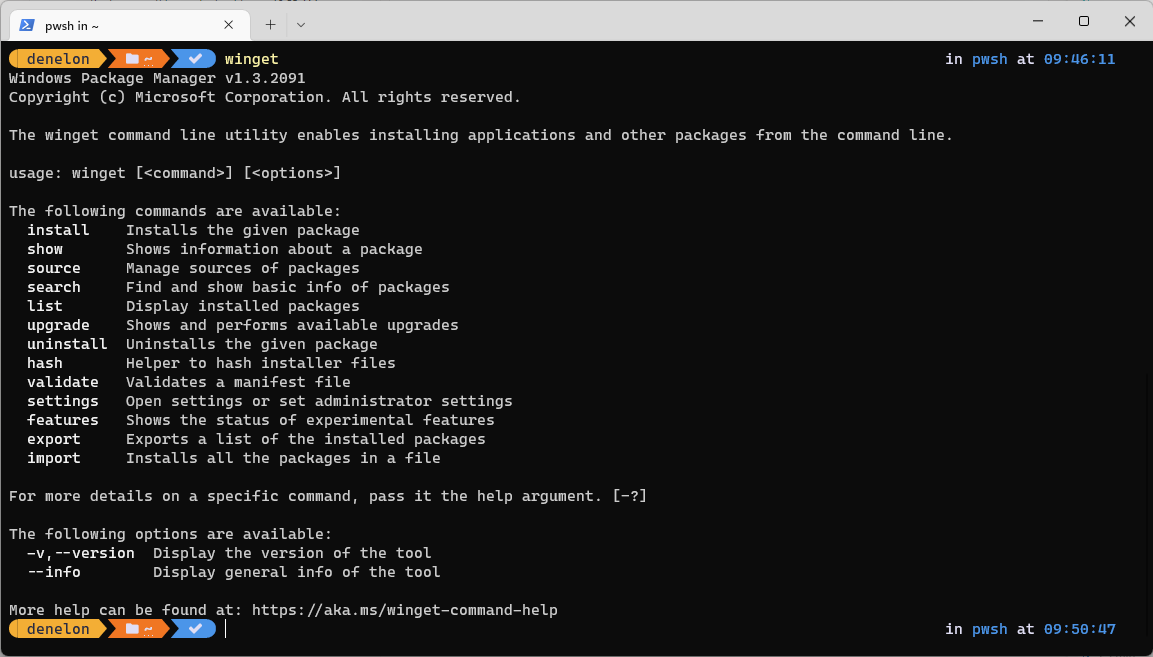
Windows Package Manager 1.3
Today I get to announce Windows Package Manager 1.3 has been released. The team has been adding several enhancements to manifests to improve your package installation experience. We’ve enabled better package version reporting. A new setting allows verbose logs to be on by default. If you run the system architecture is now displayed. The progress bar was improved with more fine-grained blocks. And the Windows Package Manager now supports portable applications. Manifest Improvements Display Documentation Some packages include documentation associated with a package version. You will now be able to see the doc...
Windows Terminal Preview 1.15 Release
Welcome back to another Windows Terminal release! This release updates Windows Terminal to version 1.14 and includes all of the features from this previous blog post. Additionally, Windows Terminal Preview is getting an update to version 1.15 and will include all the features detailed here. As always, you can install Windows Terminal and Windows Terminal Preview from the Microsoft Store or from the GitHub releases page. Now, let's get into the good stuff! This release is dedicated to all the Marks out there. 😉 Keyboard selection (mark mode) You can now use your keyboard to select any text in the text buffer wit...
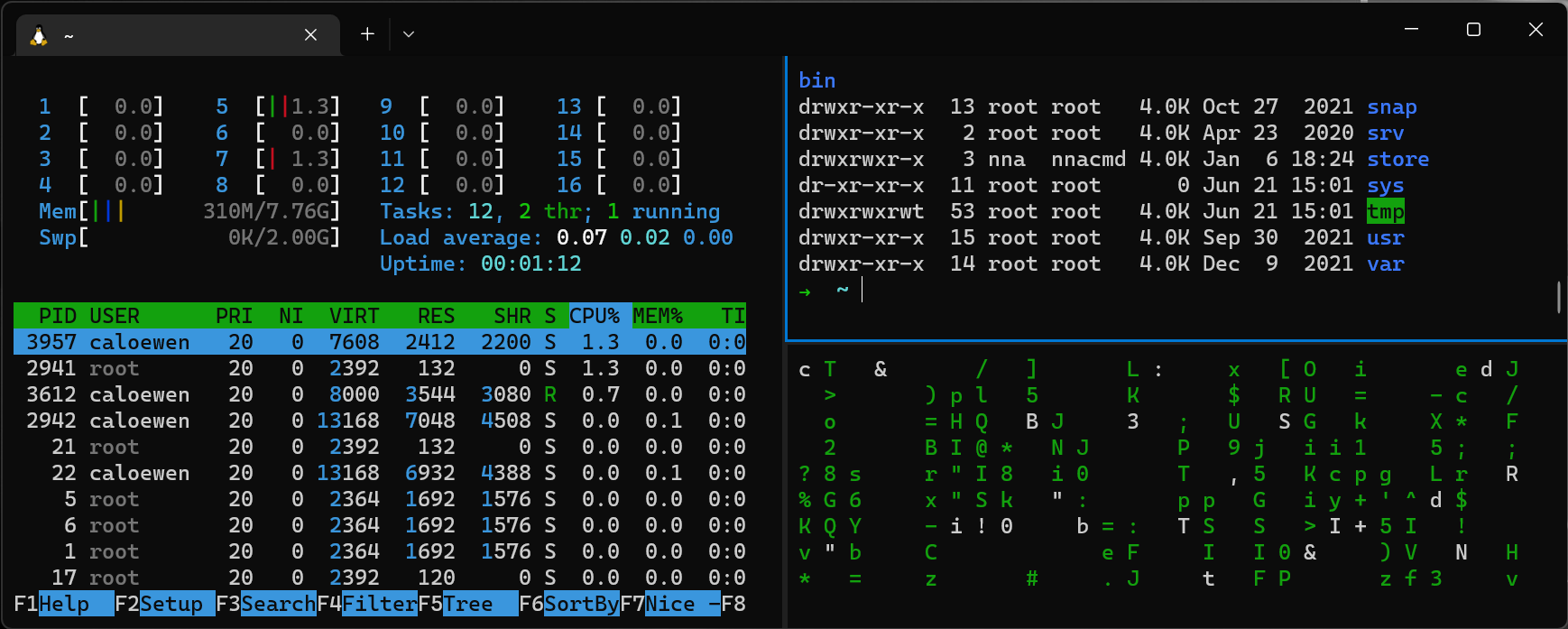
WSL 2 distros are now supported on Windows Server
WSL 2 distros are now supported on Windows Server You can now use Windows Subsystem for Linux (WSL) 2 type distros on Windows Server 2022! We’re excited to make this change so that now you can have the same modern WSL experience whether you use a Windows with Server or Desktop SKU. How to start using it We first talked about this change on Github when this update was made available to folks who wanted to use it early, and now this is part of our latest update to Windows Server. To get it, all you need to do is click “Check for Updates” on your Windows Server machine to update to the latest version and you’ll...
Windows Terminal Preview 1.14 Release
It's Microsoft Build! We have a Windows Terminal Preview release for you focused on fixing bugs and improving quality. This release also migrates Windows Terminal to version 1.13, which contains the new features defined in this previous blog post. As always, you can install Windows Terminal Preview and Windows Terminal from the Microsoft Store or from the GitHub releases page. Let's dive into what's new. ❗The minimum supported version of Windows 10 for Windows Terminal 1.13+ has been increased from 18362 (19H1) to 19041 (20H1). Experimental background image for window Have you wanted to have your panes split o...
Windows Package Manager 1.2
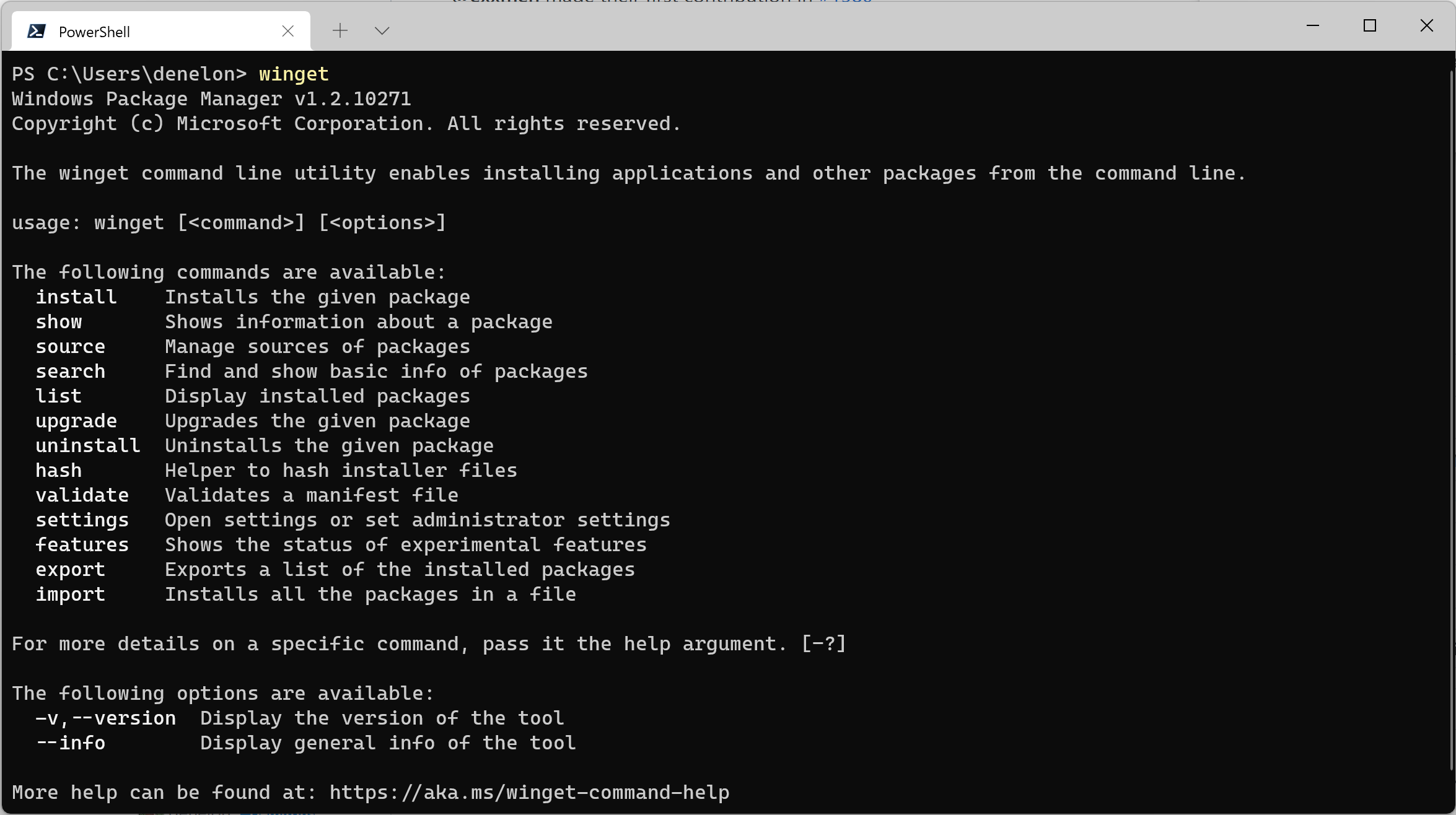
We've been busy improving the Windows Package Manager. Today I have the pleasure of announcing the availability of Windows Package Manager 1.2. It has been released to the Microsoft Store as an automatic update to the "App Installer" this morning if you're running Windows 10 (1809+) or Windows 11. ARM64 Support We've been working to improve the experience for users on ARM64 devices like the Surface Pro X, the Lenovo X13s, or the Samsung Galaxy Book Go. The Windows Package Manager chooses the best available package based on your hardware architecture. If a native option is not available, the next best option w...
Windows Terminal Preview 1.13 Release
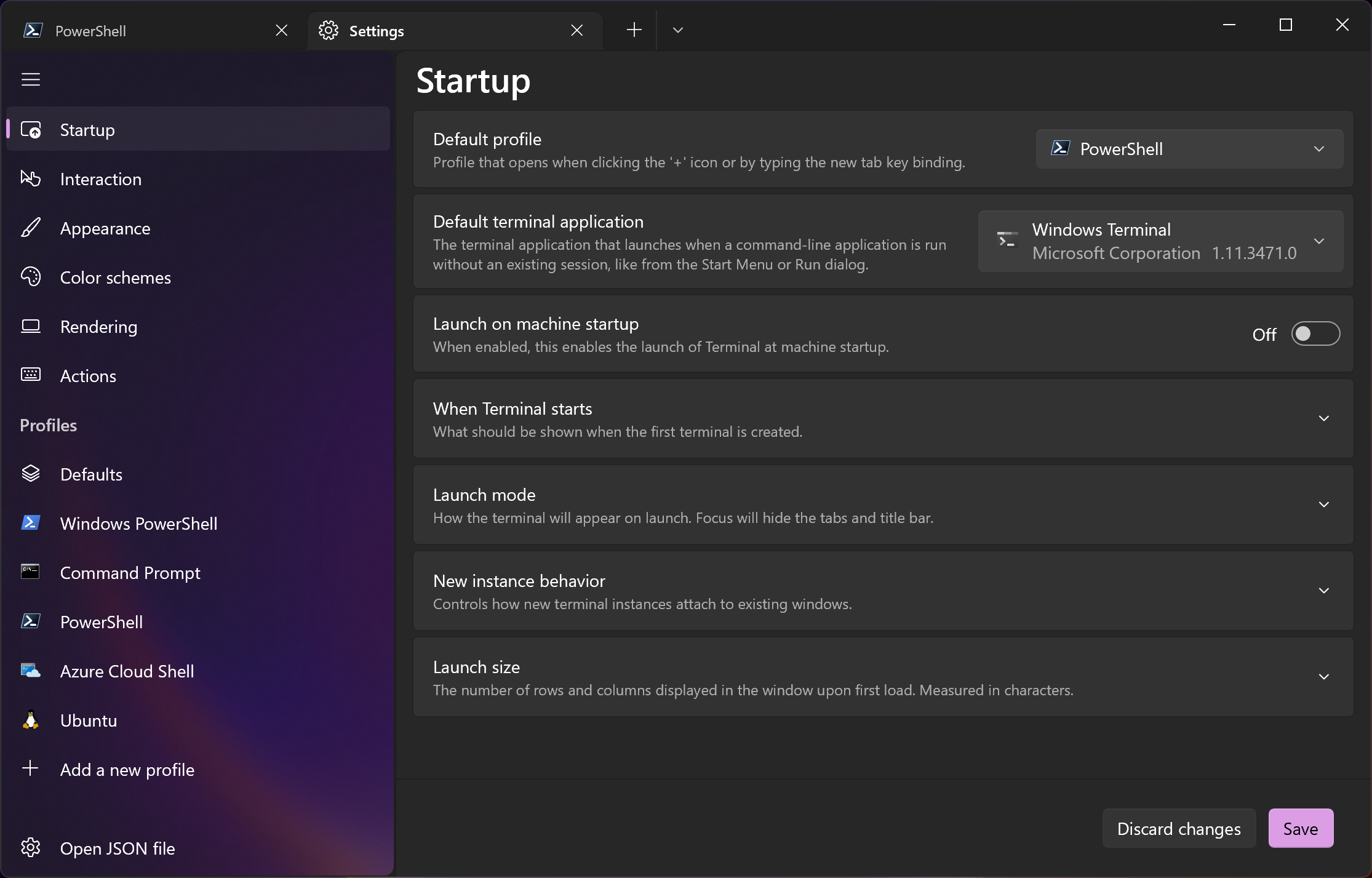
Welcome to the first Windows Terminal release of 2022! This release will add the new features below to Windows Terminal Preview 1.13 and migrate Windows Terminal to version 1.12, which includes all of the features from this previous blog post. The Windows Terminal 1.12 build will be released through the Windows Insider Program before being delivered to retail versions of Windows. As always, you can install Windows Terminal and Windows Terminal Preview from the Microsoft Store or from the GitHub repository. ❗The minimum supported version of Windows 10 for Windows Terminal 1.13+ has been increased from 18362 (19H1...
Windows Wednesday
Hey everyone! We have an exciting new web show planned to launch next year called Windows Wednesday that we'd love to tell you more about. 🙂 What is Windows Wednesday? Windows Wednesday is a weekly 30-minute live web show where we'll talk about anything related to Windows. We'll invite subject matter experts to talk about their tools and features, deliver live demos, and help answer any questions you may have! Some topics we'll be covering include Windows Terminal, Windows Subsystem for Linux, Windows Sounds, PowerToys, and Fonts, just to name a few. We would love to invite those of you who have products or t...

Windows Terminal as your Default Command Line Experience
Hey Windows Terminal fans! This month we are delivering a servicing release and the next feature release is scheduled for January, so we figured we'd write a blog post discussing Windows Terminal as the default command line experience on Windows and what our future plans are. What is a default terminal? A default terminal is the terminal emulator that launches by default when opening a command line application. Starting from the dawn of Windows, the default terminal emulator has always been the Windows Console Host, conhost.exe. This means that shells such as Command Prompt and PowerShell have always opened ins...
Connecting USB devices to WSL

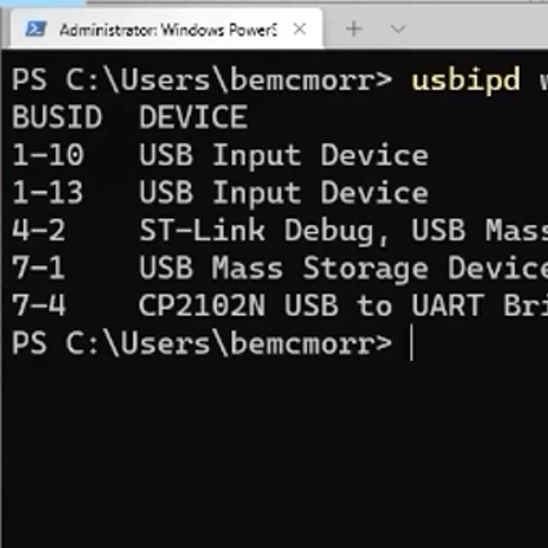
I’m a software engineer building tooling for Visual Studio and Visual Studio Code to support C++ embedded device development. These physical devices typically connect to a computer over USB, but we discovered we couldn’t use WSL to test our tools on Linux because it does not support USB. We weren’t alone — support for connecting physical USB devices to WSL is highly requested by the community as well. While this functionality is still not natively available in WSL, I’m excited to announce that our summer intern, Nelson Daniel Troncoso Aldas, contributed changes to the open-source usbipd-win project to enable com...
OneAPI/L0, OpenVINO and OpenCL coming to the Windows Subsystem for Linux for Intel GPUs

We are happy to announce, that in partnership with Intel, we are bringing support for hardware accelerated OneAPI/L0, OpenVINO and OpenCL on Intel GPUs to the Windows Subsystem for Linux (WSL). Support for these APIs in WSL further increases the choices of compute APIs available to developers and ensures the best performance and functionality can be achieved on Intel GPU platforms. These enable Windows developers targeting applications or containers running on Linux to develop and test their workload locally on their Windows PC at near native performance using the tools and APIs they are used to. Hardware accel...
Windows Terminal Preview 1.12 Release
Windows Terminal Preview 1.12 is here and it's HUGE! This release adds the new features below to Windows Terminal Preview 1.12 and adds the features from this previous blog post to Windows Terminal 1.11. Windows Terminal 1.11 will also be receiving the Defaults page in the settings UI along with the default terminal functionality. You can install Windows Terminal and Windows Terminal Preview from the Microsoft Store or from the GitHub releases page. Now let's get into the good stuff! Default terminal You can now set the Windows Terminal stable build as your default terminal emulator if you're on the Windows Ins...
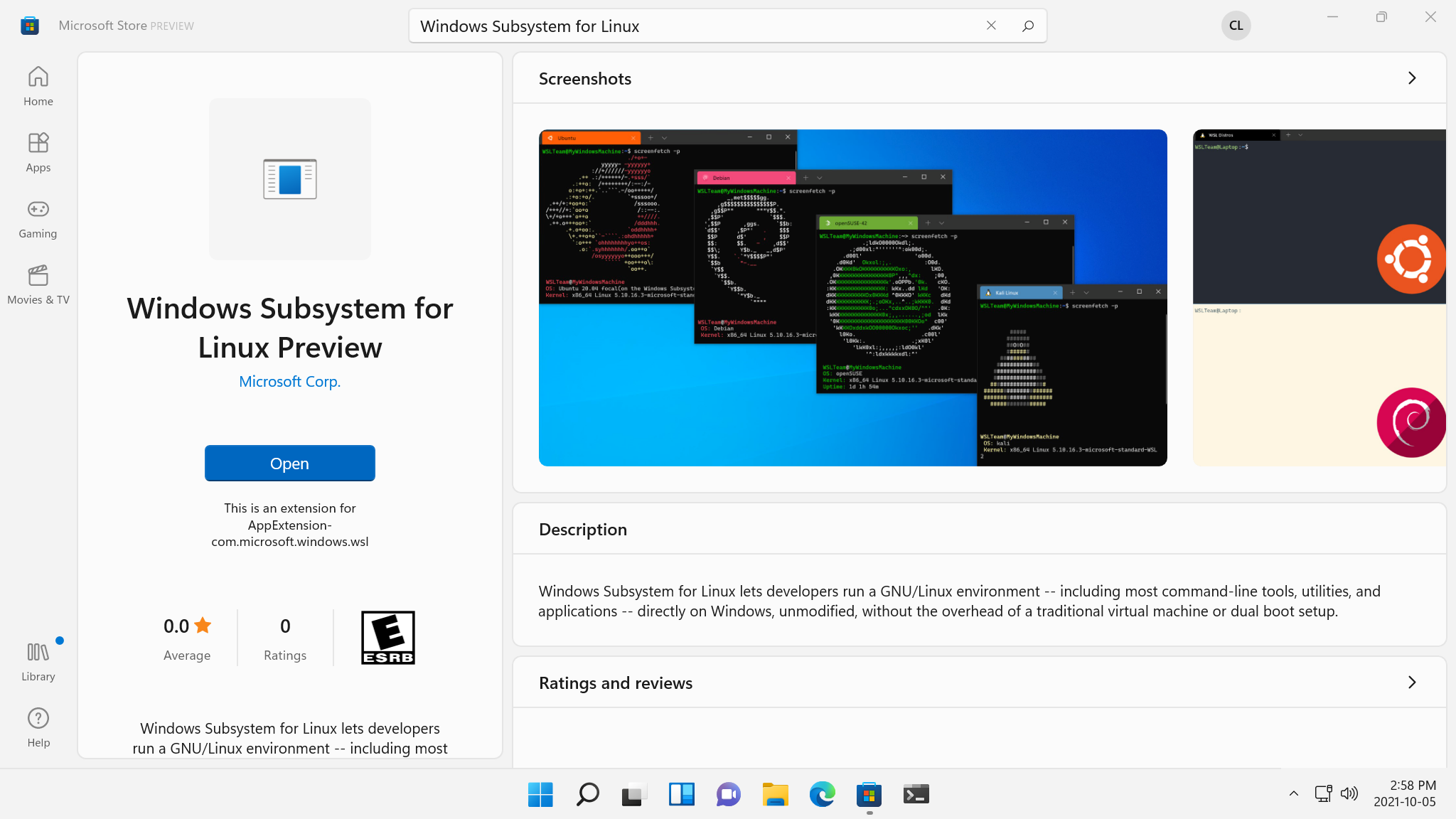
A preview of WSL in the Microsoft Store is now available!
The Windows Subsystem for Linux (WSL) preview is now available in the Microsoft Store as a store application for Windows 11 machines! Installing WSL through the store will allow you to get the latest WSL updates and features faster, and without needing to modify your Windows version. Read on to see how that’s possible and what this means for WSL! Is this a new version of WSL? This is the exact same WSL that you know and love, all that we’ve changed is where it gets installed and updated from. We’ve created this as an initial preview to help ensure quality before making this generally available. Why would...
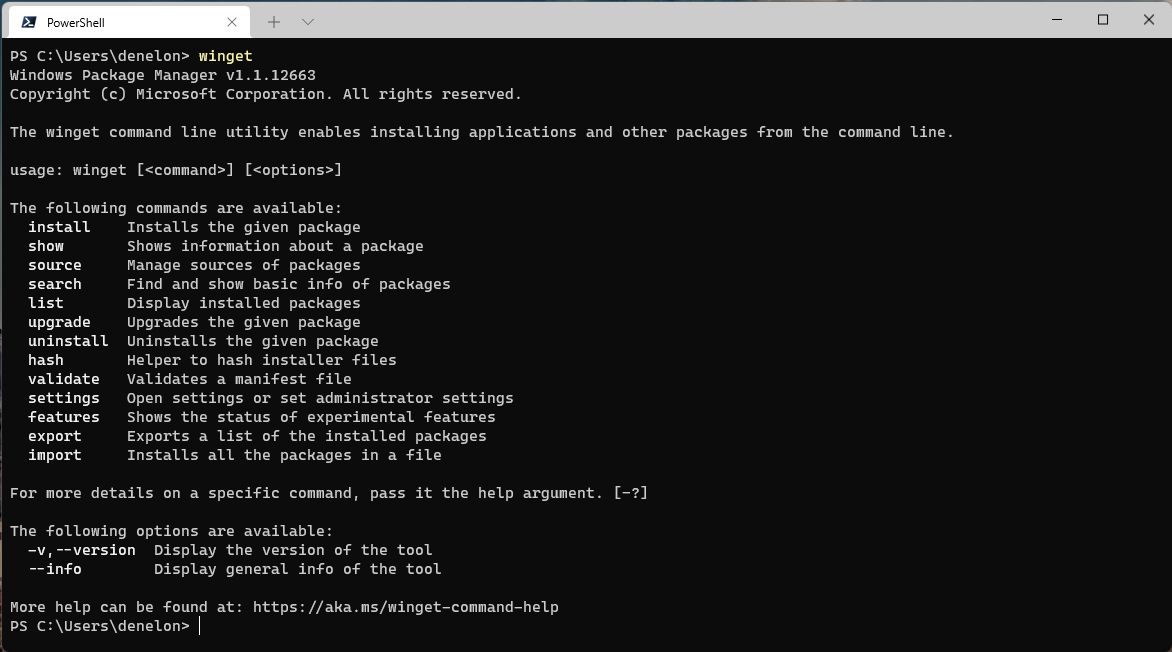
Windows Package Manager 1.1
I’m excited to share some great news. We’re releasing Windows Package Manager 1.1. We’ve squashed some annoying bugs and added some highly anticipated features. The Windows Package Manager is being released to Windows 10 (build 1809 and newer) and Windows 11 as an automatic update via the Microsoft Store. The moment we’ve been waiting for has finally arrived. Grab yourself a cup of coffee (or any other favorite beverage). Don’t worry; I’ll wait. Cheers! Client The team has been busy over the last few months making improvements and adding new features. The most notable new feature is access to apps in the Micros...
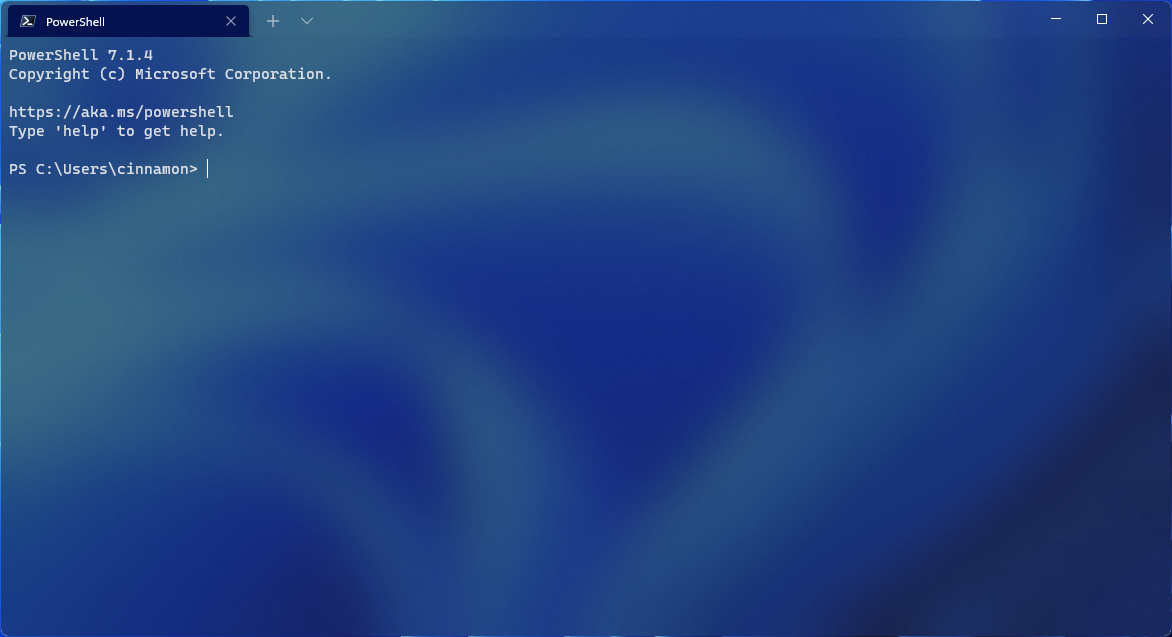
Windows Terminal Preview 1.11 Release
Windows Terminal Preview 1.11 is here! Come check out what's new in our open source command line tool.
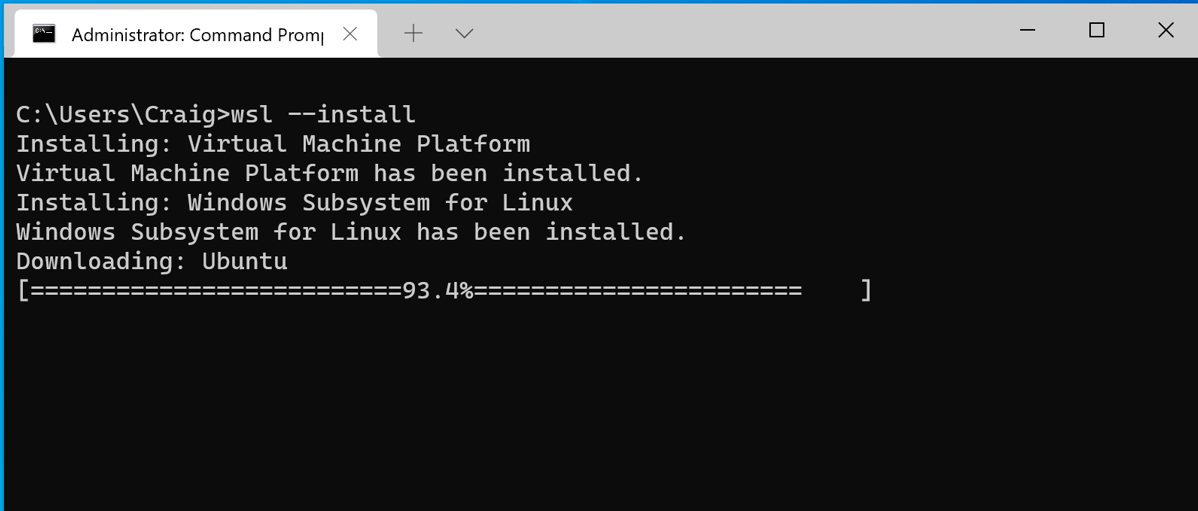
Install WSL with a single command now available in Windows 10 version 2004 and higher
In the latest Windows Insider Preview builds, you can install everything you need to run WSL just by running . We’re excited to announce that this functionality is now officially backported to Windows 10 version 2004 and higher, which will make installing WSL on those builds much easier! Using The process to set up WSL was previously too complicated, involving turning on multiple settings and installing multiple packages. We’ve simplified the process down to just one command, simply open a command prompt window with admin privileges and run . Once you hit enter, the process will automatically enable the WSL ...
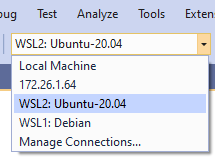
Build and Debug C++ with WSL 2 Distributions and Visual Studio 2022

This post is written by Erika Sweet, a Program Manager on Microsoft's C++ Team. Visual Studio 2022 introduces a native WSL 2 toolset for C++ development. This toolset is available now in Visual Studio 2022 version 17.0 Preview 2. WSL 2 is the new, recommended version of the Windows Subsystem for Linux (WSL) architecture that provides better Linux file system performance, GUI support, and full system call compatibility. Visual Studio’s WSL 2 toolset allows you to build and debug C++ code on WSL 2 distros from Visual Studio without ever adding an SSH connection. You can already build and debug C++ code on WSL 1 d...
Windows Terminal Preview 1.10 Release
It's Windows Terminal release day! This release introduces Windows Terminal Preview to version 1.10 and Windows Terminal will be updated to version 1.9 soon. Windows Terminal will include all of the features listed in the 1.9 blog post except for the default terminal setting and the ability to edit actions using the settings UI. We are keeping these features inside Windows Terminal Preview in order to identify and fix remaining bugs. Now let's jump into what's new with version 1.10! Command palette button in dropdown We noticed that the Feedback button inside the dropdown menu was hardly used and we figured thi...
Windows Package Manager 1.0
We started a journey to build a native package manager for Windows 10 when we announced the Windows Package Manager preview at Microsoft Build 2020. We released the project on GitHub as an open-source collaborative effort and the community engagement has been wonderful to experience! Here we are today at Microsoft Build 2021… We are excited to announce the release of Windows Package Manager 1.0! Windows Package Manager 1.0 Client The winget client is the main tool you will use to manage packages on your machine. The image below displays executed in Windows Terminal via PowerShell. You can see the list of ava...
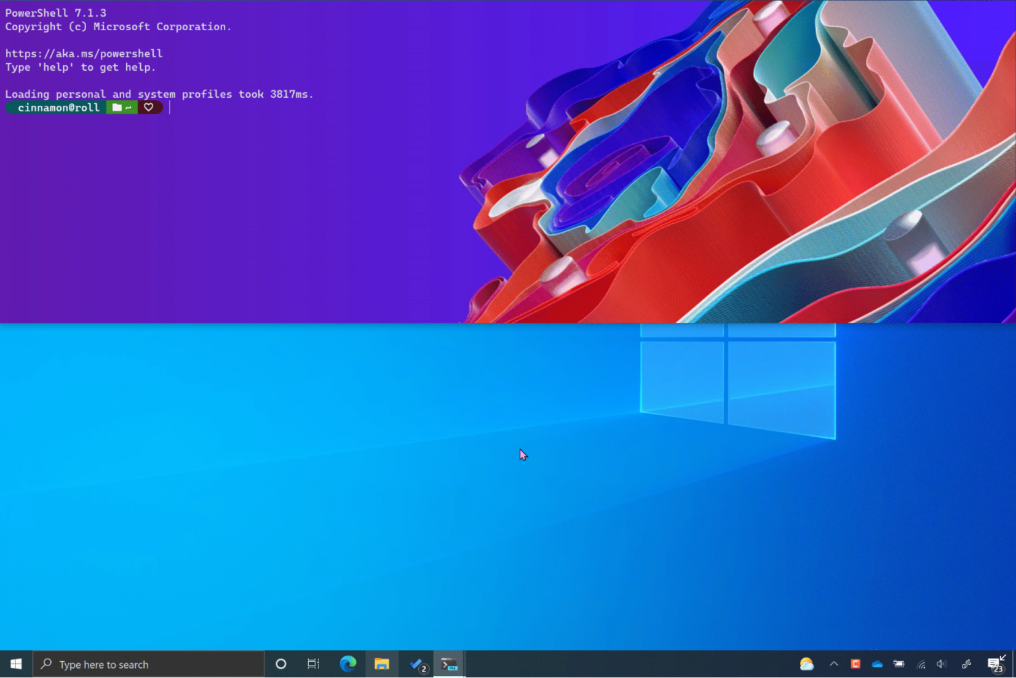
Windows Terminal Preview 1.9 Release
Happy Microsoft Build 2021 and happy 2nd birthday to Windows Terminal! This release introduces version 1.9 to Windows Terminal Preview and migrates Windows Terminal to version 1.8. As always, you can install both builds from the Microsoft Store as well as from the GitHub releases page. Let's get into what's new! Default terminal You can now set Windows Terminal Preview as your default terminal emulator on Windows! This means that any command line application will launch inside your selected terminal emulator (i.e. double click on PowerShell and it will open inside Windows Terminal Preview by default 😊). This se...
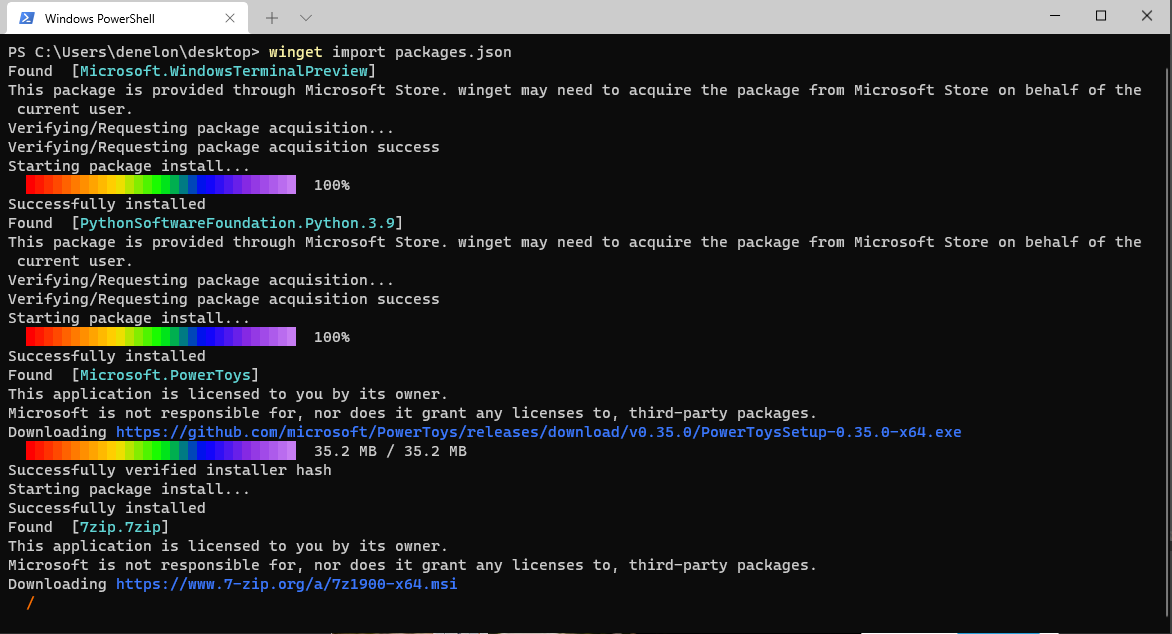
Windows Package Manager v0.3 Preview
We have been hard at work building new experimental features for the Windows Package Manager. We have just released the Windows Package Manager v0.3 Preview. I would like to share the first major feature to exit experimental status. I also have the privilege of announcing support for Group Policy. What's New Introducing Import I have been through several Windows 10 environments over the last year. It is hard to describe how much pleasure I felt with the simplicity of as I set a new build up so I can become productive. Things have just gotten better with the Windows Package Manager v0.3 Preview. Now I use , an...
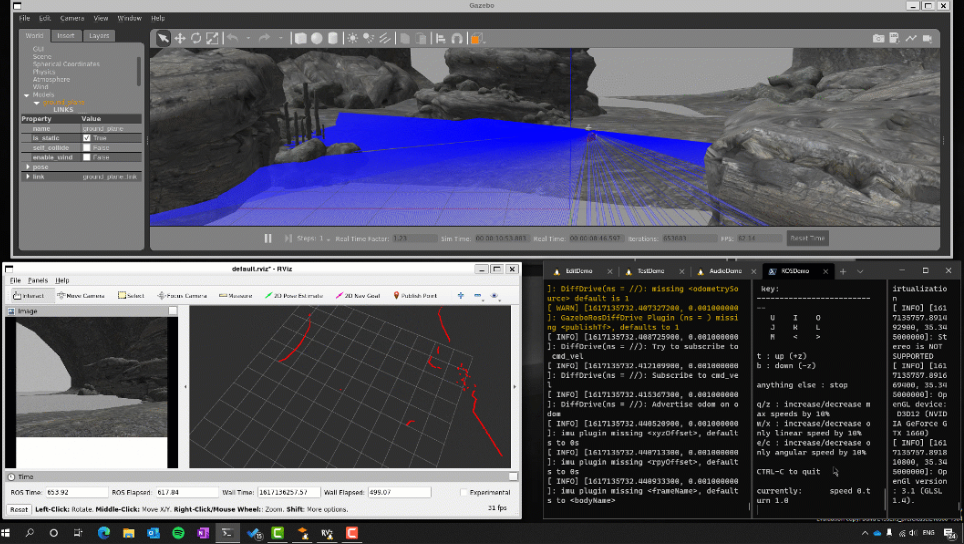
The Initial Preview of GUI app support is now available for the Windows Subsystem for Linux
A year ago at BUILD 2020 we introduced our goal to bring Linux GUI applications to the Windows Subsystem for Linux (WSL) to run Linux GUI applications. We are proud to announce the first preview of this highly anticipated and open source feature! We’ve given this feature the nickname: “WSLg”. Please check out the video below or keep reading to see what you can use this feature for, how it works, and how to install it. What can I use GUI application support for? WSL lets you run a Linux environment, and up until this point has focused on enabling command line tools utilities and applications. GUI app suppo...
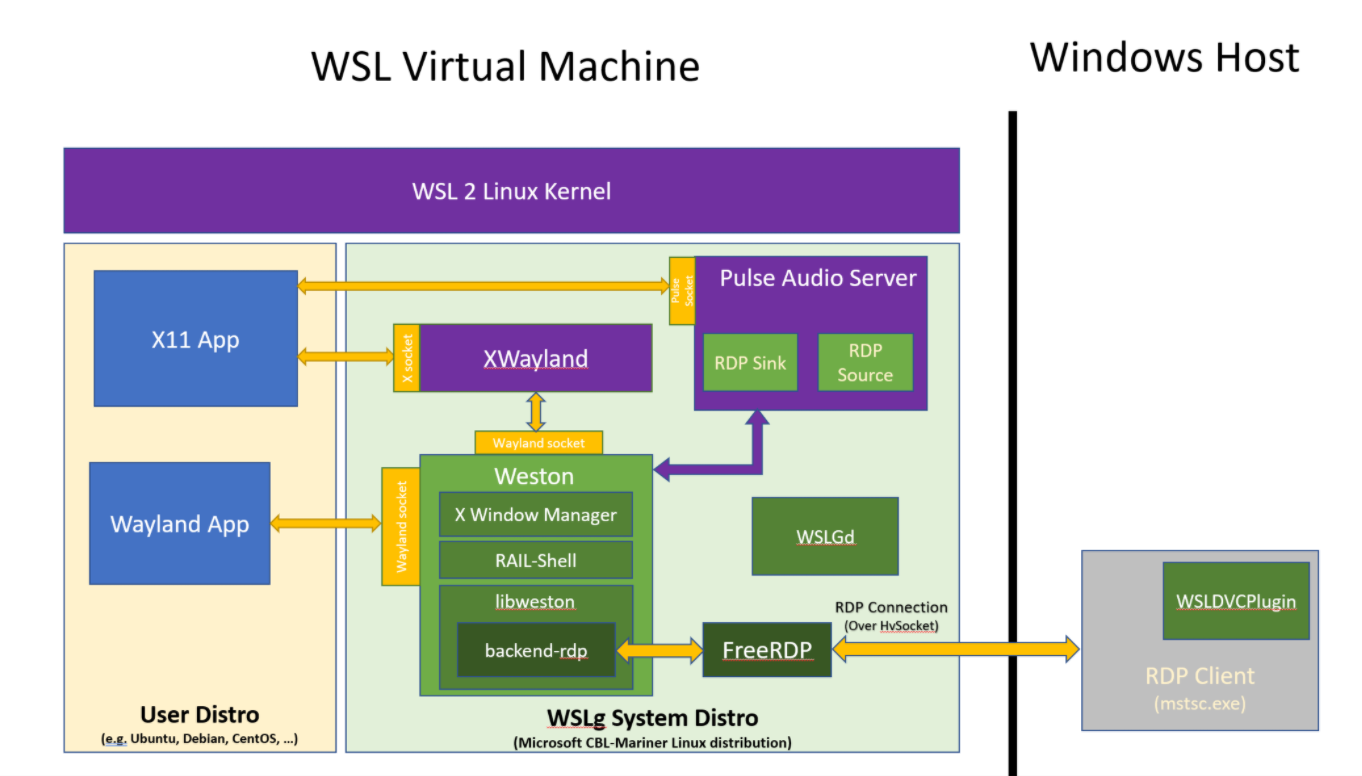
WSLg Architecture
If you landed on this blog, you’ve probably seen our announcement for GUI applications support in the Windows Subsystem for Linux being available to Windows Insiders and looking for more details on how WSLg was built. If so, you’ve come to the right place! Be warned that this blog is fairly long and technical. We wanted to tell WSLg’s story, not just the architecture we picked, but also the reasons we made the various choices we made. We hope you find this behind the scenes informative and interesting. Philosophy and early goals When we started looking at supporting GUI applications in WSL, we quickly decided ...
Servicing the Windows Subsystem for Linux (WSL) 2 Linux kernel
Note: This blog post is co-authored by the awesome WSL dev Pierre Boulay. Thanks Pierre! 😊 We’ve just shipped the 5.10.16.3 WSL 2 Linux kernel version to Windows Insiders which brings exciting new changes: Support for the LUKS disk encryption, and some long-awaited bug fixes. We’d like to seize this opportunity to highlight these improvements and show you how these changes land on your Windows machine no matter your Windows version. New feature addition: Support for LUKS disk encryption This kernel update adds support for LUKS disk format. Such disks can now we accessed using wsl –mount. LUKS disks can be...
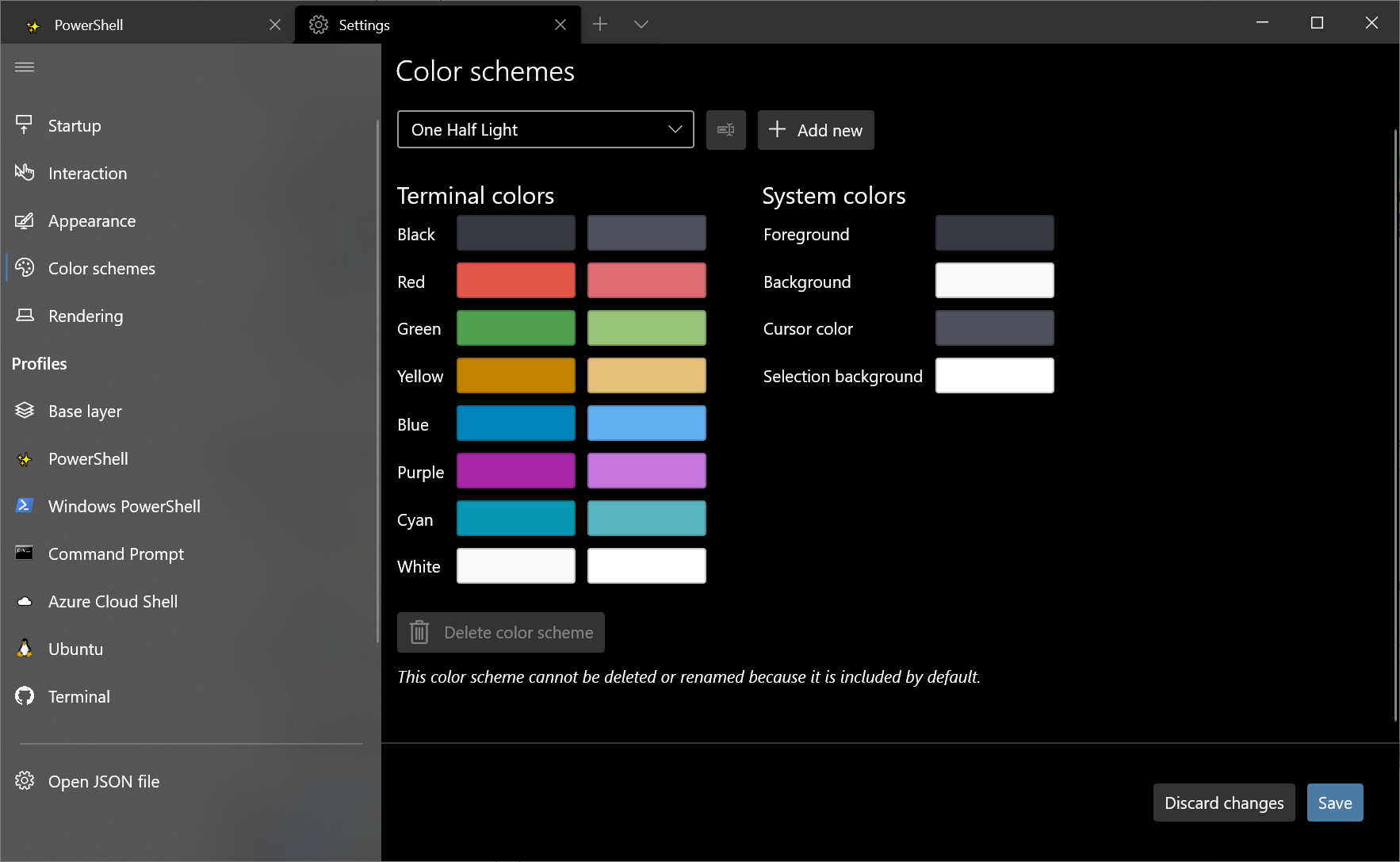
Windows Terminal Preview 1.8 Release
Welcome back to another release of Windows Terminal! This release updates Windows Terminal Preview to version 1.8 and moves Windows Terminal to version 1.7. Both builds can be installed from the Microsoft Store as well as the GitHub releases page. Let's jump into what's new! Settings UI is default in stable The settings UI now ships inside the Windows Terminal stable build! You can access the settings UI by clicking the settings button in the dropdown menu or by typing Ctrl+,. We are still making improvements to the settings UI experience, so stay tuned for more updates as our releases continue! Shift+Click ...
Windows Terminal Preview 1.7 Release
Welcome back to another release of Windows Terminal! This release migrates Windows Terminal to version 1.6, which includes all of the features from this previous blog post except for the settings UI. Windows Terminal Preview will move to version 1.7, which includes all of the features described below. You can install both Windows Terminal and Windows Terminal Preview from the Microsoft Store or from the GitHub releases page. Let's check out what's new! JSON fragment extensions Windows Terminal now supports JSON fragment extensions. This means that snippets of JSON can be downloaded as extensions that can modify...
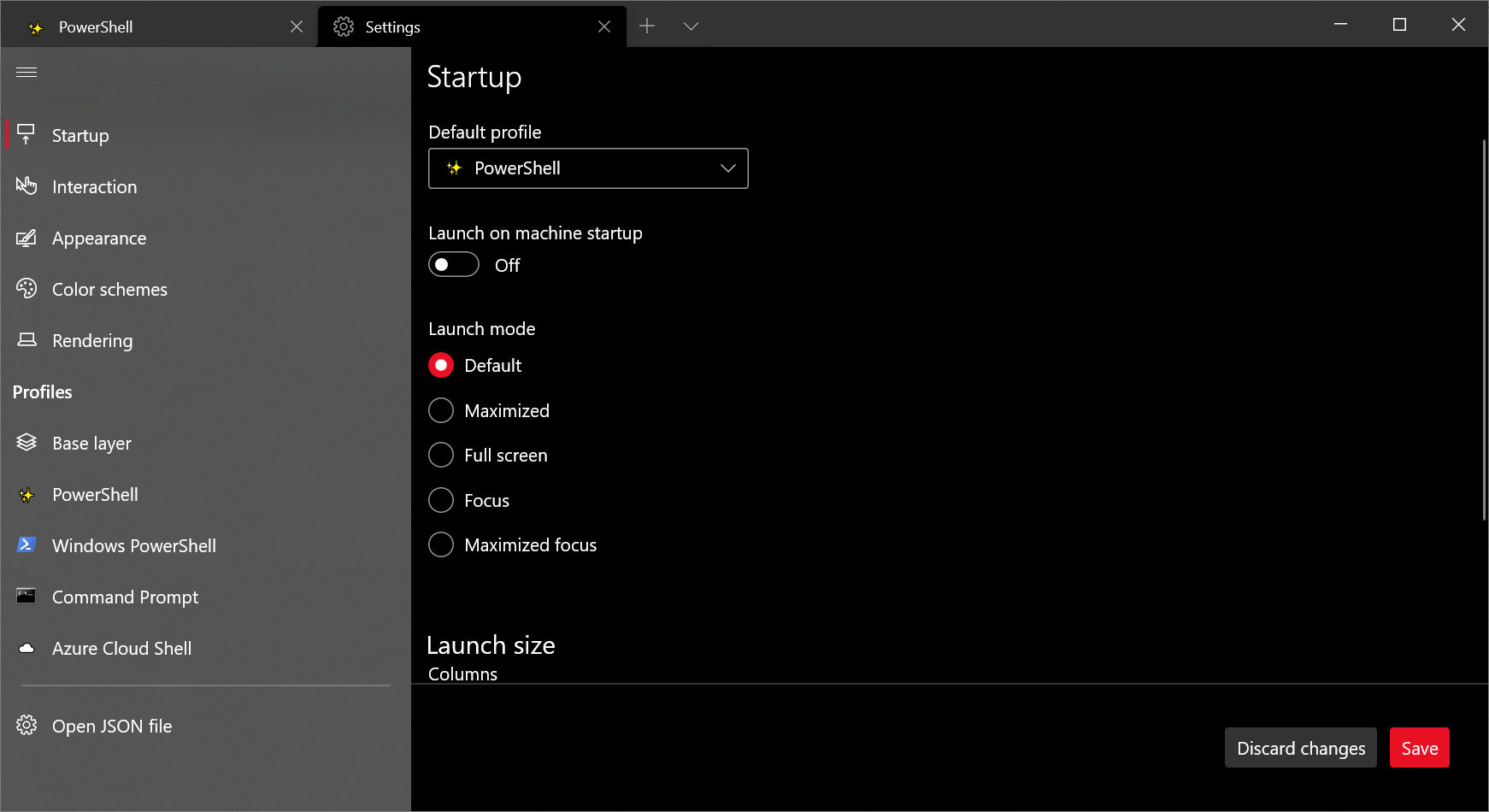
Windows Terminal Preview 1.6 Release
Welcome to our first Windows Terminal release of 2021! This release brings new features to Windows Terminal Preview version 1.6 as well as moves Windows Terminal to version 1.5, which includes the features from this previous blog post. You can download both versions from the Microsoft Store or from the GitHub releases page. Below are some of the highlights in this release, however we recommend checking out the release notes to see everything that has improved with version 1.6. Settings UI It's finally here! Windows Terminal Preview now includes the alpha release of our new settings UI. The settings UI is not ye...
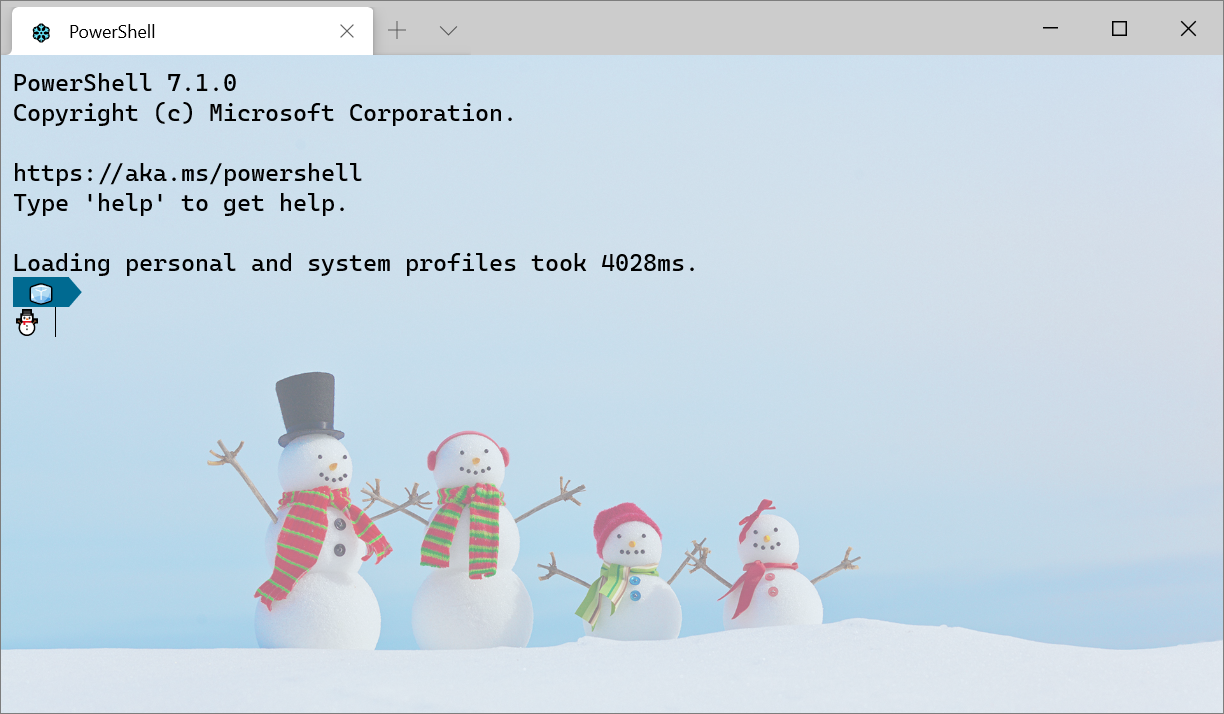
Getting Started with Windows Terminal
Installation Windows Terminal is available in two different builds: Windows Terminal and Windows Terminal Preview. Both builds are available for download from the Microsoft Store and from the GitHub releases page. Requirements In order to run either Windows Terminal build, your machine must be on Windows 10 1903 or later. Windows Terminal Preview Windows Terminal Preview is the build where new features arrive first. This build is intended for those who like to see the latest features as soon as they are released. This build has a monthly release cadence with the newest features each month. Windows Termina...
Windows Terminal Preview 1.5 Release
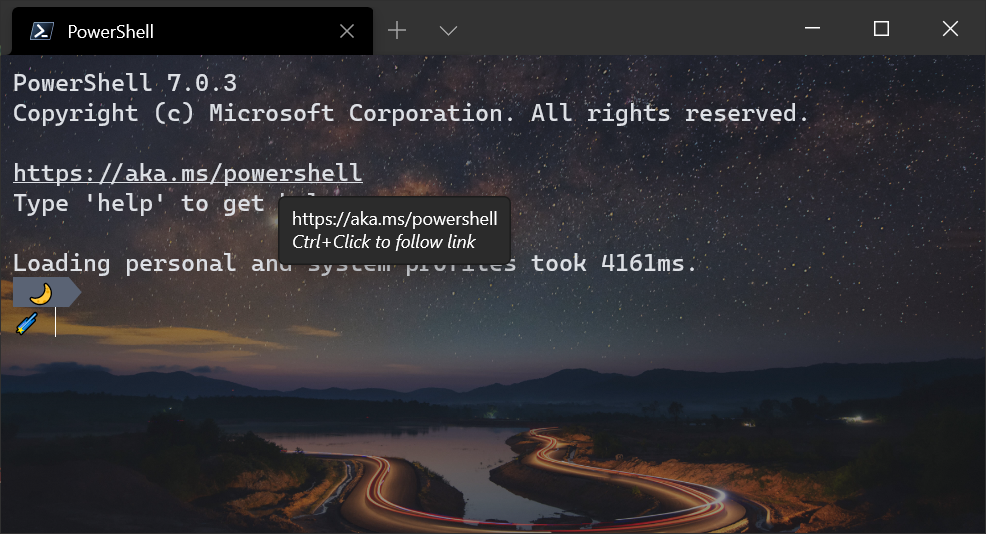
We're back with another Windows Terminal release! Windows Terminal has moved to version 1.4 and includes the features described in the 1.4 release blog post. Windows Terminal Preview has moved to version 1.5 and includes the features described below. You can download both versions from the Microsoft Store or from the GitHub releases page. Let's dive into what's new! Full hyperlink support We have improved the hyperlink functionality to automatically detect links inside your terminal. These links are clickable and will open in your default browser using Ctrl+Click. Audible bell 🔔 Windows Terminal now support...
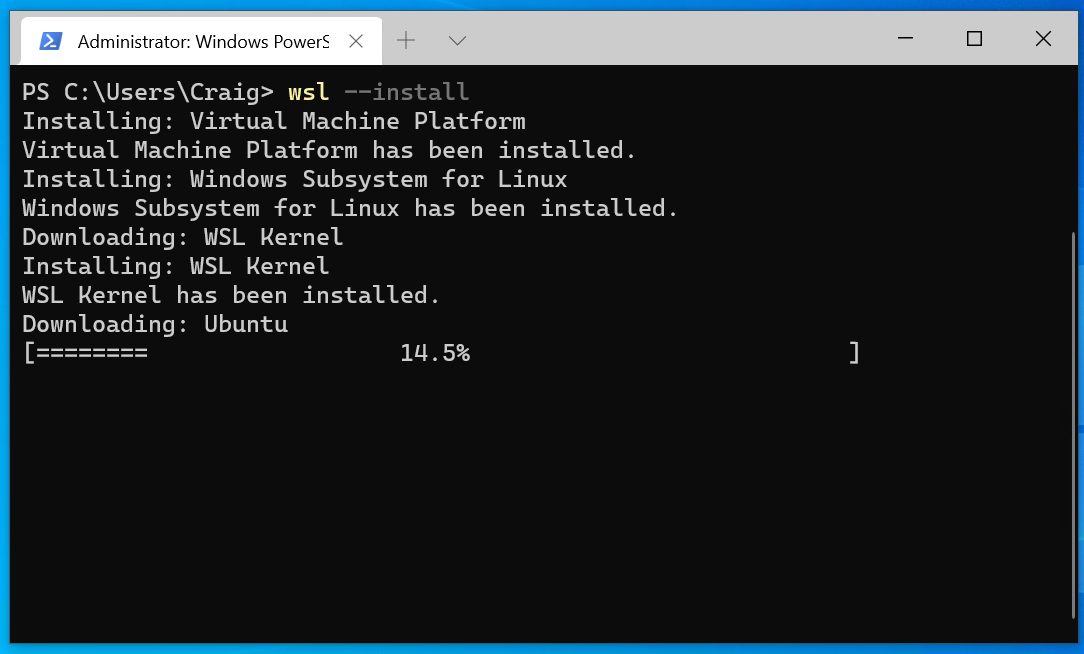
Distro installation added to WSL –install in Windows 10 insiders preview build 20246
We've added automatic distro installation to in Windows 10 insiders preview build 20246! This means that installing WSL is now easier than ever, as now when you run all the necessary components that you need for WSL will be automatically enabled, including your specific Linux distro of choice. How to use this new feature We announced that our goal with this feature is to make installing WSL as easily as possible back in BUILD 2020. With automatic distro installation, you can now have a full WSL install on your machine in a matter of minutes just by running one command: . We've also added some additional fe...
Windows Terminal Tips and Tricks
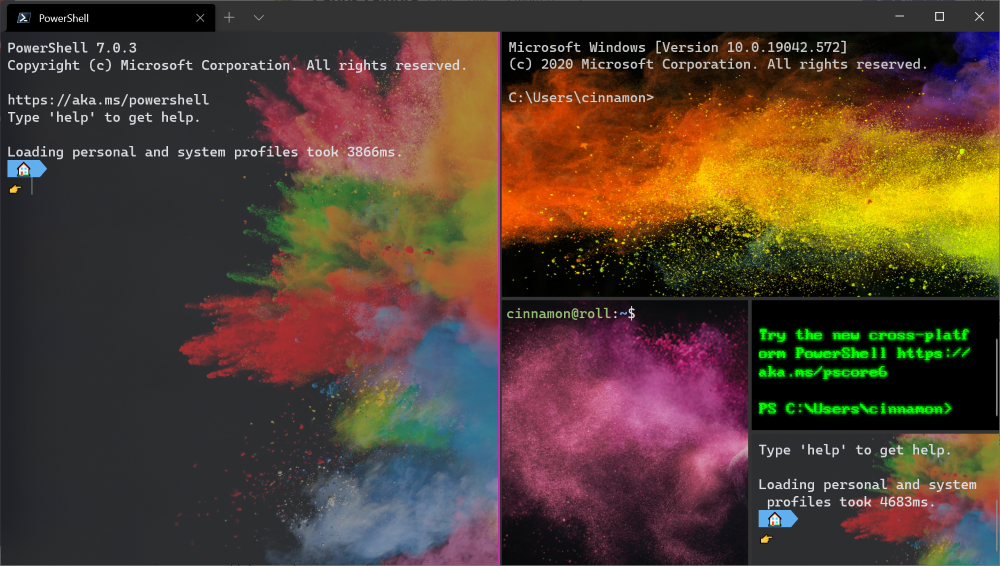
Windows Terminal comes with a lot of features that allow you to customize it and interact with it in a way that feels most comfortable to you. Let's run through some tips and tricks that could help you set up your terminal in a way that's perfect for you. At the time of this blog post, Windows Terminal is on version 1.3 and Windows Terminal Preview is on version 1.4. On first launch When you first install Windows Terminal, you will be greeted with a Windows PowerShell prompt. Windows Terminal ships with Windows PowerShell, Command Prompt, and Azure Cloud Shell profiles by default. In addition to these profiles...
What’s new in the Windows Subsystem for Linux – September 2020
This blog post highlights the WSL updates being made over the past few months, in addition to some sneak previews of our upcoming features and future plans. WSL 2 support is now available in Windows 10 version 1903 and 1909 We've heard feedback on how many users have enjoyed using WSL 2 and have made WSL 2 available to more Windows users with this backport. Customers running Windows 10 version 1903 and 1909 can now enjoy faster file system performance, 100% system call compatibility, and be able to use Docker Desktop with the WSL2-based engine. Read more about these updates, including how to ensure you...
Windows Terminal Preview 1.4 Release
Welcome to another release of Windows Terminal Preview and Windows Terminal! Windows Terminal Preview is now on version 1.4 and will have the new features listed below. Windows Terminal has moved to version 1.3 and will have all the features from our previous preview release. You can download both of these builds from the Microsoft Store as well as from the GitHub releases page. Let's check out what's new! Jump list You can now launch Windows Terminal Preview with a specific profile from the start menu or task bar! 👉 Note: Icons in settings.json must be written as Windows-style file paths in order for them...

Windows Package Manager Preview (v0.2.2521)
We have been humbled by all the positive support for the Windows Package Manager. You have taken us from zero to over one thousand packages in six months. This is an amazing start to the beginning of an open Windows catalog. Thank you! Our newest feature is support for installing Apps from the Microsoft Store. Yes, you read that correctly. Our goal is to make it easier to install software on Windows. We also recently released tab completion in PowerShell, and a feature toggle. As we work towards building our 1.0 version I wanted to share the next few features along the roadmap. Our immediate focus is on rounding...
Access Linux filesystems in Windows and WSL 2

Starting with Windows Insiders preview build 20211, WSL 2 will be offering a new feature: . This new parameter allows a physical disk to be attached and mounted inside WSL 2, which enables you to access filesystems that aren’t natively supported by Windows (such as ext4). So, if you’re dual booting with Windows & Linux using different disks, you can now access your Linux files from Windows! Getting started To mount a disk, open a PowerShell window with administrator privileges and run: To list the available disks in Windows, run: To unmount and detach the disk from WSL 2, run The disks paths are a...

Building Windows Terminal with WinUI
WinUI and Windows Terminal have a strong relationship that goes back to the origins of Windows Terminal. This blog post goes into the history and architecture of how these two technologies came together. History The history of WinUI and Windows Terminal goes back to December 2017. This was around the time the first prototyping of the application that would become Windows Terminal began. We, as the Windows Terminal team, had just started getting conpty into a place that was good enough to be useful as a translation layer between the console and a terminal application. We knew that we wanted to have conpty be abl...

Windows Terminal Preview 1.3 Release
We are back with another release for Windows Terminal and Windows Terminal Preview! This release adds all of the 1.2 features into Windows Terminal and introduces new features described below for Windows Terminal Preview 1.3. Both builds of Windows Terminal can be installed from the Microsoft Store or from the GitHub releases page. Let's check out what's new this month! Command palette The command palette is finally here! This new feature allows you to search through all of the commands available to you in Windows Terminal, similar to the one found in Visual Studio Code. You can invoke the command palette by ty...
WSL 2 Support is coming to Windows 10 Versions 1903 and 1909

Support for Windows Subsystem for Linux (WSL) 2 distros is being backported to Windows 10 version 1903, and 1909!
Windows Terminal Preview 1.2 Release
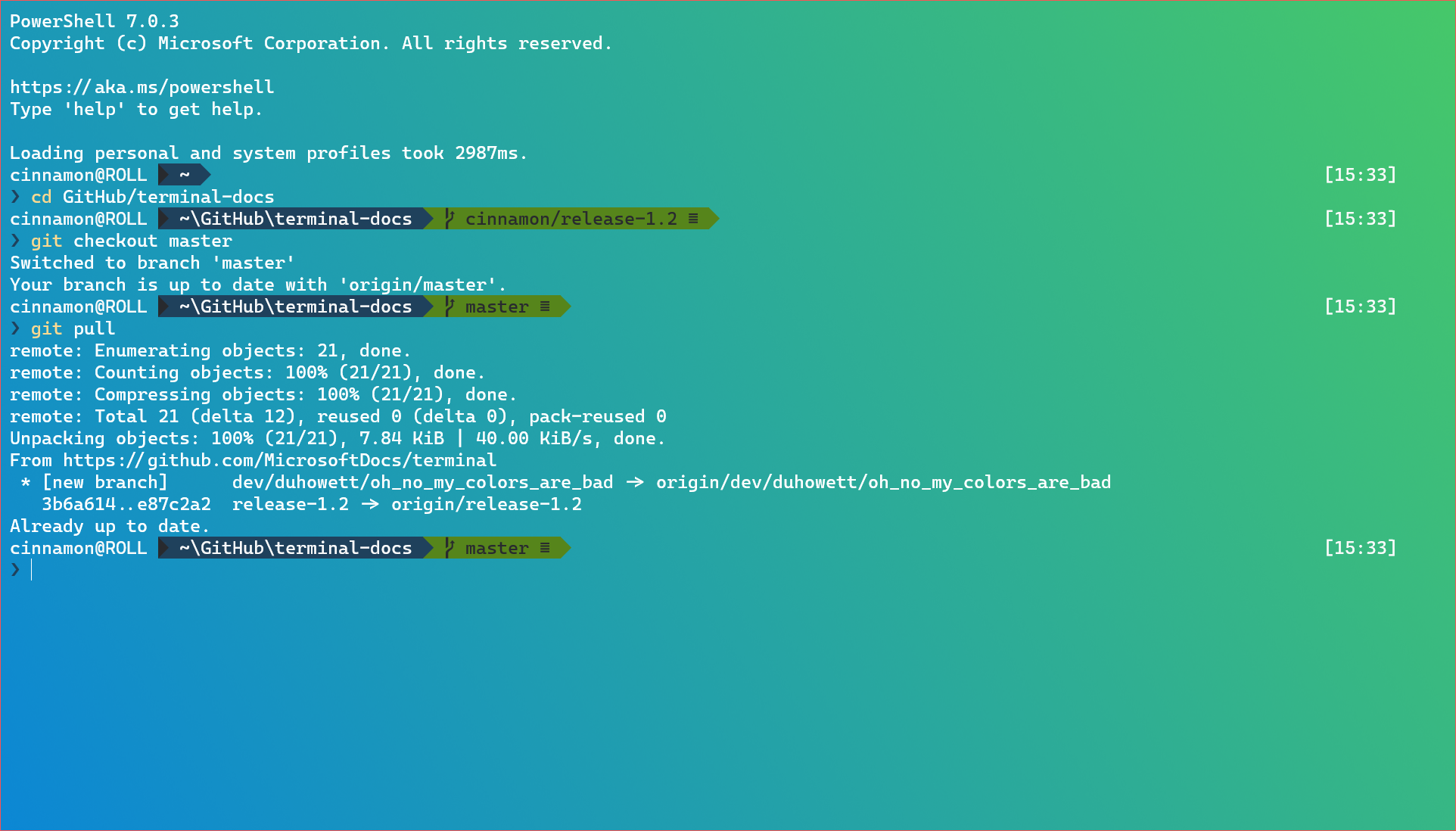
Welcome to another release of Windows Terminal! This release promotes the Windows Terminal Preview version 1.1 into Windows Terminal. Windows Terminal Preview has new features for version 1.2 which will appear in Windows Terminal in August. You can download Windows Terminal Preview and Windows Terminal from the Microsoft Store or from the GitHub releases page. Let's dive into what's new! Focus mode There is a new feature called focus mode that hides the tabs and title bar. This mode will only display the terminal content. To enable focus mode, you can add a key binding for in your settings.json file. This co...
Windows Package Manager Preview (v0.1.41821)
The first update to the Windows Package Manager has been released. If you are a Windows Insider or part of our Package Manager Insider program, you should already have the latest version. Launch the store and check for updates if you're an insider and you don't have it. If you prefer to just download the client, head on over to GitHub releases page and take it for a spin. You can also join the Windows Package Manager Insider Program if you'd like automatic updates from the store, and you want to run on the released version of Windows 10. What's New This version of the client will allow you to create and save ...
Windows Terminal Preview 1.1 Release
Welcome to the first update of Windows Terminal Preview! You can download Windows Terminal Preview from the Microsoft Store or from the GitHub releases page. The latest features in this release will move to Windows Terminal in July 2020. Let's check out what's new! Open in Windows Terminal You can now right click on a folder in File Explorer and select "Open in Windows Terminal". This will launch Windows Terminal with your default profile in the directory you had selected from File Explorer. 👉 Note: This will launch Windows Terminal Preview until this feature moves into Windows Terminal in July 2020. Additio...
GPU Compute, WSL Install and WSL Update arrive in the latest Insider build for the Windows Subsystem for Linux
There are three thrilling new updates for the Windows Subsystem for Linux (WSL) in the new Windows Insider Preview Build 20150. The first is GPU compute: a feature that allows your Linux binaries to leverage your GPU, which makes it possible to do more machine learning/AI development and data science workflows directly in WSL. Secondly, we’ve added a new command: which allows you to install WSL with just one command. Lastly, we’ve added which gives you the ability to easily manage the Linux kernel version used by WSL 2 distros. GPU compute support for the Windows Subsystem for Linux We’re excited to announce ...
winget install learning

Last week we announced a package manager preview for Windows. Our goal is to provide a great product to our customers and community where everyone can contribute and receive recognition. The last thing that we want to do is alienate anyone in the process. That is why we are building it on GitHub in the open where everyone can contribute. Over the past couple of days we've listened and learned from our community and clearly we did not live up to this goal. More specifically, we failed to live up to this with Keivan and AppGet. This was the last thing that we wanted. The desire to use GitHub as the basis for our p...
Microsoft Open-Sources GW-BASIC

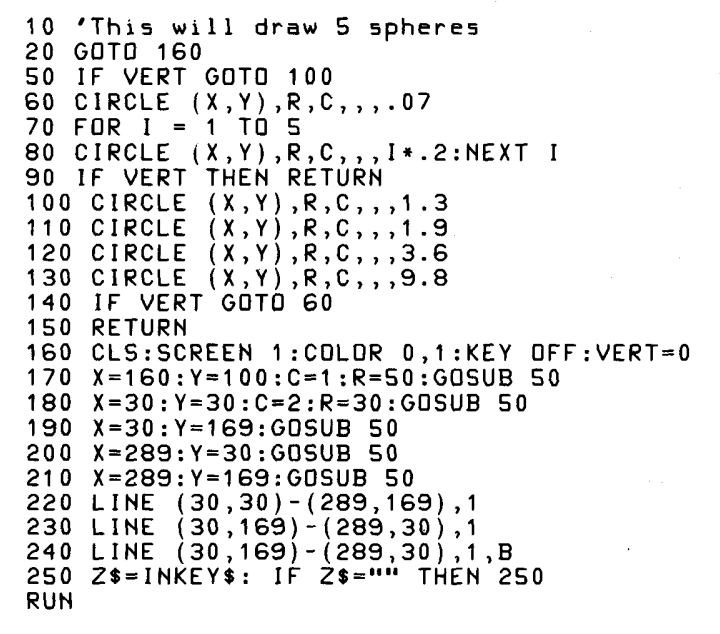
We are excited to announce the open-sourcing of Microsoft's GW-BASIC on GitHub!
Windows Terminal 1.0
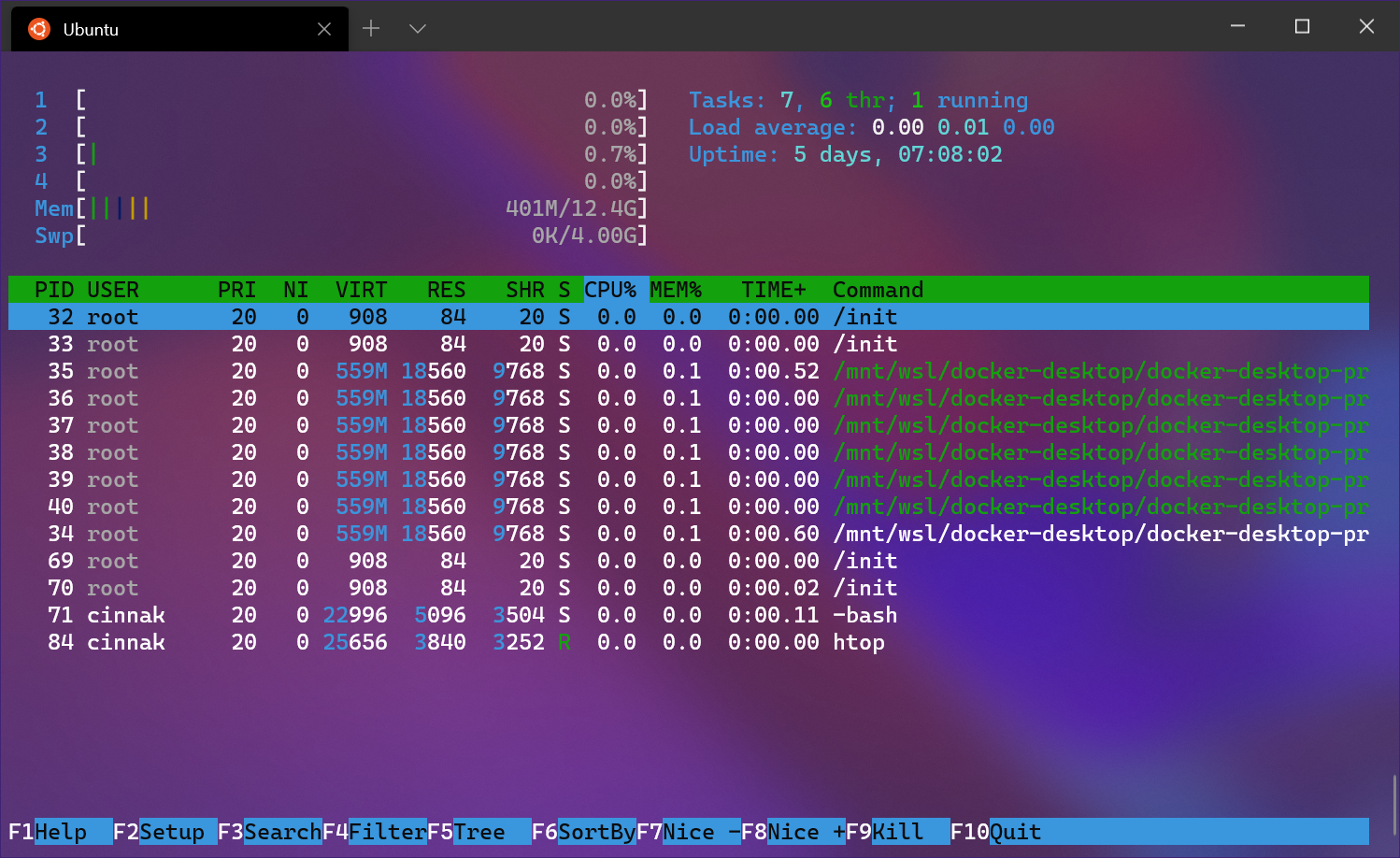
Last year at Build 2019, we first announced the Windows Terminal. Since then, we have been working with the community to create a wonderful terminal experience while still being a preview product. Here we are at Build 2020 and we are so excited to share with you our latest announcements! Build 2020 Windows Terminal 1.0 We are incredibly proud to announce the release of Windows Terminal 1.0! Windows Terminal has come a long way since its announcement at Microsoft Build 2019. You can download Windows Terminal from the Microsoft Store or from the GitHub releases page. Windows Terminal will have monthly updates, ...

The Windows Subsystem for Linux BUILD 2020 Summary
This year at an all virtual BUILD conference we had many exciting announcements for the Windows Subsystem for Linux (WSL)! This blog post gives you a summary of all the WSL news, including what’s available now and what you can expect in the future. WSL’s BUILD news at a glance Please read on below for the details for each item. Available this month Support for Windows Subsystem for Linux 2 (WSL 2) distros is coming this month in the Windows 10 May 2020 Update 4 years ago, at Build 2016, Microsoft surprised the world by announcing Windows Subsystem for Linux – WSL (also known at the time as “Ba...
Windows Package Manager Preview
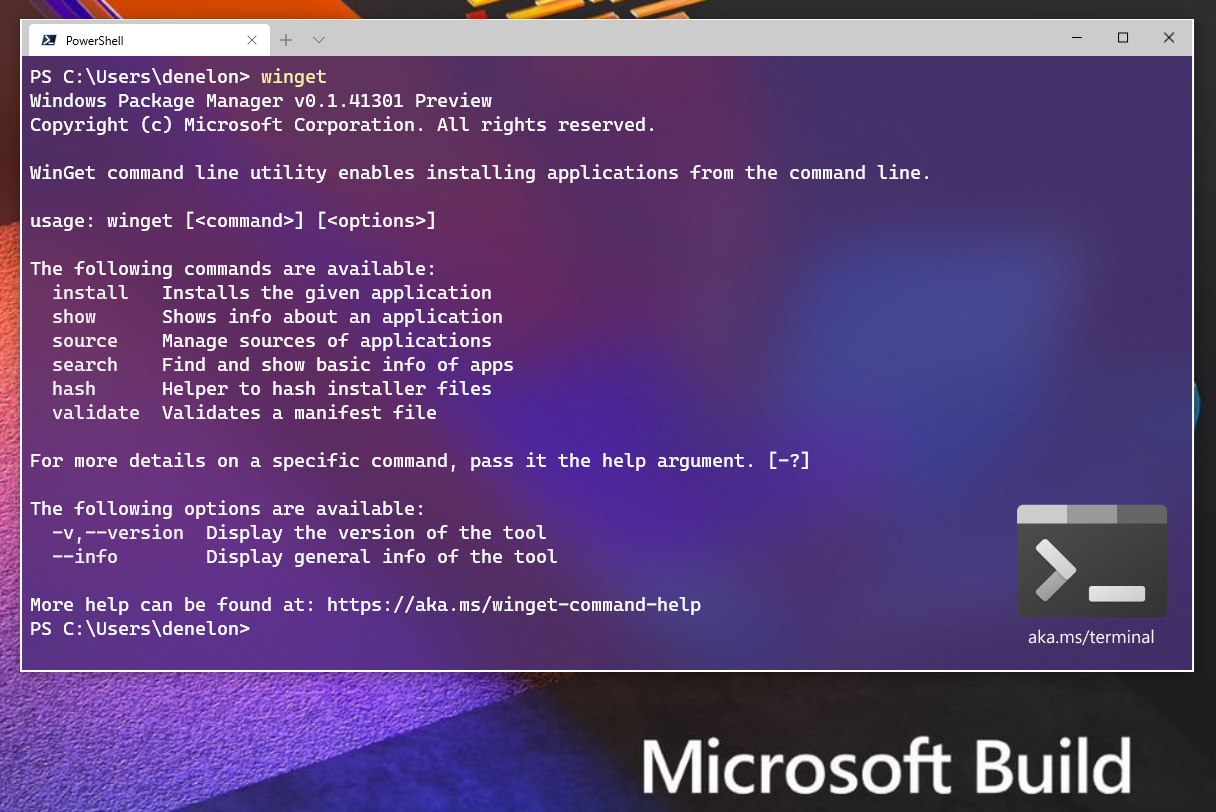
We are thrilled to announce the Windows Package Manager preview! If you’re already familiar with what a package manager is, feel free to skip this paragraph. If you’re still reading, you’re going to love this! A package manager is designed to help you save time and frustration. Essentially, it is a set of software tools that help you automate the process of getting software on your machine. You specify which apps you want installed, and it does the work of finding the latest version (or the exact one you specified) and installing it on your machine. Just about every developer has wanted a native package manager...
Windows Terminal Preview v0.11 Release
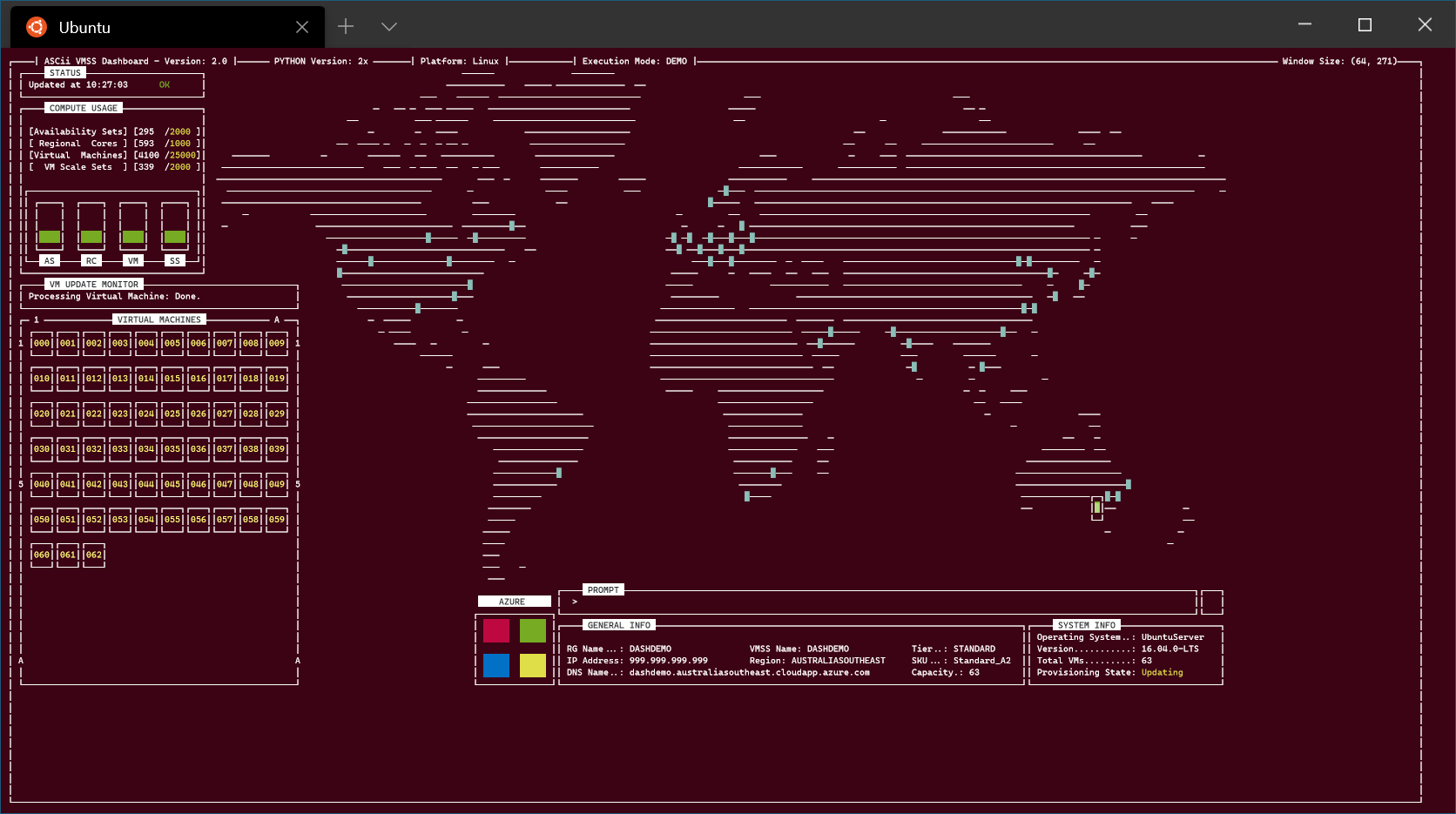
We are back with one last major update before the 1.0 release of Windows Terminal! Releases between now and then will be revisions of this version. This is the v0.11 release and you can download the Terminal from the Microsoft Store or from the GitHub releases page. Let's see what has changed with this update! Azure visualization - https://github.com/msleal/asciivmssdashboard Localization This is the first Windows Terminal version that has support for non-English UI languages. We are still working out the bugs with this, so please bear with us. 😊 If you find any translation issues, please file them on our Git...
Windows Terminal Preview v0.10 Release
Welcome to the v0.10 release of the Windows Terminal! As always, you can install the Windows Terminal from the Microsoft Store or download the package from the GitHub releases page. Let's dive into what's new! Mouse Input The Terminal now supports mouse input in Windows Subsystem for Linux (WSL) applications as well as Windows applications that use virtual terminal (VT) input. This means applications such as tmux and Midnight Commander will recognize when you click on items in the Terminal window! If an application is in mouse mode, you can hold down to make a selection instead of sending VT input. Settings...
WSL 2 will be generally available in Windows 10, version 2004
WSL 2 will soon be officially available as part of Windows 10, version 2004! As we get ready for general availability, we want to share one additional change: updating how the Linux kernel inside of WSL 2 is installed and serviced on your machine. We’ve heard lots of community feedback that the install experience could be streamlined, and we’re taking the first step towards this by improving the servicing model of the Linux kernel. We’ve removed the Linux kernel from the Windows OS image and instead will be delivering it to your machine via Windows Update, the same way that 3rd party drivers (like graphics, or to...
Windows Terminal Preview v0.9 Release
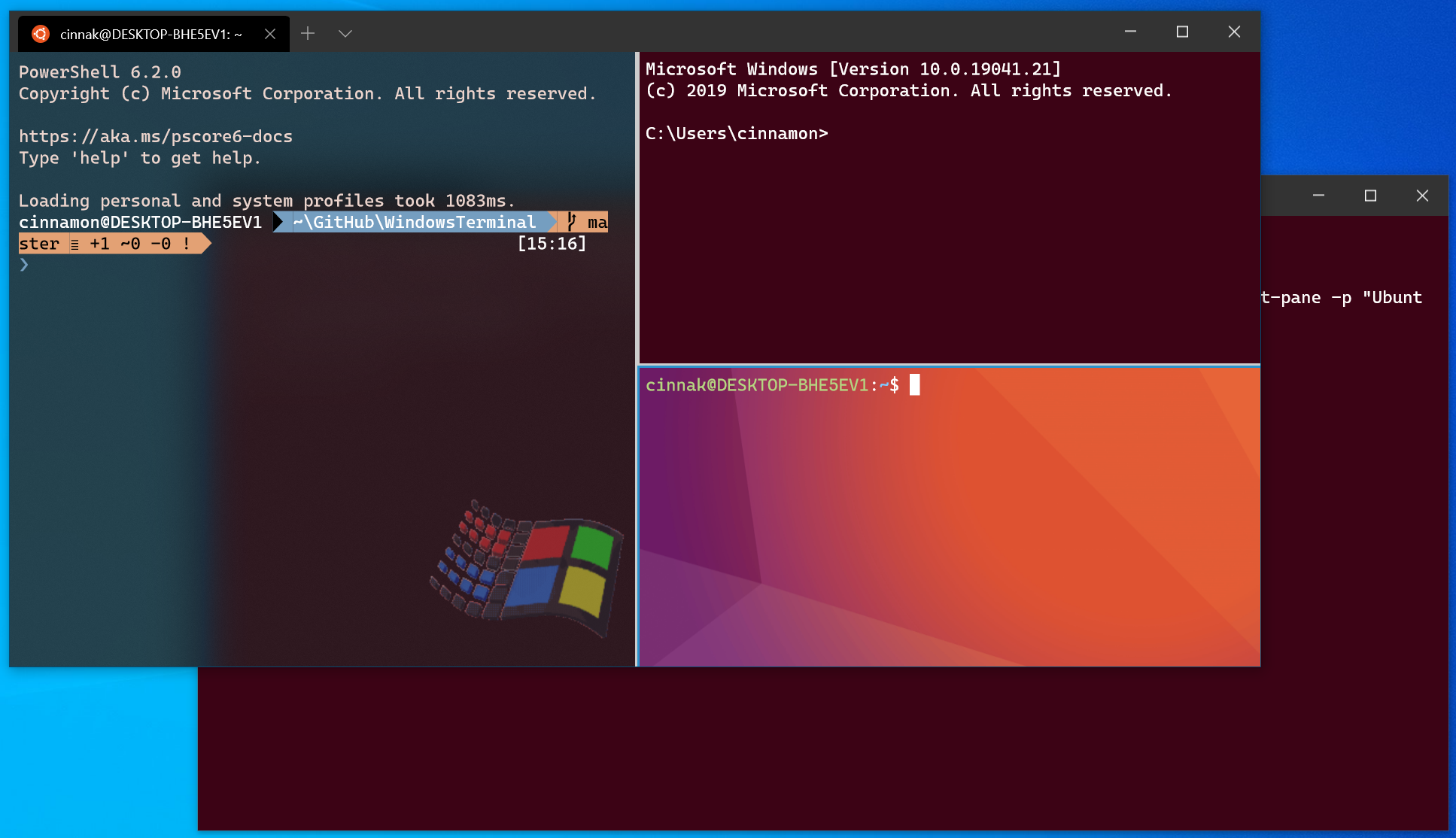
The v0.9 release of the Windows Terminal has arrived! This is the last version of the Terminal that will include new features before the v1 release. You can download the Windows Terminal from the Microsoft Store or from the GitHub releases page. Let's dive into what's new! Command Line Arguments The execution alias now supports command line arguments! You can now launch Terminal with new tabs and panes split just how you like, with the profiles you like, starting in the directories you like! The possibilities are endless! Here are some examples: Opens the Terminal with the default profile in the current worki...
Windows Terminal Preview v0.8 Release
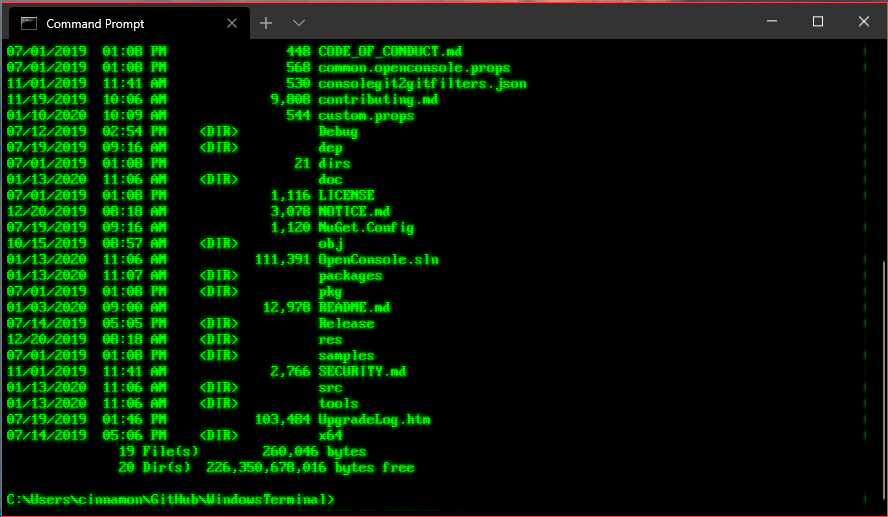
The release of the Windows Terminal preview v0.8 has arrived! You can download the Terminal from the Microsoft Store or from the GitHub releases page. Let's jump into what's new! Search Search functionality has been added to the Terminal! The default key binding to invoke the search dropdown is . Feel free to customize this key binding in your profiles.json if you prefer different key presses! The dropdown allows you to search up and down through the buffer as well as with letter case matching. Retro Terminal Effects (Experimental) Do you miss the days of scanlines and glowing text? Well this is the Termina...

Happy Holidays from the Windows Terminal Team!
What a crazy year 2019 has been for the Windows command line! Let's take a look at everything that has happened and where we're going from here. Announcement at Microsoft Build On May 6th of this year, the Windows Terminal was announced at the Microsoft Build conference in Seattle, WA. Here's all of the content that came with our announcement: 🌟 Introducing Windows Terminal 🌟 The new Windows Terminal 🌟 Windows Terminal: Building a better command line experience for developers - BRK3069 The same day as the announcement, the code for the Terminal and the Windows console host were both open sourced on Gi...
Windows Terminal Preview v0.7 Release
Another release is out for the Windows Terminal preview! This release is labeled as v0.7 in the About section of the Terminal. As always, you can download the Terminal from the Microsoft Store and from the GitHub releases page. Here's what's new in this release: Windows Terminal Updates Panes You are now able to split your Terminal window into multiple panes! This allows you to have multiple command prompts open at the same time within the same tab. 👉 Note: At the moment, you're only able to open your default profile within a new pane. Opening a profile of your choice is an option we're planning to include in...
Memory Reclaim in the Windows Subsystem for Linux 2
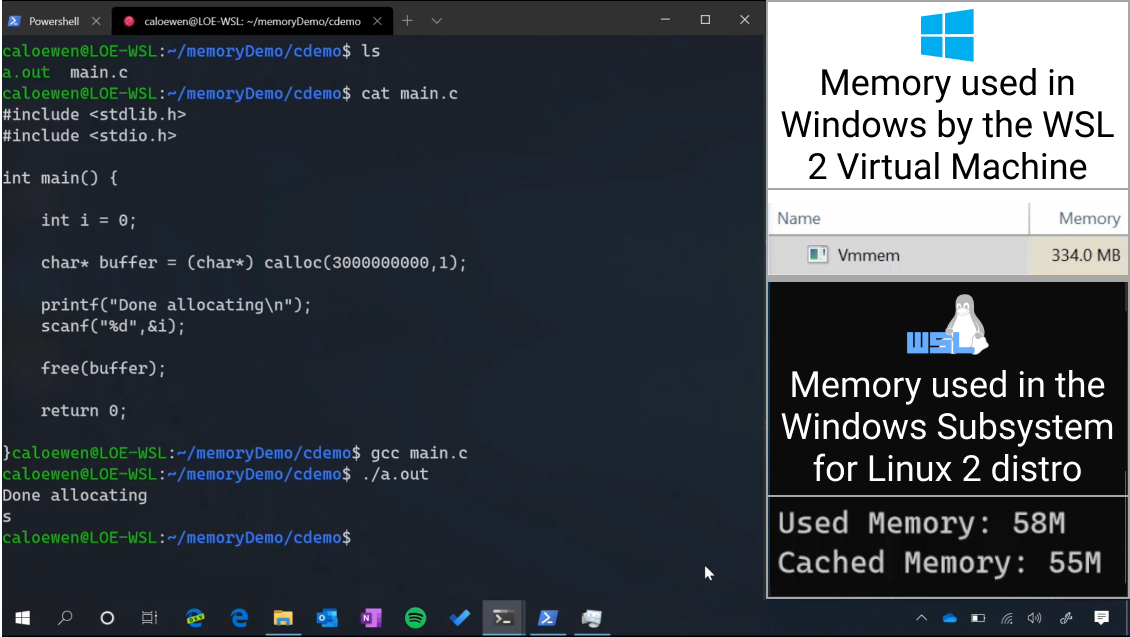
We’ve added a new Windows Subsystem for Linux (WSL) feature in Windows Insider Preview Build 19013: Memory Reclamation for WSL 2! Previously, when the memory needs of the WSL2 Virtual Machine (VM) would grow, either from your workflow or by the Linux kernel, the overall memory allocated to the VM would also grow by allocating more memory from the host. But, once the workflow is done, that memory which is no longer needed by the workflow would not get released back to the host. Now with memory reclamation in WSL 2, when the memory in Linux is no longer needed it can be reported back to the host where it will be fr...
Windows Terminal Preview 1910 Release
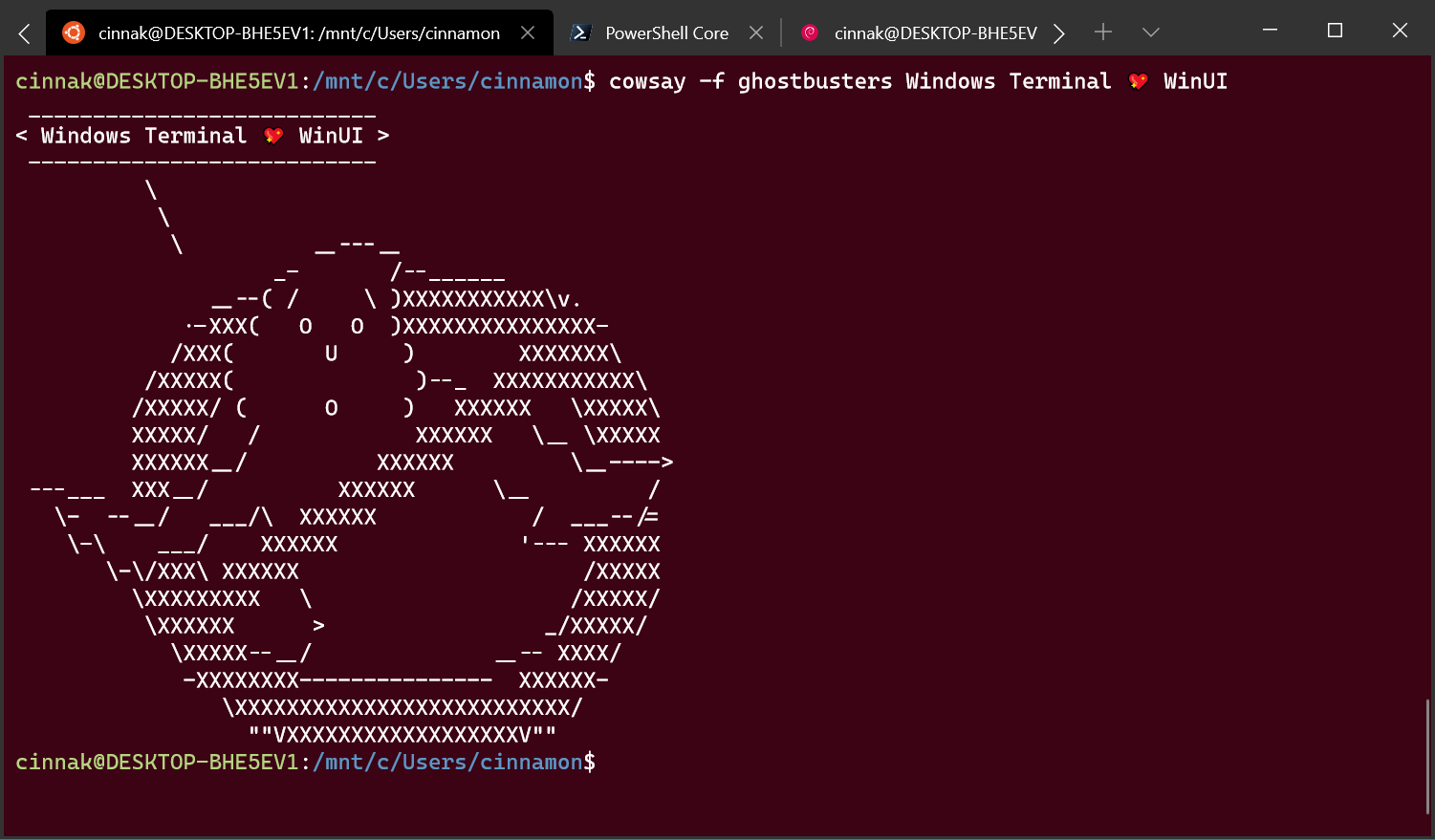
Another update to the Windows Terminal has just been released! As always, you can download the Terminal from the Microsoft Store, the Microsoft Store for Business, and GitHub. 👉 Note: In the About popup within the Terminal, this version will appear as v0.6. Updated UI The Terminal now has even better tabs! The WinUI TabView used in the Terminal has been updated to version 2.2. This version has better color contrast, rounded corners on the dropdown, and tab separators. Also, when too many tabs fill the screen, you can now scroll through them with buttons! Dynamic Profiles Windows Terminal now automatically ...
Sharing SSH keys between Windows and WSL 2

I recently wrote an article for Smashing Magazine that covers how I set up my personal development environment to use the Windows Subsystem for Linux version 2 (WSL 2). One of the things that I cover in that article is how to get SSH setup in WSL with Github. I mention in that section that you can share SSH keys between Windows and WSL, but I never showed exactly how to do it. There’s a good reason for that. I couldn’t figure it out. An SSH key is specific to a machine. Your machine. The problem is that the Linux distro you install in WSL see’s itself as it’s own operating system, and it wants its own set of SS...
Cascadia Code 1910.04
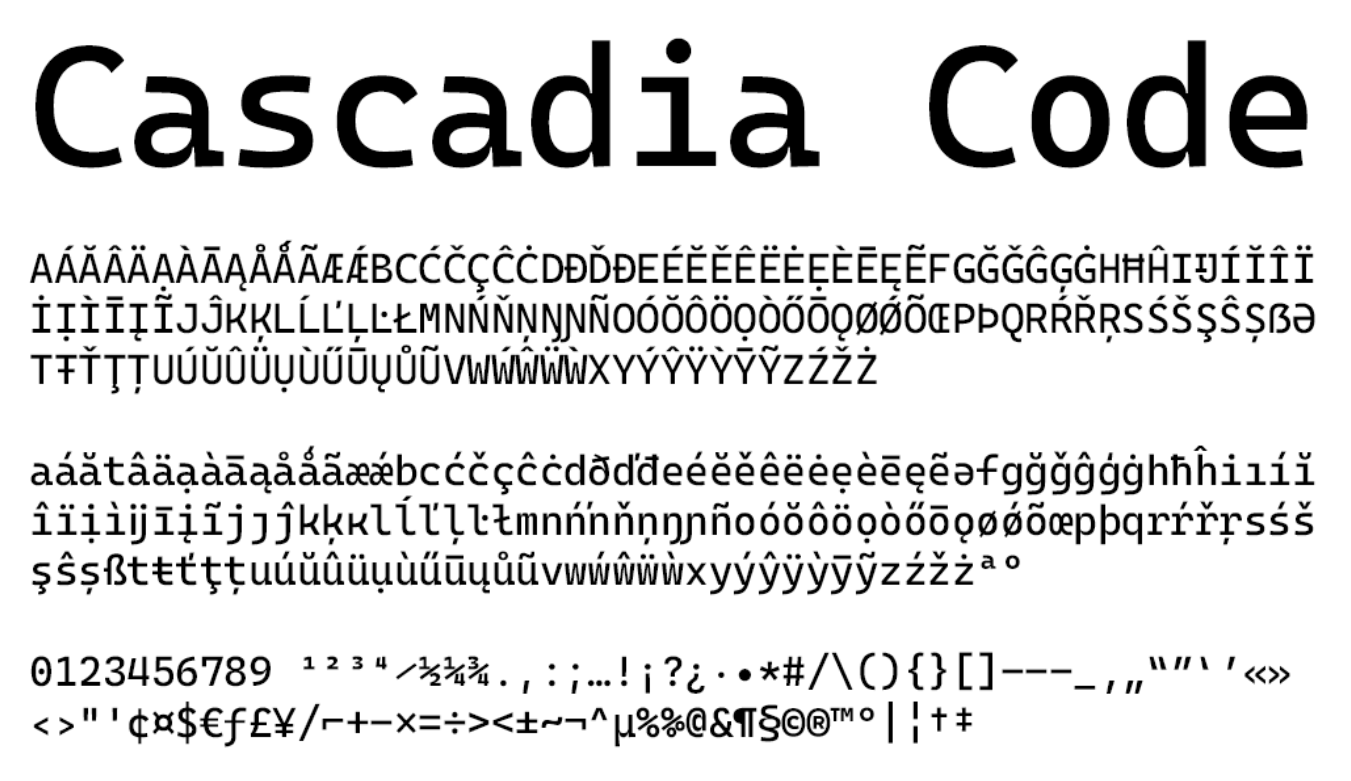
Cascadia Code has received a major update with some new characters! You can download the latest version of the font from the GitHub releases page and it is also shipped in the latest update of the Windows Terminal. 👉 Note: The Terminal will use its shipped version over the separately installed version from GitHub, however it will use font fallback when needed. This means you will still receive the new characters and glyphs in the Terminal, but any changes to the original character set will not be reflected until your Terminal receives the update. Latin Characters Cascadia Code now includes Latin-1 characters! ...
Integrate Linux Commands into Windows with PowerShell and the Windows Subsystem for Linux

A common question Windows developers have is “why doesn’t Windows have yet?”. Whether longing for a powerful pager like or wanting to use familiar commands like or , Windows developers desire easy access to these commands as part of their core workflow. The Windows Subsystem for Linux (WSL) was a huge step forward here, enabling developers to call through to Linux commands from Windows by proxying them through (e.g. ). While a significant improvement, the experience is lacking in several ways: The result of these shortcomings is that Linux commands feel like second-class citizens to Windows and ar...
Windows Terminal Preview 1909
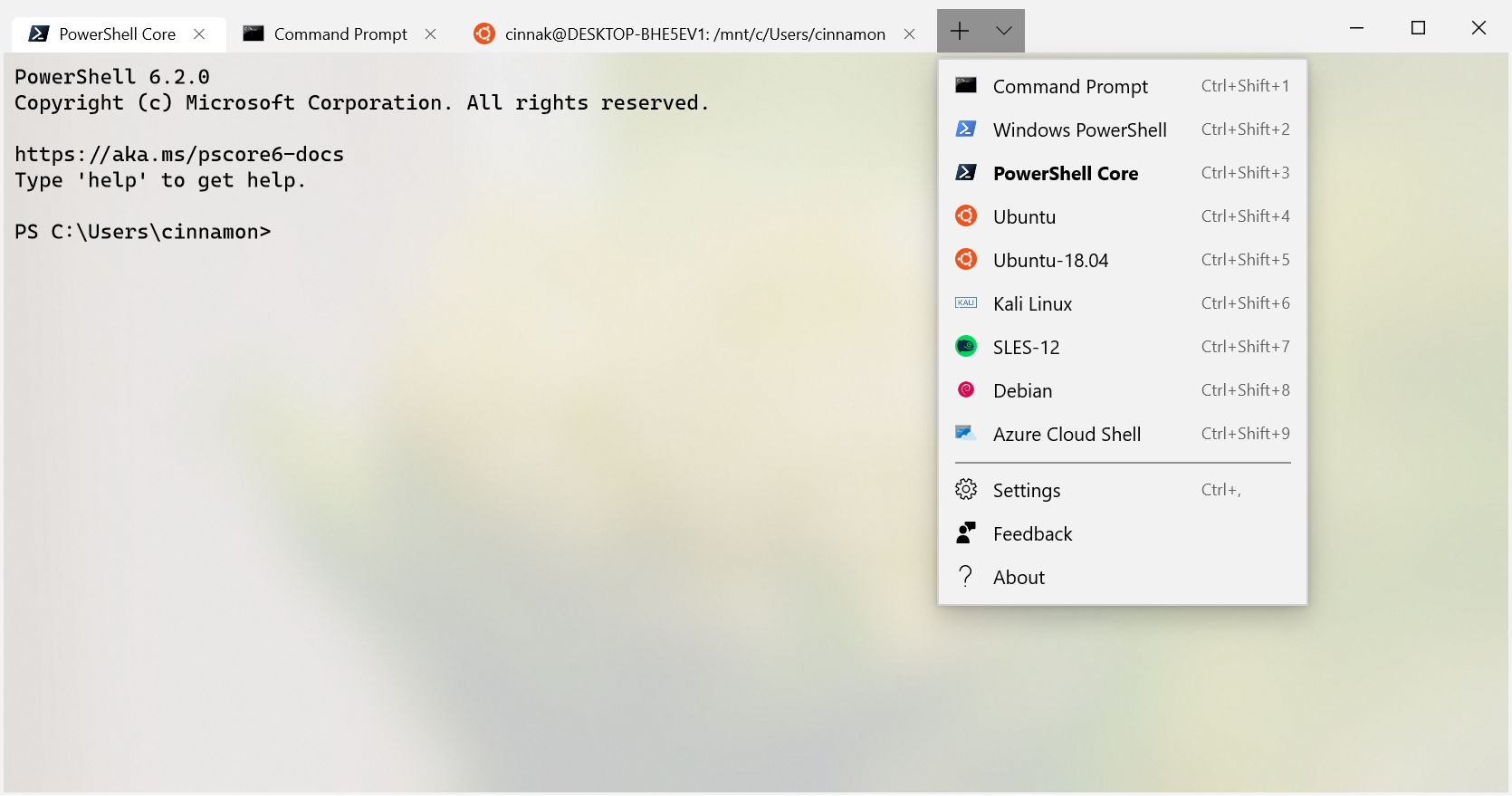
Welcome back to another release of the Windows Terminal! We have switched to the Windows version syntax, so this is the September 2019 release (1909). As always, you can download the latest release of the Terminal from the Microsoft Store or from the GitHub releases page. Cascadia Code Cascadia Code is finally here! Cascadia Code is the new monospaced font developed alongside the Terminal. Cascadia Code version 1909.16 is packaged inside this version of the Terminal and will automatically install on download. You can also download it from its GitHub releases page. Cascadia Code is open source and we are welcomi...
Cascadia Code
Cascadia Code is finally here! You can install it directly from the GitHub repository's releases page or automatically receive it in the next update of Windows Terminal. Wait, what's Cascadia Code? Cascadia Code was announced this past May at Microsoft's Build event. It is the latest monospaced font shipped from Microsoft and provides a fresh experience for command line experiences and code editors. Cascadia Code was developed hand-in-hand with the new Windows Terminal application. This font is most recommended to be used with terminal applications and text editors such as Visual Studio and Visual Studio Code. ...
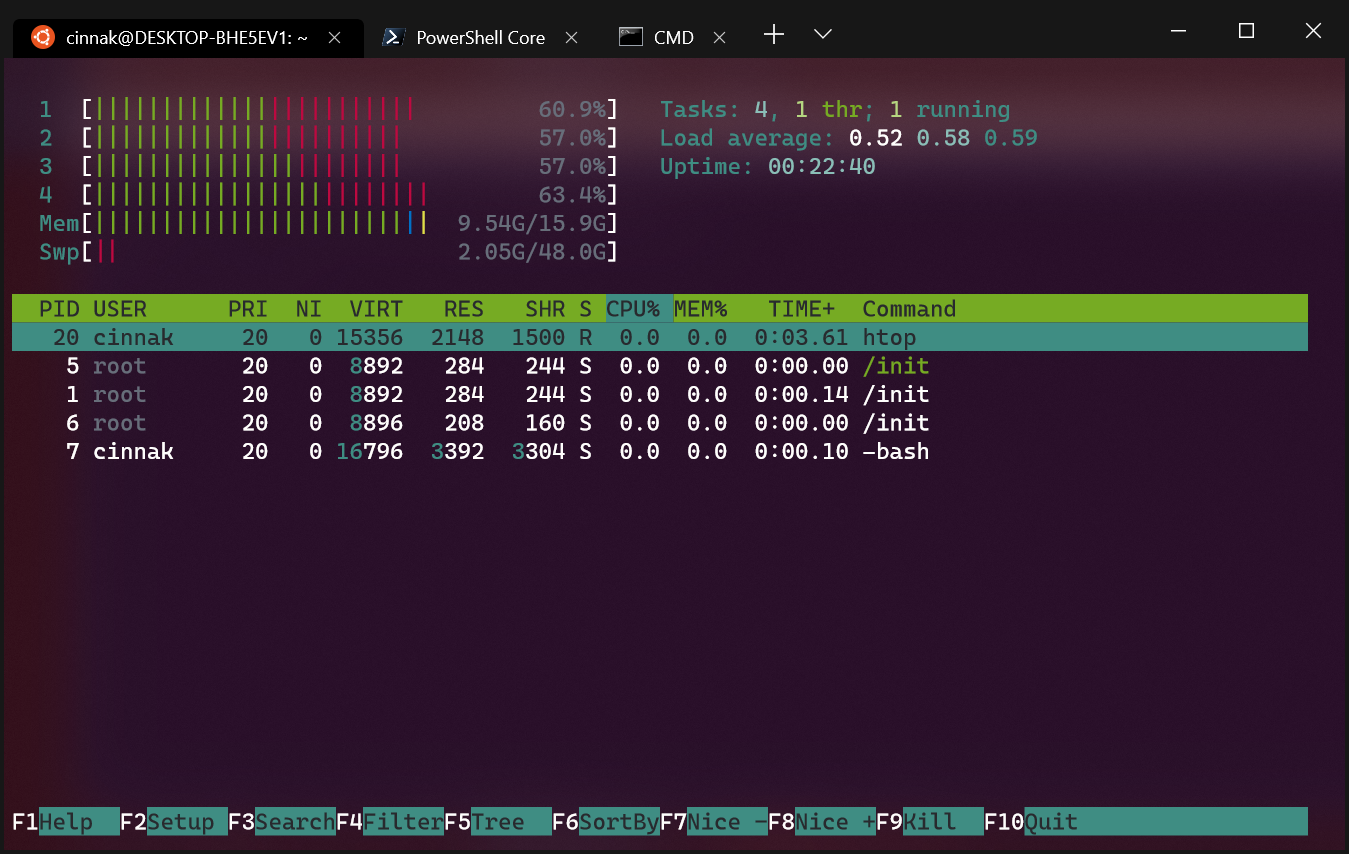
Windows Terminal Preview v0.4 Release
The time has come for another update to the Windows Terminal! Windows Terminal Preview v0.4 is now available in the Microsoft Store and on GitHub! And for those interested in more detail, please review the Terminal v0.4 release notes. Settings Updates Profiles.json is Now in LocalState The file has been moved from the folder to the folder. This change prevents settings from automatically roaming across your devices, fixing issues such as having a font referenced on one machine that didn't exist on the other, which would cause the Terminal to crash due to the unidentified font. Tab Title Customizations ...
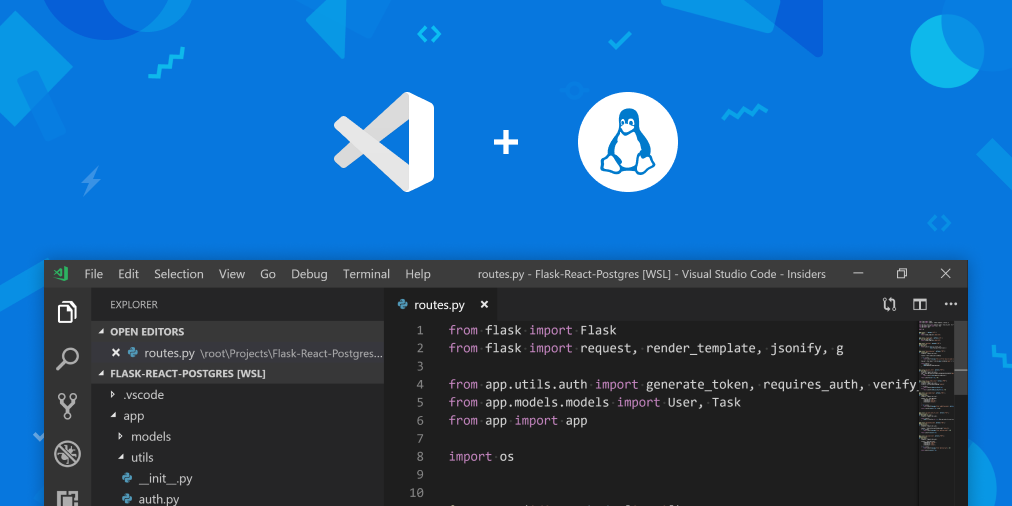
Tips and Tricks for Linux development with WSL and Visual Studio Code
In an earlier blog post, An In Depth Tutorial on Linux development on Windows with WSL and Visual Studio Code, we showed you how to set up Windows Subsystem for Linux (WSL) and Visual Studio Code for Linux development. In this post, we'll go into more detail and provide tips and tricks to further enhance Linux development on Windows. Remote - WSL extension The features described below are provided by the VS Code Remote – WSL extension. If you don't have the extension already installed, open the Extensions view in VS Code (Ctrl+Shift+X) and search for "wsl". Choose the Remote – WSL extension as seen below (it sh...
Windows Terminal Preview v0.3 Release
Windows Terminal Preview v0.3 has been published to the Microsoft Store! If you have previously installed the Terminal from the Store, you will receive this update automatically. If you've not yet installed Terminal from the Microsoft Store, now would be a great time because it contains some MAJOR improvements and updates! ⭐ If you are unable to access the Microsoft Store, you can also download the Terminal from GitHub on our Releases page! Installations from GitHub will have to be manually updated each time a new release is published. Updated UI Draggable Title Bar! The Terminal is now DRAGGABLE FROM ANYWHE...

The Azure Cloud Shell Connector in Windows Terminal

The Windows Terminal can now connect you to the Azure Cloud Shell! We have a new default profile - the Azure Cloud Shell, which will allow you to access your Azure directories/tenants through the Windows Terminal app itself. If you already have Windows Terminal installed Your settings will not automatically update with the new default profile (since the file does not regenerate every time you open up Windows Terminal), so here's how you can manually add it in. Once you've done this, you will see a new tab option for the Azure Cloud Shell. How to use the connector Here's what the full logi...
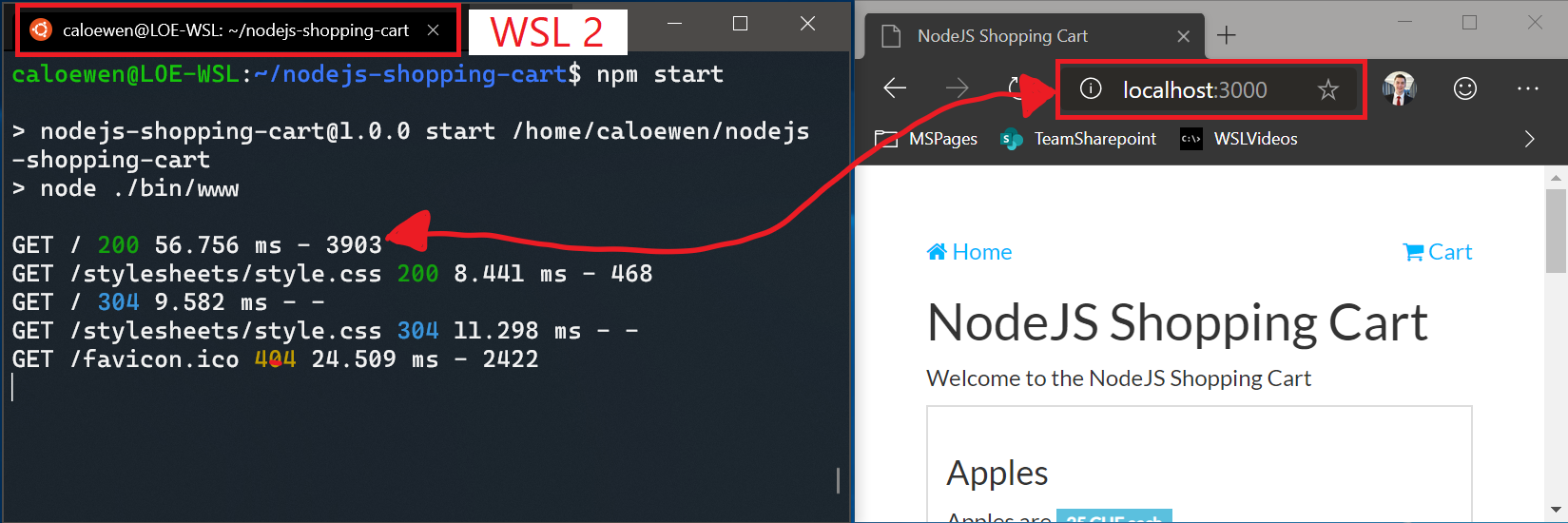
What’s new for WSL in Insiders Preview Build 18945
A new Windows insiders build has just released, and it contains some hot off the press features for the Windows Subsystem for Linux (WSL)! We’ve added the ability to access Linux networking applications in a WSL 2 distro from Windows with , as well as global configuration options that will give you greater control over your Linux distros, such as specifying a custom kernel for the WSL 2 Virtual Machine (VM). You can find the full release notes for the WSL updates in this build here and you can view all of the updates in this build here. Use to connect to your Linux applications from Windows In the first releas...
An In Depth Tutorial on Linux Development on Windows with WSL and Visual Studio Code
In an earlier blog post, Take your Linux development experience in Windows to the next level with the Windows Subsystem for Linux (WSL) and Visual Studio Code Remote, we introduced an overview of the VS Code Remote - WSL extension, which simplifies Linux development on Windows Subsystem on Linux (WSL). Put on your SCUBA gear, because in this follow up we'll give you a deep dive tutorial on how to setup WSL and VS Code for Python development by creating a Python "Hello World" application. Windows: A great platform for building Linux Apps Windows is the most popular operating system in the world, with almost 50% ...
Take your Linux development experience in Windows to the next level with WSL and Visual Studio Code Remote
Using VS Code Remote and the Windows Subsystem for Linux (WSL) gives you a fully featured Linux development environment on a Windows laptop or desktop. Let’s look at how using these tools will completely change how you develop with Linux tools in Windows. First things first: Installing what you need You will need WSL and VS Code with the VS Code Remote - WSL extension installed to complete the content in this blog post. We’ll quickly go over what both of those are, and how to install them. The Windows Subsystem for Linux Commonly abbreviated down to WSL, this tool lets you run unmodified Linux binaries dire...
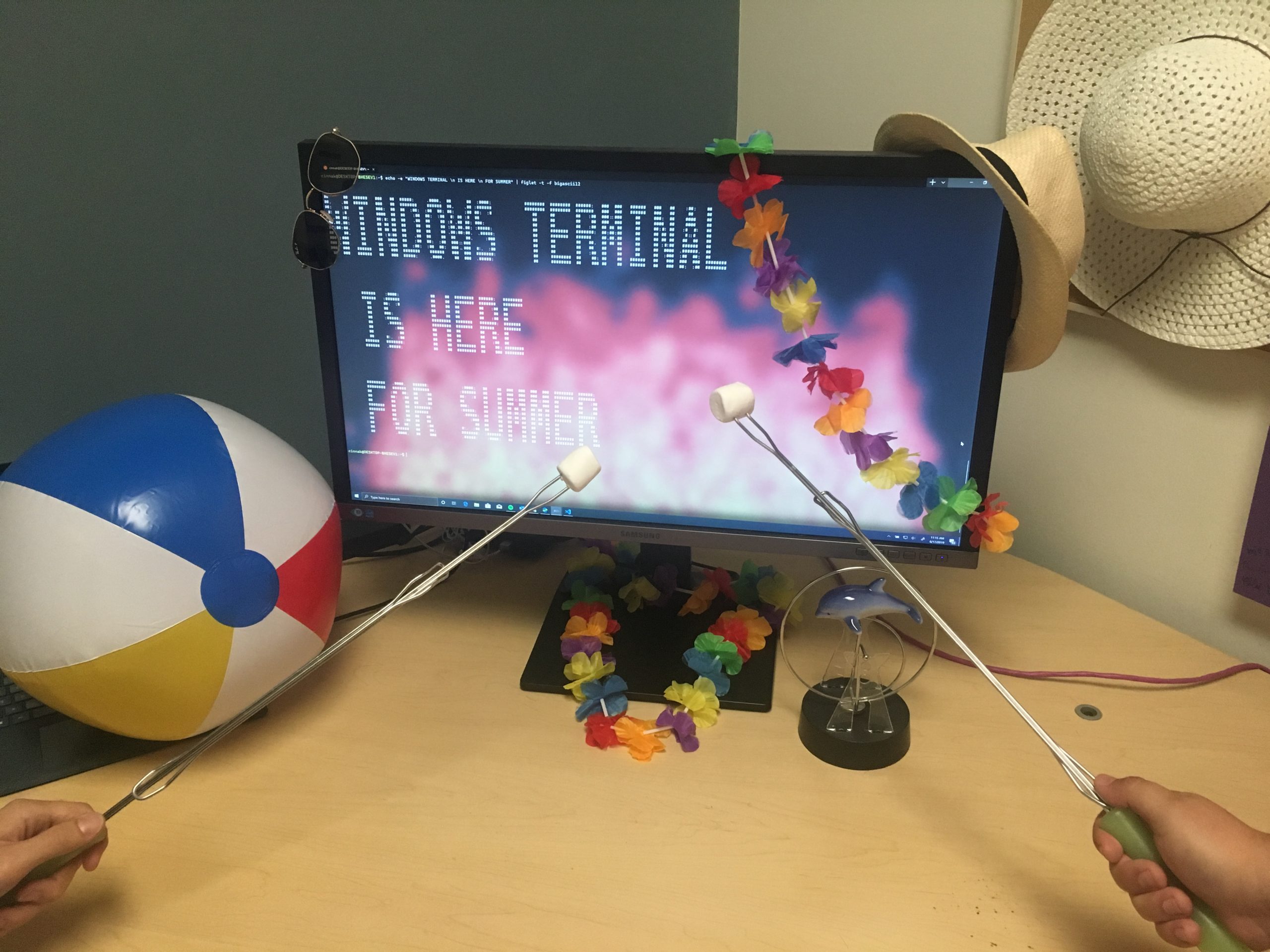
Windows Terminal Microsoft Store Preview Release
The Windows Terminal preview is now in the Microsoft Store! The Windows Terminal is the new, powerful, open source terminal application that was announced at Build 2019. Its main features include multiple tabs, Unicode and UTF-8 character support, a GPU accelerated text rendering engine, and custom themes, styles, and configurations. https://www.youtube.com/watch?v=8gw0rXPMMPE You can now download the preview version of the Windows Terminal from the Microsoft Store if you have Windows 10 version 18362.0 or higher. Please keep in mind that this is an early preview and will be regularly updated with feature i...
WSL 2 is now available in Windows Insiders
We’re excited to announce starting today you can try the Windows Subsystem for Linux 2 by installing Windows build 18917 in the Insider Fast ring! In this blog post we’ll cover how to get started, the new wsl.exe commands, and some important tips. Full documentation about WSL 2 is available on our docs page. Getting Started with WSL 2 We can’t wait to see how you start using WSL 2. Our goal is to make WSL 2 feel the same as WSL 1, and we look forward to hearing your feedback on how we can improve. The Installing WSL 2 docs explains how to get up and running with WSL 2. There are some user experience changes th...
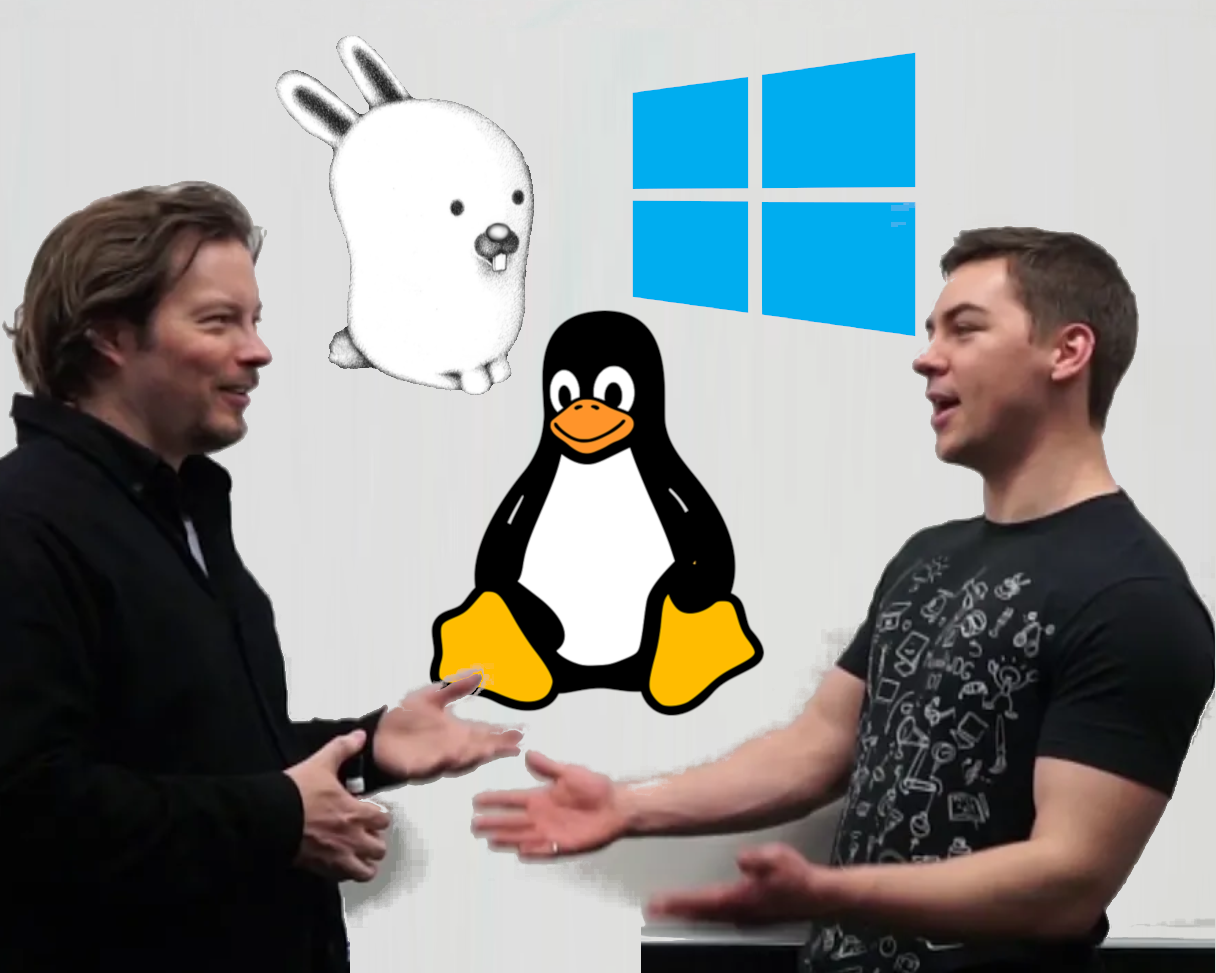
A Deep Dive Into How WSL Allows Windows to Access Linux Files
Three months ago, we announced that the Windows Subsystem for Linux will be able to access Linux files from Windows in the blog post: What’s new for WSL in Windows 10 version 1903, and in today’s post we will be showing you how we made these changes possible. Let's jump in! We’re continuing our whiteboard series of deep dives (you can find the full list here) with a new video where Sven Groot and Craig Loewen explain the full architecture behind this new feature. You can expect to learn about how WSL currently accesses Linux files, how we’ve added a 9P file server into the init process of each Linux distro, and...
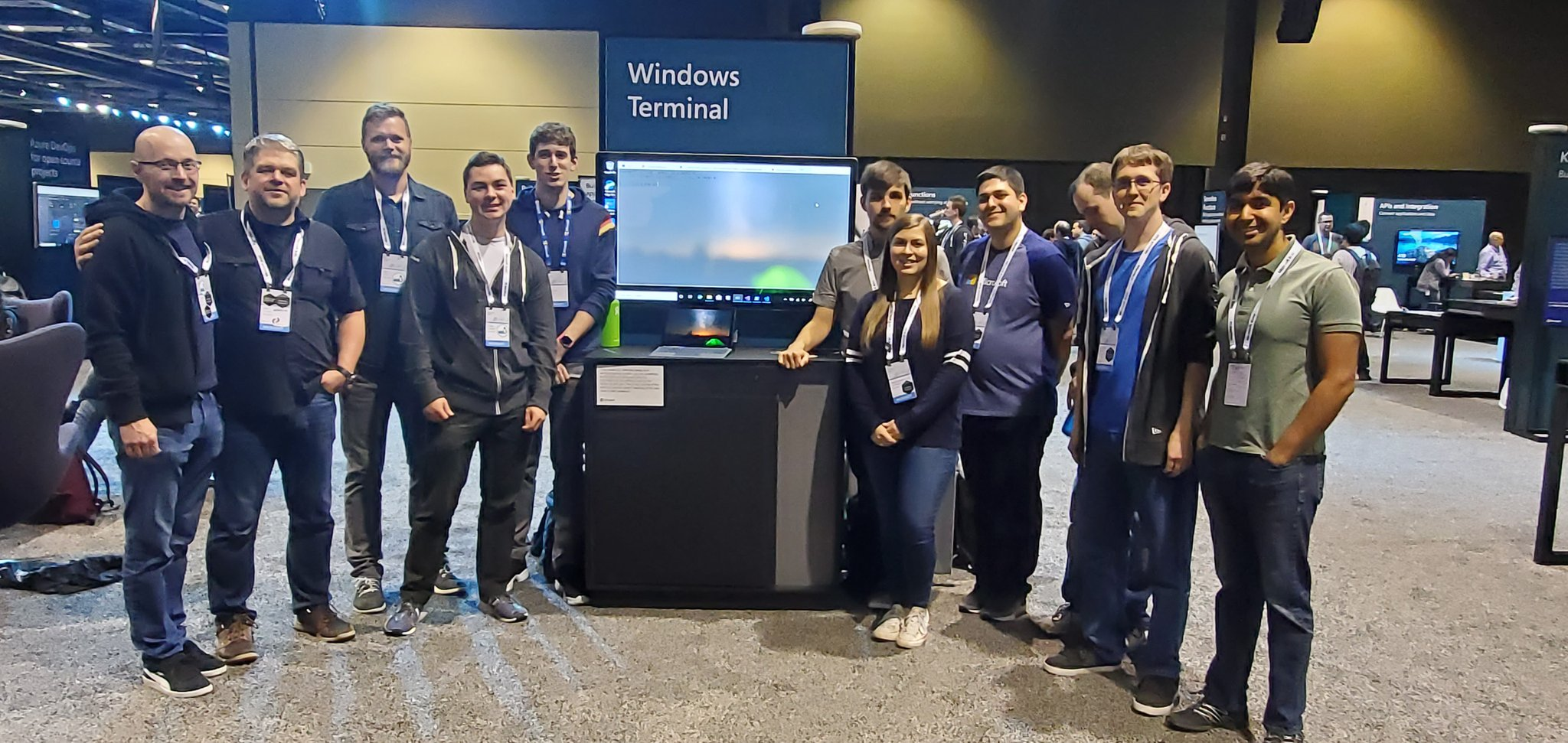
Windows Terminal Build 2019 FAQ
Last week, Microsoft held its Build 2019 conference at the Washington State Convention Center in Seattle. Build is a large event with several thousand people from around the world attending to learn all about the current, newest, and future developer-oriented tech coming from Microsoft. We had the pleasure of meeting so many of you at our booth and answering all your questions! Frequently Asked Questions Below are some of the most frequent questions we have heard (and are still hearing), along with official responses: When and where can I get the new Terminal? Is Windows Terminal replacing Command Pr...

WSL 2 Post BUILD FAQ
After announcing WSL 2 last week, we have had an amazing response from the community and received many great questions about the details surrounding this new architecture. We love answering your questions and want to make sure these answers reach as many WSL users as possible. In this Q&A styled post we’ve gathered some of the most frequently asked questions, and our responses. Does WSL 2 use Hyper-V? Will it be available on Windows 10 Home? WSL 2 will be available on all SKUs where WSL is currently available, including Windows 10 Home. The newest version of WSL uses Hyper-V architecture to enable its virt...
Introducing Windows Terminal
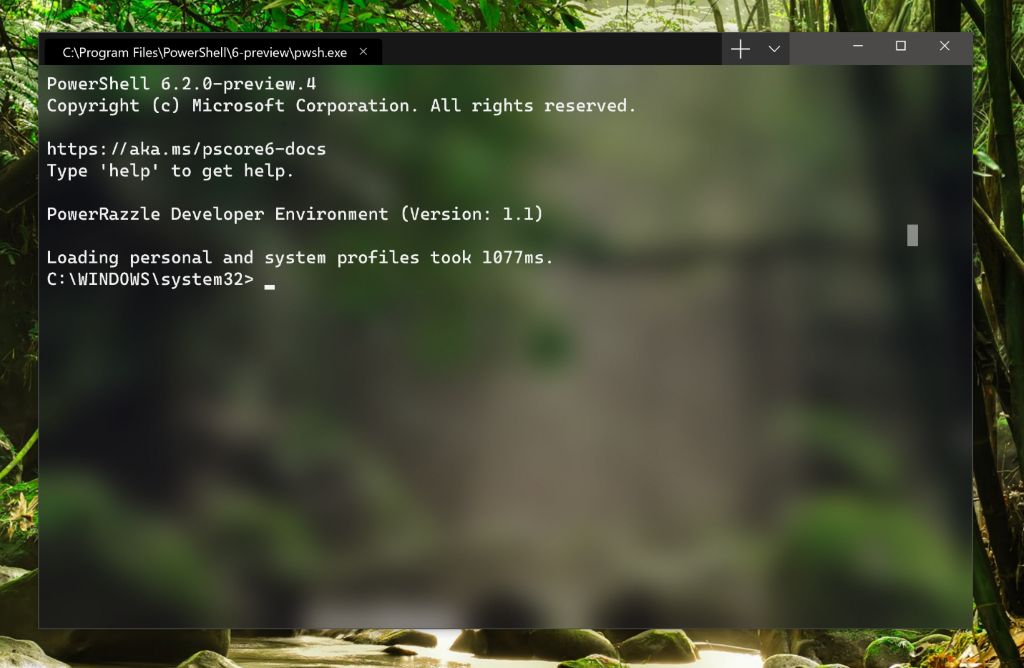
We are beyond excited to announce Windows Terminal! Windows Terminal is a new, modern, fast, efficient, powerful, and productive terminal application for users of command-line tools and shells like Command Prompt, PowerShell, and WSL. https://aka.ms/terminal-video Windows Terminal will be delivered via the Microsoft Store in Windows 10 and will be updated regularly, ensuring you are always up to date and able to enjoy the newest features and latest improvements with minimum effort. Windows Terminal key features Multiple tabs You've asked and we've listened! The most frequently requested feature for the Ter...
Shipping a Linux Kernel with Windows

Beginning with Windows Insiders builds this Summer, we will include an in-house custom-built Linux kernel to underpin the newest version of the Windows Subsystem for Linux (WSL). This marks the first time that the Linux kernel will be included as a component in Windows. This is an exciting day for all of us on the Linux team at Microsoft and we are thrilled to be able to tell you a little bit about it. Tuned for WSL The term “Linux” is often used to refer both to the Linux kernel as well as the GNU userspace. As with WSL1, WSL2 will not provide any userspace binaries. Instead, the Microsoft kernel will interfac...
Announcing WSL 2
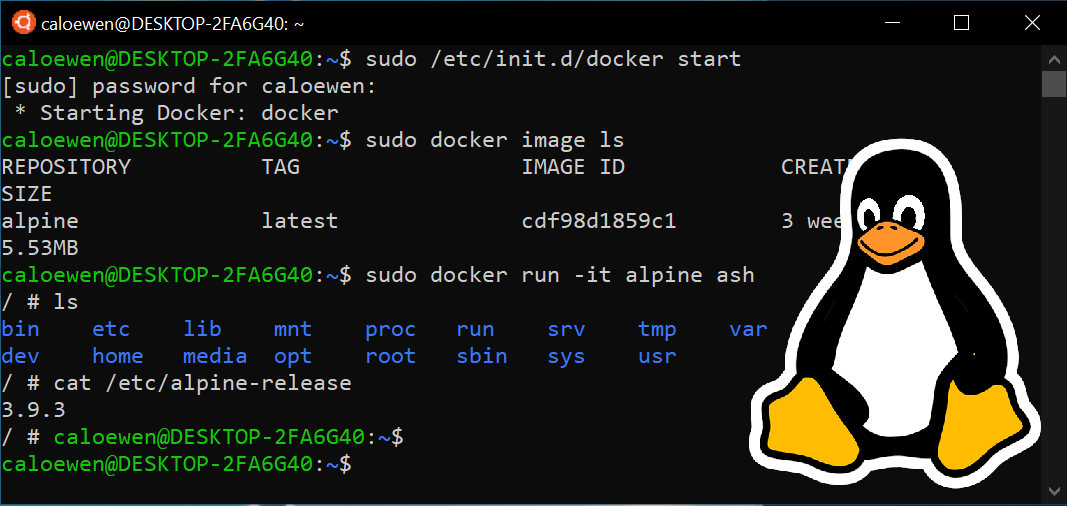
Today we’re unveiling the newest architecture for the Windows Subsystem for Linux: WSL 2! Changes in this new architecture will allow for: dramatic file system performance increases, and full system call compatibility, meaning you can run more Linux apps in WSL 2 such as Docker. What exactly is WSL 2? Our top requests from the WSL community have been to increase the file system performance, and make more apps work inside of WSL (i.e: introduce better system call compatibility). We have heard your feedback, and are glad to announce that WSL 2 helps solve these issues. WSL 2 is a new version of the architecture ...
What’s new for WSL in Windows 10 version 1903?
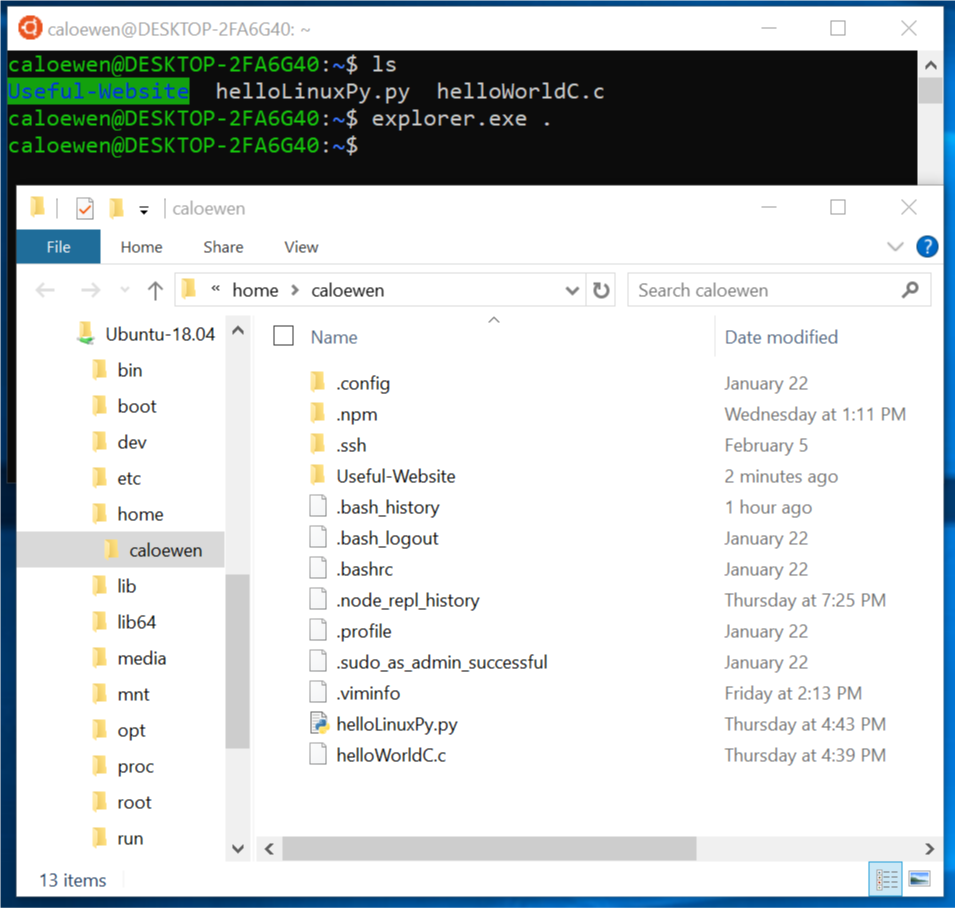
The next Windows update is coming soon and we’re bringing exciting new updates to WSL with it! These include accessing the Linux file system from Windows, and improvements to how you manage and configure your distros in the command line. Accessing Linux files from Windows In the past, creating and changing Linux files from Windows resulted in losing files or corrupting data. Making this possible has been a highly requested and long anticipated feature. We’re proud to announce you can now easily access all the files in your Linux distros from Windows. Linux Files inside of File Explorer The best way to get sta...
New Experimental Console Features
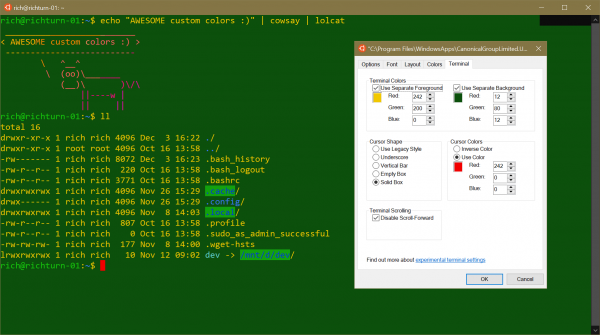
As of Windows 10 build 18298, when you open the properties page of any Console window, you’ll notice an additional “Terminal” tab. Click on this tab and you’ll see several new settings for some experimental features we’re working on for future OS releases: Important Note: These settings are "experimental", because in certain scenarios, it's possible that they might not behave like you would expect them to, may not make it into the next OS release, and may change completely before we ship! But have fun with them anyway and let us know how you get on – we’d love to hear your feedback. Let’s outline each of th...

Windows Command-Line: Unicode and UTF-8 Output Text Buffer
In this post, we'll discuss the improvements we've been making to the Windows Console's internal text buffer, enabling it to better store and handle Unicode and UTF-8 text. Posts in the Windows Command-Line series: This list will be updated as more posts are published: [Source: David Farrell’s “Building a UTF-8 encoder in Perl”] The most visible aspect of a Command-Line Terminal is that it displays the text emitted from your shell and/or Command-Line tools and apps, in a grid of mono-spaced cells – one cell per character/symbol/glyph. Great, that’s simple. How hard can it be, right – it’s just l...

What’s New for WSL in the Windows 10 October 2018 Update

On October 2, 2018, Microsoft announced that the availability of the** Windows 10 October 2018 Update**. After the update was paused, the rollout resumed on November 13, 2018. You can read more about the Windows 10 quality approach here. This post, however, will cover what you can expect to see in WSL for the October 2018 Update, Windows 10 version 1809, and from recent Windows Insiders builds. You can find additional information on features and fixes in our detailed release notes. Additional Linux Distributions now available in the Microsoft Store We’re excited to share two additional distros in the Microsoft ...
Windows Console: CTRL + Scroll to zoom and Dark Theme Scrollbar
Many of you have been asking for Windows Console to support zoom. Well, today is your lucky day! 😜 Install today's Windows 10 Insider build #18272 and you can! How does one perform this magic? After upgrading to Win10 Insider build #18272 or later, open any Console window (E.g. launch , , , etc.) and then hit and hold CTRL while scrolling your mouse wheel / trackpad. The observant will also notice that Console now honors your Light/Dark Theme settings: If you are using the Dark Theme, your Console's scroll-bar is also dark-themed! We call this the Halloween 2018 Feature :D Enjoy!

Re-Open-Sourcing MS-DOS 1.25 and 2.0
In March 2014, Microsoft released the source code to MS-DOS 1.25 and 2.0 via the Computer History Museum. The announcement also contains a brief history of how MS-DOS came to be for those new to the subject, and ends with many links to related articles and resources for those interested in learning more. Today, we're re-open-sourcing MS-DOS on GitHub. Why? Because it's much easier to find, read, and refer to MS-DOS source files if they're in a GitHub repo than in the original downloadable compressed archive file. ** Important: As noted on the repo readme, the source files are being (re)published for histor...
Using WSL in an Enterprise
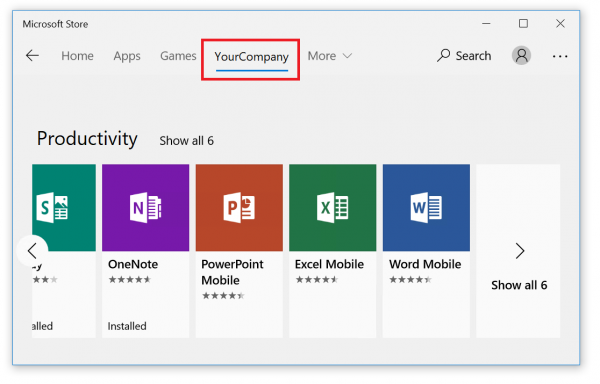
Recently, customers in an enterprise environment have asked if there is a way to install WSL without an internet connection. These companies had some machines that would benefit from having WSL, but don't have an internet connection for security, logistics, or other reasons. Enter: The Microsoft Store for Business We (the WSL team) took a look into this issue and found that enterprises could use the Microsoft Store for Business to help deploy WSL distros to their company, including offline distribution! The Microsoft Store for Business is essentially another way to interact with the Microsoft Store, but from an...
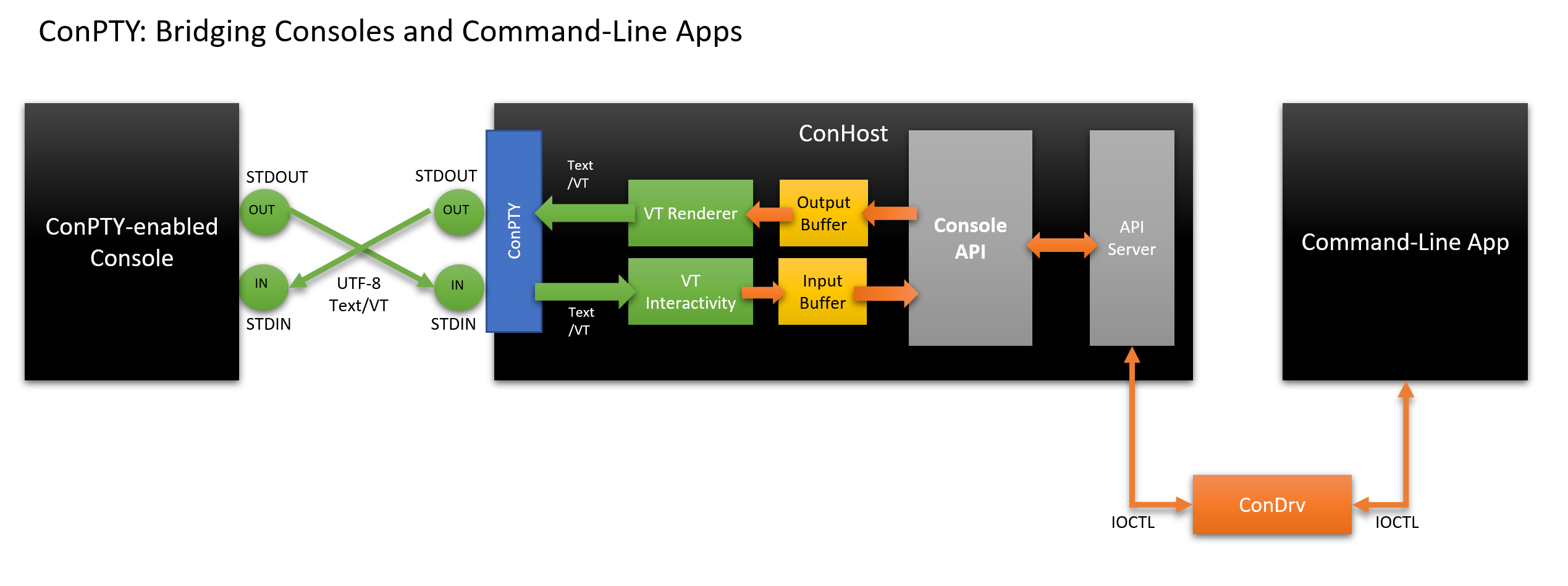
Windows Command-Line: Introducing the Windows Pseudo Console (ConPTY)
In this, the fourth post in the Windows Command-Line series, we'll discuss the new Windows Pseudo Console (ConPTY) infrastructure and API - why we built it, what it's for, how it works, how to use it, and more.

Windows Command-Line: Inside the Windows Console
Welcome to the third post in the Windows Command-Line series. In this post, we'll start to dig into the internals of the Windows Console and Command-Line, what it is, what it does ... and what it doesn't do!
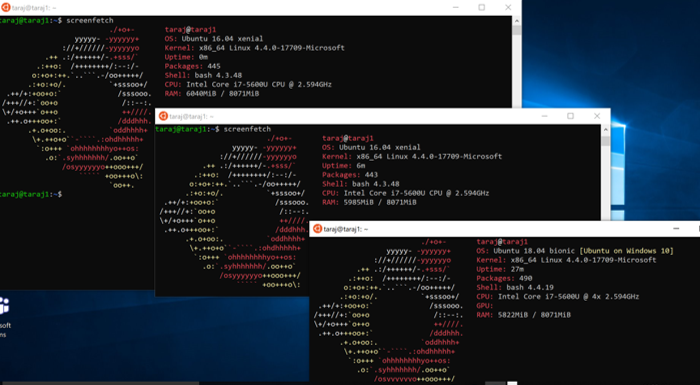
A Guide to Upgrading your Ubuntu App’s Release
Canonical recently released Ubuntu 18.04 in the Microsoft Store. We received many questions around the various Ubuntu releases in the Store in addition to how best to upgrade your existing releases. With the help of our friends at Canonical, we have created a guide to upgrading your Ubuntu release. We will soon add a short-form version of this guide to the WSL distribution management documentation. First, let’s start with an explanation of the Ubuntu apps in the Store. Ubuntu apps in the Store You’ll notice there are currently three Ubuntu apps in the Store – Ubuntu, Ubuntu 16.04, and Ubuntu 18.04. Ubuntu T...
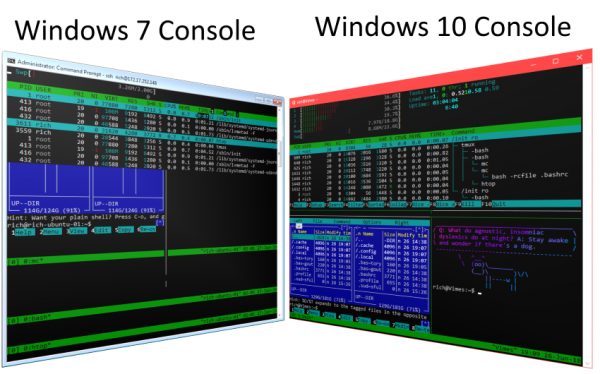
Windows Command-Line: The Evolution of the Windows Command-Line
Welcome to the second post in this "Windows Command-Line" series. In this post we'll discuss some of the background & history behind the Windows Command-Line. Specifically, we’ll explore its humble origins in MS-DOS, to its modern-day incarnation supporting tools like PowerShell and Windows Subsystem for Linux.

Windows Command-Line: Backgrounder
This is the first of a series of posts in which we’ll explore all things command-line – from the origins of the command-line and the evolution of the terminal, to what we’re doing to overhaul and modernize the Windows Console & command-line in future Windows releases.
Improved per-directory case sensitivity support in WSL

With the Windows Subsystem for Linux, we’ve always allowed you to treat your files as case sensitive, just like Linux does. In the past, if you had files whose name differed only by case, these files could not be accessed by Windows, because Windows applications treat the file system as case insensitive. A while ago, we introduced per-directory case sensitivity. This allows specific directories to be treated as case sensitive by both WSL and Windows applications. Because Linux developers usually expect the file system to be case sensitive, we opted to make new directories created by WSL on your Windows volumes c...

Windows Subsystem for Linux //Build 2018 Recap
Last week, the WSL team attended Microsoft //Build 2018. We had a great time meeting many of you and answering questions at the command line booth. In case you missed it, you can watch out session, Set up a Windows Dev Environment that Feels Like $HOME, online on Channel9. In this post, we will summarize the NEW announcement we made during //Build. Ubuntu 18.04 is Now Available in the Microsoft Store We're happy to announce that Ubuntu 18.04 is now available in the Microsoft store. You might be asking why there are a couple different Ubuntu apps and what we plan to do with those. The Ubuntu apps you see in th...

Join us for a hot cup o Chocolatey!

Setting up a dev box should be easy and fast. At BUILD 2018 we announced a collaboration with Chocolatey and Boxstarter. The project founders discuss the collaboration in the following video. Improving Machine Setup Have you set up a new dev machine and found it was frustrating or time consuming? It's important to have a repeatable, fast way to set up both bare metal and VM dev machines. As is true for many areas in tech, automation is the answer to alleviate the pains we experience with a manual process. For Windows, the Boxstarter and Chocolatey projects have become very popular tools in the community ...
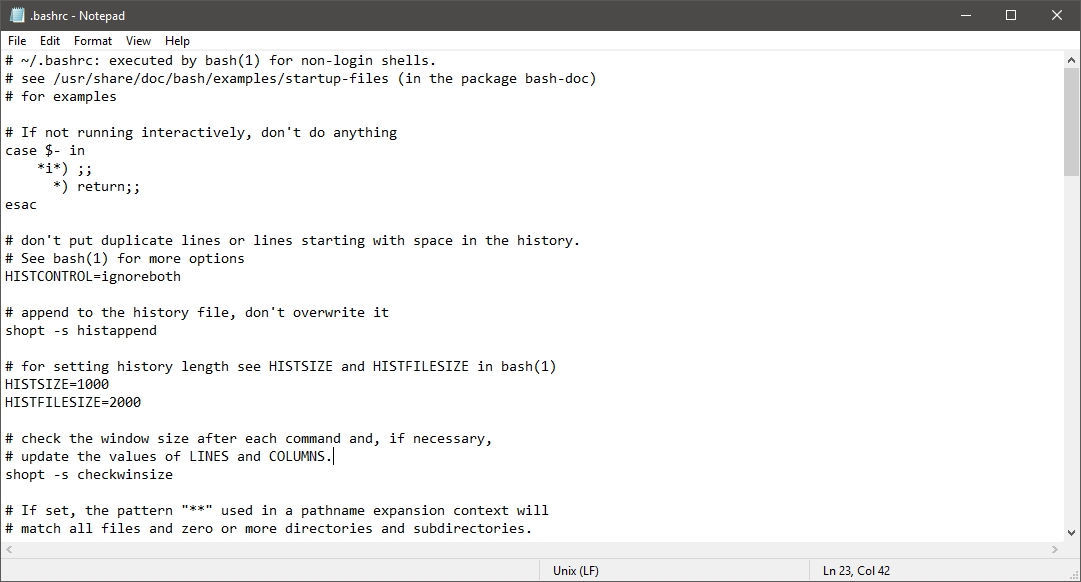
Introducing extended line endings support in Notepad
![Michel Lopez [MSFT]](https://devblogs.microsoft.com/commandline/wp-content/uploads/sites/33/letter-avatar/af644c5dfb2931d8234fe61f53c2782e.svg)
For many years, Windows Notepad only supported text documents containing Windows End of Line (EOL) characters - Carriage Return (CR) & Line Feed (LF). This means that Notepad was unable to correctly display the contents of text files created in Unix, Linux and macOS. For example, here’s a screenshot of Notepad trying to display the contents of a Linux .bashrc text file, which only contains Unix LF EOL characters: As you can see, Notepad is incorrectly displaying the file’s contents, making the file look garbled. This has been a major annoyance for developers, IT Pros, administrators, and end users through...

Tabbed Console starts here
[2018-06-29: Important Note: As announced in the release notes for Windows 10 Insider build 17704, Sets and Tabs will NOT ship in the next mainstream release of Windows (codenamed RS5). Please read the first bullet under the heading "General changes, improvements, and fixes for PC" for more details.] [2018-04-16: Updated to better reflect "Sets" terminology] For quite a while now, the most up-voted open item in our Windows Console UserVoice has been an ask for Console to support multiple tabbed pages. In Windows 10 Insider build 17618, the first taste of the new "Sets" feature built by the Windows Shell tea...
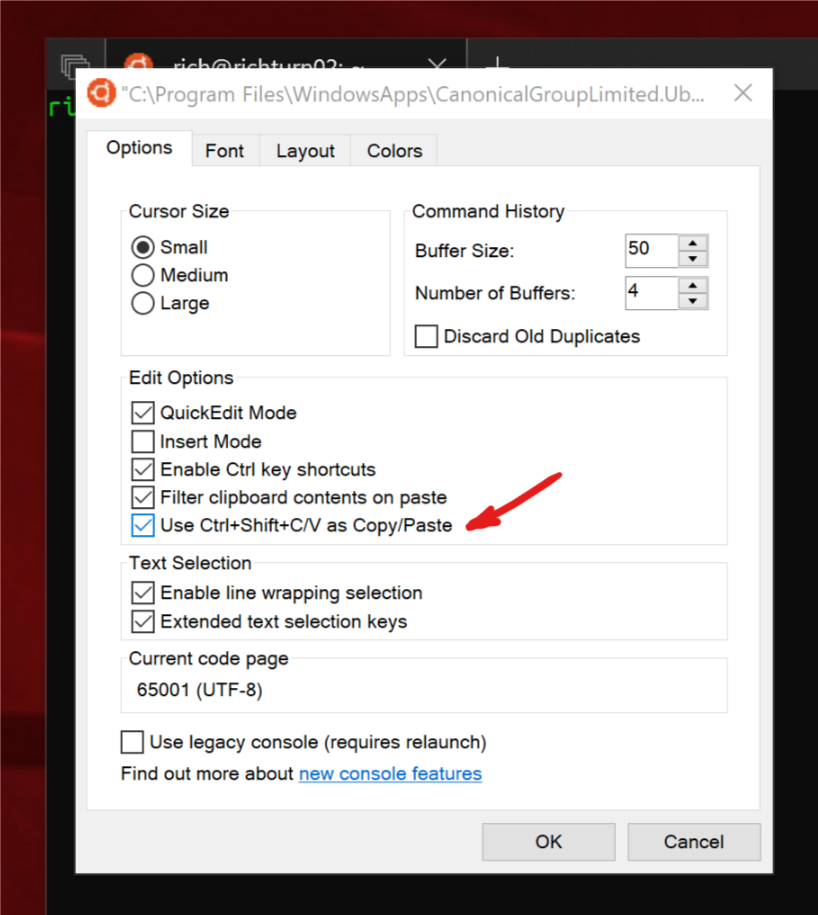
Copy and Paste arrives for Linux/WSL Consoles
As of Windows 10 Insider build #17643, you can copy/paste text from/to Linux/WSL Consoles!!! We know that this is a feature MANY of you have been waiting for - our sincerest thanks for your patience & continued support while we untangled the Console's internals, allowing us to implement this feature. To ensure that we don't break any existing behaviors, you'll need to enable the "Use Ctrl+Shift+C/V as Copy/Paste" option in the Console "Options" properties page: With the new copy & paste option selected, you'll be able to copy and paste text using [CTRL] + [SHIFT] + [C|V] respectively. Note: This ...

Open Sourcing a WSL Sample for Linux Distribution Maintainers and Sideloading Custom Linux Distributions
We are happy to announce that we have open sourced a WSL (Windows Subsystem for Linux) sample for Linux distribution maintainers. This sample allows distro maintainers to build WSL distro packages for the Microsoft Store and developers to create custom Linux distro packages for sideloading. You can find the distro launcher repo on GitHub. This project enables: We know that many Linux distros rely entirely on open source software, so we would like to bring WSL closer to the OSS community. We hope open sourcing this project will help increase community engagement and bring more of your favorite distros to...
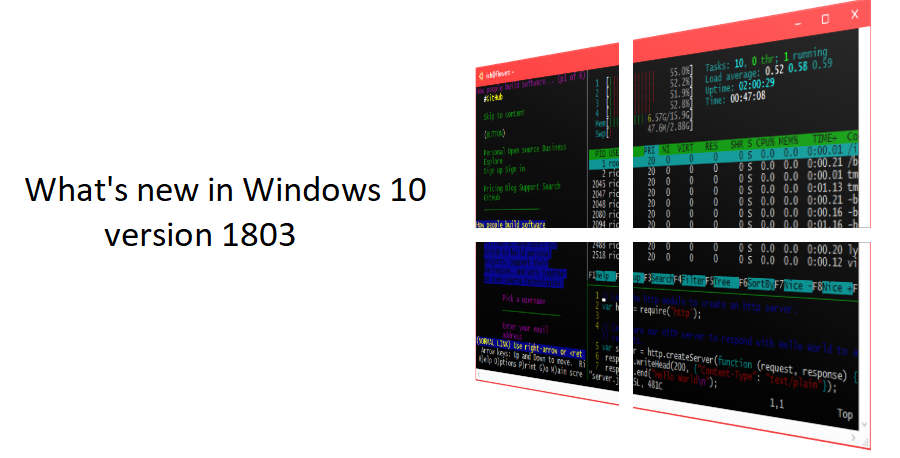
What’s new for the Command Line in Windows 10 version 1803
The next Windows 10 update includes many new features for Command Line developers. In this post we'll review WSL, Hyper-V, new tools, and UWP Console applications coming to the Microsoft Store. We want to thank everyone who tried these updates via the Insiders program and provided feedback. We really appreciate hearing from you both when we get something right, and when we need to do better. Your success and improved productivity with these tools is our ultimate goal. WSL We'll start the summary of this Windows 10 update with the Windows Subsystem for Linux (WSL). WSL provides the ability to run Linux...

Debian GNU/Linux for WSL now available in the Windows Store
We’re excited to announce that you can now download & install Debian GNU/Linux via the Windows Store! After we announced that you’d be able to install and run multiple distro’s side-by-side on WSL , we are happy to introduce another one of your favorite Linux distros to the Windows Store. As promised, we are expanding your ability to run multiple distros on WSL! Introducing Debian GNU/Linux running on WSL: Background First, a little background on Debian. Debian GNU/Linux is a stable, free & easy-to-use operating system for all of your laptop, desktop, server & cloud systems. It is free for any...
Kali Linux for WSL now available in the Windows Store
We’re excited to announce that you can now download & install Kali Linux via the Windows Store! Our community expressed great interest in bringing Kali Linux to WSL in response to a blog post on Kali Linux on WSL. We are happy to officially introduce Kali Linux on WSL 😊. Introducing Kali Linux running on WSL: Background First, a little background on Kali Linux. Kali Linux is an open source project that is maintained and funded by Offensive Security. Offensive Security is a provider of information security training and penetration testing services. For more information about Kali Linux, please visit ...
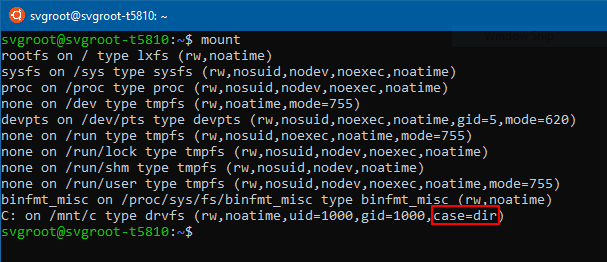
Per-directory case sensitivity and WSL
If you have used the Windows Subsystem for Linux, you’re probably aware that it allows you to treat your Windows file systems (mounted under /mnt/c, /mnt/d, etc.) as case sensitive. This means, among other things, that you can create files whose names differ only by case (e.g. foo.txt and FOO.TXT). However, using those files in Windows was not really possible. Since Windows applications treat the file system as case insensitive, they cannot distinguish between files whose names only differ in case. While File Explorer would show both files, only one would be opened regardless of which one you clicked. Starting ...
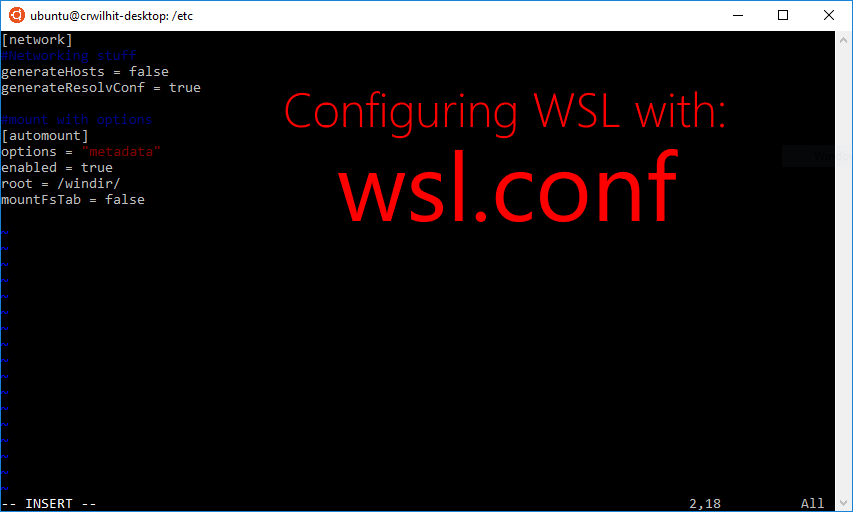
Automatically Configuring WSL

Beginning with Insider Build 17093, we added a method for you to automatically configure certain functionality in WSL that will be applied every time you launch the subsystem. This includes automount options and network configuration. We're introducing a file called wsl.conf to handle these configurations. For example, we released a blog post in the past about file system improvements in DrvFs. In order for a user to take advantage of this feature, they had to unmount and re-mount DrvFs each time they launched WSL--this is not the case any longer. How to use wsl.conf Wsl.conf belongs under the path /etc/wsl.co...

Windows/WSL Interop with AF_UNIX
Starting in Windows Insider build 17093, a WSL application can communicate with a Windows application over Unix sockets. Back in December, we blogged about bringing AF_UNIX to Windows. Now, we're building on that functionality. Consider a requirement where you want to run some kind of service as a Windows application. Additionally, you would like to make this service available to both Windows and WSL applications. Now, that’s possible with Unix sockets. How To Code Let’s look at how the code for such applications would be written. The code for this application is at the bottom of this article. One thing worth...
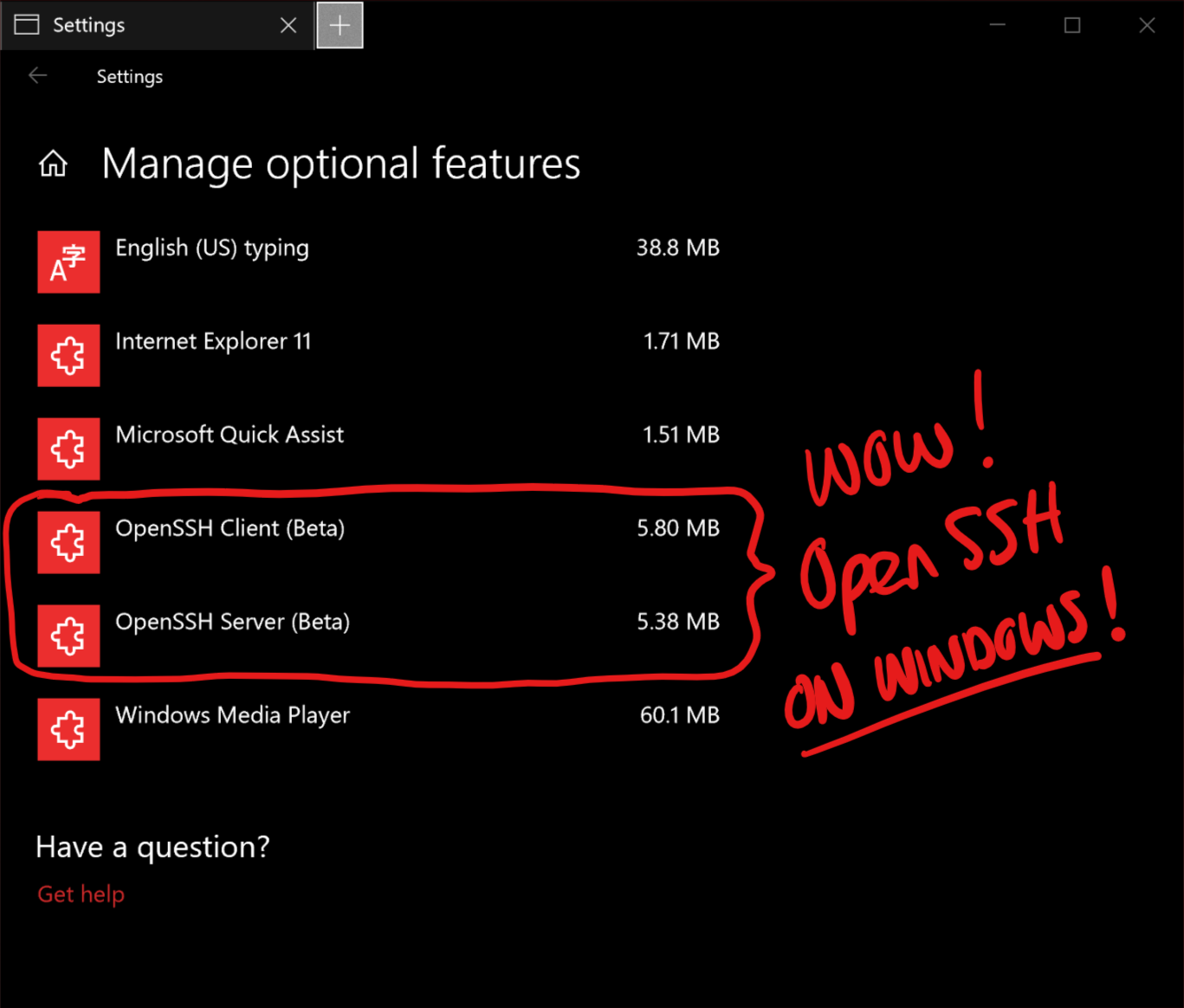
OpenSSH in Windows 10!
SSH is one of the most important tools in the *NIX world, through which users communicate with shells, applications, and services running on remote machines, devices, VM's and containers. Windows users most often remotely access Windows machines, devices, VM's and Containers via the amazingly powerful Remote Desktop Protocol (RDP) which, as the name says, remotes the entire Windows UX. But sometimes you only want to access & drive command-line tools - for which, RDP is both overkill and a poor fit. For this reason, PowerShell users use PowerShell Remoting which offers similar features to SSH, but via a diffe...
Tar and Curl Come to Windows!
One of the most frequent asks we hear across the entire Windows command-line spectrum is "I need curl" and/or "I need tar". If you're one of these people - HAPPY NEW YEAR! :) Windows 10 Insider build 17063 and later now include the real-deal and executables that you can execute directly from Cmd or PowerShell. Our sincere thanks to the LibArchive and curl.haxx.se teams who created and maintain bsdtar and curl, respectively. For more details, read Craig's announcement post: "Tar and curl come to Windows"

Chmod/Chown WSL Improvements
We've added new file system features to WSL in Insider Build 17063. You can now set the owner and group of files using chmod/chown and modify read/write/execute permissions in WSL. You can also create special files like fifos, unix sockets, and device files. We're introducing new mounting options with DrvFs for projecting permissions onto files alongside providing new Linux metadata on files and folders. There's one step you must take before you can enjoy these new features: you must unmount drvfs and remount it with the 'metadata' flag. To do this: sudo umount /mnt/c sudo mount -t drvfs C: /mnt/c -o metadata ...
Share Environment Vars between WSL and Windows
Hey WSL users—we have more features to share with you! Our latest Windows Insider build lets you share environment variables between WSL and Windows. Starting with Build 17063, let’s look at how you can leverage the new “WSLENV” to enhance environmental variable interop between Win32/WSL. Summary For the pros who’ve already heard about WSLENV and just want to know how it works, see below for a quick synopsis: A sample of how a WSLENV could possibly look: What are Environment Variables? Environment variables are a way to store configurable values across your entire system—all your programs have ac...
AF_UNIX comes to Windows
![sarah_cooley[msft]](https://secure.gravatar.com/avatar/4059c8667777d98b506deb3585a55e72?s=96&r=g)
Introduction: Beginning in Insider Build 17063, you’ll be able to use the unix socket (AF_UNIX) address family on Windows to communicate between Win32 processes. Unix sockets allow inter-process communication (IPC) between processes on the same machine. Overview: Support for the unix socket has existed both in BSD and Linux for the longest time, but, not on Windows. On Windows, there were some alternatives for local IPC, such as named pipes. But, calling conventions are different between the named pipes and sockets, making writing low-maintenance cross-platform applications difficult. For example, one such ...
![[Cross Post] WSL Interoperability with Docker](https://devblogs.microsoft.com/commandline/wp-content/uploads/sites/33/2017/12/featuredPost.png)
[Cross Post] WSL Interoperability with Docker
We frequently get asked about running docker from within the Windows Subsystem for Linux (WSL). We don’t support running the docker daemon directly in WSL. But what you can do is call in to the daemon running under Windows from WSL. What does this let you do? You can create dockerfiles, build them, and run them in the daemon—Windows or Linux, depending on which runtime you have selected—all from the comfort of WSL. Overview The architectural design of docker is split into three components: a client, a REST API, and a server (the daemon). At a high level: ...
Background Task Support in WSL
Starting in Windows Insiders Build 17046, WSL supports background tasks (including daemons). In the past, if you opened WSL and started sshd, httpd, screen, or tmux you needed to have a console window open to keep those tools running. But, starting with 17046, these processes will continue running in the background even after the last console window has been closed. Elevated and Non-Elevated WSL Instances As part of background process support, we have incorporated your asks for a better experience while running multiple WSL instances (WSL in 2+ console windows) as per a discussion from our GitHub repo. You can...

A Guide to Invoking WSL
There are a variety of ways to invoke the Windows Subsystem for Linux from Windows commandlines and they all behave a little differently. Let’s get to the bottom of it. “wsl” The first (and recommended!) method will start up your default distro. Additionally, it starts the distro in the current working directory where you invoke the command. You can change the default distro by using the “wslconfig” tool. In the example below, we’ll launch into the default distro (Ubuntu) in the current working directory. Then we’ll exit and change our default distro to SUSE. “” Alternatively, you can specify by nam...