
Developer Support
Advocacy and Innovation
Latest posts
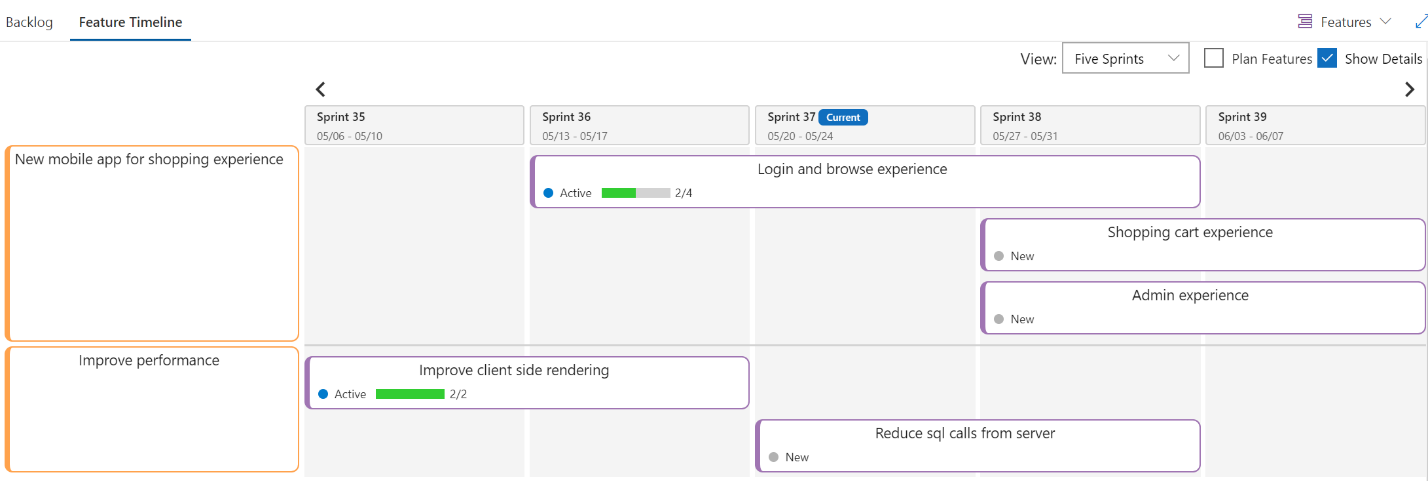
Rastreamento de projetos cross-team a nível de portfólio com Azure DevOps Boards

A inclusão das extensões Feature timeline and Epic Roadmap no processo de gerenciamento de portfólio está ajudando meus clientes a tornar a vida do PMO ainda mais fácil do que antes. A extensão Delivery Plans permite atualizações de portfólio colaborativas, constantes e automatizadas. Isso permitiu que todos evoluíssem no processo de desenvolv

Advanced Error Handling with Power Automate
Sr Consultant Adam Toth demonstrates how to handle errors properly in Power Automate (formerly Microsoft Flow), including expected errors from APIs and connectors, and how to deal with throttling conditions (HTTP 429 Responses). Power Automate’s default response to errors from connectors is pretty simple – exit the workflow right there and record the entire run as a failure. In most cases, this is what you might want, however sometimes you need to handle an error yourself and take custom actions, such as ignoring it or apply a retry pattern. Continue reading on Adam’s Blog…

GitHub Learning Path
GitHub opens exciting possibilities for you and your customers. This article helps answer the question “Where do I start?” learning about Git and GitHub.
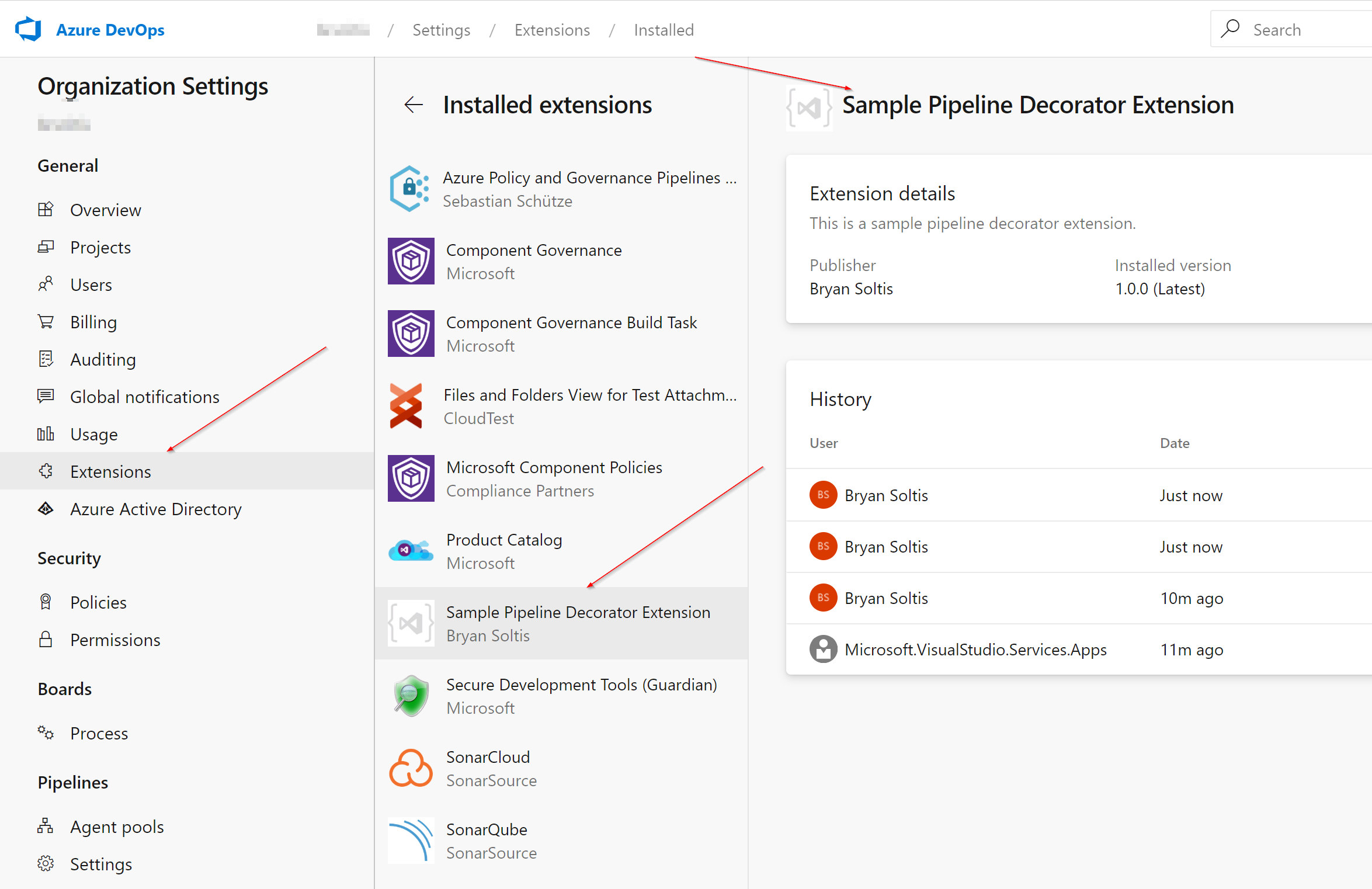
Simplifying Azure DevOps Pipelines with Decorators
In this post, Sr. App Dev Manager Bryan Soltis demonstrates how to use DevOps Pipeline Decorators to standardize complex pipeline requirements. When it comes to DevOps, there is no shortage of the amount of customizations companies need. From specialized environments to quality checks, every business has their own recipe for determining what a successful deployment looks like. Many of these customizations need to be applied across an organization, ensuring that every project pass the test before it gets rolled out. If you are dealing with 100’s of projects, this is no easy feat. Luckily, in Azure DevOps, ...

Outlook Email Automation with PowerShell
In this post, App Dev Manager Edward Fry demonstrates how to use Microsoft Outlook Object Library from PowerShell. Introduction Time is a precious commodity. For many professionals, there just aren’t enough hours to accomplish all the tasks in a day. Thankfully, today’s world thrives on automation. Computers can perform painstaking, mundane tasks in a matter of seconds, leaving you the extra time to work on a multitude of more mentally intensive jobs. Whether you have an advanced technical degree or just use the computer for day-to-day tasks, it isn’t too hard to make the computer your personal assistant....

50/50 Tech Equity for All Women by 2025!
I had a chance to connect with women who had similar plights during their careers. I found it very fulfilling, to take the opportunity to mentor and share with some who were in situations that I faced professionally over 20 years ago alone.

Azure VM and Disk Throttling
Using Log Analytics to efficiently monitor Azure virtual machine disk throttling.

Creating and refining your automated testing strategy
We all know that automated testing is a key component of a successful DevOps practice. However, it’s also common for organizations to underestimate the change effort required to create a complete testing strategy. In this blog post we are going to demonstrate the advantages of creating a clear automated testing strategy, in three simple steps

Meetup RECAP – Automated Testing for Excel Workbooks
Check out the innovative ways to use Python with Excel from a recent community Meetup event in NYC.