
Visual Studio Blog
The official source of product insight from the Visual Studio Engineering Team
Latest posts

Sneak Peek and Edit Your Code While You Search

Throughout Visual Studio 2022 Previews, we've been releasing a series of changes to the way you go about searching code in the IDE using the new All-In-One Search: Now, in 17.3 Preview 2, we’re releasing a new feature to the new All-In-One Search to help you search and interact with code more efficiently: Contextual Code Previews. This new code preview introduces the ability to not only preview your code search results, but also make edits to your code all within the All-In-One Search UI (use Ctrl+t or Ctrl+q to launch). The additional context provided by the code preview will allow you to differ...

Listen Up, Visual Studio has a new feature you need to hear about!

Our accessibility journey in Visual Studio has taught us that developers love to customize their experiences to help them be productive. Some developers have been telling us that they want to use sound to help them understand what’s happening in their code. A short, simple sound when the caret arrives on a line with an error can quickly help some developers understand where their attention needs to be. Visual Studio Code introduced a handful of these audio cues, and many developers love them. We’re happy to bring them to Visual Studio. Get Started With Visual Studio 17.3 preview 2, Visual Studio has added a few...
What’s New in Visual Studio: Make it Your Home

Visual Studio 2022 features an array of improvements during each major and minor release, and we know that you may not have a lot of time to find and try them after each update. We also heard from the developer community that you’d like an easy way to keep up with new Visual Studio capabilities that could be useful in your day-to-day work. That’s why we’ve put together a selection of features for you to play with, right within Visual Studio during each release. What’s New in Visual Studio is available in Visual Studio 17.3 Preview 1 and 2 in English locales. Try new Visual Studio features After updating ...
Arm64 Visual Studio

We are excited to announce that the release of Visual Studio 2022 17.3 Preview 2 is now available as a native Arm64 application on Windows 11! This will be the first version of Visual Studio that will natively support building and debugging Arm64 apps on Arm-based processors. Our key goal with this preview is to introduce and stabilize the most popular Workloads used by developers who are building apps that run on Arm64, and to gather feedback from the community to help us prioritize additional experiences and Workloads as we work toward General Availability (GA) later this year. Bringing Visual Studio to Windo...
Visual Studio for Mac 17.3 Preview 2 is now available

Today we release Visual Studio for Mac v17.3 Preview 2; focused on addressing top customer feedback from the Visual Studio for Mac v17.0 release. If you’re already using the Visual Studio for Mac Preview release, use the Visual Studio > Check for Updates… menu to update. If you aren’t using it yet, download it now: This blog post summarizes the top changes in this release. You can check out the preview release notes to learn about all of the changes we’ve made. Top issues fixed in this release Each release we focus on fixing some of the top items reported to us on the Developer Community site. In this...
New Profiler feature in Visual Studio

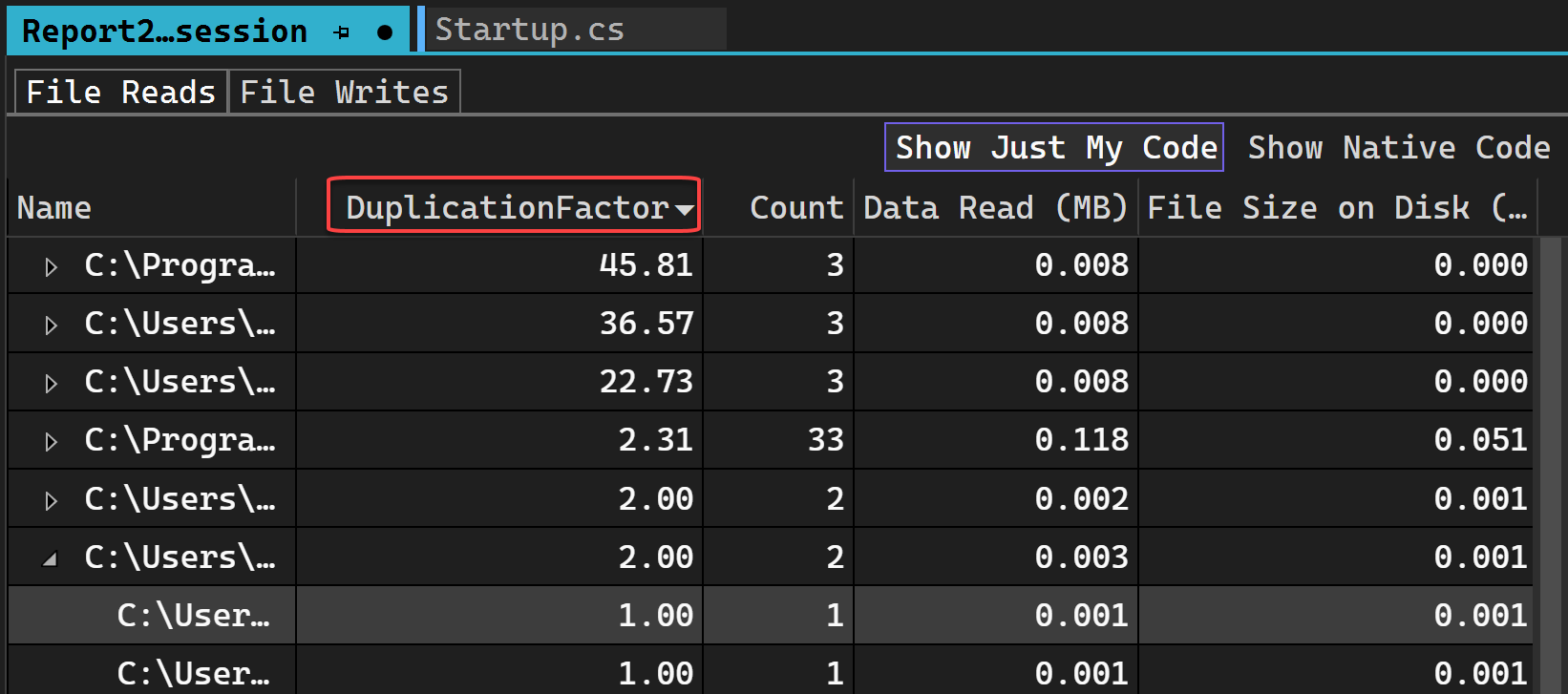
Introducing the new File I/O tool We just launched a new profiling tool in Visual Studio 17.2 that helps you understand how you can optimize your File I/O operations to improve performance in your apps. If you’re trying to investigate and diagnose slow loading times, the new File IO tool can help you understand how the I/O operations impact your spent time. How to use File IO View file read and write information to improve perf The File IO tool provides file read and write information with files read during the profiling session and can help you diagnose performance issues...
Improved doc management personalization
Visual Studio 2022 allows you to personalize your IDE so you can code the way you want. We’ve added new document management capabilities so navigating tabs and organizing your workspace has become more flexible. Take a look at our other Personalization capabilities, such as more flexible theming options, in one of our previous blog posts. Today, we’d like to share some new doc management capabilities such as multi-row tabs, restore recent documents, and show names of docs that are not visible in italics. Arrange tabs in multiple rows We've added the capability to wrap tabs into multiple rows based on community ...
Visual Studio at Microsoft Build 2022

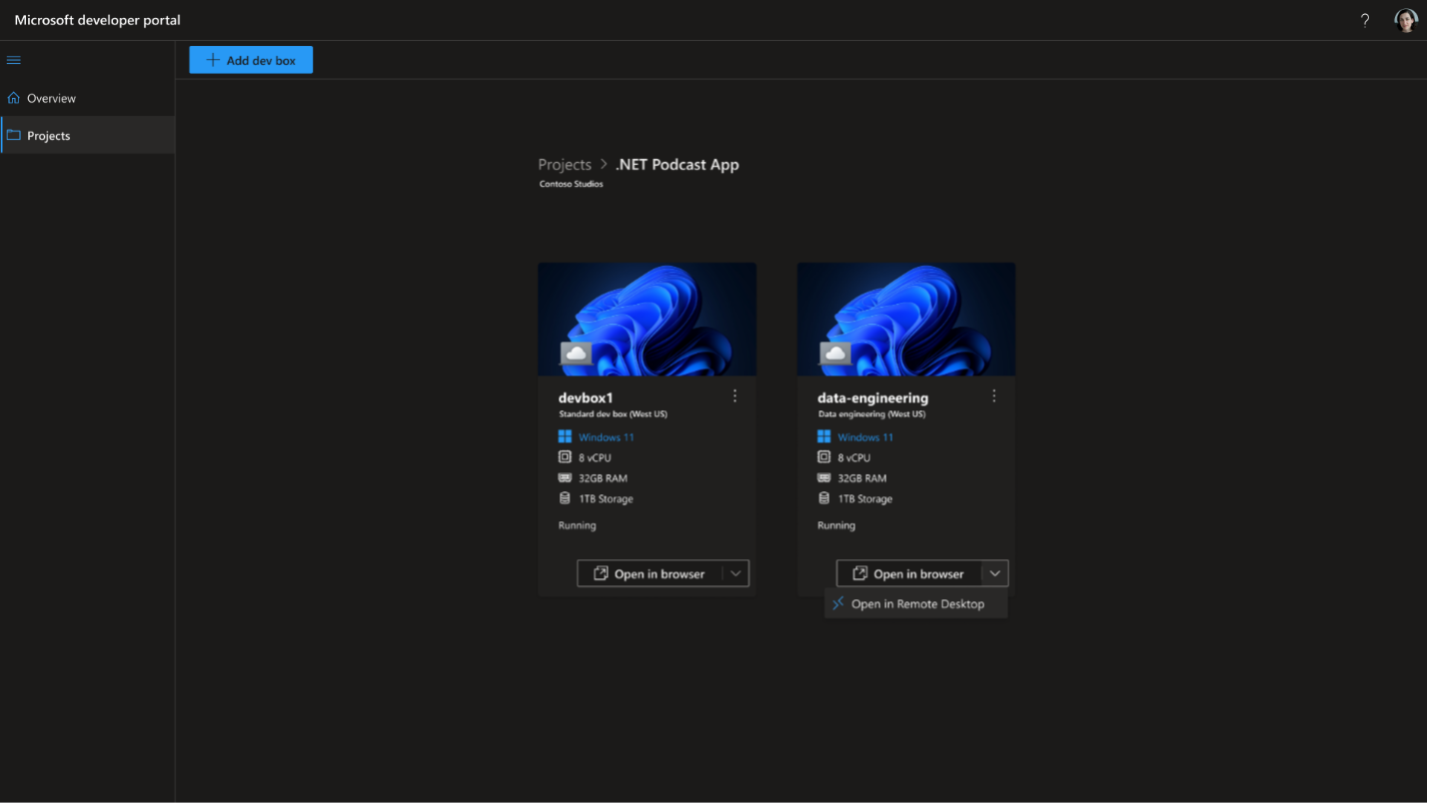
This week we had Microsoft Build 2022 and there were some announcements made in Amanda Silver’s Theme session and multiple breakouts that are exciting for Visual Studio users, like you. We released the .NET Multi-platform App UI (a.k.a. .NET MAUI), announced Microsoft Dev Box, Azure Deployment Environments and Visual Studio on Arm64. With Visual Studio 17.2 and 17.3 Preview 1 shipping just 2 weeks ago, we also released Visual Studio 17.0 for Mac and 17.3 Preview 1. We just shipped .NET MAUI tooling in preview with Visual Studio 2022 17.3, so go and grab the latest release! .NET MAUI There are over 1 billion...
Introducing the private preview of port tunneling in Visual Studio for ASP.NET Core projects

In Visual Studio 2022 17.3 Preview 1.1 we added support to port tunneling (forwarding) to your ASP.NET Core web projects. Port tunneling enables connections between machines that cannot directly connect to each other. Port tunneling is also referred to as port forwarding, or web tunneling. Some cases where you may want to use port tunneling while developing an ASP.NET Core app include: These are just a few examples of when you may want to use port tunneling with your web projects. This feature depends on a private preview which you must sign up for. To get started follow these steps. ...