


Visual Studio 2022 features an array of improvements during each major and minor release, and we know that you may not have a lot of time to find and try them after each update. We also heard from the developer community that you’d like an easy way to keep up with new Visual Studio capabilities that could be useful in your day-to-day work.
That’s why we’ve put together a selection of features for you to play with, right within Visual Studio during each release. What’s New in Visual Studio is available in Visual Studio 17.3 Preview 1 and 2 in English locales.
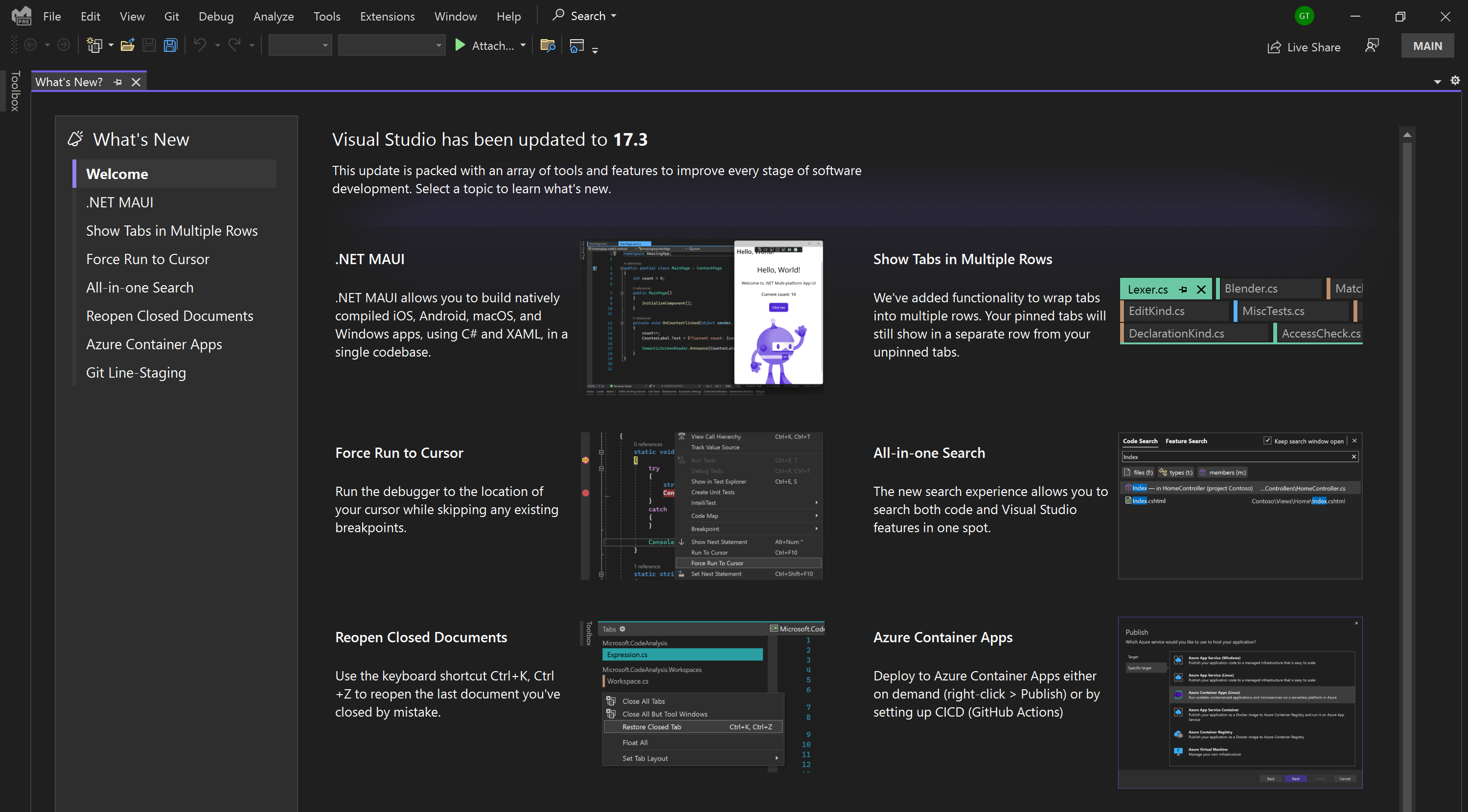
Try new Visual Studio features
After updating Visual Studio, a selection of new features will appear. Select a feature for further detail.
From there, you’ll be able to try the given feature, either by selecting “Enable” or if it is already on by default, you’ll be able to learn more about its capabilities.
After you’ve closed the What’s New feature, you may find it again under the Help > What’s New menu item.
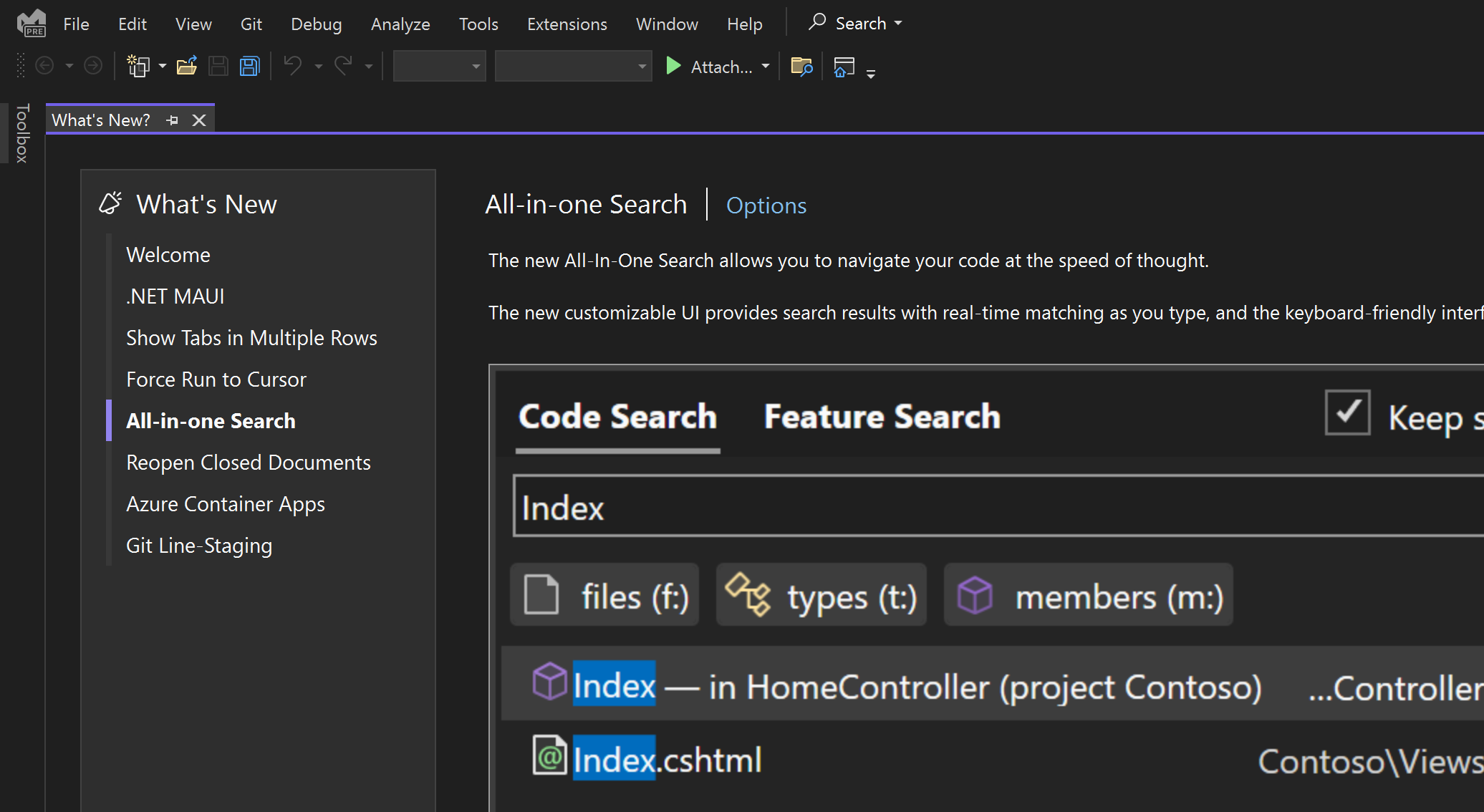
Share your thoughts
Please feel free to give the latest features a try and let us know what you think, by sharing feedback on Developer Community or voting on a request that resonates.


I’m going to have to agree with Ian Marteens. New features are great as long as they don’t mess up old features. I am having a nightmare with 17.2.5. Sometime over the past month or so, the number of “VS is Busy” / Hangs have steadily increased. Also, random Docker errors which go away after exiting VS and restarting. This is code that has worked for years. We have several projects and have been focused on the Xamarin components for the past few months. Aside from Nuget and VS updates. No changes to...
Funny thing, when you first start coding, if something is not working, you assume it is caused by something other than yourself. After many years of coding, you figure that every time there is an unexplainable issue, it is probably your fault. After trying everything I could imagine, I ran “repair,” and all issues magically disappeared. New features are great, but not so much if other thinks are broken during updates.
You speak about OLD times when company worried about QUALITY of product! Now a whole world shifted to "copro-economy" - produce rubbish and sell it more frequent. It happen everywhere, from cars till software. Nowadays MS doesn't care anymore about quality - look at Win10/11 and cry! Same story w VS - now when I see a bug, I AM SURE it's bug from indians which hired by MS for plate of curry.
Too much unqualified cadres occupied IT! Quality is degraded and I cannot say anymore "it's my fault" - most errors I see is sh****ty quality of MS...
Not on 17.2.5 it isn’t. No what’s new anywhere.
Not finding it in 17.3 either.
I never get used to the rude way that some people have to comment here. Don’t care about the rude reviews. That kind of person doesn’t deserve attention. By the way, nice new functionality!
Good Evening Kosovo Sir/Lady, Amazing Feautures Available on @VisualStudio2022. I’m excited , C’mon Developers,
” FANTASTIC ”
” DRIVEN AL “