
Visual Studio Blog
The official source of product insight from the Visual Studio Engineering Team
Latest posts
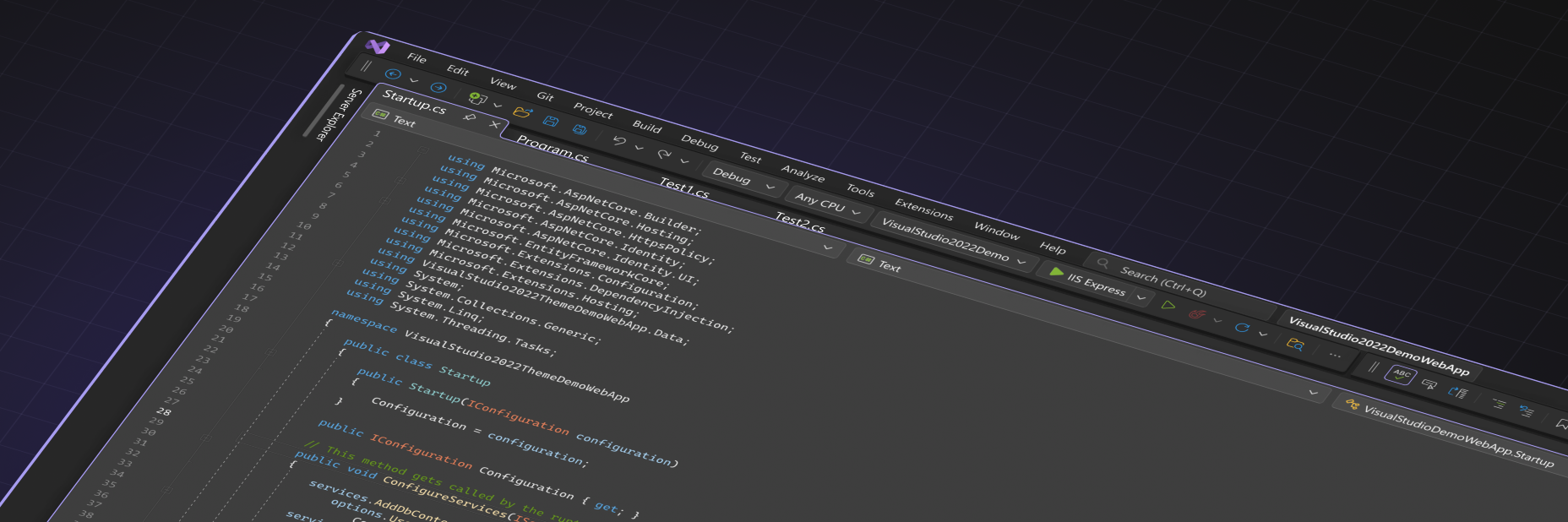
The Visual Studio UI Refresh Preview is here!

Back in May, we showed a first look into the UI Refresh that we've been working on for Visual Studio. We’ve been working on a refresh for the Visual Studio UI to improve productivity, create a more inclusive environment, and keep up with evolving global accessibility requirements. The feedback we've collected from that first post and the developer community ticket has been wonderful. We've been spending the time since then working through all your comments to ensure your valuable feedback gets weaved into the UI Refresh. Now, here at Ignite, we're excited to finally make a version of the UI Refresh available for ...

Introducing Visual Studio 17.9 – Preview 1 is Here!

We're excited to introduce Visual Studio 17.9 Preview 1, another leap forward in our continuous effort to enhance your development experience. This latest iteration is not just an update; it's a transformation, enriched with features that speak directly to your needs for productivity and flexibility. At the heart of this release is a synergy with AI, bringing tools like GitHub Copilot to the forefront. Imagine crafting perfect Git commit messages without a second thought, or seamlessly navigating complex code with advanced IntelliSense support for Unreal Engine projects. We're not just enhancing features;...

Visual Studio 17.8 now available!

Unlock New Heights in Developer Productivity: Optimized C++ Support, Enhanced Enterprise Capabilities, and Full .NET 8 Integration The latest update (17.8) for Visual Studio 2022 is now generally available! Offering a comprehensive suite of enhancements that span productivity, programming languages, and enterprise management, this general release is a monumental step forward. Developed with extensive user feedback, this version is fully compatible with .NET 8, which is also generally available as of today. Let us know your favorite feature! This release is a big deal not just for its extensiv...
Latest Updates for CMake Development in Visual Studio

Visual Studio has native CMake integration that allows C++ users to build and develop using CMake and supports their unique needs. CMake is a cross-platform build tool for C++ and with Visual Studio’s latest tools, users can be more productive when it comes to configuring with CMake. To learn more about Visual Studio’s CMake integration, please see our documentation: CMake projects in Visual Studio | Microsoft Learn. To add to the available tools for your CMake workflows, in the last year, we have delivered a new CMake debugger that allows users to debug their CMakeLists.txt files just like you would any othe...
Microsoft Ignite 2023 is around the corner! (Nov 14-17)

Microsoft Ignite 2023, scheduled for November 14th – 17th, is quickly approaching. As one of the most anticipated developer events of the year, we're pleased to announce that although in-person tickets have been sold out for weeks, we're offering a free online streaming option for those who couldn't secure a spot. However, it's essential to register in advance to ensure access. This year's Ignite will feature the latest announcements on AI/Copilot advancements, comprehensive demos of new features and functionalities, and insights into the trajectory of tech developments. Notably, in addition to presentations ...
Visual Studio Innovations at .NET Conf 2023: Save The Date

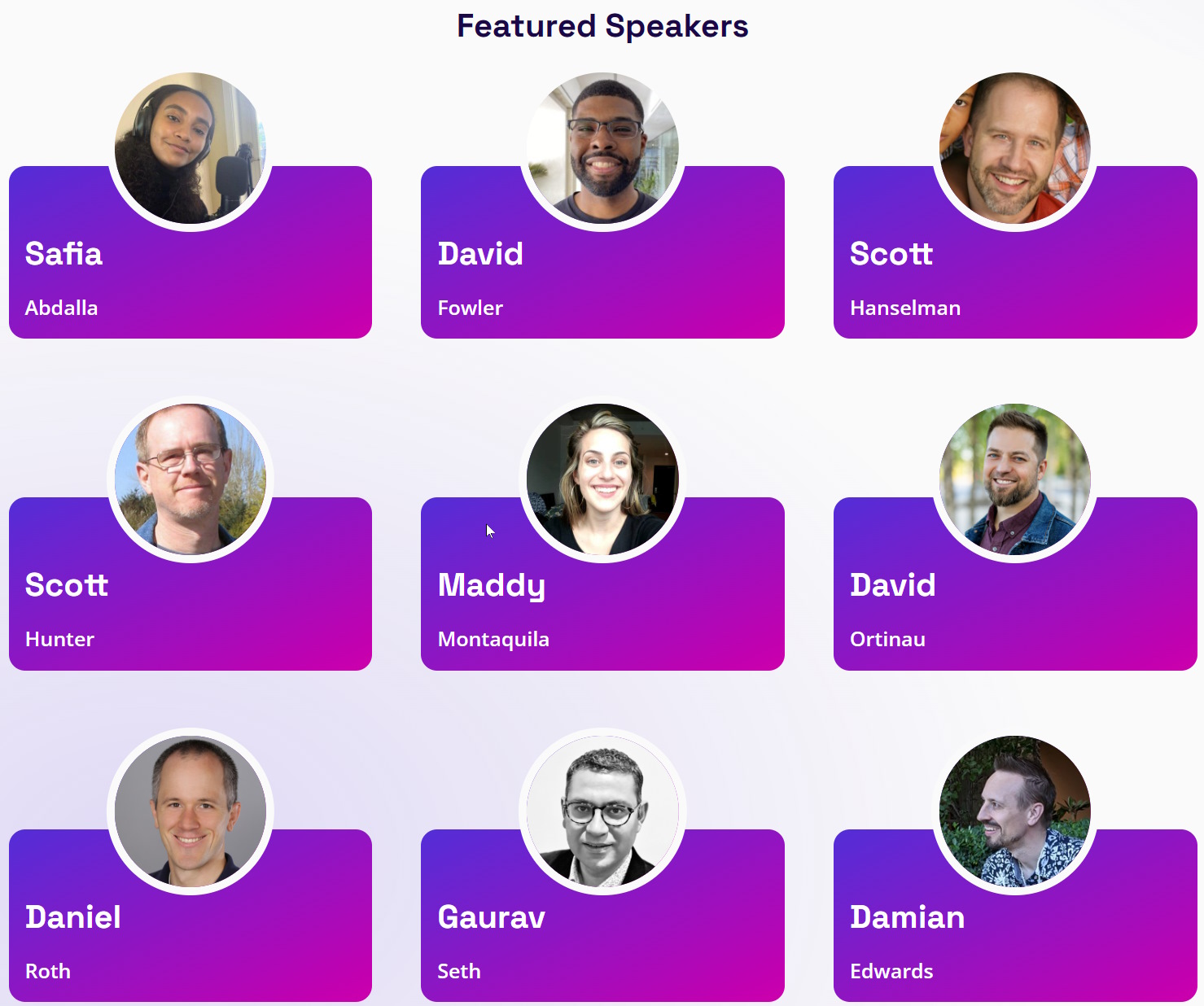
We're gearing up for .NET Conf 2023 from November 14th to 16th and are excited to showcase how the latest enhancements in Visual Studio will bolster your .NET development workflow. This free, three-day virtual developer conference, co-organized by the .NET community and Microsoft, is an excellent opportunity to delve into new Visual Studio features alongside a global developer community. Power Up with Visual Studio .NET Conf 2023 will also showcase the latest features in Visual Studio, enhancing your .NET experience. Key Features in Action Dive into Live Demos We have key sp...
Designed with your feedback: a better Extension Manager

Earlier this year, we showed you how to try a preview version of our new Extension Manager, which was designed to make it easier for developers like you to find great extensions to boost your productivity and personalize your Visual Studio experience. We invited you to use it and share your thoughts, and you delivered. Thank you for all the feedback! We’ve made updates and fixes based on your feedback to bring you an even better Extension Manager in Visual Studio 17.8 Preview 3. Extension Manager Updates You let us know in your feedback that you appreciate the new UI’s focus on extension details, so we’...

Visual Studio 2022 17.8 Preview 3 is here!
Welcome to Visual Studio 2022 17.8 Preview 3! This release is dedicated to addressing community submitted feedback where we resolved nearly 100 Developer Community tickets. Our primary focus was improving stability and reliability while also introducing a few new features. Productivity Visual Studio Update Notification Noticed something new? For Visual Studio 2022, we added an overlay to the VS task bar icon to help you know when VS will update. When there is an update available and you have enabled the "Update on Close" option, the icon will appear. Once you close VS, an update will immediately ...

How Microsoft Empowers Developers with Disabilities: Celebrating NDEAM

October is National Disability Employee Awareness Month, or NDEAM, a time to celebrate the contributions of workers with disabilities and raise awareness about the value of diverse and inclusive workforces across the globe. At Microsoft, we are committed to empowering every person and every organization on the planet to achieve more, and that includes ensuring every developer who uses our tools to create amazing products and services. In this post, we want to highlight some of the accessibility features that make Visual Studio and Visual Studio Code (VS Code) a delightful experience for all developers, in...