
Visual Studio Blog
The official source of product insight from the Visual Studio Engineering Team
Latest posts
Visual Studio 2019: Code faster. Work smarter. Create the future.

Visual Studio 2019 is now available for download at visualstudio.com/downloads. Try it today to experience our best release yet.

Visual Studio Extensibility Day at Build 2019

Please join us for a day full of Visual Studio extensibility deep dives, geek-outs, and networking on Friday, May 10th, 2019 at the Microsoft campus in Redmond. Our agenda is intended for existing and new Visual Studio IDE (not VSCode) extension authors and partners and will be highly technical in nature.

Using Newtonsoft.Json in a Visual Studio extension
Visual Studio ships with Newtonsoft.Json and extension authors can use it too. However, it can be confusing to understand what version to use, how binding redirects work and whether to ship Newtonsoft.Json in the extension itself. This post helps to clarify how it all works.
Visual Studio Subscriptions – everything you need for Azure development

If you’re interested in cloud development, or simply want to learn more about new development tools, techniques, and frameworks, Visual Studio Subscription includes a wide range of benefits you can use. The level of benefits you have depends on your subscription type. Learn more in this post.

Visual Studio 2019 Launch Event agenda and speakers now published

Check out the full agenda and speaker list of the Visual Studio 2019 Launch Event on April 2nd and how you can participate in the launch celebration.
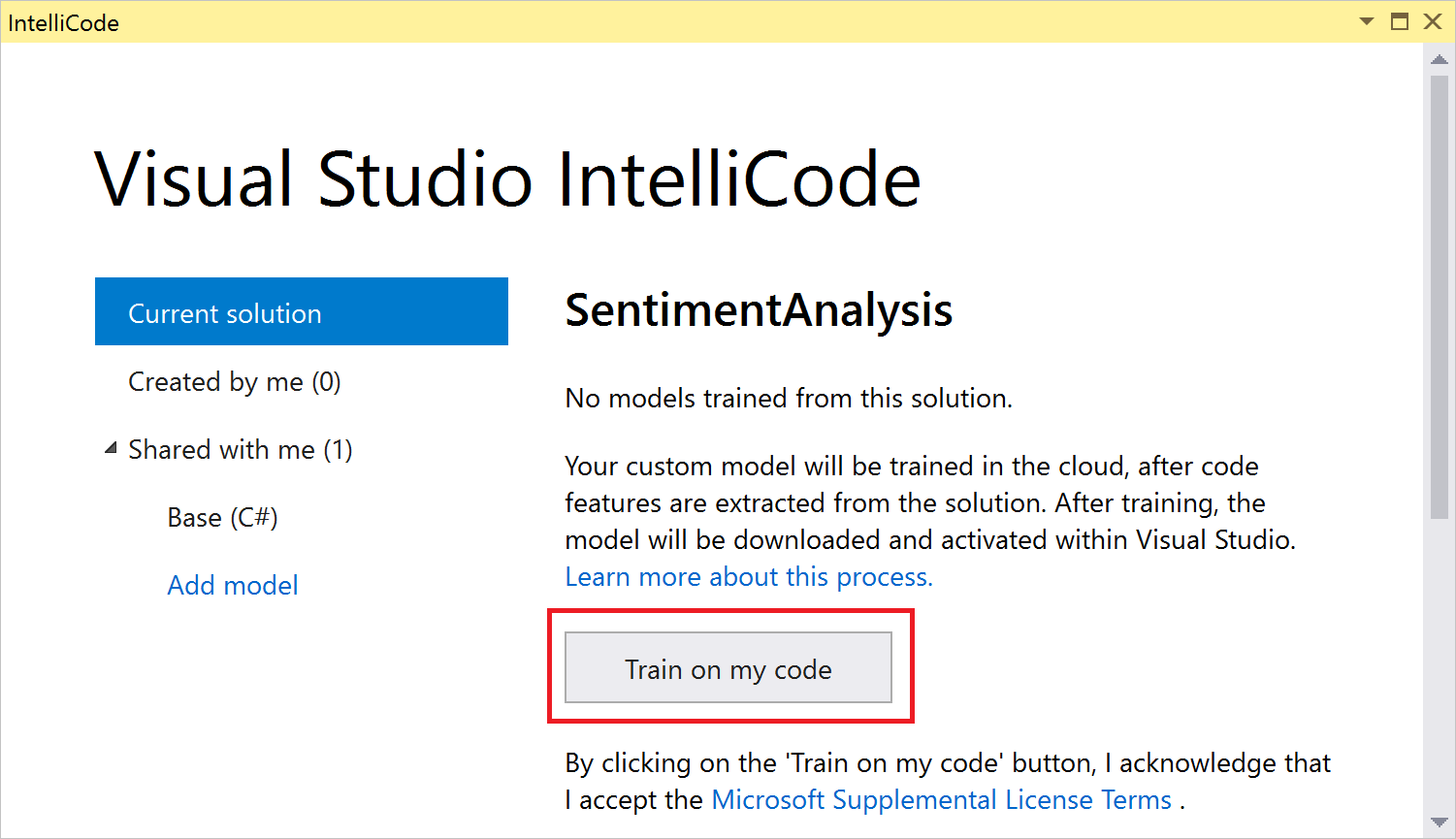
Code more, scroll less with Visual Studio IntelliCode

Learn how to get Visual Studio IntelliCode to make recommendations based on patterns it finds in your own code in 3 simple steps.
Argument completion made easy with Visual Studio IntelliCode
IntelliCode now makes recommendations for arguments in your C# code. Just install the latest version of the IntelliCode extension for Visual Studio and start editing C# code faster with in-line suggestions. It's as simple as that!
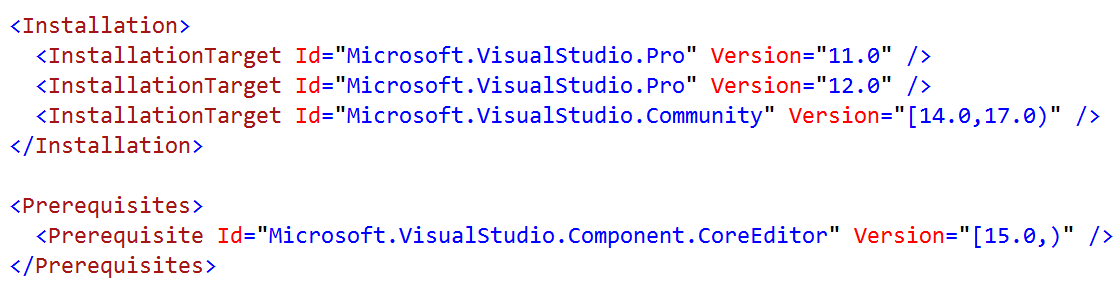
Visual Studio extensions and version ranges demystified
Explains how Visual Studio versioning works, how extenders should think about it, why there is no Visual Studio version 13.0, and why the year 2213 is the closest we’ll ever get to an alignment again.
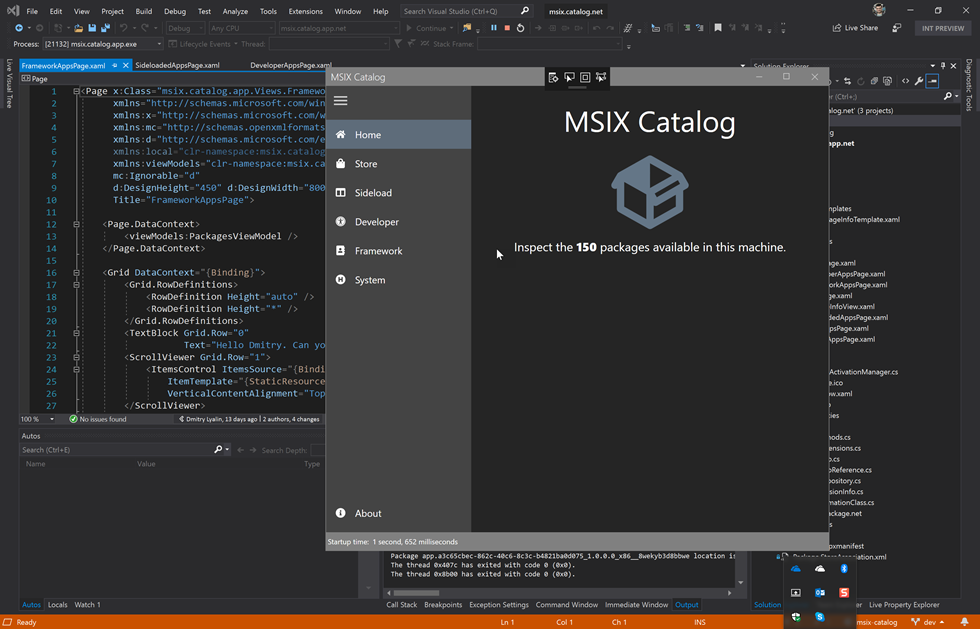
Windows Desktop Developer Twitch Workshop (March 14, 2019)

Today we’d like to announce an upcoming free live streaming workshop on March 14th, 2019 focused on Windows Desktop development for .NET applications using frameworks such as WPF, WinForms and UWP.