
Visual Studio Blog
The official source of product insight from the Visual Studio Engineering Team
Latest posts

Dev Drive for Performance Improvements in Visual Studio and Dev Boxes!

Performance has always been one of our key investment areas for developer tooling in Microsoft. We understand that it’s important for developers to have a fast workflow. That’s why we’re excited to share with you the support of Dev Drives in Visual Studio! Dev Drive for Visual Studio has just been released to help you optimize your workflow and increase your productivity. With Dev Drive, you can create a separate volume on your PC that will improve performance for disk-bound operations such as cloning, building, copying files, and package restore. We measured average improvements in these operations around of 25%...
Visual Studio 2022 – 17.6 Performance Enhancements

Visual Studio 2022 17.6 introduces exciting performance enhancements in several key areas. These improvements aim to enhance the overall software development experience by boosting productivity, reducing wait times, and providing a smoother workflow. The performance enhancements in Visual Studio 2022 17.6 include: You can download Visual Studio 2022 from the Visual Studio downloads page or upgrade your existing installation by following instructions on the Update Visual Studio page. Solution Open Significant enhancements have been made to Solution-Open performance and Soluti...
Turbocharge your Visual Studio experience with Microsoft Dev Box

Microsoft Dev Box is a managed service that enables developers to create on-demand, high-performance, secure & ready-to-code workstations in the cloud. It gives companies the ability to pre-configure the development environment with all the tools needed to build, test, and deploy applications making developers more productive, regardless of their skill and experience level. In this blog post, we'll explore how Visual Studio 2022 can be optimized to maximize developer productivity and streamline the overall development workflow when used in combination with Microsoft Dev Box. Starting with ...
Sticky Scroll: Stay in the Right Context

When coding in a long file, it’s easy to lose track of the method or block you’re writing in. Or when scrolling through an unfamiliar codebase, it can become disorienting where you are in the code. Sticky Scroll can help you stay in the right context by sticking helpful scopes, including namespaces, classes, methods, loop initialization statements, and conditionals. Multiple code formats are supported, including C#, C++, XAML, and JSON. With a single click on a line in the Sticky Scroll header, you can quickly navigate directly to that line of code. Learn more about it from the previous blogpost. We first r...
Visual Studio 2022 17.7 Preview 1 is here!

Welcome to the Visual Studio Public Preview 1 of version 17.7! This exciting update offers a wide range of productivity enhancements tailored to the diverse needs of developers. Experience the cutting-edge improvements of Visual Studio and discover what lies ahead in this Preview release before it becomes widely available.
Visual Studio 2022 – 17.6 Now Available

In the sprint to the BUILD 2023 conference, we're thrilled to announce the general availability of Visual Studio version 17.6 today. This latest release delivers a range of powerful tools and features designed to empower you in crafting cutting-edge applications and experiences. The user-friendly environment, along with essential features like code completion, debugging, refactoring, and version control, caters to both experienced and novice developers striving to achieve their software development objectives, solidifying its position as the go-to IDE for millions of developers worldwide. We’ve committed t...
Get Ready for Visual Studio at Build 2023:
Join Tens of Thousands Online!

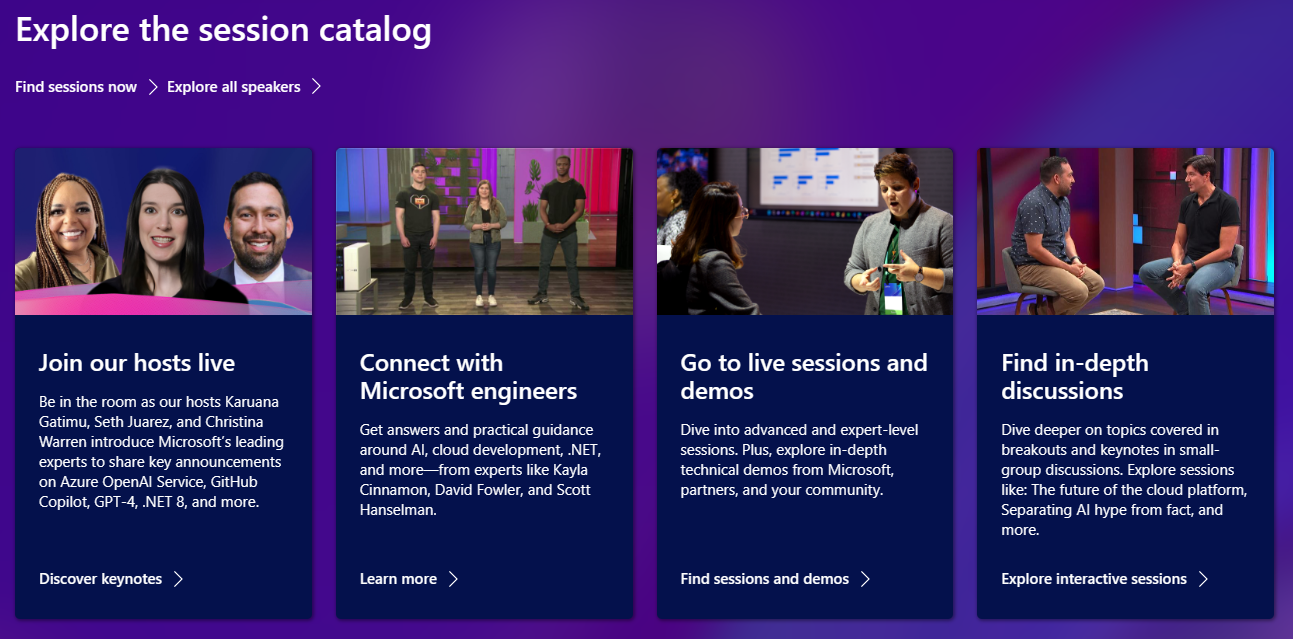
Are you geared up for Build 2023? Microsoft's flagship developer conference is just a week away, and we have an incredible lineup of Visual Studio sessions that you simply cannot afford to miss! This year, Microsoft Build goes hybrid, offering you the best of both worlds - virtual and in-person experiences in Seattle, Washington, from May 23-25! Can't make it to Seattle? No worries! You can access a plethora of live sessions online for free, right from the comfort of your office. Immerse yourself in keynotes and sessions on Visual Studio, AI development, and the latest advancements in C# and .NET! W...
Surround selection experiment

You want to quickly select some text and surround it with quotation marks. So, you select your text and hit the quotation mark key on your keyboard, only to find that the selected text now has been replaced by a single “. What you hoped would happen was that the selected text would be surrounded by an opening and closing quotation mark like in the animation below. Let’s do something to fix this. In this experiment, we want to test if we can create a general feature for all languages that makes it easy to surround the selection. In fact, multiple developers have requested this feature, so remember to vote f...
Visual Studio UI Refresh


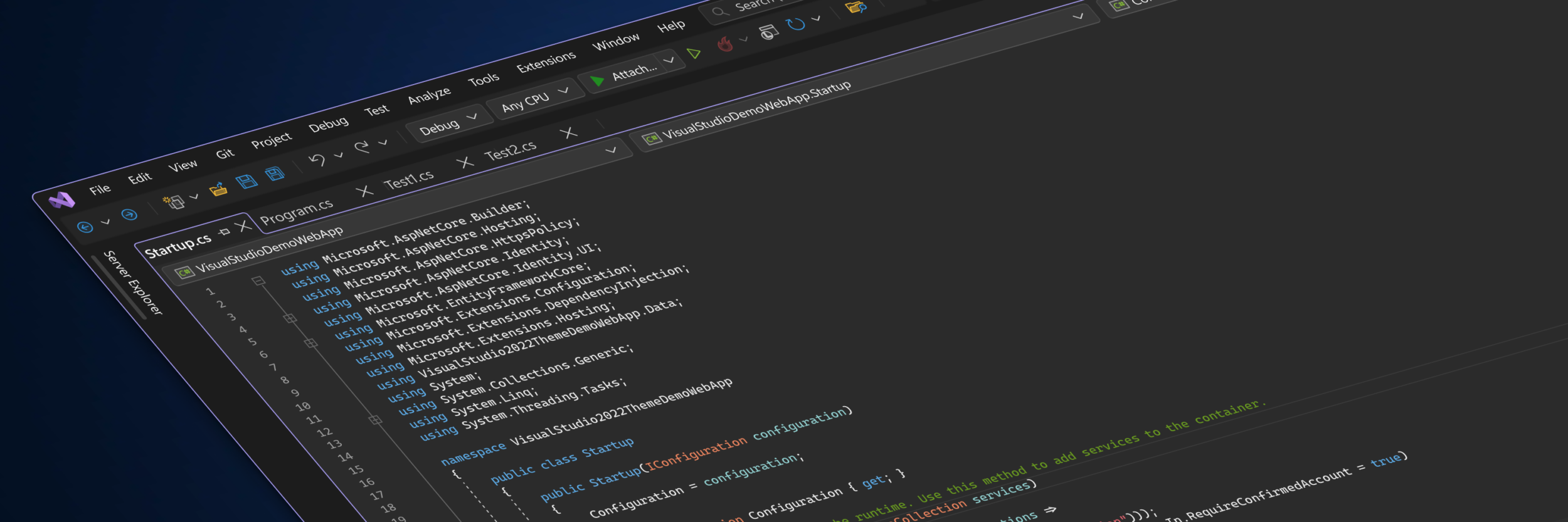
Microsoft Fluent design language provides a unified framework to create and deliver more productive, consistent, and accessible applications. The Fluent design principles have been applied across familiar products like Microsoft 365 and we’ve been using those principles in the IDE to make targeted improvements to real problems. We’re excited to share these early designs so we can incorporate your feedback into making Visual Studio the best IDE for developers. We’ve created a new Developer Community Ticket tracking the improvements we’ve made to the command shelf, menus, tool window chrome, and document tabs w...