
Visual Studio Blog
The official source of product insight from the Visual Studio Engineering Team
Latest posts
Visual Studio 2019 version 16.1 now generally available (and 16.2 Preview 1 as well)

Today, we are making Visual Studio 2019 version 16.1 generally available, as well as the first preview release of Visual Studio 2019 version 16.2. You can download both versions from VisualStudio.com. If you already have Preview installed, you can alternatively click the notification bell from inside Visual Studio to update.

Code Reviews Using the Visual Studio Pull Requests Extension

The Pull Requests for Visual Studio is a new experimental extension that adds several code review tools to Visual Studio. This extension aims to make it easy for you to launch and view pull requests inside the integrated development environment (IDE) without needing to switch windows or use the web.
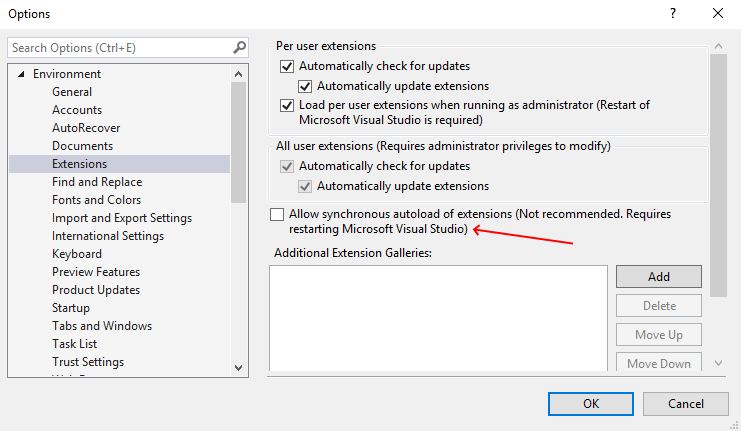
Updates to synchronous autoload of extensions in Visual Studio 2019
Visual Studio 2019 starts blocking synchronously autoloaded extensions in version 16.1. We’ve seen a tremendous effort of both 1st- and 3rd-party extensions to implement async background load. It’s been truly amazing to see the community of extension authors stepping up to the task.
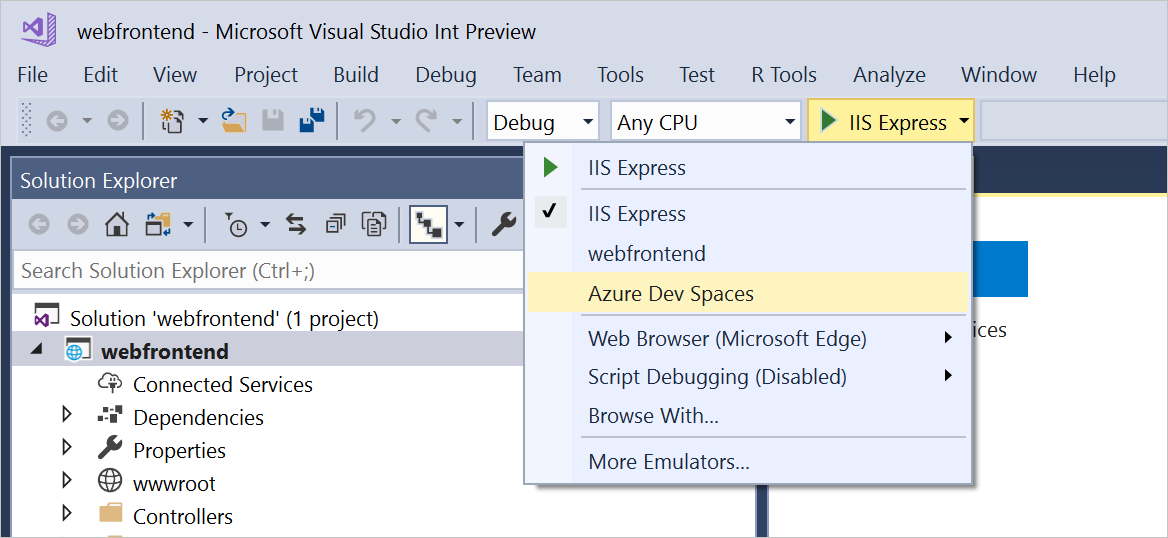
General Availability For Azure Dev Spaces

Last week at Build, we announced general availability of Azure Dev Spaces. This add-on for Azure Kubernetes Service (AKS) enables your team to develop applications with cloud velocity. Run your service in a live AKS cluster and test it end-to-end, without affecting your teammates.

Visual Studio 2019 version 16.1 Preview 3

The third Preview version of Visual Studio 2019 version 16.1 is now available. You can download it from VisualStudio.com. Or, if you’re already on the preview channel, just click the notification bell from inside your Visual Studio 2019 Preview installation to update. This latest preview contains a range of additions, including IntelliCode support by default, various C++ productivity enhancements, and .NET tooling updates. We’ve highlighted some notable features below, and you can see a list of all the changes in the Preview release notes.

Announcing the general availability of IntelliCode plus a sneak peek

Visual Studio IntelliCode is now generally available and we're offering a sneak peek of an up and coming feature.
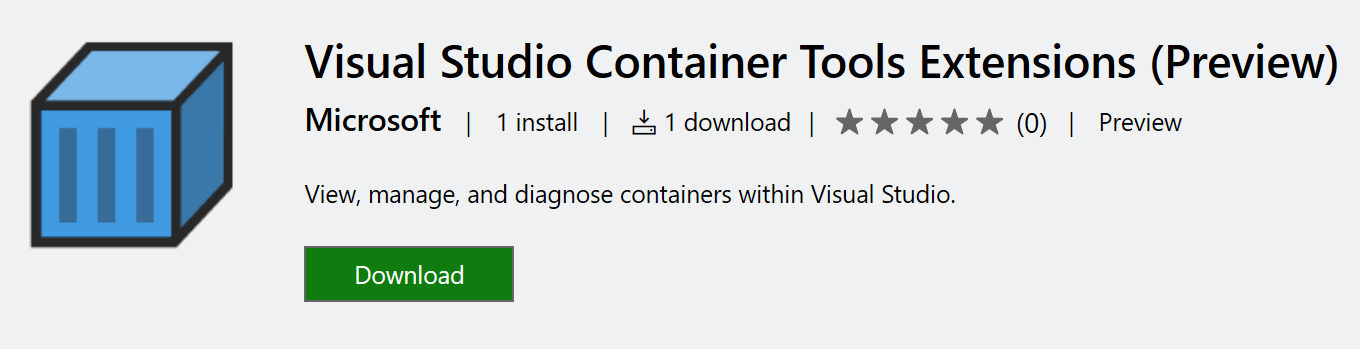
Visual Studio Container Tools Extension (Preview) Announcement

Today we’re excited to announce the preview availability of the new Visual Studio Container Tools Extension (Preview) for Visual Studio 2019. This is an important milestone in the iteration of our container tooling in Visual Studio, as we try to empower developers to work better with their containerized applications directly from within the IDE. The current Visual Studio Tools for Containers provide a great getting started experience for developers building new containerized applications, as well as capabilities to containerize an existing application.
Visual Studio 2019 for Mac version 8.1 Preview 1

Today, we are proud to announce the next major update for Visual Studio for Mac: Visual Studio 2019 for Mac version 8.1 Preview. In this update, we are offering our new C# editor as the default experience in addition to introducing support for .NET Core 3 Preview and new project templates. We’ve also been working to improve performance and reliability across the board, based on feedback that we’ve heard from the Visual Studio for Mac community. You can install this update via the Updater inside Visual Studio for Mac by switching your channel from Stable to Preview. If at any time you would like to switch bac...
Intelligent Productivity and Collaboration, from Anywhere

Today we’re excited to announce the private preview of a set of developer services that enable you to work from anywhere, and on any device, complete with the most intelligent productivity and collaboration tools in the industry.