
Visual Studio Blog
The official source of product insight from the Visual Studio Engineering Team
Latest posts

Visual Studio 2019 for Mac version 8.4 is now available

Visual Studio 2019 for Mac version 8.4 is now available. It brings enhancements to the ASP.NET Core developer experience including Blazor, Scaffolding, and .NET Core 3.1 support in addition to accessibility improvements.
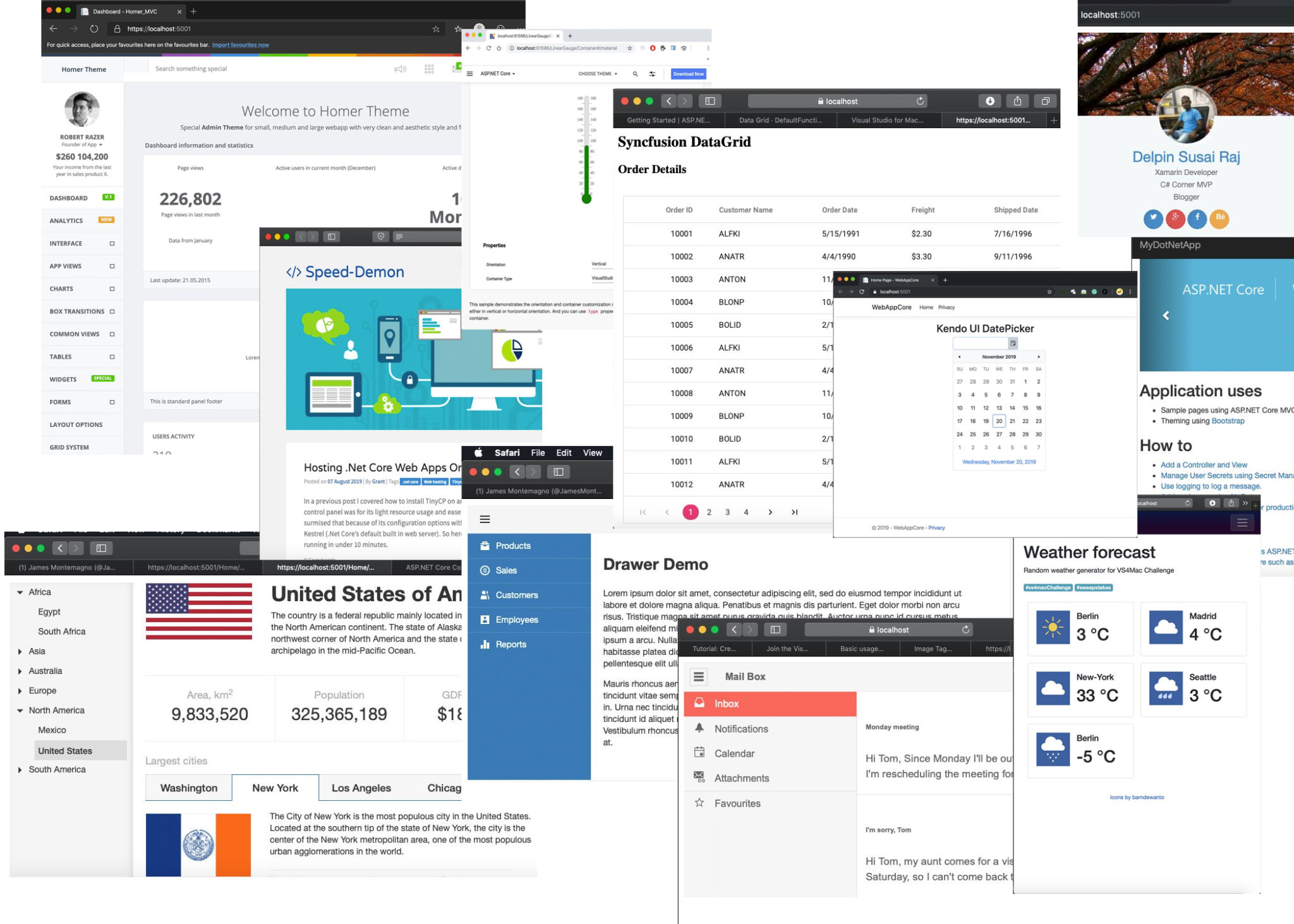
Achievement Unlocked: Visual Studio for Mac ASP.NET Core Challenge Completed

Last month, we kicked-off a challenge for our developer community to build a solution using ASP.NET Core and the new .NET Core features in Visual Studio for Mac. In this post, we share the results, and complete the challenge.
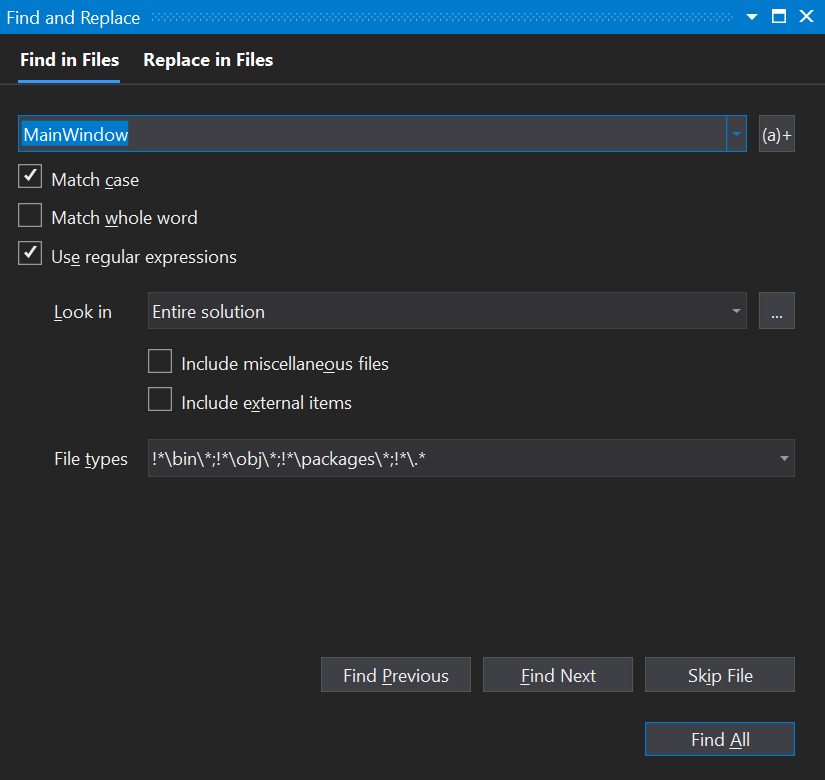
Modernizing Find in Files

Find in Files is one of the most commonly used features in Visual Studio, and in Visual Studio 2019 version 16.5 preview 1, we've given it the first round of improvements to make it faster and look more in line with the overall Visual Studio look and feel. This post will walk through the improvements and help developers get the most out of it.
Visual Studio 2019 for Mac version 8.4 Preview 4 is now available
Today, we released Visual Studio 2019 for Mac version 8.4 Preview 4. This preview version of Visual Studio for Mac brings support for the latest stable version of .NET Core, Scaffolding support for ASP.NET Core projects, and additional improvements to overall product accessibility. Developers using Xamarin Pair to Mac should also look at the additional information in this blog post related to our release schedule. To try out the preview, you’ll need to download and install the latest version of Visual Studio 2019 for Mac, then switch to the Preview channel in the IDE. For more information on the other chang...

Pinnable Properties: Debug & Display Managed Objects YOUR Way

Want to quickly identify objects by more than just their type while debugging? You can now pin object properties to the top of your debugger displays using the new Pinnable Properties tool in Visual Studio 2019 16.4!

What’s new in XAML developer tools in Visual Studio 2019 for WPF & UWP

If you missed our previous releases or simply have not had a chance to catch-up, this blog post will be the one place where you can see every major improvement we’ve made throughout 2019.

‘Tis the Season for the Visual Studio 2019 v16.4 Release

Visual Studio 2019 v16.4 is available today. Highlights of the release include: better GitHub integration, Vertical Tabs, Container Tools, Xamarin Hot Reload, C++ Tooling, .NET Productivity, Pinnable Property Tabs, and much more.

Azure IoT Tools November Update: standalone simulator for Azure IoT Edge development and more!

Welcome to the November update of Azure IoT Tools! In this November release, you will see the new standalone simulator for Azure IoT Edge development, the support of Vcpkg for IoT Plug and Play development and more new features. Deploy Event Grid module on Azure IoT Edge Event Grid on IoT Edge brings the power and flexibility of Azure Event Grid to the edge for all pub/sub and event driven scenarios. There are several ways to deploy Event Grid module in VS Code. 1. When adding a new module to your new or existing IoT Edge solution, now there is a new option to choose Azure Event Grid 2. When adding a new...
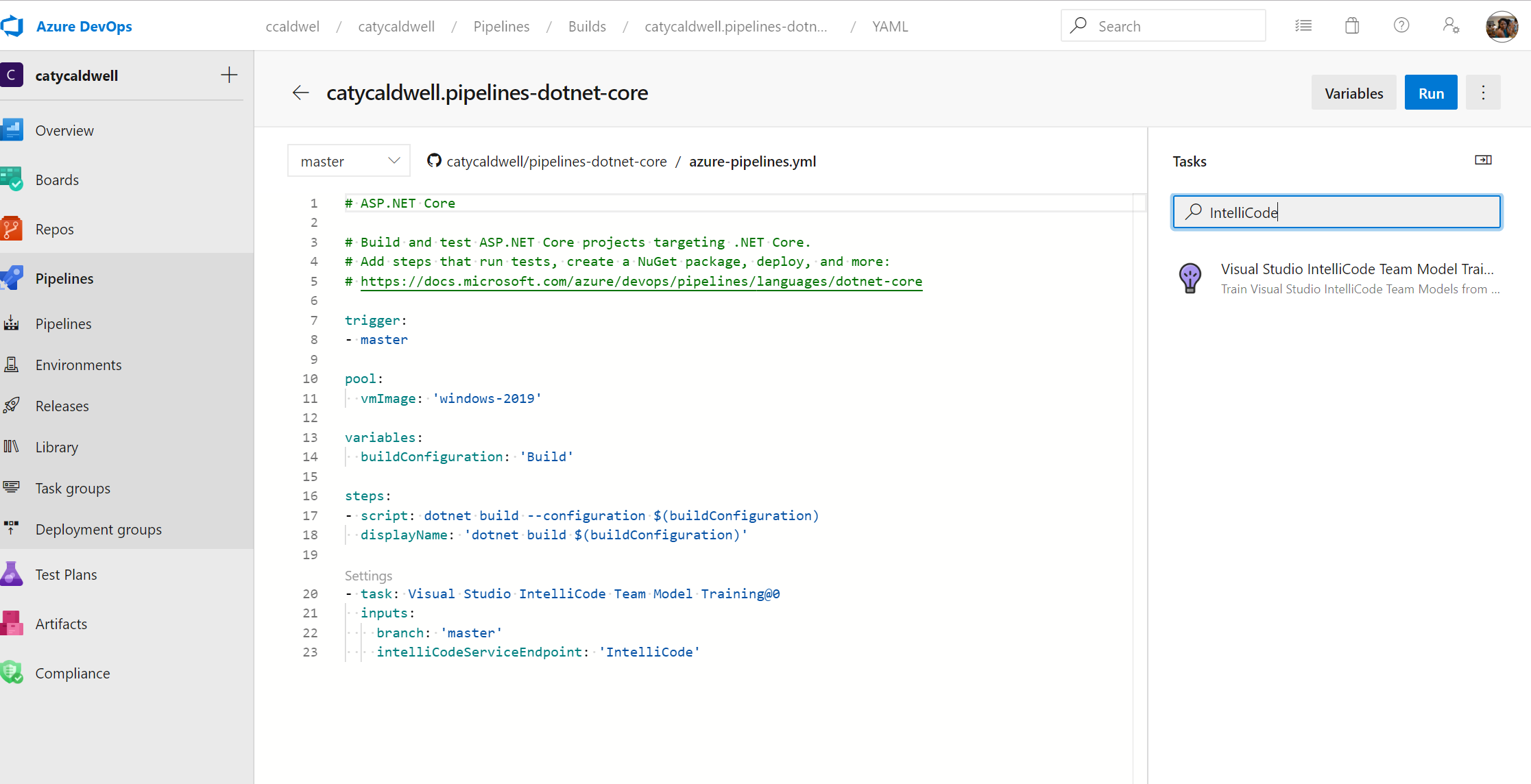
AI-assisted IntelliSense for your team’s codebase

Visual Studio IntelliCode uses machine learning to offer useful, contextually-rich code completion suggestions as you type, allowing you to learn APIs more quickly and code faster. With our latest release, you can easily share IntelliCode team completions and automate updates via an Azure DevOps task.