
Visual Studio Blog
The official source of product insight from the Visual Studio Engineering Team
Latest posts
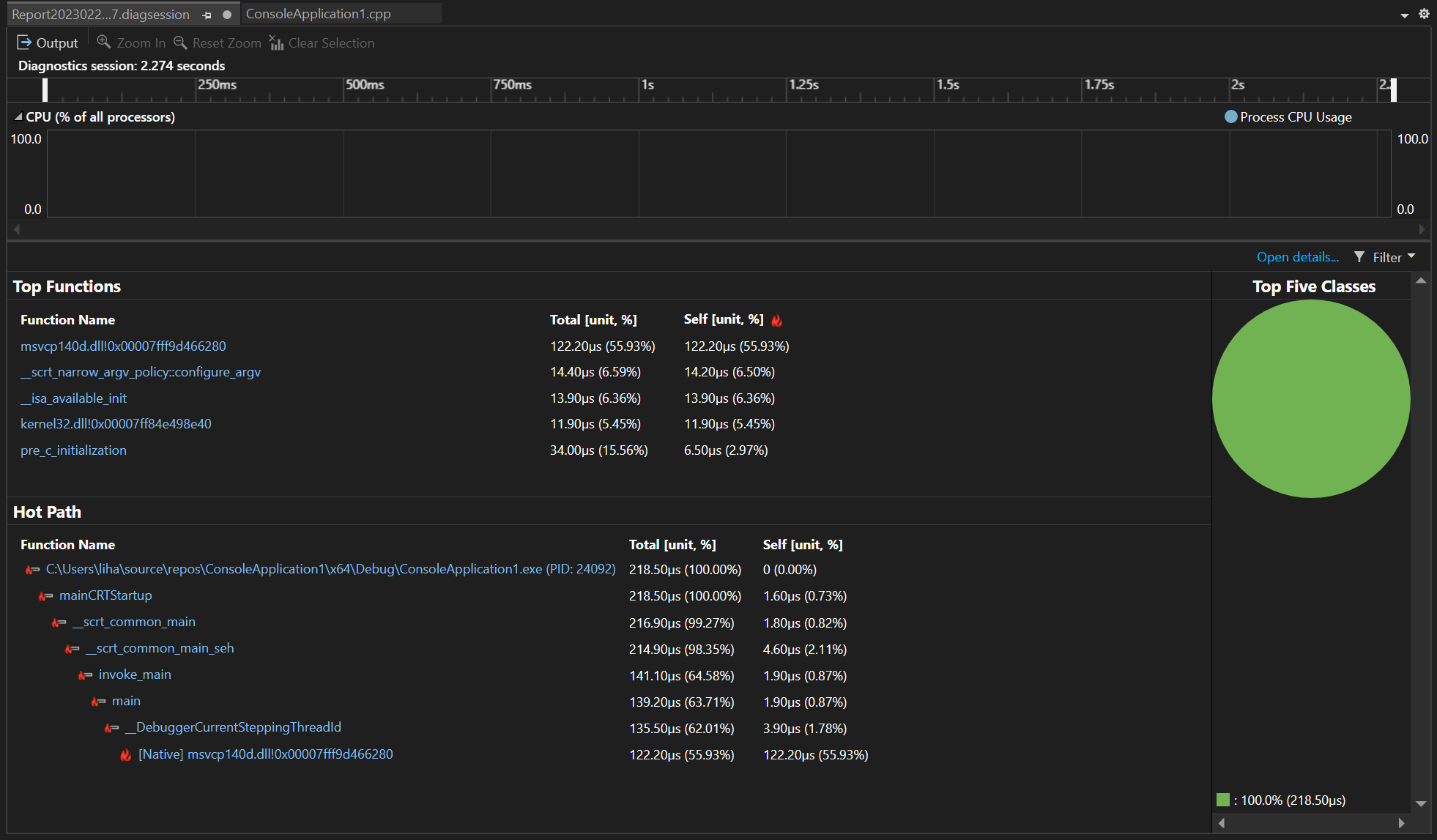
A Look Back: Visual Studio’s Profiling Tool Advancements in 2023

In retrospect, the past year our team was on a mission to enhance Profiling tools, making them more efficient and user-friendly. We improved instrumentation and our .NET counter tool, broadened platform support, seamlessly integrated unit test profiling, and boosted overall performance. Your valuable feedback via Developer Community was crucial in making Visual Studio's profiling experience noticeably more intuitive. In this post, you will get a summary of the 2023 changes providing an opportunity to catch up on any enhancements you may have overlooked. All features listed below are available in our latest Vi...

2023’s Top 10 New Features for .NET in Visual Studio


The .NET team has been working hard all through 2023 to create innovative features to enhance the productivity and experience of .NET developers. This blog dives into James Montemagno's favorite new .NET features in Visual Studio. I was particularly interested in Dev Tunnels. One of the standout features introduced in Visual Studio during 2023. This feature has been a game-changer for developers seeking to expose their local development servers to the internet. It provides a unique URL that directly tunnels to your local machine, making it incredibly valuable for scenarios like mobile development where testin...

Developing With Accessibility in Mind at Microsoft

December 3rd was celebrated as the International Day of Persons with Disabilities, or IDPWD, to bring awareness and understanding of the issues that people with disabilities face around the world. At Microsoft, we are committed to empowering every person and every organization on the planet to achieve more, and that includes empowering developers to create accessible and inclusive products. Building with accessibility in mind helps provide all users, including users with disabilities, better access to technology. Visual Studio includes several accessibility features that create a delightful experience for all ...
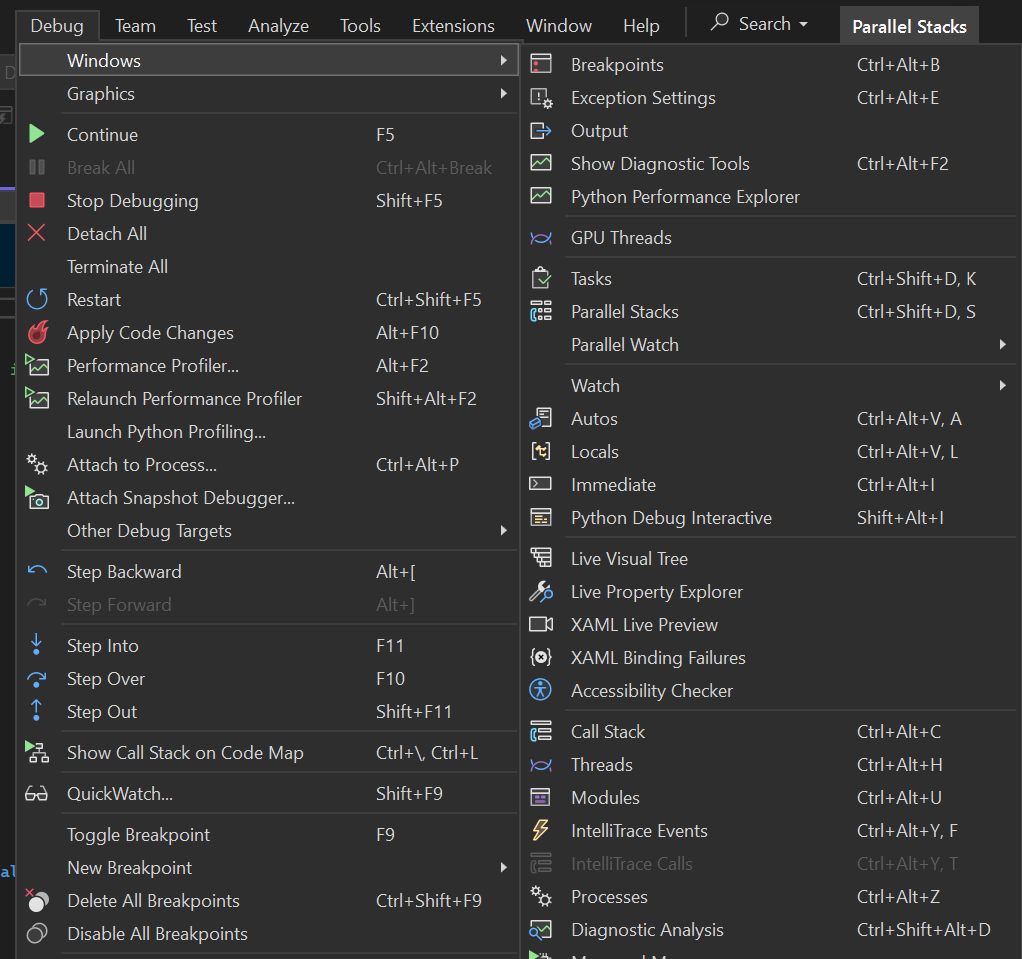
In the Debugger’s Spotlight: A Year in Review
Reflecting on the past year's journey, our team was on a mission to enhance debugging tools, ensuring they became more efficient and user-friendly. We dedicated our efforts to boosting inner-loop productivity, making external source debugging more seamless, improving overall performance, and optimizing memory analysis. And, of course, we were eagerly listening to the valuable feedback from you, our fantastic Developer Community! Based on the invaluable feedback we received from our customers like you, it's clear that the outcome is a noticeably smoother and more intuitive debugging experience in Visual Studio....

A Year of C++ Improvements in Visual Studio

As we enter the new year, it’s a good time to look back at all the features and improvements we made for C++ developers in Visual Studio in 2023. We’ve made advancements across the IDE, toolchain, and the vcpkg package manager in both performance and functionality. Some focus areas have been ARM64 support, Unreal Engine development, code safety, and cross-platform development. Let us know what you think of these features below, send us your feedback! Contents Visual Studio IDE Cross-Platform Cross-platform development is a first-class citizen in Visual Studio and has been for many years now. We’ve a...
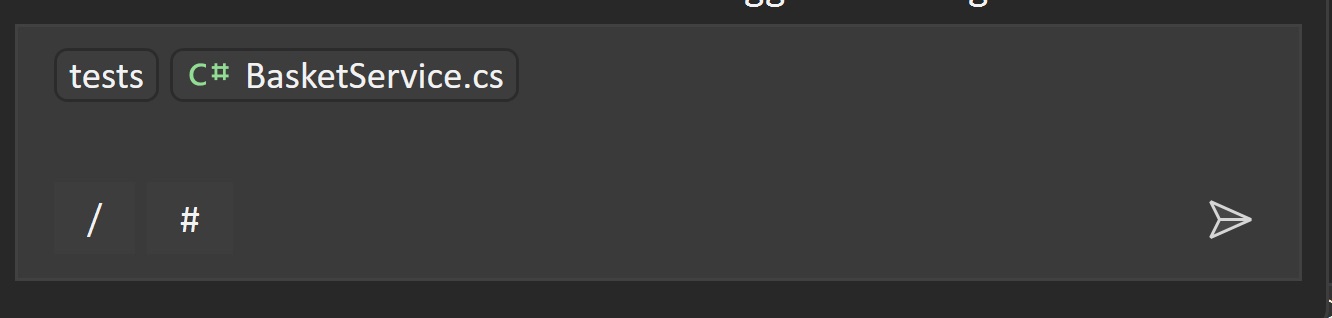
Code Faster and Better with GitHub Copilot’s New Features: Slash Commands and Context Variables

Have you ever wished you had an AI assistant that could help you write code faster and better? That’s what Visual Studio Copilot Chat offers you: an AI-powered pair programmer that can answer your questions, suggest code snippets, explain code logic, and chat with you about your project. You can use Copilot to code faster and better, as it helps you avoid errors and learn new skills. We have added two new features to the latest Visual Studio Copilot Chat extension: slash commands (/) that allow you to direct Copilot to perform specific tasks, and context Variables (#) that allow you to specify a file for Copil...
Elevate Your Git and GitHub Skills in Visual Studio with the Intermediate and Advanced Series

Git and Version Control skills are essential for development, but they’re often glossed over in coding curriculum and onboarding. We often memorize a few commands without understanding how to recover from sticky situations or leverage Git to the fullest. Are you ready to take your GitHub knowledge to the next level within Visual Studio? After the success of our introductory email learning series, we’re excited to announce our upcoming intermediate and advanced video series designed to enhance your Git and GitHub expertise. These videos are each less than 5 minutes long, and they are designed to help you get the m...

Visual Studio productivity features in 2023

Over the last year, we’ve invested heavily in new capabilities to help Visual Studio developers code more easily. Let’s look back on some of the additions that aim to make your coding experience more productive. Productivity highlights Here’s a snapshot of some productivity enhancements that shipped in 2023, ranging from versions 17.5 to 17.8. Unless stated otherwise, all these features are available in C# and C++. Spell Checker – 17.5 GA The Spell Checker makes sure your spelling is accurate while preserving the functionality of your code. For more information, see the blog post “Improving the Spell Chec...
Latest updates for C++ Remote Linux Development in Visual Studio: Remote File Explorer, Integrated Terminal, and more…

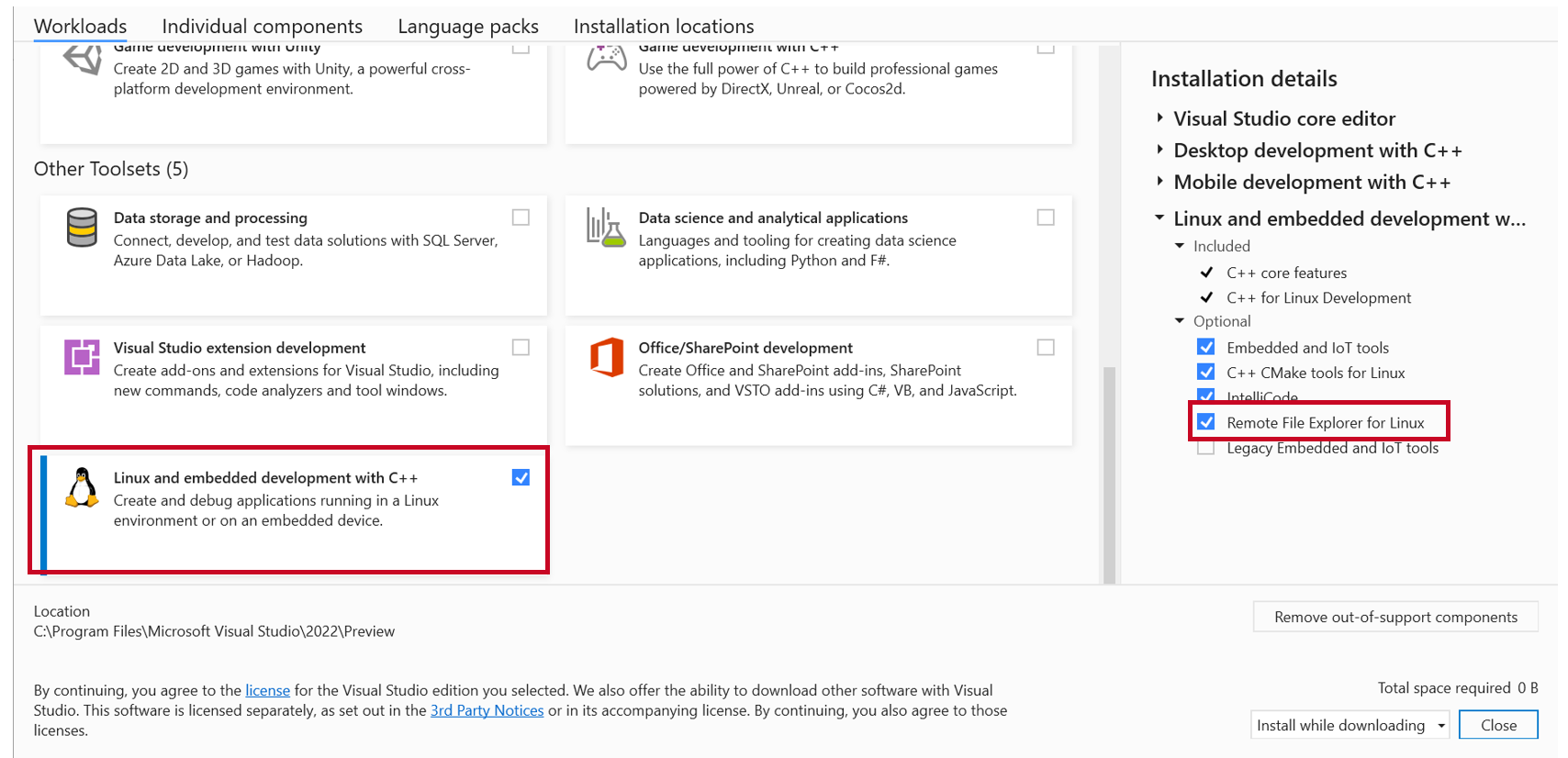
Visual Studio allows you to target your remote Linux machines so that you can still use Visual Studio’s build and debugging suite for all your remote workflows just like how you would develop locally without having to leave the IDE. To further enhance your ability to develop remotely for C++ from Visual Studio, we have added a new Remote File Explorer to perform file operations on your remote machine, an integrated SSH terminal to access your remote targets, and an automated experience to install Windows Subsystem for Linux (WSL) and build tools. Additionally, we have added support to run remote Linux tests from ...