
Visual Studio Blog
The official source of product insight from the Visual Studio Engineering Team
Latest posts
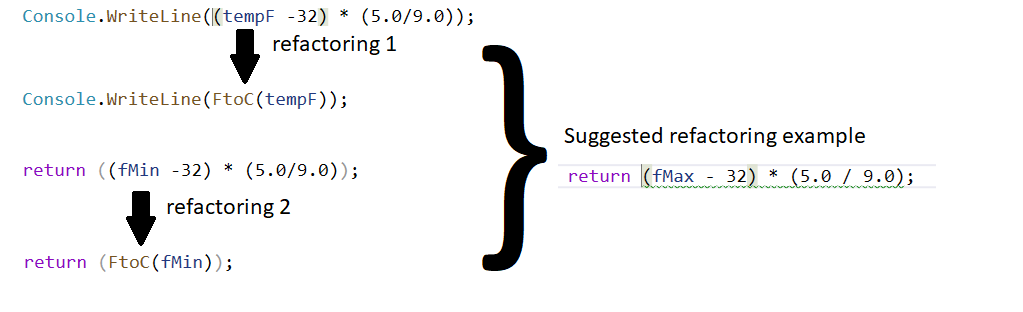
Refactoring made easy with IntelliCode!

With Visual Studio 2019 version 16.3 Preview 3 we are happy to announce that refactorings can now be enhanced by IntelliCode. IntelliCode spots repetition quickly and suggests other places in your code where you might want to apply that same change, right in your IDE

Visual Studio 2019 for Mac version 8.3 Preview 3, now available

Visual Studio for Mac 2019 v8.3 Preview 3 is now available, with new web editors, solution-level NuGet package management, and multi-targeting support.
Azure IoT Tools August Update: IoT Plug and Play tooling public preview and more!

Welcome to the August update of Azure IoT Tools! In this release of August, we have made several feature and improvements! IoT Plug and Play tooling public preview On August 22, 2019, we released a preview of IoT Plug and Play. IoT solution developers can start using Azure IoT Central or Azure IoT Hub to build solutions that integrate seamlessly with IoT devices enabled with IoT Plug and Play. IoT Device partners will also benefit from investments in developer tooling to support IoT Plug and Play. The Azure IoT Tools extension for Visual Studio Code adds IntelliSense for easy authoring of IoT Play and...
Get more fresh content on Visual Studio’s YouTube channel

Whether you like short how-to videos or longer deep dives, the Visual Studio YouTube channel has something for you. With fresh content published once to several times a week, there are always new and interesting videos to help you stay current on everything Visual Studio.

Getting Started with GitHub Actions in Visual Studio

This month, GitHub announced CI/CD support for the GitHub Actions API. GitHub Actions now makes it easier to automate how you build, test, and deploy projects on any platform, including Linux, macOS, and Windows. This blog is an introduction to how you can quickly start utilizing GitHub Actions in Visual Studio.
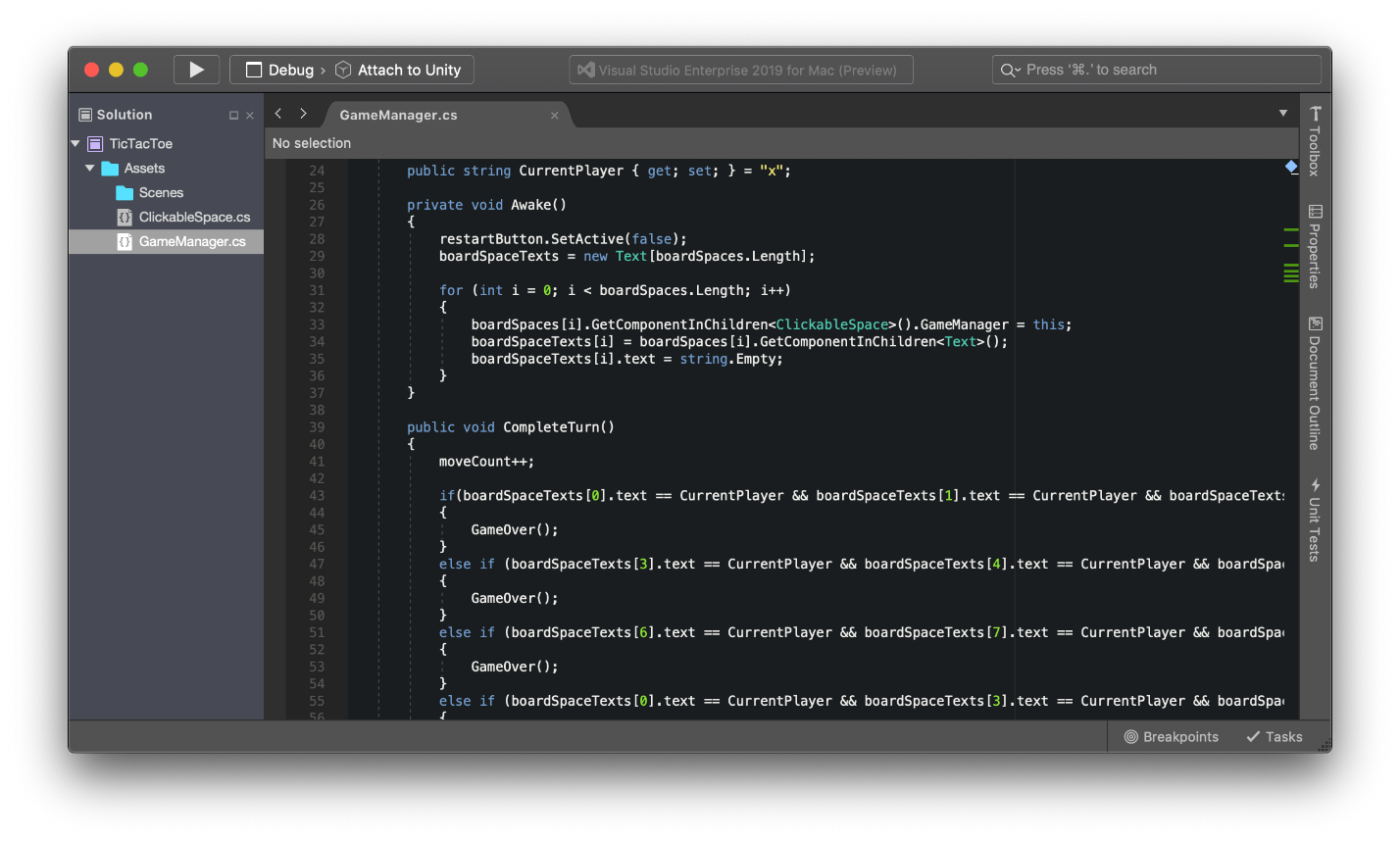
Make games with Visual Studio for Mac and Unity

Making games can be rewarding and a lot of fun. If you’d like to learn more about game development follow along by making your first game using Visual Studio for Mac, Unity, and C#.
The PowerShell you know and love now with a side of Visual Studio

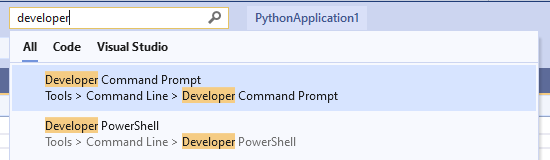
While we know that many of you enjoy, and rely on the Visual Studio Command Prompt, some of you told us that you would prefer to have a PowerShell version of the tool. We are happy to share that in Visual Studio 2019 version 16.2, we added a new Developer PowerShell! Using the new Developer PowerShell We also added two new menu entries, providing quick access to not just the Developer PowerShell, but also for the Developer Command Prompt. These menu entries are located under Tools > Command Line. Also, you can access the Developer Command Prompt and Developer PowerShell via the search (Ctrl +Q): ...
Find solutions faster by analyzing crash dumps in Visual Studio

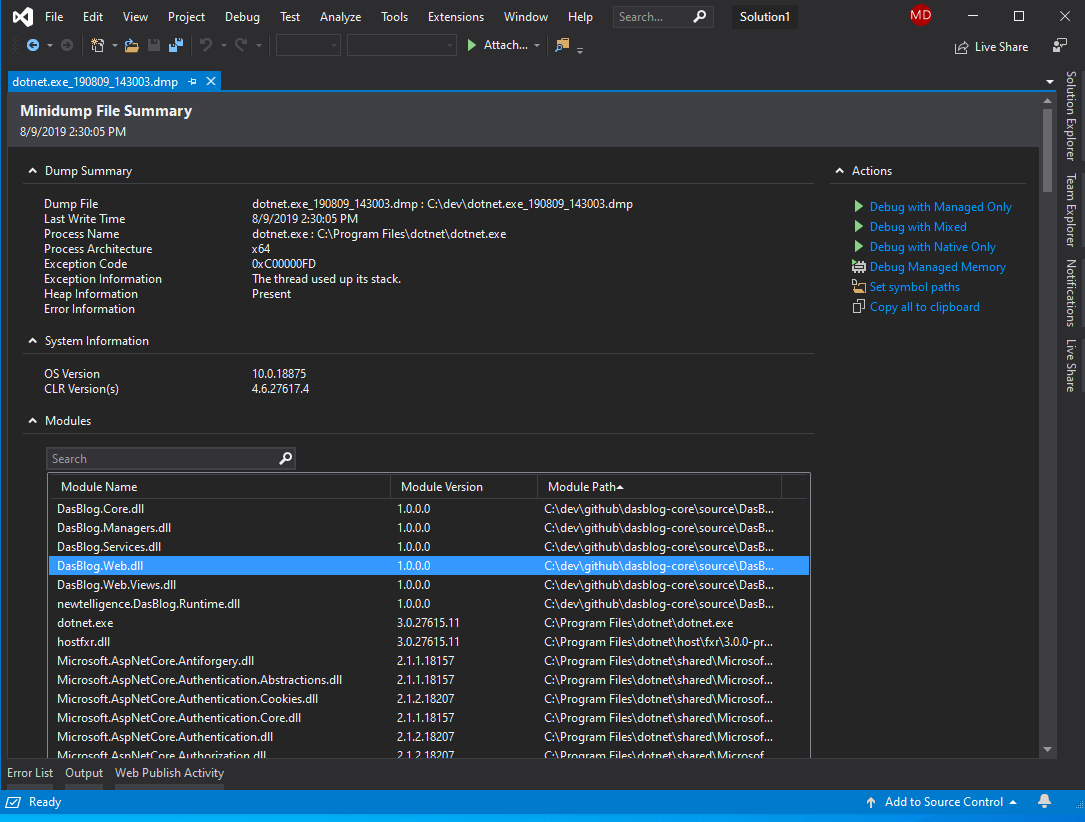
When unexpected crashes occur in your managed application you are often left with little evidence of the issue; capturing and analyzing memory dumps may be your last best option. Thankfully Visual Studio is a great tool for analyzing your apps memory dumps! In this post we show you how easy it can be to resolve the issue using Visual Studio.
Code, Recent Items, and Template Search In Visual Studio

Check out several additions to VS Search in 16.3. We have added the ability to search for code, recently opened items, and templates.