
Visual Studio Blog
The official source of product insight from the Visual Studio Engineering Team
Latest posts
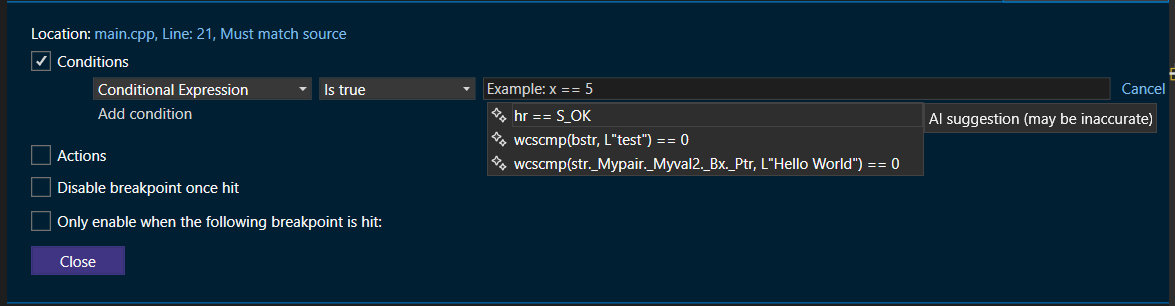
Supercharge C++ Debugging with AI-Generated breakpoint expressions

Have you ever spent hours debugging your C++ code, struggling to set up the right conditional breakpoint or tracepoint? Or wished for a smarter way to obtain detailed runtime information without manually crafting complex expressions? You're in luck! With Visual Studio 2022, the latest GitHub Copilot feature now offers AI-generated expressions for both conditional breakpoints and tracepoints, available from C# 17.10 and now extended to C++. With these AI-generated conditional breakpoints and tracepoints, you can now automate the creation of intelligent expressions tailored to your specific debugging needs, signifi...
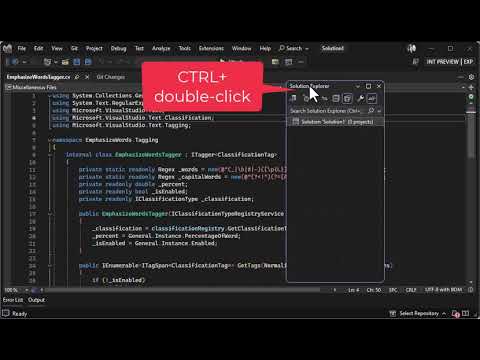
Easily dock and float tool windows

You’re in the middle of a debugging session, attempting to chase down that one issue that is causing you trouble. In the heat of the moment, you grab a tool window and drag it out of its docked position – purely by accident. You didn’t mean to drag it, but sometimes when you move the mouse around, things like that happen. Your full attention now shifts from debugging to trying to get the tool window back to where it was. Sounds familiar? Here’s something that will help. There is a little-known feature that will move a tool window between its last known docked location and last known floating location. H...
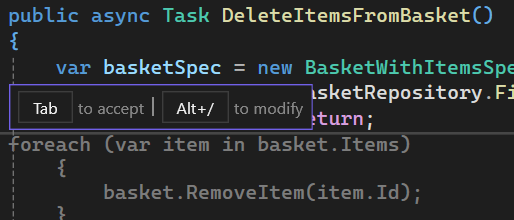
Incorporate GitHub Copilot into your daily flow


Streamlining Workflow with GitHub Copilot Have you ever received code completions that are too large to manage or ones that need slight tweaks, but you must accept all the code to make those changes? To address these pain points, in Visual Studio 17.11 we’ve introduced a new feature that allows you to refine your completions by adding extra context or asking clarifying questions. Now, you can move directly into Inline Chat and view the suggested code in a more accessible way, without having to accept and modify everything in the editor. Refining GitHub Copilot Completions with Inline Chat You now have mor...
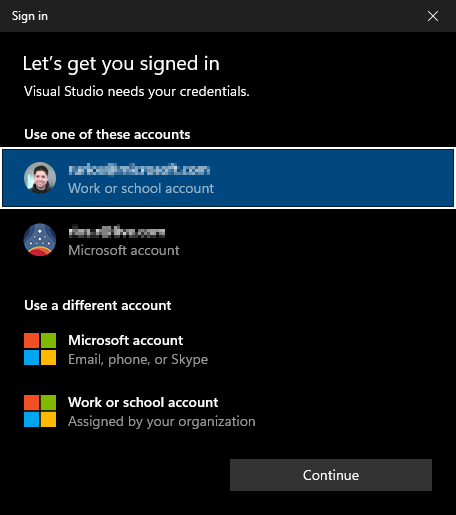
Enhancing your Visual Studio authentication experience

The current cyber security climate demands that applications not only provide outstanding features but also prioritize the security of user data. Applications like Visual Studio rely on token-based authentication to access resources on your behalf. While effective, token-based authentication can be susceptible to attacks if not properly protected. Today, we are happy to announce that starting with the Visual Studio 17.11 update, we are helping better protect your credentials by making the Windows authentication broker, also known as WAM (Web Account Manager), the default authentication method for Visual Studio 20...
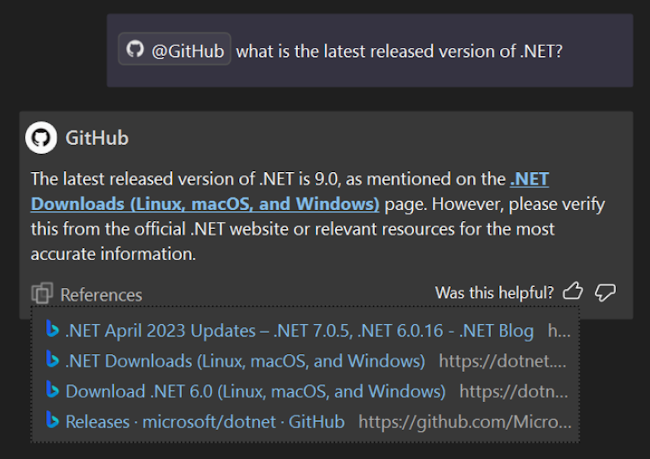
New GitHub Copilot features in Visual Studio 2022 17.11

Visual Studio 2022 17.11 now brings exciting advancements from GitHub Copilot! This release significantly improves how GitHub Copilot integrates into your development workflow, offering smarter and more intuitive coding assistance. Discover the new GitHub Copilot features in Visual Studio, such as enhanced context understanding, improved code completions, and AI insights for debugging and naming. These updates aim to boost your productivity and efficiency in coding. To try these new features, download the update, make sure to activate your GitHub Copilot account and check out the release notes for more detaile...
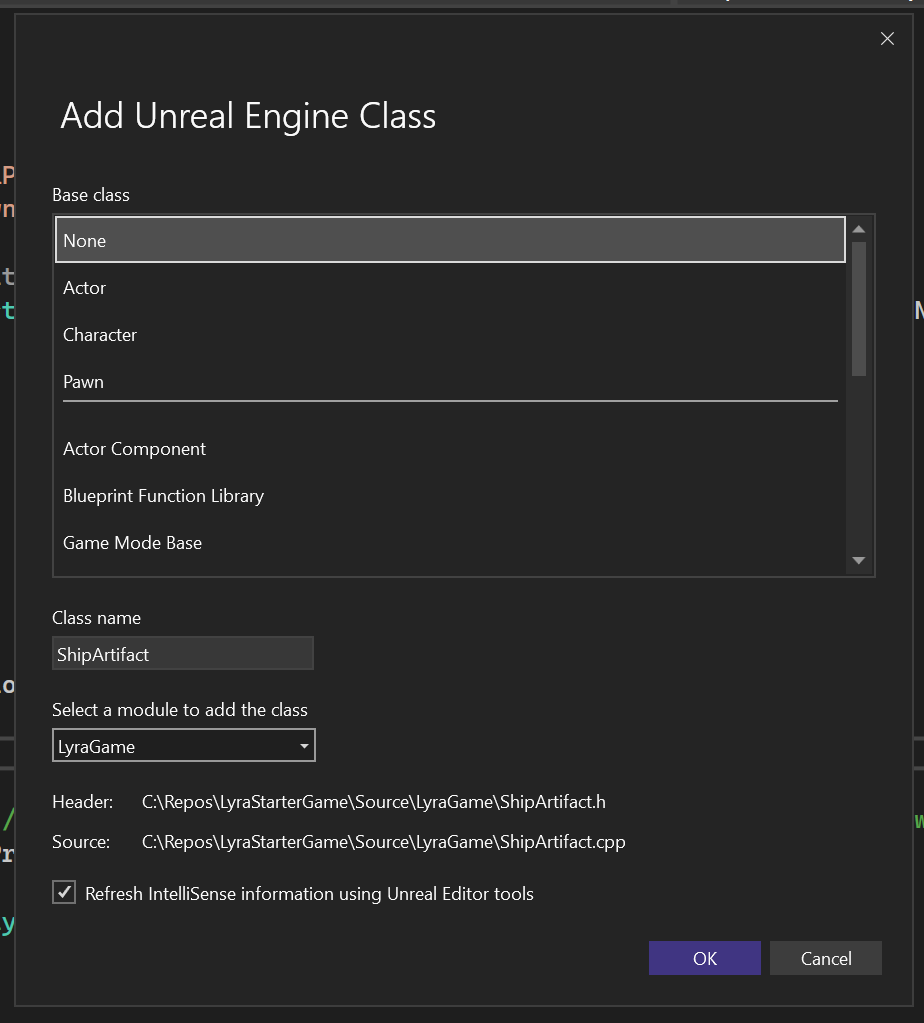
C++ Gaming Productivity Update for Visual Studio 2022 version 17.11

Introduction In Visual Studio 2022 version 17.11, you will find brand new productivity enhancements for your game development workflows. From faster conditional breakpoints to a swath of Unreal Engine enhancements, we have added various productivity boosters based on your feedback. Once again, thank you for sharing Developer Community feedback and answering our surveys. Your valuable feedback continues to drive the direction of the Visual Studio gaming team. General C++ Game Development Supercharge Your IntelliSense Performance We have received feedback from AAA developers about IntelliSense performance. Whil...
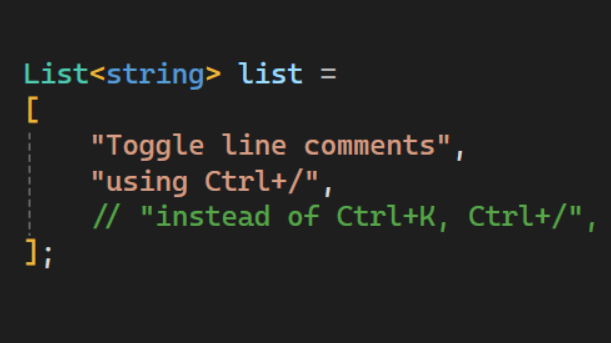
New IDE features in Visual Studio v17.11
In Visual Studio 2022 v17.11, you'll discover several new features that address specific issues developers have reported. These updates don't belong to a distinct category, but we're dedicated to sharing them with you in this blog post. You can download the update and view the comprehensive release notes for full details. Find the code you're looking for Do you ever feel like you're seeing too many results in code search? Narrow down your focus with the newly added scoping options in Code Search. For the default code search experience and each filter, you can now set the scope to Entire solution, Current...
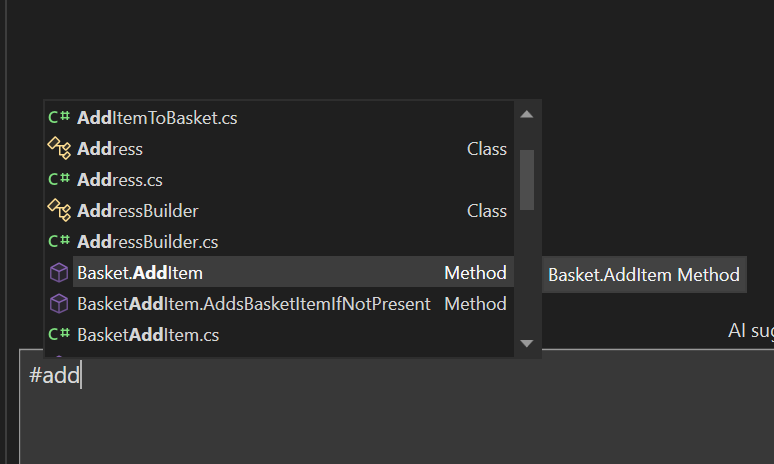
Enhancing Code Comprehension: GitHub Copilot’s Features in Visual Studio 2022 17.11
GitHub Copilot in Visual Studio 2022 17.11 now offers an improved experience you to refer to their methods, classes, functions, and entire solution directly within the chat. By using the # symbol followed by the name of a method, class, or function, or by referring to your solution with @workspace, you can provide specific context that helps GitHub Copilot better understand their code and the problem at hand. Refer to your solution GitHub Copilot Chat now allows you to refer to your entire solution. This feature helps provide an even deeper understanding of your solution to get the best results. To refer to you...
New C++ features in Visual Studio v17.11

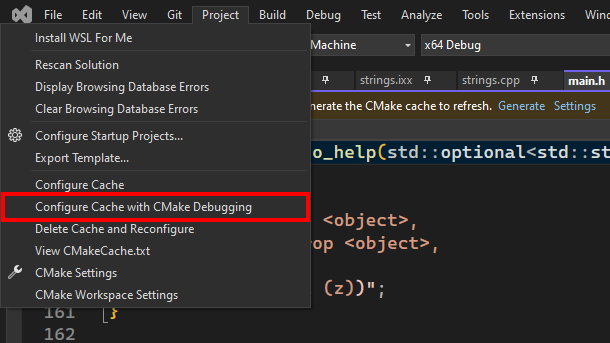
Visual Studio 2022 version 17.11 is here and comes with a host of new features for C++ developers. We’ve made improvements across our toolchain, Unreal Engine support, Build Insights, CMake debugger, and more. This post gives a quick overview of what’s available; for all the details, see What's New for C++ Developers in Visual Studio 2022 17.11 on the C++ blog. Standard Library The three main areas of improvement in this release are in formatted output, vectorization, and diagnostics. For formatted output, we’ve implemented parts of Formatting Ranges and all of Printing Blank Lines with println. Our vectorizati...