
Visual Studio Blog
The official source of product insight from the Visual Studio Engineering Team
Latest posts
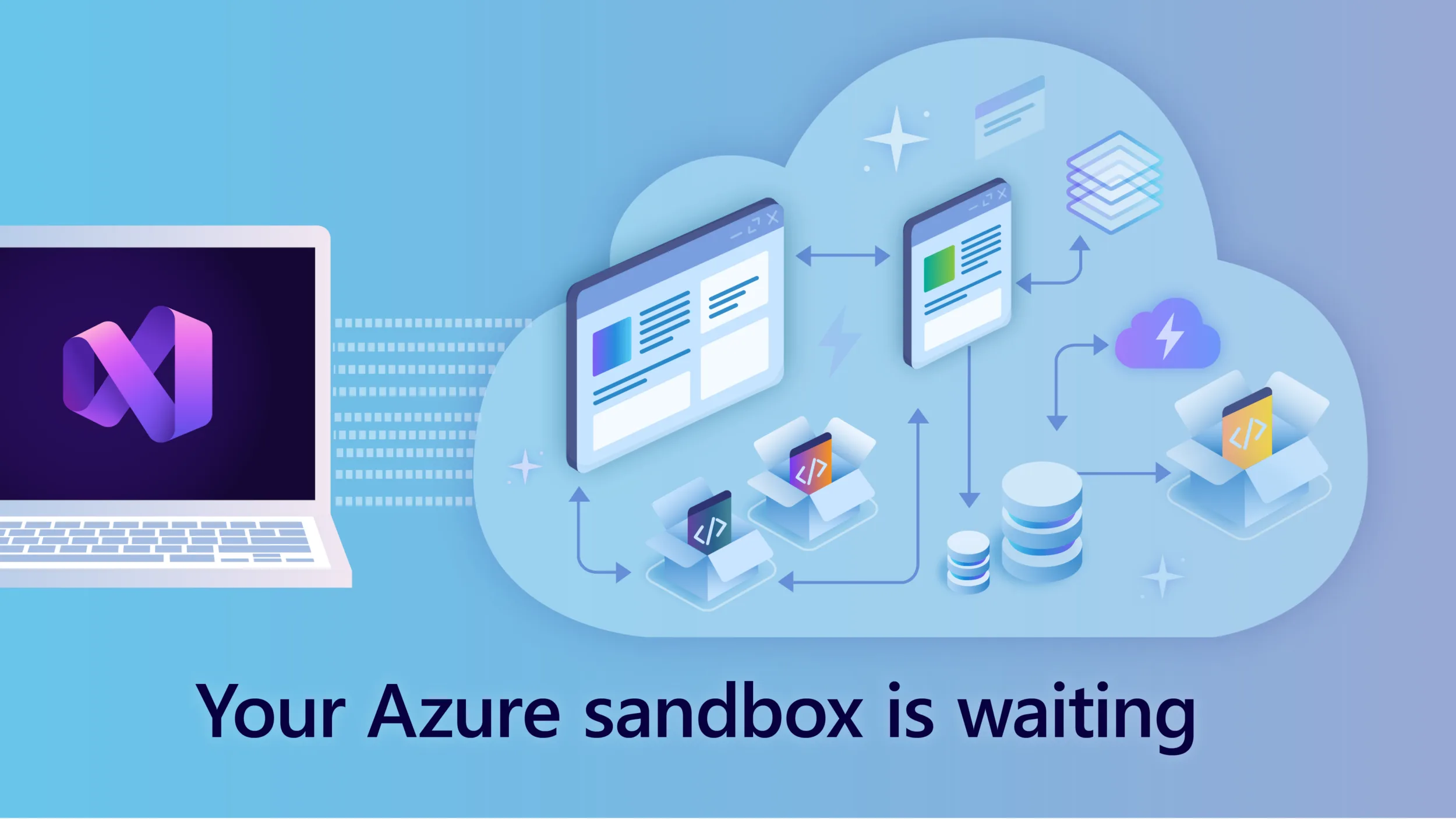
What Would You Build in Azure If You Didn’t Have to Ask for a Budget First?

Maybe you’d deploy that .NET application you’ve been working on. Try a serverless architecture. Experiment with containers. Build a proof of concept. Or spend some time exploring an Azure service you haven’t used yet. If you’re an eligible Visual Studio subscriber, you may already have a personal Azure sandbox waiting for you. Many Visual Studio Subscriptions include Azure credits, giving developers a simple way to explore Azure, build skills, develop applications, and experiment with cloud services without first needing a separate Azure budget. If you haven’t activated yours yet, it’s a Visual St...
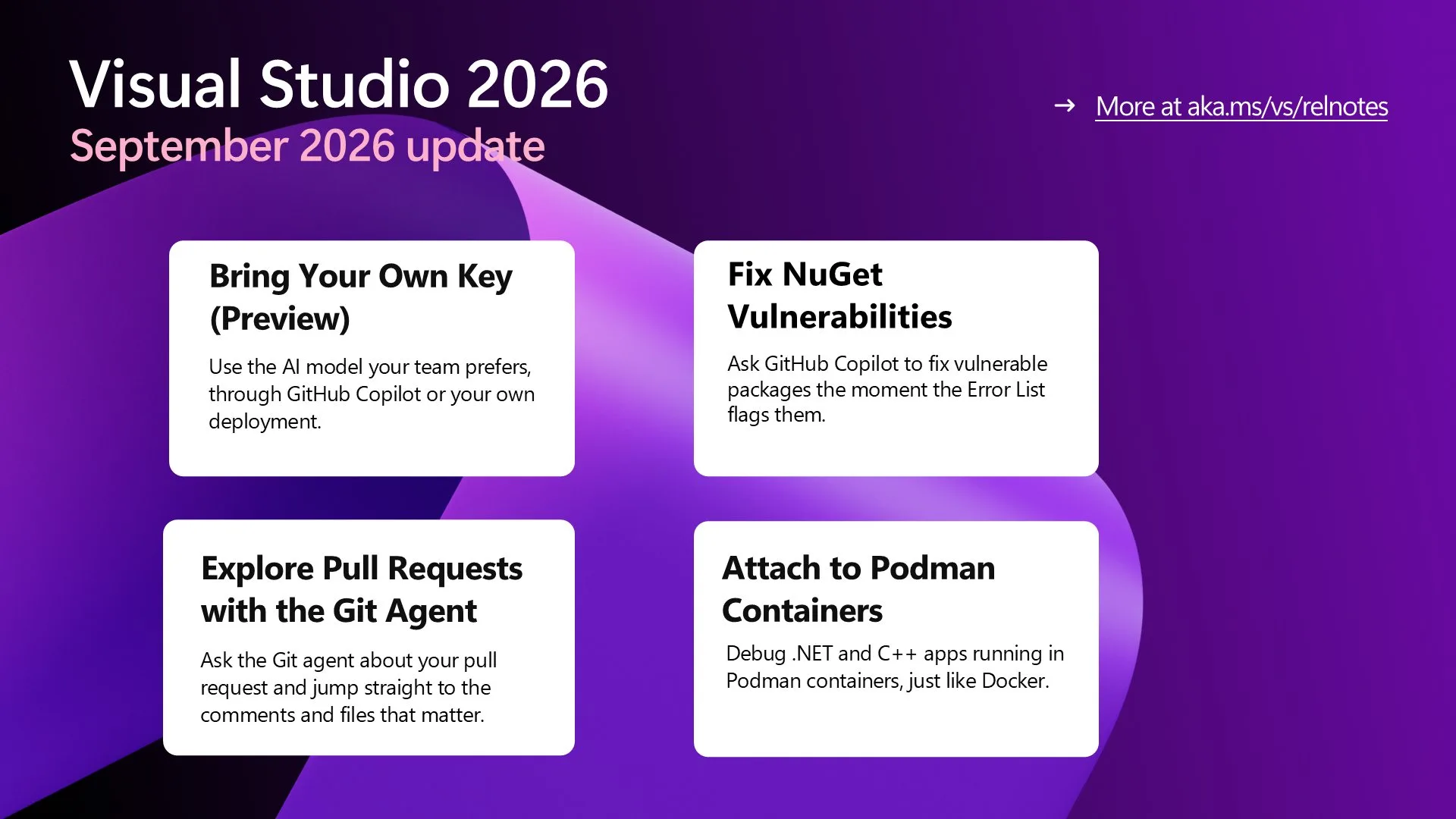
Visual Studio September Update – Power Your Workflow with Your Model

Bring your own AI model with updates to BYOM, fix NuGet vulnerabilities from the Error List, explore pull requests with the Git agent, see which operand decides an if condition, and attach to Podman containers.
Today I will… debug a production crash

We've all experienced this, the desktop application is hanging, the window is greyed out, and we're just waiting for it to start to respond. Or we're on a website and are sure that it was going to load faster than this, but we're just waiting the loading icon spin around and around. These sorts of problems, when they happen in production, can be difficult to diagnose since you often need to replicate them, from machine specifications to traffic loads. Today we're going to look at one of the possible problems, having too many active threads running in a C# application, and how we can debug the crash after the fac...
AI Is Changing How We Code. It’s Also Changing How We Learn.
AI is changing software development at a pace no one can ignore. Developers now have powerful AI tools that can help us write code, understand unfamiliar codebases, troubleshoot problems, learn new frameworks, and get answers in seconds. That is an incredible opportunity. But as these tools become more capable, I believe something else is becoming more valuable too: learning directly from other developers. That’s one of the reasons I continue to believe so strongly in events like VSLive!. Learn from people who have done the work One of the things I value most about VSLive! is its focus on practica...
Today I will… improve test coverage
Today I want to look at how we can improve on the test coverage that we have in the Interview Coach application. This application has some unit tests in it already, but I'm sure there is room for improvement. Defining our baseline Before we start writing tests, it's a good idea to have a baseline of what our coverage is so that we can find out where the gaps are, rather than just writing tests "for the sake of writing tests". We can do this using the Analyze Code Coverage for All Tests, from either the Command Palette (CTRL + SHIFT + P) or the Tests menu. Running the analyzer, we can see where our coverage ...
Today I will… find hidden latency across a distributed .NET application

When a distributed application feels slow, the user sees one delay. The code behind that delay may run across a web frontend, backend services, databases, and external APIs. If you profile only the frontend while the backend is slow, the profiler can show that the frontend is healthy without revealing the actual bottleneck. This article shows how to narrow a cross-process performance problem with Visual Studio: identify the process that owns the slow operation, capture its CPU activity, inspect the report, and add a focused measurement when CPU samples cannot explain elapsed time. GitHub Copilot Profiler Agent...
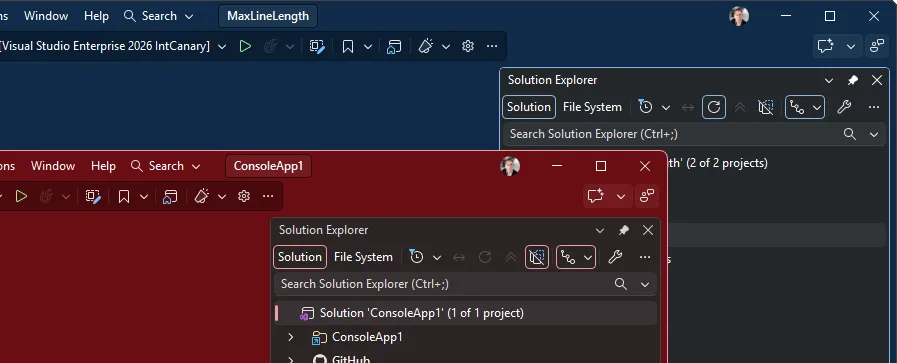
Stop alt-tabbing into the wrong Visual Studio

A user asked for per-solution color themes. It already ships, and it goes further than they asked. You run several instances of Visual Studio side by side, one per solution, and they all look identical. Same taskbar icon, same alt-tab thumbnail, same chrome. So, you land in the wrong one, start typing, and realize thirty seconds later you just edited the wrong repo. Could each solution get its own color theme? It can. It already does. And the way it works turns out to be more useful than a personal color preference. How to do it This uses the new settings experience introduced in Visua...
Today I will… review GitHub PRs
Today I will show you how we can tackle one of the most common tasks when working in a development team or managing an open-source project, and that is working with Pull Requests. While we're going to be using the GitHub tooling within Visual Studio for this, the approach would be very similar with Azure DevOps. Getting our PRs Start by opening the pull requests for your repository. Select Git → GitHub → View Pull Requests. You can also search for the command in the Command Palette with Ctrl+Shift+P. From here, Visual Studio will load all the PRs in the repo and group them to the ones that are assigned to m...
VSLive! @ Microsoft HQ: Developer Takeaways and Must-Watch Sessions
VSLive! @ Microsoft HQ 2026 was one of the most energizing VSLive! events I’ve attended. What stood out was the level of engagement over five days of learning and conversation from July 27 through July 31. Developers came ready to dig into the future of Visual Studio, .NET, and AI-assisted software development, and many Microsoft engineers and product managers were there to have those conversations directly. If you weren’t able to join us in Redmond, there’s still plenty you can take away from the event. The Microsoft-led sessions were recorded, so you can catch up on many of the topics that generated som...