
Visual Studio Blog
The official source of product insight from the Visual Studio Engineering Team
Latest posts

Are You Getting Everything You Can from Your Visual Studio Subscription?

What if you could experiment with a new Azure service without requesting additional budget, prepare for your next technical certification using learning resources you already have, or build a dashboard without creating every UI component from scratch? If you're a Visual Studio subscriber, you may already have benefits that can help you do all three. Here’s a few possibilities you may not have considered: 1. What could you build with your Azure credits? Have you been curious about an Azure service but haven't had the opportunity, or the budget, to try it? Maybe you want to experiment with an AI-powered a...
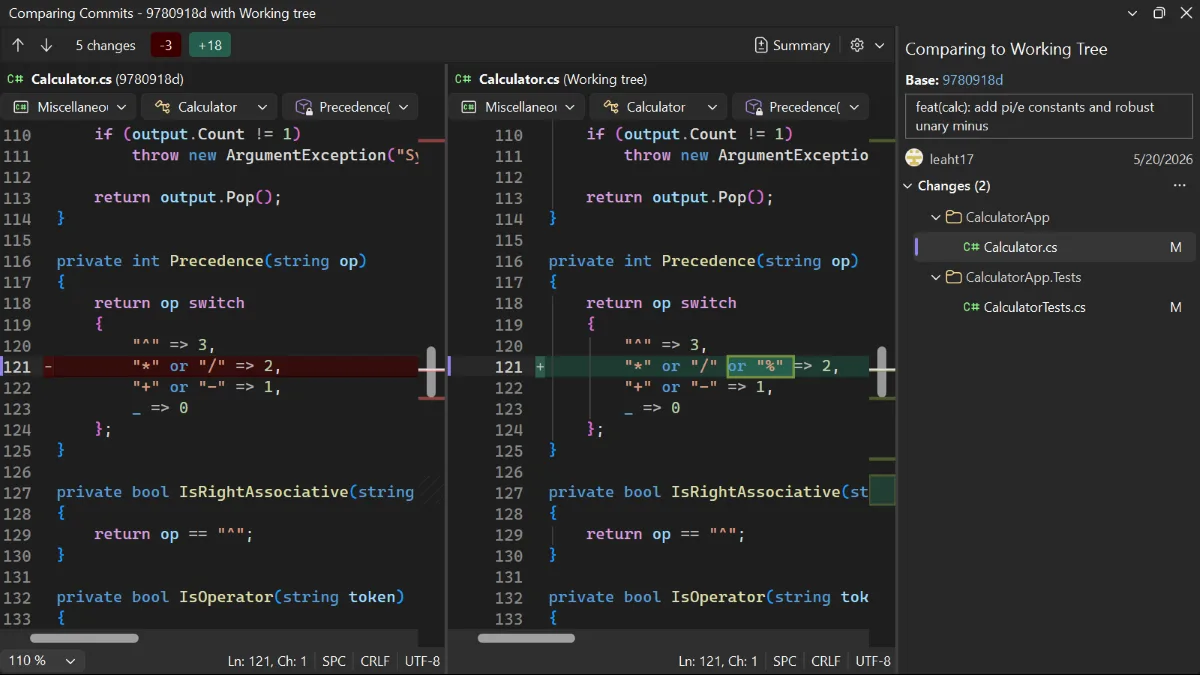
Compare today’s code with an earlier commit

Compare a historical commit with your working tree without checking out the commit or leaving your branch.

Organize and revisit tabs with the keyboard

Reorder your document tabs and return to them by visual position with new keyboard shortcuts.
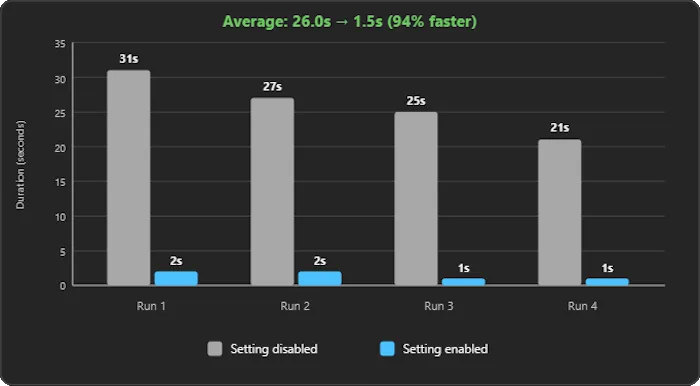
Stop waiting on a failed build
Stop solution builds after the first project failure so you can return to fixing the error sooner.

New Tools, New Workflows and the Value of the Visual Studio Subscription: What We Learned at VSLive! San Diego
What happens when developers who have spent decades working with Visual Studio start rethinking how they write code, learn new skills, and expand their access to development tools? At VSLive! San Diego, we had an opportunity to find out as developers gathered for five days of technical sessions, hands-on learning, and conversations about Visual Studio, .NET, AI, cloud, data, and modern application development. One of the most interesting things we heard in San Diego was how readily experienced developers are adopting new tools and workflows. GitHub Copilot is part of that story, and developers aren't...
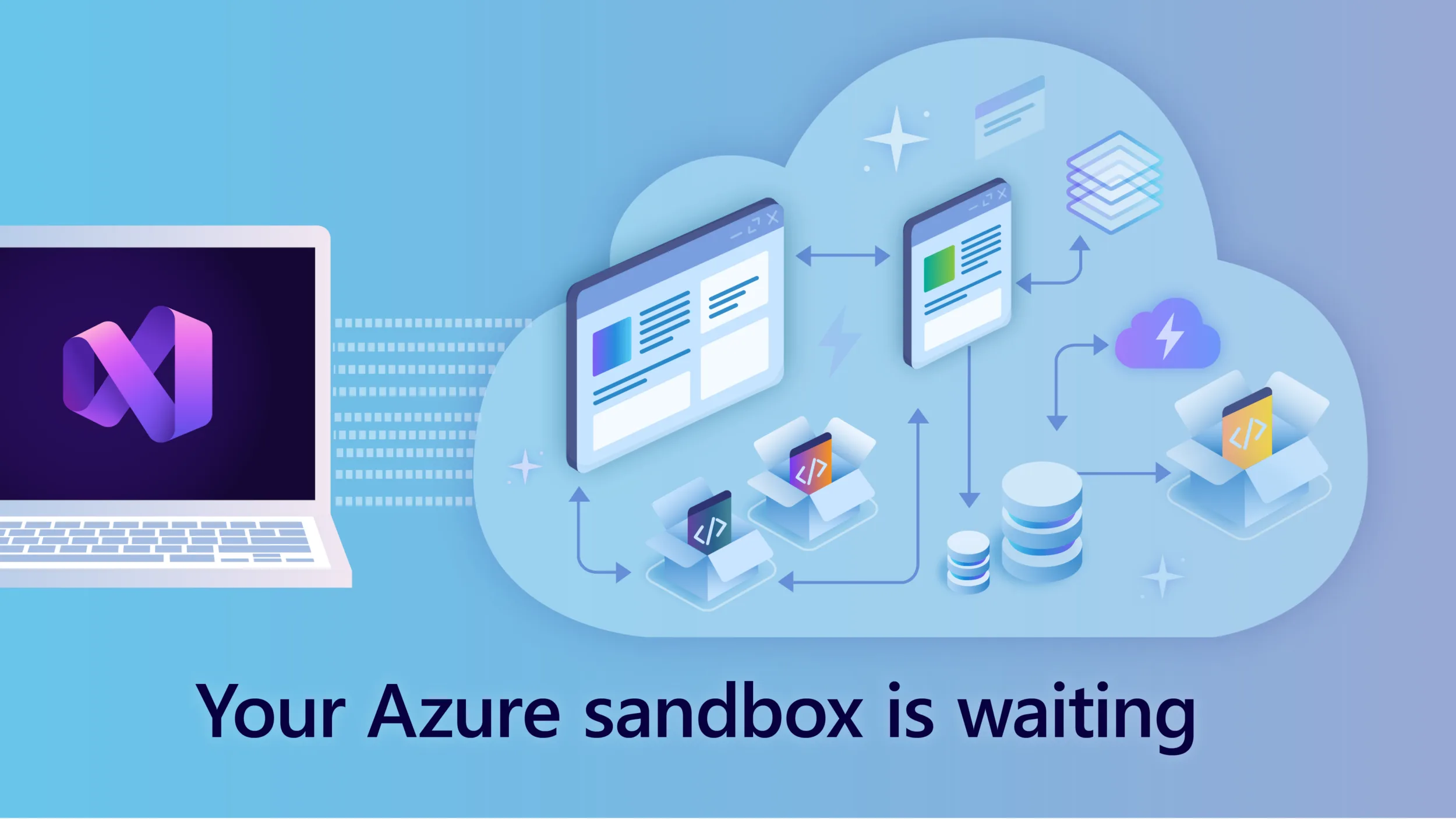
What Would You Build in Azure If You Didn’t Have to Ask for a Budget First?
Maybe you’d deploy that .NET application you’ve been working on. Try a serverless architecture. Experiment with containers. Build a proof of concept. Or spend some time exploring an Azure service you haven’t used yet. If you’re an eligible Visual Studio subscriber, you may already have a personal Azure sandbox waiting for you. Many Visual Studio Subscriptions include Azure credits, giving developers a simple way to explore Azure, build skills, develop applications, and experiment with cloud services without first needing a separate Azure budget. If you haven’t activated yours yet, it’s a Visual St...
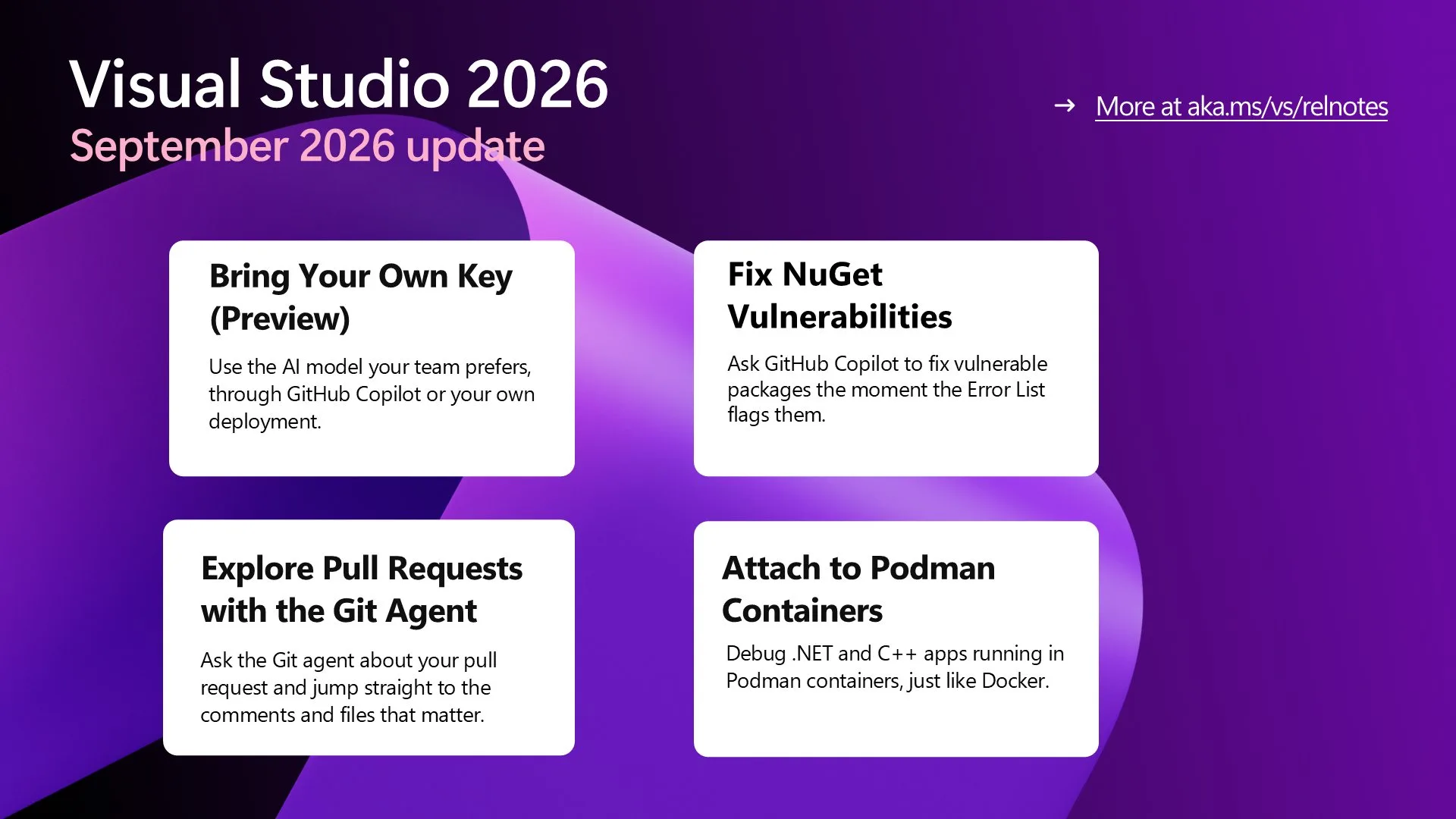
Visual Studio September Update – Power Your Workflow with Your Model

Bring your own AI model with updates to BYOM, fix NuGet vulnerabilities from the Error List, explore pull requests with the Git agent, see which operand decides an if condition, and attach to Podman containers.
Today I will… debug a production crash

We've all experienced this, the desktop application is hanging, the window is greyed out, and we're just waiting for it to start to respond. Or we're on a website and are sure that it was going to load faster than this, but we're just waiting the loading icon spin around and around. These sorts of problems, when they happen in production, can be difficult to diagnose since you often need to replicate them, from machine specifications to traffic loads. Today we're going to look at one of the possible problems, having too many active threads running in a C# application, and how we can debug the crash after the fac...
AI Is Changing How We Code. It’s Also Changing How We Learn.
AI is changing software development at a pace no one can ignore. Developers now have powerful AI tools that can help us write code, understand unfamiliar codebases, troubleshoot problems, learn new frameworks, and get answers in seconds. That is an incredible opportunity. But as these tools become more capable, I believe something else is becoming more valuable too: learning directly from other developers. That’s one of the reasons I continue to believe so strongly in events like VSLive!. Learn from people who have done the work One of the things I value most about VSLive! is its focus on practica...