
Windows Command Line
Insights from the teams behind Windows Terminal, PowerToys, WinGet, and WSL
Latest posts
winget install learning

Last week we announced a package manager preview for Windows. Our goal is to provide a great product to our customers and community where everyone can contribute and receive recognition. The last thing that we want to do is alienate anyone in the process. That is why we are building it on GitHub in the open where everyone can contribute. Over the past couple of days we've listened and learned from our community and clearly we did not live up to this goal. More specifically, we failed to live up to this with Keivan and AppGet. This was the last thing that we wanted. The desire to use GitHub as the basis for our p...
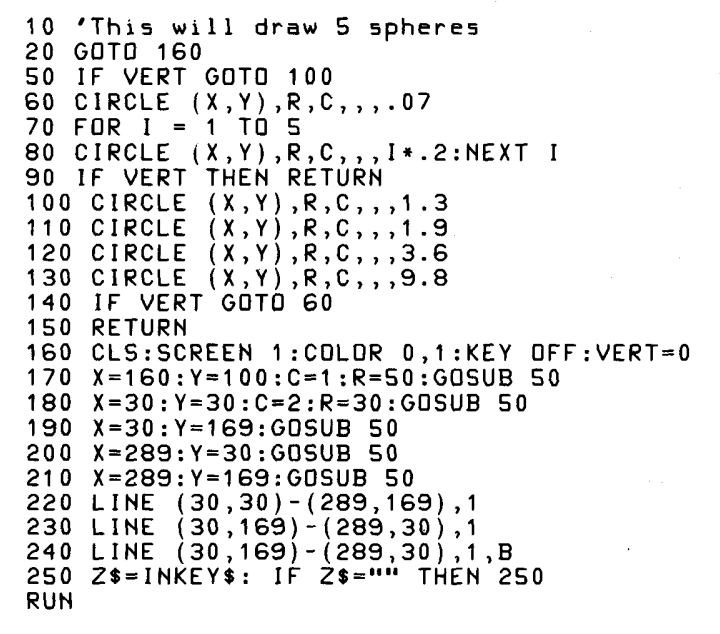
Microsoft Open-Sources GW-BASIC

We are excited to announce the open-sourcing of Microsoft's GW-BASIC on GitHub!
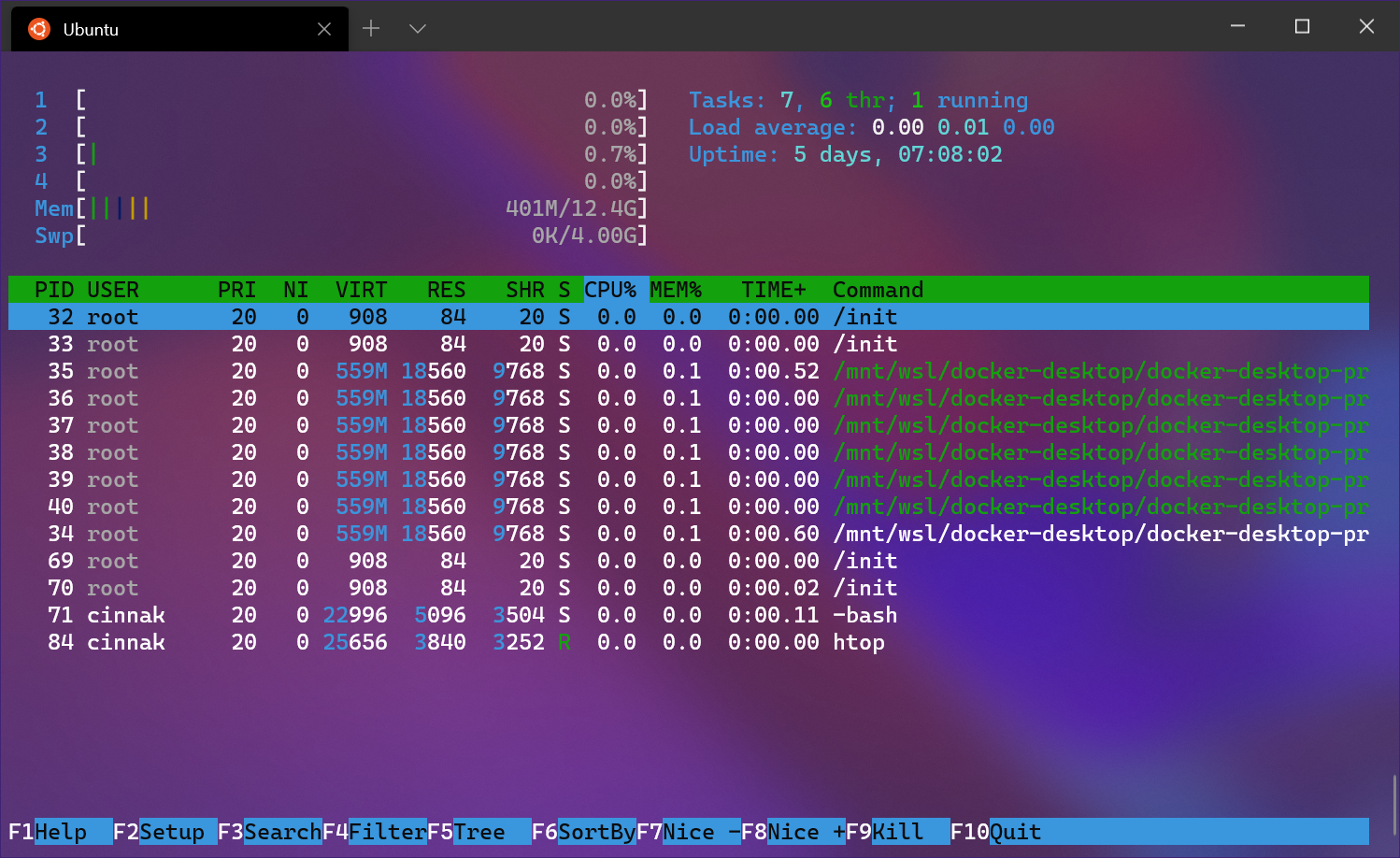
Windows Terminal 1.0

Last year at Build 2019, we first announced the Windows Terminal. Since then, we have been working with the community to create a wonderful terminal experience while still being a preview product. Here we are at Build 2020 and we are so excited to share with you our latest announcements! Build 2020 Windows Terminal 1.0 We are incredibly proud to announce the release of Windows Terminal 1.0! Windows Terminal has come a long way since its announcement at Microsoft Build 2019. You can download Windows Terminal from the Microsoft Store or from the GitHub releases page. Windows Terminal will have monthly updates, ...

The Windows Subsystem for Linux BUILD 2020 Summary

This year at an all virtual BUILD conference we had many exciting announcements for the Windows Subsystem for Linux (WSL)! This blog post gives you a summary of all the WSL news, including what’s available now and what you can expect in the future. WSL’s BUILD news at a glance Please read on below for the details for each item. Available this month Support for Windows Subsystem for Linux 2 (WSL 2) distros is coming this month in the Windows 10 May 2020 Update 4 years ago, at Build 2016, Microsoft surprised the world by announcing Windows Subsystem for Linux – WSL (also known at the time as “Ba...
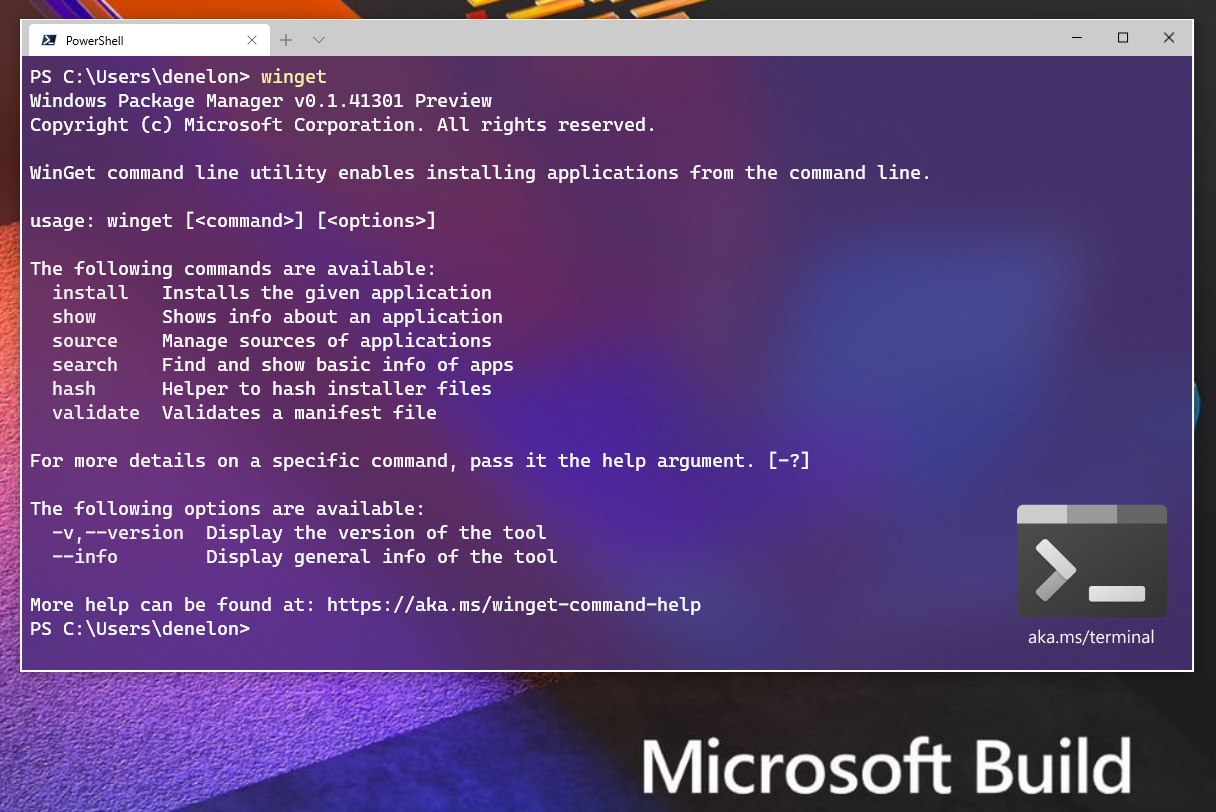
Windows Package Manager Preview

We are thrilled to announce the Windows Package Manager preview! If you’re already familiar with what a package manager is, feel free to skip this paragraph. If you’re still reading, you’re going to love this! A package manager is designed to help you save time and frustration. Essentially, it is a set of software tools that help you automate the process of getting software on your machine. You specify which apps you want installed, and it does the work of finding the latest version (or the exact one you specified) and installing it on your machine. Just about every developer has wanted a native package manager...
Windows Terminal Preview v0.11 Release
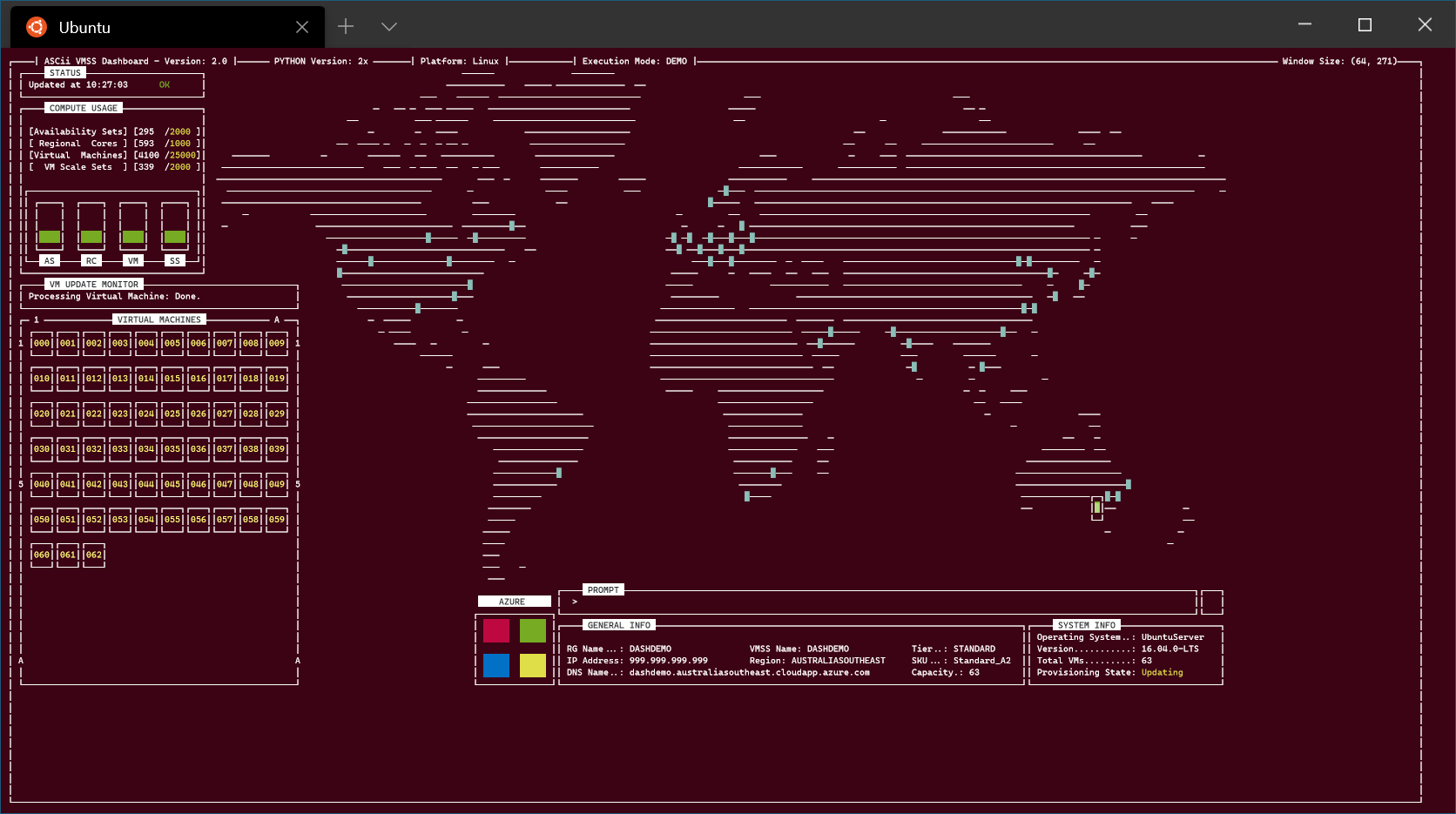
We are back with one last major update before the 1.0 release of Windows Terminal! Releases between now and then will be revisions of this version. This is the v0.11 release and you can download the Terminal from the Microsoft Store or from the GitHub releases page. Let's see what has changed with this update! Azure visualization - https://github.com/msleal/asciivmssdashboard Localization This is the first Windows Terminal version that has support for non-English UI languages. We are still working out the bugs with this, so please bear with us. 😊 If you find any translation issues, please file them on our Git...
Windows Terminal Preview v0.10 Release
Welcome to the v0.10 release of the Windows Terminal! As always, you can install the Windows Terminal from the Microsoft Store or download the package from the GitHub releases page. Let's dive into what's new! Mouse Input The Terminal now supports mouse input in Windows Subsystem for Linux (WSL) applications as well as Windows applications that use virtual terminal (VT) input. This means applications such as tmux and Midnight Commander will recognize when you click on items in the Terminal window! If an application is in mouse mode, you can hold down to make a selection instead of sending VT input. Settings...
WSL 2 will be generally available in Windows 10, version 2004
WSL 2 will soon be officially available as part of Windows 10, version 2004! As we get ready for general availability, we want to share one additional change: updating how the Linux kernel inside of WSL 2 is installed and serviced on your machine. We’ve heard lots of community feedback that the install experience could be streamlined, and we’re taking the first step towards this by improving the servicing model of the Linux kernel. We’ve removed the Linux kernel from the Windows OS image and instead will be delivering it to your machine via Windows Update, the same way that 3rd party drivers (like graphics, or to...
Windows Terminal Preview v0.9 Release
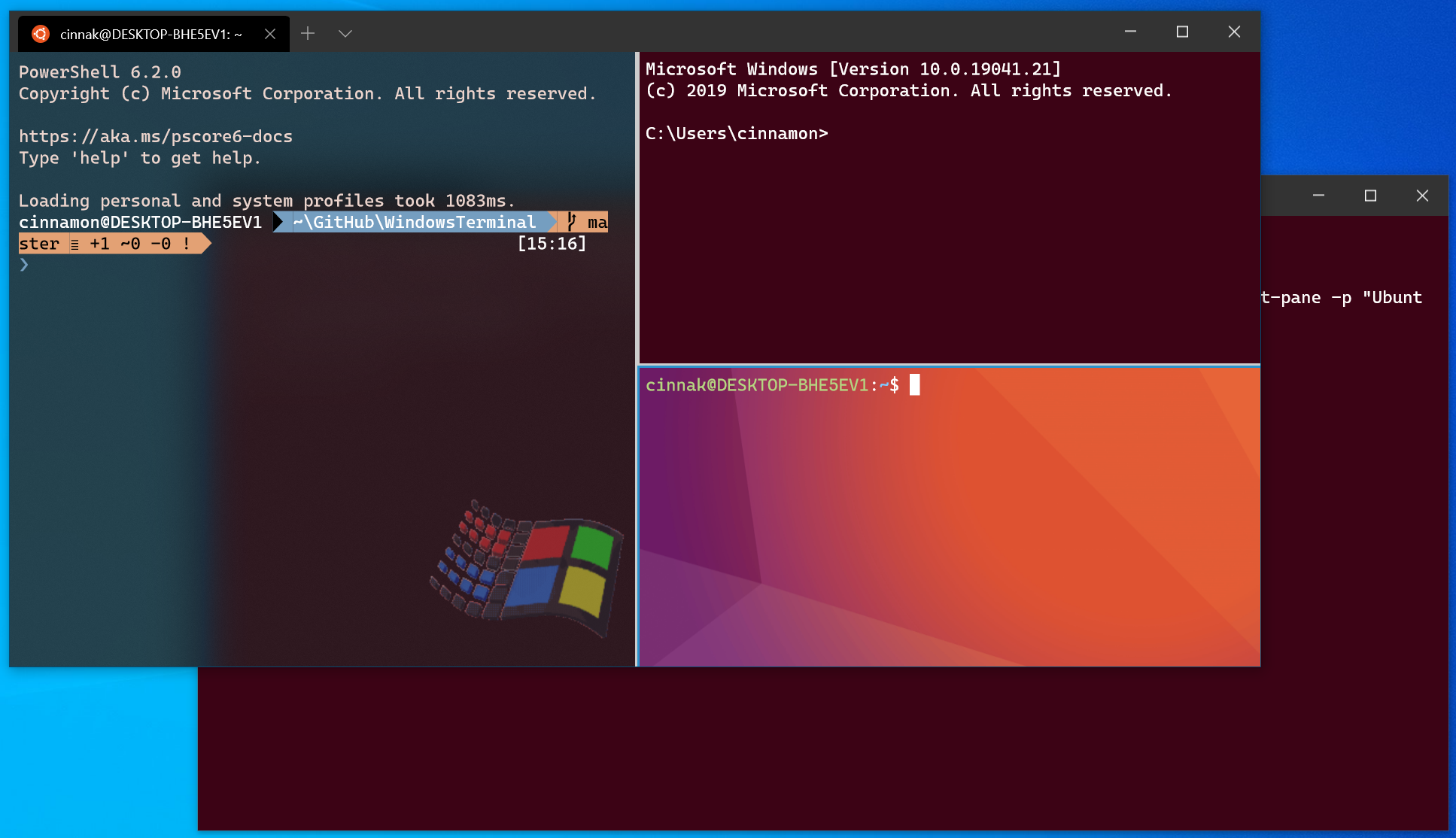
The v0.9 release of the Windows Terminal has arrived! This is the last version of the Terminal that will include new features before the v1 release. You can download the Windows Terminal from the Microsoft Store or from the GitHub releases page. Let's dive into what's new! Command Line Arguments The execution alias now supports command line arguments! You can now launch Terminal with new tabs and panes split just how you like, with the profiles you like, starting in the directories you like! The possibilities are endless! Here are some examples: Opens the Terminal with the default profile in the current worki...