
Windows Command Line
Insights from the teams behind Windows Terminal, PowerToys, WinGet, and WSL
Latest posts
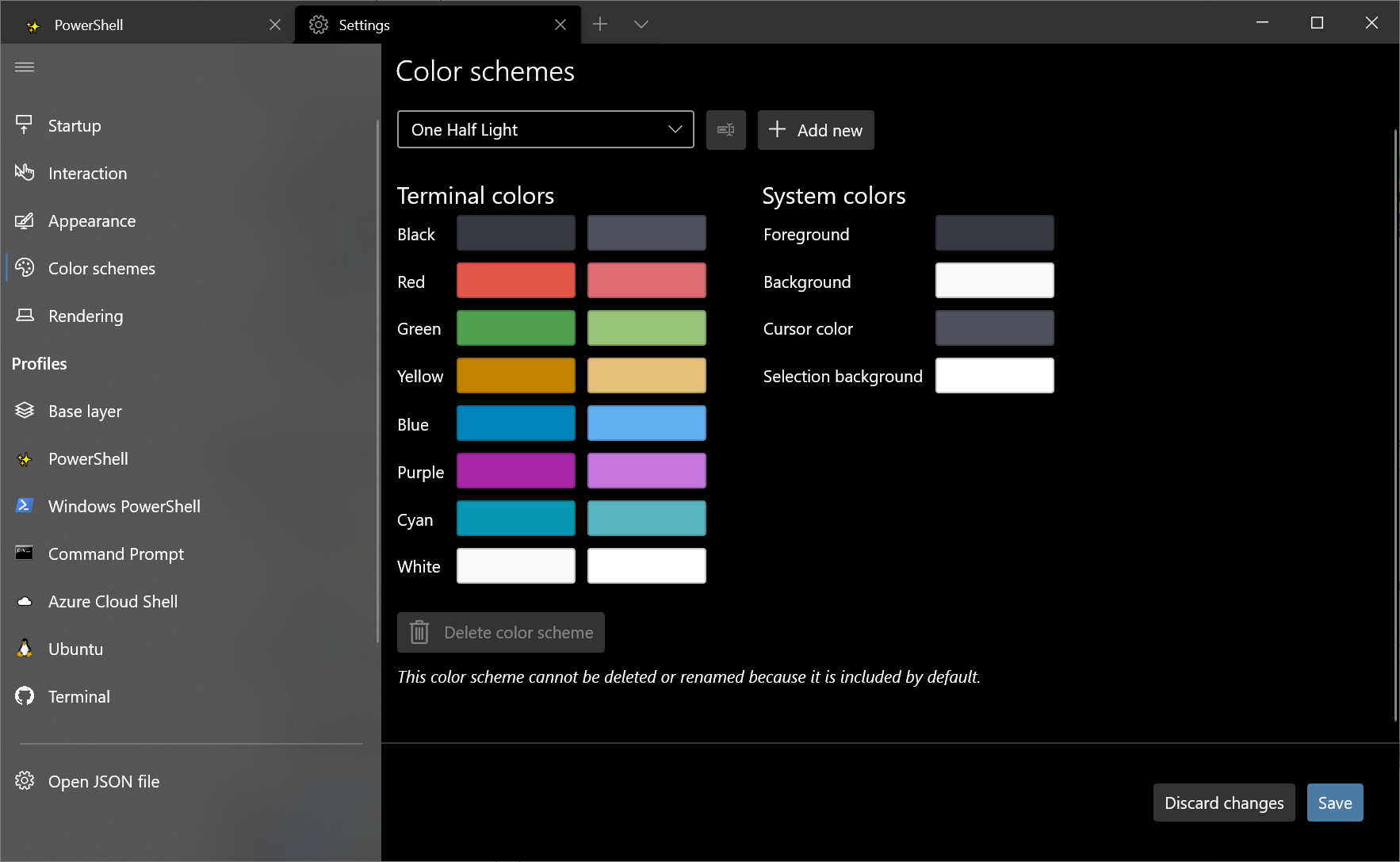
Windows Terminal Preview 1.8 Release

Welcome back to another release of Windows Terminal! This release updates Windows Terminal Preview to version 1.8 and moves Windows Terminal to version 1.7. Both builds can be installed from the Microsoft Store as well as the GitHub releases page. Let's jump into what's new! Settings UI is default in stable The settings UI now ships inside the Windows Terminal stable build! You can access the settings UI by clicking the settings button in the dropdown menu or by typing Ctrl+,. We are still making improvements to the settings UI experience, so stay tuned for more updates as our releases continue! Shift+Click ...
Windows Terminal Preview 1.7 Release
Welcome back to another release of Windows Terminal! This release migrates Windows Terminal to version 1.6, which includes all of the features from this previous blog post except for the settings UI. Windows Terminal Preview will move to version 1.7, which includes all of the features described below. You can install both Windows Terminal and Windows Terminal Preview from the Microsoft Store or from the GitHub releases page. Let's check out what's new! JSON fragment extensions Windows Terminal now supports JSON fragment extensions. This means that snippets of JSON can be downloaded as extensions that can modify...
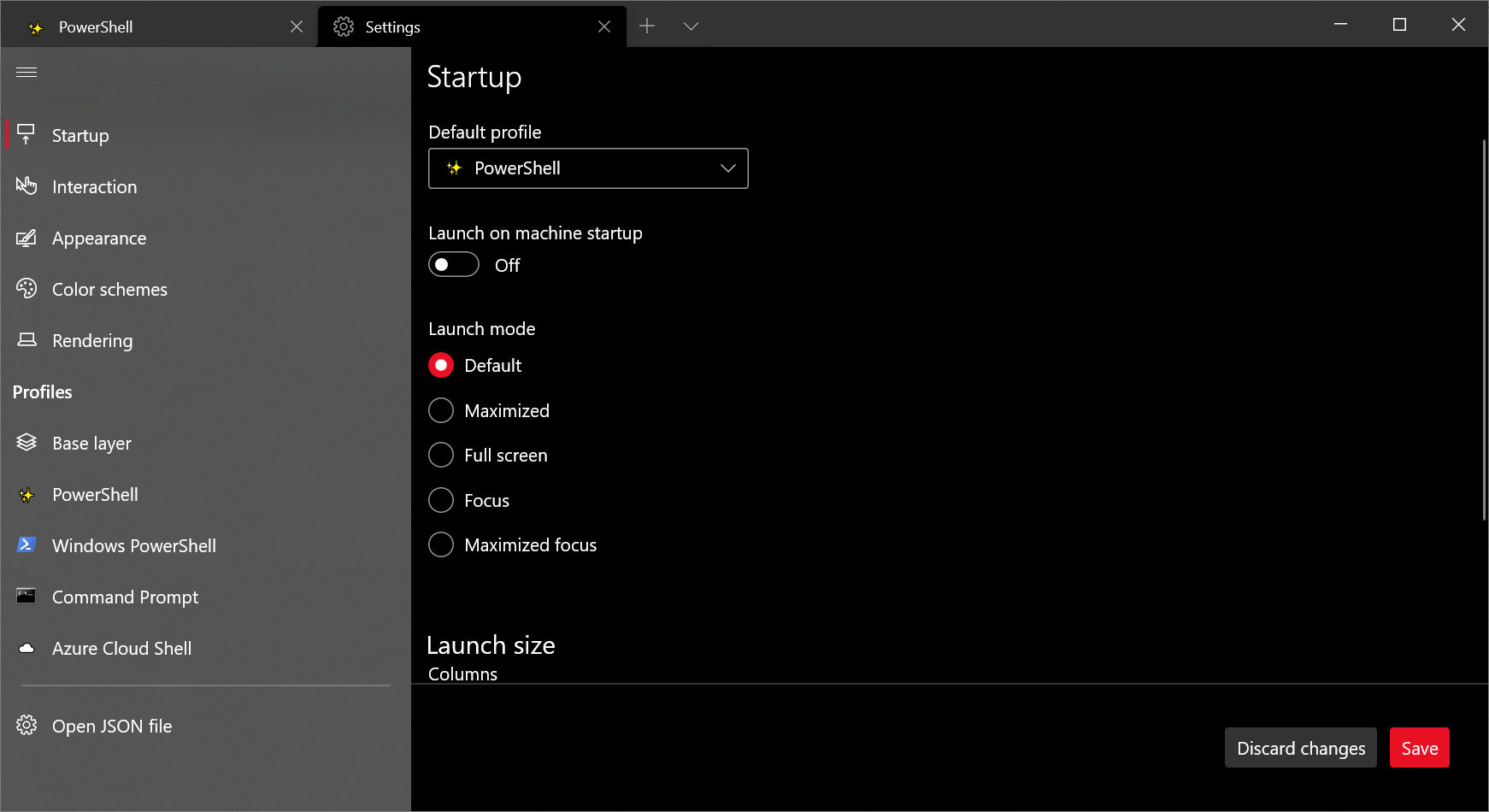
Windows Terminal Preview 1.6 Release
Welcome to our first Windows Terminal release of 2021! This release brings new features to Windows Terminal Preview version 1.6 as well as moves Windows Terminal to version 1.5, which includes the features from this previous blog post. You can download both versions from the Microsoft Store or from the GitHub releases page. Below are some of the highlights in this release, however we recommend checking out the release notes to see everything that has improved with version 1.6. Settings UI It's finally here! Windows Terminal Preview now includes the alpha release of our new settings UI. The settings UI is not ye...
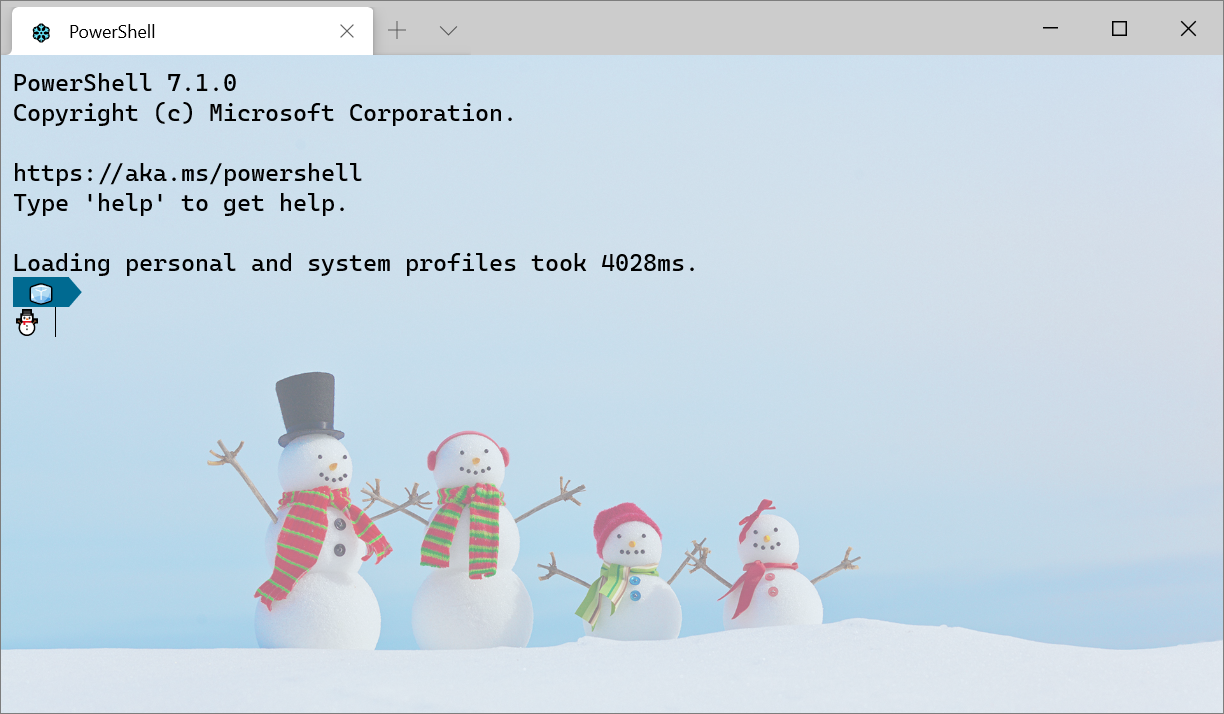
Getting Started with Windows Terminal
Installation Windows Terminal is available in two different builds: Windows Terminal and Windows Terminal Preview. Both builds are available for download from the Microsoft Store and from the GitHub releases page. Requirements In order to run either Windows Terminal build, your machine must be on Windows 10 1903 or later. Windows Terminal Preview Windows Terminal Preview is the build where new features arrive first. This build is intended for those who like to see the latest features as soon as they are released. This build has a monthly release cadence with the newest features each month. Windows Termina...
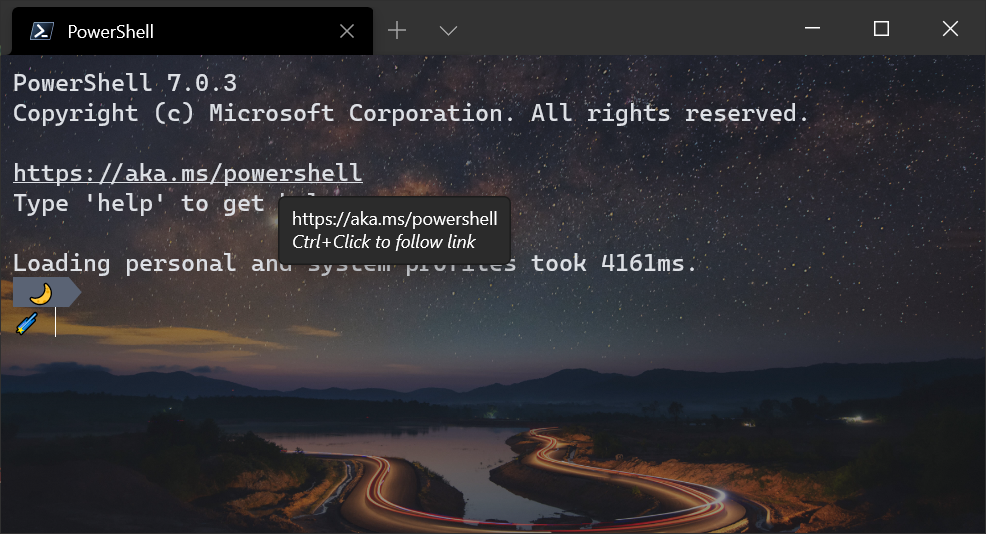
Windows Terminal Preview 1.5 Release
We're back with another Windows Terminal release! Windows Terminal has moved to version 1.4 and includes the features described in the 1.4 release blog post. Windows Terminal Preview has moved to version 1.5 and includes the features described below. You can download both versions from the Microsoft Store or from the GitHub releases page. Let's dive into what's new! Full hyperlink support We have improved the hyperlink functionality to automatically detect links inside your terminal. These links are clickable and will open in your default browser using Ctrl+Click. Audible bell 🔔 Windows Terminal now support...
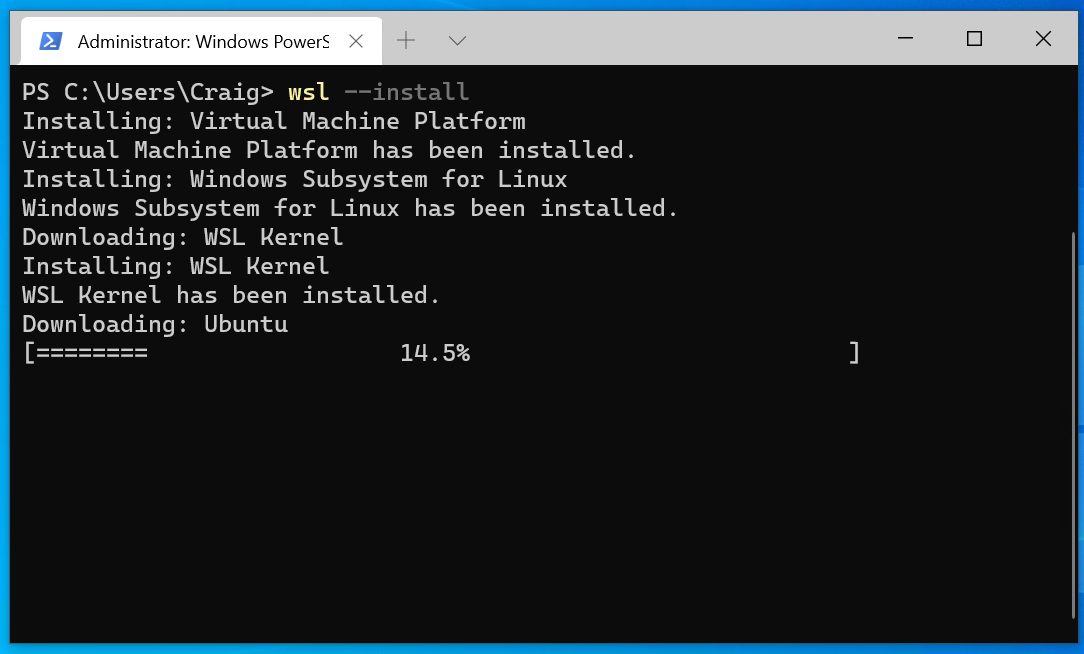
Distro installation added to WSL –install in Windows 10 insiders preview build 20246

We've added automatic distro installation to in Windows 10 insiders preview build 20246! This means that installing WSL is now easier than ever, as now when you run all the necessary components that you need for WSL will be automatically enabled, including your specific Linux distro of choice. How to use this new feature We announced that our goal with this feature is to make installing WSL as easily as possible back in BUILD 2020. With automatic distro installation, you can now have a full WSL install on your machine in a matter of minutes just by running one command: . We've also added some additional fe...
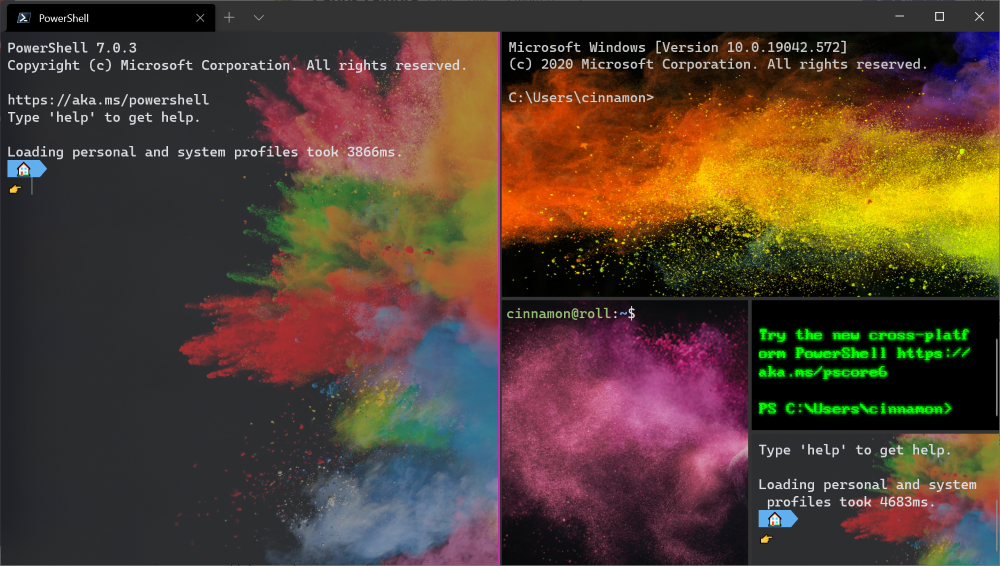
Windows Terminal Tips and Tricks
Windows Terminal comes with a lot of features that allow you to customize it and interact with it in a way that feels most comfortable to you. Let's run through some tips and tricks that could help you set up your terminal in a way that's perfect for you. At the time of this blog post, Windows Terminal is on version 1.3 and Windows Terminal Preview is on version 1.4. On first launch When you first install Windows Terminal, you will be greeted with a Windows PowerShell prompt. Windows Terminal ships with Windows PowerShell, Command Prompt, and Azure Cloud Shell profiles by default. In addition to these profiles...

What’s new in the Windows Subsystem for Linux – September 2020
This blog post highlights the WSL updates being made over the past few months, in addition to some sneak previews of our upcoming features and future plans. WSL 2 support is now available in Windows 10 version 1903 and 1909 We've heard feedback on how many users have enjoyed using WSL 2 and have made WSL 2 available to more Windows users with this backport. Customers running Windows 10 version 1903 and 1909 can now enjoy faster file system performance, 100% system call compatibility, and be able to use Docker Desktop with the WSL2-based engine. Read more about these updates, including how to ensure you...
Windows Terminal Preview 1.4 Release
Welcome to another release of Windows Terminal Preview and Windows Terminal! Windows Terminal Preview is now on version 1.4 and will have the new features listed below. Windows Terminal has moved to version 1.3 and will have all the features from our previous preview release. You can download both of these builds from the Microsoft Store as well as from the GitHub releases page. Let's check out what's new! Jump list You can now launch Windows Terminal Preview with a specific profile from the start menu or task bar! 👉 Note: Icons in settings.json must be written as Windows-style file paths in order for them...