
Surface Duo Blog
Build great Android experiences, from AI to foldable and large-screens.
Latest posts
Bringing ONNX models to Android

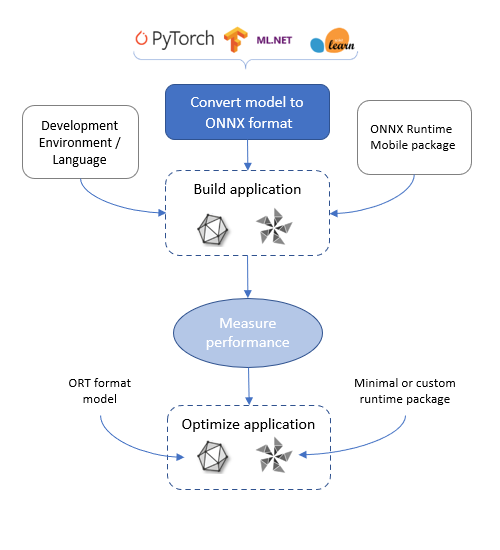
Hello Android developers, One of the advantages of the ONNX runtime is the ability to run locally on a variety of devices, including mobile devices. This means that your users get fast response times, but also comes with the need to respect mobile device limitations such as app size and the ability to support performance enhancements. For a general overview of how to build a mobile app with ONNX machine learning, follow this high level development flow: Mobile vs full package reference When you add the ONNX runtime to your app project, you can choose to reference pre-built packages...
ONNX runtime inputs and outputs
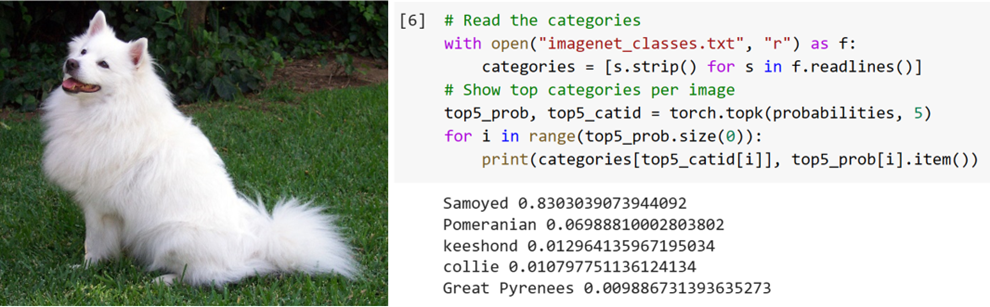
Hello Android developers, Last week we got an ONNX runtime demo running on Android, which classified the subject of images being streamed from the device’s camera. Setup required downloading a pre-trained model and adding it to the sample app on GitHub. This week we’re going to look into the details of preparing inputs for the model, following the sample app’s code. Model inputs Pre-trained models in formats that can be shared across platforms are incredibly powerful, but it makes sense that each model must have inputs supplied in a known and repeatable way to get the most accurate results. Model...
On-device machine learning with ONNX
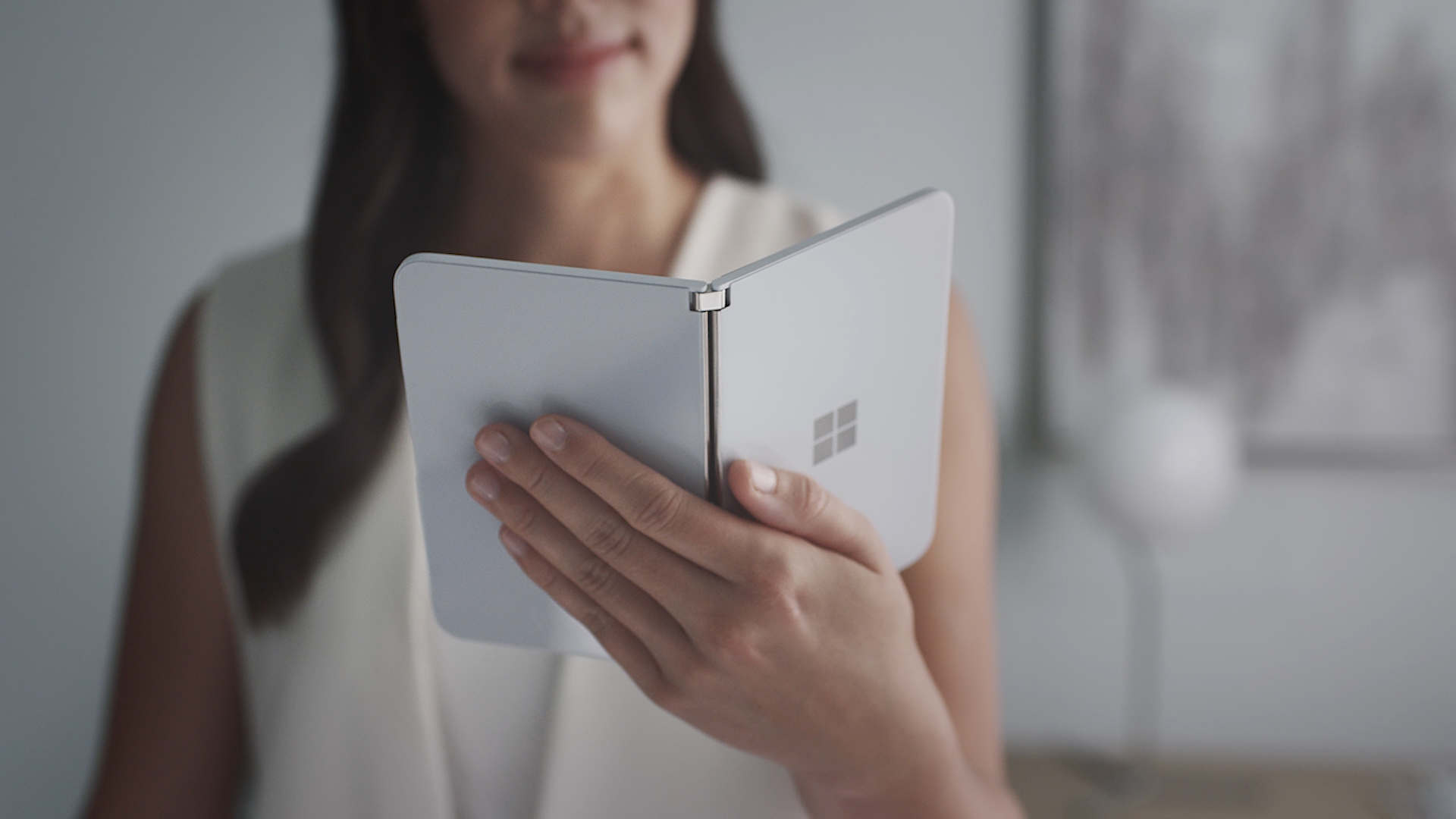
Hello Android developers, This week we’re going to get started with on-device machine learning using the ONNX Runtime and check out an Android sample that identifies the objects using the camera video stream. What is ONNX? ONNX stands for Open Neural Network eXchange and is an open-source format for AI models. ONNX supports interoperability between frameworks and optimization and acceleration options on each supported platform. The ONNX Runtime is available across a large variety of platforms, and provides developers with the tools to run machine learning models locally. Pre-trained model...
Relay Anchor Leg: Overall impressions

Hello Compose developers, Over the last two weeks, I’ve given a brief introduction to Relay, as well as talked about some of the tips and tricks I picked up while using the tool. This week, I’ll share my thoughts on the current state of Relay from the developer point of view. As a reminder, Relay is in alpha, so please go try it out and send the Relay team your feedback! Favorite features Even though Relay is very new, I think the team did a great job of building many helpful features into the first versions of the product. Some of my favorites include: Validation in Figma plugin ...
Relay Leg 2: Tips and tricks
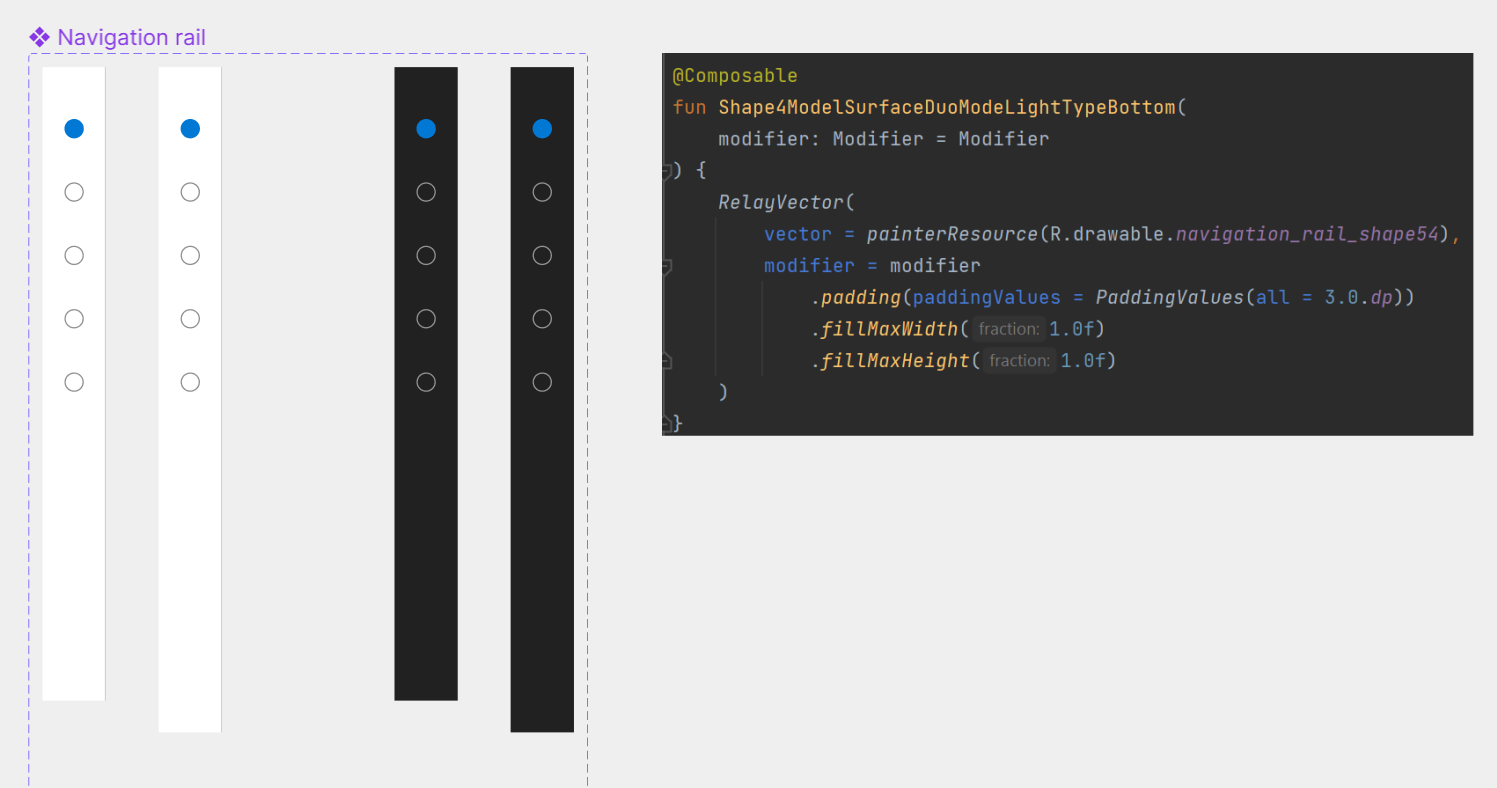
Hello Compose developers, Last week, I gave a brief introduction to Relay, the new Figma to Compose tool developed by Google. This week, I’ll dive deeper into some tips and tricks I learned when testing out Relay, As a reminder, Relay is in alpha, so please go try it out and send the Relay team your feedback! Putting Relay to the test After following introductory tutorials, my next step in learning Relay was to test it out in a variety of scenarios. Since I’m not a designer, I decided to try out the tool on some existing Figma designs from the Surface Duo Dual Screen Experience Example, th...
Pass the design baton with Relay
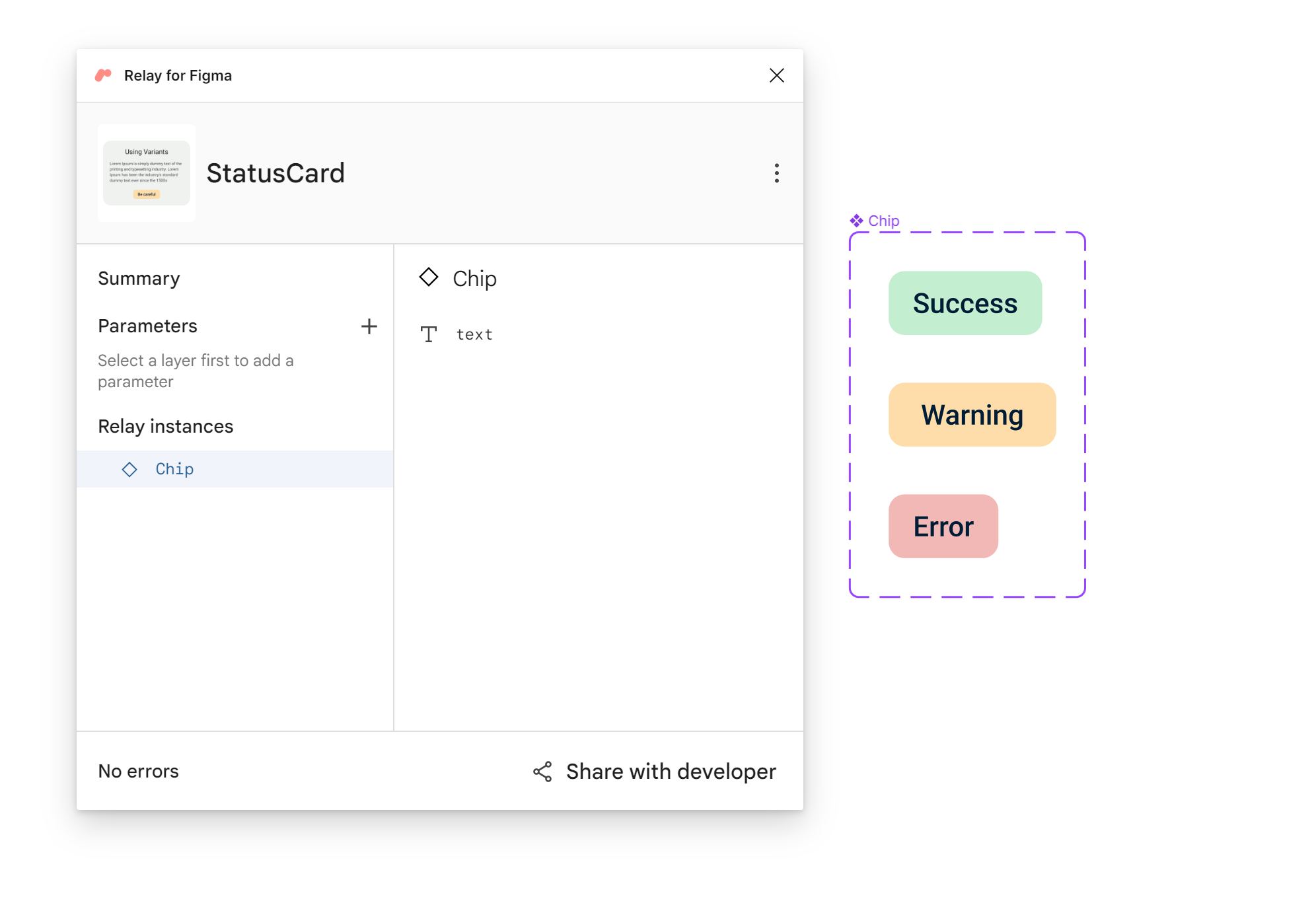
Hello Compose developers, Over the holidays, I finally got the chance to test out Relay, the new tool released by Google late last year. The goal of Relay is to simplify the “handoff problem” between designers and developers by translating Figma designs directly into Compose code. Figure 1. Viewing the StatusCard and Chip UI packages with the Relay for Figma plugin. This week, I’d like to share my experience with learning the tool and share some introductory resources. Since Relay is still in alpha, I’m sure we’ll see lots of updates this year, so I highly encourage you to try it out and ...
Happy New Year 2023

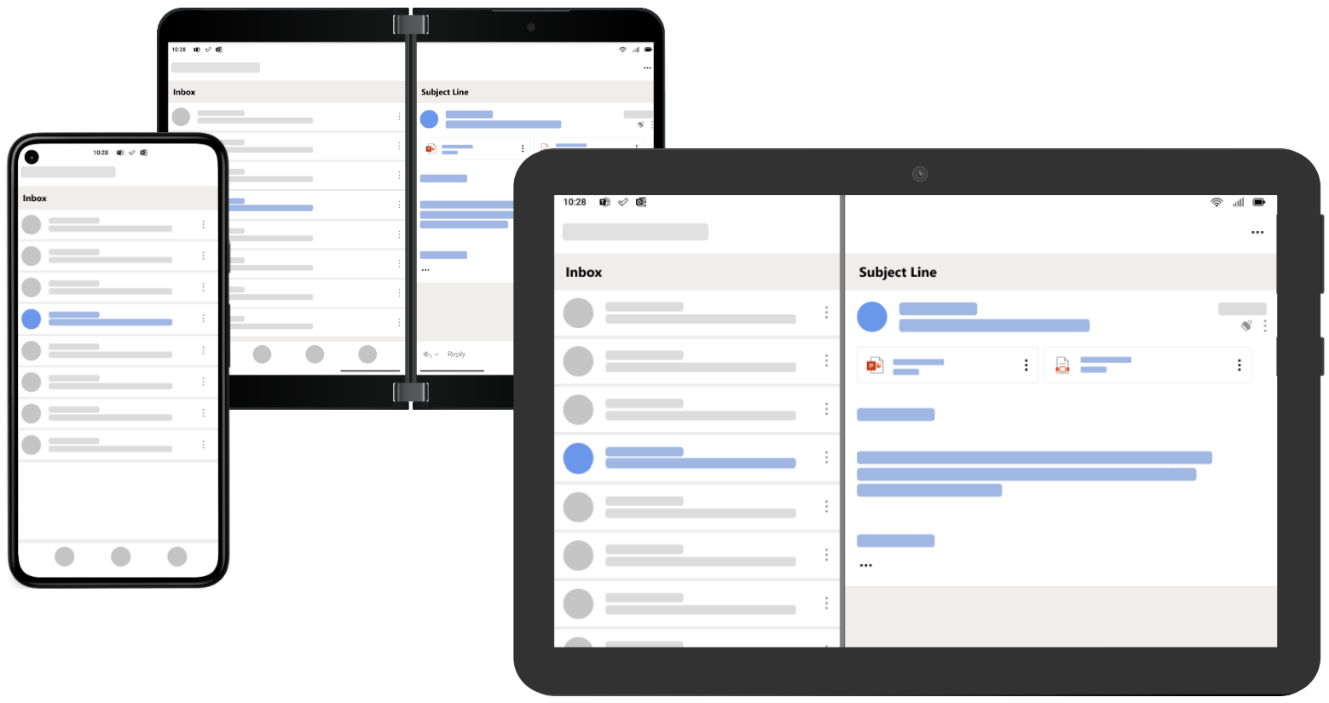
Hello app builders, We’re excited to kick off the new year with a summary of all the great design and user experience guidance from the foldable and large-screen ecosystem. Can’t wait to see what new apps evolve in 2023! Large screen design patterns Read about the similarities and unique elements of the large screen design patterns from the Surface Duo Design Kit and the Android Material Design site. User experiences like list-detail navigation can scale across all form factors: Visit the Android large-screen landing page for code resources and the sample gallery. The materi...
2022 year in review

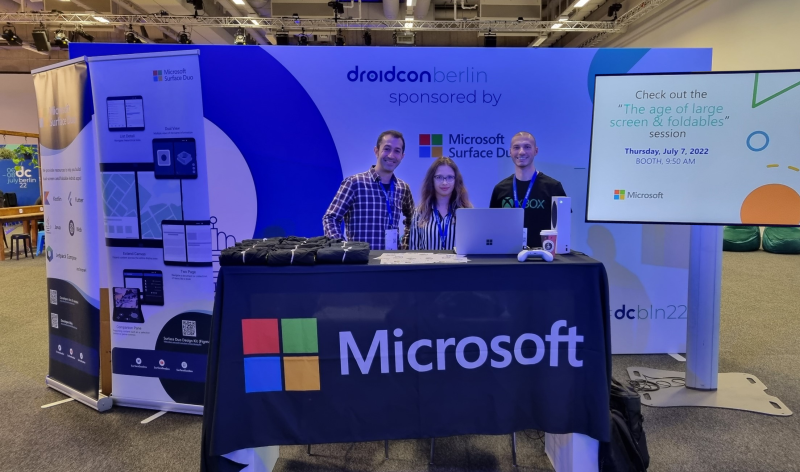
Hello Android developers, Since 2022 was a year busy with conferences, here's a recap of the many places you could learn more about foldable and large screen development across the world (and online) last year. Google I/O The first big event of 2022 was Google I/O in May. You can check out the foldable highlights or watch this recap: Another announcement at Google I/O was Flutter 3 which included foldable support. Details are available in our docs and samples. Microsoft Build May also saw the team sharing details on how to do automated testing with foldable apps at Microsoft Build....

Happy Holidays 2022
Hello Android developers, Inspired by the growth of AI and its role in products like GitHub’s Copilot this year, we asked ChatGPT to “propose some applications for Surface Duo owners to use over the holidays”… One possible application for Surface Duo owners to use over the holidays could be to use the dual screens to create a digital holiday card. You could use one screen to design the card, using a combination of text, images, and graphics, and the other screen to preview and fine-tune your design. Another application could be to use the Surface Duo as a mobile cooking companion in the...