
Azure DevOps Blog
DevOps, Git, and Agile updates from the team building Azure DevOps
Latest posts
Azure DevOps Server RC (26H2) Is Now Available

Today we're releasing the release candidate (RC) of the next Azure DevOps Server release. It brings new features previously available in our hosted version, along with security and quality improvements. You can download Azure DevOps Server RC (26H2) today. A direct upgrade to Azure DevOps Server RC is supported from any version of Team Foundation Server, including Team Foundation Server 2015 and newer. Direct upgrade from this RC release to the eventual RTW will be supported. If you prefer to wait until RTW to upgrade your servers, trying out this RC on a test deployment is a great first step. Note: Extended ...

PHP2Shell and Azure DevOps: what to check

On October 21, 2026, PHP disclosed two critical vulnerabilities that can allow remote code execution. Neither Azure DevOps Services, our cloud-hosted offering, nor Azure DevOps Server, our on-premises product, uses PHP to handle customer requests. PHP runtimes used by pipelines, containers, and deployed applications have their own patching requirements. Deployment scope: cloud and on-premises Azure DevOps Services (cloud). Microsoft operates and updates the service. You remain responsible for PHP installed by your pipeline steps or bundled into custom images and applications. Azure DevOps Server (on-premises)...

Introducing Agentic Autofix for code and dependencies

Fixing a vulnerability takes more than knowing where it is. You need a change that follows your coding standards and works with the rest of your code. Copilot Autofix for GitHub Advanced Security for Azure DevOps now runs on an agentic foundation. It also supports dependency vulnerability fixes and code scanning alerts from third-party tools. Select the alert to address, Autofix works in the background on a proposed change in your existing Azure DevOps workflow, and your team keeps the final decision on what to merge. Agentic fixes use your repository context Your team might require a shared validation helper...
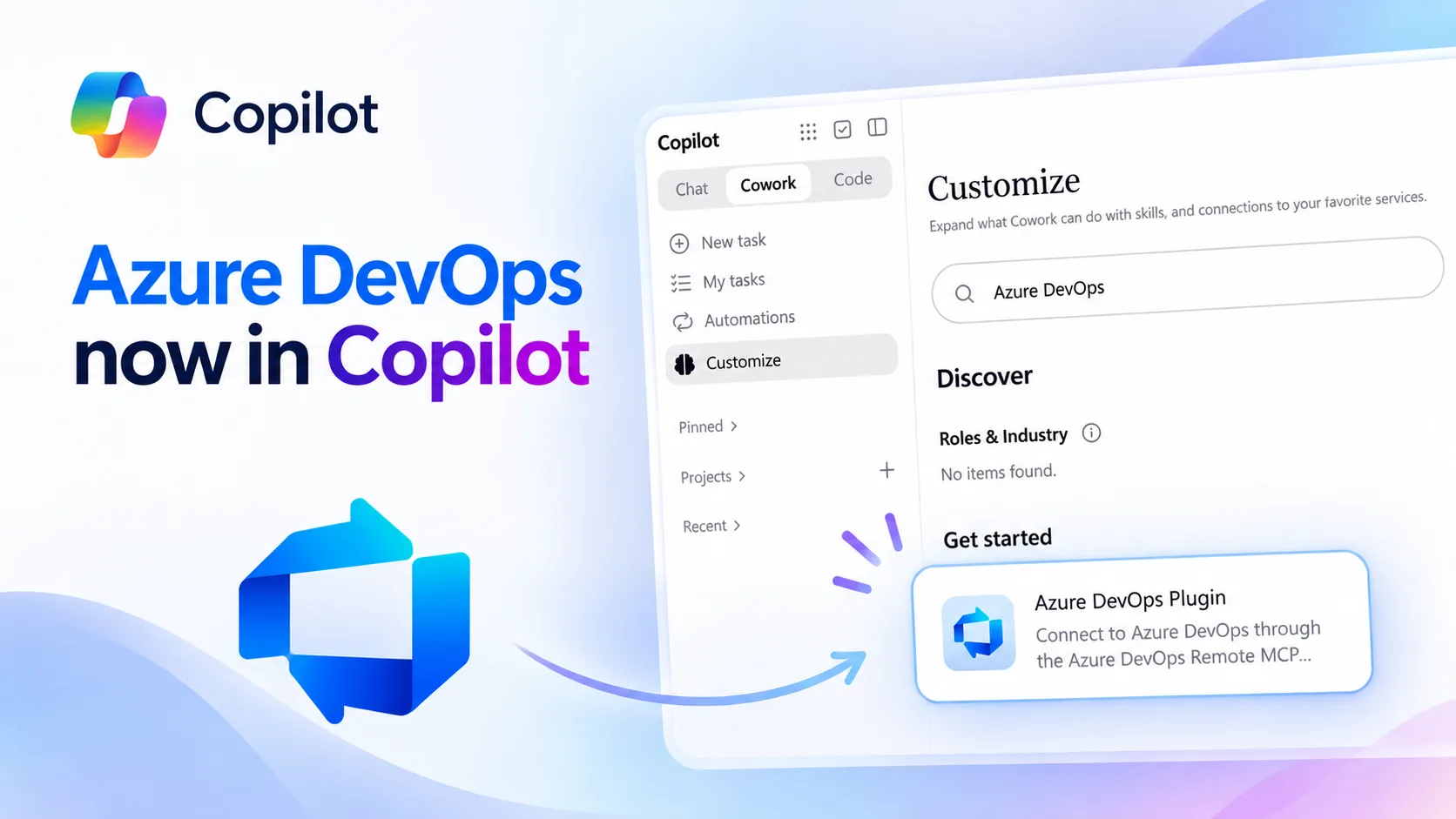
Azure DevOps available in Microsoft Copilot Cowork

The Azure DevOps Plugin is now available in Microsoft Copilot. It brings Azure DevOps directly into Copilot Cowork, so you can work with your projects, work items, pull requests, test plans, pipelines, and more without switching to Azure DevOps. The plugin also includes built-in skills to help with everyday development tasks. You can quickly see what needs your attention, triage bugs, and turn ideas or feature requests into structured backlogs with epics, features, user stories, and acceptance criteria. All of this can be done directly from Copilot. Copilot Cowork with Azure DevOps One of the biggest advantage...
October Patches for Azure DevOps Server
We are releasing new patches for our self‑hosted product, Azure DevOps Server. We strongly recommend that all customers stay up to date with the latest, most secure version of Azure DevOps Server. The most recent release, Azure DevOps Server, is available on the download page. The following versions have been patched. For more details on these updates, see the release notes: ⬇️Azure DevOps Server Patch Download ✅Verifying Installation To verify that the patch is installed, run the following command on the Azure DevOps Server machine using the patch installer you downloaded: Replace with the name of the...
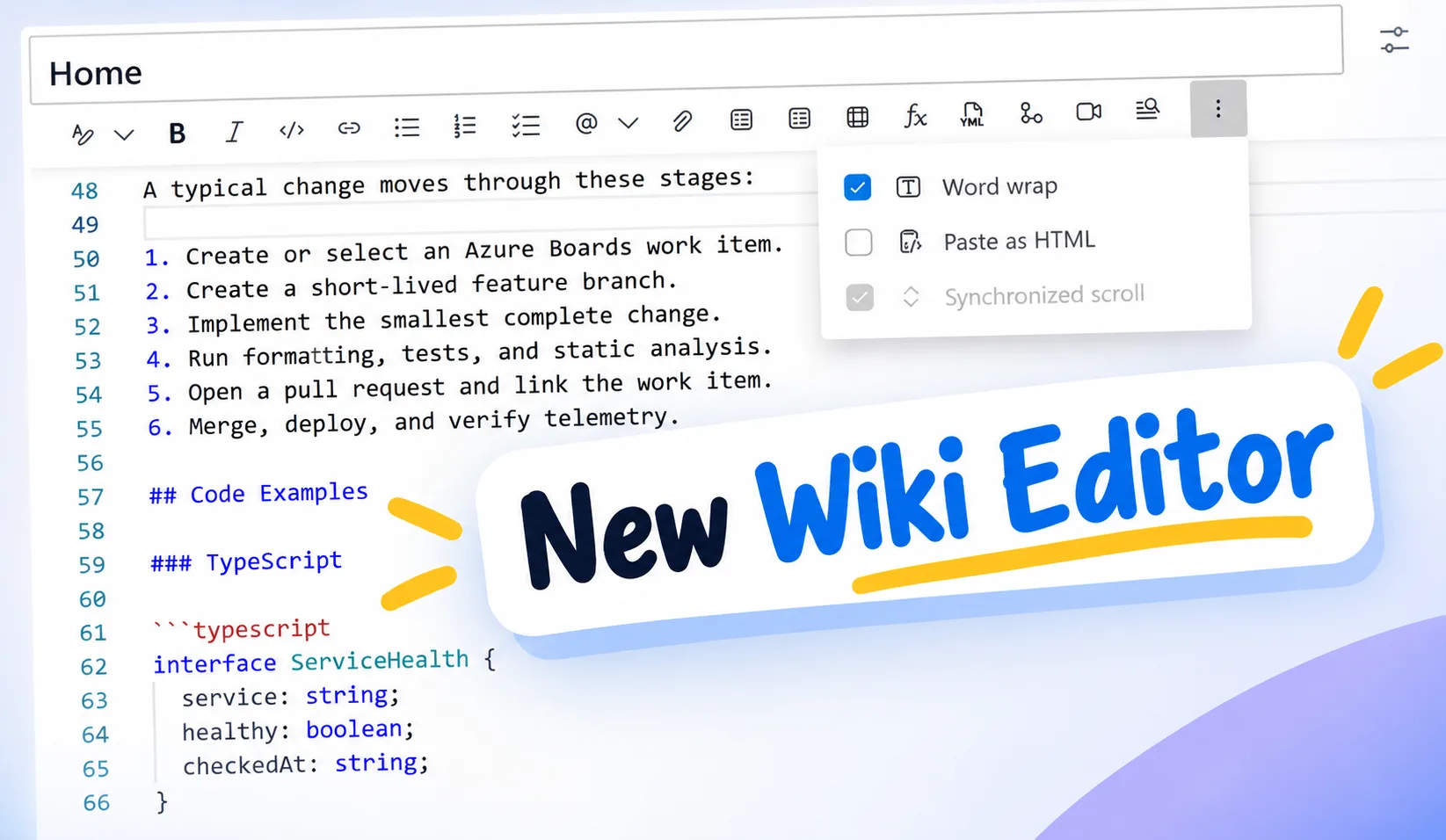
New Wiki Editor Experience
We are excited to announce a new editing experience for Wiki pages. We are replacing the existing editor with a new editor built on Monaco Editor, the same editor technology that powers Visual Studio Code. Monaco brings many of the editing capabilities familiar to Visual Studio Code to Wiki pages, while preserving the functionality of the existing Wiki editor. New features The new Monaco based editor includes: If you are already familiar with Visual Studio Code, the new editor should feel familiar and provide a better experience for creating and editing Wiki content. Enable the Public Preview To e...
GitHub-hosted agents with Pay-as-you-Go pricing are now generally available in Azure Pipelines

Today, we're announcing the general availability of GitHub-hosted agents and pay-as-you-go pricing in Azure Pipelines. GitHub-hosted agents give teams access to more compute options for their pipelines, including native Apple silicon and larger Linux and Windows machines. Instead of purchasing parallel-job capacity in advance, you pay only for the pipeline execution time you use, based on the selected agent SKU. This release includes: Choose the right compute for each pipeline The GitHub-hosted Agents pool complements the existing Microsoft-hosted Azure Pipelines pool. It runs on the same infrastructure...
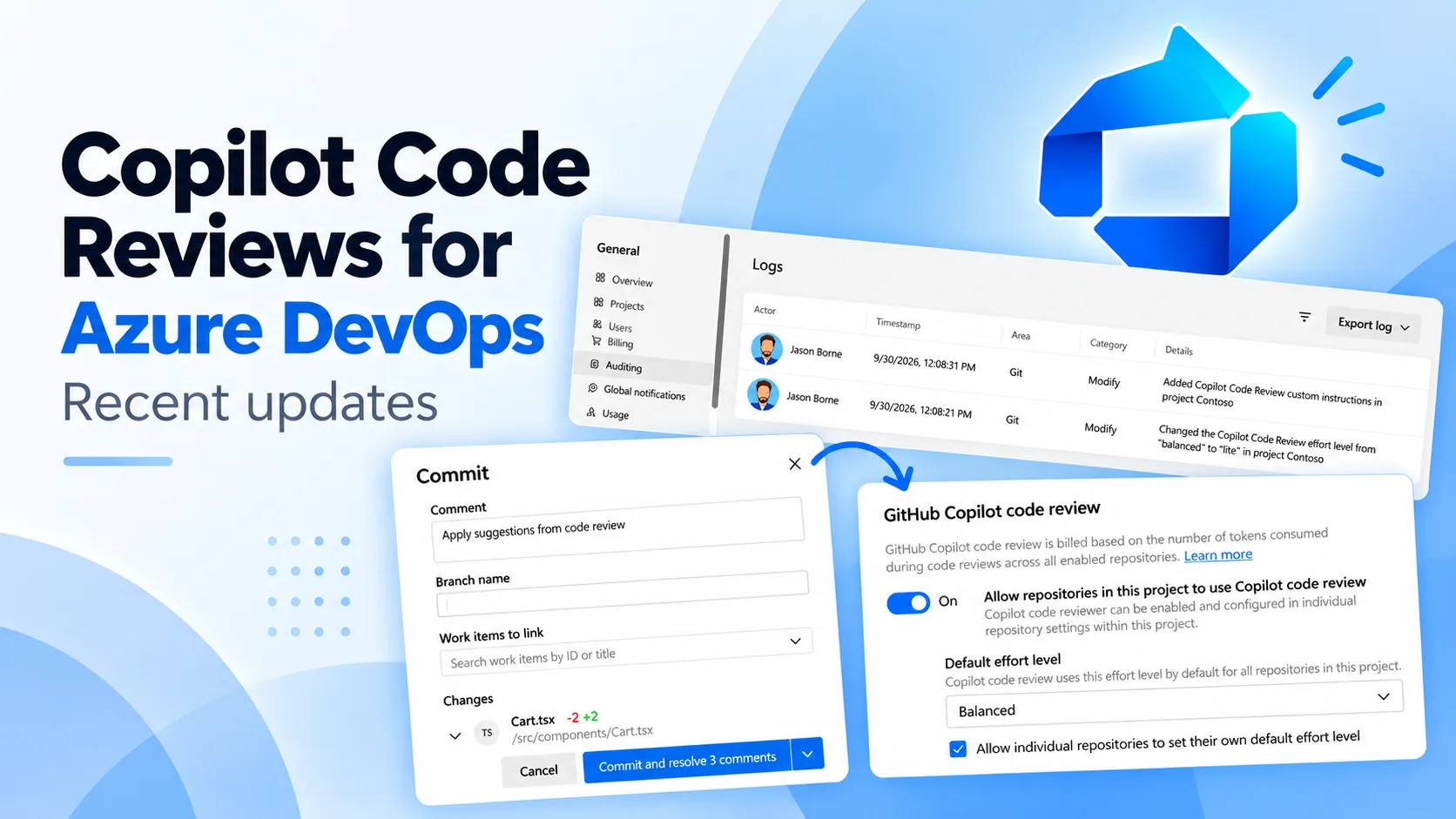
Updates to Copilot Code Reviews for Azure Repos
We announced the public preview of Copilot Code Review for Azure Repos in late August. Since then, we have continued to make improvements, fix bugs, and add new features. We wanted to share an update on some of the recent changes. Effort levels The effort level controls how much time Copilot spends reviewing a pull request. This gives you more control over the depth of the review and can help reduce costs when a detailed code review is not needed. You can set the default effort level to Lite or Balanced at the project and repository level. Project admins can set a default for all repositories in a project, ...
September Patches for Azure DevOps Server
We are releasing new patches for our self‑hosted product, Azure DevOps Server. We strongly recommend that all customers stay up to date with the latest, most secure version of Azure DevOps Server. The most recent release, Azure DevOps Server, is available on the download page. The following versions have been patched. For more details on these updates, see the release notes: ⬇️Azure DevOps Server Patch Download ✅Verifying Installation To verify that the patch is installed, run the following command on the Azure DevOps Server machine using the patch installer you downloaded: Replace with the name of the...