
Microsoft 365 Developer Blog
A developer platform for building collaborative apps for hybrid work
Featured posts
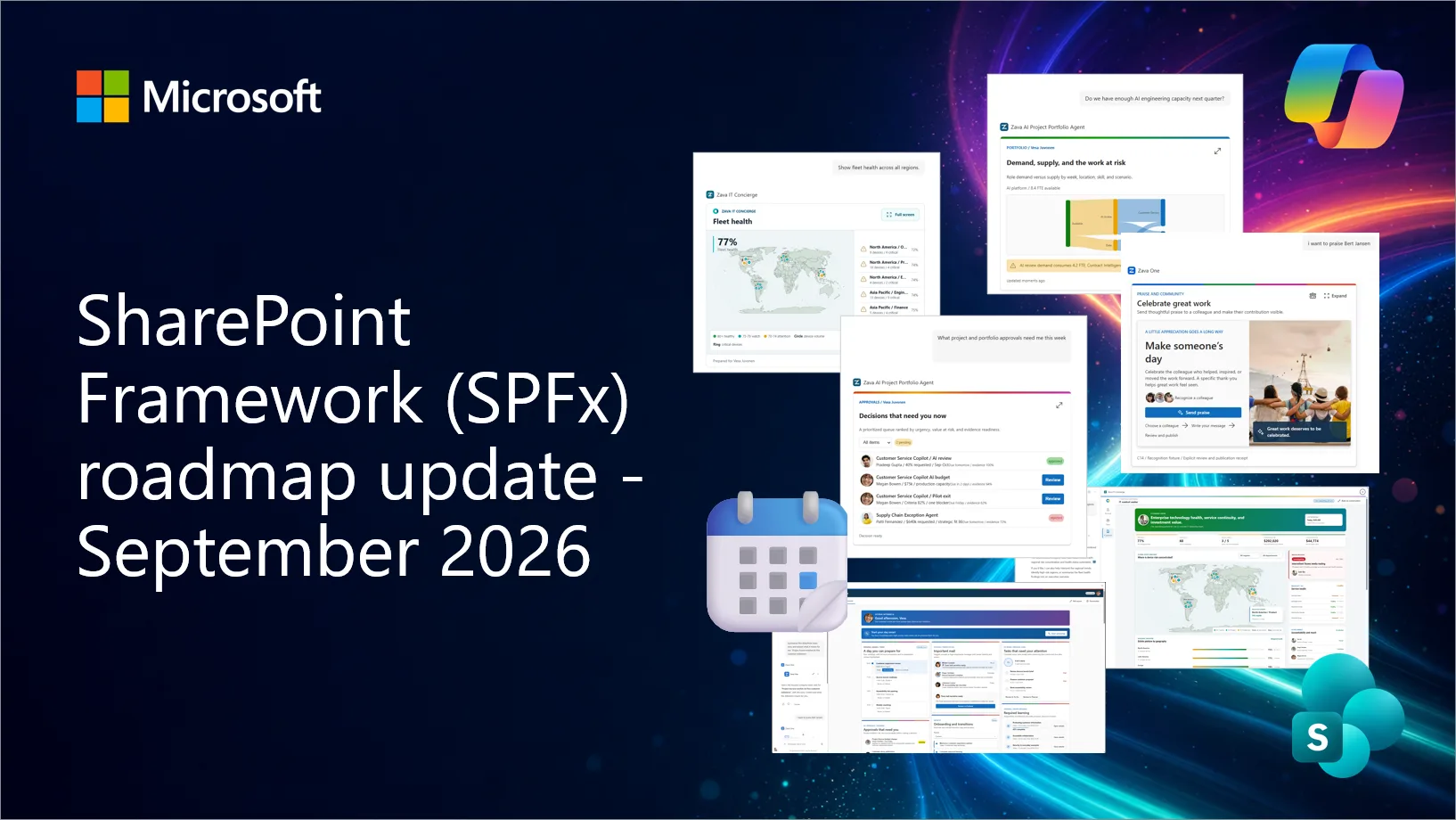
SharePoint Framework (SPFx) roadmap update – September 2026

New Copilot UX components heading to Generally Available in October 2026, SPFx 1.24 Beta 5 is now available, React 18 support is coming in 1.24. Updates coming ...
Latest posts

Conversations become actions in Outlook

At Build 2018, we’ve announced several technologies to help developers enrich emails with new interactive capabilities. These capabilities allow developers to engage with their users more deeply, right in context within the email, thereby reducing the friction between intent and action.
Your guide to Office 365 at Build 2018

We’re blogging the latest, greatest news from Build 2018 for the Office 365 developer community.
SharePoint Development Community (PnP) – May 2018 update
SharePoint Dev Ecosystem / SharePoint Patterns and Practices (PnP) May 2018 update is out with a summary of the latest guidance, samples, and solutions from SharePoint engineering or from the community for the community.
Azure Machine Learning, JavaScript Custom Functions, and Power BI Custom Visuals Further Expand Developers Capabilities with Excel
Today at Build, we announced a powerful set of capabilities to the Excel platform, offering developers, data scientists, and power users more opportunities to better work with data. Developers and data scientists can now to execute custom functions locally in JavaScript or with Microsoft Azure Machine Learning services to create their own powerful additions to Excel's catalog of formulas.
NPM package for Visio JavaScript APIs

Visio JavaScript APIs extend the capabilities of Visio Online by enabling developers to build rich mashup solutions to meet their organization’s specific needs. The solution needs to reference the Visio JavaScript library from the CDN location. This blog discusses how to install NPM and acquire IntelliSense definitions.
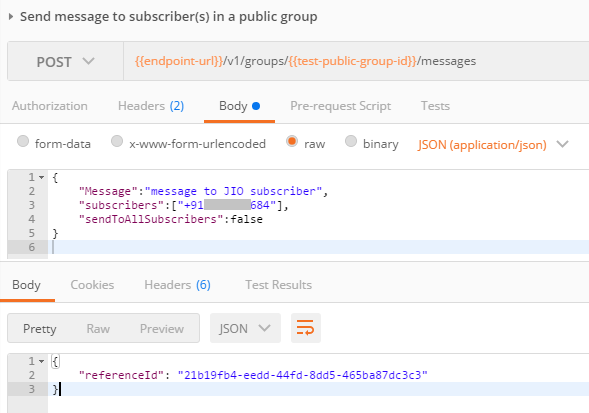
Replying to a Kaizala message or action

In this post, I will introduce the replyToReferenceId property that enables you to reply to a message or action (attachment, custom card, image, etc.) on Kaizala group. This is required when you want to have a threaded conversation using API [or] bot scenario where you want to reply to a specific user query.

New SharePoint CSOM version released for SharePoint Online – April 2018

We are happy to announce the availability of new SharePoint Client-Side Object Model (CSOM) version targeted for the Office 365 or more specifically for SharePoint and Project Online.
New Office Add-ins Analytics Report in Universal Store Dev Center and Seller Dashboard
Today we are excited to announce the availability of enhanced Office Add-in analytics within the Universal Store Dev Center. The new Usage report shows how customers are using your add-in across Windows (2016), Mac (2016), iOS, and Web apps.

Adding bot support to a Kaizala group
In this post, I'll explore on how you can integrate a bot with a Kaizala group. Bot aids a lot of scenarios and can be a part of the conversations and adding value. In a regular group, the messages are received and seen by all users, and can result in a chatty experience. Public groups (managed hub and spoke groups) are well suited for this scenario where the user or subscriber types in a query allowing a bot to respond – while keeping these out of the purview of other users in the group. In order to implement this, following are the steps that will take you through this experience.