
Microsoft 365 Developer Blog
A developer platform for building collaborative apps for hybrid work
Featured posts
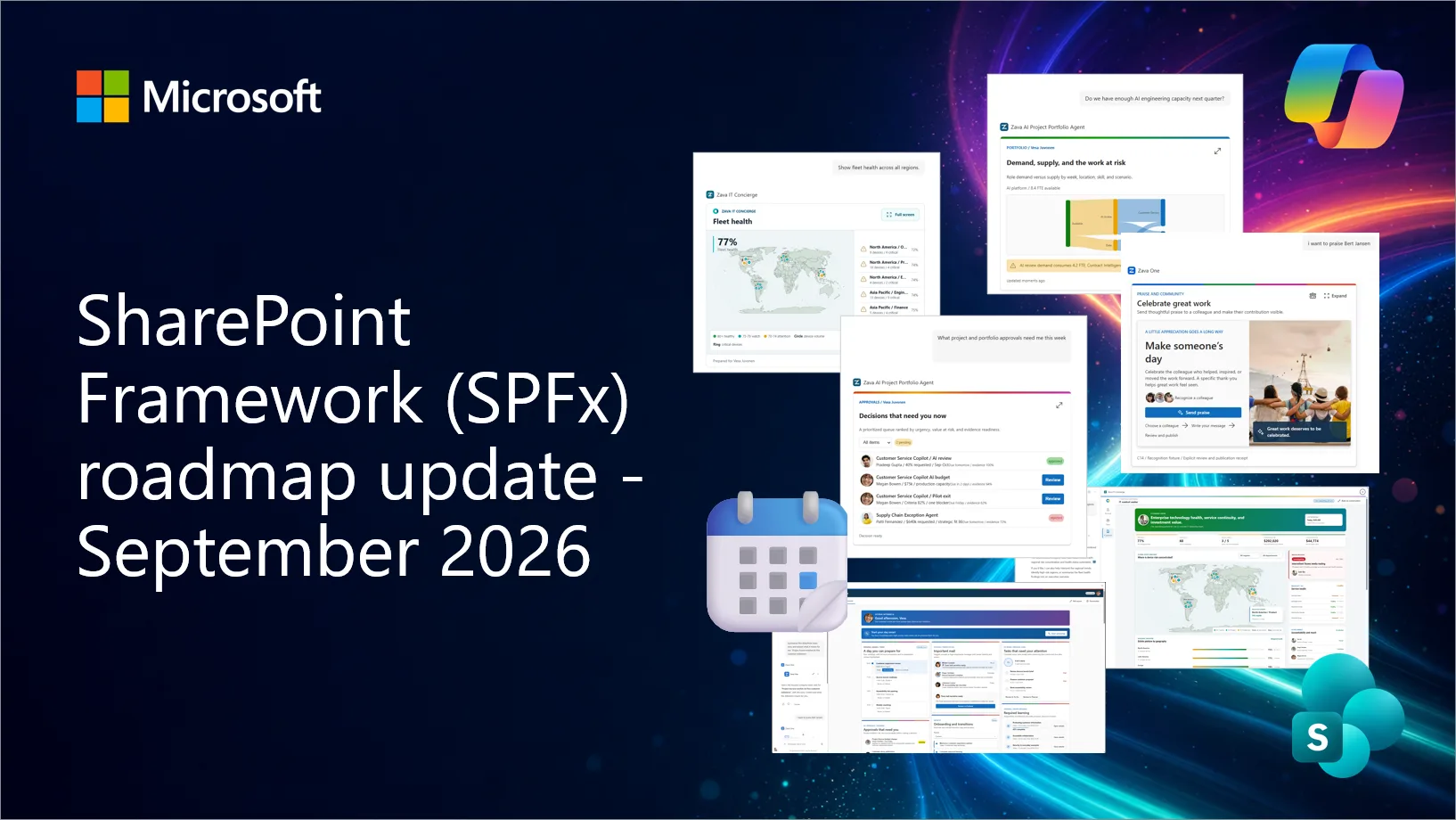
SharePoint Framework (SPFx) roadmap update – September 2026

New Copilot UX components heading to Generally Available in October 2026, SPFx 1.24 Beta 5 is now available, React 18 support is coming in 1.24. Updates coming ...
Latest posts

Join in the Microsoft Graph Security Hackathon!

Join Microsoft Graph Security Hackathon - an opportunity to make a positive impact on the cybersecurity industry and win* awesome prizes!
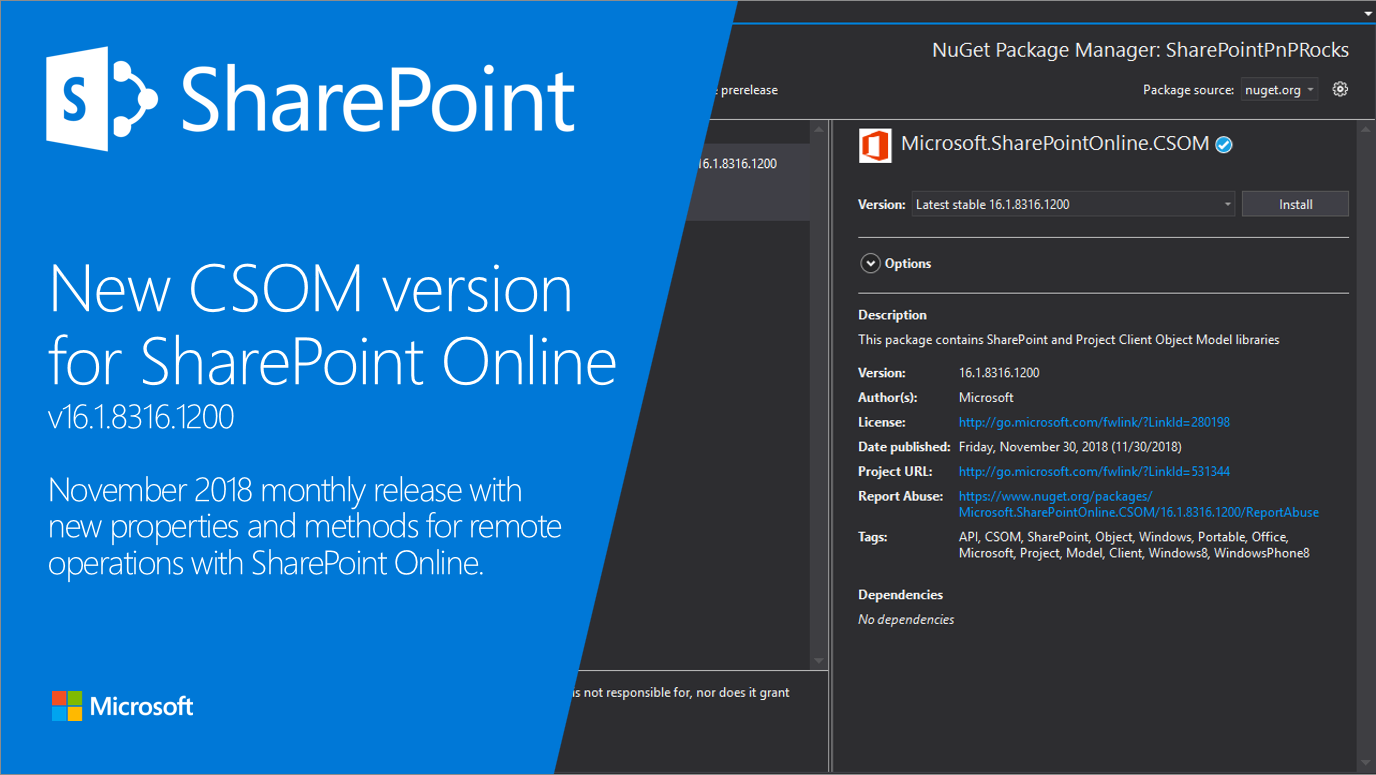
New SharePoint CSOM version released for SharePoint Online – November 2018

We are happy to announce the availability of new SharePoint Client-Side Object Model (CSOM) version targeted for the Office 365 or more specifically for SharePoint and Project Online. This was mainly a small maintenance release with minimal updates on the CSOM API surface.
30DaysMSGraph – Day 30 – Community resources and next steps

In Day 29 we uploaded files to OneDrive with Microsoft Graph requests. Today we wrap up this 30 Days of Microsoft Graph series with a few community resources, ask for your feedback, and share a few next steps.
30DaysMSGraph – Day 29 – Use case: Upload files to OneDrive
In Day 28 we created a webhook notification for Microsoft Graph events. Today we will interact with files stored in OneDrive.
Outlook REST API v1.0 BasicAuth Deprecation
Last year, we announced that on November 2018, we will stop supporting Basic Authentication in the Office 365 Outlook REST API v1.0 and this is a follow up announcement to reiterate that we will be decommissioning Basic Authentication in Outlook REST API v1.0 this month.
30DaysMSGraph – Day 28 – Use case: Webhooks
In Day 27 we created a Team with Microsoft Graph. Today we’re looking at webhooks in Microsoft Graph.
Microsoft Graph documentation has a fresh new look

We've heard your feedback over the years that you'd like to see some improvements to the Microsoft Graph documentation experience. Today we are announcing that we've moved to https://docs.microsoft.com/graph, which gives our docs a fresh new look!
30DaysMSGraph – Day 27 – Use case: Create a Team
In Day 26 we concluded calling Microsoft Graph using Flow. Today, we'll show how to create teams and automate team lifecycles.

Microsoft Teams platform update

This is the first in a series of regular updates for our beloved developers on all things Microsoft Teams.