
Azure Cosmos DB Blog
The latest news, updates and technical insights from the Azure Cosmos DB team
Latest posts

IntelePeer supercharges its agentic AI platform with Azure Cosmos DB

Reducing latency by 50% and scaling intelligent CX for SMBs This article was co-authored by Sergey Galchenko, Chief Technology Officer, IntelePeer, and Subhash Ramamoorthi, Director, IntelePeer AI Hub. ICYMI: Discover how IntelePeer enhances agent intelligence and powers their multi-agent applications - watch the Ignite session here: From DEV to PROD: How to build agentic memory with Azure Cosmos DB. You don’t need to be an AI expert, software engineer, or data scientist to understand the importance of system reliability and performance in digital customer service platforms. If you’ve ever tried to...
From Real-Time Analytics to AI: Your Azure Cosmos DB & DocumentDB Agenda for Microsoft Ignite 2025

Microsoft Ignite 2025 is your opportunity to explore how Azure Cosmos DB, Cosmos DB in Microsoft Fabric, and DocumentDB power the next generation of intelligent, planet-scale applications. Whether you’re building real-time analytics pipelines, optimizing MongoDB-compatible workloads, or implementing AI-driven architectures, these technologies are at the heart of modern innovation. This year’s sessions feature hands-on labs, advanced breakouts, and inspiring customer stories from companies like Sam’s Club, Veeam, and Sitecore, showing how they leverage Azure Cosmos DB and DocumentDB to deliver speed, re...
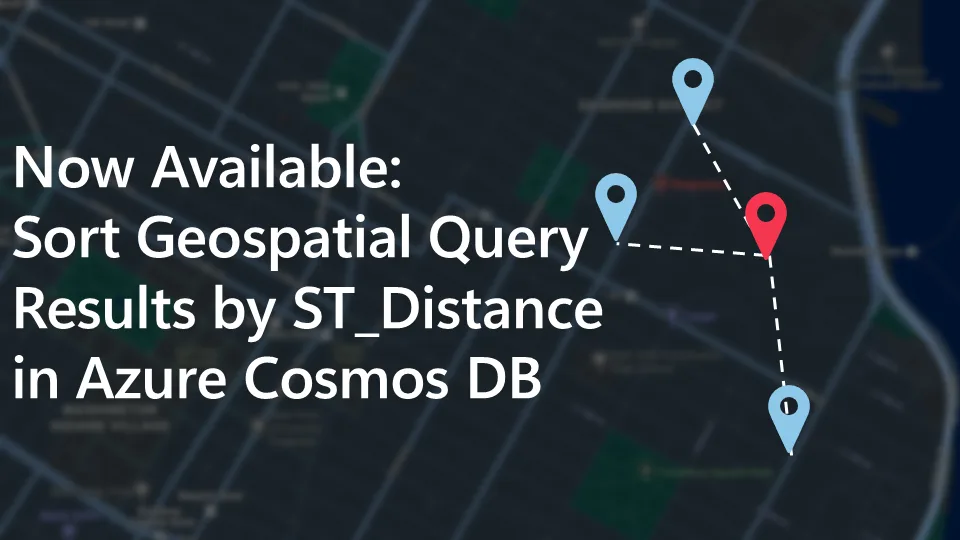
Now Available: Sort Geospatial Query Results by ST_Distance in Azure Cosmos DB

Azure Cosmos DB’s geospatial capabilities just got even better! We're excited to announce that you can now sort query results by distance using an ORDER BY ST_DISTANCE(...) clause in the NoSQL query language while leveraging a spatial index. Why is this important? Previously, you could use ST_DISTANCE in projections or WHERE clauses to filter results within a radius, for example, finding all restaurants within 5000 meters. But if you wanted to sort those results by the distance, you had to pull the data client-side and handle sorting manually. Now you can now do it directly in your query! Azure Cosmos D...
Query Advisor for Azure Cosmos DB: Actionable insights to improve performance and cost

Azure Cosmos DB for NoSQL now features Query Advisor, designed to help you write faster and more efficient queries. Whether you’re optimizing for performance, cost, or scalability, Query Advisor provides actionable recommendations to help you get the most out of your data. Why Query Optimization Matters Azure Cosmos DB’s SQL API is flexible and expressive, allowing developers to query JSON data with familiar SQL-like syntax. But as applications grow in complexity, small differences in query structure can have a big impact on performance and Request Units (RUs). For example, two queries that return the same r...
Accelerate Your Growth: Azure Cosmos DB Partner Acceleration Program

Unlock 360° Success with the Cosmos DB Engineering Team Are you ready to elevate your cloud data practice and drive innovation for your customers? The Azure Cosmos DB Partner Acceleration Program—spearheaded by the Cosmos DB Engineering Team—offers a unique, end-to-end journey for partners. This initiative is designed to empower, upskill, and accelerate your business with technical enablement, customer engagement support, and robust Go-To-Market (GTM) opportunities. Please note, it is open to all type of partners, ISVs, GISV, GSIs, SIs or Channel has technical practices. Sign up now: https://aka.ms/cdbpartner...
Failures Happen in Cloud, but how Azure Cosmos DB keeps your Applications Online

In this blog, we'll discuss how Azure Cosmos DB is engineered for resilience and how it ensures high availability when failures happen in the cloud. Why does it matter ? The only thing that’s constant in distributed systems is failures. No cloud platform is immune to failures — from regional outages and transient network blips to human errors or hardware faults. What defines resiliency & high availability isn’t the absence of failure, but how systems anticipate, isolate, and recover from them. For many internet applications and services, the database is the first layer (looking bottoms-up) that needs to...

From Backup to Discovery: Veeam’s Search Engine Powered by Azure Cosmos DB
This article was co-authored by Zack Rossman, Staff Software Engineer, Veeam; Ashlie Martinez, Staff Software Engineer, Veeam; and James Nguyen, Senior Principal Cloud Solution Architect, AI/ML, Microsoft. ICYMI: See how Veeam built their AI-powered data discovery solution with Azure Cosmos DB - watch the Ignite session here: How Veeam delivers planet-scale semantic search with Azure Cosmos DB Most people think of data resilience as two steps: backup and recovery. Backup creates a copy. Recovery brings it back when disaster strikes. But what if you can’t find the file you need to recover when it mat...
Bringing Context to Copilot: Azure Cosmos DB Best Practices, Right in Your VS Code Workspace

Developers love GitHub Copilot for its instant, intelligent code suggestions. But what if those suggestions could also reflect your specific database and workload patterns? That’s now possible with a new feature in Azure Cosmos DB for VS Code. Starting today, when you connect to your Cosmos DB account in VS Code, the extension automatically deploys an azurecosmosdb.instructions.md file to your user profile folder, ensuring it works seamlessly across all workspaces without requiring duplication in each project. This file acts as a context provider for GitHub Copilot a bridge that helps the AI understand your ...
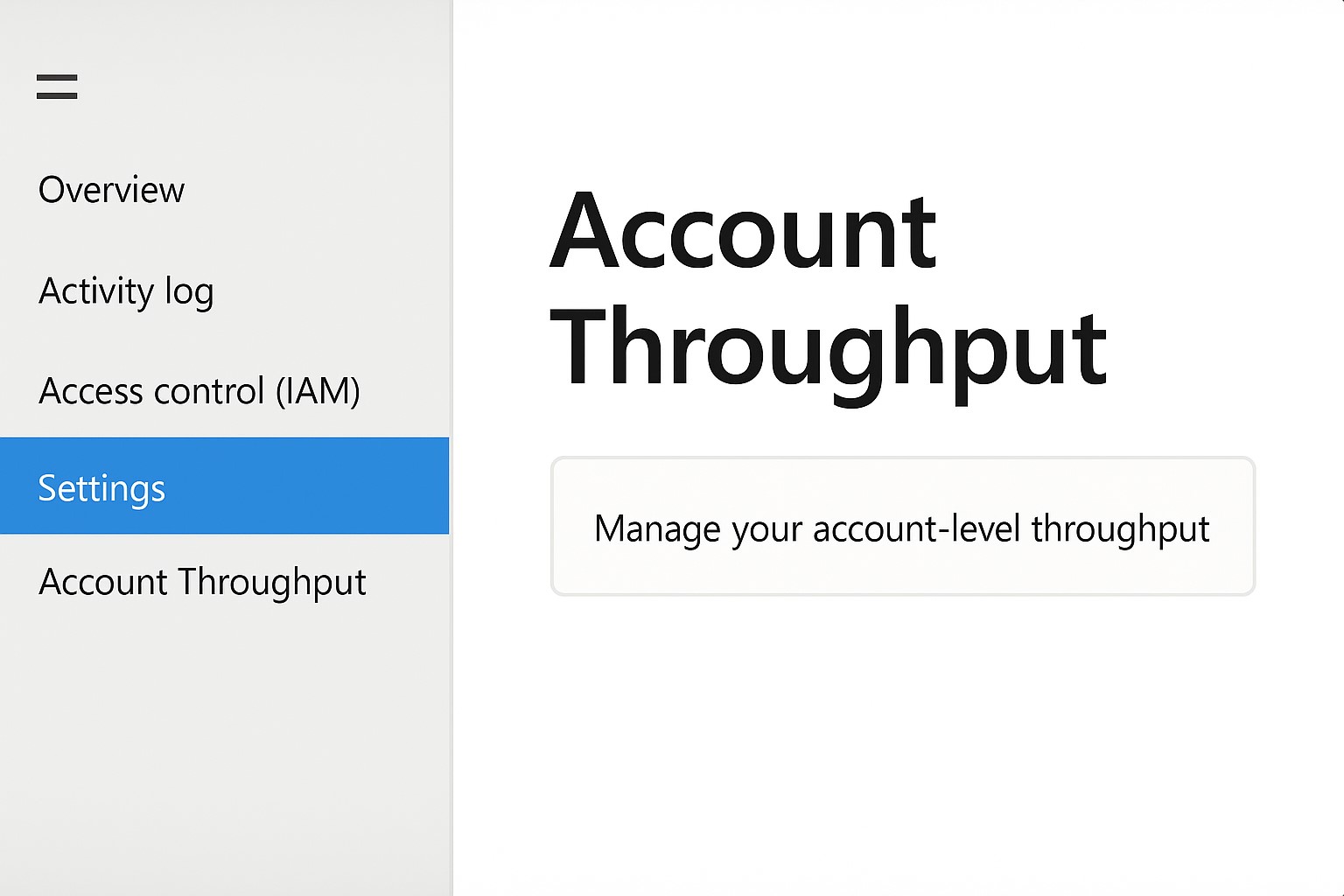
“Cost Management” Is Now “Account Throughput” and It’s Moving

We’ve made a small but important change in the Azure portal for Azure Cosmos DB to make it easier to manage your account-level throughput. The “Cost Management” section has been renamed to “Account Throughput” and can now be found under the Settings section of your Azure Cosmos DB account in the Azure portal. What you can do in Account Throughput From Account Throughput you can: Where to find it In the Azure portal, open your Azure Cosmos DB account from the left navigation side bar→ Settings → Account Throughput. This update does not change how the feature works, only where you will fin...