
Microsoft 365 Developer Blog
A developer platform for building collaborative apps for hybrid work
Featured posts
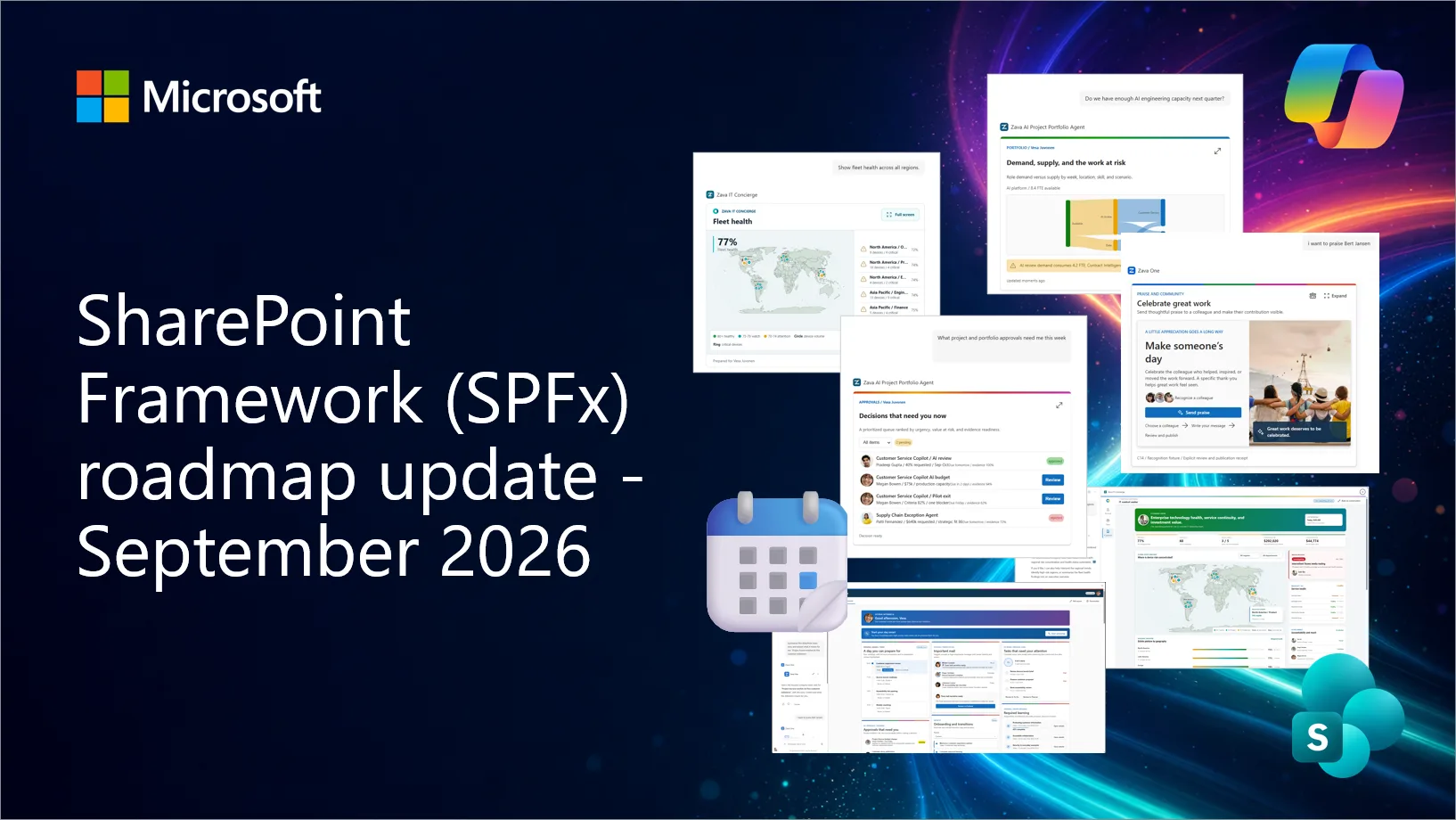
SharePoint Framework (SPFx) roadmap update – September 2026

New Copilot UX components heading to Generally Available in October 2026, SPFx 1.24 Beta 5 is now available, React 18 support is coming in 1.24. Updates coming ...
Latest posts
Increased control over Office Add-in user experiences

Customers have asked for greater user control over add-in launch behavior in Office. We are making three adjustments to our platform to address this customer feedback.
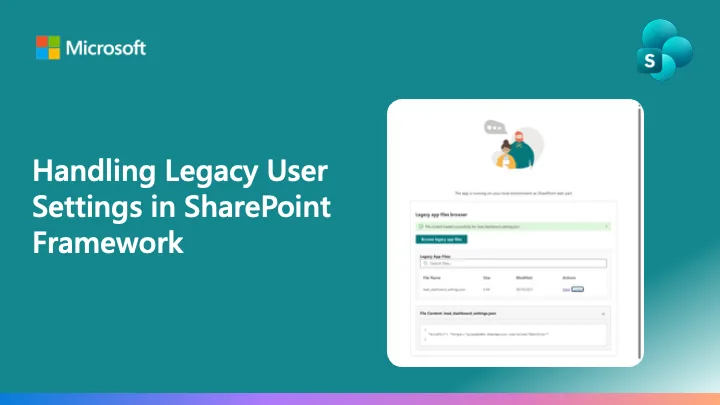
Handling Legacy User Settings in SharePoint Framework

Introduction The SharePoint Framework (SPFx) has undergone some important changes in how it handles Entra ID app registration and security models. Here you can find additional details about what was updated and about the new application IDs used by SPFx. These changes have important implications for developers who previously relied on legacy user settings stored through the old application registration model. This article explores the technical challenges and provides practical solutions for handling legacy user settings when transitioning to the new SharePoint Framework security architecture. Understanding the...
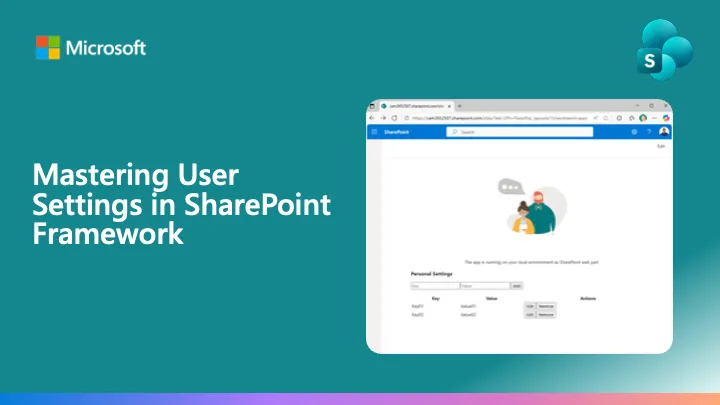
Mastering User Settings in SharePoint Framework
User preferences and settings are fundamental components of modern web applications. When developing SharePoint Framework (SPFx) solutions, the ability to store and manage user-specific configurations across devices and sessions becomes crucial for delivering personalized experiences. This article explores a robust, enterprise-ready pattern for handling user settings in SharePoint Framework applications. There is also a companion sample available on the Community Sample Solution Gallery. You can simply download the source code of the sample and then follow this article to understand how it works. Understandin...

Deprecation notice: Teams Live Events meeting creation via Microsoft Graph

Creating Teams Live Events via the Microsoft Graph isBroadcast API is deprecated. We encourage developers to use Virtual Event APIs instead.

Dev Proxy v2.1 with configuration hot reload and stdio proxying


Introducing Dev Proxy v2.1 with configuration hot reload and stdio proxying

Introducing the Microsoft Graph User Configuration API (preview)

The User Configuration API is now available in the beta endpoint in Microsoft Graph. Use it to create, read, update, and delete user configuration objects in Exchange Online mail folders.
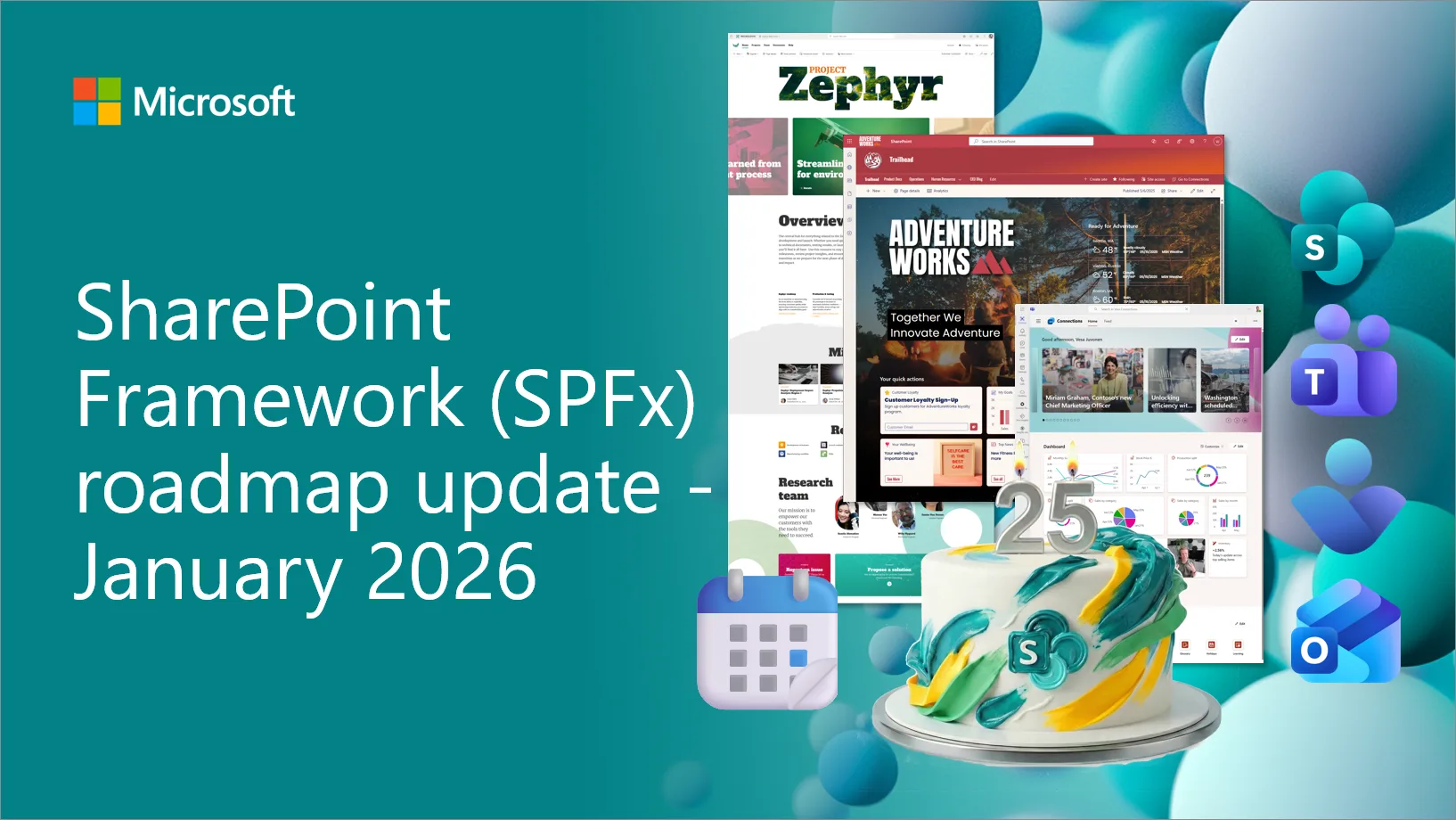
SharePoint Framework (SPFx) roadmap update – January 2026
SPFx is powering the future of Microsoft 365 with AI driven portals and deep integrations across SharePoint Teams and Viva. The January 2026 update shares new features and the roadmap for the next evolution built for the AI era. This is a transparent community driven journey that we shape together.

Introducing the Evals for Agent Interop starter kit

We’re launching Evals for Agent Interop, a starter evaluation kit that provides curated scenarios and representative data that emulate real digital work, and an evaluation harness that organizations can use to self-run their agents across Microsoft 365 surfaces.
Copilot Studio Extension for Visual Studio Code Is Now Generally Available


If you build agents with the Copilot Studio extension for Visual Studio Code, you already know the fastest way to iterate is to treat your agent like software: version it, review changes, and promote it through environments with confidence. Today, the Microsoft Copilot Studio extension for Visual Studio Code is generally available, so you can build and manage Copilot Studio agents from the IDE you already use. What you can do with the Copilot Studio extension for Visual Studio Code As agents grow beyond a few topics and prompts, teams need the same development hygiene they use for apps: source control, pull...