Microsoft 365 Developer Blog
A developer platform for building collaborative apps for hybrid work
Featured posts

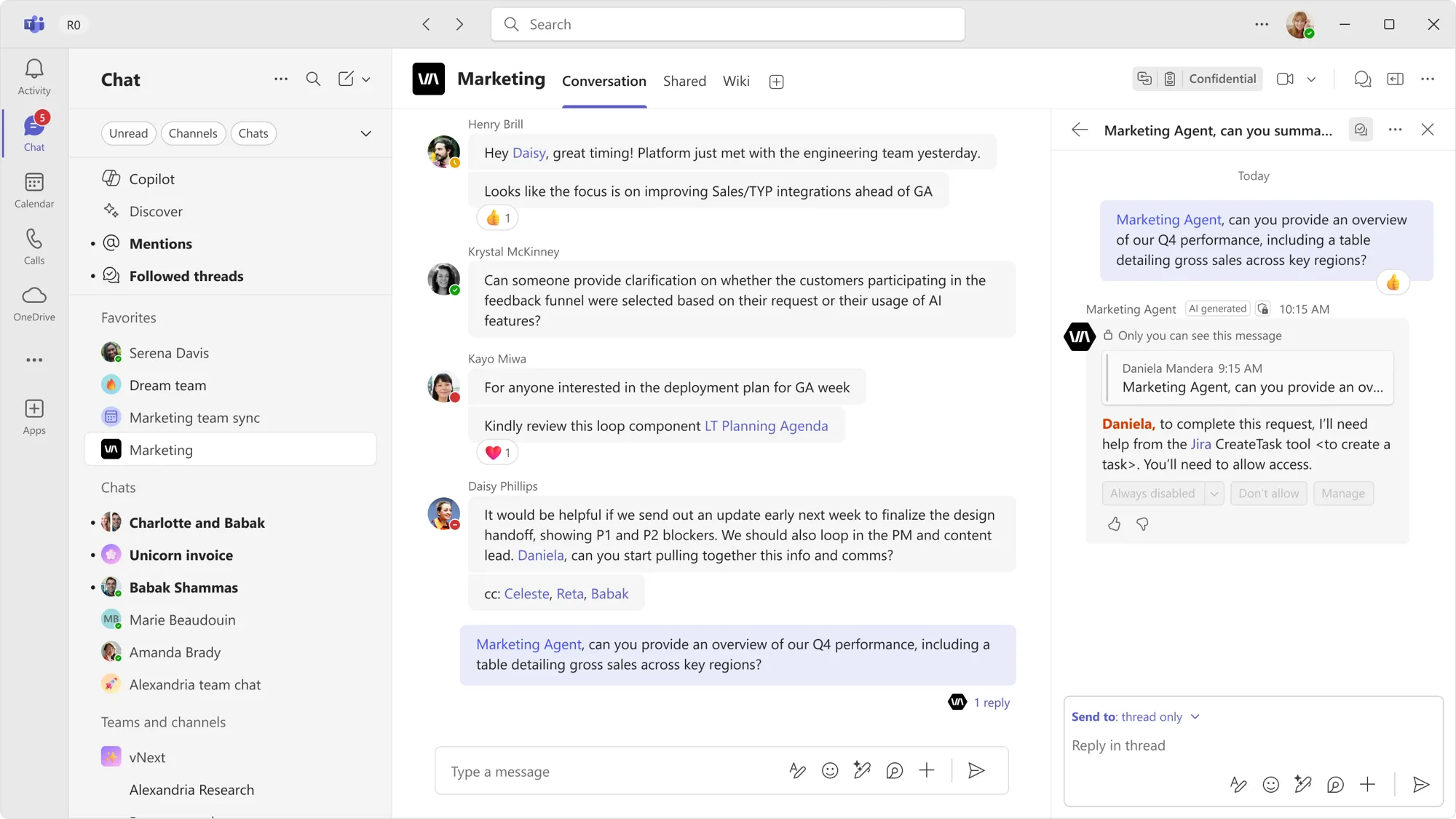
Going beyond text in Microsoft 365 Copilot – Introducing SharePoint Copilot Apps
Microsoft 365 Copilot is brilliant with words - but work isn't only words. Introducing SharePoint Copilot Apps: bring rich, interactive UX components straight i...
Latest posts
SharePoint Framework (SPFx) roadmap update – July 2026
June celebrates the announcement of upcoming SharePoint Copilot Apps, ships the quality-focused SPFx 1.23.2 release, and shares the roadmap for the AI era - shaped by your feedback.
Mailbox requirement set 1.16 now available for Outlook add-ins
Mailbox requirement set 1.16 is now generally available for Outlook add-ins. This release reflects our continued investment in closing the gap between COM/VSTO and web add-ins, with a focus on message and information security. Mailbox 1.16 introduces APIs and platform updates that enable your add-in to: Handle message decryption with ease Mailbox requirement set 1.16 introduces the OnMessageDecrypt event, which enables Outlook add-ins to automatically decrypt protected messages when a user opens them. The event-based workflow identifies encrypted messages, decrypts messages, displays ...
Remote Event Receivers are retiring: move to SharePoint webhooks before July 1, 2027
Remote Event Receivers in SharePoint Online are retiring. Starting July 1, 2027, all remote event receivers will stop firing events, including those registered using Microsoft Entra applications.
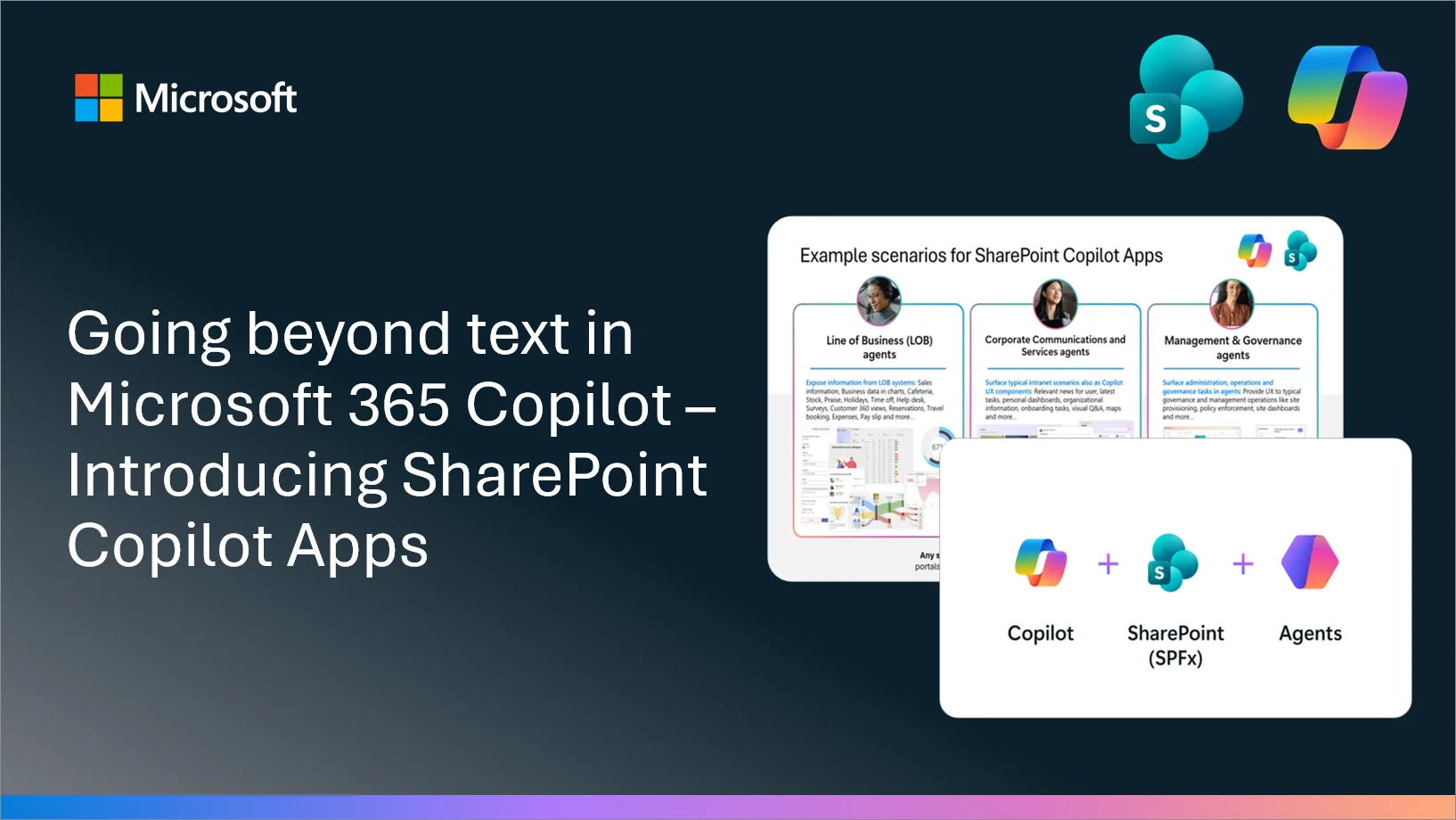
Going beyond text in Microsoft 365 Copilot – Introducing SharePoint Copilot Apps
Microsoft 365 Copilot is brilliant with words - but work isn't only words. Introducing SharePoint Copilot Apps: bring rich, interactive UX components straight into the Copilot canvas, built with any JavaScript stack your team already knows. Reuse your existing SPFx investments across Copilot, SharePoint, and Teams - no new platform, no infrastructure, no lock-in.

Migrating EWS notifications to Microsoft Graph
Migrating from the Exchange Web Services (EWS) notification framework, which supports push, pull, and streaming notification types — to the Microsoft Graph subscription model represents a fundamental transition toward a unified, stateless, and event-driven framework.
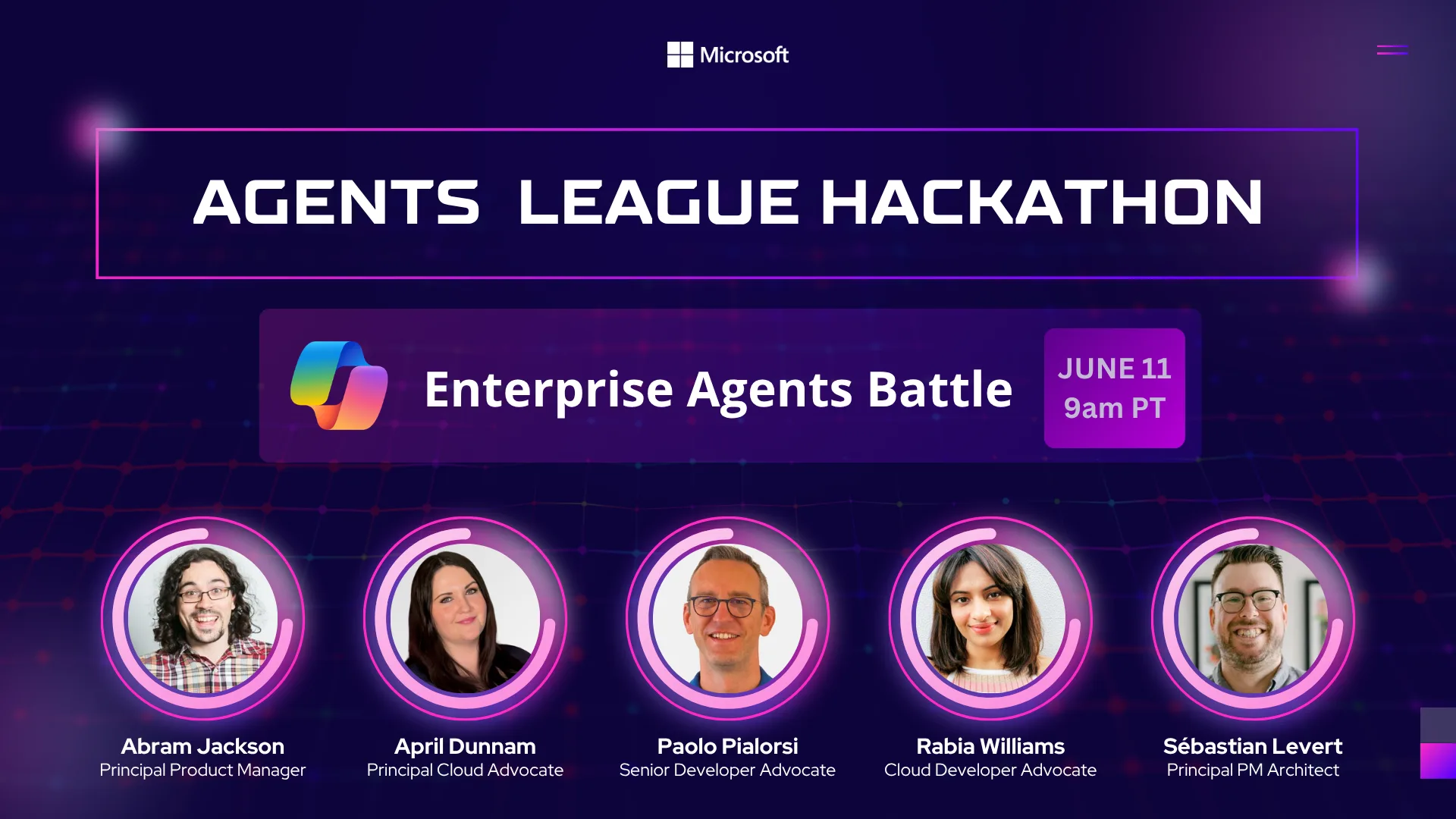
Agents League Hackathon 2026 – Enterprise Agents
From declarative agents for Microsoft 365 Copilot to fully autonomous multi-agent systems orchestrating complex workflows, developers now have the power to redefine how work gets done. If you're ready to push those boundaries, Agents League Hackathon 2026 is your stage. What is Agents League? Agents League is not just another hackathon—it's a global playground for developers, makers, and architects to experiment with: Whether you're building with pro-code tools (C#, TypeScript, SDKs) or leveraging low-code platforms like Copilot Studio, this is where innovation meets real-world im...
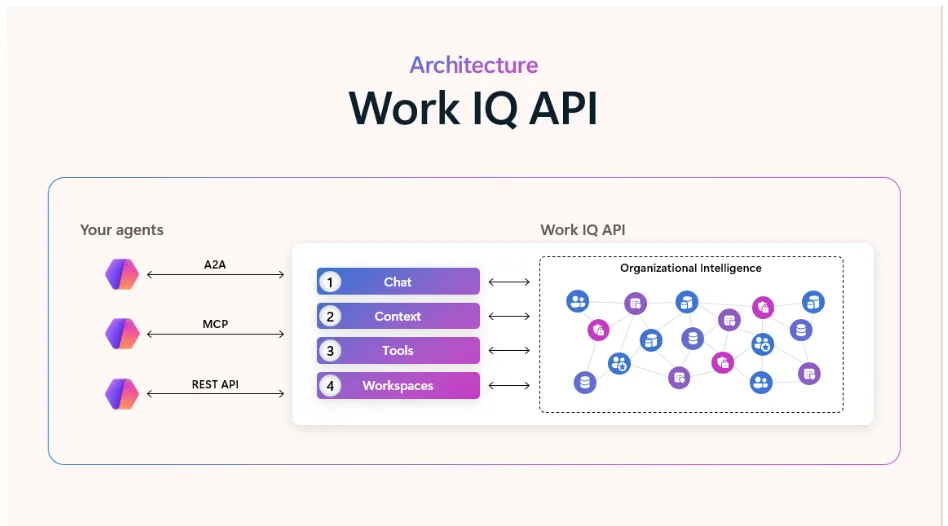
Work IQ: Production‑ready intelligence for every agent
Work IQ provides a workplace intelligence layer that enables agents to access and reason over organizational data, context, and tools, continuously building a semantic understanding across Microsoft 365 and external systems with built-in, permission-aware governance.Â
Build collaborative agents where work happens
At Microsoft Build 2026, we're announcing new investments to help your agents become teammates in everyday work, from new interaction patterns to streamlined tooling.Â
Frontier Tuning: Teaching AI to work the way you do
We're announcing the private preview of Frontier Tuning, a new approach to making AI work the way your business does by applying reinforcement learning inside your compliance boundary with your own data, processes, and conventions.Â
SharePoint Framework (SPFx) roadmap update – May 2026
SPFx is powering the future of Microsoft 365 with AI driven portals and deep integrations across SharePoint and Microsoft 365. The May 2026 update shares new features and the roadmap for the next evolution built for the AI era. This is a transparent community driven journey that we shape together based on your input.
General Availability of SharePoint Framework 1.23 – Advancing the modern developer experience
We are excited to announce general availability for the SharePoint Framework 1.23. We are rolling out new features in extensions, preview of new CLI and addressing known npm audit issues.
Announcing the public preview of the Microsoft 365 Copilot Agent Evaluations tool
The Microsoft 365 Copilot Agent Evaluations tool helps developers measure and improve the quality of agents they build for Microsoft 365 Copilot.
Announcing general availability of the mailbox import and export Microsoft Graph APIs
The mailbox import and export APIs on Microsoft Graph are now generally available.
Python support for the Microsoft Teams SDK is now generally available
Python developers can now build Teams-native apps and agents using the same SDK surface that powers modern Teams experiences across our TypeScript and .NET stacksÂ
Sponsor group type requirements for agent identities
As part of moving to general availability (GA) for Entra Agent ID, agent identity objects will only accept dynamic membership groups and unified (Microsoft 365) groups as group-type sponsors.
From prompt to production: Teams agent setup, simplified
Learn how to use a coding agent to register and agent with Teams.
SharePoint Framework (SPFx) roadmap update – April 2026
SPFx is powering the future of Microsoft 365 with AI driven portals and deep integrations across SharePoint and Microsoft 365. The April 2026 update shares new features and the roadmap for the next evolution built for the AI era. This is a transparent community driven journey that we shape together.
MCP Apps now available in Copilot chat
Agents bring rich, app powered UI experiences directly into Microsoft 365 Copilot chat, via MCP Apps or the OpenAI Apps SDK. Read about what customers and partners are building.
Breaking Change Ahead: Graph API Updates to Sensitive Email Properties
On 12/31/2026, we will begin restricting updates to sensitive properties on non-draft email messages (including subject, body, and recipients). Apps will need Mail-Advanced.ReadWrite (or .All / .Shared) with admin consent to continue modifying these fields. Review your current usage and update permissions now to avoid unexpected failures.
SharePoint Framework (SPFx) roadmap update – March 2026
SPFx is powering the future of Microsoft 365 with AI driven portals and deep integrations across SharePoint Teams and Viva. The March 2026 update shares new features and the roadmap for the next evolution built for the AI era. This is a transparent community driven journey that we shape together.
Changes to attachment IDs for inline images in Outlook add-ins
Read how inline image attachments are handled when they’re programmatically added to a mail item's signature or body in Outlook on the web and the new Outlook for Windows
Build business understanding with Dataverse in Microsoft 365 Copilot
Microsoft 365 Copilot is now embedded as an in-app sidecar within Power Apps, Dynamics 365 Sales, and Dynamics 365 Customer Service—removing the need to switch between apps to find context or complete steps.Â
Prepare your add-in for Outlook ribbon improvements
We’re improving how add-ins appear on the ribbon in Outlook on the web and the new Outlook on Windows. These updates make add-ins easier to find and align the experience across Outlook clients.
SharePoint Framework (SPFx) roadmap update – February 2026
We move towards spring 2026 with strong momentum across the SharePoint Framework and an increasing sense of excitement across the ecosystem. SPFx continues to be a foundational platform for building intelligent, secure, and scalable experiences across Microsoft 365, with adoption growing and feedback from customers and partners directly shaping our priorities. Following the December release of SPFx 1.22 and the January announcement of 1.22.2, our focus remains on stability, security, and predictable evolution, while also setting the stage for the next wave of innovation. February is also a special moment for t...
Increased control over Office Add-in user experiences
Customers have asked for greater user control over add-in launch behavior in Office. We are making three adjustments to our platform to address this customer feedback.
Handling Legacy User Settings in SharePoint Framework
Introduction The SharePoint Framework (SPFx) has undergone some important changes in how it handles Entra ID app registration and security models. Here you can find additional details about what was updated and about the new application IDs used by SPFx. These changes have important implications for developers who previously relied on legacy user settings stored through the old application registration model. This article explores the technical challenges and provides practical solutions for handling legacy user settings when transitioning to the new SharePoint Framework security architecture. Understanding the...
Mastering User Settings in SharePoint Framework
User preferences and settings are fundamental components of modern web applications. When developing SharePoint Framework (SPFx) solutions, the ability to store and manage user-specific configurations across devices and sessions becomes crucial for delivering personalized experiences. This article explores a robust, enterprise-ready pattern for handling user settings in SharePoint Framework applications. There is also a companion sample available on the Community Sample Solution Gallery. You can simply download the source code of the sample and then follow this article to understand how it works. Understandin...