
Microsoft 365 Developer Blog
A platform for creating collaborative apps for hybrid work
Latest posts
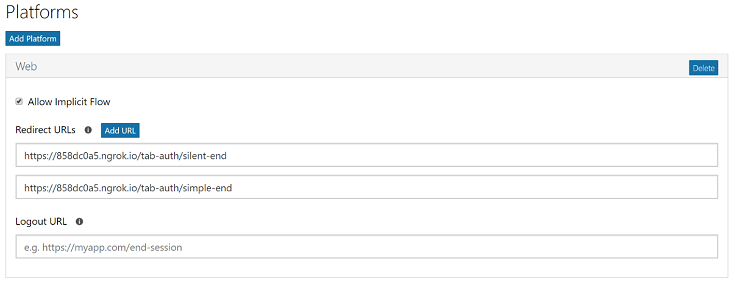
Authentication in Microsoft Teams Apps: Tabs

Some of the most common questions we receive from Microsoft Teams developers concern authentication to Azure Active Directory (Azure AD), single sign-on (SSO) to Azure AD, and how to access Microsoft Graph APIs from within a Microsoft Teams app. Here, we'll explain in detail how to do these things, going above and beyond authentication basics.

SharePoint Patterns & Practices – November 2017 update

SharePoint Dev Ecosystem / SharePoint Patterns and Practices (PnP) November 2017 update is out with new contributions from the community to the community. This post contains all the details related to what was included with the release and what else has been happening in the SharePoint Dev ecosystem during the past month.
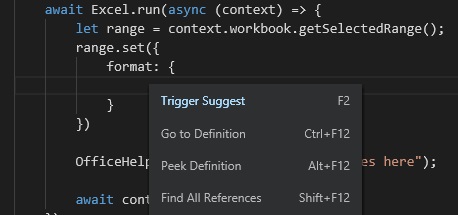
Announcing Script Lab improvements

Code, run, share! We love making it easy to develop Office add-ins. Whether you're an experienced developer or a newbie, we encourage you to dive in, explore, and build with Script Lab, our Microsoft Garage project.
Custom Functions in Excel: Developer Preview
I'm thrilled to announce that you can try writing custom functions in JavaScript starting today.

Announcing improved support in SharePoint Framework for Office UI Fabric Core

The goal of the SharePoint Framework is to allow both Microsoft and customers to build rich, engaging, and consistent user experiences on top of SharePoint. Within the SharePoint product, Office UI Fabric delivers a robust and consistent design language across various experiences such as modern team sites, modern pages, and modern lists.
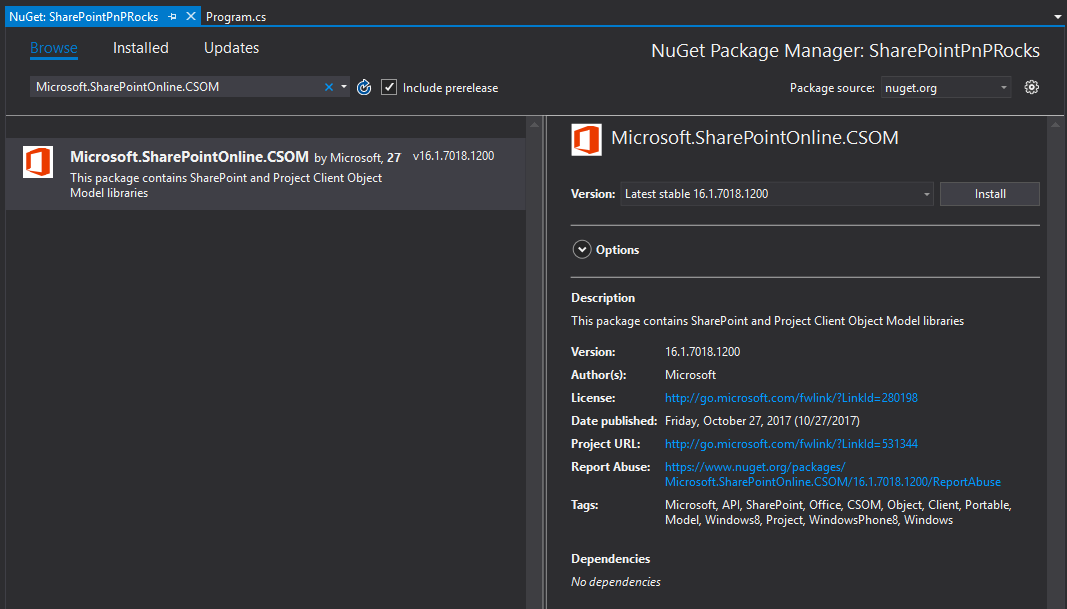
New SharePoint CSOM version released for SharePoint Online – October 2017
We are happy to announce the availability of new SharePoint Client-Side Object Model (CSOM) version targeted for the Office 365 or more specifically for SharePoint and Project Online. This release again contains updates on the existing SharePoint and Project CSOM assemblies.
Migrating from the Office 365 Discovery Service to Microsoft Graph to Discover a SharePoint Root Site

The Office 365 discovery service is part of a multi-step flow required to locate and call into individual Office 365 REST API endpoints. Now you can use Microsoft Graph to access Office 365 data in a single endpoint.
Migrating from Outlook REST API v1.0 to Microsoft Graph
Version 1.0 of the Outlook REST API was launched in 2015 to provide API access to mail, calendar, contacts, and other data from Exchange Online, with support for Basic Authentication. Over time, we’ve released major enhancements in Outlook REST API v2.0 and Microsoft Graph, both of which provide richer features, and better performance and reliability than Outlook REST API v1.0.
Outlook REST API v1.0, Office 365 Discovery, and Live Connect API deprecation
Over the last few years, we have been investing in services that help developers access information in Office 365 in a simple and intuitive way. As we make progress in this journey, some technologies become obsolete, because they no longer provide the best way to interact with Office 365 data.