
Microsoft 365 Developer Blog
A developer platform for building collaborative apps for hybrid work
Featured posts
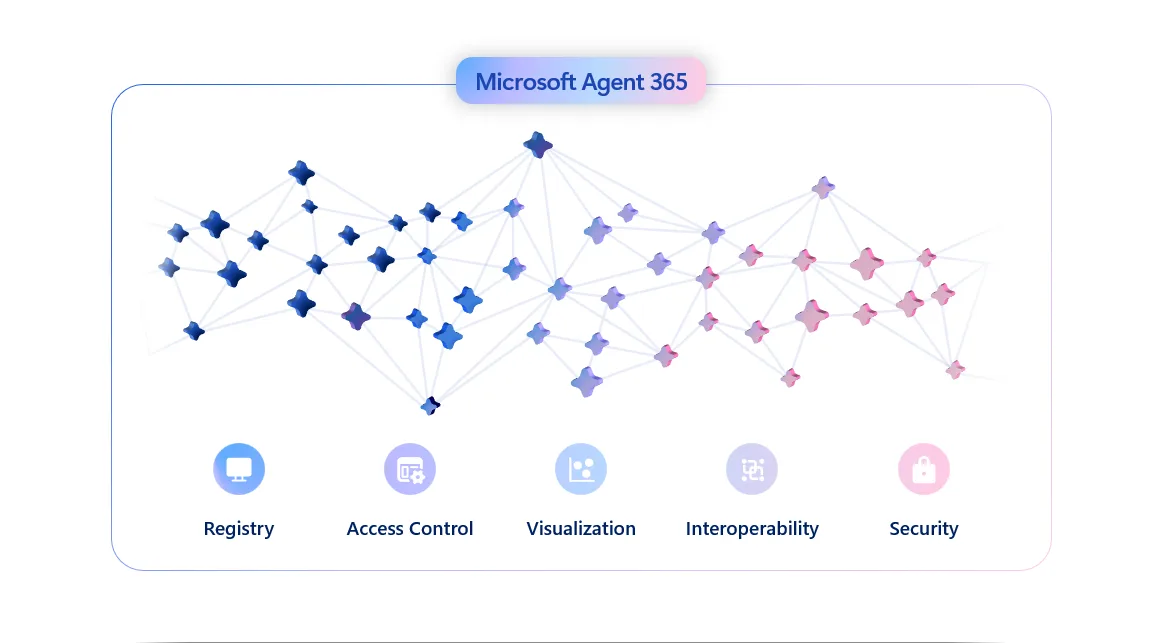
From Innovation to Enterprise Trust with Microsoft Agent 365

Agent 365 serves as the control plane for agents, providing organizations with a centralized location to manage agent identity, policies, observability, and lif...
Latest posts
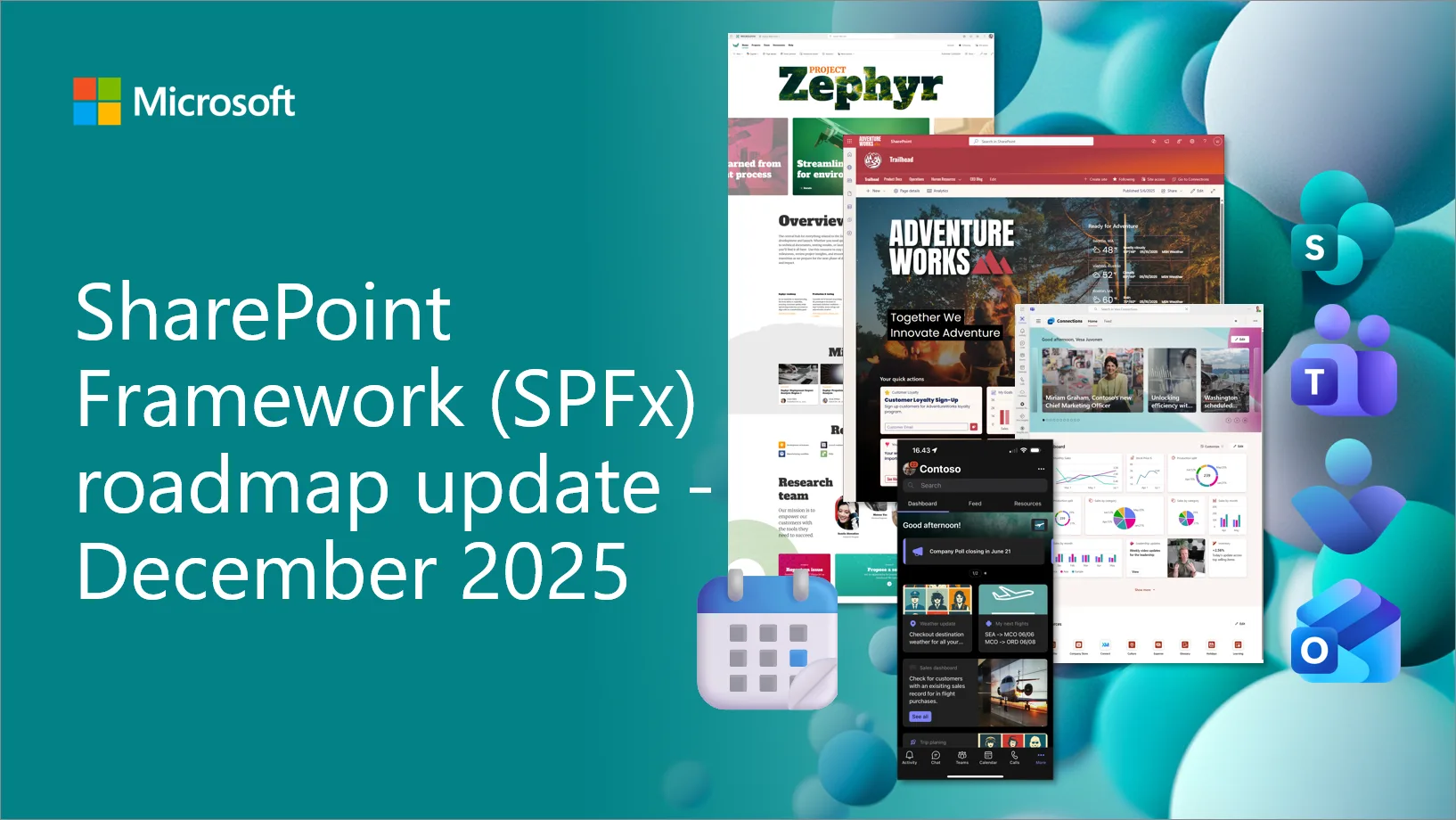
SharePoint Framework (SPFx) roadmap update – December 2025

SPFx is powering the future of Microsoft 365. From AI-driven portals to seamless integrations across SharePoint, Teams and Viva, SPFx is driving innovation at scale. This monthly blog series kicks off our journey into the next evolution - transparent, community-driven, and built for the AI era. Let’s shape what’s next, together.

Unlock your email potential with Schema.org

Email is a key part of how people get things done, whether it’s booking a reservation, confirming a package delivery, or managing a cab reservation. But as inboxes become increasingly cluttered, important transactional information often gets buried. Users are forced to open multiple emails, search through text, and manually look for key details such as reservation times, delivery status, or order confirmations. Let's think about business travel, When users are flying out for meetings, training, or conferences, they shouldn’t have to dig through a crowded inbox to find flight details, hotel confirmations, or car...
Build declarative agents for Microsoft 365 Copilot with MCP

With introduction of MCP support, it’s now much easier for developers to integrate their business workflows, SaaS, and LoB systems into Copilot via declarative agent.

General Availability of SharePoint Framework 1.22 – A Major Refresh of the Build & Tooling Experience
We are excited to announce general availability for the SharePoint Framework 1.22. This time focus is primarily on updating the build toolchain and to address npm audit issues.
Dev Proxy v2.0 with improved AI telemetry, and small breaking changes


Introducing Dev Proxy v2.0 with improved AI telemetry, and small breaking changes.
Introducing TypeSpec for Microsoft 365 Copilot – Build declarative agents faster with more confidence

We’re excited to announce that TypeSpec for Microsoft 365 Copilot is now generally available! This milestone marks the first stable release of the domain-specific language (DSL) designed to streamline how developers build and extend Microsoft 365 Copilot. Whether you’re creating an agent to help colleagues find documents, or connecting your service as an API plugin, TypeSpec for Microsoft 365 Copilot makes the process simpler, safer, and more productive. A developer-centric experience – strong typing, IntelliSense and productivity One of the biggest pain points for developers building Copilot extensibility so...
SharePoint Framework (SPFx) roadmap update – November 2025
SPFx is powering the future of Microsoft 365. From AI-driven portals to seamless integrations across SharePoint, Teams and Viva, SPFx is driving innovation at scale. This monthly blog series kicks off our journey into the next evolution - transparent, community-driven, and built for the AI era. Let’s shape what’s next, together.
SharePoint Site Creation in Microsoft Graph

The SharePoint team is excited to (finally) bring Site Collection creation to Graph! Starting in Microsoft Graph beta you can now create new site collections!

Ignite 2025: A Developer’s Guide to Building Agents for Microsoft 365

Ignite 2025 brought many innovations for developers building agents for Microsoft 365. From new capabilities in Declarative Agents and Custom Engine Agents to the introduction of Microsoft Agent 365, the platform now enables organizations to architect intelligent solutions that are secure, governable, and ready for enterprise scale. Whether you’re creating your first agent, adapting existing frameworks, or navigating a crowded AI landscape, Microsoft 365 empowers you to build agents that integrate deeply with enterprise systems, leverage the latest AI stacks, and meet the highest standards for security and gov...
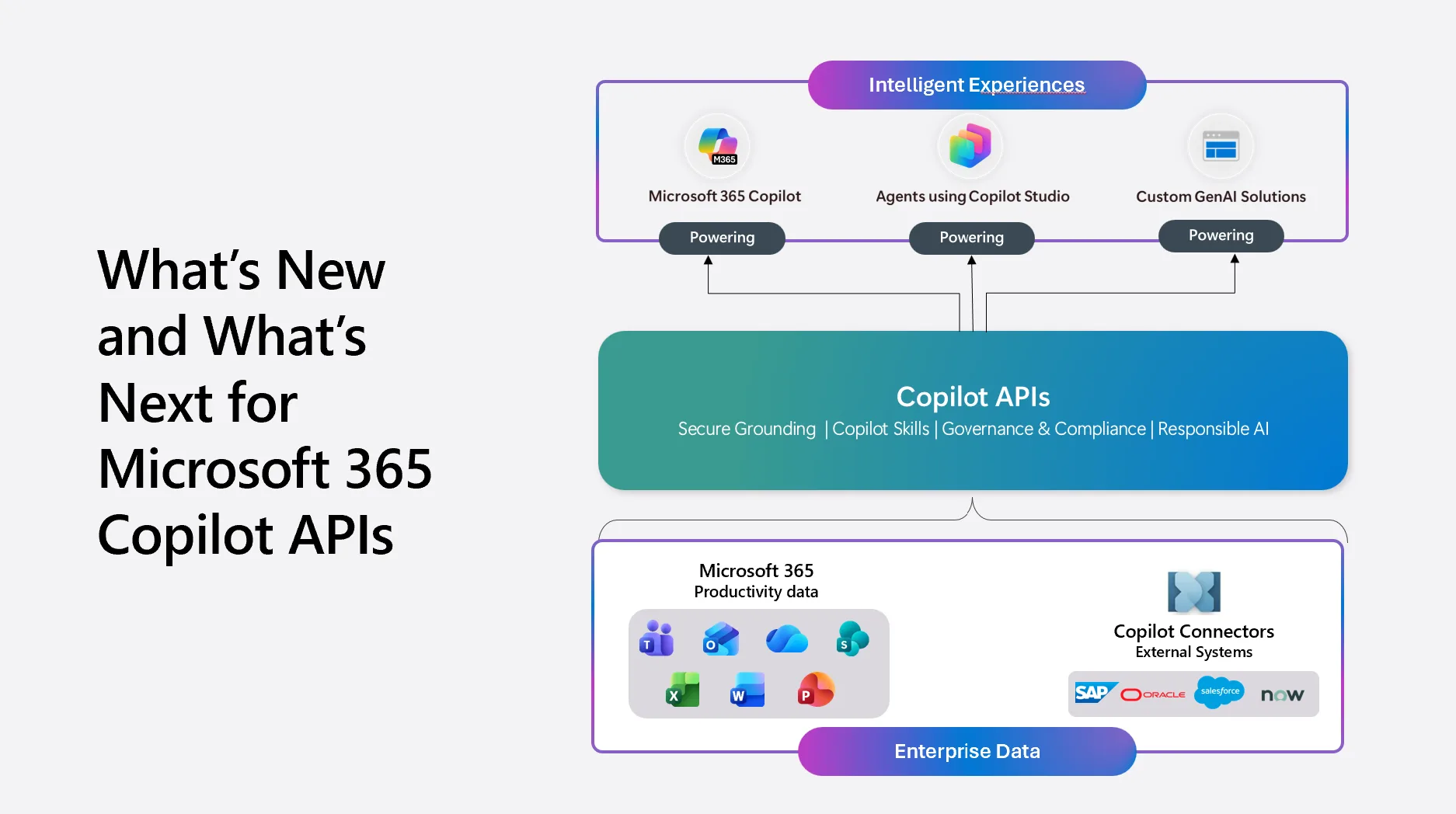
Microsoft 365 Copilot APIs: What’s New and What’s Next


At Build 2025, we introduced the Microsoft 365 Copilot APIs to help developers bring grounded AI into their solutions without rebuilding indexes or compromising security. The response has been encouraging, and your feedback continues to guide the direction of the platform. Customers are asking for deeper retrieval, better search, and simpler ways to generate answers that honor permissions and context. This Ignite 2025 roadmap update expands the Copilot API surface with new capabilities that make grounded AI more accessible, more reliable, and easier to integrate within the Microsoft 365 trust boundary. Ret...
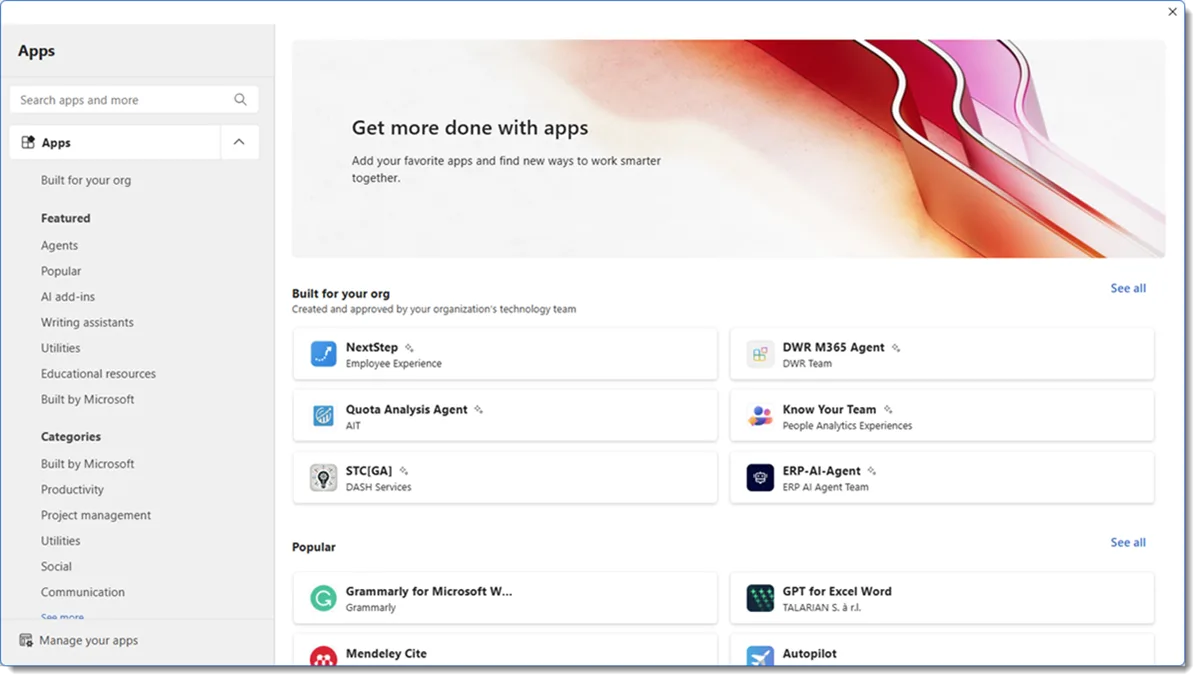
Ignite 2025 – What’s new for Office Add-ins

Read about new and exciting features now available in the Office Add-ins ecosystem for Ignite 2025. Learn about platform updates, developer experience improvements, and store enhancements.
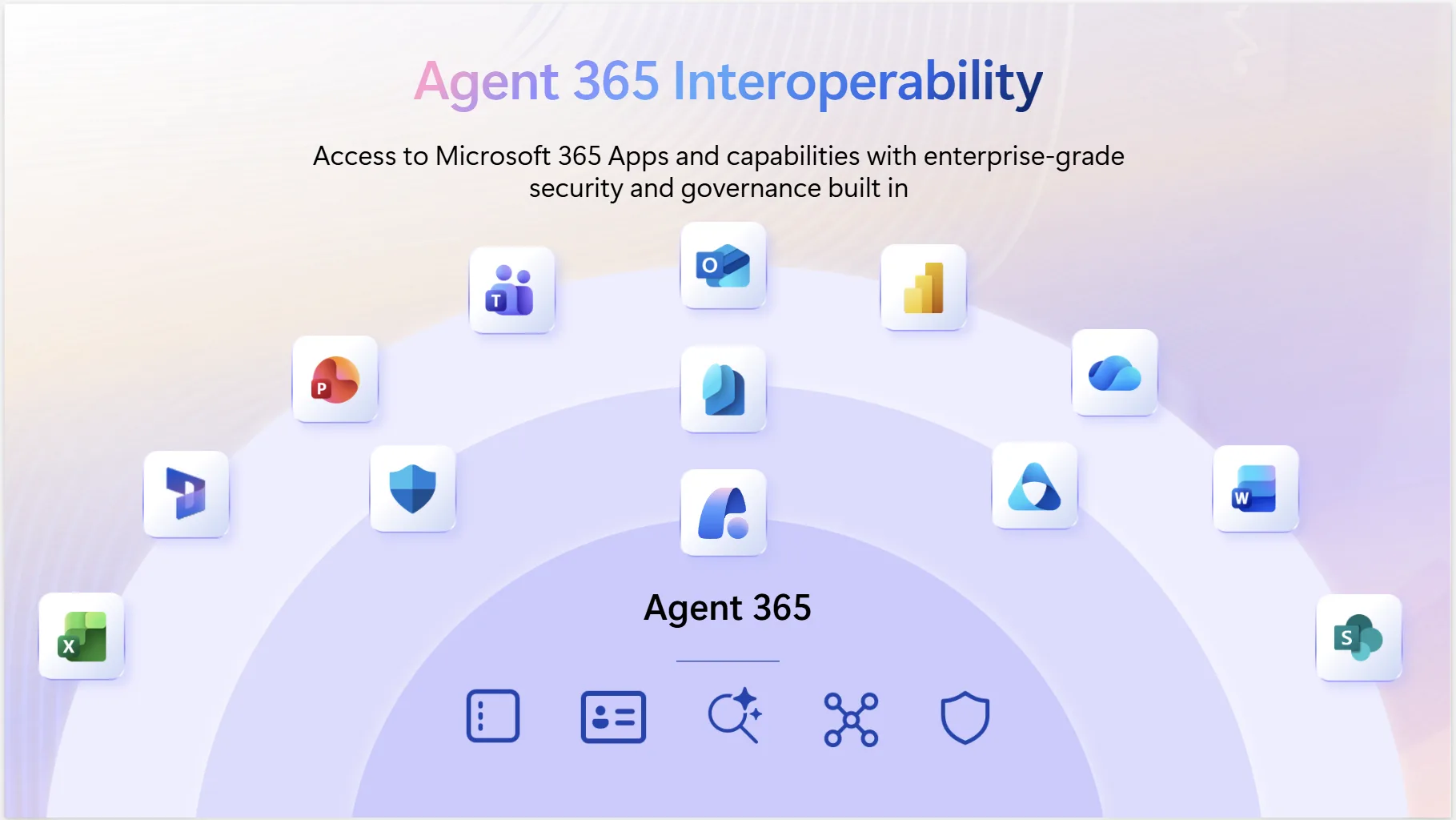
Microsoft Agent 365 Interoperability for Smart, Secure Productivity
Agent 365 Interoperability equips any agent with apps and data to simplify human-agent workflows.
Announcing the Microsoft Teams SDK (Formerly the Teams AI Library)

Discover the new and improved Teams SDK, designed to help developers create even more powerful agents for Microsoft Teams.
From Innovation to Enterprise Trust with Microsoft Agent 365
Agent 365 serves as the control plane for agents, providing organizations with a centralized location to manage agent identity, policies, observability, and lifecycle.

New developer resource page for Microsoft 365 interoperability and data portability

Microsoft is launching a centralized developer resource page that consolidates interoperability and data portability information, tools, and feedback channels to help partners and customers use Microsoft 365 more effectively.
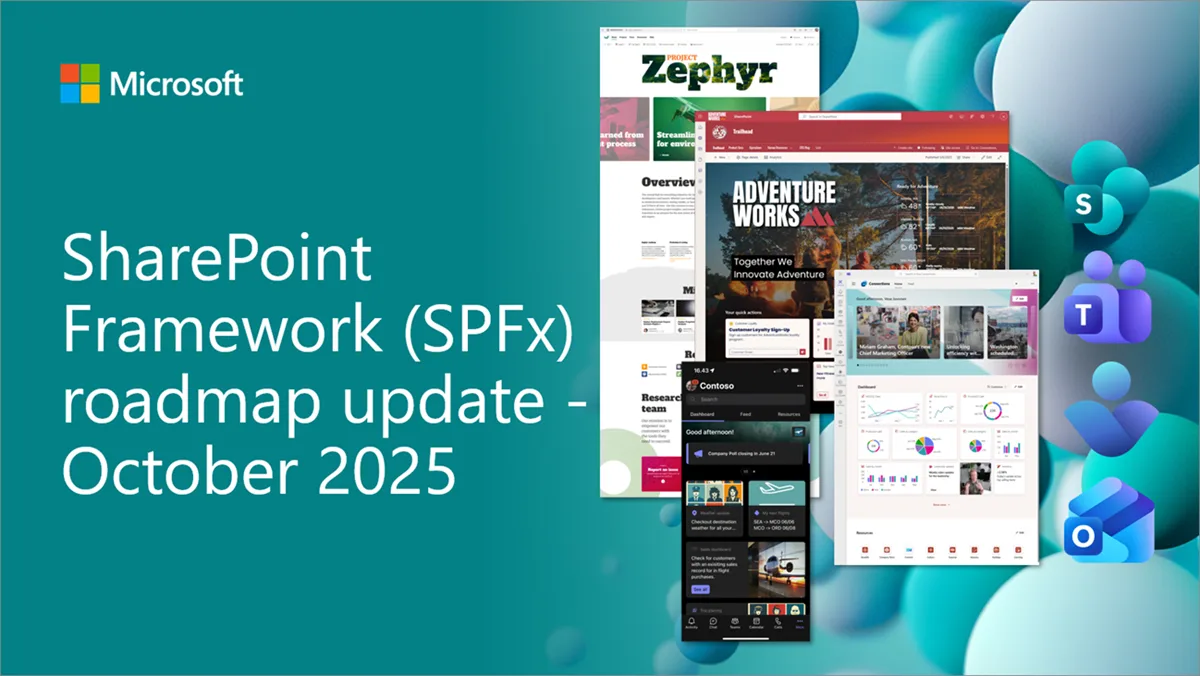
SharePoint Framework (SPFx) roadmap update – October 2025
SPFx is powering the future of Microsoft 365. From AI-driven portals to seamless integrations across SharePoint, Teams and Viva, SPFx is driving innovation at scale. This blog series kicks off our journey into the next evolution—transparent, community-driven, and built for the AI era. Let’s shape what’s next, together.
Dev Proxy v1.3 with exporting to HAR, LLM usage tracking, and enhanced permissions analysis
Introducing Dev Proxy v1.3 with new plugins for inspecting and debugging API requests, along with enhanced permissions analysis and improved OpenAPI spec generation for complex testing scenarios.
Migrating from IDCRL authentication to modern authentication in SharePoint
In the next few months, Microsoft will be removing the legacy authentication protocol known as IDCRL (Identity Client Run Time Library) in SharePoint.

Deprecation of the previewImageUrl property for Insights items that reference file attachments

The previewImageUrl property is no longer returned for file attachment items.
Exciting new capabilities and enhancements for M365 Developer Program – October 2025

We are excited to share updates on the Microsoft 365 Developer Program with new capabilities and upcoming changes.
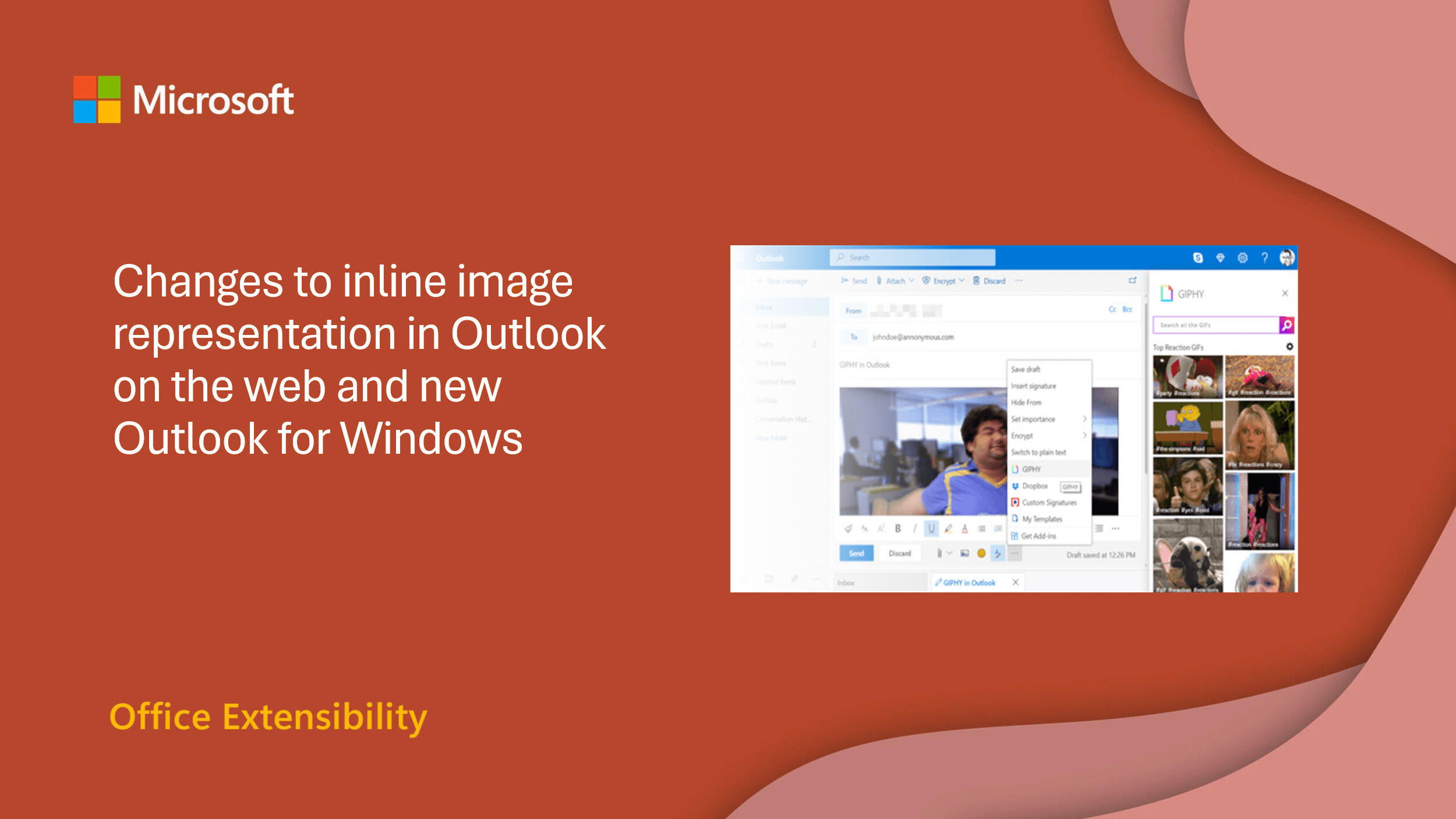
Changes to inline image representation in Outlook on the web and new Outlook for Windows
We are updating how inline images are represented in the HTML body of Outlook emails in Outlook on the web and the new Outlook for Windows. This change may impact how your add-in identifies and processes inline images when using the attachment ID.
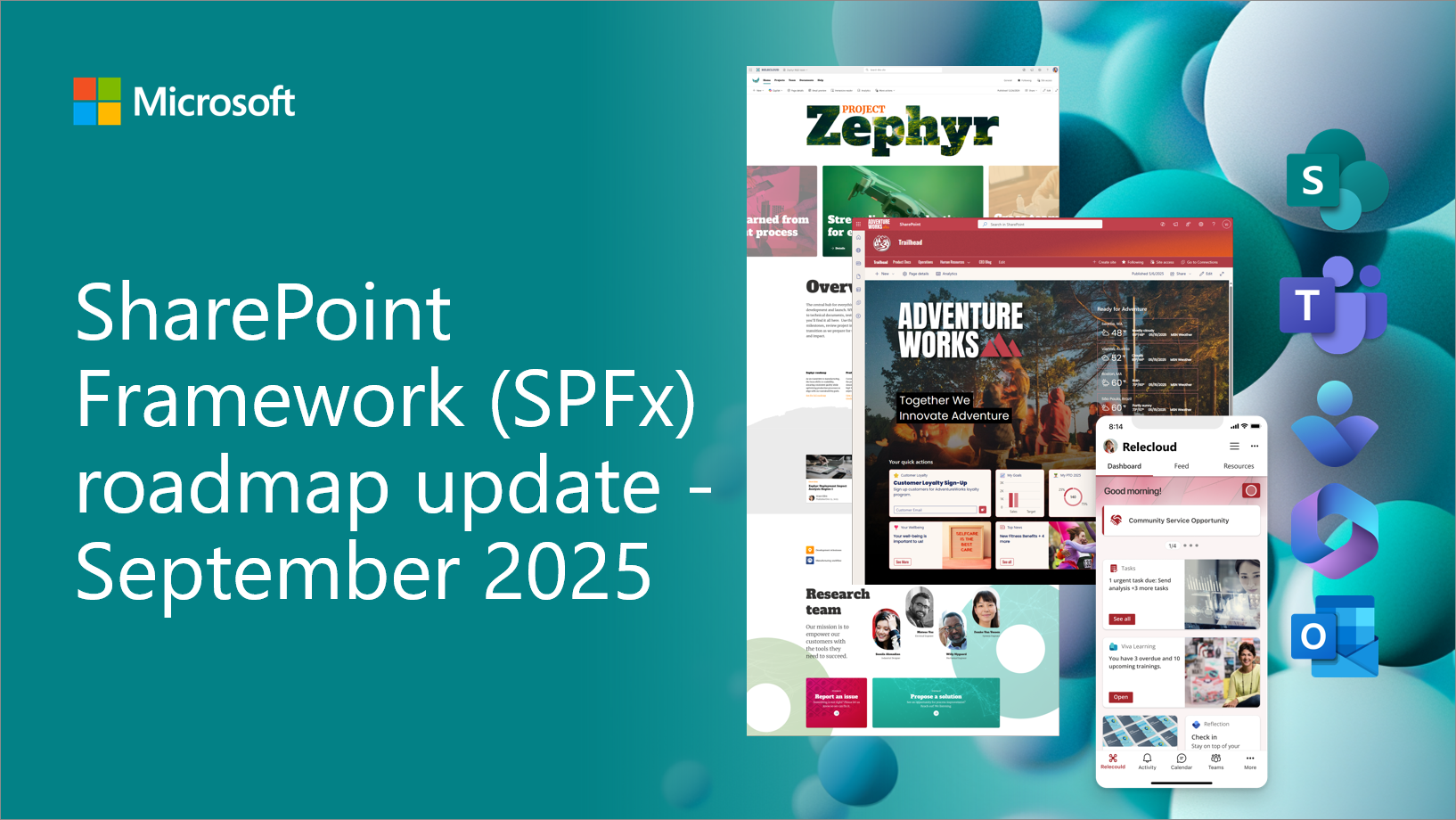
SharePoint Framework (SPFx) roadmap update – September 2025
SPFx is powering the future of Microsoft 365. From AI-driven portals to seamless integrations across SharePoint, Teams and Viva, SPFx is driving innovation at scale. This new blog series kicks off our journey into the next evolution—transparent, community-driven, and built for the AI era. Let’s shape what’s next, together.
Dev Proxy v1.2 with mock response mirroring and improved performance
Introducing Dev Proxy v1.2 with mock response mirroring capabilities that make API simulation more realistic.

The new GitHub app for Teams: from conversation to code
Meet the reimagined GitHub app for Teams: an AI-powered app to collaborate with GitHub Copilot right inside your Teams conversations.
Excel announces undo support for 3rd-party web add-ins

Most user action performed by your Copilot extension or web add-in can now be undone using the familiar ribbon Undo button, keyboard shortcuts (Ctrl+Z), or the Undo button on Copilot response cards.

Prepare your VBA projects for VBScript deprecation in Windows

In May 2024, Microsoft announced the phased deprecation of VBScript in Windows, as detailed in the official Windows IT Pro Blog. This change impacts VBA developers who rely on VBScript, particularly for reference libraries such as regular expressions. This post outlines the upcoming changes and provides guidance to help you future proof your VBA projects. How VBA projects use VBScript Visual Basic for Applications (VBA) automates tasks and extends functionality in Office applications, including Excel, Word, PowerPoint, and Access. VBScript is commonly used in VBA projects in two ways: VBScript depr...

Change to data visibility for Microsoft Graph callRecords APIs in GCC High and DoD

We're making changes to how Microsoft handles Microsoft Teams call data in GCC High and DoD environments that we expose via the Microsoft Graph callRecords APIs.

Dev Proxy v1.1 with improved support for Microsoft Graph batching
Introducing Dev Proxy v1.1 with critical fixes for Microsoft Graph batch request simulation, resolved authentication plugin issues, and enhanced the MinimalPermissionsGuidancePlugin with new reporting capabilities.

Enriching Microsoft 365 profiles with Microsoft 365 Copilot connectors for people data (public preview)
Enrich Microsoft 365 profiles with Microsoft 365 Copilot connectors for people data
Microsoft Graph Toolkit retirement

We are announcing the deprecation of the Microsoft Graph Toolkit (MGT). The retirement period begins September 1st, 2025 with full retirement planned for August 28th, 2026. Why we’re retiring this toolkit We introduced the Microsoft Graph Toolkit (MGT) to simplify the developer experience when building web applications that connect to Microsoft Graph. It provided a set of reusable web components and helpers to accelerate development and reduce the complexity of authentication and data binding. However, the MGT’s narrower ecosystem, and overlap with more powerful alternatives have led to a decline in its usage o...
Microsoft Graph CLI retirement
We are announcing the retirement of the Microsoft Graph command-line interface (CLI). The Microsoft Graph CLI has served as a powerful tool for developers and IT professionals to interact with Microsoft Graph through simple terminal commands—enabling automation, scripting, and streamlined access to Microsoft 365 data and services. As we evolve our developer tooling strategy, we’re shifting focus to the more integrated and modern experiences found in PowerShell. Why we’re retiring the CLI We introduced the Microsoft Graph CLI to provide a lightweight, cross-platform tool for interacting with Microsoft Graph APIs...
Dev Proxy v1.0 with new features for building robust AI-powered apps
Introducing Dev Proxy v1.0, with new language model-specific testing capabilities to help developers build more reliable AI-powered applications by simulating real-world scenarios and tracking resource usage.
Build Smarter with the Microsoft 365 Agents Toolkit MCP Server

Bring your own agents into Microsoft 365 Copilot

Custom Engine Agents now generally available—build and integrate your own AI into the flow of work Microsoft 365 Copilot is redefining how people interact with AI—embedding it directly into the flow of work as the intuitive, natural interface for agents: the ‘UI for AI’ As Copilot becomes the interface for AI in the workplace, we’re seeing growing demand from customers who want to extend its capabilities with their own solutions. Many of our customers are looking to create custom agents—or have already built agents that operate outside the Microsoft 365 ecosystem—using fine-tuned models, custom logic, orchest...
Supercharge your EWS migration with AI and GitHub Copilot

We're announcing a new tutorial that helps developers migrate solutions from EWS to Microsoft Graph using AI and GitHub Copilot.
Microsoft 365 Copilot APIs: Unlocking enterprise knowledge for AI with the Retrieval API — Now in Public Preview
Read how the Retrieval API gives developers a secure, compliant and scalable way to integrate enterprise content into their AI workflows.
Dev Proxy v0.29 with refactored architecture, MCP server, and exposed LM prompts
Introducing Dev Proxy v0.29, with a major architectural overhaul, control over language model prompts, and improved diagnostics.
Deprecation of MS-APP-ACTS-AS header in Shifts Management Microsoft Graph APIs

In app-only access scenarios, Shifts Management Graph APIs previously required the MS-APP-ACTS-AS: userId header to indicate the user on whose behalf the application was acting. However, this conflicted with the Microsoft Graph permission model where there is no signed-in user for app-only access scenarios. To align Shifts Graph APIs with this model, the MS-APP-ACTS-AS header has now been deprecated. What Action You Need to Take If you don’t send the header today There is no impact. No changes are necessary. If you send the header today 1. Please remove the header. Example: Old: New: ...

Dev Proxy v0.28 with LLM usage and costs tracking
The latest version of Dev Proxy introduces a new ability to help you understand language models’ usage and costs in your applications, alongside many improvements to mocking, TypeSpec generation, and plugin flexibility.

Build like Microsoft: Developer agents in action


Take a deep dive into Athena, an AI-powered collaborative agent, to learn how it was built and how to create your own version of Athena right within Microsoft Teams.

Office Add-ins announces Copilot agents with add-in actions and more at Build 2025
As part of the expanding capabilities for agents across Microsoft 365, Office Platform announces add-in actions for Copilot agents are available in preview. This blog is an overview of all the new capabilities across the platform: APIs, developer tools, and add-in distribution options—making it simpler to build new or iterate on JavaScript add-ins.
Introducing the Agent Store: Build, publish, and discover agents in Microsoft 365 Copilot


We’re excited to introduce the Agent Store — a centralized, curated marketplace that features agents built by Microsoft, trusted partners, and customers. The Agent Store offers a new, immersive experience within Microsoft 365 Copilot that enables users to browse, install, and try agents tailored to their needs.

Introducing the Microsoft 365 Agents Toolkit

Read how the Microsoft 365 Agents Toolkit, an evolution of Microsoft Teams Toolkit, is designed to help developers build agents and apps for Microsoft 365 Copilot, Microsoft Teams, and Microsoft 365.
Introducing Microsoft 365 Copilot APIs
Learn how Microsoft 365 Copilot APIs allow you to build solutions grounded in your organization’s content, context, and permissions, without needing to relocate or duplicate data.

Exchange Web Services code analyzer and usage report
We are less than 18 months away from the retirement of Exchange Web Services. Start planning your migration from EWS to Microsoft Graph.
Nested App Authentication: Now generally available across Microsoft 365

Get started with Nested App Authentication, a modern protocol for simplifying authentication for Personal Tab Teams apps that run across Microsoft 365.

Dev Proxy v0.27 with generating TypeSpec files and configuring using natural language
Dev Proxy v0.27 is even more developer-friendly, helping you generate API specs faster, improving suggestions while editing, and laying the foundation for more flexible AI integrations.

Microsoft 365 Certification control spotlight: HIPAA

Learn how Microsoft 365 Certification verifies that ISVs have established protocols for managing health information, dealing with emergencies and service disruptions, and complying with key HIPAA regulations.
Announcing SharePoint Framework 1.21 with updates on building enterprise extensibility within Microsoft 365
We are excited to announce general availability for the SharePoint Framework 1.21. This time focus is primarily on technical platform updates and new UX options in SharePoint and in Viva Connections.

Exciting updates coming to the Microsoft 365 Developer Program
We are excited to share a preview of upcoming updates to the Microsoft 365 Developer Program.
Introducing the Microsoft Graph API usage report

Learn more about our new journey to give customers more insight and control over how applications access their data through Microsoft Graph.

Microsoft 365 Certification control spotlight: General Data Protection Regulation (GDPR)

Read how Microsoft 365 Certification helps ISVs validate General Data Protection Regulation (GDPR) compliance.
Resolving Microsoft Graph PowerShell 2.26+ compatibility issues with Azure Runbooks

We know how important Azure Automation workflows and appreciate the critical role played by automation runbooks. Some customers have experienced issues with the release of 2.26.1 of the Microsoft Graph PowerShell SDK, particularly when running PowerShell 7.2 runbooks in Azure Automation. The core challenge is a conflict around .NET 6 where fixing Runbooks would break Exchange Online and vice versa. We are excited to share that an upcoming Azure Runbooks update to support 7.4 will resolve the issue. Here is what you need to know. Microsoft Graph PowerShell and Azure Runbooks compatibility Customers running Mi...

Microsoft 365 Certification control spotlight: Privacy

Discover how Microsoft 365 Certification ensures ISVs use the latest privacy and personally identifiable information (PII) management controls to protect customer data.
Introducing the agent debugging experience in Microsoft 365 Copilot

Learn how to debug your agents within Microsoft 365 Copilot to streamline your workflow using the agent debugging experience, now generally available.
Removal of deprecated DISCO & WSDL aspx pages from SharePoint Online
We are removing DSICO and WSDL pages from the SharePoint Online by mid September 2025.

Microsoft 365 Certification control spotlight: Data access management
Read how Microsoft 365 Certification ensures data access management best practices for Microsoft 365 apps, add-ins, and Copilot agents.

Dev Proxy v0.26 with improved mocking, plugin validation, and Docker support
The latest version of Dev Proxy brings improved validation, plugin reliability, a brand-new Docker image and more.
Microsoft Graph APIs for permanent deletion of mailbox items now available
We’re happy to announce the general availability (GA) of the permanent delete APIs for contacts, messages, and events as well as for contact folders, mail folders, and calendars.

Microsoft 365 Certification control spotlight: Data retention, back-up, and disposal
Learn how Microsoft 365 Certification validates data retention, back-up, and disposal controls for Microsoft 365 apps.
Teams Toolkit for Visual Studio Code update – March 2025

We’re excited to announce the latest updates for Teams Toolkit for Visual Studio Code featuring tenant switching, new capabilities for declarative agents, and more.
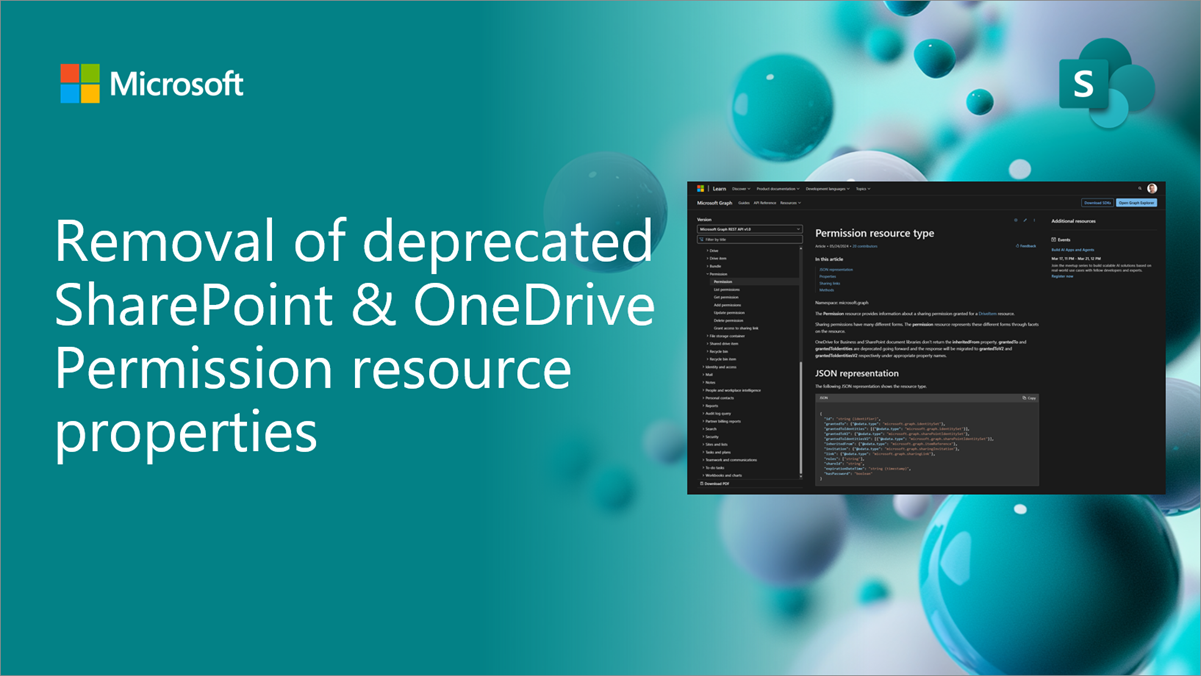
Removal of Deprecated SharePoint & OneDrive Permission Resource Properties
We are announcing the phased rollout of an update to remove the grantedTo and grantedToIdentities properties from the Permission resource type in Microsoft Graph.
Microsoft 365 Certification control spotlight: Data at rest
Read how Microsoft 365 Certification ensures compliance for data at rest.
Enforcement of license checks for PSTN Bot calls

As part of Microsoft’s feature parity with Teams Phone extensibility, we’re announcing the enforcement of Phone System license checks for Bot-initiated transfers to Teams users. This current gap in our systems will be addressed in September 2025. Microsoft Teams requires that Teams users behind applications such as queue applications require a phone system license and the user to be Enterprise Voice Enabled. We’re aligning the Microsoft Graph API with that requirement. What is the change? Effective September 30, 2025: What do you need to do?

Microsoft 365 Certification control spotlight: Data in transit
Ensure your Microsoft Teams app, Microsoft 365 add-in, or agent meets the latest compliance standards with Microsoft 365 Certification.
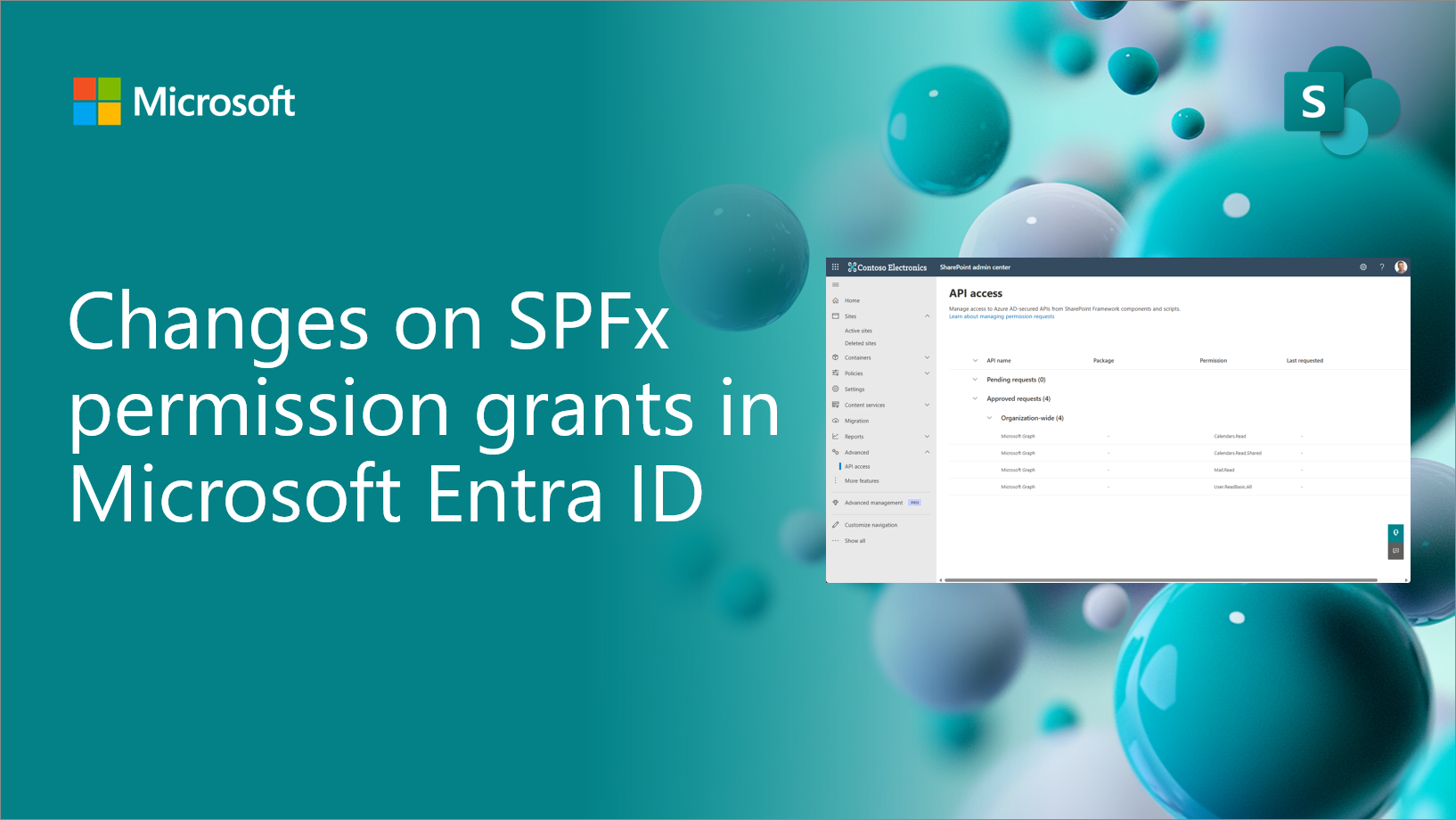
Changes on SharePoint Framework (SPFx) permission grants in Microsoft Entra ID
Changes on the SPFx permission management model in the Microsoft Entra ID.
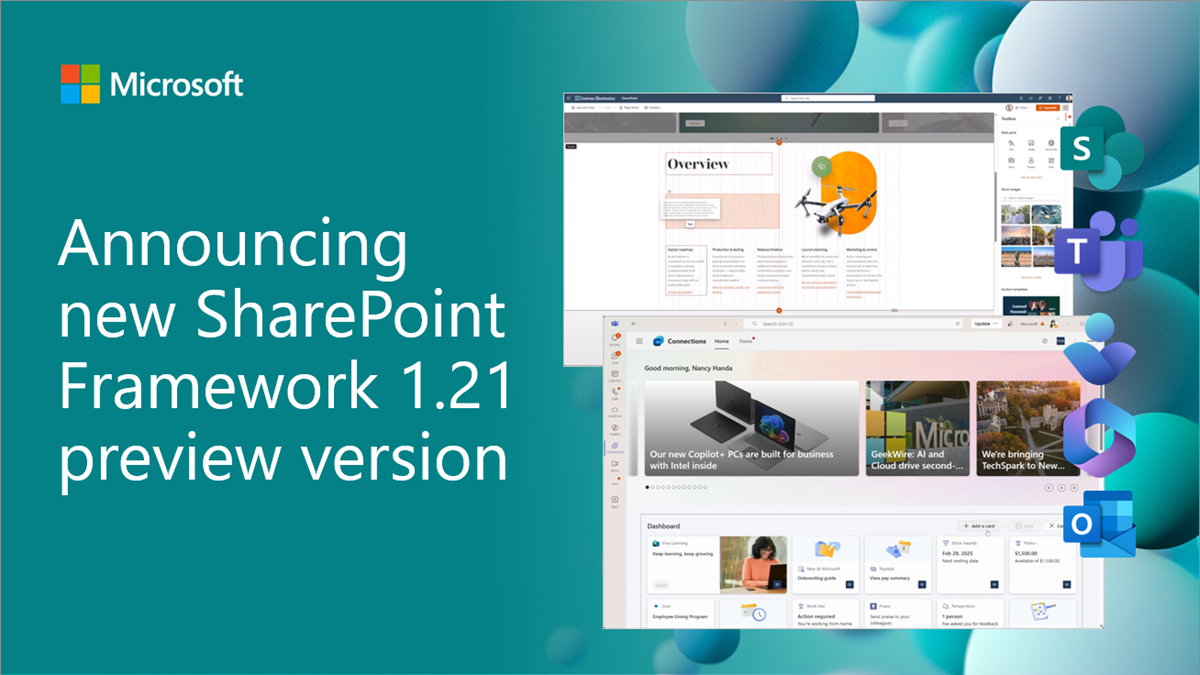
Public preview of SharePoint Framework 1.21 – First release of upcoming features
We are excited to announce the first preview of the upcoming SharePoint Framework 1.21. This release will have updates for SharePoint, Viva Connections and Microsoft Teams experiences.

Dev Proxy v0.25, now available, with automatic shut down and simplified configuration management
Read more about the latest Dev Proxy release featuring significant improvements to configuration management, plugin support, and usability.
Introducing the Adaptive Cards documentation hub and new Adaptive Cards updates

Discover how Adaptive Cards can transform your app with rich, interactive experiences that boost productivity and streamline workflows, in our new Adaptive Cards documentation hub.
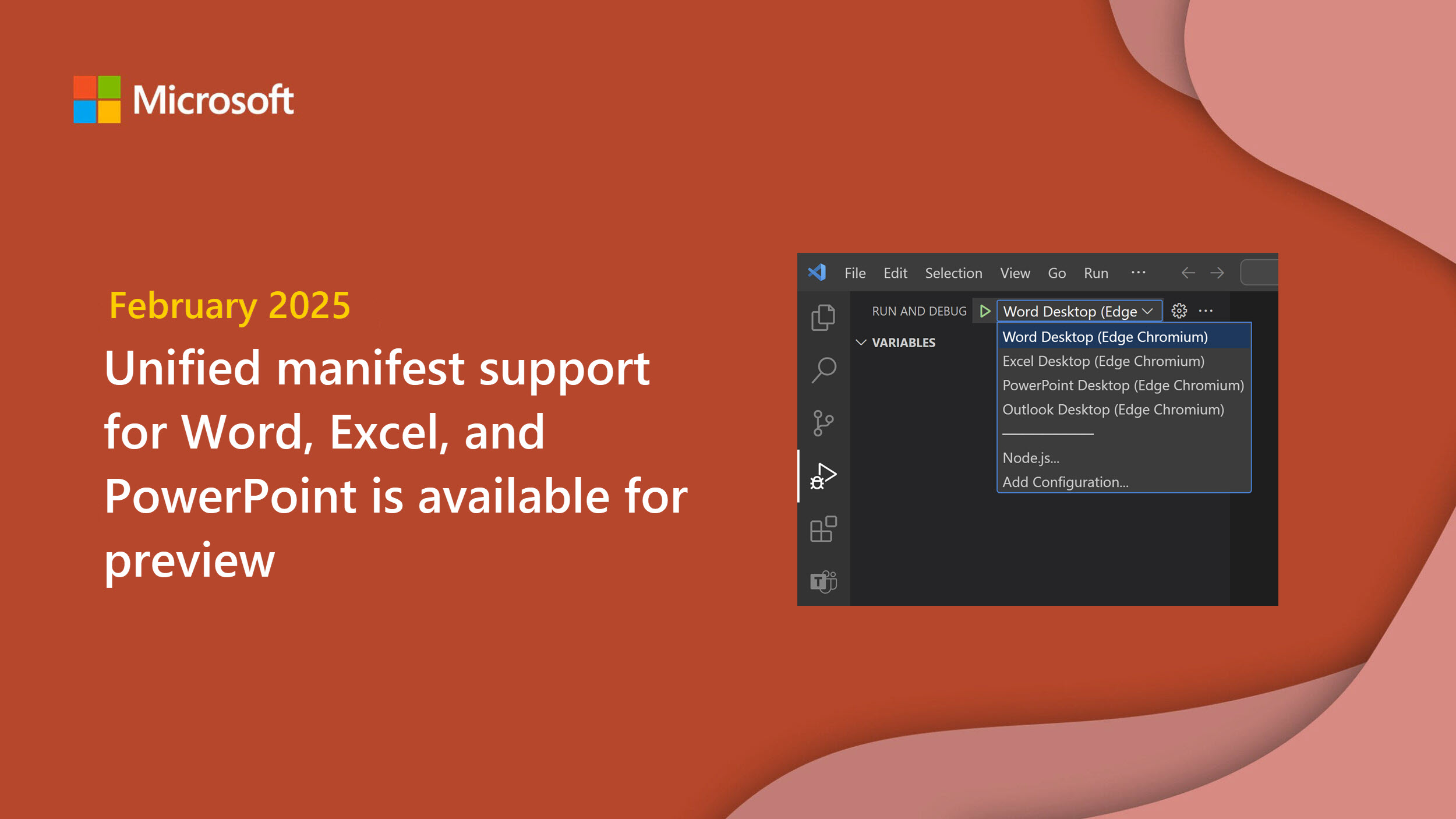
Unified manifest support for Word, Excel, and PowerPoint now available for preview

The unified manifest is a key component of the Microsoft 365 ecosystem providing a single model for distributing and managing Teams apps, Outlook add-ins, as well as Copilot agents which work across Microsoft 365 apps. We've released it for Outlook, and now it is available for Word, PowerPoint, and Excel.
Introducing the Microsoft Graph Export-Import APIs for Exchange in public preview


We are happy to announce the launch of Export-Import APIs in limited Public Preview (Beta), a set of Microsoft Graph APIs that empower applications to discover, export and import contents from Exchange Online mailboxes in full fidelity.
Dev Proxy v0.24 with improved generating OpenAPI specs
Try the latest version of Dev Proxy to simulate APIs and test your applications under real-world conditions
Automate app compliance with ACAT
Learn how you can define the compliance boundary for your Microsoft 365 application on Azure and AWS with the App Compliance Automation Tool (ACAT) for Microsoft 365.
Teams Toolkit for Visual Studio Code update – January 2025

We’re kicking off the new year with exciting updates to Teams Toolkit for Visual Studio Code including a refreshed user interface for getting started and more!
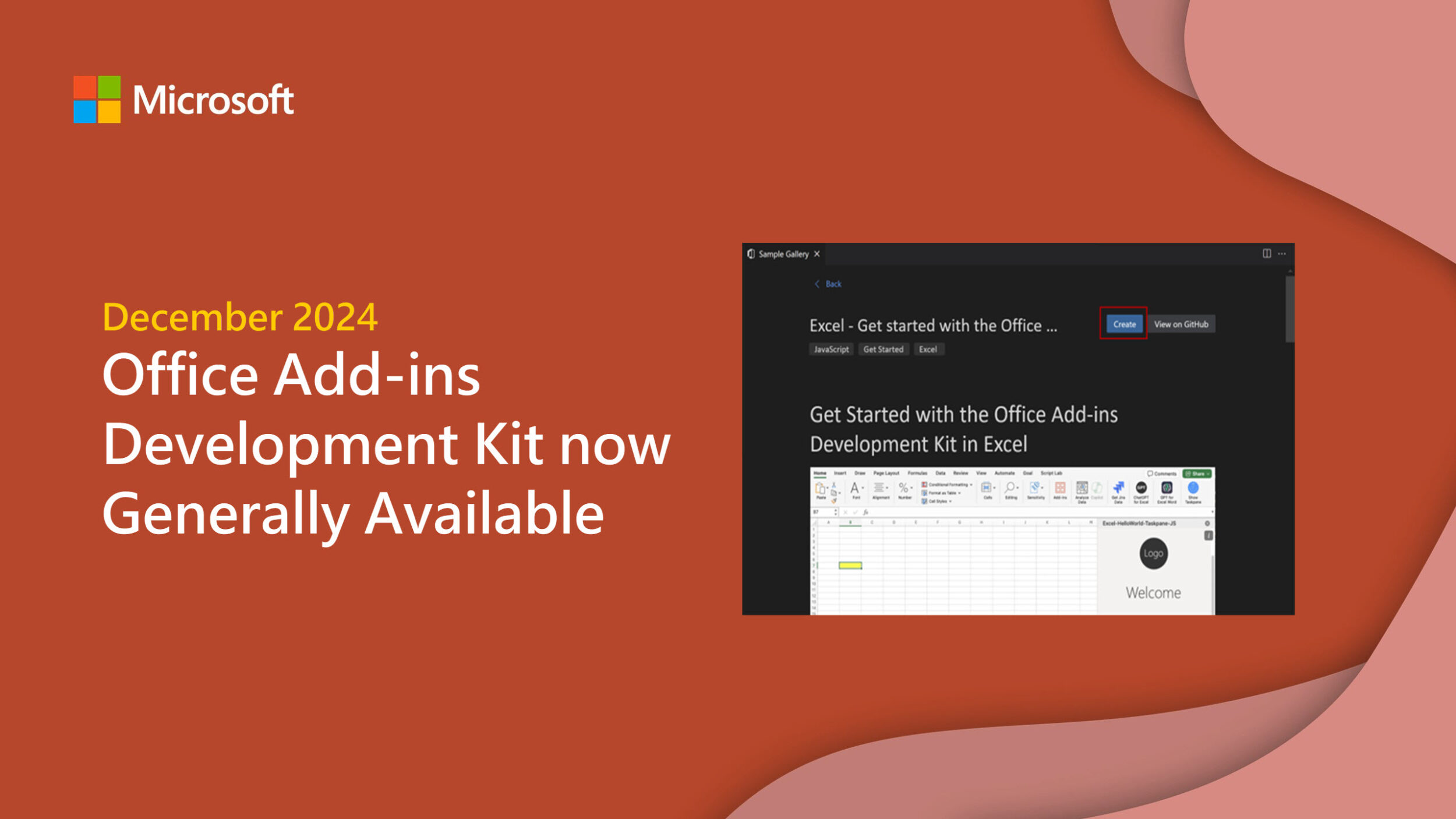
Announcing the Office Add-ins Development Kit GA

The Office Add-ins Development Kit for Visual Studio Code is now generally available! After months of public preview, we've gathered invaluable feedback from the community and improved the experience.
Preview the GitHub Copilot extension for Teams Toolkit
Introducing the GitHub Copilot for Teams Toolkit—your companion in Visual Studio Code, Visual Studio, and GitHub.

Compute scaling in Azure Fluid Relay

Explore the journey of identifying and fine-tuning the optimal Kubernetes autoscaling configuration for Azure Fluid Relay.
Boost your Microsoft 365 app performance: Introducing tree shaking in TeamsJS


With Microsoft Teams JavaScript client library (TeamsJS) version 2.31.0, we’re excited to make the TeamsJS library fully tree-shakable.
Latest enhancements in Fluid Framework 2

Catch up on all of the Fluid Framework 2 announcements highlighted at Ignite including the AI Collab library, Fluid presence library, and more.
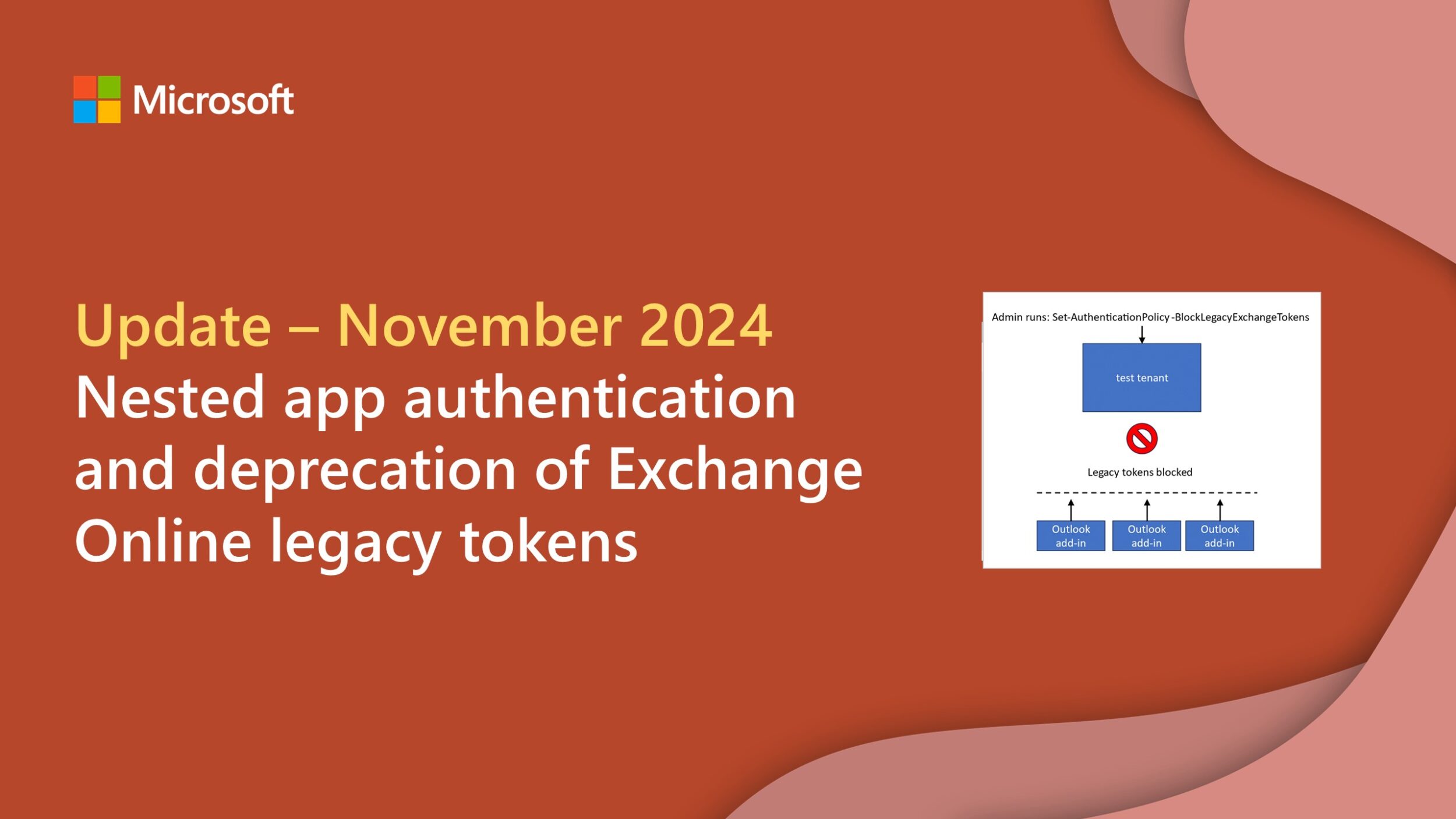
Update on nested app authentication and deprecation of Exchange Online legacy tokens

Earlier this year, the Office Platform Team announced that Exchange Online legacy tokens are deprecated and will be turned off. This is part of Microsoft’s Secure Future Initiative (SFI) to give organizations the tools they need in the current threat landscape. We’ll begin turning off legacy tokens in February 2025. Publishers and developers are actively migrating their Outlook add-ins to use Entra ID tokens through nested app authentication (NAA) and Microsoft Graph instead of legacy tokens.
Accessibility improvements in Microsoft 365 PDF export
Developers can leverage the accessibility improvements in PDF export in Word, Excel, and PowerPoint to build more inclusive solutions.
Dev Proxy v0.23 with inspecting cloud API requests
We’re excited to share a new version of Dev Proxy to help you build robust apps connected to APIs.
Teams Toolkit for Visual Studio Code update – November 2024
Explore the latest Teams Toolkit for Visual Studio Code updates to learn about new features, enhancements, and bug fixes.
What’s new for Office Add-ins at Ignite 2024
The Office Platform team has been busy working on improvements to the platform since we last reported. This blog covers the new features from the office-js team announced at Ignite 2024.
Introducing the Microsoft 365 Agents SDK

Discover how developers can now build enterprise-grade, scalable, multi-channel agents with code using the Microsoft 365 Agents SDK.
Filtered change notifications in Microsoft Graph callRecords API are now available
We are pleased to announce that you can now optionally filter change notifications for the callRecord GraphAPI by participant Entra Object IDs.
New Microsoft Graph callRecords API capabilities in GCCH and DoD
Read about the new capabilities for the Microsoft Graph callRecords API coming to GCCH and DOD environments in December.
Dev Proxy v0.22 with improved checking minimal API permissions and logging
We’re excited to share with you a new version of Dev Proxy that helps you build robust apps connected to APIs.
What’s new for Microsoft 365 Copilot developer tooling

Learn how declarative agents, now generally available, can quickly and easily integrate your enterprise data securely with Microsoft 365 Copilot.

Microsoft 365 Certification control spotlight: Business continuity and disaster recovery planning
Read how Microsoft 365 Certification verifies business continuity and disaster recovery plans are in place.
Retirement of the SharePoint SendEmail API
Retirement of the SharePoint SendEmail API from SharePoint Online - impacting both REST and CSOM API surfaces.

Microsoft 365 Certification control spotlight: Security incident response
Discover how Microsoft 365 Certification verifies security incident response best practices.
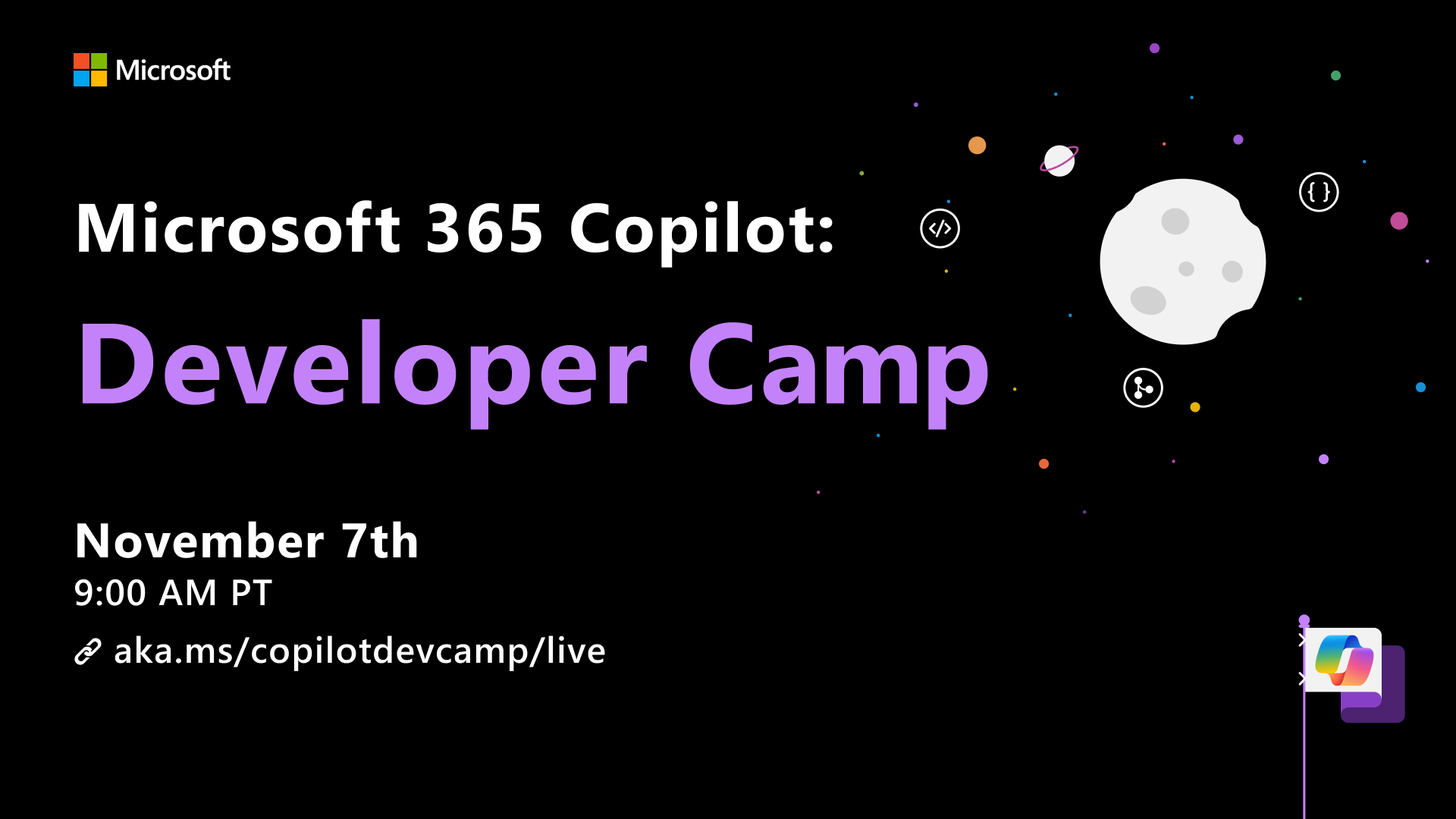
Join the Microsoft 365 Copilot: Developer Camp

📅 Date: November 07, 2024 | 🕘 Time: 9:00 AM - 10:30 AM (PT) |📍 Virtual Live Event: https://aka.ms/copilotdevcamp/live We're thrilled to announce Microsoft 365 Copilot: Developer Camp 2024 – an exciting live event designed to inspire and empower developers to build next-generation Microsoft 365 Copilot Agents. We are inviting you in this adventure to learn directly from the experts behind Microsoft's developer tools and have some fun together. During this 90-minute live event, we'll dive deep into building Copilot Agents and explore the possibilities they bring to the Microsoft 365 ecosystem. We’ll cover ...

Specify runtime requirements in app manifest: Your key to success across Microsoft 365
To streamline building apps for Microsoft 365, we are rolling out the ability to specify runtime requirements in your app manifest—a key feature that optimizes functionality across hosts.
Microsoft 365 control spotlight: Information security risk management
Read how Microsoft 365 Certification verifies information security risk management.

Microsoft 365 Certification control spotlight: Security event logging, reviewing, and alerting
Discover how Microsoft 365 Certification validates security event logging best practices.
Microsoft 365 Certification control spotlight: Account management
Learn how Microsoft 365 Certification validates account management controls are in place for your application.

Unlocking the power of app analytics for ISVs in the Developer Portal

Read about the updated app analytics capabilities in the Developer Portal.
Dev Proxy v0.21 with simulating authentication and authorization
Discover what's new in the latest version of Dev Proxy to help you build robust apps connected to APIs.
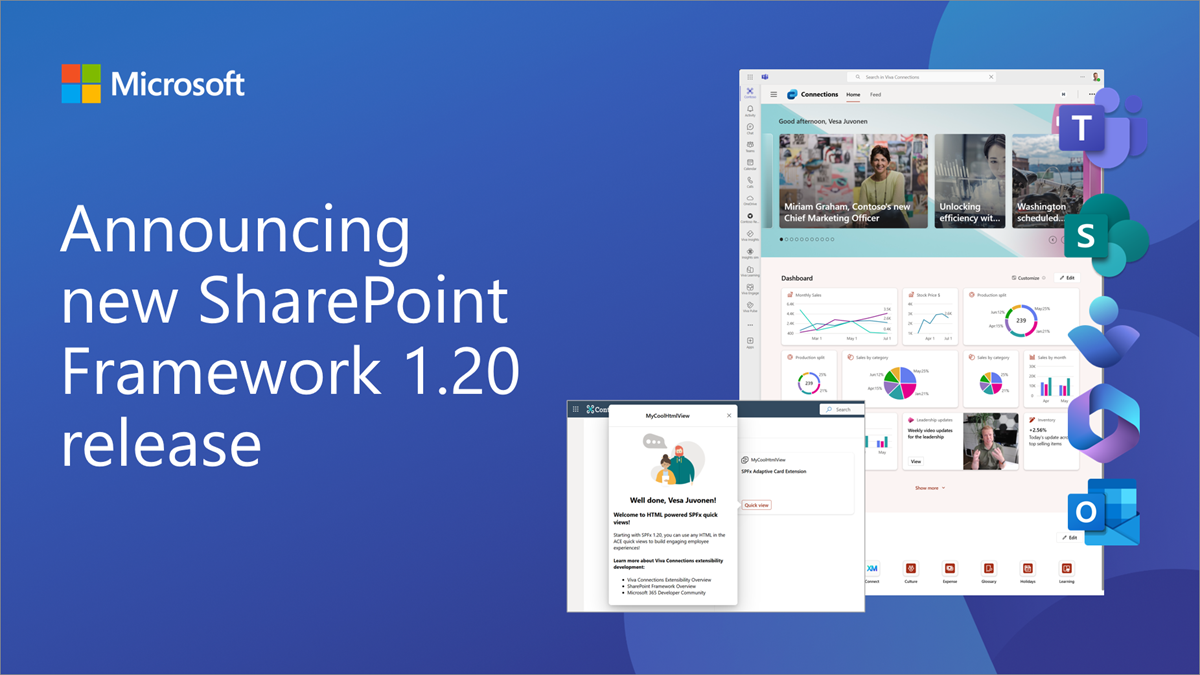
Announcing SharePoint Framework 1.20 with updates on building enterprise extensibility within Microsoft 365
We are excited to announce general availability for the SharePoint Framework 1.20. This time focus is primarily on the Microsoft Viva platform capabilities.
Microsoft 365 Certification control spotlight: Secure software development and deployment
Explore how Microsoft 365 Certification validates secure software development and deployment best practices.
Microsoft 365 Certification control spotlight: Change controls
Read how Microsoft 365 Certification validates change controls are in place for your app.

Microsoft 365 Certification control spotlight: Network security controls
Learn how Microsoft 365 Certification verifies network security controls are in place for your application.
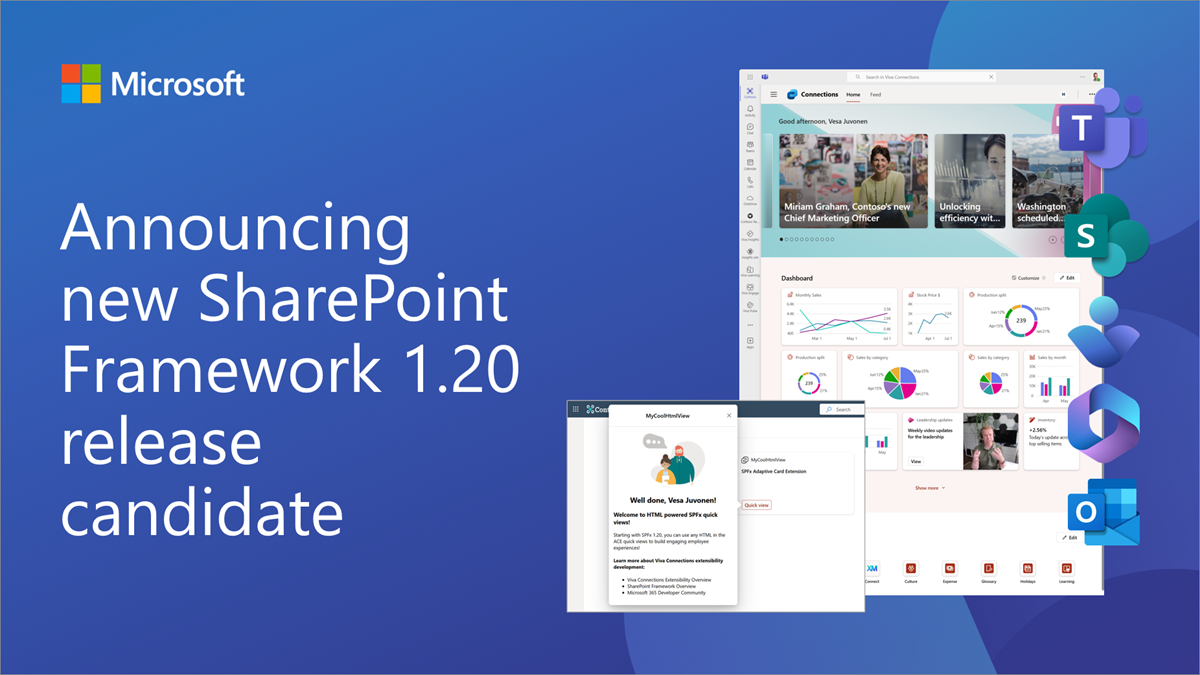
Announcing SharePoint Framework 1.20 release candidate
We are excited to announce release candidate for the upcoming SharePoint Framework 1.20. This time focus is primarily on the Microsoft Viva platform capabilities.
Optimizing large payloads in Fluid Framework


Learn about three Fluid Framework features which can be used to work around large payload scenarios: Grouped Batching, Batch Compression, and Compressed Batch Chunking.
Increase your Microsoft Teams app’s visibility and adoption with asynchronous link unfurling


Learn how to leverage link unfurling for your Microsoft Teams app, now enhanced with asynchronous capabilities.
Announcing the Office Add-ins Development Kit for Visual Studio Code (public preview)
The Office Add-ins Development Kit is a new development tool to help you set up your environment, create Office Add-ins, and debug the code with a streamlined developer experience in Visual Studio Code.
Microsoft Graph APIs for Teams town hall now generally available


Learn more about the general availability of new Teams town hall APIs and discover what's new.
Microsoft 365 Certification control spotlight: Vulnerability scanning
Learn how Microsoft 365 Certification validates vulnerability scanning for your application.
Introducing Nested App Authentication: An improved authentication protocol for your Teams app

Learn how Nested App Authentication simplifies the authentication process and enables single sign-on across supported Microsoft first-party applications.
Load optimization in Azure Fluid Relay using Managed Prometheus

Read how Azure Fluid Relay leverages Prometheus metrics in determining cluster load and can restrict the cluster from taking in additional traffic once it reaches certain thresholds.
Microsoft Graph APIs for Teams webinar registration now generally available
Explore how to use Microsoft Graph APIs to programmatically schedule online meetings with the appropriate meeting options.
Dev Proxy v0.20 with improved simulating API errors and a new API for building integrations
Discover what's new in the latest version of Dev Proxy to help you build robust apps connected to APIs.
Microsoft 365 Certification control spotlight: Patch management
Discover how Microsoft 365 Certification validates patching best practices for enterprise-ready apps.
Streamline your workflow: Embracing Adaptive Cards Templating
We’re excited to continue our journey with the adaptivecards-templating package, a more robust and streamlined approach to creating Adaptive Cards.
Microsoft 365 Certification control spotlight: Application control
Explore how Microsoft 365 Certification validates application controls for enterprise-ready apps.
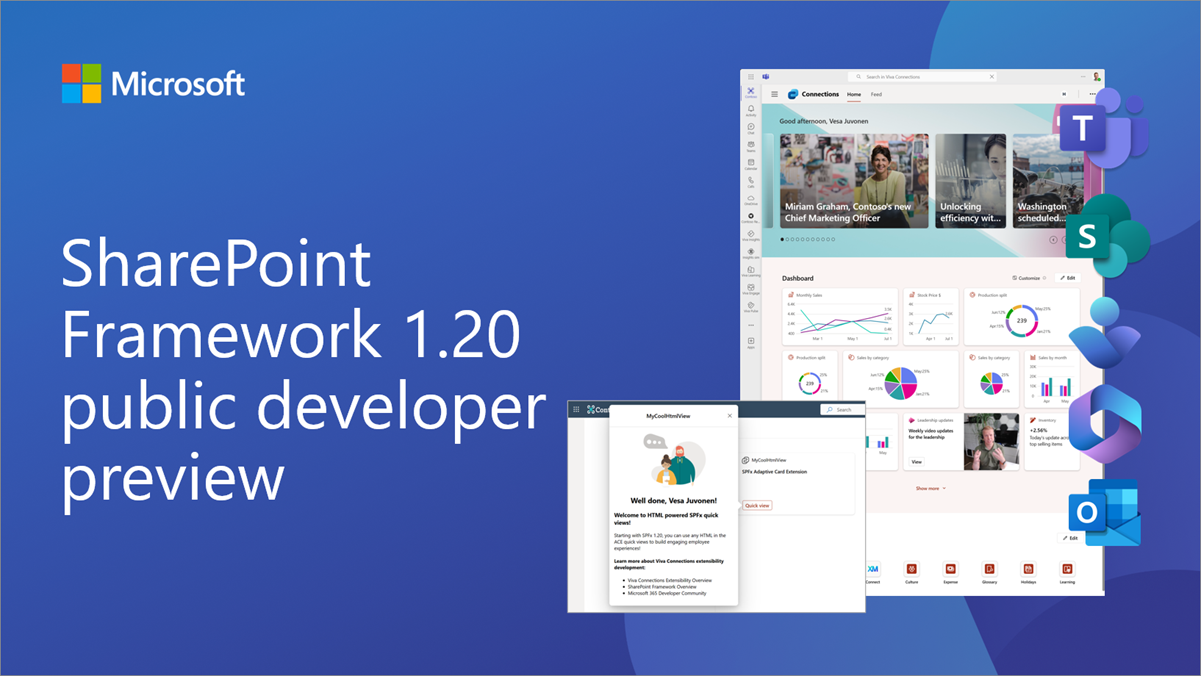
Public preview of SharePoint Framework 1.20 – First release of upcoming features
We are excited to announce the first preview of the upcoming SharePoint Framework 1.20. This time focus is primarily on the Microsoft Viva platform capabilities.

Microsoft 365 Certification control spotlight: Malware protection
Read about the different ways that Microsoft 365 Certification validates anti-malware controls.
Teams Toolkit for Visual Studio Code prerelease update – August 2024
Learn about the latest Teams Toolkit for Visual Studio Code updates including the capability to create declarative copilots.
Updates on deprecating legacy Exchange Online tokens for Outlook add-ins

In April, we announced that Exchange tokens will be turned off by default for all tenants in October 2024. This has been updated and you should have more time to move your Outlook add-ins from Exchange tokens to NAA.
Pre-pin Microsoft Teams meeting apps using Teams Admin Center

We are thrilled to announce that tenant admins can now pin apps to Microsoft Teams meetings organized in their organization.

Microsoft 365 Certification control spotlight: Security awareness training
Discover how Microsoft 365 Certification validates compliance for enterprise-ready apps with security awareness training.
Announcing the deprecation of the isPasscodeRequired property on the Microsoft Graph online meeting API
As part of Microsoft's secure future initiative, we're announcing the deprecation of the Microsoft Graph API to create an online meeting without a passcode. This API will be removed on September 30, 2027.
Bring your custom engine copilot from Azure OpenAI Studio to Microsoft Teams: now in public preview


Azure OpenAI now offers a Deploy to a Teams app option in public preview, providing a new way to connect enterprise data with custom engine copilots in Microsoft Teams.
Teams Toolkit for Visual Studio Code update – July 2024
Learn about the latest Teams Toolkit for Visual Studio Code updates including a faster and more reliable way to debug your Teams applications.

Azure Fluid Relay: Leveraging Azure Blob Storage to scale Git

Learn how to leverage Git as a storage mechanism behind the globally available Azure Fluid Relay (AFR) service.
Retirement of Office 365 connectors within Microsoft Teams


Starting August 15, 2024 we will be retiring the Office 365 connectors feature from Microsoft Teams and recommend Power Automate workflows as the solution to relay information into and out of Teams in a scalable, flexible, and secure way.

Fast and compliant routing in Azure Fluid Relay

Learn about the optimal placement of the geographically distributed Azure Fluid Relay (AFR) servers and how we route the traffic to these servers.
Microsoft Graph PowerShell and CLI are now verified
Microsoft Graph PowerShell and CLI now have Microsoft set as the verified publisher.
Dev Proxy v0.19 with simulating LLM APIs and new Azure API Center integrations
We're excited to share the launch of Dev Proxy v0.19 to help you to build robust apps connected to APIs.
Fluid Framework 2 is now production ready
We are excited to announce that Fluid Framework 2 is now generally available and ready for production applications.
Microsoft Teams webinar integration with HubSpot marketing automation
Learn why the integration of HubSpot with Microsoft Teams represents a significant new advancement for Teams webinar customers.
The present and future of Copilot extensibility: Top 10 takeaways from Build 2024

Dive into our key announcements from Build to discover new pathways to extend, customize, and amplify Copilot capabilities.
Build engaging apps for Microsoft Teams meetings with new content sharing capabilities


We're excited to announce new features that will make it easy for you to enable delightful collaboration experiences for your Microsoft Teams app's users with minimal code.
Microsoft 365 Certification validates app compliance through annual pen testing
Learn more about the Microsoft 365 Certification and how pen testing can help verify your app’s underlying security.

Use Fluid DevTools to debug your web app

A guide to using the Fluid DevTools browser extension to inspect and manipulate Fluid data structures and containers.
Build intelligent apps for Microsoft 365 with Teams Toolkit
Explore how Teams Toolkit can help you build your own custom copilot.

Fluid Framework 2 generally available in June
Learn about the exciting new features in Fluid Framework 2 including SharedTree DDS, SharePoint Embedded support, Fluid DevTools, and more.
Microsoft Loop transforms the way developer teams work


Discover how Microsoft Loop provides a central and flexible place for your work to help you stay in sync and on track.
Dev Proxy v0.18 with reporters, better CI support, and improved Azure API Center integration
We're excited to share the launch of Dev Proxy v0.18 to help you to build robust apps connected to APIs.
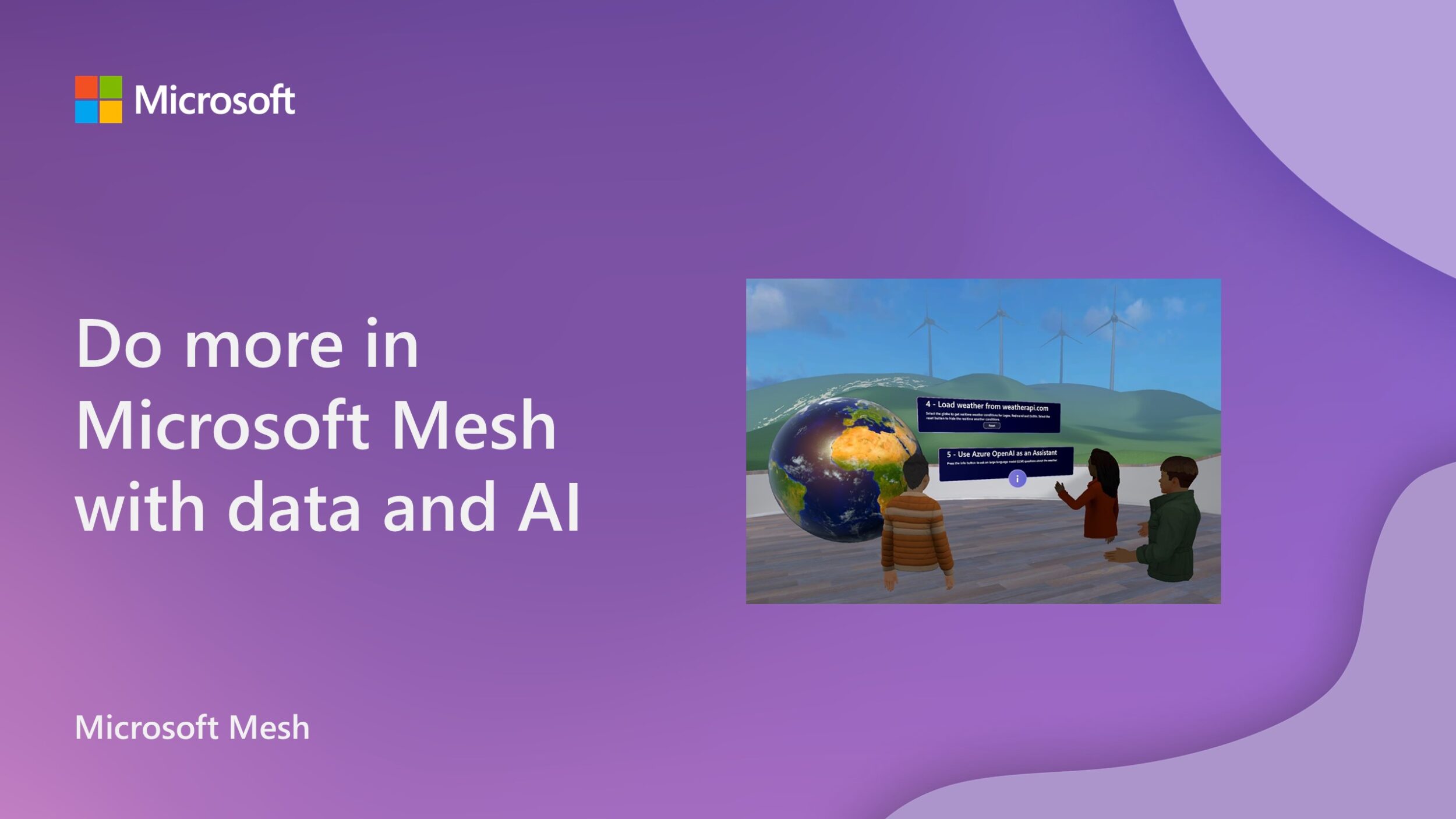
Do more in Microsoft Mesh with data and AI

Read how you can get started leveraging AI to elevate your custom Microsoft Mesh experience with the Mesh Toolkit.
Build 2024: What’s new for Microsoft Graph

Learn how you can expand the knowledge of Copilot for Microsoft 365 with Microsoft Graph connectors and build custom solutions leveraging the data and services in Microsoft Graph APIs.
Microsoft Graph town hall APIs now available in beta
With the retirement of Teams live events in favor of Teams town hall, we’re announcing the preview (beta) release of new Microsoft Graph town hall APIs.
What’s new for Office Add-ins at Build 2024
In this blog, the Office Platform team announces the new capabilities and features announced at Build 2024.
Enhancing Microsoft Teams to support developer productivity and collaboration

Read about the new tools coming to Microsoft Teams to help you communicate, collaborate, and stay productive in the flow of work.

New capabilities for Microsoft Graph APIs for Teams meetings with external attendees

Learn more about Microsoft Graph SMS notification and reminder APIs, now generally available.
Device Permission Prompt API available for Office Add-ins on the web

Microsoft now requires Office Add-in developers to prompt users for permission to access their device capabilities. To do this, you can now implement the Device Permission API.
Announcing backward compatibility with Microsoft Graph PowerShell v2.19
This release introduces backward compatibility support to address the issues some of our users encountered with versions 2.17 and 2.18.
Curating a collection of free Microsoft Copilot prompts

Announcing a new community-led repository: a collection of prompts to help you harness the power of Microsoft Copilot across Microsoft 365.
Retiring SharePoint Framework domain isolated web parts for SharePoint Online

Announcing the retirement of the domain isolated web parts feature in SharePoint Framework (SPFx).

Direct streaming of SharePoint Driveitem content in Microsoft Graph now available

You can now directly download content of a file (of a Driveitem) in a SharePoint Online site through a single call.

Fluid Framework: Undo/redo and transactions in SharedTree

Learn about how undo/redo operations and transactions are handled with SharedTree.

Fluid Framework: How SharedTree merges changes

SharedTree is a data structure that allows users to collaboratively edit hierarchical data, such as documents, spreadsheets, or outlines.
Roadmap to empowering your workforce with AI: How Moody’s copilot ignited AI innovation
Learn how you can quickly build your own custom copilot for Microsoft Teams leveraging best in class pre-built AI components from Azure OpenAI and Teams AI Library.
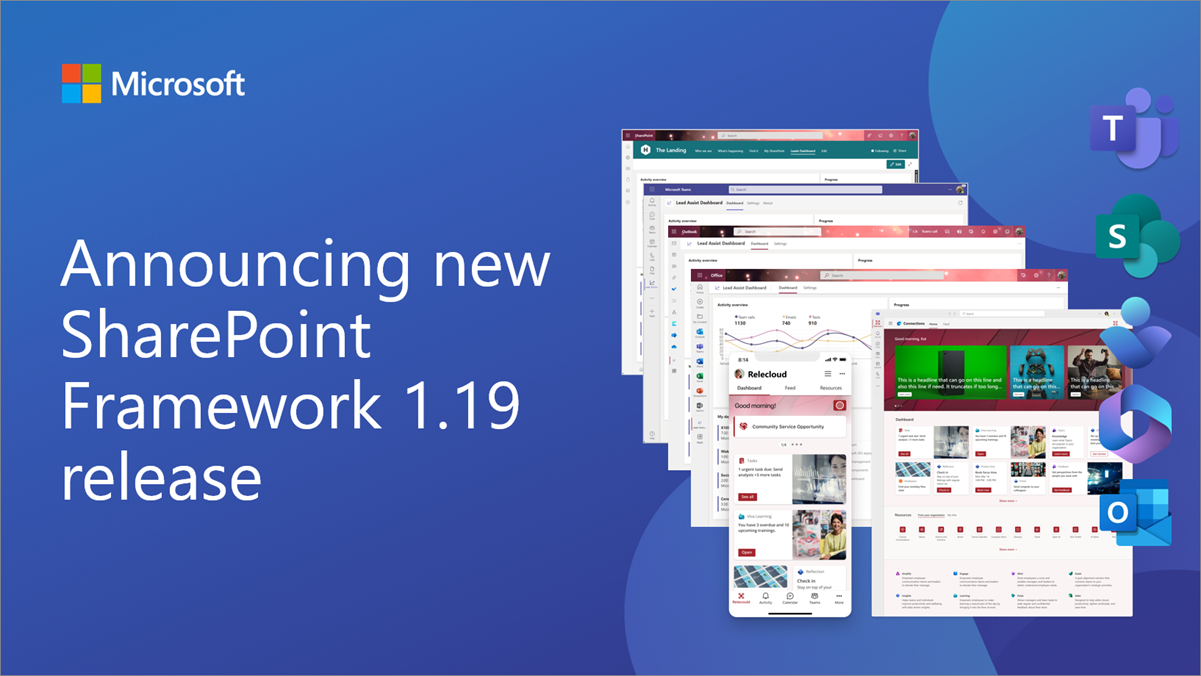
Announcing SharePoint Framework 1.19 with updates on building enterprise extensibility within Microsoft 365
We are excited to announce a new public version of the SharePoint Framework, v1.19, with new features, capabilities and fixes for Microsoft Viva, Microsoft Teams and SharePoint.
Dev Proxy v0.17 includes integration with Azure API Center
We're excited to share the launch of Dev Proxy v0.17 to help you to build robust apps connected to APIs.
Breaking changes to Microsoft Graph presence and online meeting basic change notifications
The change removes data about the changed resource from the notifications and applies the established pattern for change notifications to presence and online meeting resources.
Teams Toolkit for Visual Studio Code update – April 2024
Learn about the latest updates including added improvements to build API Message extensions with an auth-protected API.
Announcing Fluid Framework 2.0 Preview
Fluid Framework 2.0 Preview enables you to start developing new apps and test updating the existing 1.x Fluid apps.
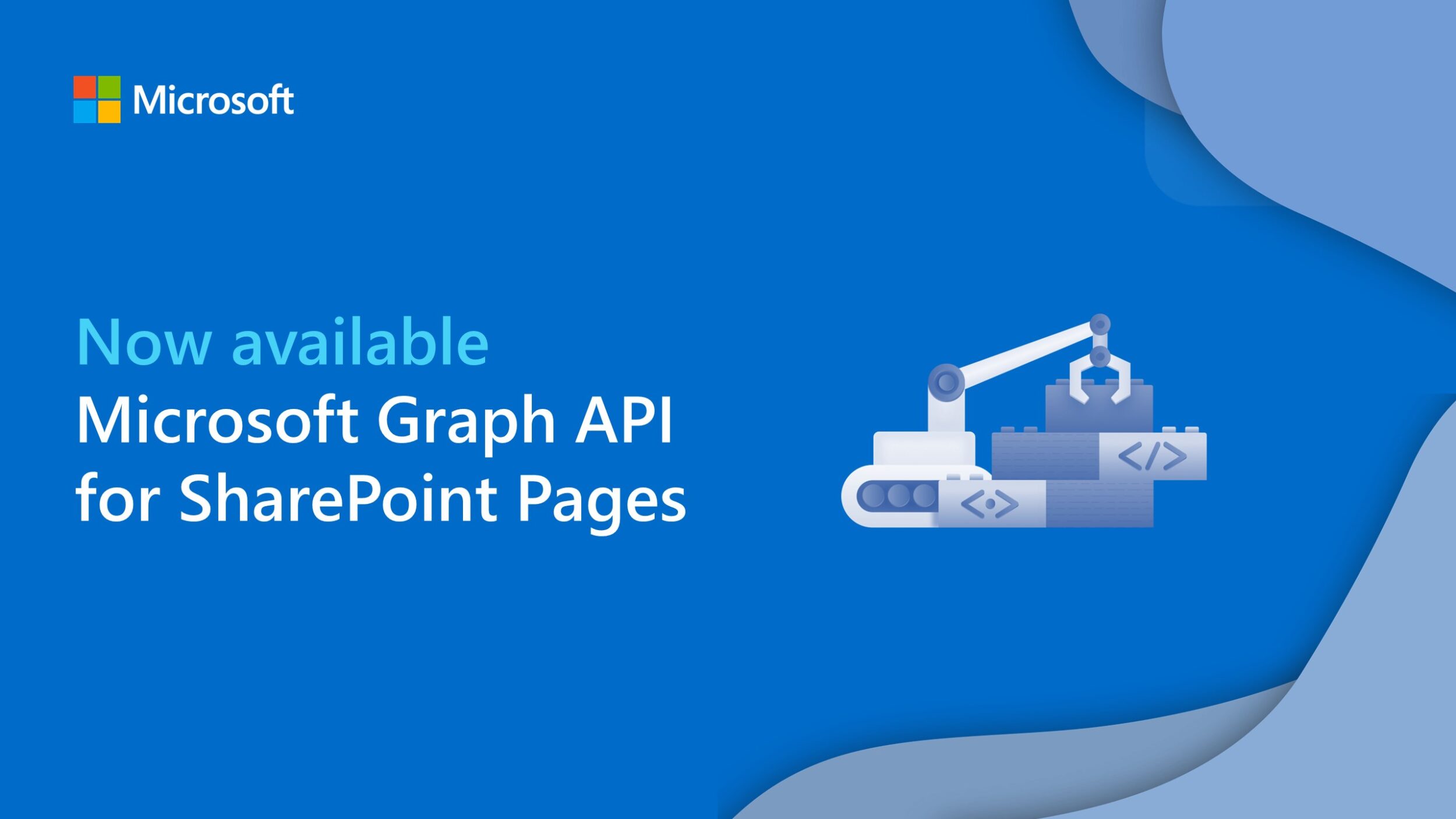
Microsoft Graph API for SharePoint Pages is now generally available

We are thrilled to announce the general availability of the Microsoft Graph API for SharePoint Pages, in all cloud instances.
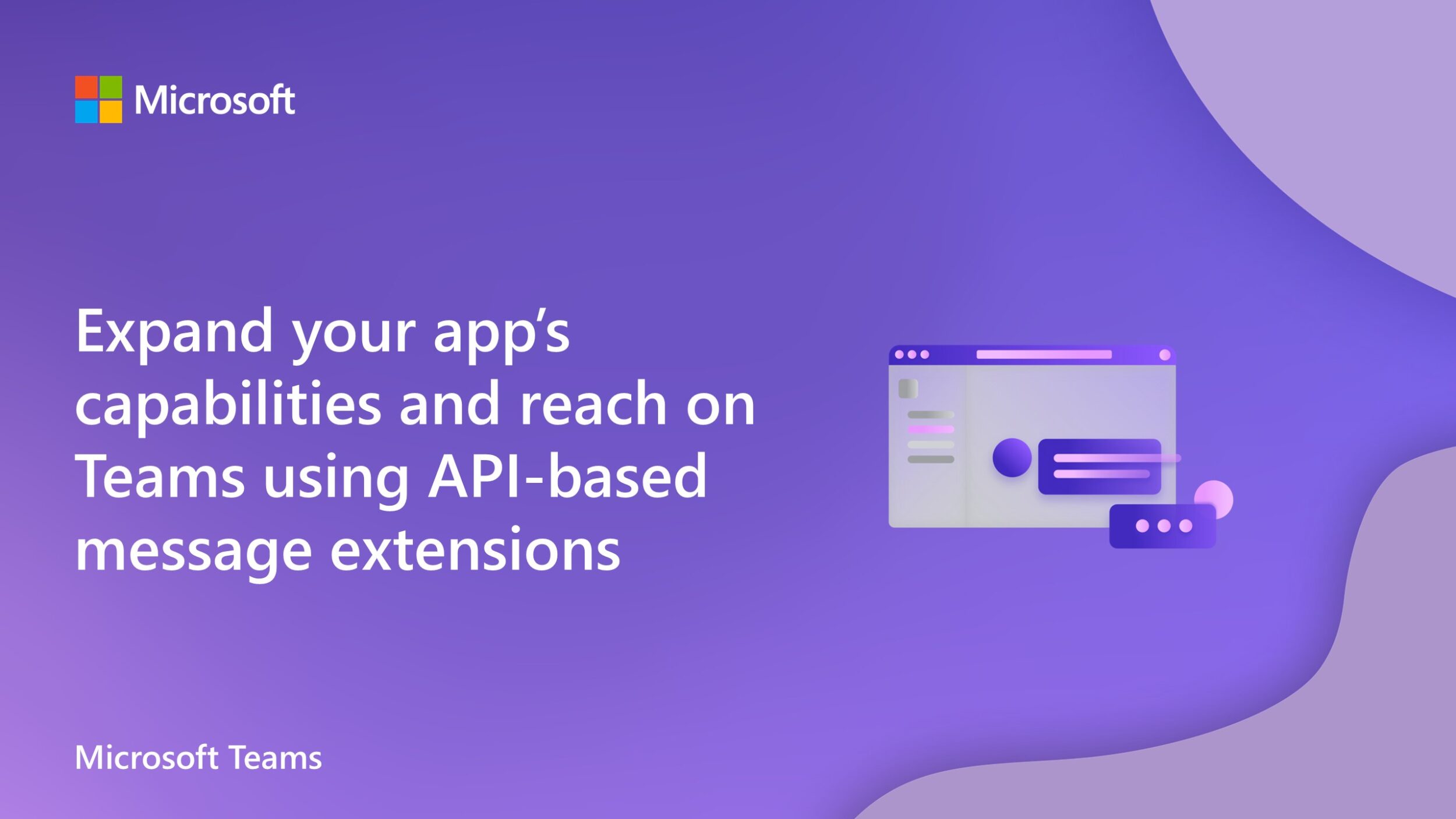
Expand your app’s capabilities and reach on Microsoft Teams using API-based message extensions
We’re excited to announce the general availability of API-based message extensions, offering the easiest way to integrate your app into Microsoft Teams.
New Nested App Authentication for Office Add-ins: Legacy Exchange tokens off by default in October 2024
Announcing the public preview of Nested App Authentication (NAA) and that legacy Exchange user identity tokens and callback tokens will be turned off by default for all Exchange Online tenants in October 2024.
Building custom copilots in Microsoft Teams with Teams App Test Tool and Dev Proxy
Learn how you can quickly build and test custom copilots tailored to meet the specific needs of your organization.

OneNote get-pages?search API deprecation


Announcing the deprecation of the OneNote get-pages?search API endpoint supporting consumer Notebooks.
Update on the future of the Script Lab Office add-in

Script Lab is now officially owned and maintained by Microsoft, will no longer be open source, and the GitHub repository will be archived.
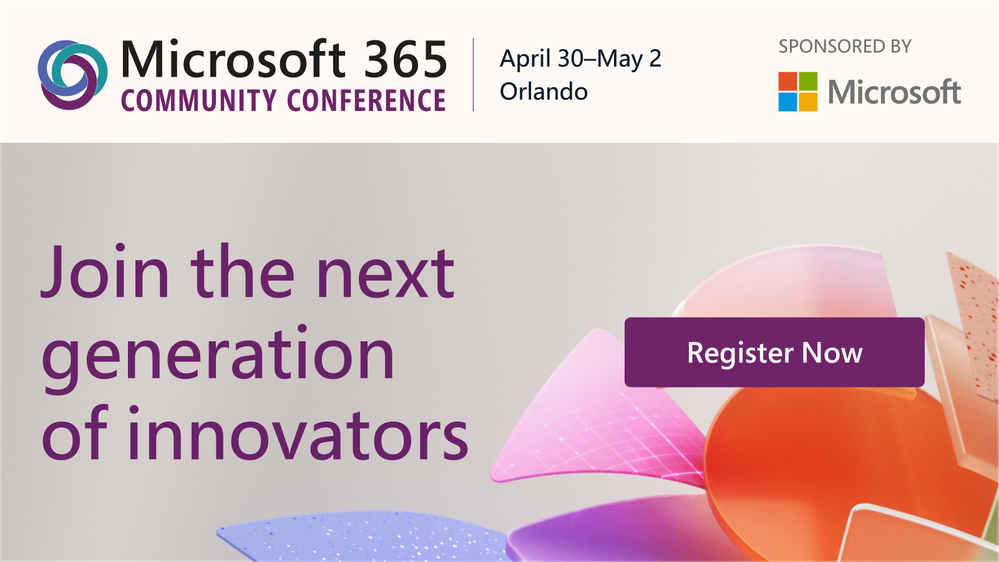
Oh to be a dev at the Microsoft 365 Community Conference

Join Microsoft and community experts in-person, in one place. The Microsoft 365 Community Conference returns to Orlando, FL, April 30 – May 2, 2024 – with two pre-event and one post-event workshop days.
Deprecation of the Microsoft Graph meeting registration beta APIs
The Microsoft Graph meeting registration beta APIs that support the initial version are currently being deprecated and will stop returning data on September 30, 2024.
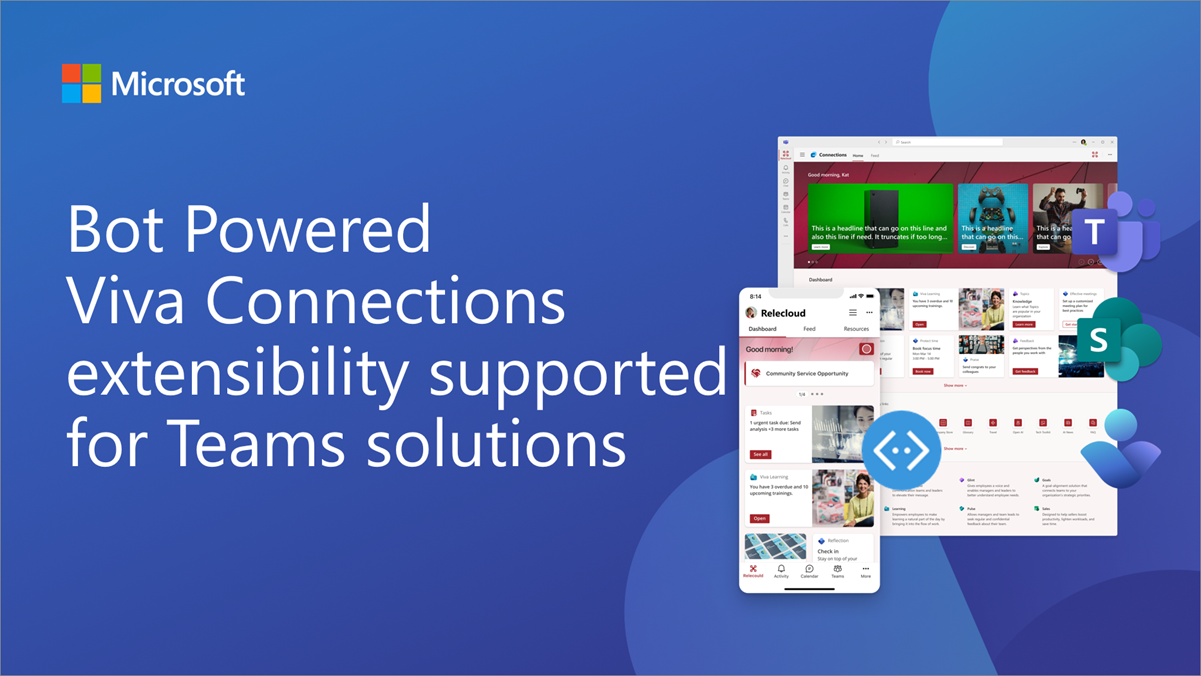
Bot Powered Viva Connections extensibility supported for Teams Solutions
Bot powered Viva Connections extensibility is now supported in Microsoft Teams solutions. Market place support is coming within April 2024.
Dev Proxy v0.16 with simulated handling Teams Admin Center notifications for Microsoft Graph connectors
We're excited to share the launch of Dev Proxy v0.16, with new features for Microsoft Graph connectors and more.
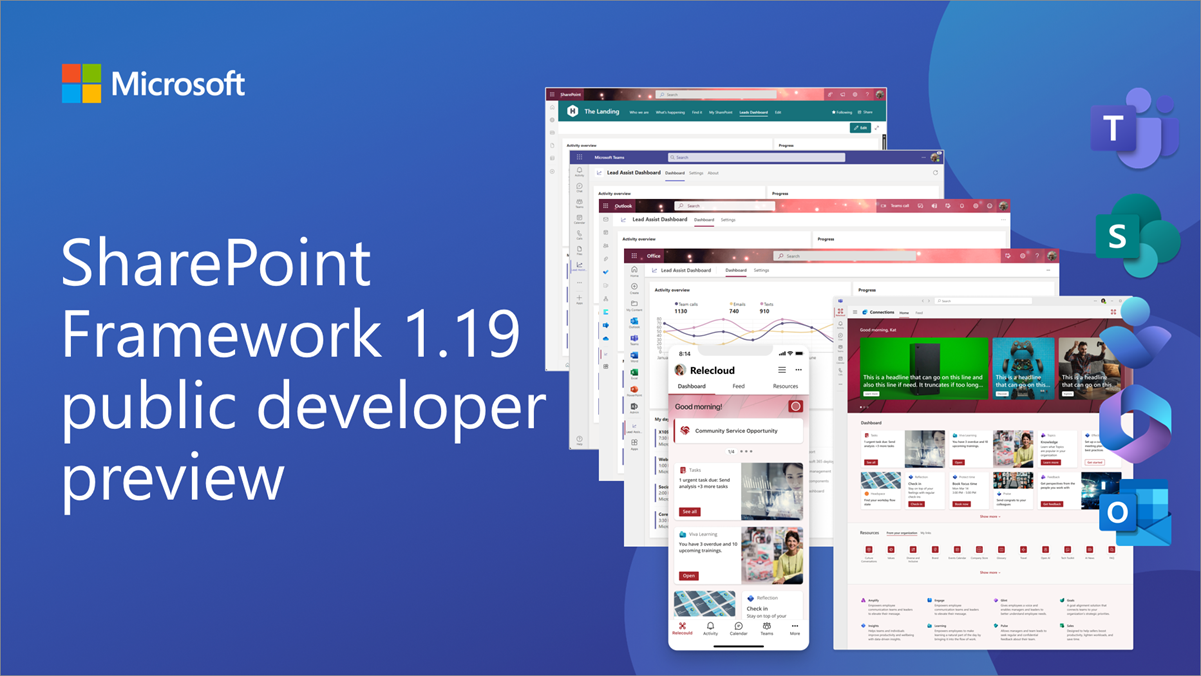
Public preview of SharePoint Framework 1.19 – First release of upcoming features
We are excited to announce the first preview of the upcoming SharePoint Framework 1.19 with updates for Microsoft Teams, Microsoft Viva, SharePoint and more.
Teams Toolkit for Visual Studio Code update – March 2024
Our latest release brings a new set of exciting new features, enhancements, and bug fixes to enhance your development experience.
Simulate handling Teams Admin Center notifications for Microsoft Graph connectors

Learn how Microsoft Graph connectors can be packaged as Microsoft Teams apps, enabling admins to deploy them in Teams Admin Center with a single click and how Graph connectors now work with Dev Proxy.
Action required: ensure your Microsoft Teams apps are ready for upcoming domain changes
We are reducing domain fragmentation among authenticated, user-facing Microsoft 365 apps and services by bringing them onto a single, consistent and cohesive domain: cloud.microsoft.
Maximize your Office Add-in success with free Microsoft Partner programs

We're excited to continue our commitment to supporting our Office Add-ins developer community with a variety of free Microsoft Partner programs.
Important update on OneDrive URL upload feature

We are discontinuing support for the preview feature that allows you to upload files to OneDrive from a URL.
Dev Proxy v0.15 with simulating CRUD APIs secured with Microsoft Entra
We’re excited to announce the release of Dev Proxy v0.15, with new features that allow you to spend more time building your app and less time on things you won’t be shipping.

Word JavaScript API 1.7 requirement set now available

These APIs extend and enrich the following Word document UI experiences: annotation support, checkbox content control support, and custom XML support.
Breaking changes in Microsoft Bookings Graph APIs (beta)

We are announcing a breaking change in the beta APIs effective April 30, 2024.
Final reminder: Outlook REST API v2.0 and beta endpoints decommissioning

We are decommissioning the Outlook REST v2.0 and beta endpoints starting March 31, 2024.
What’s new in Teams Toolkit for Visual Studio 17.9
Discover everything that’s included for .NET devs to build apps for Microsoft Teams in the latest version of Teams Toolkit for Visual Studio.
Introducing API-based message extensions in Microsoft Teams Developer Portal
This cutting-edge functionality allows your apps to interact seamlessly, securely, and efficiently with external services via API.
SharePoint now supports delegated Sites.Selected authentication
Today, we are excited to introduce support for delegated Sites.Selected scenarios.
Microsoft Graph Toolkit v4.0 is now generally available
This release is packed with new capabilities, improvements to the developer experience, and bug fixes that will be appreciated by end-users.
Microsoft Graph Java SDK v6, now generally available, helps you write simpler, faster and more accurate code

Explore how you can connect to Microsoft Graph API and access data from Microsoft 365 services with less code and more features.
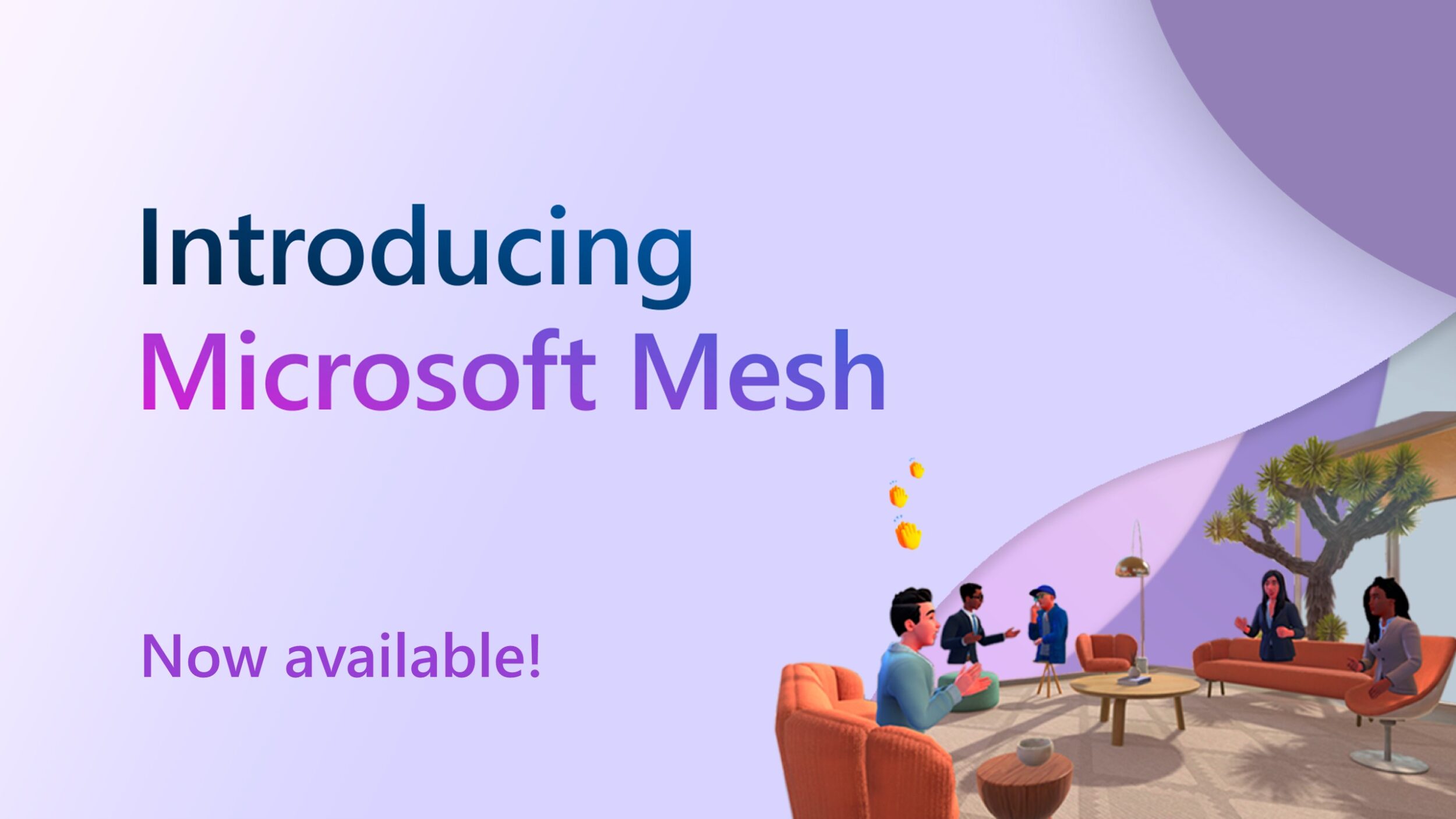
Microsoft Mesh: Now available for creating innovative multi-user 3D experiences for the workplace


Microsoft Mesh is now generally available, providing a new 3D immersive experience for the workplace.
How SharedTree supercharges and simplifies Fluid Framework 2.0
Discover how SharedTree in Fluid Framework 2.0 makes it even easier to build collaborative, real-time applications.
Announcing general availability of Microsoft Graph APIs for Microsoft Teams meeting recordings

Microsoft Graph APIs for retrieving Microsoft Teams meeting recordings enable app developers to retrieve meeting recordings programmatically for scheduled calendar meetings.
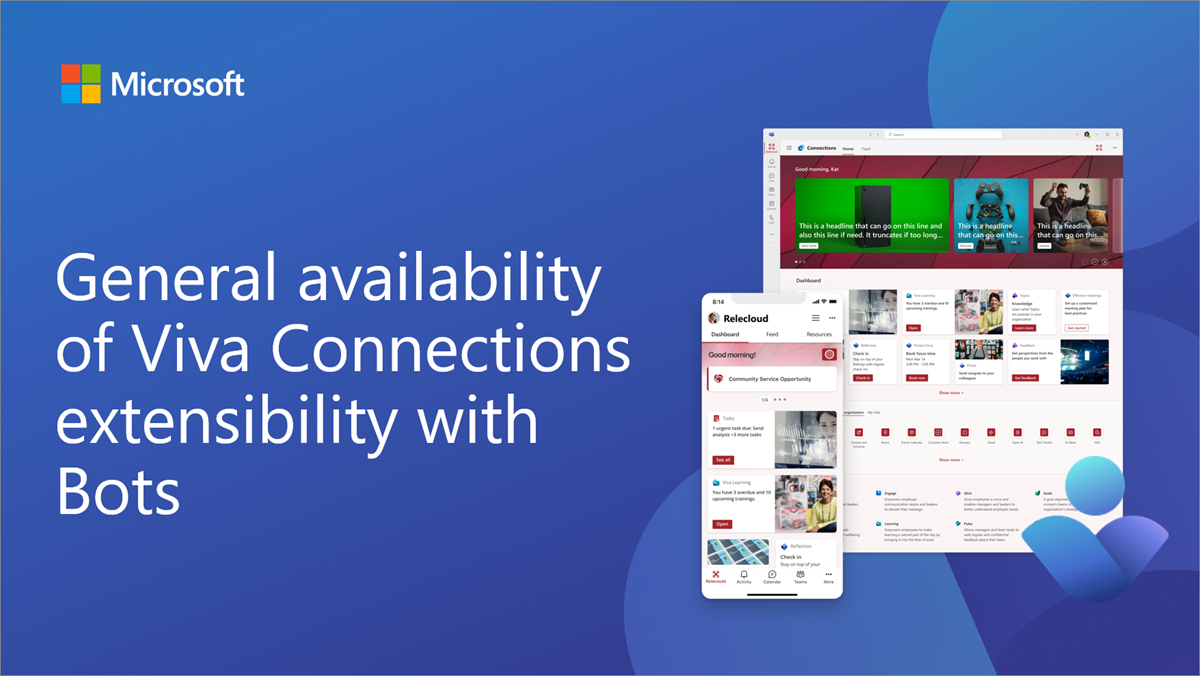
General availability of Viva Connections extensibility with Bots
We are excited to announce general availability of the bot framework powered Viva Connections extensibility.
Make your Office Add-in successful by harnessing free Microsoft Partner programs!
Discover initial offerings for Office Add-ins developers to mark the beginning of a comprehensive series of encouragement initiatives.
Upcoming updates to loading websites in Teams tabs

Starting April 2024, Microsoft Teams is changing how the Website tab works in the new Teams client to better align with web security.
Stay ahead of the game with the latest updates to the Microsoft 365 Developer Program

As part of the Microsoft Secure Future initiative, we're making improvements to the Microsoft 365 Developer Program. The blog post covers those improvements.
Teams Toolkit for Visual Studio Code update – January 2024
Our latest release brings a new set of exciting new features, enhancements, and bug fixes to enhance your development experience.
A pro-code guide to build your custom copilot faster

With the right set of pro-developer tools, you can effectively leverage the entire Copilot stack expediting your custom copilot’s development.
New Microsoft Graph callRecords API capabilities
We are pleased to announce new capabilities for Microsoft Graph callRecords API in response to some of our top customer requests.
Dev Proxy v0.14 with generating OpenAPI specs and simulating CRUD APIs
Make your apps more robust with the latest Dev Proxy release, packed with features that take building apps connected to APIs to the next level.

Announcing Fluid Framework 2.0 Beta
Fluid Framework 2.0 is an open-source platform for rapidly building powerful collaborative experiences.

Custom encryption with customer owned keys now generally available

At Ignite, we introduced a brand-new security capability to ensure additional data security measures for your Microsoft 365 datasets. We are happy to share that it is now generally available.

Retirement of entity-based contextual Outlook add-ins

Today, we’re announcing that entity-based contextual add-ins in Outlook will be deprecated in Q2 of 2024.

Best practices for designing Word, Excel, and PowerPoint add-ins

Take a deep dive into the strategies to design an effective Office add-in.

New Microsoft 365 Certification framework creates a more streamlined process for ISVs
Microsoft 365 Certification has been updated with a refreshed control set featuring the latest security and compliance attributes for apps built to run on Teams, SaaS, and Microsoft 365 add-ins.
Top 5 AppSource validation errors for Office Add-ins submissions – December 2023

AppSource validation ensures your Office Add-in submission follows Microsoft’s quality standards. In this post, you’ll learn about what the affected AppSource policies are looking for so you can be confident your Office Add-in submission won’t hit these issues.
Write simpler, faster code with the new Microsoft Graph Java SDK v6
The Microsoft Graph Java SDK is a client library that lets you connect and retrieve data from any of the supported Microsoft services that are available on Microsoft Graph API.
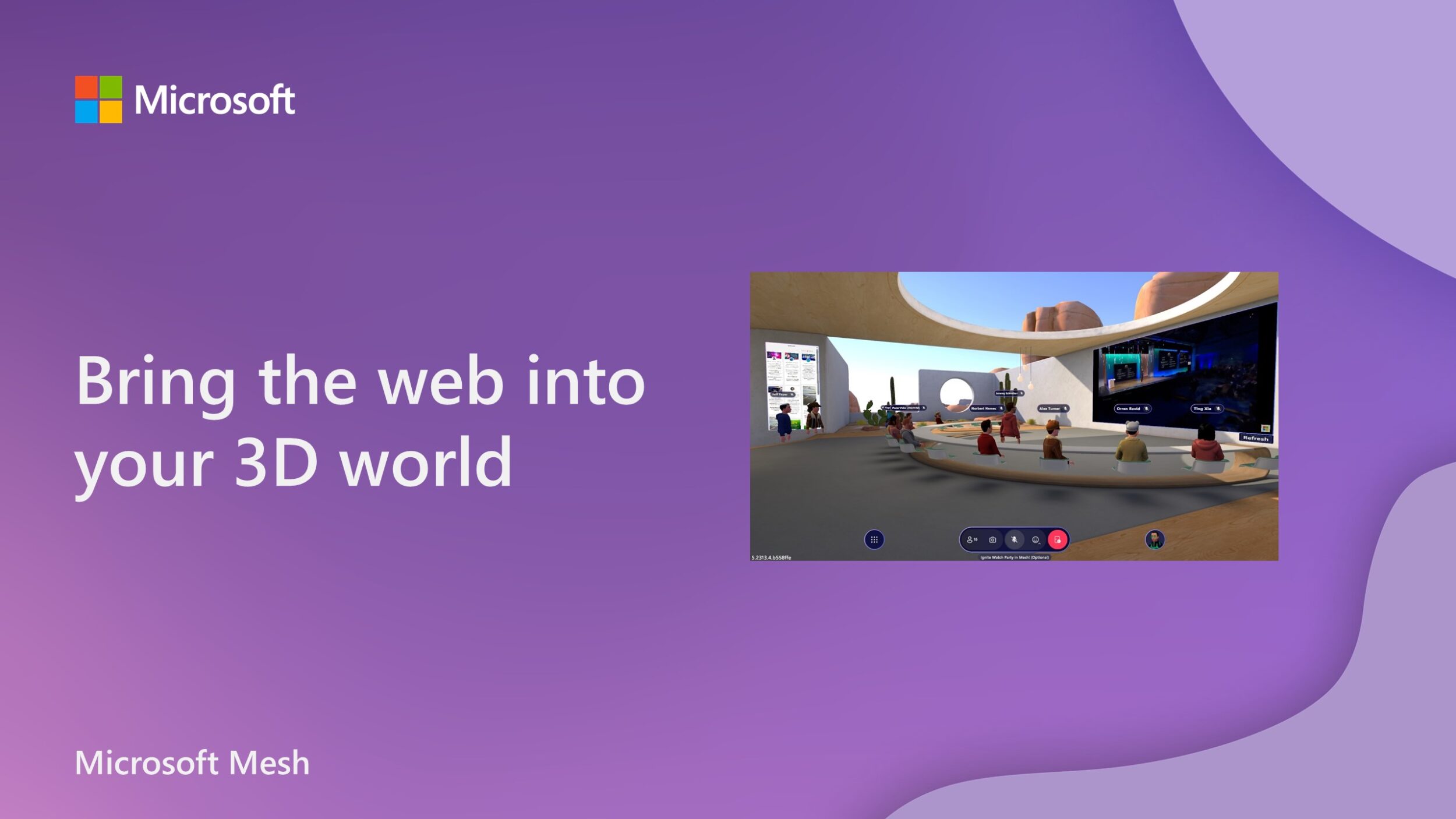
Web content in Microsoft Mesh, powered by WebView

Discover how the WebSlate component of the Mesh toolkit provides a secure, streamlined way to add and interact with web content.
Introducing the mobile optimized framework for Microsoft Teams apps

Teams mobile optimized framework allows multitasking between platform apps and Teams meetings, without losing data or functionality.
The future of collaboration and AI: Opportunities for partners in the Microsoft Teams AI ecosystem
Integrate your app with Copilot for Microsoft 365 and build your own copilot with the Teams AI Library.
Dev Proxy v0.13 with new guidance and inspecting web requests
Whether you're building apps for Microsoft 365 or any other type of application using any API, Dev Proxy has got you covered.
Microsoft Teams webinar APIs in general availability
The webinar APIs allow line-of-business applications or multi-tenant ISV solutions to access the data they need.
Microsoft Teams recording and transcript APIs billing update
Starting January 1st, 2024, we are adjusting the pricing for Teams transcripts and recording APIs.
Introducing Teams App Test Tool
Teams App Test Tool is a new debugging option for Microsoft Teams bot applications within Teams Toolkit and makes the debugging experience easier than ever.
Updates to how to install and use Add-ins and apps in Outlook for Windows and Outlook on the web

We’re announcing changes to how Office Add-ins and apps are installed, accessed, and sideloaded to Outlook for Windows and Outlook for Web.
Teams Toolkit for Visual Studio Code update – November 2023
We're excited to bring you an array of new features to make your Microsoft Teams app development experience even better.
Microsoft Graph CLI v1.0.0 is now generally available
Microsoft Graph CLI, the command-line tool that provides convenient methods to access Microsoft Graph API capabilities on any operating system and any shell, is now available.
Link unfurling and search based message extensions in Outlook generally available

Extend your existing search based message extensions and link unfurling in Microsoft Teams to Outlook without any new technical investments.
Ignite 2023: Ushering in the era of Microsoft Copilot extensibility
We’re very excited to announce the public preview of Copilot extensibility and other updates about our features and capabilities from across the Microsoft 365 platform.
Building the next era of AI: Teams AI Library and API message extensions | Ignite 2023
Integrate your app into Microsoft’s Copilot and Teams in minutes with API message extensions and create your own intelligent app with the Teams AI Library.
Introducing new chat components with the Microsoft Graph Toolkit


Announcing the public preview of the Microsoft Teams chat controls for Microsoft Graph, powered by Microsoft Graph Toolkit and the Azure Communication Services UI Library.
Use Microsoft Graph connectors to securely bring external content into Microsoft 365

Learn how to build an access control list (ACL) when importing content to Microsoft 365 using Microsoft Graph connectors.
Announcing general availability of Outlook rich notifications in Microsoft Graph
Rich notifications for Outlook, now available, are a feature that let you receive notifications that include resource change data.
Item insights admin settings path and scope change in Microsoft Graph

We're announcing an upcoming breaking change for admins and developers using Microsoft Graph to control item insights settings in a tenant.
Write high quality code with the Microsoft Graph PHP SDK v2


By solving cross-cutting concerns like authentication, retry, and batching, PHP SDK v2 gives you time back to focus on the design and value of your application.

Test and debug securely with Dev Tunnels


Dev Tunnels is a security-first, developer-optimized tunneling service designed to allow you to securely expose your local endpoint to the internet. This is helpful for sharing in-progress work, testing, and debugging web APIs and webhooks, experimenting on other devices, and testing integrations with cloud services. Dev Tunnels is cross-platform and available through: Today, we’re excited to walk you through the advantages of Dev Tunnels and provide a step-by-step guide on how to use the CLI. You can either follow along with our Dev Tunnels engineer, Utsa, in the video below, or continue readi...

Generate tailored Python and PHP API clients for any API with Kiota
Learn how Kiota eliminates the need to take a dependency on a different SDK for every API that you need to call.

Let’s build a custom Microsoft Graph connector
Integrate external data sources into Microsoft Graph to appear across Microsoft 365 experiences with custom Graph connectors.
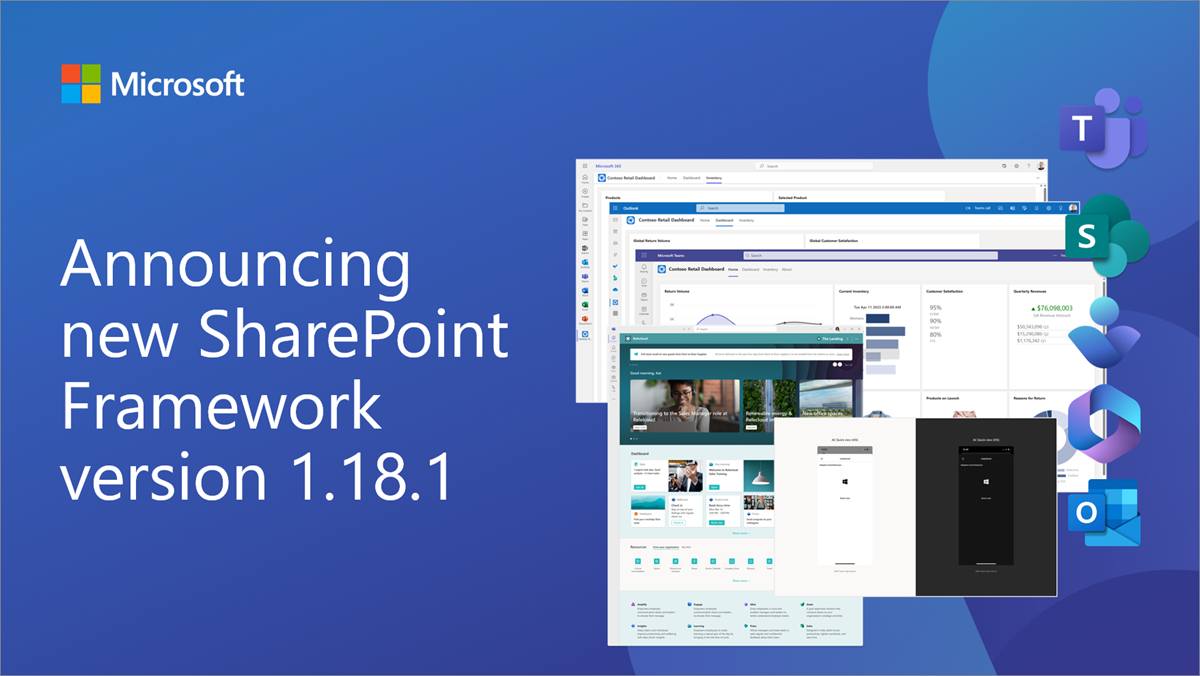
Announcing SharePoint Framework 1.18.1 with updates for Microsoft Viva Connections
We are excited to announce a new public version of the SharePoint Framework, v1.18.1, with new mobile theming support for the Microsoft Viva Connections extensibility.
Send Microsoft Teams activity notifications without app manifest changes

Use the activity notification APIs in Microsoft Graph to extend this functionality to your apps.
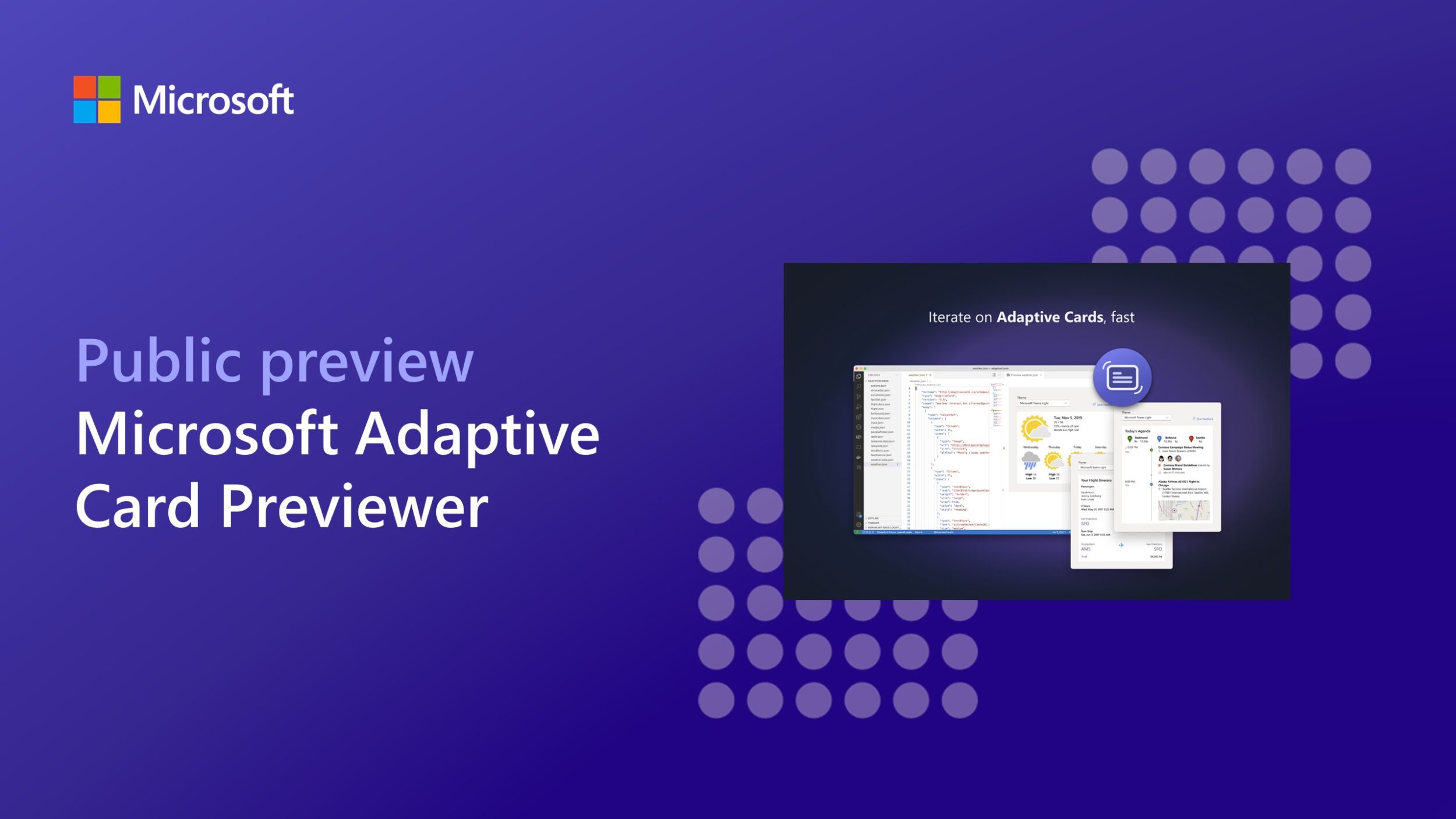
Announcing public preview for Microsoft Adaptive Card Previewer
Learn more about this extension for Visual Studio Code that uses the latest rendering stack for Microsoft Teams to provide a more accurate preview of Adaptive Cards.

Introducing the Microsoft Graph Python SDK
Access the beta and v1 endpoints of Microsoft Graph, with a fluent experience, designed to facilitate discoverability with the best features of the Python language.
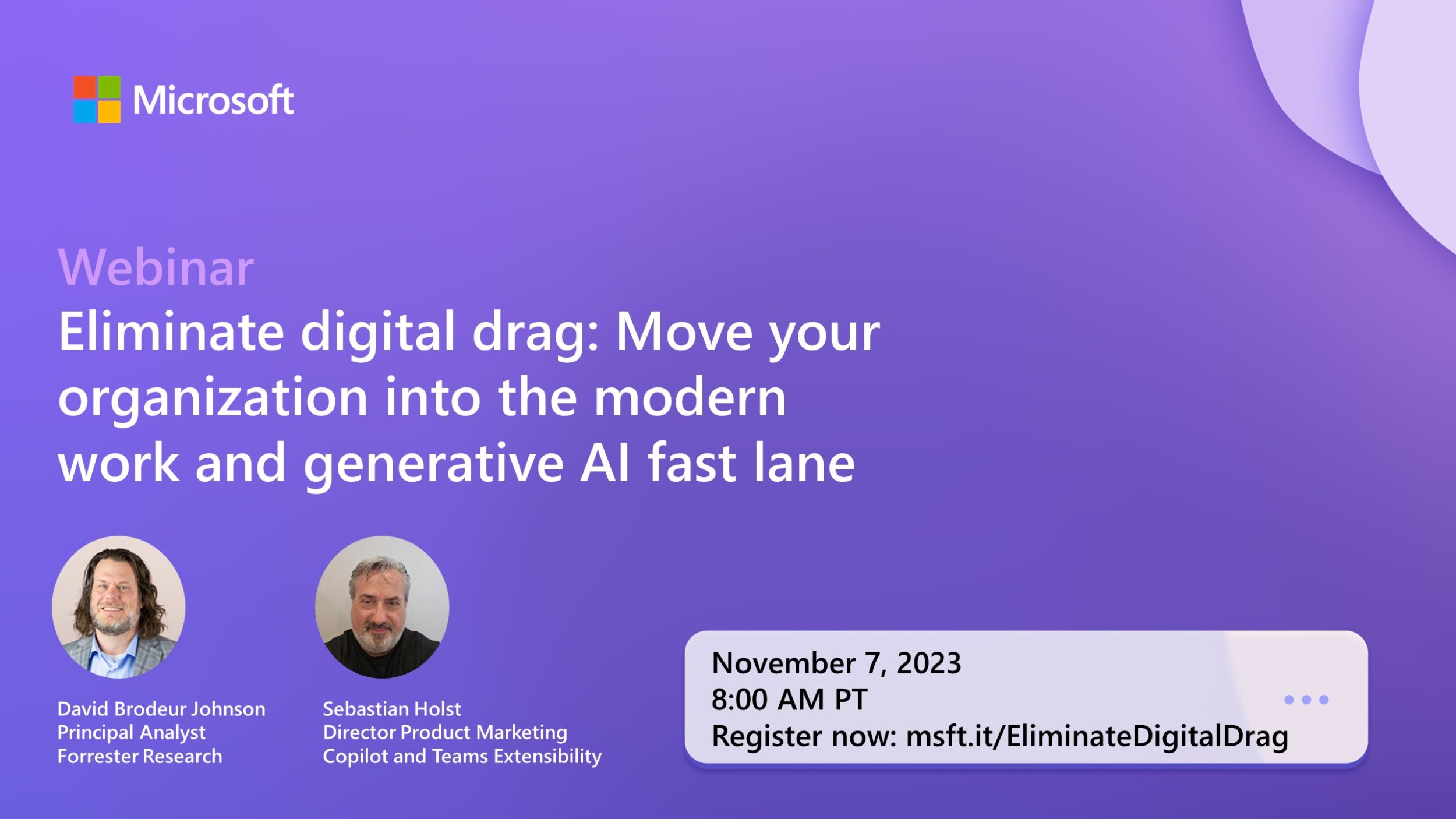
Eliminate digital drag: Move your organization into the modern work and generative AI fast lane

A Forrester Consulting survey commissioned by Microsoft reveals the challenges and opportunities for enterprises in today’s world of modern work and generative AI.

Microsoft Graph APIs for Microsoft Teams meeting transcripts now generally available
Use Microsoft Graph APIs to build apps that fetch the transcript content for meetings and apply AI to power scenarios on top of that.
Transition to Microsoft Graph Search endpoint for OneDrive and SharePoint
We will no longer be making improvements to the OneDrive and SharePoint search APIs in favor of Microsoft Search APIs in Microsoft Graph.
Update to Exchange callback tokens for Outlook add-ins

Learn how to prepare for the upcoming change to Exchange callback tokens and avoid any disruptions in your Outlook add-ins.
Boost your app’s visibility and engagement in Microsoft 365

Get familiar with the latest features that can help you boost your app's visibility and engagement across Microsoft 365.

Anatomy of a Microsoft Graph connector
Learn about the key components of a Microsoft Graph connector and how they help bring your organization's content into Microsoft Graph and Semantic Index for Copilot.
Retirement of older SharePoint file services versions
We are retiring older SharePoint file services versions in October 2023. These older APIs are replaced by Microsoft Graph Drives and driveItems.
Bring your app across Microsoft 365: Outlook extensions, meeting apps, and more
Create engaging and productive experiences for Outlook and Teams users leveraging the same code base and capabilities across both applications.

Build message extensions for Microsoft Teams and Copilot
Enhance the messaging functionality of Microsoft Teams to easily search for and share information through rich cards, capture data, and preview app content right within Teams.
Teams Toolkit update – October 2023

This update brings searchability to the sample gallery, improvements to sample contribution, and the capability to create message extensions using your APIs.
OData property changes to Microsoft Graph callRecords change notifications
This post provides a final notification and confirmation of the upcoming breaking change that will occur the week of October 30, 2023 for the callRecords API in Microsoft Graph.

Building immersive experiences with Microsoft Mesh
Microsoft Mesh is a new 3D immersive experience for the workplace, helping virtual meetings and events feel more like face-to-face connections.
Microsoft 365 Developer Program instant sandbox service is restored
This week, we experienced an incident related to Microsoft 365 Developer Program instant sandboxes. This issue has now been resolved.

Find what you need with Microsoft Graph connectors
Learn about Microsoft Graph connectors, how to build them, and how to ensure seamless integration of your data into Microsoft 365 Copilot.
Top 5 AppSource validation errors for Office Add-ins submissions – September 2023
AppSource validation ensures your Office Add-in submission follows Microsoft’s quality standards. This blog post covers the five current most common validation pitfalls.
Retirement of Teams live events API on Microsoft Graph

The retirement of Teams live events is set to happen on September 30th, 2024. After this date, all Teams live events services will cease to function.
Microsoft 365 Developer Proxy v0.12 with new mocking capabilities
Microsoft 365 Developer Proxy v0.12 features new mocking capabilities to help develop and test your applications.

Microsoft Graph callRecords API now generally available in GCC High and DoD
The callRecord and session APIs are now available in the GCC High and DoD environments, as well as change notification subscriptions that provide a continuous stream of call record updates to enable near real-time reporting.
Microsoft 365 Developer Program: September 2023 updates
Here, we highlight the recent updates to the Microsoft 365 Developer Program and share ideas for new features and benefits.
Announcing Microsoft Graph CLI v1.0.0 release candidate, now with beta support
This release candidate provides Graph Beta endpoints, expanded distribution options including publication on NuGet, new features, and bug fixes.

Retirement of Exchange Web Services in Exchange Online

On October 1, 2026, we will start blocking EWS requests from non-Microsoft apps to Exchange Online.
Data suggests Microsoft 365 Certification increases app adoption rates
In recent surveys, enterprise customers report considering Microsoft 365 Certified apps before non-certified apps on average 90% of the time.
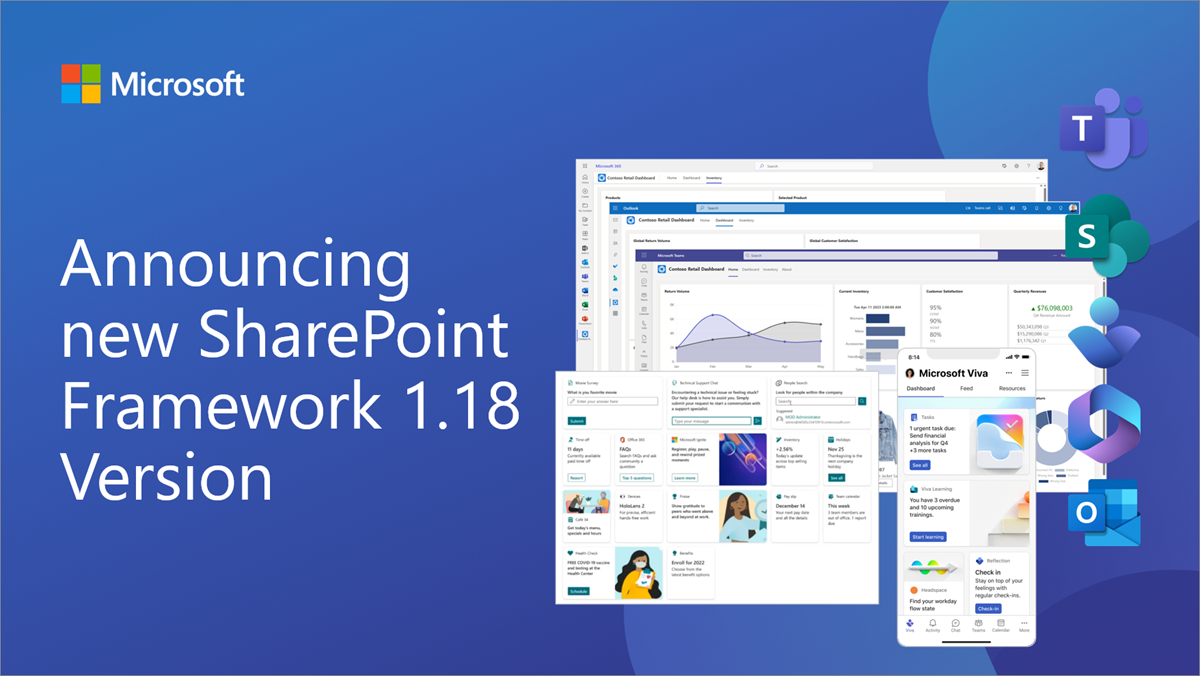
Announcing SharePoint Framework 1.18 with updates for Microsoft Teams, Microsoft Viva and SharePoint
We are excited to announce a new public version of the SharePoint Framework, v1.18, with new features, capabilities and fixes for Microsoft Viva, Microsoft Teams and SharePoint.

Microsoft Teams recording and transcript APIs billing in public preview
On October 3, 2023, we are starting billing in public preview for the Microsoft Teams Recording and Transcript APIs.
UseRemoteAPIs functionality change in Microsoft SharePoint
We are announcing the removal of consideration for the UseRemoteAPIs permission within SharePoint Online.
Outlook REST API v2.0 and beta endpoints decommissioning update
Today, we are announcing that we will fully deprecate Outlook REST v2.0 and beta endpoints on March 31, 2024.

Microsoft 365 Developer Proxy v0.11 with improved $select guidance
Microsoft 365 Developer Proxy v0.11 introduces improved $select guidance to help you build more performant applications and other adjustments that improve the user experience.
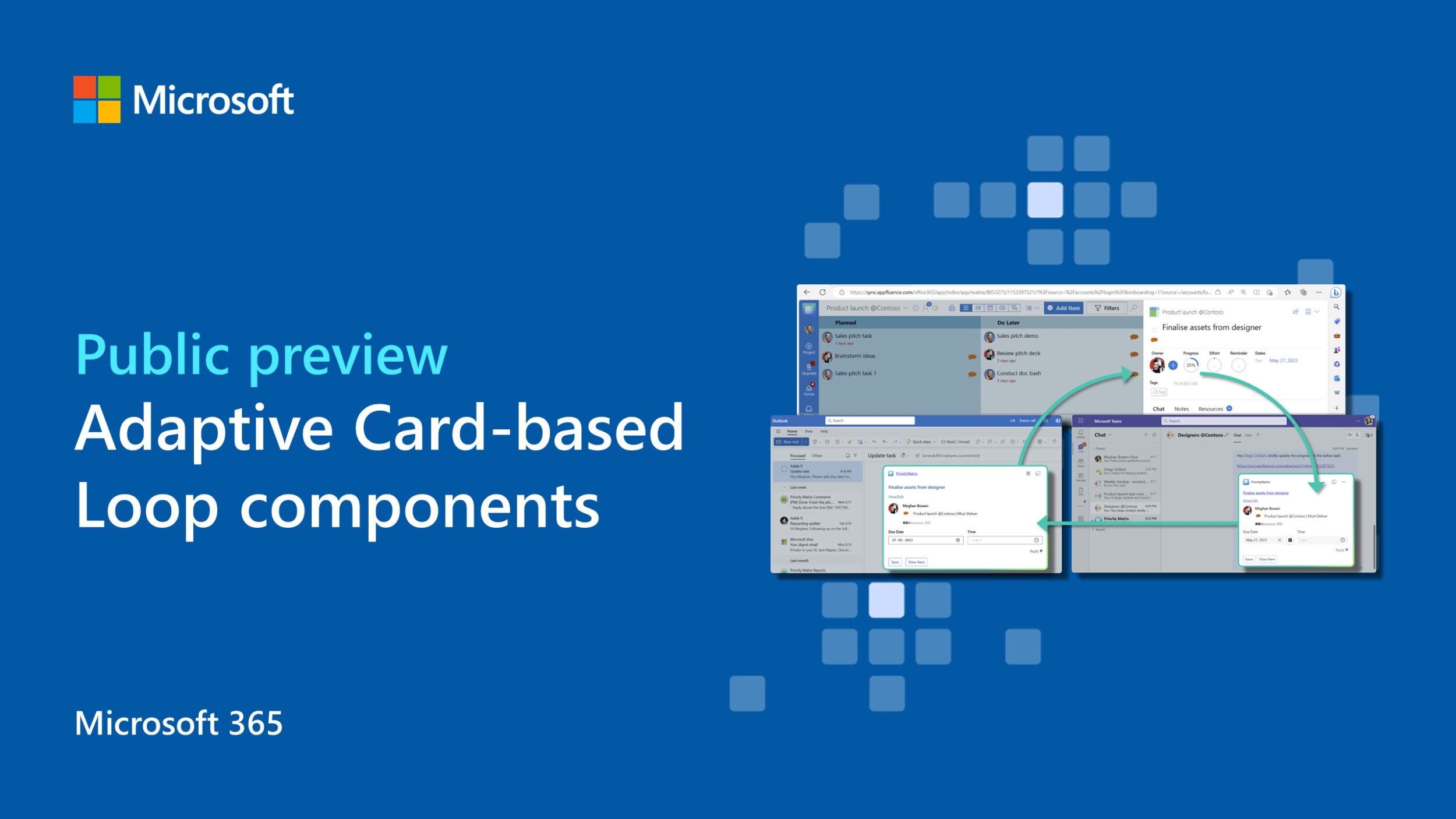
Adaptive Card-based Loop components are now in preview

Get a sneak peek into how you can build your own first set of live, actionable, portable Adaptive Card-based Loop components.
Restarting billing on Teams Chat Export APIs; new API enhancements

This is a reminder that we are restarting billing on 9/30/2023 for calls made on the Teams Chat Export API.
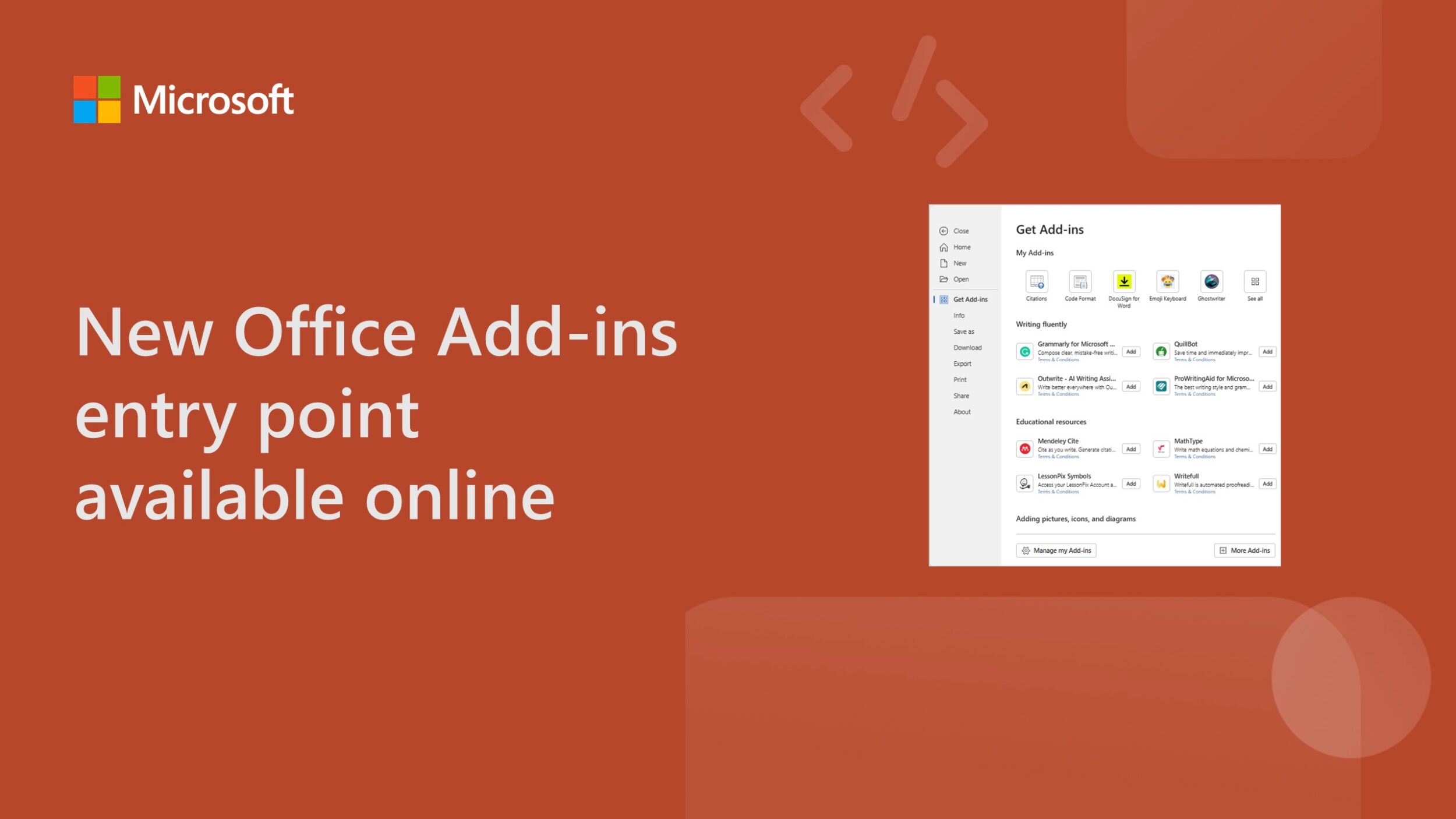
New Office Add-ins entry point available online
Use the new add-ins entry point to manage all your Office Add-ins and find the right add-in the AppSource and Office marketplace.
Send Teams activity notifications using new resource-specific consent permissions
Provide richer experiences and better user engagement with activity notification APIs in Microsoft Graph.
Teams Toolkit for Visual Studio Code update with new AI chat bot template
Explore updates from the latest Teams Toolkit for Visual Studio Code release, including a new AI chat bot template, a new sample, and more.
New Teams Toolkit for Visual Studio release with exciting features for .NET developers
Learn about the newest capabilities for .NET developers in the latest version of Teams Toolkit for Visual Studio.

AI pair programming: Build a product inventory app with GitHub Copilot and Teams Toolkit
Learn how AI can help you build your first app for Microsoft Teams, specifically designed for a product inventory scenario.

Bring your data into Microsoft 365 with Microsoft Graph connectors


Microsoft Graph connectors help users get relevant results from all their data in the context of the app they search from.
Profile card properties path and permission changes in Microsoft Graph (beta)

Introducing breaking changes to profile card properties APIs on the beta version of Microsoft Graph.
Microsoft 365 Developer Proxy v0.10 with support for batching and improved $select guidance
Microsoft 365 Developer Proxy v0.10 introduces the preview ability to fail and detect minimal permissions in batch requests and improves the $select guidance to help you build more performant applications.
Announcing Microsoft Graph PHP 2.0.0-RC19
Today we are announcing the new RC19 version. Since the RC5 announcement, we have improved many of the common scenarios to give you time back to focus on quality and design.
Teams Toolkit for Visual Studio Code update – July 2023
In this update, we share the latest with Microsoft Teams app development using Teams Toolkit for Visual Studio Code.
Breaking changes in the Microsoft Graph list channels API (beta)

For quite some time, we’ve offered developers access to our Get List Channels API on the beta endpoint of Microsoft Graph. The Get List Channels API helps in fetching the list of channels for a team. However, as is sometimes the case with pre-production APIs, we’re making a few necessary changes.

Keep your app top of mind and top of chat with message extensions in Microsoft Teams and Microsoft 365 Copilot
In this post, we answer the most common questions about using message extensions in Teams.
Microsoft Graph for SharePoint Pages public preview – update
The Microsoft Graph API for SharePoint pages has been in the public preview stage since early 2023. We have seen consistent usage, growth, and feedback from our community. Based on the beta API usage feedback we are making changes to improve the overall experience in preparation for the V1.0 release in next few months.
SharePoint datasets now in public preview

OneDrive and SharePoint (ODSP) datasets in Microsoft Graph Data Connect are moving from private preview to public preview. Starting July 11, 2023, we are introducing new dataset names without “preview.”
Upgrade to Microsoft Graph PowerShell SDK v2, now generally available
Microsoft Graph PowerShell SDK v2 is now generally available. This version includes many improvements, including simplified authentication and improved error handling. It’s also half the size and speeds up automation.
Microsoft Graph PowerShell v1 to v2 migration toolkit
Microsoft Graph PowerShell v2 introduces changes that will require v1 users to change their scripts to address issues like naming conventions of command names if their scripts include directives for switching to beta profile.
Pronouns settings path and scope change in Microsoft Graph

We’re announcing an upcoming breaking change for admins and developers using Microsoft Graph to control pronouns availability in a tenant.

Announcing the HackTogether: Microsoft Teams Global Hack winners
We’re excited to announce the winners of HackTogether: Teams Global Hack.
Billing updates for Microsoft Teams API in Microsoft Graph


We are temporarily pausing billing for Teams Chat Export APIs estimated to start on 7/1/2023 until 9/30/2023, as we are implementing new enhancements to improve the APIs.

Maximize employee productivity with HCL Nippon and Microsoft Graph Data Connect
Read how Microsoft Graph Data Connect and HCL Nippon take a novel approach to navigating challenges in a dynamic, hybrid workplace.

Microsoft Graph Data Connect pricing updates
Pricing updates to Microsoft Graph Data Connect will take effect starting July 1, 2023. The following month, Microsoft Graph Data Connect will officially exit public preview and become generally available on August 1, 2023.
Top 5 AppSource validation errors for Office Add-ins submissions – June 2023
Don’t lose valuable time getting your Office Add-in to market – learn how to avoid these common AppSource validation pitfalls!

Microsoft 365 Developer Proxy v0.9 with over-consenting guidance
In this new version of the Microsoft 365 Developer Proxy, we are introducing the preview ability to detect over-consented apps that use Microsoft Graph.

Public preview of SharePoint Framework 1.18 – First release of upcoming features
We are excited to announce the first preview of the upcoming SharePoint Framework 1.18 with updates for Microsoft Teams, Microsoft Viva, SharePoint and more.

Announcing the Microsoft 365 Developer Technology Adoption Program (TAP)

Today, we are announcing the launch of the Microsoft 365 Developer Technology Adoption Program (TAP), an evolution of the Microsoft Graph TAP.
Microsoft Graph Toolkit v3.0 is now generally available
Microsoft Graph Toolkit v3.0 is now generally available, packed with new features, capabilities and so much more.
Announcing Microsoft Graph CLI v1.0.0-preview release candidate
Simplify Microsoft Graph interactions with the intuitive Microsoft Graph CLI now in preview.
Breaking change: Enum property addition to teamworkDevice resource in Microsoft Graph

We’re announcing an upcoming breaking change for developers using deviceType for the teamworkdevices for the beta version in Microsoft Graph API, effective June 26, 2023.
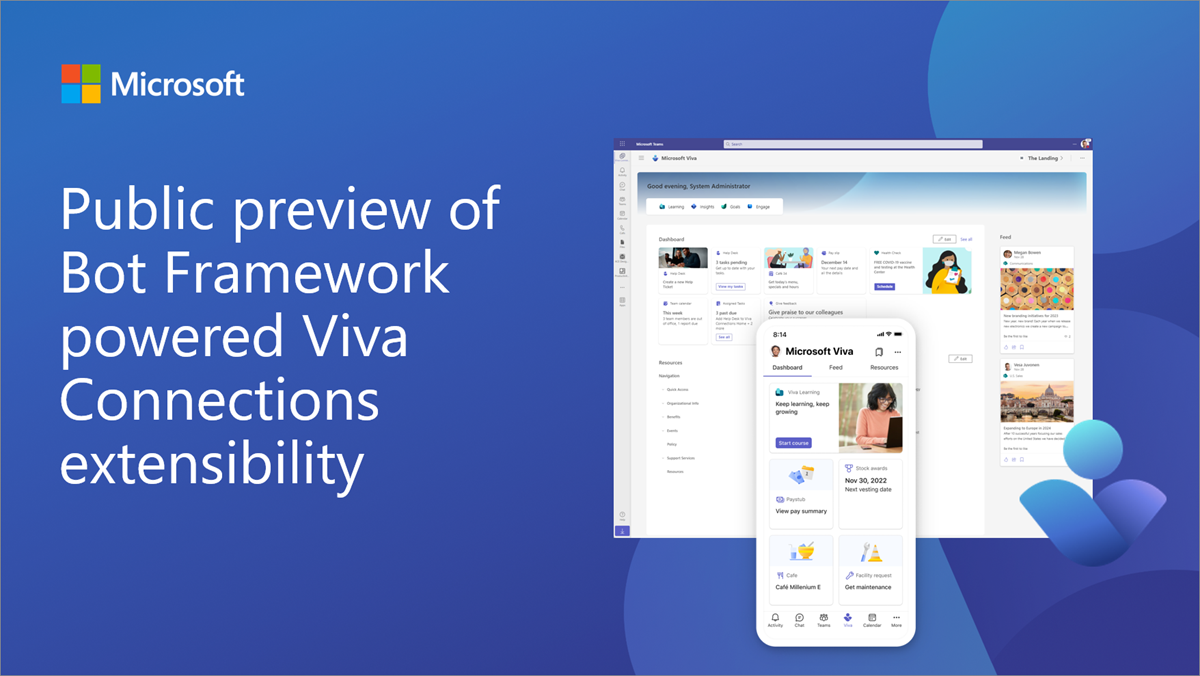
Announcing public preview of Bot Framework powered Viva Connections extensibility
We are excite to announce public preview of the Bot Framework powered Viva Connections extensibility, enabling developers to extend their Microsoft Teams bot implementation also to Microsoft Viva.
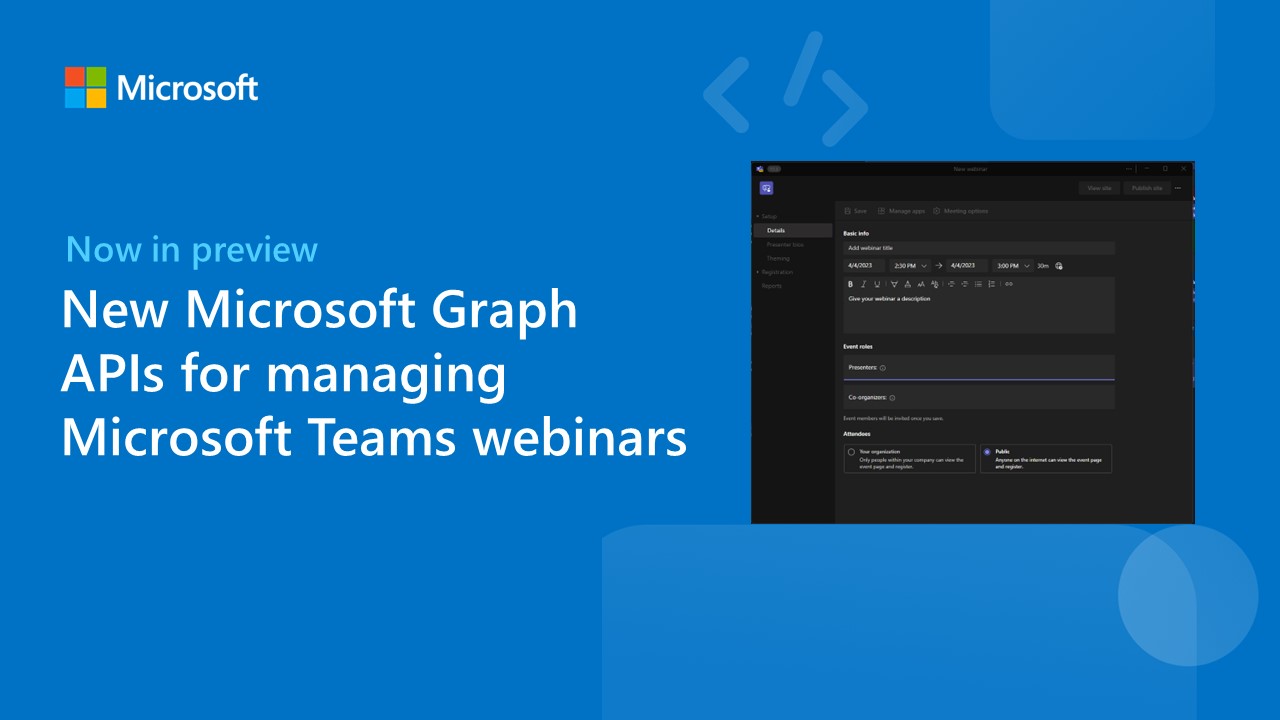
New Microsoft Graph APIs for managing Microsoft Teams webinars
Earlier this year, we shared details on advanced webinars in Teams Premium. Today, we’re announcing the preview (beta) of new Microsoft Graph APIs that allows you to get and monitor webinar data.

HackTogether: the Microsoft Teams Global Hack ends, but the developer journey continues!
HackTogether: the Microsoft Teams Global Hack ends, but the developer journey continues in our community!
Fluid Framework 2.0 Alpha is now available
Fluid Framework 2.0 Alpha is now available with SharedTree, our new, powerful Distributed Data Structure (DDS), as well as an improved developer experience with the Fluid Developer Tools.

Announcing Microsoft Graph Toolkit v3.0 release candidate
The Microsoft Graph Toolkit v3.0 release candidate is now available. You can now build apps for new scenarios, including selecting taxonomy items, providing a search experience and leveraging our new theming experience!
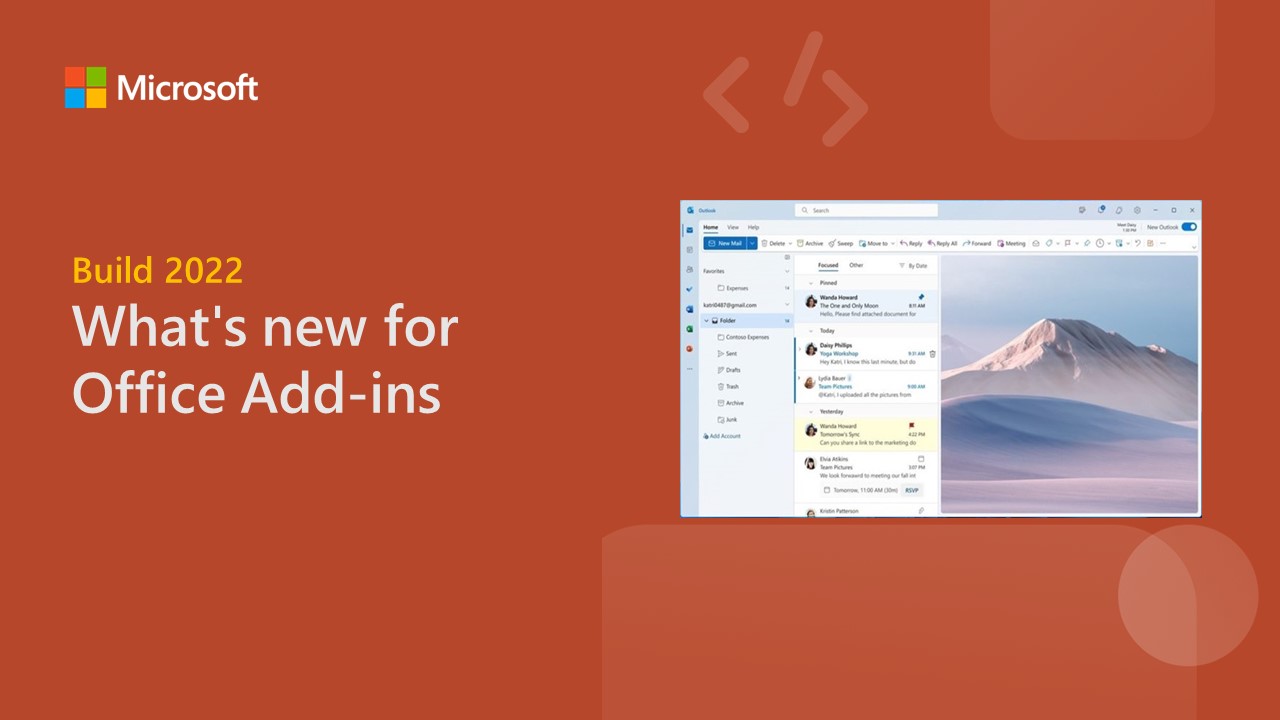
What’s new for Office Add-ins: Announcements from Build 2023
The Microsoft 365 ecosystem is expanding rapidly. In this blog, we'll explore the new capabilities and features available to empower your Office solutions even more.

HackTogether: the Microsoft Teams Global Hack week 1 recap and what’s next
Week 1 of HackTogether: the Microsoft Teams Global Hack – the hackathon where we build apps for Microsoft Teams – is almost over. Here’s what happened and what’s coming.
Announcing Teams App Camp: New Adventure

The Microsoft Teams App Camp has New Adventure labs that leverage enterprise web services and extend them to Microsoft Teams.

HackTogether: the Microsoft Teams Global Hack keynote recap and what’s coming
Last week we launched “HackTogether: the Microsoft Teams Global Hack” – a virtual hackathon all about building apps for Microsoft Teams. Here’s what happened last week and what’s still to come.
Deprecation of sha1Hash on OneDrive Personal
We are deprecating the sha1Hash property on OneDrive Personal in July 2023.
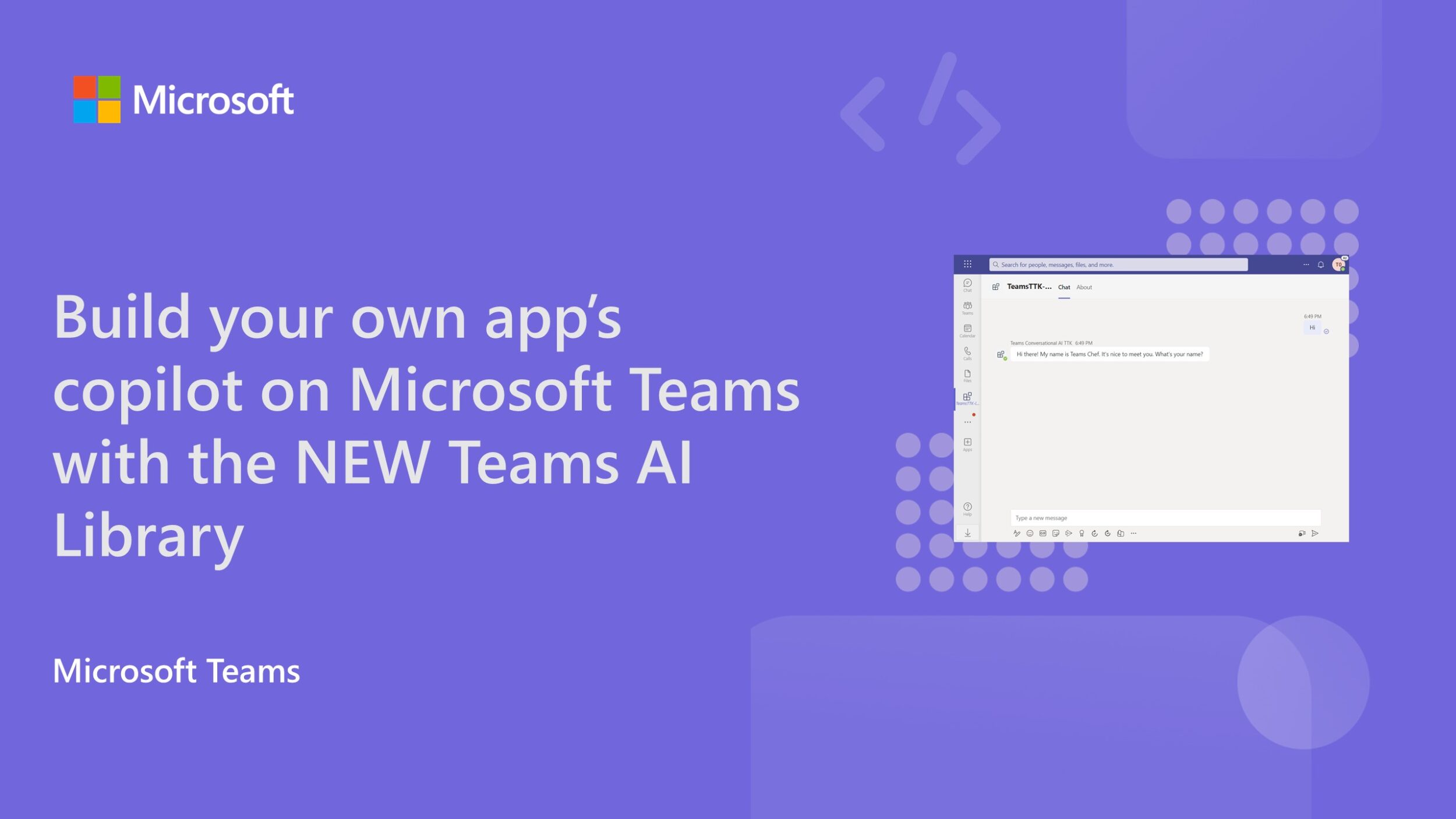
Build your own app’s copilot on Microsoft Teams with the new Teams AI Library
Beyond plugins for Microsoft 365 Copilot, we're opening doors for you to construct bespoke intelligent, conversational app experiences for your Teams users—your very own copilots.
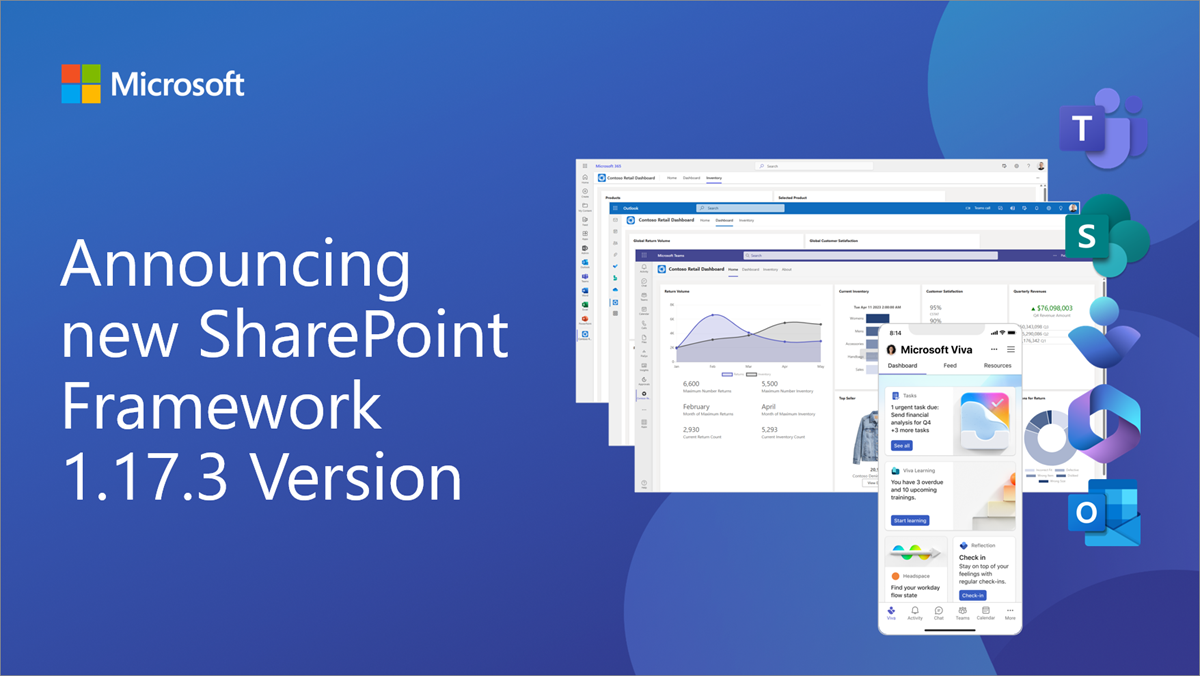
Announcing SharePoint Framework 1.17.3 for Microsoft 365 extensibility
We are excited to announce a new public version of the SharePoint Framework, v1.17.3, with updates and fixes across the different areas of Microsoft 365 extensibility.
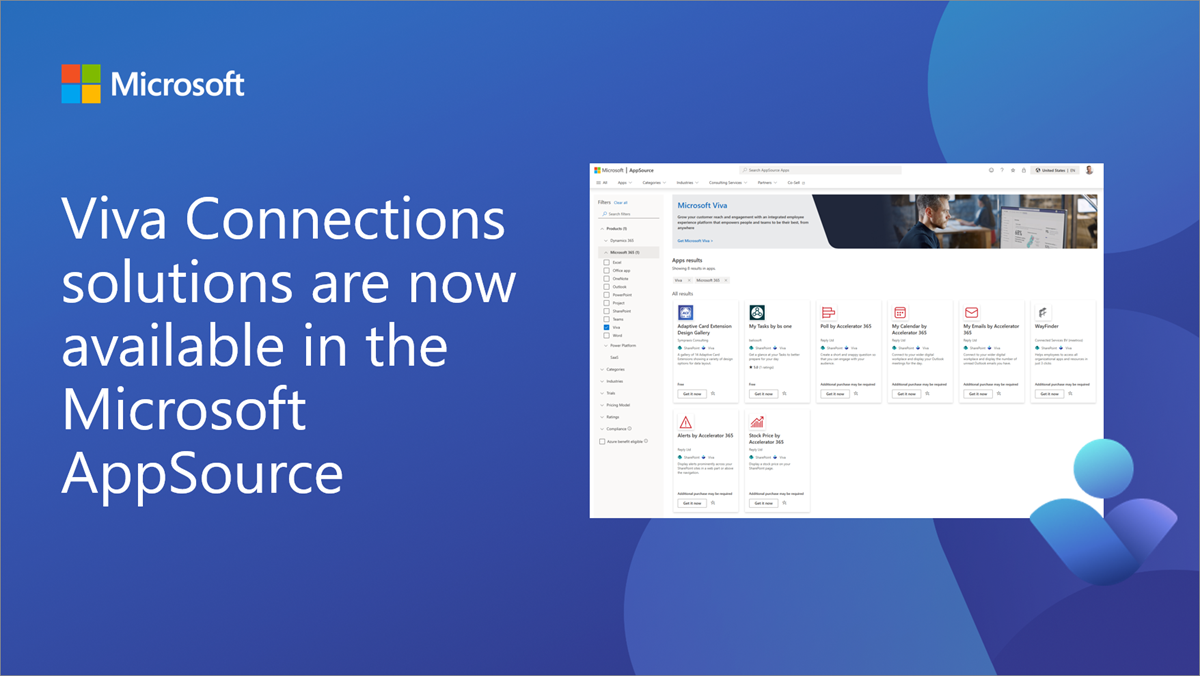
Microsoft Viva Connections solutions are now available in the Microsoft AppSource
We are excited to announce the availability of the “Viva” product type in Microsoft AppSource as a new option for our partner ecosystem.
Microsoft Graph Developer Proxy v0.8 with minimal permissions detection and improved simulating throttling
In this new version of Microsoft Graph Developer Proxy, we’re excited to introduce the preview ability to detect minimal permissions for calling Microsoft Graph APIs, improved simulation of throttling, and caching guidance.
Introducing Syntex repository services: Microsoft 365 superpowers for your app

Microsoft Syntex repository services are a faster way to build file and document focused apps, powered by SharePoint. It is now easy for every developer, ISV and enterprise to include critical Microsoft 365 file and document capabilities in every app built.
Build 2023: Building apps that bring together AI and collaboration
This blog highlights all the new features we’ve delivered – features that, when combined with our AI and Copilot capabilities, promise to make the Microsoft 365 platform an even more powerful place to build a new generation of collaborative apps.
Teams Toolkit for Visual Studio Code 5 now available

We're excited to announce that Teams Toolkit for Visual Studio Code v5.0 is now generally available introducing major upgrades to simplify the development process.
OneNote Webhooks API deprecation


Today, we are announcing the deprecation of the OneNote Webhooks API endpoint. It will be decommissioned on June 16th, 2023.

Join us for HackTogether: The Microsoft Teams Global Hack
Join us for our virtual hackathon, June 1 - 15, to learn how to build powerful apps for Microsoft Teams. Join live events, connect with Microsoft experts and win awesome prizes!
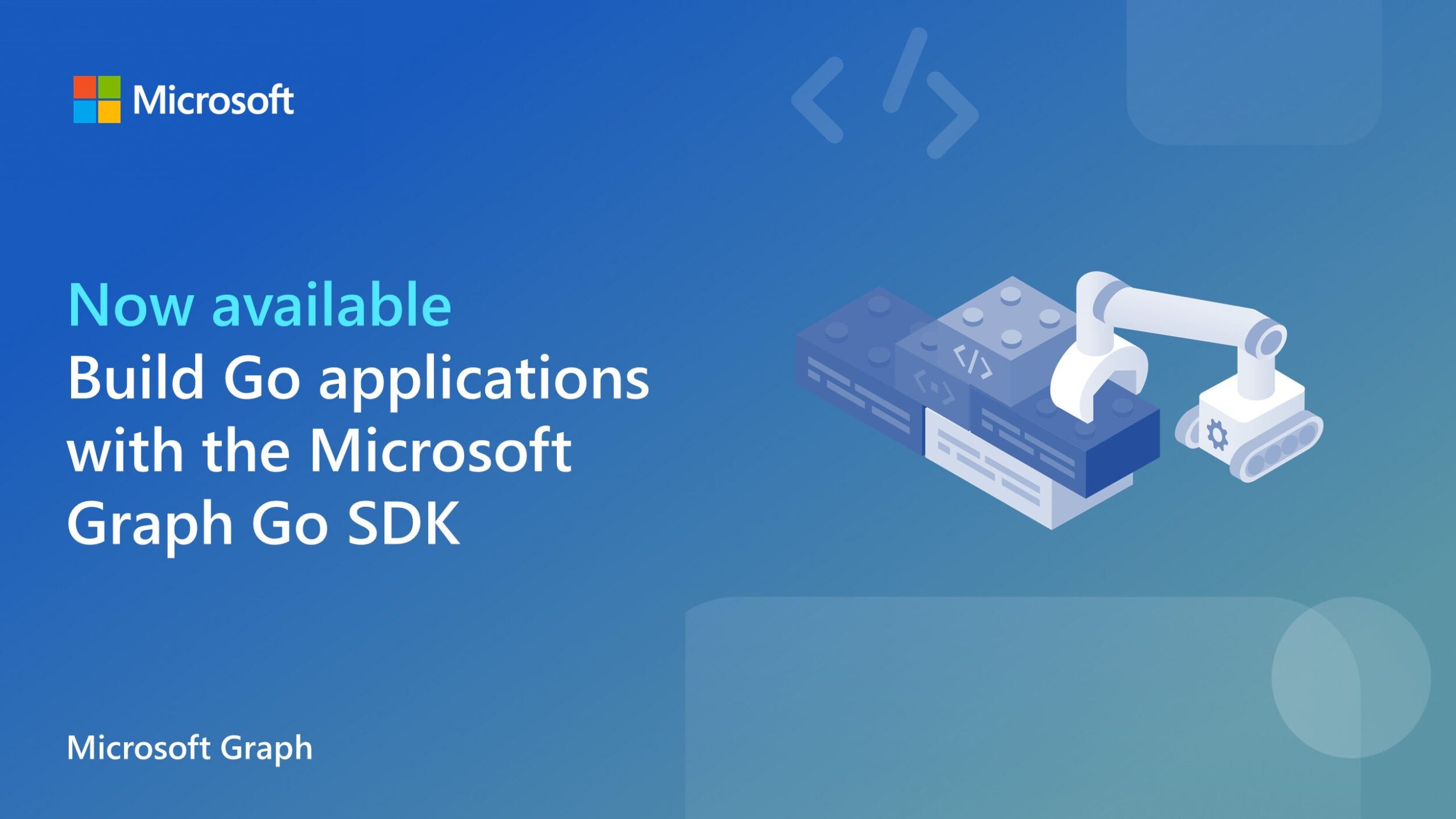
Building Go applications with the Microsoft Graph Go SDK, now generally available
Have you ever wanted to access Microsoft data and services in your Go applications? Now you can, with the Microsoft Graph Go SDK, now generally available.
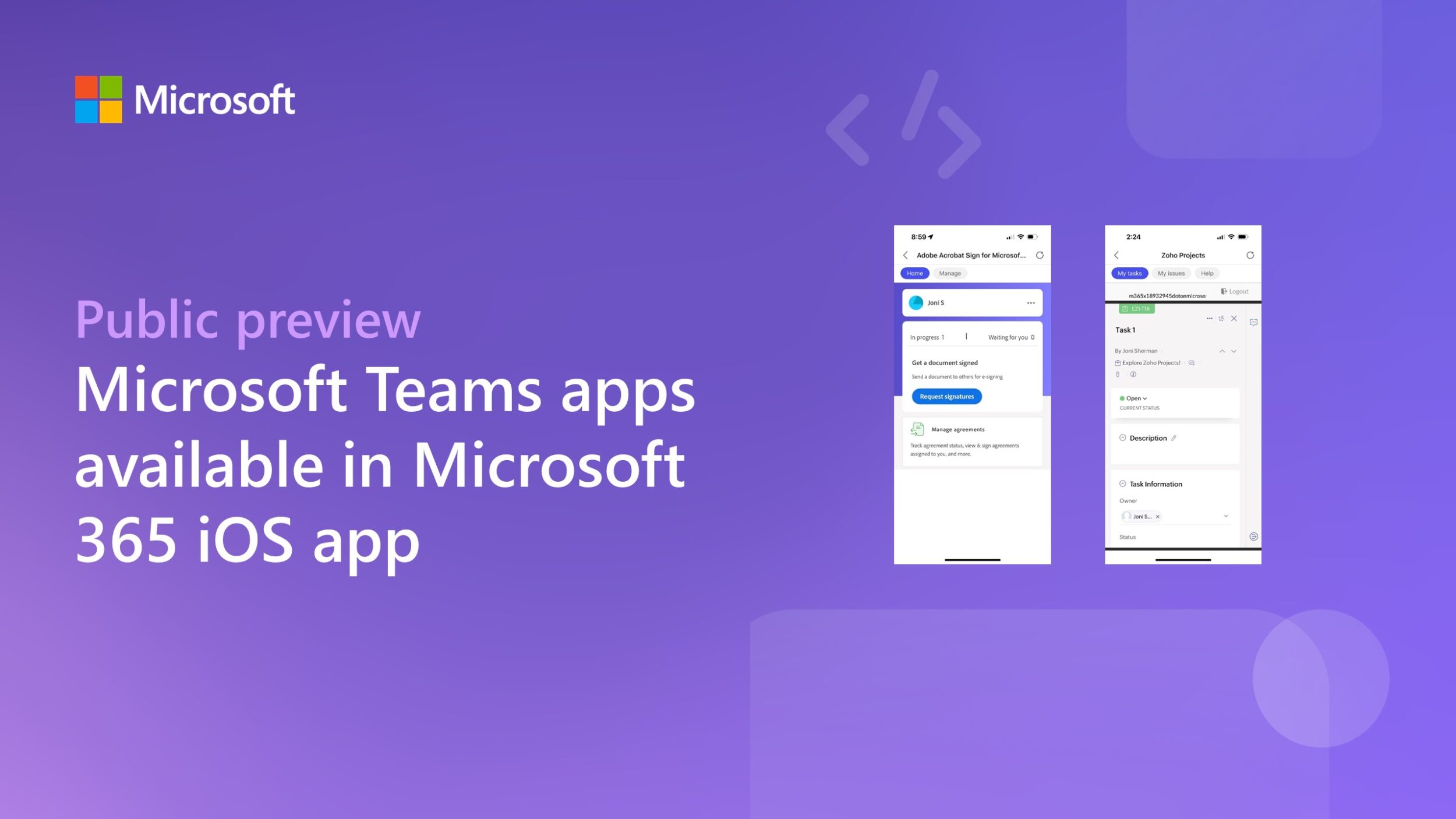
Microsoft Teams apps now available in public preview in the Microsoft 365 iOS app

We’re excited to announce the public preview of Microsoft Teams apps in the Microsoft 365 iOS app, making it easier to extend Teams personal tab apps to both Android and iOS app users with a single code base.
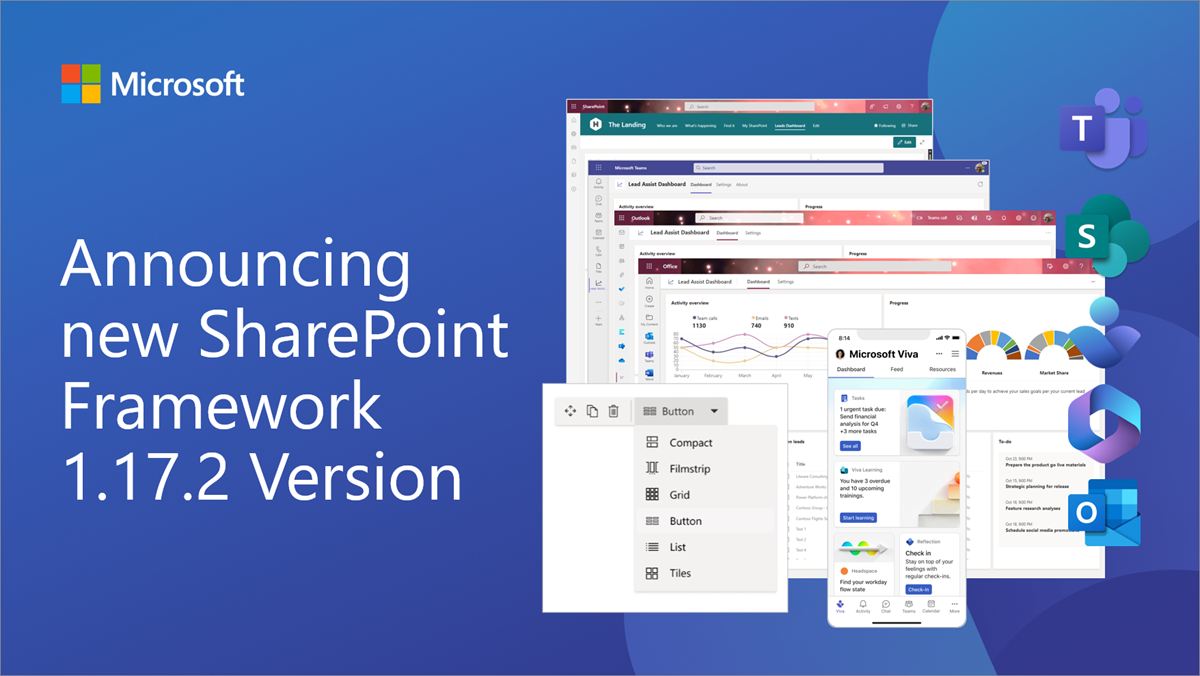
Announcing SharePoint Framework 1.17.2 for Microsoft 365 extensibility
We are excited to announce a new public version of the SharePoint Framework, v1.17.2, with updates and fixes across the different areas of Microsoft 365 extensibility.
Streamline your SharePoint experience with the new Microsoft Graph SharePoint Admin API


We are excited to announce the release of the Microsoft Graph SharePoint Admin API, which provides a powerful way for developers to interact with SharePoint and OneDrive tenant-level settings.
Announcing the Microsoft Graph Early Adopter recognition program

Show off your Microsoft Graph tools and SDKs early adopter status with a digital badge certifying your hard work and curiosity! Your feedback is critical to us We strive to build products that delight and empower you to achieve more. Hearing from you early and often about what’s working and where we could do better plays a critical role in our development process. Your feedback improves Microsoft products benefiting customers and ecosystem developers – thank you. In collaboration with the Microsoft 365 & Power Platform community, we’re launching the Microsoft Graph Early Adopter recognition program, wher...
Microsoft Graph Developer Proxy v0.7 with extended configuration options and improved simulating throttling
Build resilient and performant apps with the latest preview version of the Microsoft Graph Developer Proxy. In this new version, we’re excited to introduce the ability to exclude specific URLs, improved throttling and streamlined UI.

Microsoft Graph Data Connect pricing updates
We are announcing new pricing for Microsoft Graph Data Connect that will go live on July 1, 2023.
Microsoft Graph .NET SDK: New organization name for NuGet packages
We are announcing a change to the NuGet organization that publishes Microsoft Graph .NET SDK on NuGet.org. Starting in May 2023, the NuGet organization will be changing from “Microsoft_Graph_Clients_and_Tooling” to “MicrosoftGraph”. What is the impact of this change? The organization rename might impact projects that use the Microsoft Graph .NET SDK which have configured package signature requirements during the restore operation. It may impact projects that use the trusted-signers command to restrict which packages can be used based on the package owners. You can learn more about this feature here: Trust packa...
Supercharge your Teams app development: New integration for Teams Toolkit & Developer Portal
Have you ever found yourself in a situation where you've created a new Teams app in the Developer Portal, but want to add customized code to it? Or you started directly in IDEs like VS Code and VS but are looking for simple app management configuration? As a seasoned Teams app developer, you may have tried downloading the manifest package and starting from scratch, only to find the process tedious and time-consuming. Today, we're thrilled to announce the new integration preview with Teams Toolkit and Teams Developer Portal that helps you streamline this process! Open your app in Visual Studio Code In...

New Azure AD app name for Microsoft Graph PowerShell SDK and CLI
We would like to announce the new Azure AD application name for our Microsoft Graph PowerShell SDK and CLI. The name currently shown as Microsoft Graph PowerShell in the consent window will change to Microsoft Graph Command Line Tools effective May 2023. The decision to change the Azure AD application name was made to better reflect the app registration that supports both the PowerShell SDK & CLI and to align with our continued support for command line experiences. We are confident that this change will better resonate with our customers and help us continue to provide you with the best possible product. ...
Teams Toolkit for Visual Studio Code Update – April 2023
Welcome to the April 2023 update for Teams Toolkit for Visual Studio Code! Learn what’s new for developers building Teams apps with the prerelease version of Teams Toolkit for Visual Studio Code.
OData property changes to callRecords change notifications in Microsoft Graph
We’re announcing an upcoming breaking change for developers using webhook change notifications for the callRecords Microsoft Graph API. With Microsoft Graph, you can receive webhook change notifications to get information about recent calls and meetings. Effective April 20, 2023, we'll introduce OData property changes to Microsoft Graph callRecords change notifications. About the breaking change In a callRecord webhook subscription, the resourceData field contains two entries that will be renamed. To provide a transition period and allow consumers of these notifications to test their applications, starting o...

Updates to the Microsoft 365 Developer Program
Learn about the latest updates to the Microsoft 365 Developer Program.
Enabling billing for Microsoft Teams APIs in Microsoft Graph
As previously communicated in October 2021 and June 2022, we have specific licensing and pricing requirements for Microsoft Teams APIs in Microsoft Graph.
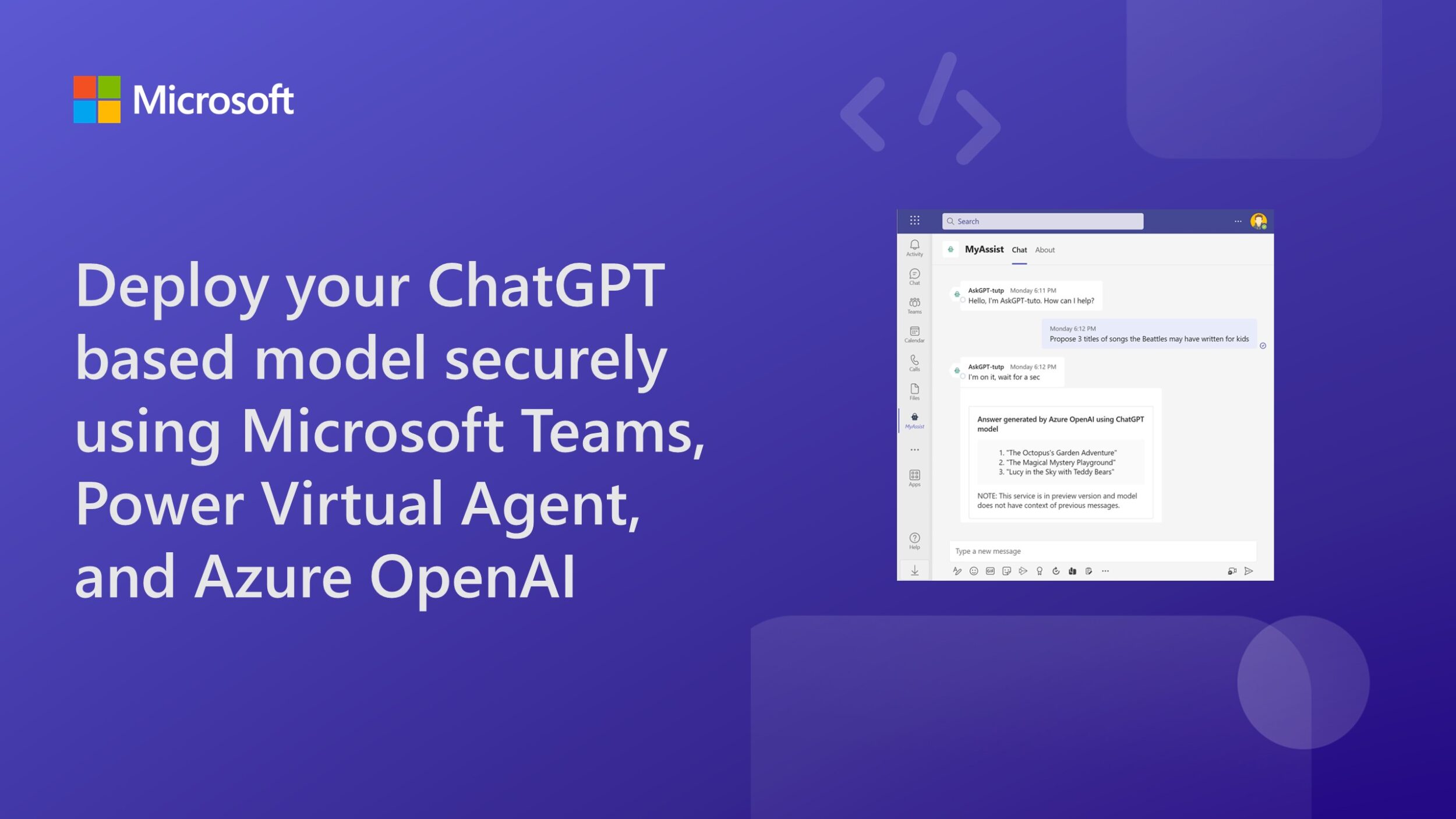
Deploy your ChatGPT based model securely using Microsoft Teams, Power Virtual Agent and Azure OpenAI

This article describes different options to implement the ChatGPT (gpt-35-turbo) model of Azure OpenAI in Microsoft Teams.
You can now use Microsoft Kiota within Visual Studio Code

We are happy to announce that Microsoft Kiota, our code generator for REST HTTP APIs described by OpenAPI, is now available on Visual Studio Code as an extension.

License management capabilities for Independent Software Vendors’ (ISV) SaaS apps in Microsoft Teams

To help streamline the license management experience, we are now offering a new capability for ISVs to choose to offload the license management capabilities directly in Microsoft Teams.
Build a developer assist dashboard using Teams Toolkit for Visual Studio Code v5.0 pre-release
In this tutorial, we will cover how to build a developer assist dashboard for Microsoft Teams using Teams Toolkit for Visual Studio Code and integrate GitHub, Azure DevOps, and Planner widgets.
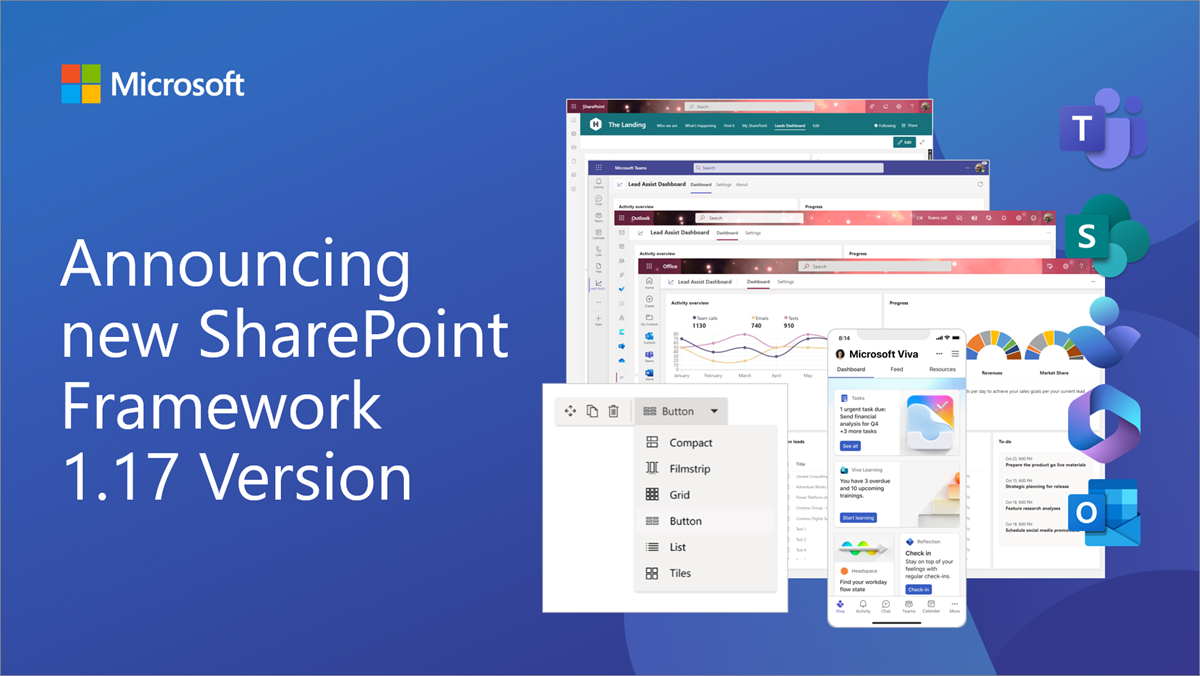
Announcing SharePoint Framework 1.17 with updates for Microsoft Teams, Microsoft Viva and SharePoint
We are excited to announce a new public version of the SharePoint Framework, v1.17, with new features, capabilities and fixes for Microsoft Viva, Microsoft Teams and SharePoint.
Skype for Business usage reports deprecation in Microsoft Graph production and beta endpoints
Today we are announcing the deprecation of all Skype for Business usage and active users reports in Microsoft Graph v1.0 and beta endpoints starting April 30, 2023.

Top five AppSource validation errors for Office Add-ins submissions – March 2023
AppSource validation ensures your Office Add-in submission follows Microsoft’s high-quality standards. Learn how to avoid these common validation pitfalls!
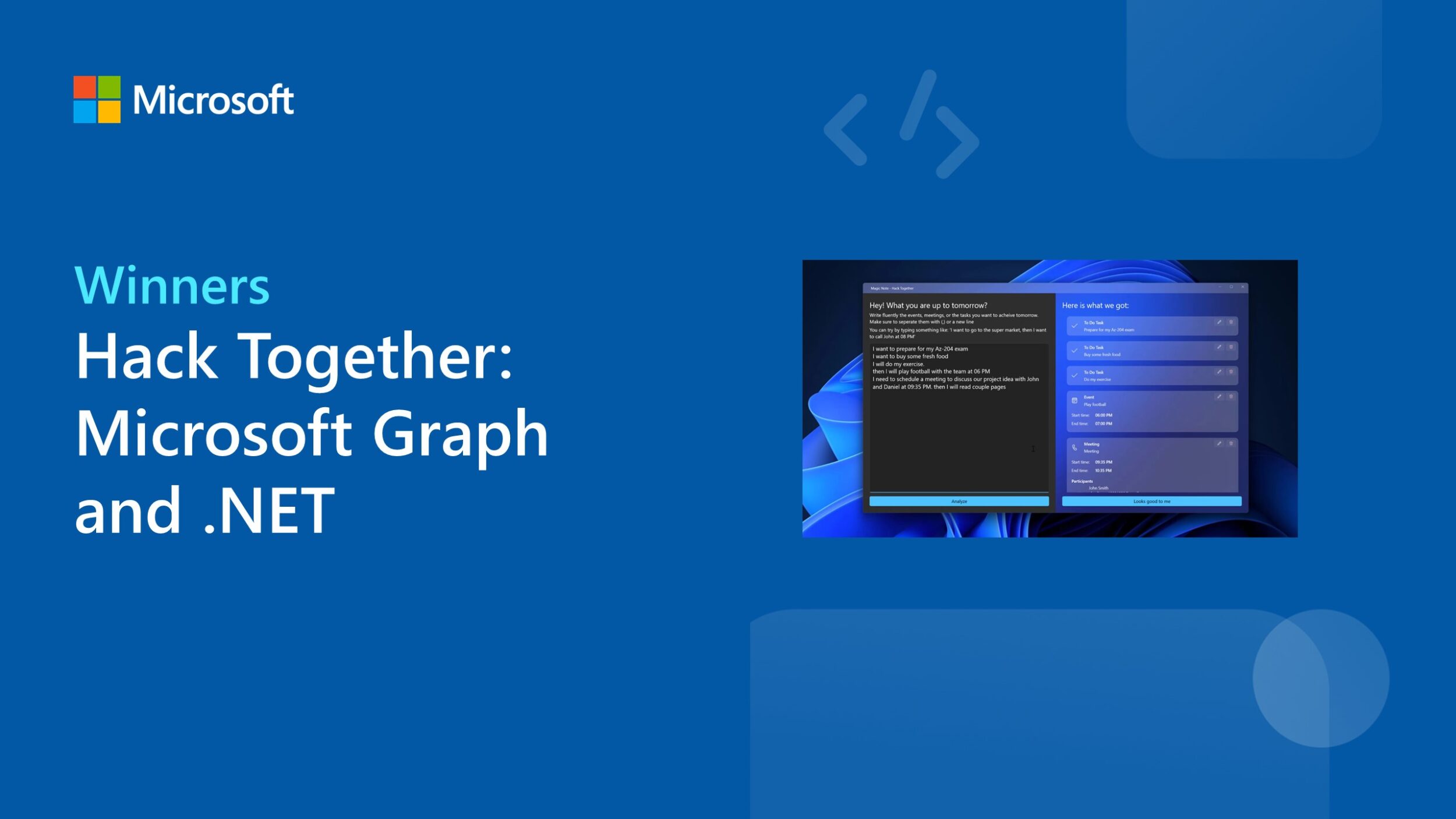
Announcing the Hack Together: Microsoft Graph and .NET winners
We’re excited to announce the winners of Hack Together: Microsoft Graph and .NET. It was inspiring to see the variety of submissions!
Microsoft Graph Developer Proxy v0.6 with monitoring, rate limiting and paging guidance
Build resilient and performant apps with the latest preview version of the Microsoft Graph Developer Proxy. We’re excited to introduce support for monitoring specific processes, rate limiting and more!
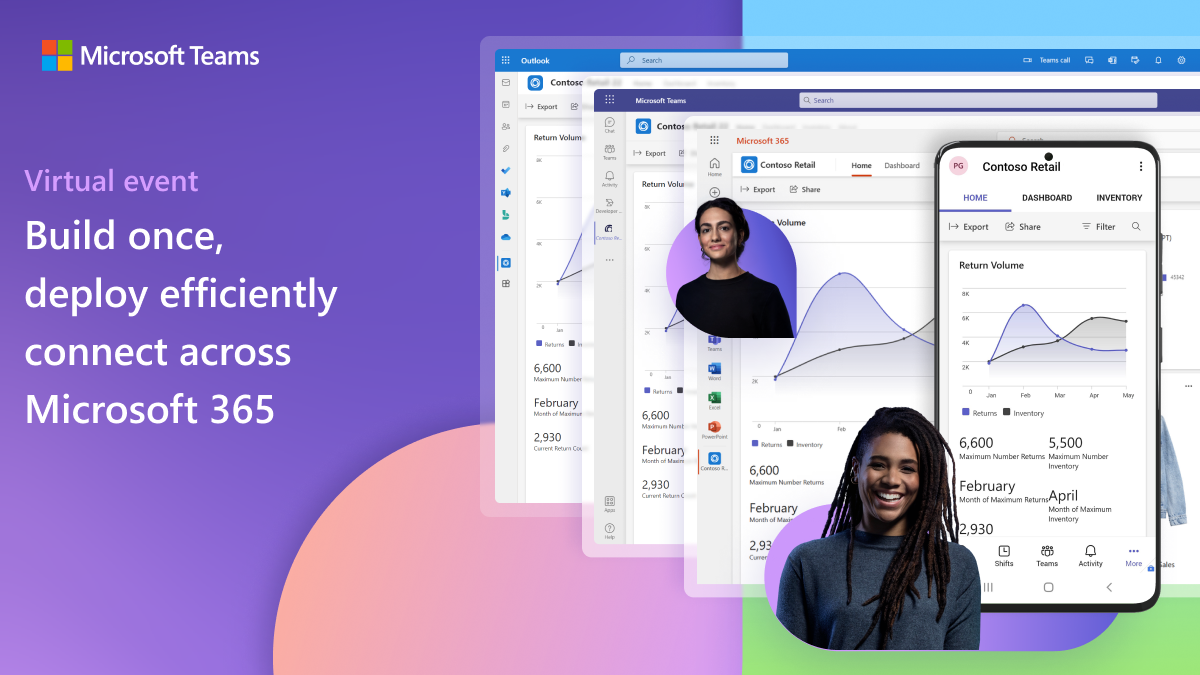
Build once, deploy efficiently, connect across Microsoft 365
Learn about our announcements in our special virtual event showcasing new capabilities for developers to extend Microsoft Teams apps across Microsoft 365.
Create a Teams tab and Outlook Add-in with a Hello World project
In just minutes, you can easily create a Hello World project with both Microsoft Teams tab and Outlook Add-in elements backed by a single unified app manifest.
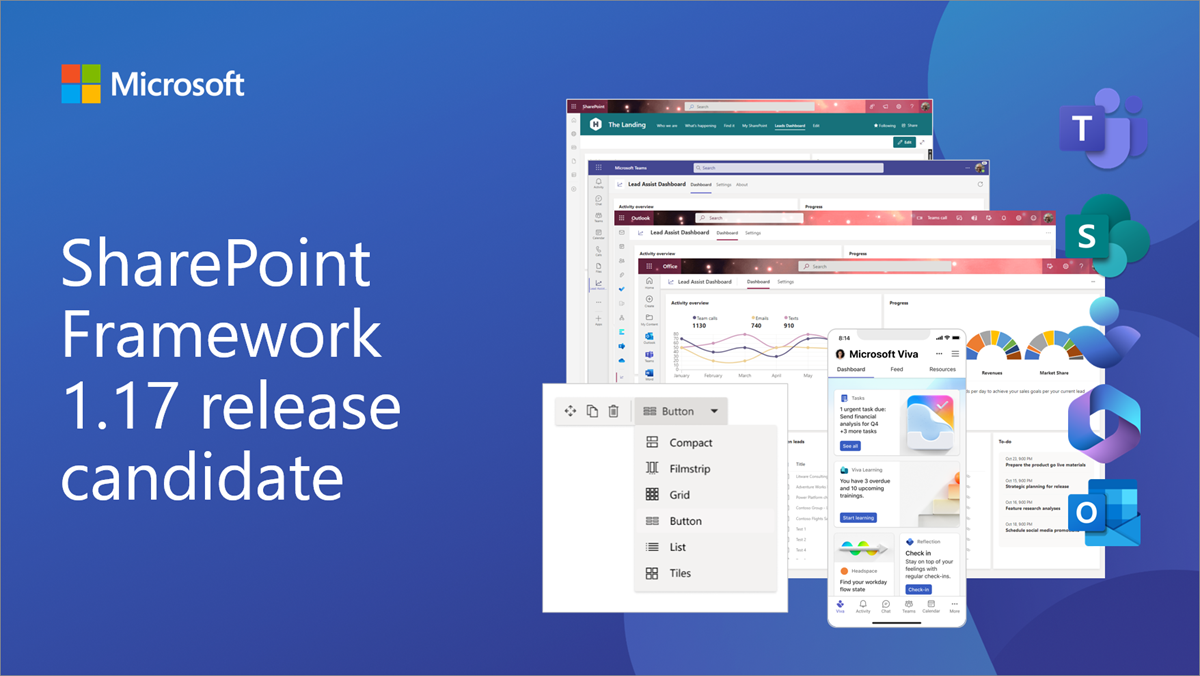
Announcing SharePoint Framework 1.17 release candidate
We are excited to announce a release candidate of the SharePoint Framework (SPFx) 1.17 – with updates for Microsoft Viva, Microsoft Teams, Outlook, Microsoft 365 app and SharePoint Online experiences.

Build custom communication experiences with Azure Communication Services UI Library for Microsoft Teams users

The Azure Communication Services UI Library now supports the ability for developers to use a Microsoft Teams identity to power their calling experience.
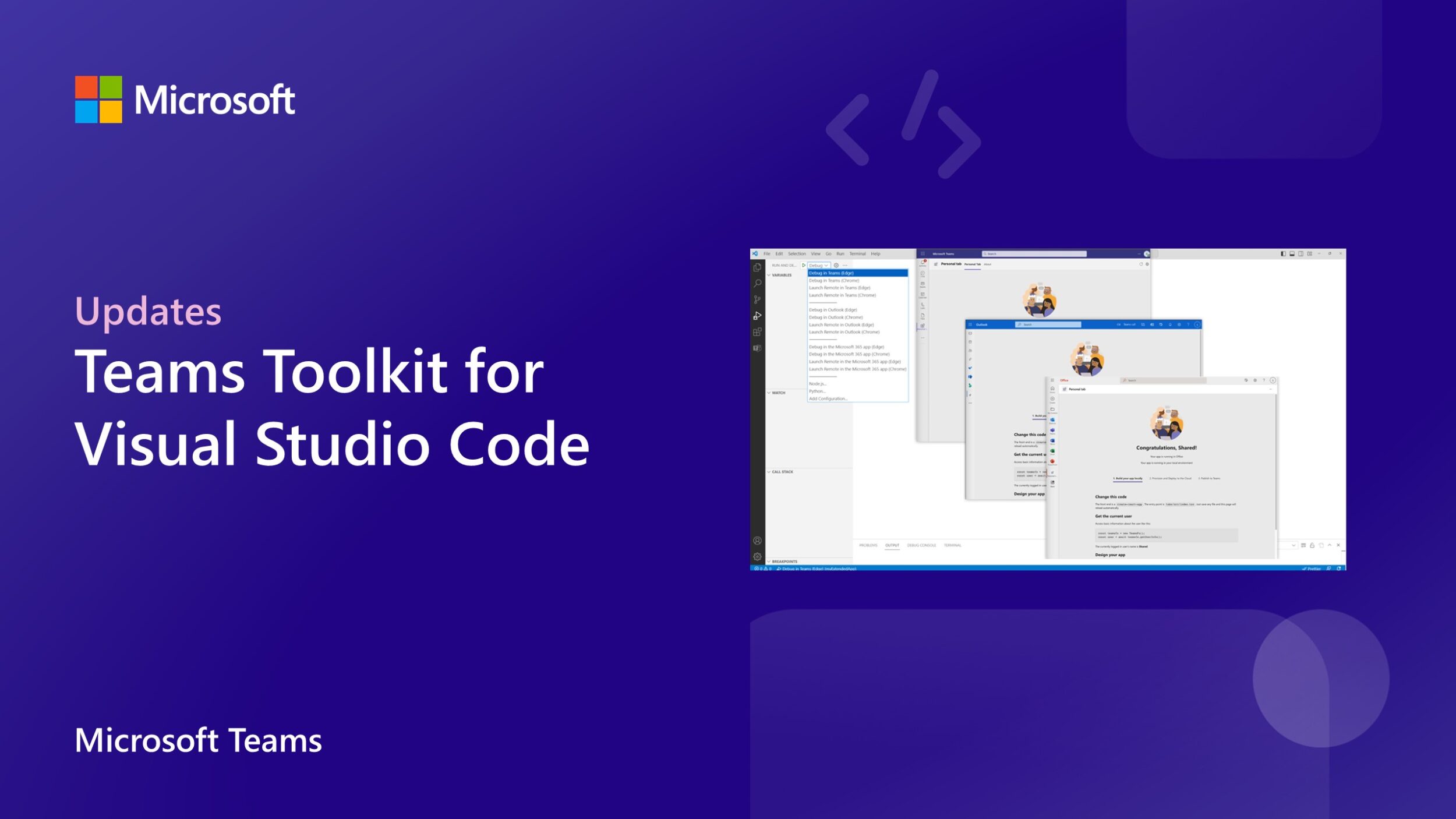
Teams Toolkit for Visual Studio Code update – March 2023
In this update, we will bring you what’s the latest with Teams app development using Teams Toolkit for Visual Studio Code.
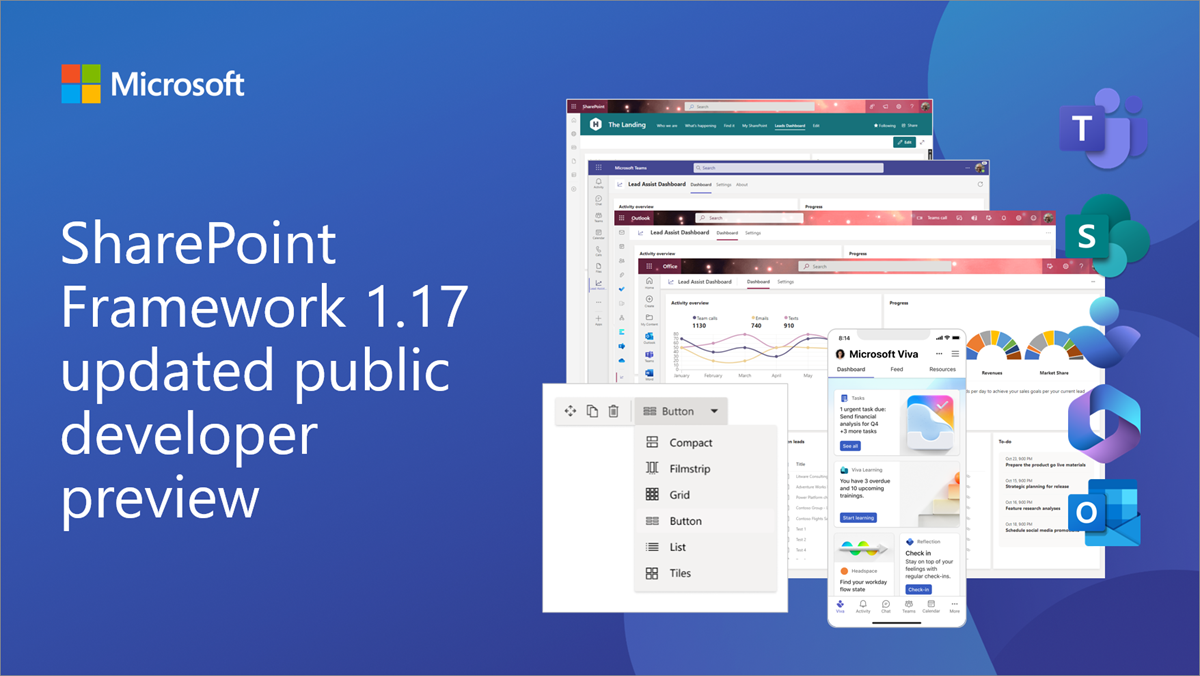
Updated public preview of SharePoint Framework 1.17 – Preview on upcoming features
We are excited to announce updated preview (beta 3) of the upcoming SharePoint Framework 1.17 with updates for Microsoft Teams, Microsoft Viva, SharePoint and more.
Tailored SDK experiences via Kiota now generally available
We’re happy to announce Kiota, our code generator for HTTP APIs described by OpenAPI, is available to all developers that want to focus on calling APIs in consistent, robust and reliable way, without having to worry about the messy details of constructing HTTP requests.
Microsoft Teams App Camp in a Box is now available
We're pleased to announce the release of “App Camp in a Box”, which includes all the materials needed to run your own App Camp workshop.
Recent changes to data visibility for Microsoft Graph callRecords APIs
Learn about the changes to how Microsoft handles the Microsoft Teams call data that we expose via Microsoft Graph’s callRecords APIs (beta and v1.0).
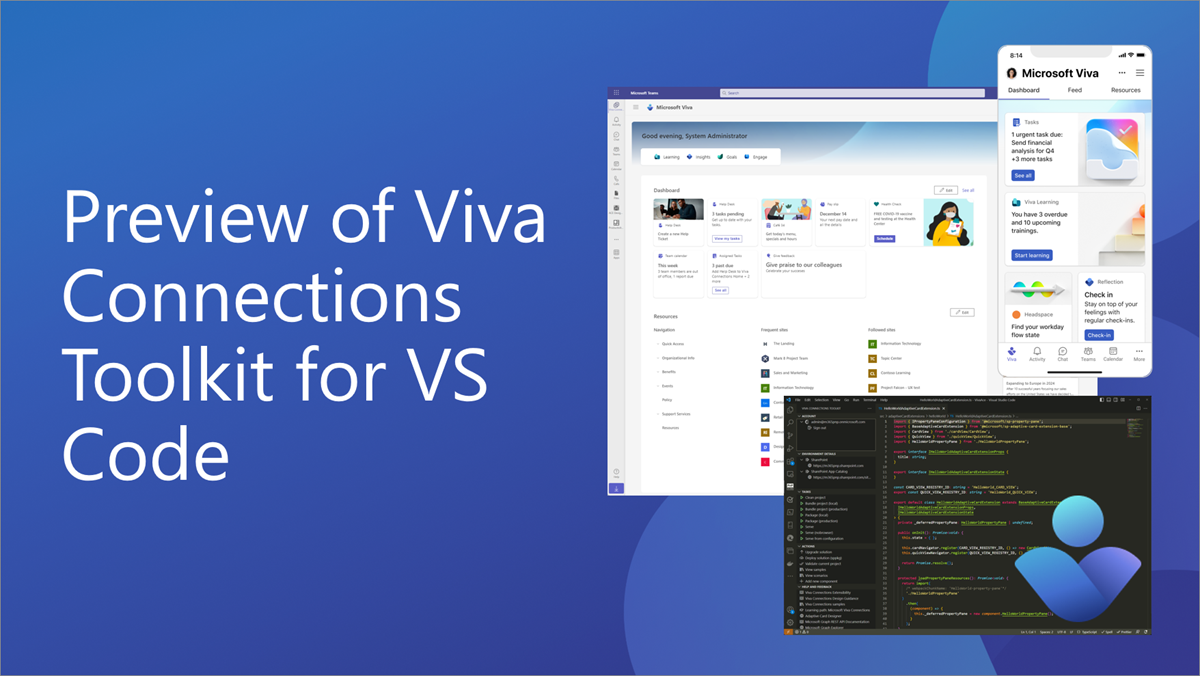
Viva Connections Toolkit for Visual Studio Code now in preview
We are excited to announce preview of new Viva Connections Toolkit for VS Code for improving SPFx developer experiences in Visual Studio Code.

Hack Together: Microsoft Graph and .NET week 2 recap and final week overview
On March 1st, we launched “Hack Together: Microsoft Graph and .NET” to hack and learn about Microsoft Graph and .NET. Time passes so quickly; we've reached the last week of our hack!
Announcing Microsoft Graph Toolkit v3.0 preview-1
Today, we’re excited to announce the first release of a series of previews for the Microsoft Graph Toolkit towards our v3.0 release.
Microsoft Graph .NET SDK v5 is now generally available
Take advantage of a fluent API and models that support retry handling, secure redirects, batching requests, large file management and more with the Microsoft Graph .NET SDK v5, now generally available.
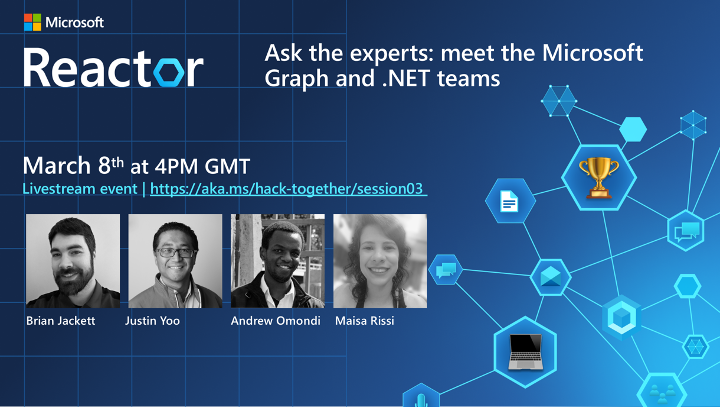
Hack Together: Microsoft Graph and .NET week 1 recap and what’s coming
Last week we launched “Hack Together: Microsoft Graph and .NET” - a virtual hackathon all about building apps with Microsoft Graph and .NET. Here’s what happened last week and what’s still to come.
Teams Toolkit for Visual Studio Code v5.0 pre-release
We're excited to share a pre-release of the next version of Teams Toolkit for Visual Studio Code to better customize the development process.
New Microsoft Graph Planner API capabilities now available


We are pleased to announce that the new Planner API capabilities are now available in Microsoft Graph, in response to some of our top customer requests.
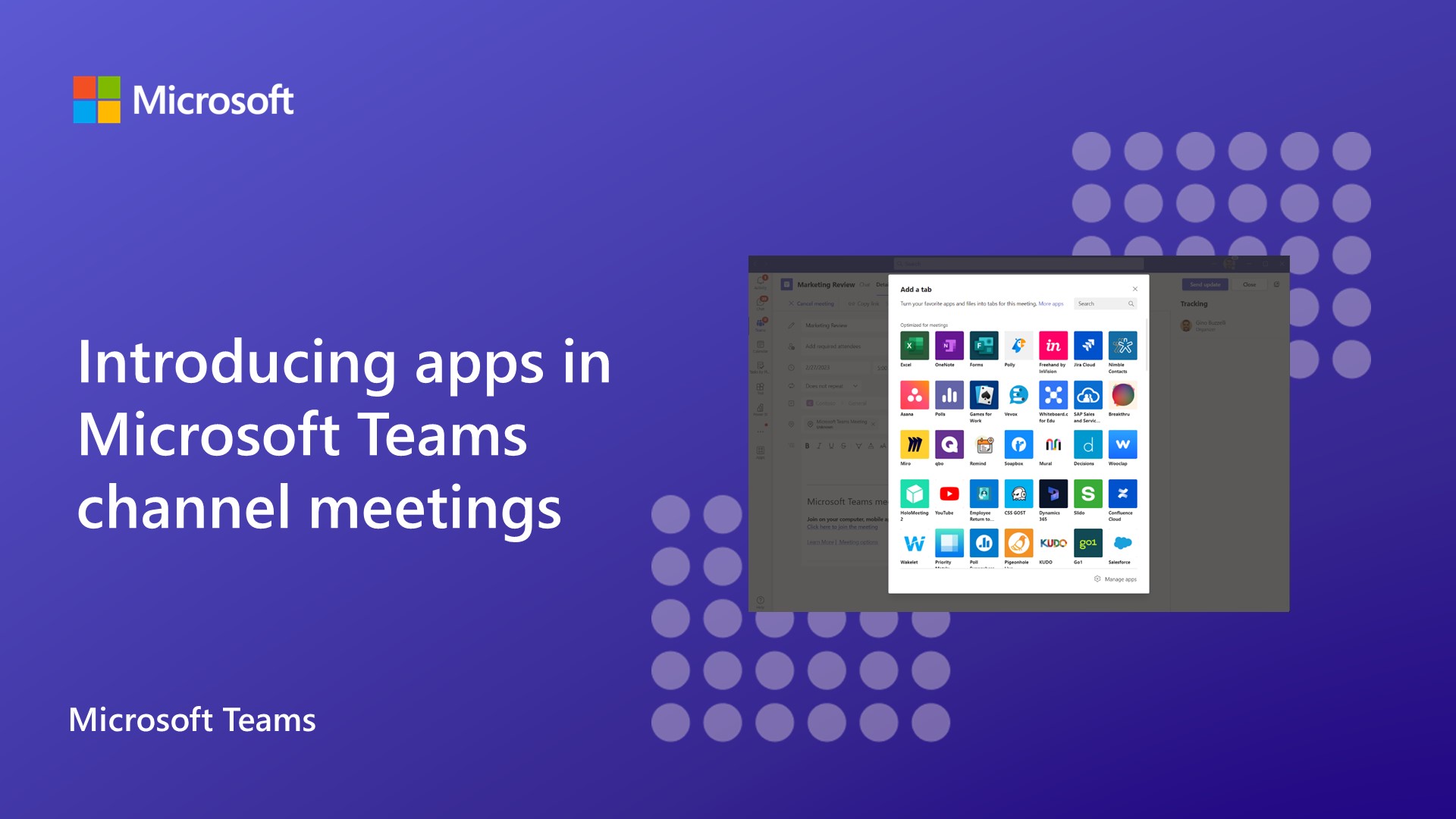
Introducing apps in Microsoft Teams channel meetings general availability
We are thrilled to announce that on March 6th, we will begin the general availability rollout of Teams meeting apps in channel meetings, empowering teams to collaborate more effectively and increase meeting productivity.
Microsoft Graph Developer Proxy v0.5 with execution summary and recording mode
Build resilient and performant apps with the latest preview version of the Microsoft Graph Developer Proxy. In this new version, we’re excited to introduce support for recording requests, a new execution summary, and a shortened executable name for more convenient use. Download Microsoft Graph Developer Proxy v0.5 and check if your apps properly handle API errors. Record request logs With Developer Proxy, you can easily simulate elusive API errors and get guidance on how to improve your API requests and the performance of your apps. We offer this guidance in real time as we’re seeing API requests pass thr...

Microsoft Graph To Do API will be available for GCC High and DoD

We are excited to share that the Microsoft Graph To Do API will begin rolling out for both GCC High and DoD users, starting in early to mid-March 2023.
New capabilities available in Microsoft Graph To Do APIs

We are thrilled to announce new capabilities like application permissions support, attachment support and ‘startDateTime’ property on To Do task APIs.
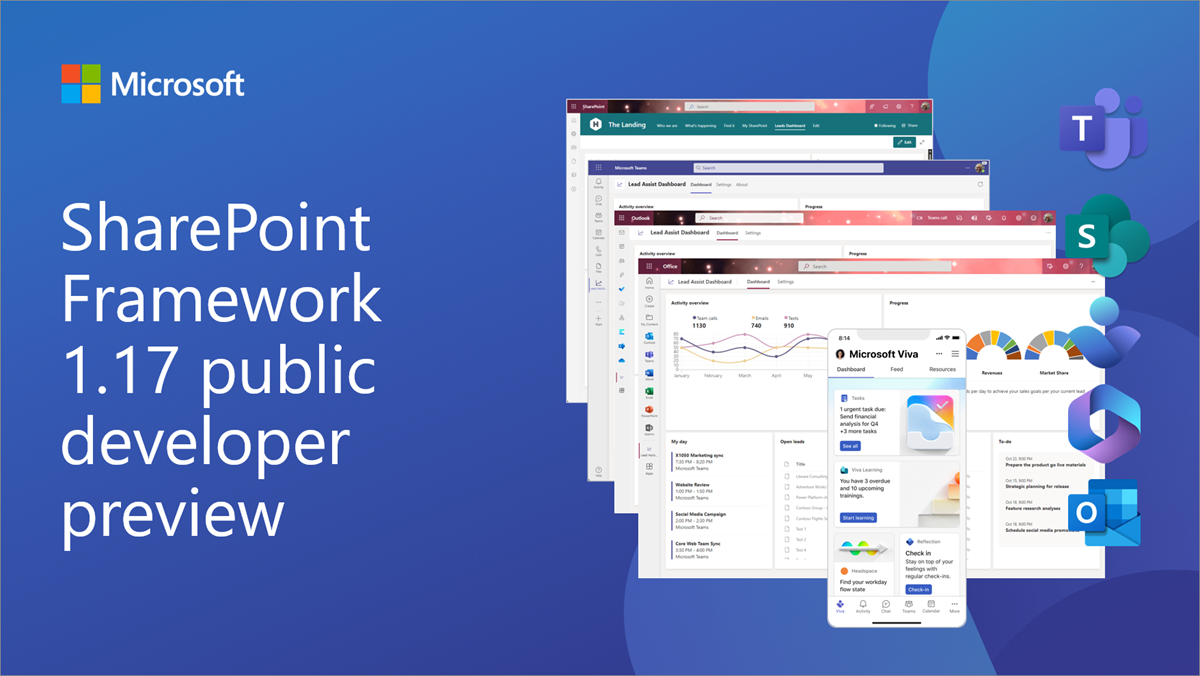
Public preview of SharePoint Framework 1.17 – First release of upcoming features
We are excited to announce the first preview of the upcoming SharePoint Framework 1.17 with updates for Microsoft Teams, Microsoft Viva, SharePoint and more.
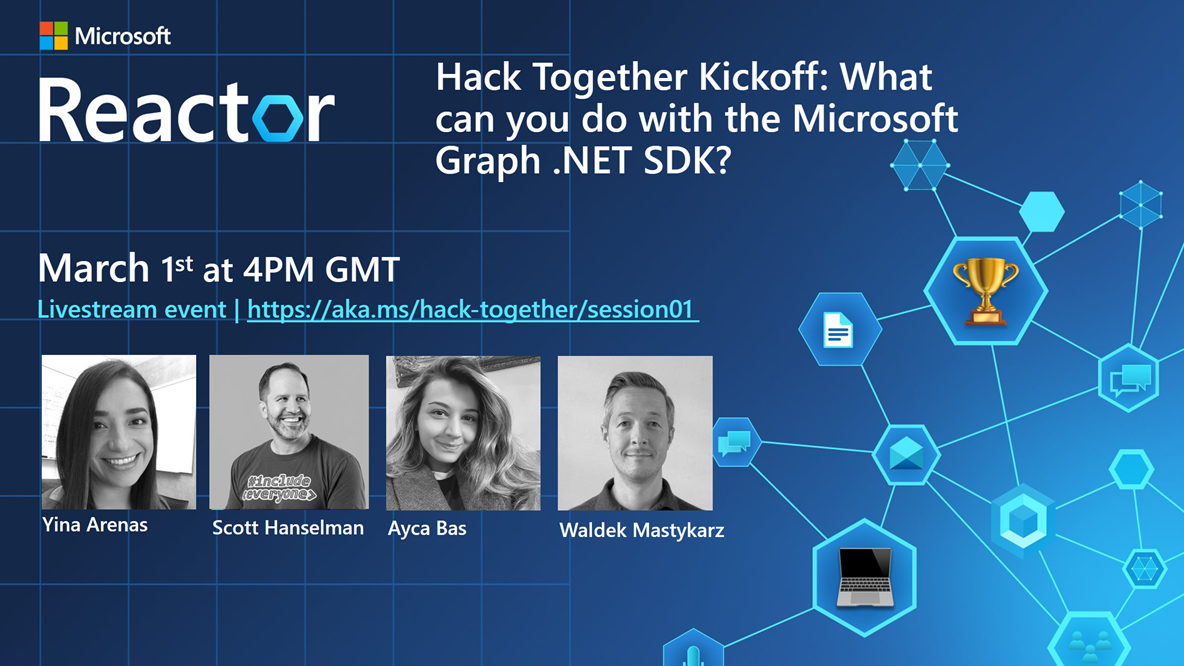
Get ready for the first week of Hack Together: Microsoft Graph and .NET 🦒
Hack Together is a hackathon for beginners to get started building apps with Microsoft Graph and .NET. In this hackathon, you will kick-start learning how to build apps with Microsoft Graph and develop apps based on the given Top Microsoft Graph Scenarios, for a chance to win exciting prizes. Check out our announcement post to learn more about the hack: Join us for Hack Together: Microsoft Graph and .NET Hack Together will run online from March 1-15, 2023. Hear from our team – why you should join us. Register today! What’s happening in week 1 of Hack Together? In the first week of Hack Together, we’ll host...
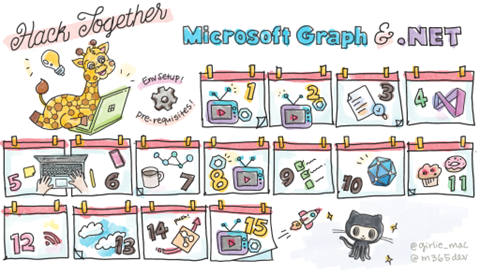
Join us for Hack Together: Microsoft Graph and .NET
Join us for a virtual hackathon, March 1-15, 2023 to learn how to build powerful apps with Microsoft Graph and .NET. And a chance to win exciting prizes!
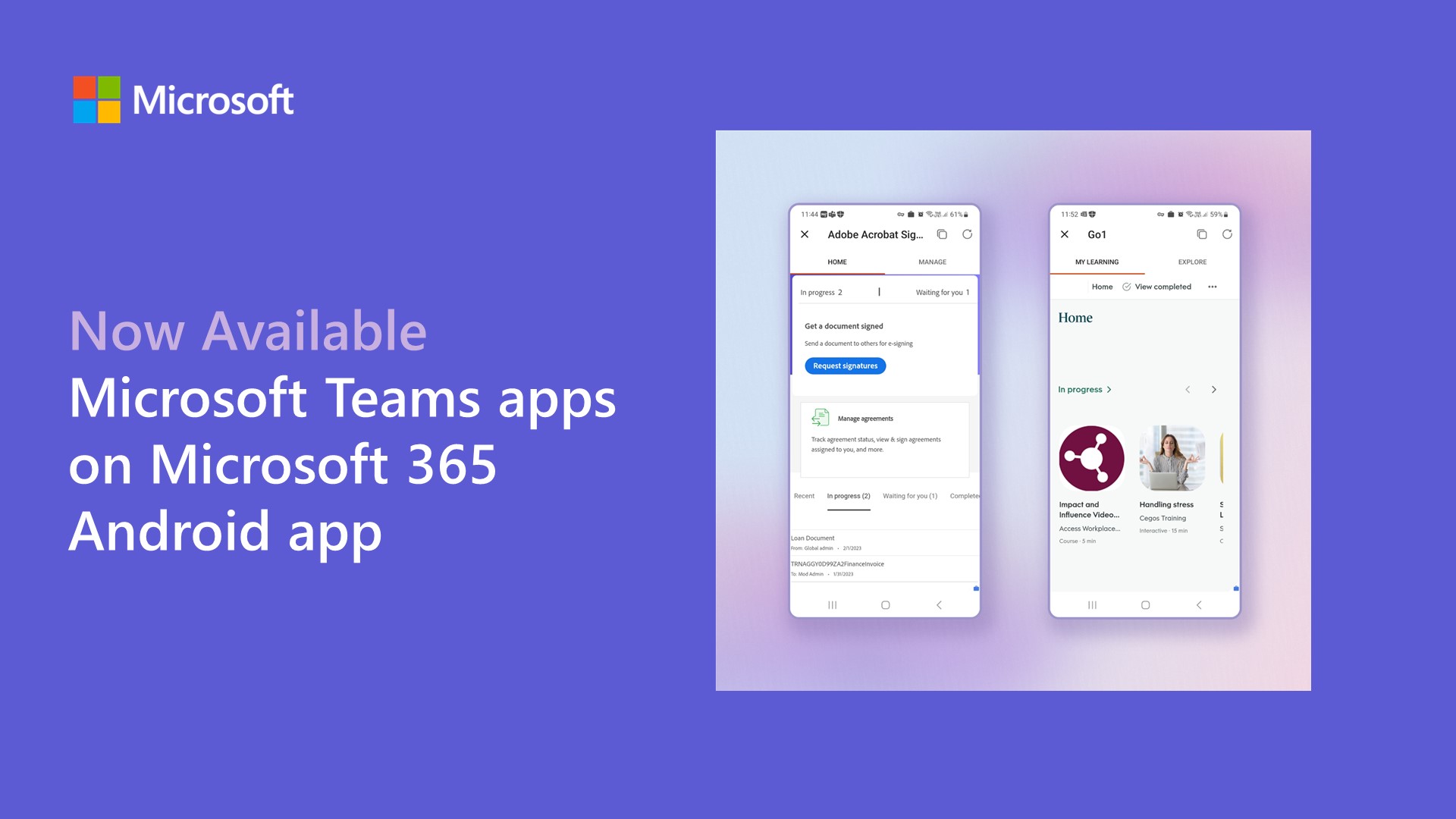
Microsoft Teams apps are now generally available on Microsoft 365 Android app

At Ignite 2022, we announced the preview of Microsoft Teams apps on Microsoft 365 (Office) Android app. We’re excited to announce this feature is now generally available.
Write simpler code with the new Microsoft Graph .NET SDK v5
Today, we’re announcing the release candidate of Microsoft Graph .NET SDK version 5.0 that includes features to enhance your development experience.
From zero to hero: Build a meetings app with Azure Communication Services and Microsoft Teams – Part 2

Learn to dynamically create Microsoft Teams meetings using Microsoft Graph and Azure Communication Services.
Learn how to develop apps for Microsoft Teams using Teams Toolkit in Visual Studio Code
Check out our NEW learning path on Microsoft Learn that will guide you with hands-on exercises on how to use Teams Toolkit to develop, test, and deploy Microsoft Teams applications.
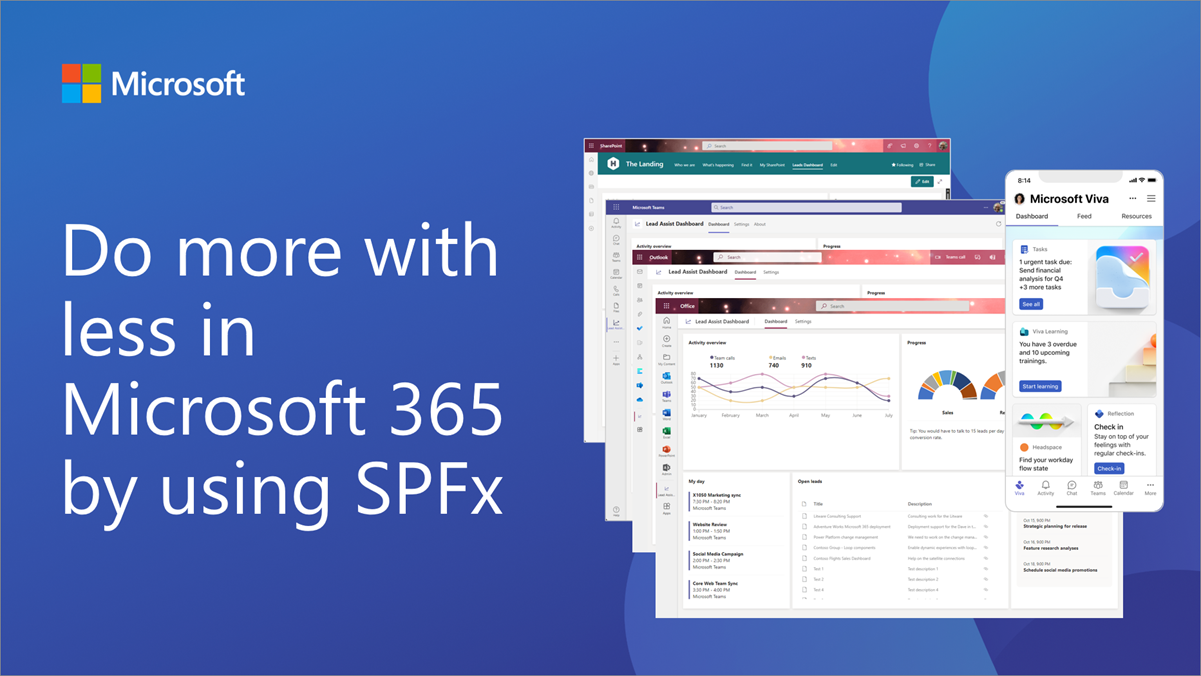
Do more with less in Microsoft 365 using SharePoint Framework (SPFx)
SharePoint Framework (SPFx) enables you to use the same code across the different services in Microsoft 365 - maximizing your development investments by enabling you to do more with less.
From zero to hero: Build a meetings app with Azure Communication Services and Microsoft Teams – Part 1
Learn about scenarios that use the building blocks for adding Teams capabilities to custom applications through Azure Communication Services, Microsoft Teams, and Microsoft Graph.

Microsoft Graph Developer Proxy v0.4 with improved output, more guidance, and plugins
Build resilient and performant apps with the latest preview version of the Microsoft Graph Developer Proxy. In this new version, we’re excited to introduce improved console output, new guidance for detecting calling beta APIs and support for custom plugins. Download Microsoft Graph Developer Proxy v0.4 and check if your apps properly handle API errors. Improved console output As we continue to add new functionality to the Developer Proxy, we appreciated your feedback that at times, it was hard to follow the different messages logged in the console. We worked together with you to make the output easier to ...
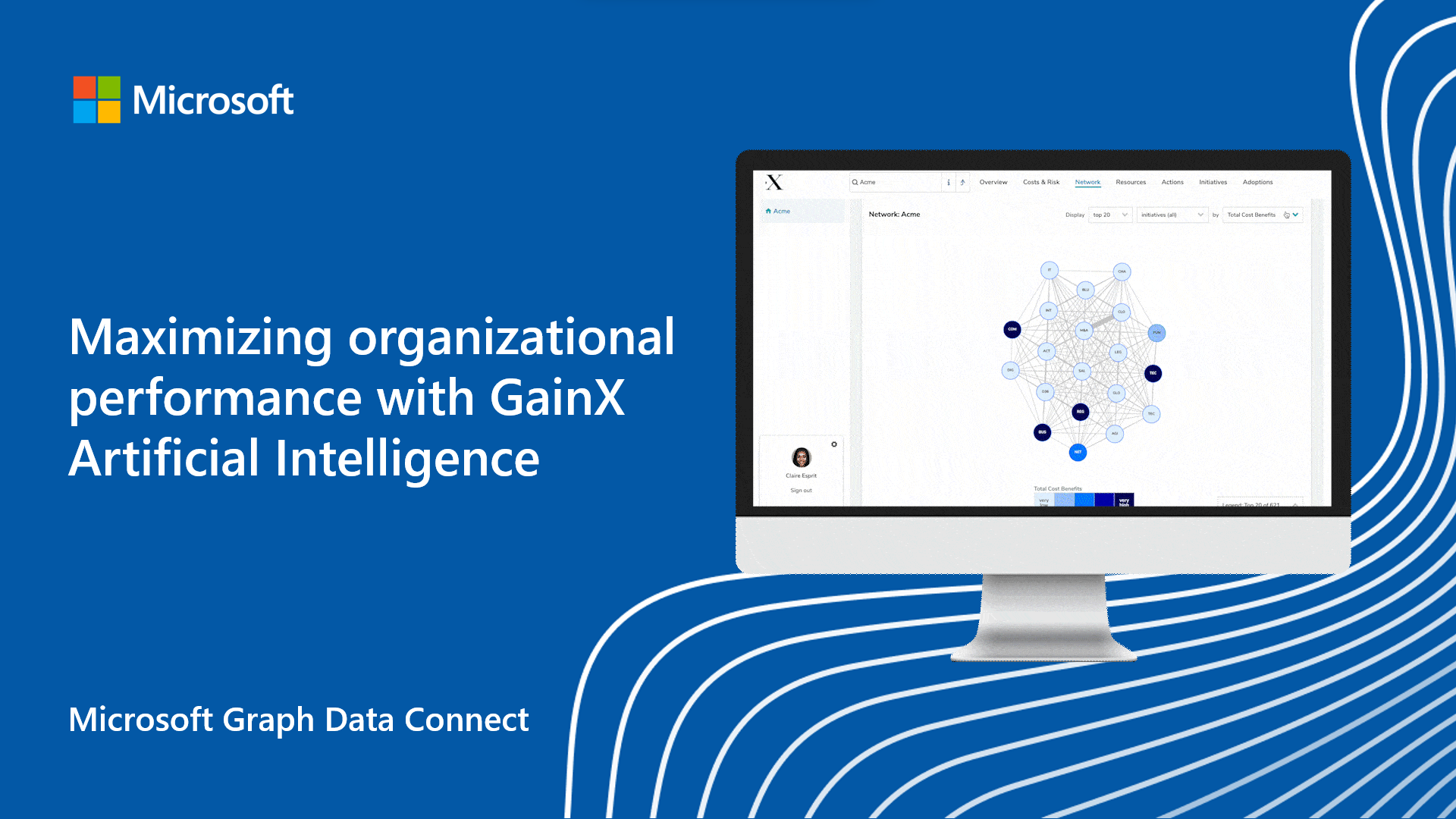
Maximizing organizational performance with GainX Artificial Intelligence and Microsoft Graph Data Connect

Microsoft teamed up with GainX to ensure leaders can make the most of their productivity investments, by leveraging powerful AI-driven insights that accelerate strategy, transformation and enable high-performing workforce.
Learn how to create Adaptive Card Extensions (ACEs) for Microsoft Viva Connections and Viva Home
We’re excited to announce a new learning module focusing on building Adaptive Card Extensions (ACEs) for Microsoft Viva Connections and for upcoming Microsoft Viva Home.
SharePoint Pages Microsoft Graph API is now available for public preview
We are excited to announce that the updated Microsoft Graph API for SharePoint Pages is now available in public preview (beta).
New Microsoft Graph Developer Proxy preview v0.3 with support for all APIs
Build resilient and performant apps with the latest preview version of the Microsoft Graph Developer Proxy.

Microsoft Graph PowerShell v2 is now in public preview, half the size and speeds up automation
Automate and manage your Microsoft 365 tenant by using the Microsoft Graph PowerShell SDK v2 that brings the Microsoft Graph API to PowerShell. The SDK v2 is now in public preview.
Top 5 AppSource validation errors for Office Add-ins submissions
In this post, we’ll share more information about what the affected AppSource policies are looking for so you can be confident your Office Add-in submission won’t hit these issues.
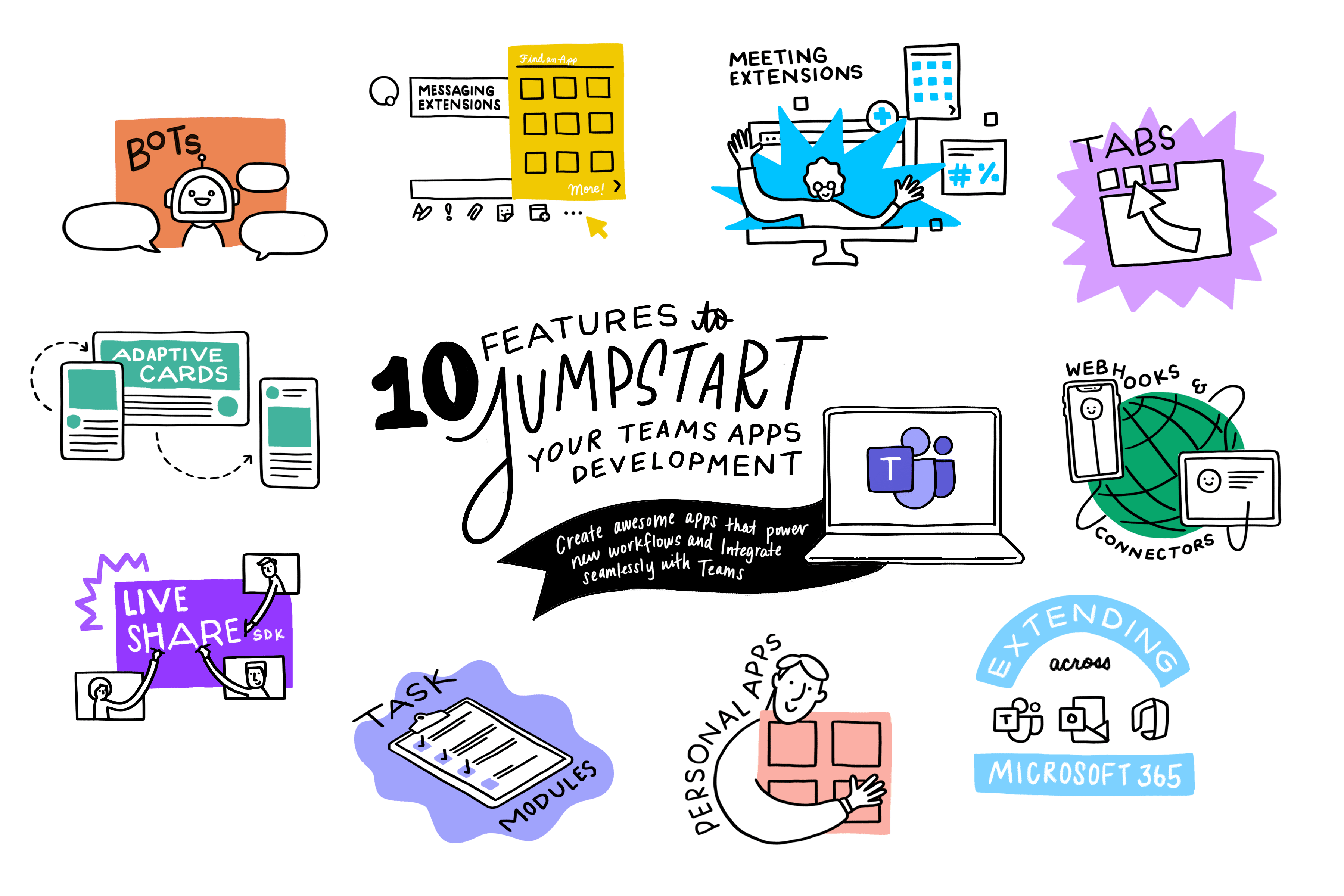
10 features to jumpstart your Microsoft Teams app development
Discover the rich capabilities from Microsoft Teams to build apps that meet users in the flow of work. Check out this list of 10 ways to jumpstart your Teams app development.
Build bots to automate repetitive workflows using Teams Toolkit for Visual Studio Code
Learn how to use Teams Toolkit for Visual Studio Code to create a Microsoft Teams app that contains a bot employees can use to place restaurant orders.
Principles for monetizing selected Microsoft 365 APIs
In this blog, we share some thoughts and principles about how we are approaching new metered services, with a pay-as-you-go model.

Introducing the Microsoft Graph Developer Proxy community preview
Based on developer feedback, we are introducing the first community preview of the Microsoft Graph Developer Proxy to improve the developer experience.
New SharePoint Framework version 1.16.1 is now available
We recently released a new SharePoint Framework 1.16 version with a great set of new features expanding SharePoint Framework across Microsoft 365.

Microsoft Graph Python SDK is now available for public preview
We’re excited to introduce the Microsoft Graph Python SDK, now available for public preview, improving the Python Core library.
Outlook REST API v2.0 and beta deprecation update
Based on customer signals and feedback from multiple partners, we are delaying the deprecation deadline to a date to be announced.
Using scripts for Microsoft Bookings calendar and mailbox

Microsoft Bookings lets enterprise organizations and small business owners manage customer bookings and information with minimal setup. Learn how to use scripts to get information about your organization’s Bookings calendars and mailboxes.

Security, governance and privacy built into Microsoft Graph Data Connect
Learn about the latest innovations in Microsoft Graph Data Connect to enable customers to build analytics applications with data security, governance, and end user privacy in mind.
App Compliance Automation Tool for Microsoft 365 is now in public preview

Today, we are happy to announce that the App Compliance Automation Tool for Microsoft 365 is now in public preview. ACAT simplifies the certification process decreasing time to achieve the Microsoft 365 certification.
Build a stock update notification bot using C# and Teams Toolkit for Visual Studio
Microsoft Teams Toolkit for Visual Studio enables you to create, debug and deploy Microsoft Teams apps to a Microsoft 365 tenant fast using a no configuration approach. Learn how to create a Stock Update Notification bot for Teams Toolkit and C# in this tutorial.
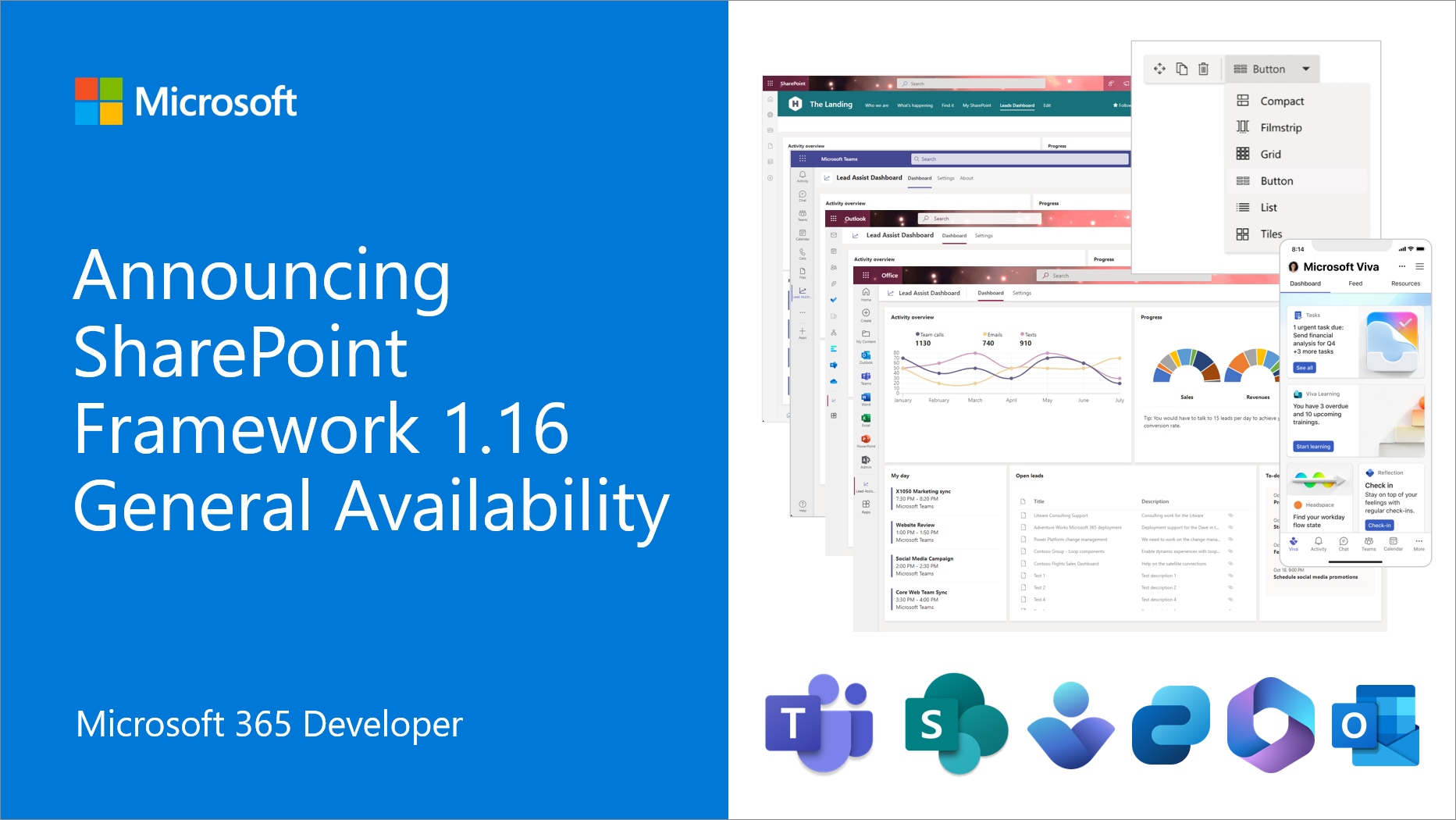
Announcing general availability of SharePoint Framework 1.16 – Enabling SPFx across Microsoft 365 platform
We are excited to announce general availability of the SharePoint Framework (SPFx) 1.16 – with updates for Microsoft Viva, Microsoft Teams, Outlook, Microsoft 365 app and SharePoint Online experiences. SharePoint Framework is the easiest way to build your enterprise solutions for Microsoft 365 with automatic single sign-on, automatic hosting and with industry standard web stack tooling. You can find the full list of release details from the following documentation: Key features in v1.16 release 📝 Publishing your SharePoint Framework solutions for Microsoft Teams, Outlook, Microsoft 365 app, M...

Breaking changes for the Microsoft Graph Insights API
Today, we’re announcing an upcoming breaking change for developers using the Microsoft Graph Insights API. The Insights API enables various partners to filter and show user centric experience for various scenarios. About the breaking change What do I need to do? Please verify if your existing code requires an update to reflect the corrected container value. The corrected mapping will enable you and other partner teams to better distinguish SharePoint sites from ODB sites. This change will go into effect at the end of November 2022. Resources

Customizing F5 debugging in Teams Toolkit for Visual Studio Code

Teams Toolkit introduced some new features to improve your debugging experience, including Prerequisite Checker and Customizing Debug Settings. You can now customize the debugging experiences even more!

Announcing SharePoint Framework 1.16 release candidate
We are excited to announce an updated preview of the SharePoint Framework (SPFx) 1.16 – with updates for Microsoft Viva, Microsoft Teams, Outlook, Microsoft 365 app and SharePoint Online experiences.
Announcing the new SharePoint Pages API in Microsoft Graph
We are pleased to announce significant updates to the SharePoint Pages API in Microsoft Graph. This new version of the pages API is a great step forward on the capabilities supported in the Microsoft Graph.
Roll A Dice! Building a command bot for Microsoft Teams using Teams Toolkit with Visual Studio Code
Previously, in Beginners’ crash course to build apps for Teams using Teams Toolkit for Visual Studio Code, Rabia and Zhidi explained new features in Teams Toolkit and how the tool simplifies your experience. In this tutorial, I will show you a practical example by walking you through how to build a command bot. We are going to build a dice bot, which returns a random number between 1 and 6, when a user sends a command, "dice". So, let's get started! 🎲 🔧 Setting up If this is your first-time using Teams Toolkit, please first go to this tutorial, Using VS Code Teams Toolkit Extension for Teams App Development,...
Microsoft 365 Developer Program instant sandbox update
Microsoft 365 Developer Program members who created an instant sandbox on or after September 30, 2022, may be unable to sign into their subscription with their admin accounts because they have expired.

Ignite 2022: Highlights for Microsoft Teams app builders
Last week at Ignite 2022, we shared new capabilities and improvements to the Microsoft 365 developer platform, designed to help you integrate workflows and collaboration patterns across Teams, Outlook and Office.com. Check out our “highlight reel” what's new.
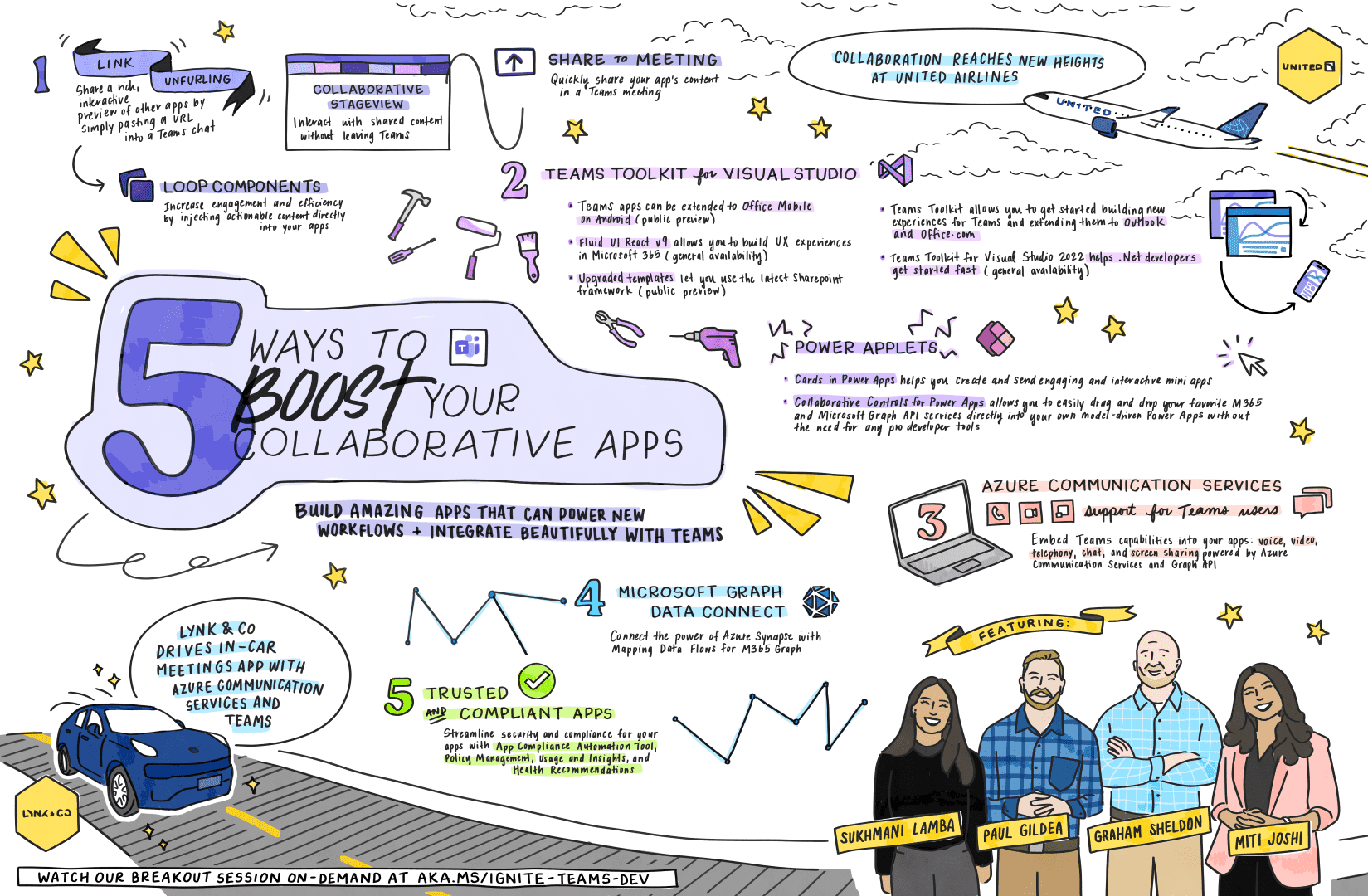
5 ways to boost your collaborative app development
Learn about the top five takeaways to help you boost your collaborative app development with the Microsoft 365 platform tools and technologies.
Removal of SPHome APIs from SharePoint Online
Microsoft is adjusting access to the APIs used to interact with the SharePoint start page. To ensure proper use and supportability, we are making a change to minimize use of these APIs.
Prevent throttling in your application by using RateLimit headers in SharePoint Online
SharePoint Online uses throttling to maintain optimal performance and reliability of the SharePoint Online service. Learn more about throttling in this blog.
Join the 30 Days of Microsoft Graph Challenge
30 Days of Microsoft Graph is a gamified learning experience for beginners to challenge themselves on building apps with Microsoft Graph and JavaScript based on the top Microsoft Graph scenarios.
Ignite 2022: Transforming collaboration with low and pro code dev tools
Learn about our Ignite 2022 announcements, from pro code to low code, to help you build apps that are collaborative by design, meeting users right in the flow of work.
Want to embed Microsoft Teams in your app? Here’s how

Get details on the building blocks to create a collaborative app, powered by Microsoft Teams, Azure Communication Services and the Microsoft Graph API.
Scale access to Microsoft 365 data with Microsoft Graph Data Connect
Learn about the latest innovations for Microsoft Graph Data Connect, including our streamlined data engineering pipeline, templates, and datasets.

Boost your Microsoft Teams app experience with new link unfurling capabilities
Links are one of the most popular forms of content shared in Microsoft Teams today. We are investing deeply in this space to enable rich discovery and content collaboration experiences, with link unfurling at the center of these workflows.
App Compliance Automation Tool for Microsoft 365 launching in public preview
We are excited to announce public preview of the App Compliance Automation Tool for Microsoft 365 to simplify the certification process is coming in November.
Announcing updates to Microsoft Teams API in Microsoft Graph

Today, we're pleased to announce the general availability of several new features to the Microsoft Teams API in Microsoft Graph, including interactive messaging APIs to read and send Microsoft Teams messages.
What’s new for Office Add-ins at Ignite 2022
The blog covers the latest Office Add-ins announcements with our developer and IT admin community. These new features will help you create solutions so you can do more with less.

Announcing updates to the Planner API in Microsoft Graph
Learn about the new capabilities coming soon to the Planner API in Microsoft Graph including Business Scenarios and application permissions.
Raise the bar for your app: Get Microsoft 365 Certified
The Microsoft 365 App Compliance Program is a two-step approach to app security and compliance. Each tier builds upon the next, giving users the confidence they need while using apps in the Microsoft 365 ecosystem.
Beginners’ crash course to build apps for Teams using Teams Toolkit for Visual Studio Code
Zhidi Shang and Rabia Williams demystify Teams Toolkit for Visual Studio Code to build apps for Microsoft Team by deep diving into various features available that simplify the developer experience.
Join us at Microsoft Teams App Camp on October 20, 2022
Are you interested in extending your application to Microsoft Teams and monetizing it in the Teams App Store and Microsoft AppSource? Join our Microsoft Teams App Camp event to learn how!

Link unfurling public preview in Outlook
We are excited to announce public preview for Link unfurling in Outlook so users can now insert a link, and have it expanded into a rich actionable preview card allowing recipients to get additional context on the link and complete their workflows in Outlook, without context switching.
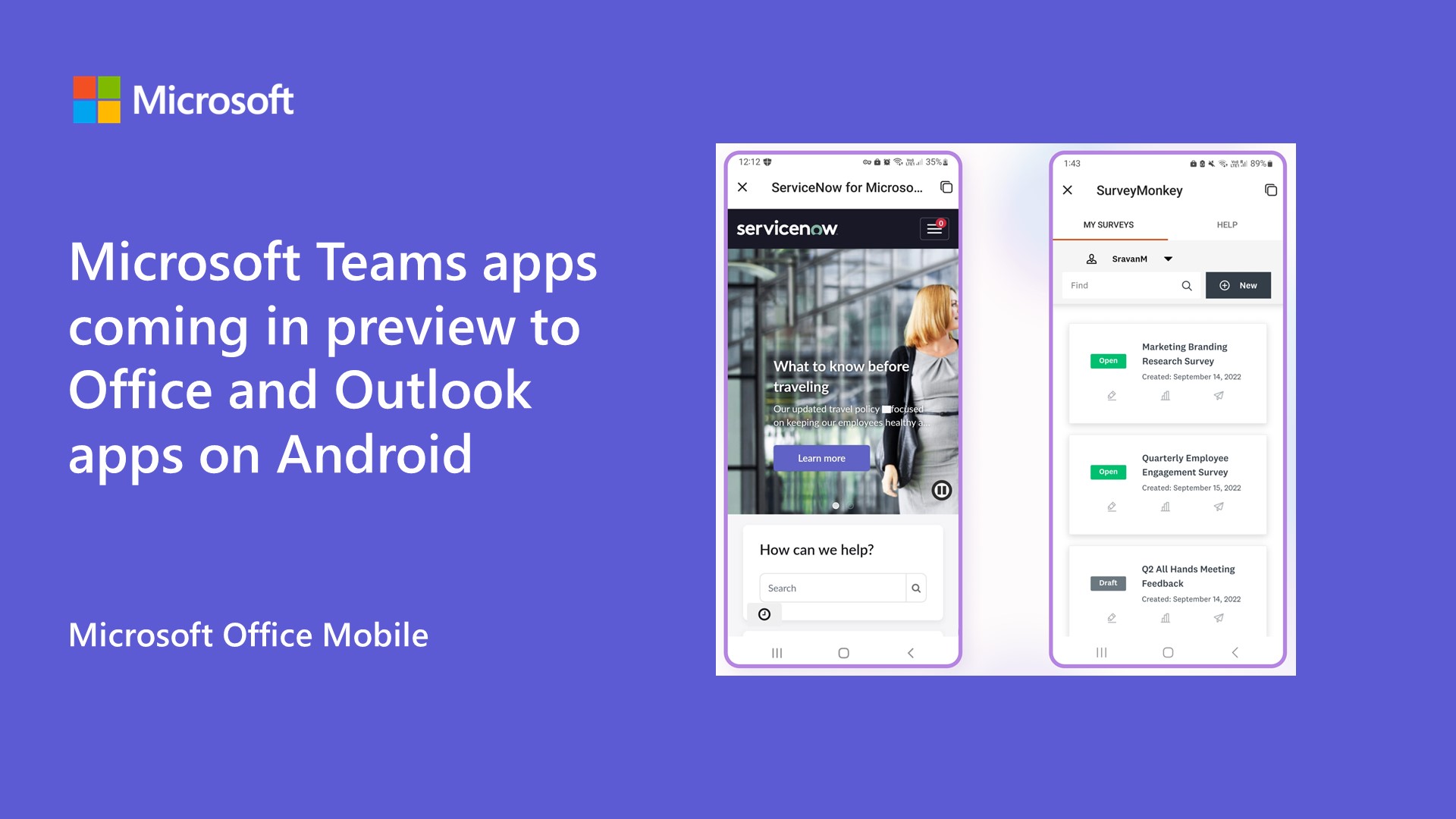
Microsoft Teams apps coming in preview to Office and Outlook apps on Android
You can now run Microsoft Teams personal tab apps on Microsoft Office apps on Android by joining our beta program.

Build a stock update notification bot for Microsoft Teams using Teams Toolkit for Visual Studio Code
Learn how Microsoft Teams Toolkit helps simplify and accelerate your Microsoft Teams app development by building a bot that obtains data from an external API and sends a rich message using an Adaptive Card into Microsoft Teams.

Priority Matrix improves user activation through Universal Actions for Adaptive Cards
Priority Matrix leverages Microsoft Graph endpoints and connectors to integrate with Microsoft Teams and Outlook to help employees focus on high-impact work, increase productivity, and become more efficient.

Start your journey to becoming a Microsoft 365 developer
There has never been a better time to start your journey to becoming a Microsoft 365 Developer. Learn about the tools and resources to help you get started.

Account linking with Microsoft Teams single sign-on

Learn what Microsoft Teams single sign-on means and take a look at a sample we’ve built to help you use Teams SSO with your Identity Provider (IDP).
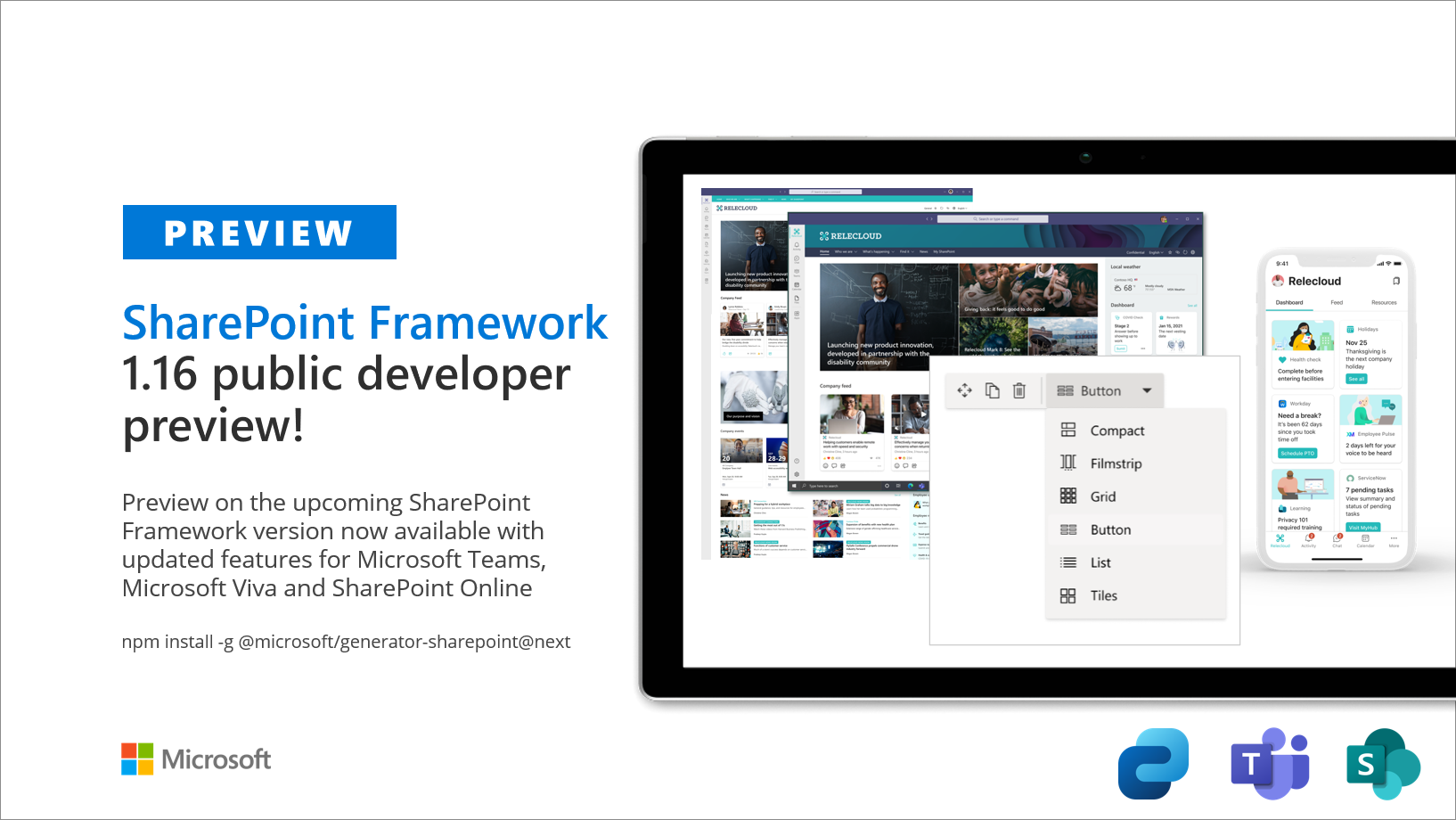
Public preview of SharePoint Framework 1.16 – First release of upcoming features
We are excited to announce the availability of first public preview of the SharePoint Framework (SPFx) 1.16 – with updates for Viva Connections, Microsoft Teams and SharePoint Online experiences. This is baseline release for the upcoming 1.16 and you can expect much more new features within upcoming preview releases before version is officially ready for production use. We are working on getting the General Availability (GA) version published within the second half of calendar year 2022. Like with the previous preview releases, our objective is to provide more insights on the upcoming features and to provide o...

Introducing Microsoft Teams App Camp
Learn how to build applications for Microsoft Teams, and how to sell them in the Microsoft Teams App Store in the Microsoft Teams App Camp, which launches today at https://aka.ms/app-camp!
How Cloud Storage Partners integrate their services with Microsoft Teams and Office
Today we’re announcing several new ways for Cloud Storage Partners to integrate their services with Office and Teams.

Build a productivity dashboard with Microsoft Teams Toolkit for Visual Studio
Follow this tutorial to build your first Teams tab with ASP.NET Core and Teams Toolkit for Visual Studio to boost productivity, now generally available!
New features in Microsoft Graph To Do APIs and retirement of the Tasks (Beta) API
Learn about the new features in To Do tasks API and the retirement of the Tasks (Beta) API in Microsoft Graph.

Updates on controlling app specific access on specific SharePoint sites (Sites.Selected)
Learn about updates about Sites permissions in Microsoft Graph using Sites.Selected for legacy SharePoint APIs, and the availability and supported status of this feature.
Upcoming changes to data visibility for Microsoft Graph callRecords APIs
Changes are coming in August 2022 to how Microsoft handles the Microsoft Teams call data that we expose via Microsoft Graph's callRecords APIs (beta and v1.0).

Post notifications to Microsoft Teams with .NET using Teams Toolkit for Visual Studio, now generally available
Building and extending Microsoft Teams with apps can feel overwhelming. Or maybe you’re just learning that it’s possible to extend Teams with embedded UI content, custom search, and more. There’s a lot to absorb around what Teams has to offer, and there are so many tools and technologies to help you build the right app. You might want to re-use what you’re familiar with, and if you’re anything like me, that’s .NET and Visual Studio. Keep reading this article to learn how simple it is to get started building apps for Teams using Teams Toolkit for Visual Studio. Get Teams Toolkit for Visual Studio, now generally ...
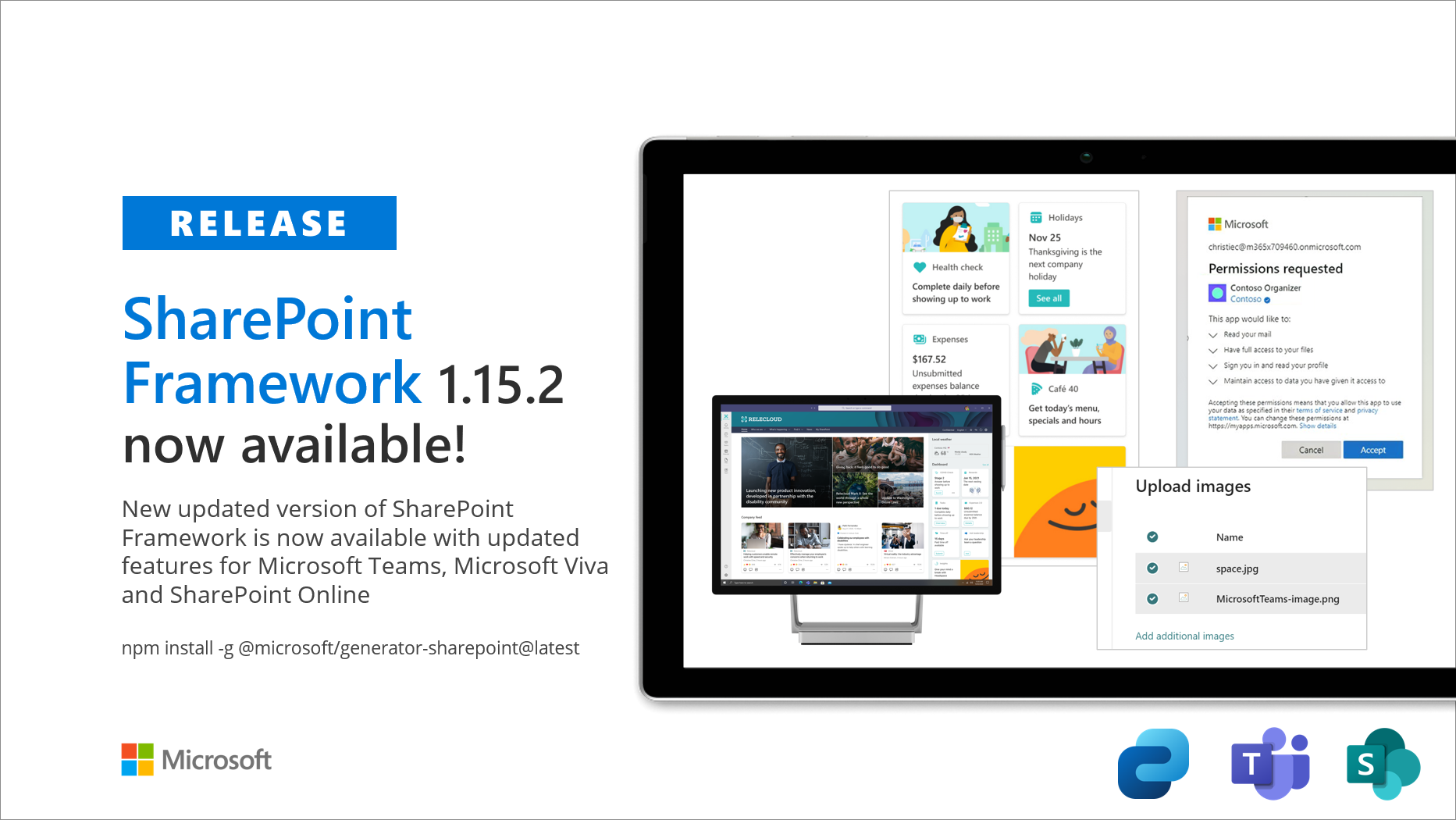
Announcing SharePoint Framework 1.15.2 with updates for Viva Connections, Microsoft Teams and SharePoint
We are pleased to announce a new public version of the SharePoint Framework, v1.15.2, with new features, capabilities and fixes for Microsoft Viva, Microsoft Teams and SharePoint.
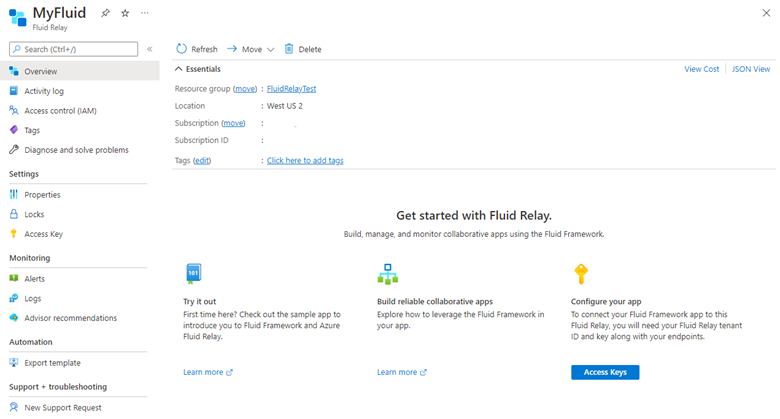
Announcing general availability of Azure Fluid Relay service


Today, we’re announcing the general availability of Azure Fluid Relay and Fluid Framework azure-client v1.0 library for all web developers. Fluid Framework and Azure Fluid Relay service are now ready to power production-quality solutions.

Changes in Export to PDF with sensitivity labeling and encryption in Office Add-ins

Office is shipping a new feature that enables PDFs created from Office using Export to PDF or Save As PDF to retain the source document’s labels or encryption into the output PDF. Office also enables Office Add-in developers to hook into and reuse some or all of Office’s PDF creation code.
eDiscovery API for Microsoft Graph is now generally available
We are excited to announce the general availability of the Microsoft Graph APIs for Microsoft Purview eDiscovery (Premium) to help you automate common eDiscovery workflows and integrate third party applications into eDiscovery (Premium).
Application permissions for Bookings APIs in Microsoft Graph now available on v1
We are delighted to announce that application permissions for Bookings APIs in Microsoft Graph are now available on the v1 endpoint. Microsoft Graph APIs support both delegated and application permissions on the v1 endpoint. Previously, Bookings APIs in Microsoft Graph supported only delegated permissions. Delegated permissions require a signed-in user to be present. In the case of Bookings, this meant that only a Bookings calendar administrator, scheduler, team member, or viewer can use APIs. Customers can’t create appointments, which means that custom solutions that support self-scheduling aren’t available...

Announcing Microsoft Loop component developer private preview

Adaptive Card-based Loop components bring business content to the apps where your customers already collaborate and enable them to complete common tasks in the flow of their work. Today, we are happy to share the developer private preview is now available.
Restricted access to Microsoft Teams data via EWS starts January 31, 2023
Microsoft will start restricting access via EWS to Microsoft Teams message data starting on September 30th, 2022. Fully supported access to Teams message data is available through the Microsoft Graph Teams Export API.

Microsoft Graph PHP SDK 2.0.0-RC5 is now available
We are pleased to announce that PHP developers can now integrate their applications with Microsoft Graph. And, using the new Microsoft Graph PHP SDK, developers can also now access Microsoft services data from both beta and v1 endpoints with enhanced programmability experience.
Changes to Microsoft 365 Apps usage reports API in Microsoft Graph
Starting July 25, 2022, we’re introducing some parameter changes to Microsoft 365 Apps usage reports HTTP requests. This will affect APIs in the Microsoft Graph beta endpoint.
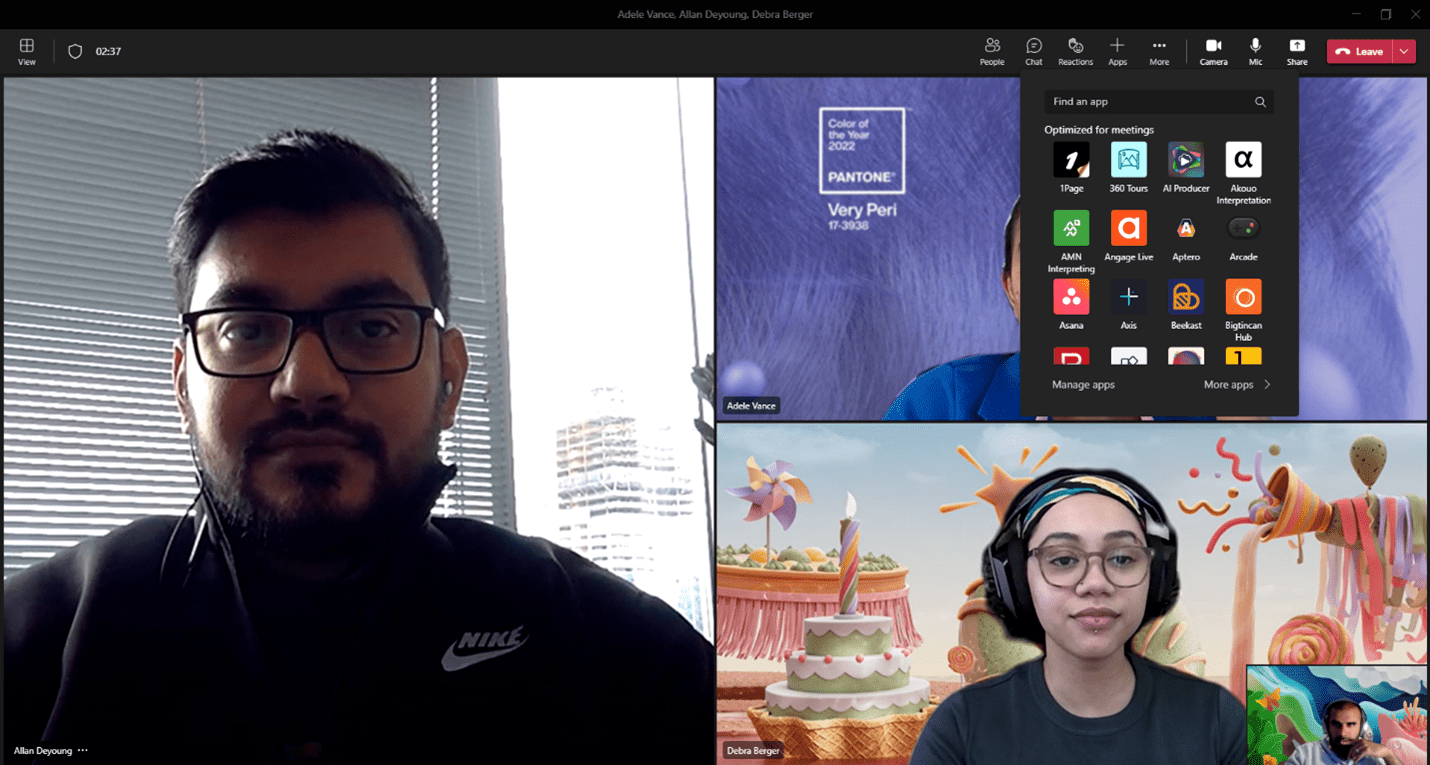
Introducing apps in Microsoft Teams Voice over IP (VoIP) calls


Today, we are happy to announce the developer preview for unified meetings apps in Microsoft Teams Voice over IP (VoIP), including both one-on-one and group calls.
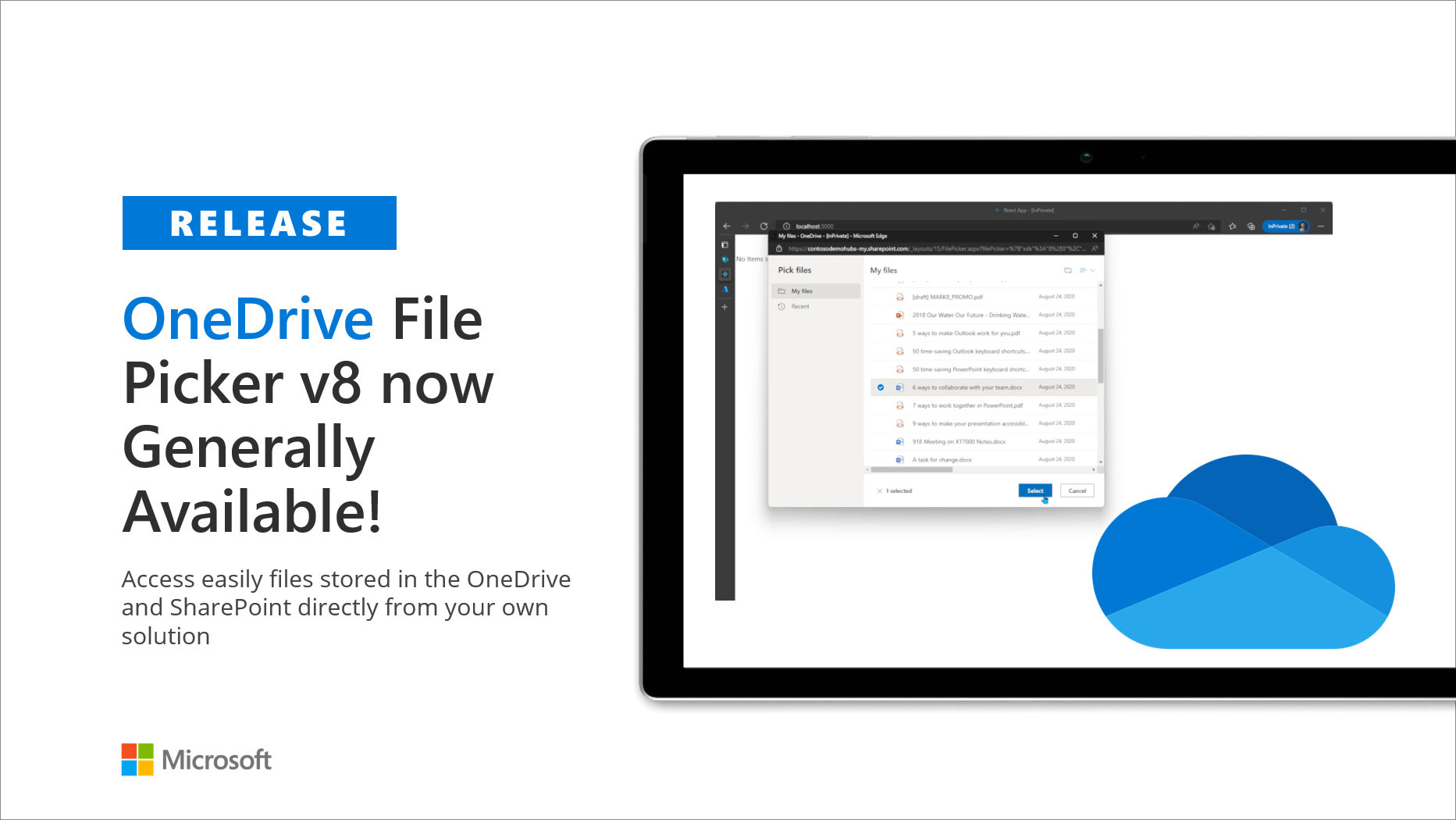
OneDrive File Picker v8 now generally available!
Today, we’re excited to announce the general release of OneDrive File Picker v8, which enables you to directly integrate Microsoft 365 services into your own web applications.
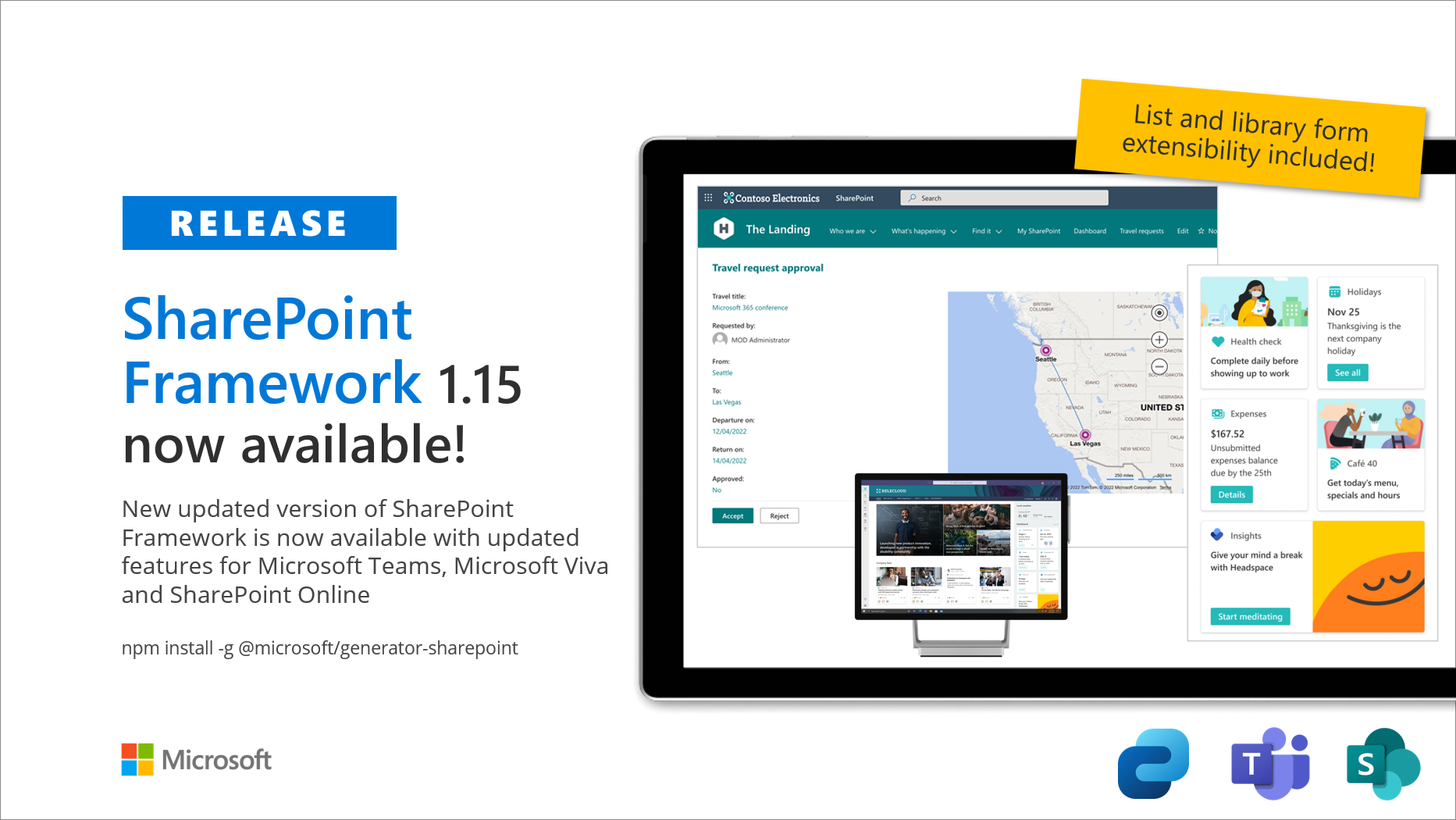
Announcing SharePoint Framework 1.15 – with updates for Viva Connections, Microsoft Teams and SharePoint
We are excited to announce the General Availability (GA) of the SharePoint Framework (SPFx) 1.15 with new features and capabilities for Microsoft Viva, Microsoft Teams and SharePoint - not forgetting technical updates across the platform. Thank you for your active participation in our Microsoft 365 platform community channels and helping with this release during the preview phase. Your assistance and feedback have been invaluable to define the key features for our releases, both current and future. Key capabilities for SharePoint Framework 1.15 Here are the key capabilities included: ...

Microsoft Teams JS SDK v2 is now generally available
The general availability of the Microsoft Teams JS SDK v2 and manifest enables developers to extend Teams apps to other Microsoft 365 host apps like Outlook and Office.com.

Application permissions for Bookings APIs in Microsoft Graph now available
We are delighted to announce that application permissions for Bookings APIs in Microsoft Graph are now available on the beta endpoint.
Billing changes for Microsoft Graph APIs for Teams messages
In October 2021, we announced Licensing and pricing requirements for the following Microsoft Teams APIs in Microsoft Graph: Starting July 5, 2022, billing events for these APIs will reach general availability and the communicated consumption rates will go into effect. These will be billed through an Azure subscription on the Azure tenant where the application requesting access is registered. To ensure compliance with these payment requirements, developers calling these APIs will be required to complete the Teams Protected API Azure registration form to associate their Graph application ID wit...

Breaking changes for the Insights API (beta)
We’re announcing an upcoming breaking change for developers using the Insights API (beta) that will go into effect in mid-June 2022.
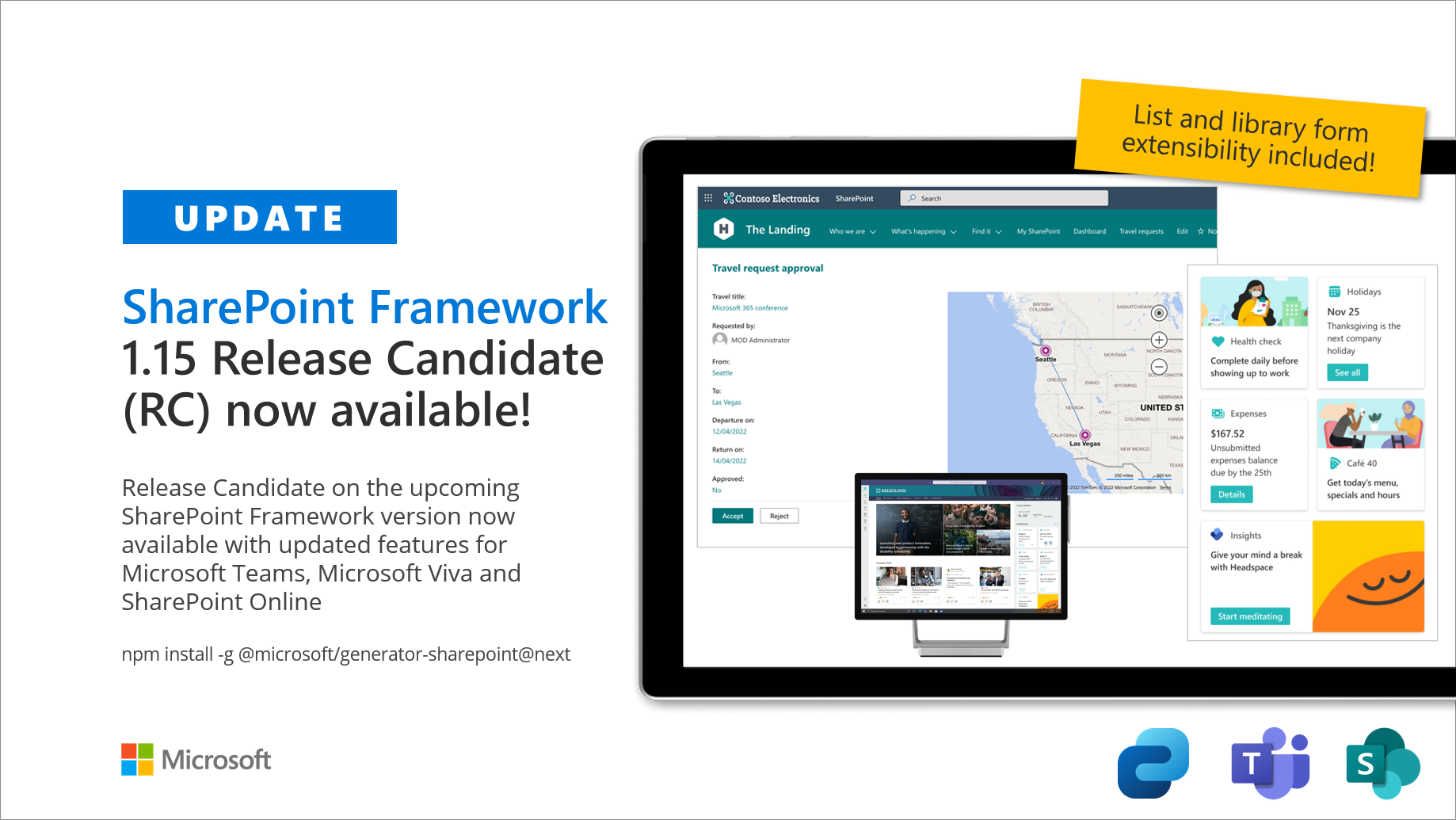
SharePoint Framework 1.15 Release Candidate now available with new features and updates
We are excited to announce first release candidate of the SharePoint Framework (SPFx) 1.15 - with updates for Viva Connections, Microsoft Teams and SharePoint Online experiences.

Building applications on the Microsoft Cloud: A guide for enterprise application leaders
This overview, aimed specifically at enterprise app development leaders, will help you make informed decisions about creating applications on the Microsoft Cloud.
Microsoft Teams Toolkit for Visual Studio Code now generally available
Teams Toolkit for Visual Studio Code and the Teams Toolkit CLI are now generally available! And, for everyone building .NET web apps, Teams Toolkit for Visual Studio is available now in preview.

Increase engagement and discoverability of your data with Microsoft Graph connectors

Use Microsoft Graph connectors with Microsoft Search to increase your organization’s index completeness and extend search beyond Microsoft 365 content and make them more productive.

What’s new for Office Add-ins at Build 2022
Get all the new Office Add-ins announcements from Build 2022. These new features will help you create solutions to increase productivity in today’s modern hybrid environment.

Microsoft Graph @ Build 2022
Welcome to Build 2022! We are excited to share all the great work our engineering teams have accomplished since last year to make Microsoft Graph better than ever.

Introducing Live Share: Interactive app experiences in Microsoft Teams meetings

We’re proud to introduce the public preview of Live Share to make using apps in meetings a truly live and collaborative experience.

Welcome messages and event updates for apps in Microsoft Teams

Today we’re releasing updates to the installationUpdate & conversationUpdate events to help streamline the user installation flow and welcome messages.
Get the scoop: Microsoft Tech Days for Microsoft 365 developers
Learn how you can how you can build compelling Microsoft 365 applications for your organization with resources from this virtual workshop.
Office JavaScript API for Power Query read-only data now available for Excel

New Office JavaScript APIs allow you to retrieve data related to Power Query queries you have in your Excel workbooks.
Announcing changes to Office Add-ins’ ExecuteFunction commands
To improve security in Office Add-ins, we are changing how you create ExecuteFunction add-in commands.
Publish your app in the Microsoft Teams app store
Learn how you can monetize Microsoft Teams apps through the Microsoft Commercial Marketplace, so they can generate revenue.
Building real-time collaborative apps with Microsoft 365, Azure and Power Platform
Learn about services provided in the Microsoft Cloud to add collaboration functionality into your custom apps.

Updated preview of SharePoint Framework 1.15 – New release of upcoming features
We are excited to announce updated preview of the SharePoint Framework (SPFx) 1.15 – with updates for Viva Connections, Microsoft Teams, and SharePoint Online experiences. This is second preview release on the upcoming 1.15 release with new preview features for the partners and customers to preview. We are working on getting the General Availability (GA) version published within the first half of calendar year 2022. Current estimate is June 2022. Our objective with the public preview is for providing more insights on the upcoming features and to provide our ecosystem an option to directly influence on the rele...

From 0 to hero: connecting your web app to Microsoft Teams using Azure Communication Services

Learn how to use Azure Communication Services (ACS) to enable real-time audio/video conferences in your existing web apps, including making calls directly from your app to Microsoft Teams!
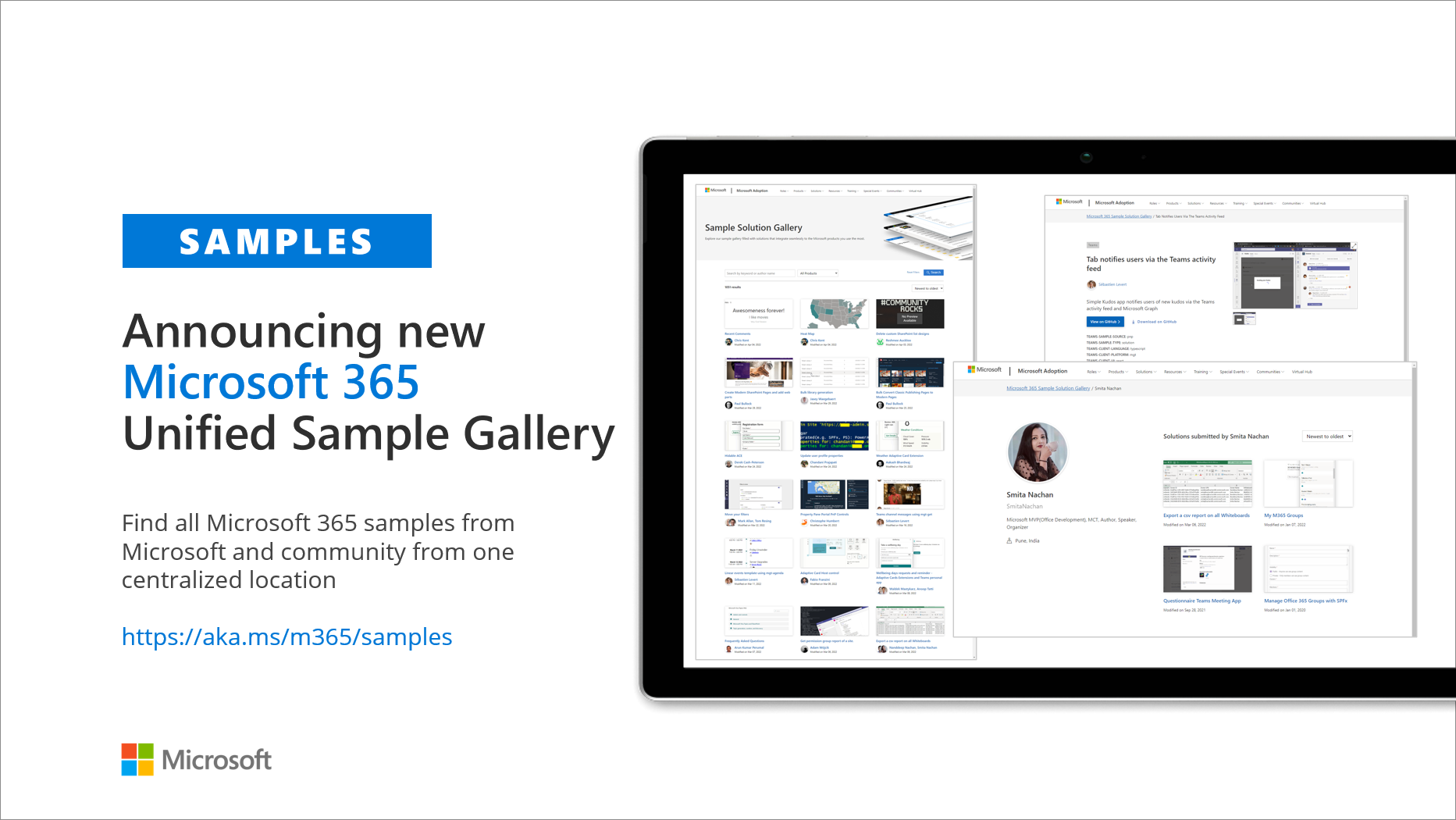
Announcing new Microsoft 365 unified sample gallery with over 1,000 samples
We are excited to announce our new Microsoft 365 unified sample gallery with more than 1,000 samples, inspiring and showcasing the art of the possible.
Teams App Dev Challenge winner brings high quality training into Microsoft Teams
My Serious Game's Edmill application helps customers quickly turn raw learning content into high-quality training that can be shared with users to ensure they retain what they’ve learned.

Get inspired with Microsoft 365 apps at Microsoft Tech Days
Learn how to build end-to-end Microsoft 365 apps for Microsoft Teams, Microsoft Viva, Microsoft Graph and more with Microsoft and MVPs on May 5, 2022.
Teams App Dev Challenge winners bring data and dashboards into Teams chats
Teams App Development Challenge winner Decision Point develops an interactive bot that provides data analysis where users work and collaborate every day: in Microsoft Teams.

Microsoft Graph API support for new content type sync enhancements
New Microsoft Graph APIs to work directly with content types and align with content type synchronization enhancements.
Microsoft MVPs digitize knowledge in a Community Bot for OneDrive
Learn how Microsoft MVPs digitized OneDrive subject matter expert’s knowledge as a Microsoft Teams bot by using Bot Framework and Cognitive Services.
Low code bot onboards members to Microsoft Teams channel
A group of Microsoft Learn Student Ambassadors share their solution that offers easy member verification and onboarding process for the communities leveraging low code tools.
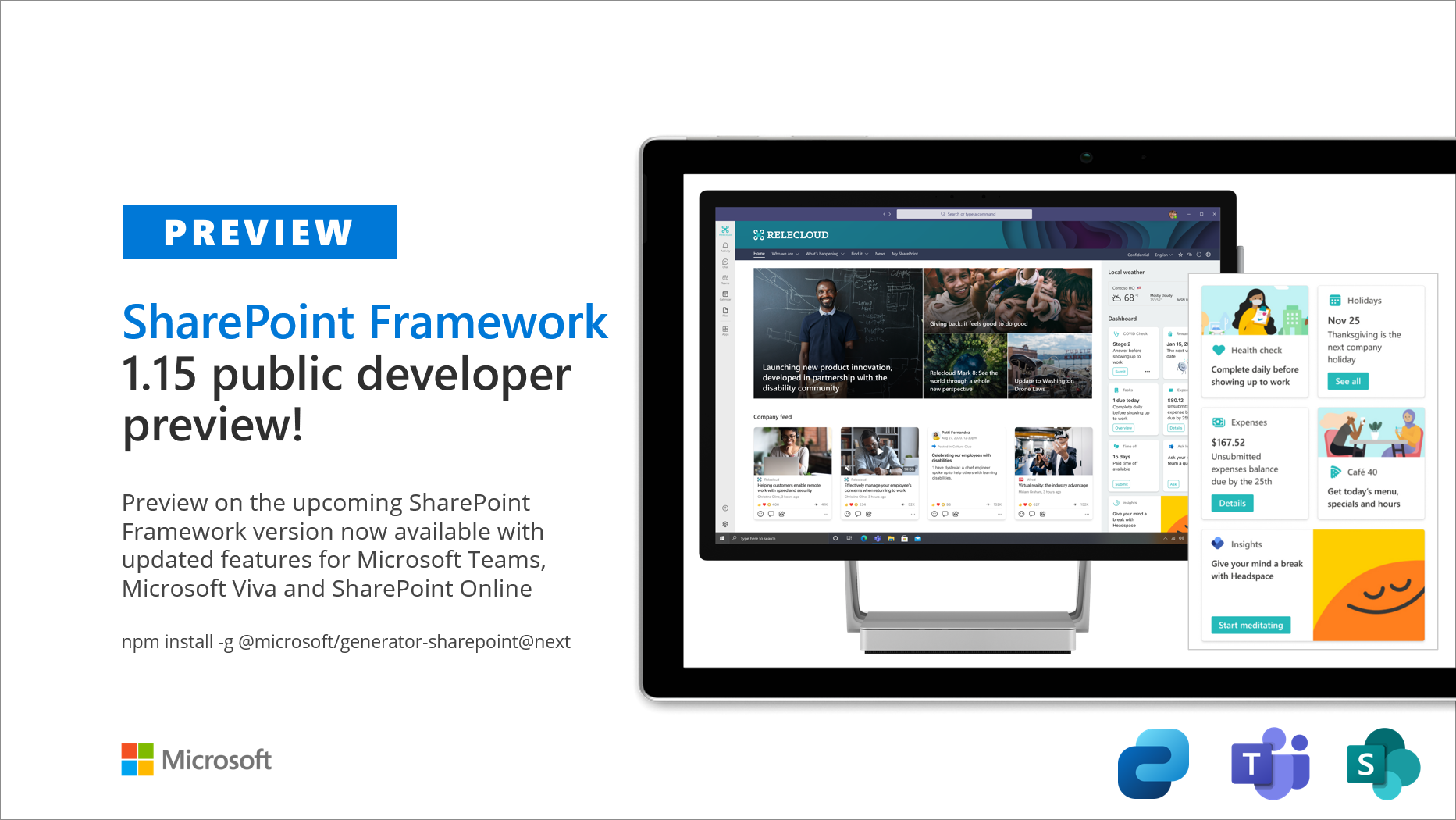
Public preview of SharePoint Framework 1.15 – First release of upcoming features
We are excited to announce the first public preview of the SharePoint Framework (SPFx) 1.15 - with updates for Viva Connections, Microsoft Teams and SharePoint Online experiences.
Employee survey solution built with Microsoft Teams and Power Platform
Microsoft Learn Student Ambassador talks about a solution designed to embed surveys on Microsoft Teams and get reviews from employees.
Debugging Microsoft Teams app locally with Teams Toolkit
Learn about the improved local debug experience in the Microsoft Teams Toolkit and new features introduced in version 3.4.
End-of-service for SharePoint Online Machine Translation Service and APIs
Machine Translation Service and APIs will no longer be available from SharePoint Online by the end of July 2022.
Low-code Q&A bot for Microsoft Teams helps communities provide better onboarding process
A group of Microsoft Learn Student Ambassadors share how they built a Microsoft Teams bot to provide better onboarding and support in communities.

Announcing new permissions for Teams chats and tags APIs
Today, we are pleased to announce the latest additions to Teams Microsoft Graph APIs, including resource-specific consent permissions for chats and delegated permissions for tags.
Microsoft AI MVP designs a Microsoft Teams bot to centralize tools for employees
Microsoft AI MVP shares how he built a Microsoft Teams bot, using Azure and Dynamics 365, to help centralize the tools people use every day at work.

Breaking changes in the Microsoft Graph Tasks API (beta)
We’re making a few necessary changes to property names and types, to align them with similar properties elsewhere in Microsoft Graph.
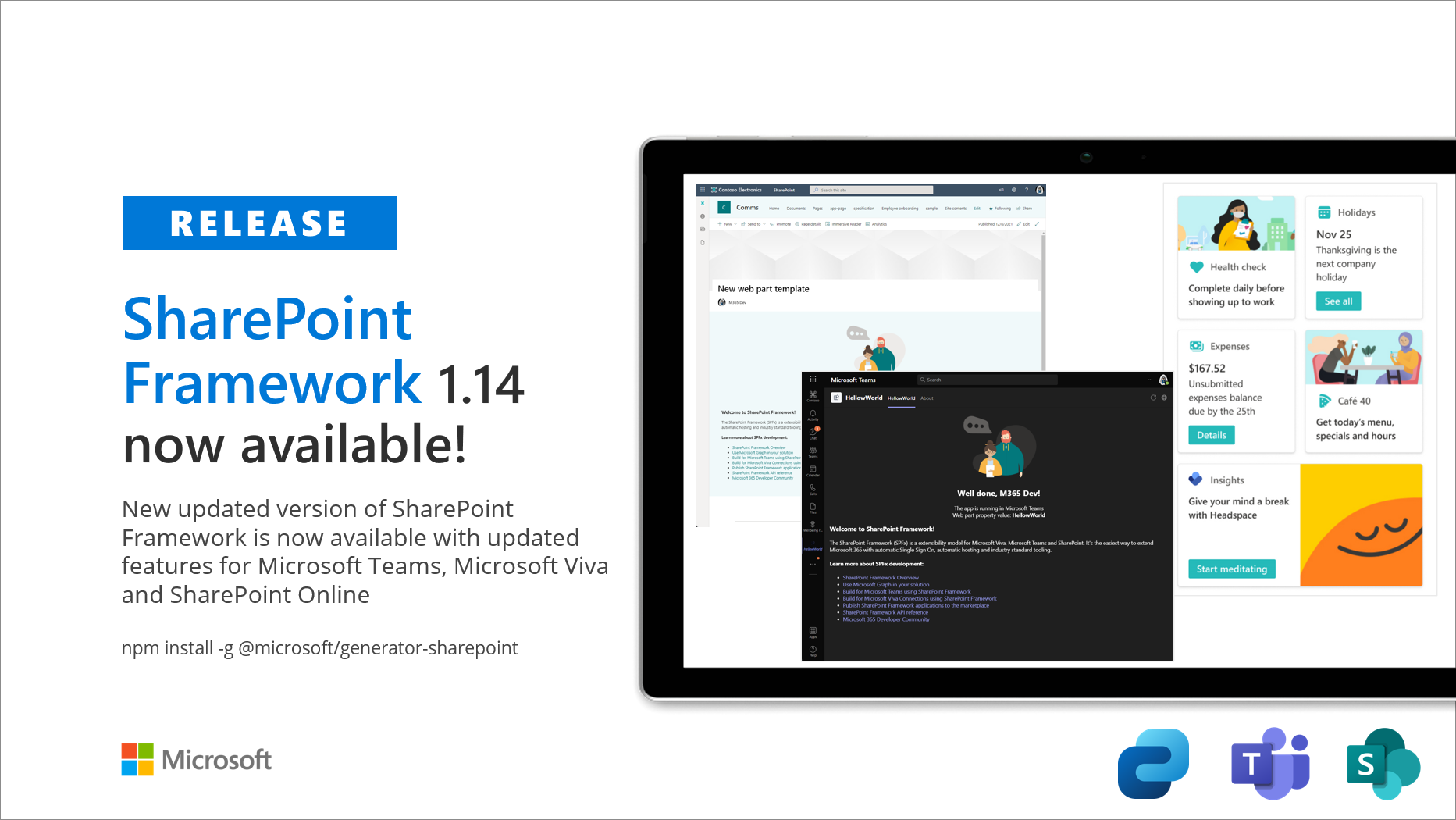
Announcing SharePoint Framework 1.14 – with updates for Viva Connections, Microsoft Teams and SharePoint
We are excited to announce the general availability of the SharePoint Framework (SPFx) 1.14 – with updates for Microsoft Viva, Microsoft Teams and SharePoint Online experiences.

Learn how to create secure identity solutions using the Microsoft identity platform

Learn about our new video series to help developers understand how to create secure identity solutions and make use of the Microsoft identity platform by learning the key concepts you need to know to get started.
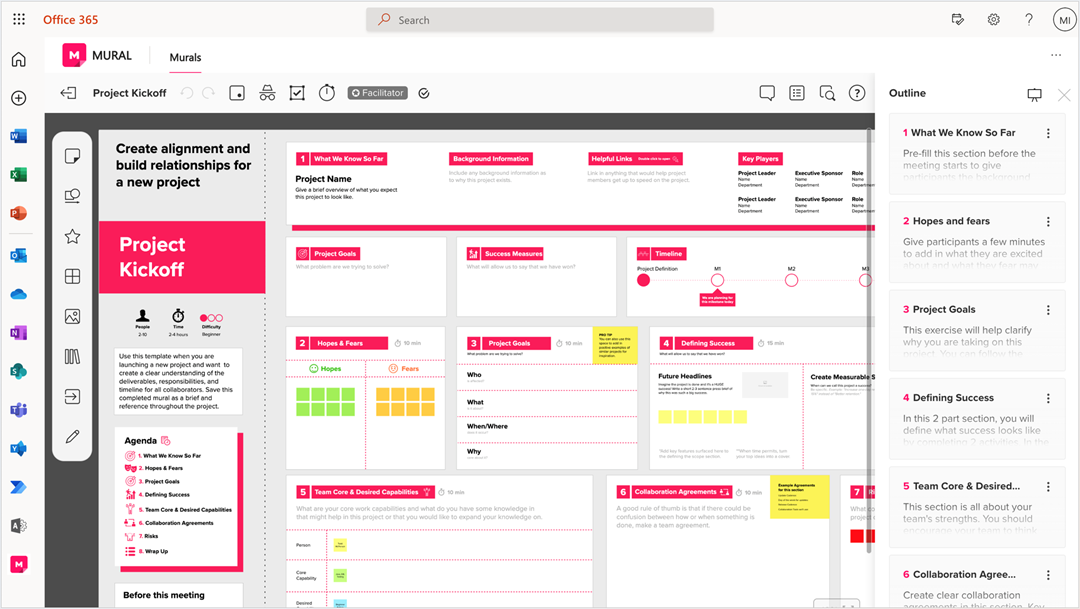
Teams JS SDK v2 Public Preview Update: Teams Apps in Office.com & Office App for Windows
We are excited to announce that developers using the Teams JS SDK v2 can now also extend and preview Teams personal tabs in Office.com (Target Release) & Office App for Windows (Target Release).
Chatbot for Microsoft Teams personal and group chats
Microsoft Learn Student Ambassadors introduce their shopping list chatbot that can participate in direct chats as well as group chats to understand the required items from the conversation and add them to the shopping list.
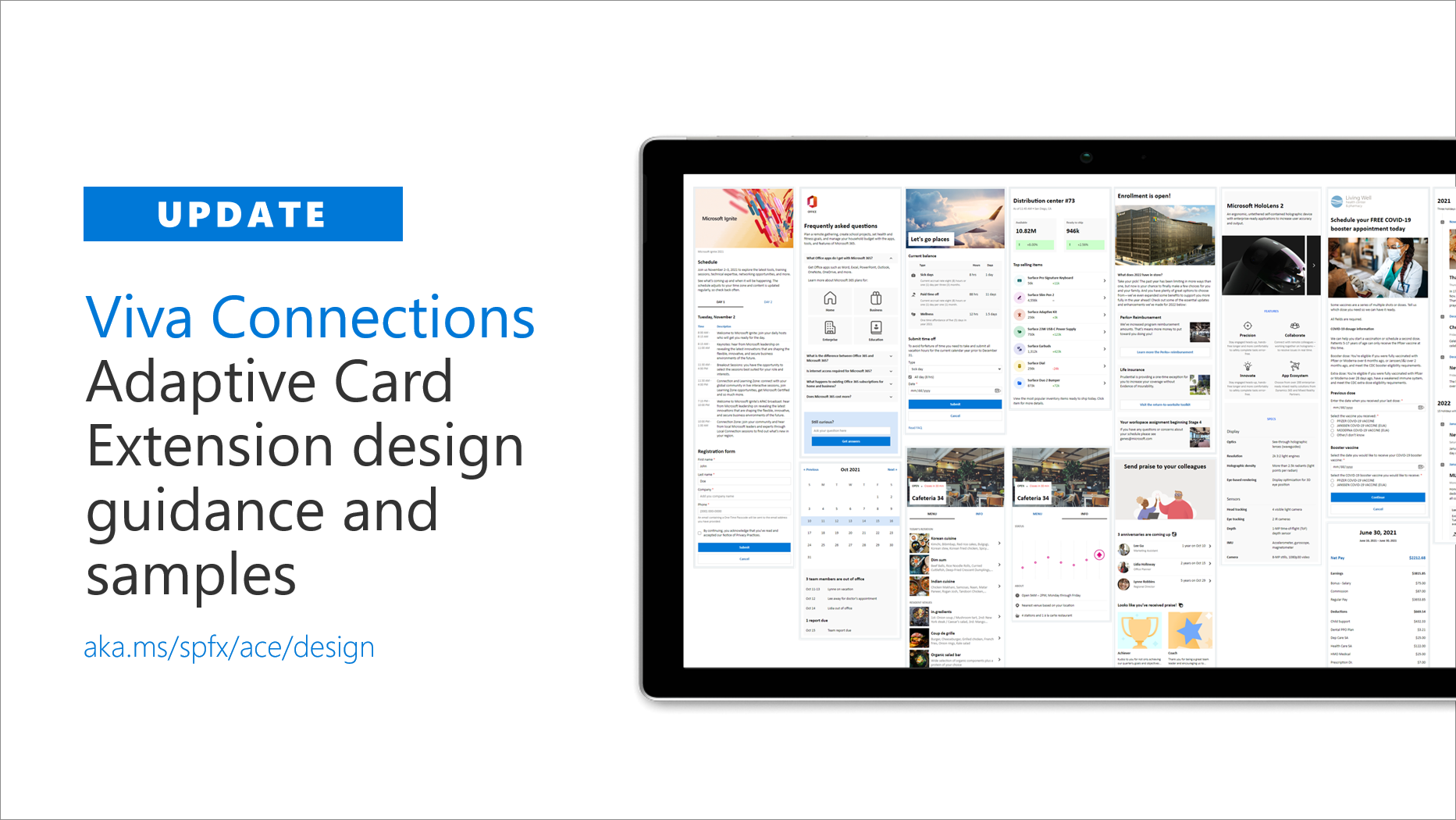
Updated design guidance for Viva Connections custom cards and quick views
Updated design guidance and reusable assets for Microsoft Viva Connections mobile experiences.

Microsoft Graph Mailbag – Search DriveItems for Only Files
In today’s Microsoft Graph Mailbag post, we’ll use the Microsoft Search APIs on Microsoft Graph to return only files/documents.
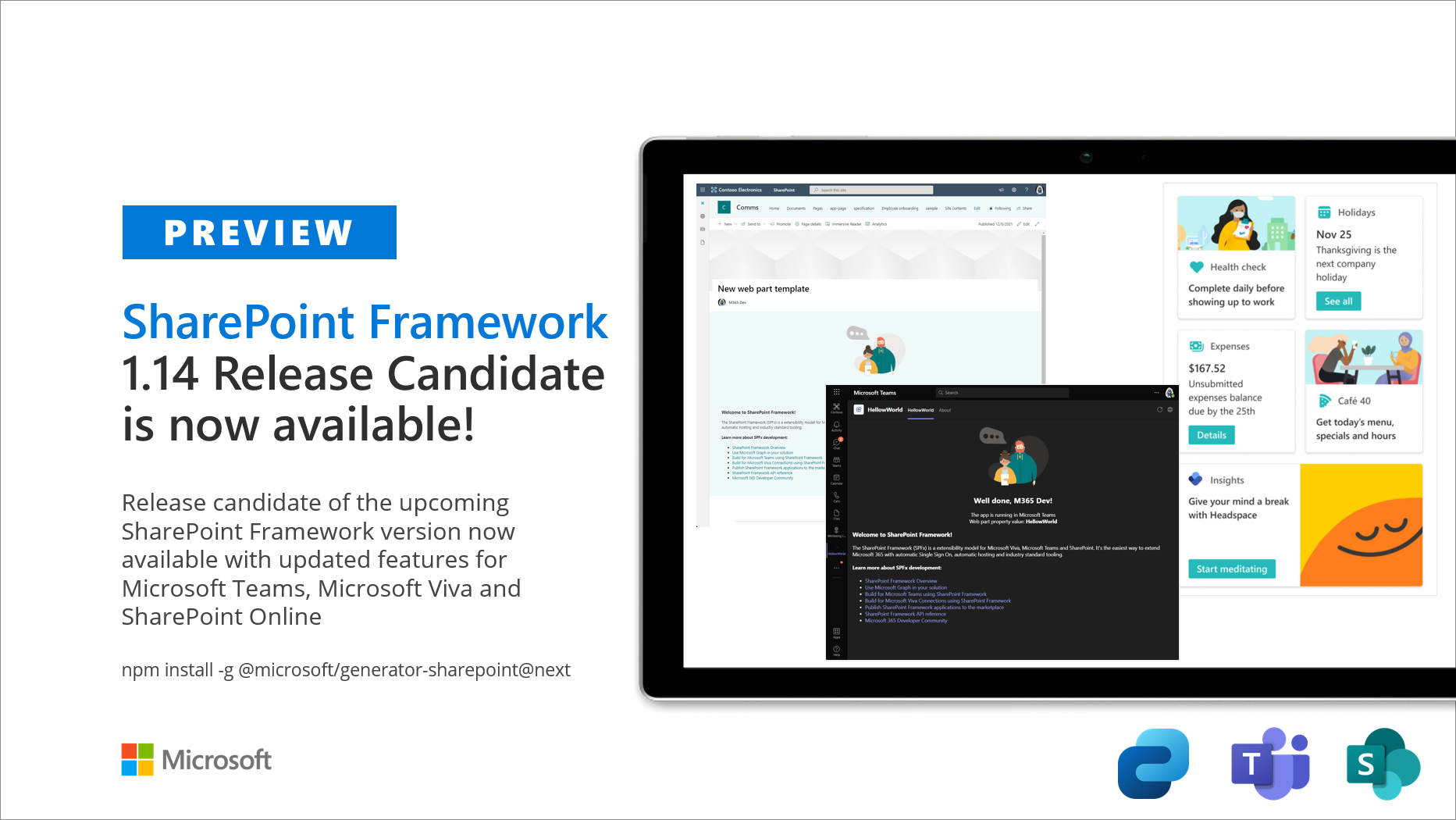
Announcing SharePoint Framework 1.14 Release Candidate – with updates for Viva Connections, Microsoft Teams and SharePoint
We are excited to announce the availability of the SharePoint Framework (SPFx) 1.14 Release Candidate – with updates for Viva Connections, Microsoft Teams and SharePoint Online experiences.

Client Secret expiration now limited to a maximum of two years

Credentials are a vital part of an application registration when your application is used as a confidential client. Learn about the recent changes to Azure AD's client secret functionality.
React web app and Azure QnA bot to centralize learning resources
A group of University College London students created Project Resourcium to centralize student resources in a single portal after observing the struggle of having many different portals and websites.
Breaking changes in the Microsoft Graph API for eDiscovery (beta)
Today, we’re announcing an upcoming breaking change for developers using the Microsoft Graph API for eDiscovery (beta). To correct an incorrect mapping, we are renaming the additionalData property to additionalDataOptions.
Breaking changes to the Microsoft Graph API for eDiscovery (beta)
Today, we’re announcing some upcoming breaking changes for developers using the Microsoft Graph API for eDiscovery. We're changing the way that holds are applied to custodians so that we can more efficiently batch policy application.
Microsoft Teams and Moodle online learning solution
Get inspired by the end-to-end solution developed by students using Microsoft Teams and Moodle in the first of our Learn from the Community series.

Microsoft Graph Data Connect: Deploying Azure Synapse Analytics

Learn about the process of deploying Azure Synapse Analytics with step-by-step instructions to get started and manually deploy your first Azure Synapse workspace for Microsoft Graph Data Connect.

Combining Microsoft Graph Data Connect data sets in Azure Synapse Analytics
This article covers the process of combining two data sets extracted via an Azure Synapse pipeline using Microsoft Graph Data Connect (MGDC).

Updated public preview of SharePoint Framework 1.14 – with updates for Viva Connections, Microsoft Teams and SharePoint
We are excited to announce an updated public preview of the SharePoint Framework (SPFx) 1.14 - with updates for Viva Connections, Microsoft Teams and SharePoint Online experiences.

Outlook JavaScript API deprecation for contentType property
Learn how to manage your add-in with the deprecation of the AttachmentDetails.contentType property for the Outlook JavaScript API.

Learn how to set up decentralized identities on Azure
As we continue to embrace cloud native patterns in our development environments, new terms surface. “Decentralized” is a newer term (at least to me) as there’s growing traction for fast development cycles using a decentralized approach with cloud. Microsoft now has a product in public preview called Azure Active Directory Verifiable Credentials that uses decentralized identity. In preparation for our community-based efforts to bring awareness to the service in January, I decided to set up some of the sample applications, in hopes of learning more. I also thought you may appreciate learning about the current st...
Single Sign-on service for Office Add-ins rolls out in Office on the web
A new Single Sign-on (SSO) service will replace the existing one for Office Add-ins that are used in Office on the web. This new service is aimed at providing better reliability and supporting additional environments.
Microsoft Graph Mailbag – Using LargeFileUploadTask with Microsoft Graph SDKs
In today’s Microsoft Graph Mailbag post, we’ll use LargeFileUploadTask from the Microsoft Graph SDKs to upload large files.
New features in Microsoft Graph Bookings APIs provide enhanced booking infrastructure
We have launched some key new features to continue providing a booking infrastructure through the Bookings APIs so that customers can build robust customized solutions.
Microsoft Graph Bookings APIs now available on the v1 endpoint
We are pleased to announce that the current set of Bookings APIs will be available on the v1 endpoint. New features include capabilities such as SMS notifications, online meeting, custom questions, and group appointments.

Microsoft Graph Data Connect: Demystifying User Scopes
Microsoft Graph Data Connect allows you to extract data in bulk from your Microsoft 365 environments using Azure Data Factory pipelines. This article covers different scenarios to help you understand how to properly leverage the user scope in your Microsoft Graph Data Connect solutions.
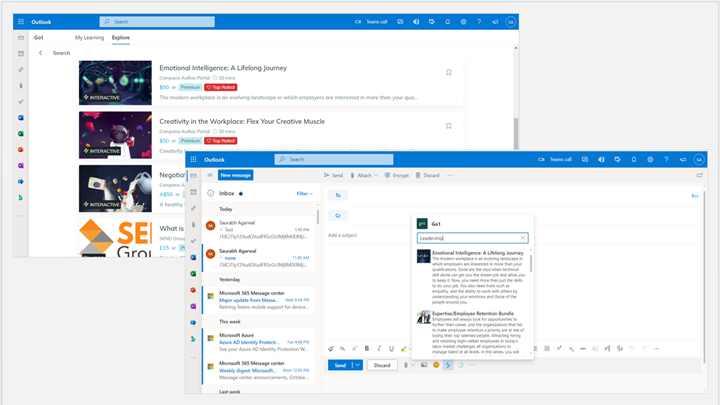
Teams JS SDK v2 public preview update: Teams apps in Outlook Web
We are excited to announce that starting today, developers using the new Teams JS SDK can now extend and preview Teams personal tabs and search-based message extensions in Outlook Web (Target Release).
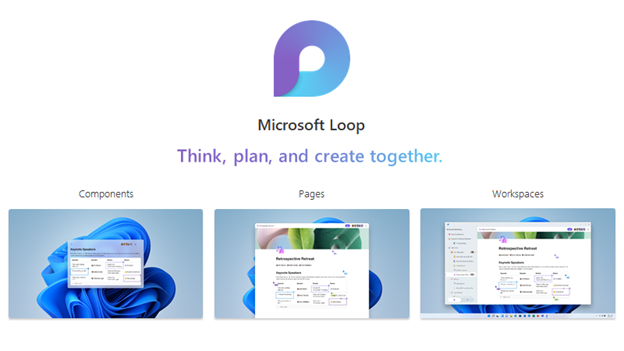
Stay in sync with Microsoft Loop
Microsoft Loop is a new app that offers flexible, portable, interactive Loop components that can operate in real time not only within the announced Microsoft Loop app but also across other apps like Teams, Outlook and OneNote. Learn about what's coming.

Connecting networks of information with Microsoft Graph connector partners
Recently, on the Microsoft Search blog, we shared current and upcoming connectors that our preferred partners are building. We are cross posting a link here to highlight these as inspiration for your own custom connector.
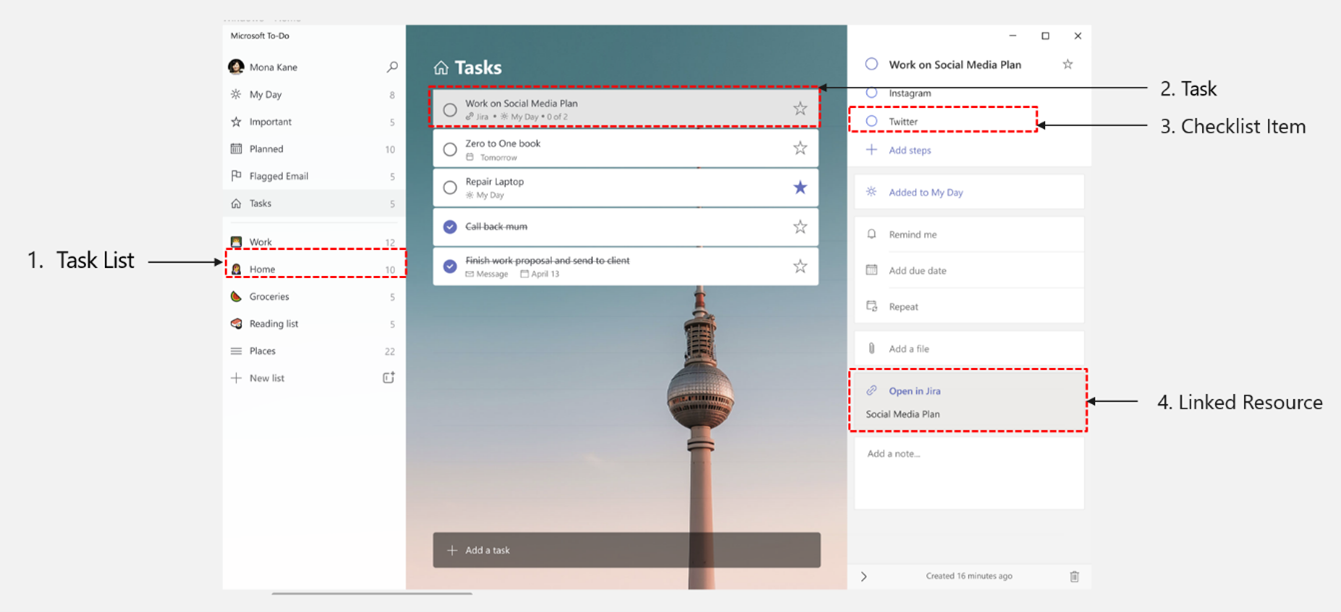
Announcing the public preview of To Do Tasks API
At Microsoft Ignite 2021, we announced our private preview for the new Tasks API in Microsoft Graph. Today, we’re thrilled to announce the public preview of Tasks API on beta endpoint.
Announcing delta query support for the Microsoft Graph Assignments API
We are pleased to announce that the Assignments API in Microsoft Graph now supports delta queries for certain education resource types such as educationAssignment and educationCategory.

Public preview of SharePoint Framework 1.14 – with updates for Viva Connections, Microsoft Teams and SharePoint
We are excited to announce a public preview of the SharePoint Framework (SPFx) 1.14 - with updates for Viva Connections, Microsoft Teams and SharePoint Online experiences.

Understanding Azure AD Single Sign-on for Microsoft Teams apps
There is no single definition for SSO, which is part of the confusion. Learn about the SSO approaches used in the Microsoft Commercial Marketplace (app store) and within an app running in Microsoft Teams to help you get started building SSO for your Teams application.
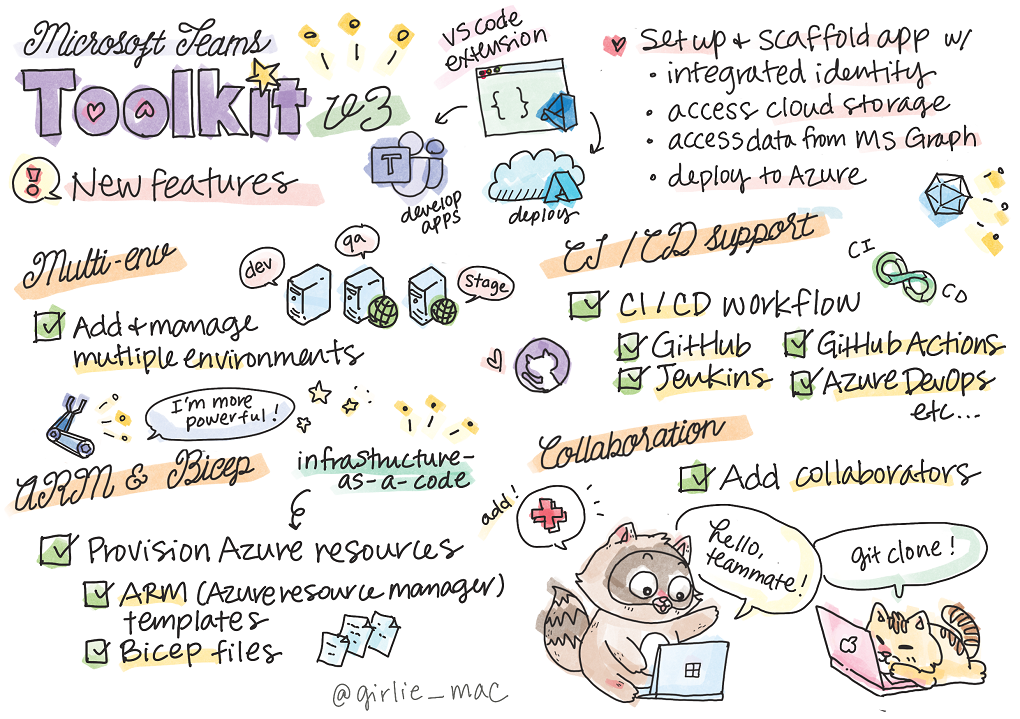
Developing enterprise-ready Microsoft Teams apps with Teams ToolKit v3.0
Learn about new features in the Teams Toolkit v3.0 to empower Microsoft Teams developers.
Let’s decode: Single Sign-on in Microsoft Teams tabs
Microsoft 365 Code | Decode is a series that focuses on breaking down topics for developers to understand concepts better. In this segment, Bob and Rabia decode single sign on (SSO) in a Teams tab app.

Go developers can now access Microsoft Graph with streamlined authentication and more

Go developers can now integrate their application with Microsoft Graph via the new Microsoft Graph Go SDK.

Microsoft Teams development: All you need to know
Microsoft Teams is the ultimate messaging app for your organization—a workspace for real-time collaboration, communication, meetings, and file sharing. You can extend your Teams app in multiple ways. This blog post explains how.
Developing real-time collaborative apps with Azure, Microsoft 365, Power Platform, and GitHub
Collaborative apps – apps built for a collaboration platform like Microsoft Teams, Slack, Google Workspace, etc. – are apps with collaboration at their core, designed for the flexibility of hybrid work. You can build collaborative apps with the tools you use every day and your existing development skills!
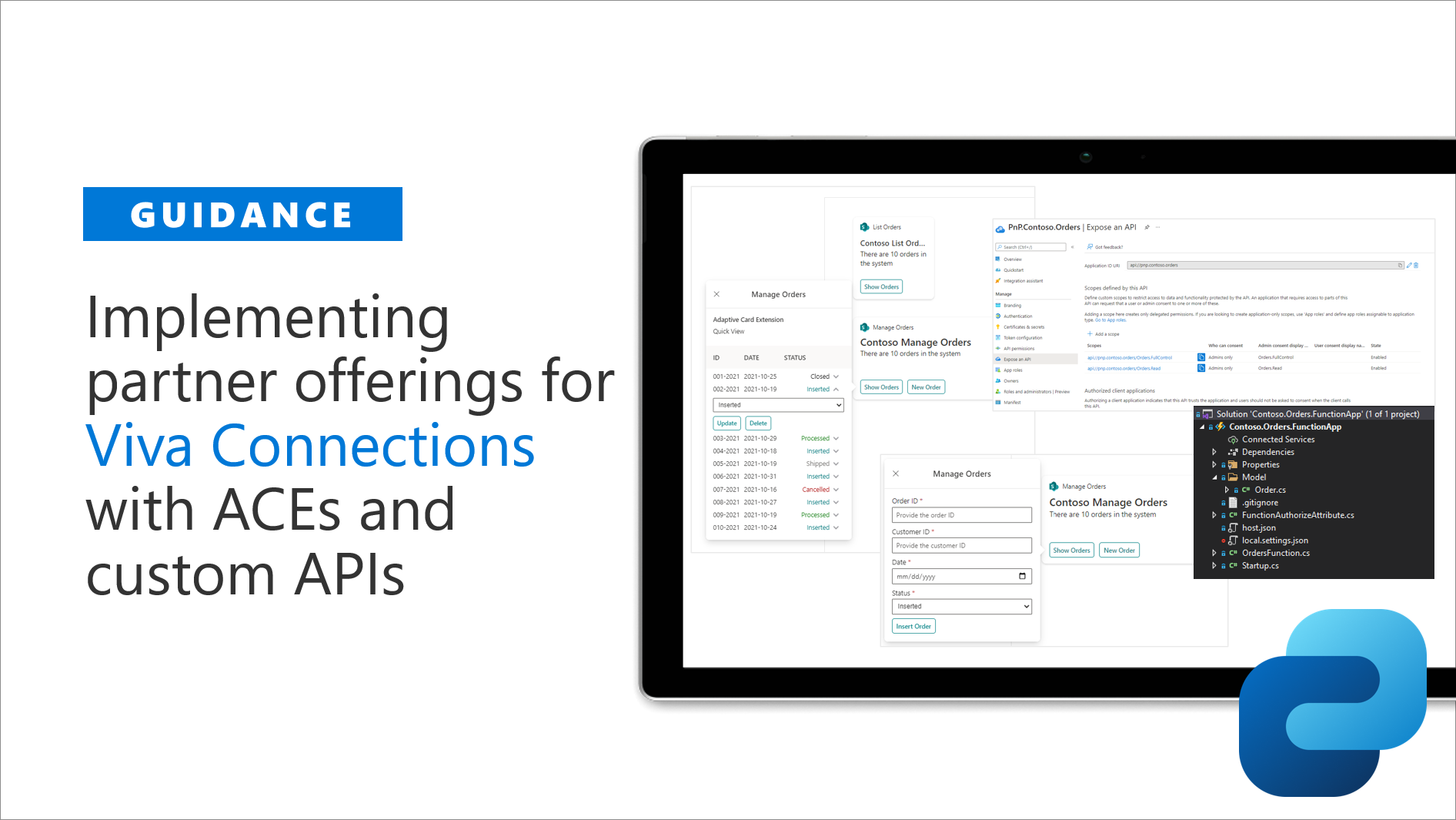
Guidance for implementing partner offerings for Viva Connections with ACEs and custom APIs
We are excited to announce new guidance on how to build Microsoft Viva Connections extensibility with Adaptive Card Extensions (ACEs), which are calling securely custom APIs hosted in the Azure Active Directory.
Announcing Teams JS SDK v2 in public preview: Extend Teams apps across Microsoft 365
We are excited to share Microsoft Teams JS SDK v2 is now in public preview, which unlocks the ability for developers to begin extending Microsoft Teams apps across Microsoft 365. Now, apps built for Teams not only run everywhere Teams runs, but also in more of the places users spend their time.

Breaking changes to attendance report in Microsoft Graph onlineMeeting API (beta)
Today, we’re announcing upcoming breaking changes for developers using the Microsoft Graph API to get online meeting attendance reports beginning November 19, 2021.
Create custom Excel data types with new JavaScript APIs

We’re excited to announce new capabilities that let you programmatically create your own custom data types within Excel. This helps solve a key problem developers have today with requirements around metadata associated with cells.

Ignite 2021: Build apps for collaboration in a hybrid world
Welcome to Ignite 2021. This blog is a summary of the developer news for the Microsoft 365 platform in the new era of hybrid work. Learn what's new and be sure to read the entire thing to get it all!

Microsoft Graph @ Ignite 2021
Today, at Ignite 2021, we are excited to share new capabilities added to Microsoft Graph that give developers and IT administrators just that - more collaboration, more integration, more security, and more data for organizational insights.

Announcing public preview of Azure Fluid Relay service @ Ignite 2021
Hybrid work is transforming the way we use applications to collaborate. Today, we are excited to announce the public preview availability of the Azure Fluid Relay service to help create vibrant collaborative experiences.
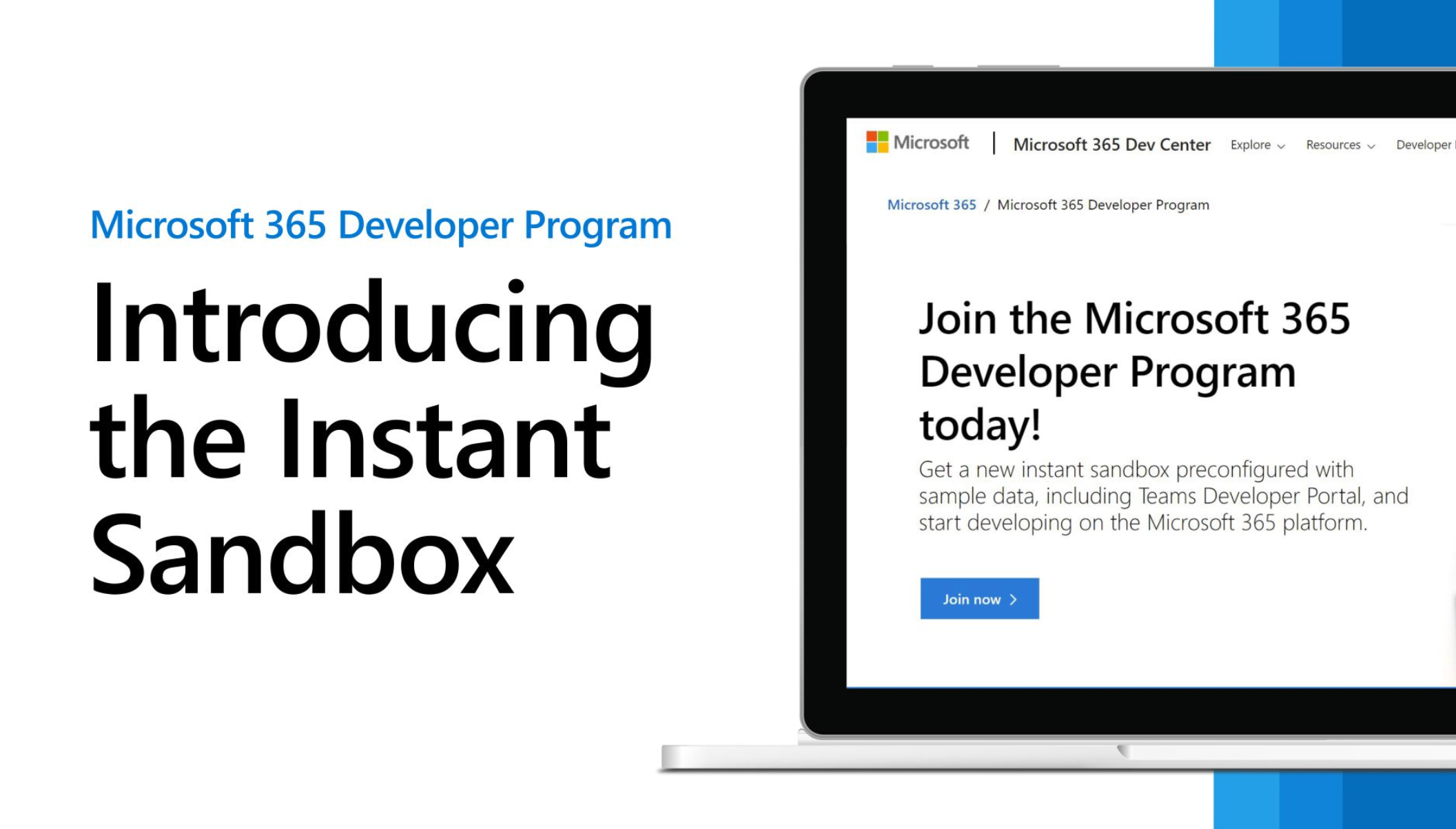
Microsoft 365 Developer Program launches new instant sandbox with Teams sample data pack

New capabilities offers Teams and Microsoft 365 developers a turnkey developer environment in seconds! Join the Microsoft 365 Developer Program to get your new instant sandbox today!
What’s new in Office Add-ins at Ignite 2021
Welcome to Ignite 2021! We’re excited to share the latest Office Add-ins announcements with our developer community. These new features will help you create solutions to increase productivity in today’s modern hybrid environment.

Learn how to extend Microsoft Viva Connections
We are excited to share a new learning path, Extend Viva Connections, that is perfectly suited for developers who already know how to build web apps, but want to grow their skills to build apps for Microsoft Viva Connections.
OData property changes to Microsoft 365 usage reports API in Microsoft Graph
Learn about the upcoming OData property changes to the Microsoft 365 usage reports, beginning the week of October 25, 2021.

Announcing SharePoint Framework 1.13 – Extending Microsoft Viva Connections
We are excited to announce general availability of the SharePoint Framework (SPFx) 1.13 with the ability to build engaging experiences for Microsoft Viva Connections.

Developing real-time collaborative apps with Azure, Microsoft 365, Power Platform, and GitHub
Tap into the new and exciting collaborative technologies you can use in your apps. Join us on October 26th to learn how to develop real-time collaborative apps…together!
Manage your Microsoft Teams apps with the Developer Portal

Microsoft Teams developers now have a dedicated app management console that can register and configure Teams apps within a single, central location with the general availability of the Developer Portal.
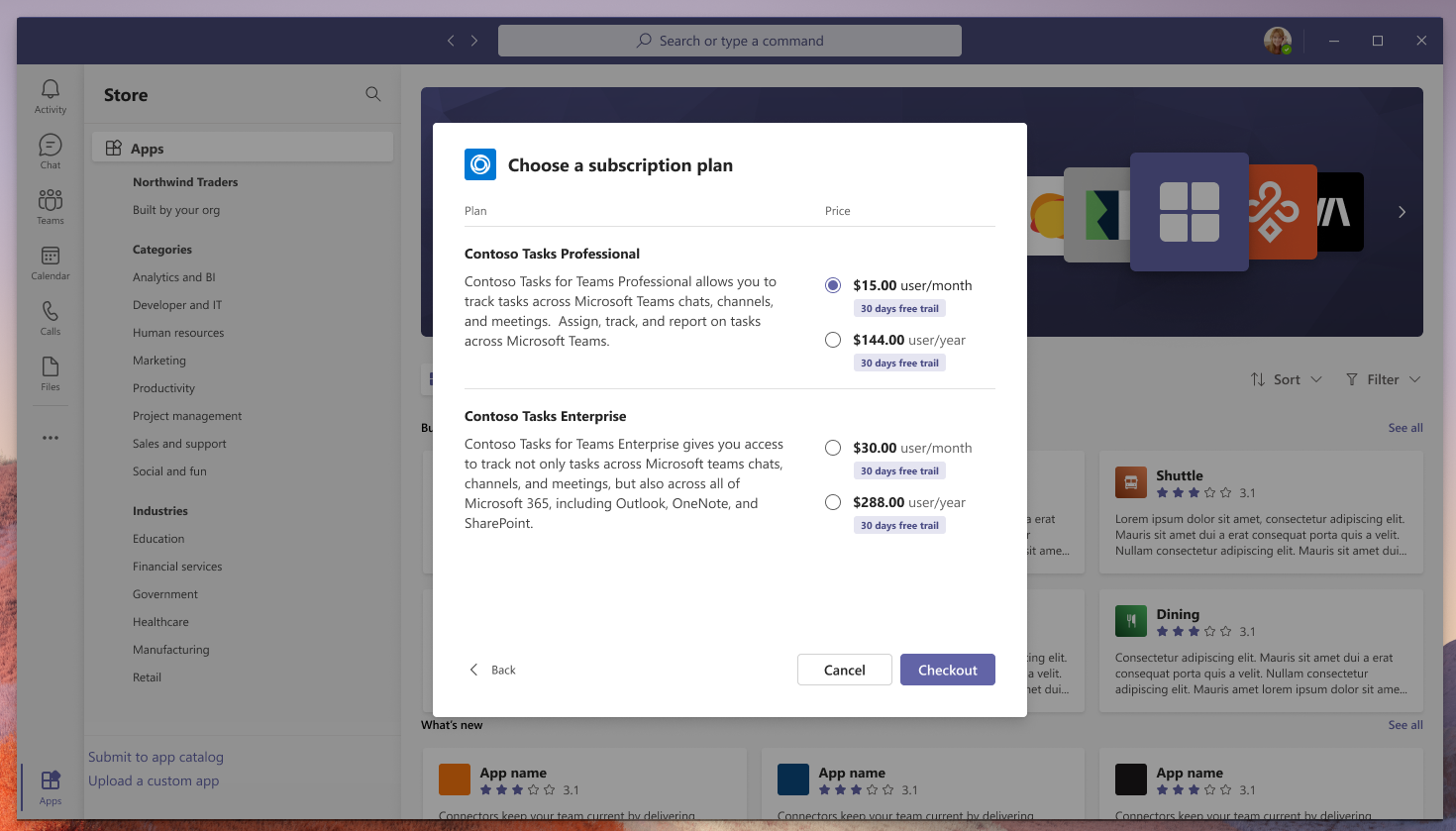
Microsoft Teams ISV app monetization capabilities now available in developer preview

Monetizing ISV Teams applications was previously possible but required multiple steps. We are excited to bring the ability to monetize Teams applications directly within the Teams app store.

Announcing SharePoint Framework 1.13 Release Candidate
With the availability of SharePoint Framework 1.13 Release Candidate, you can use SharePoint Framework to build extensibility for Microsoft Viva, Microsoft Teams and SharePoint with industry standard web stack tooling, seamless Single Sign On and automatic hosting of your solutions.
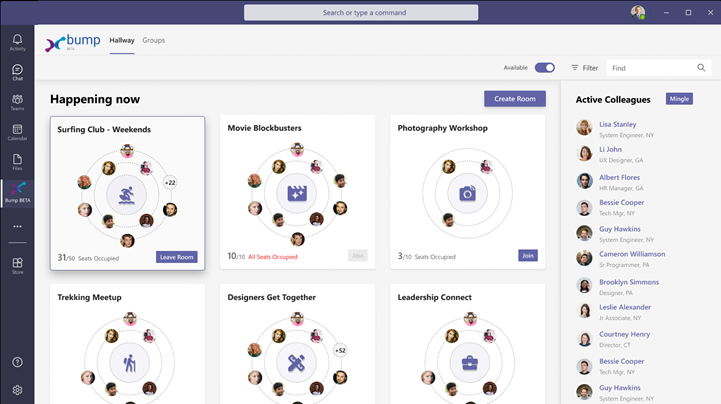
Grow your skills and build collaborative solutions: Exam MS-600 Building Applications and Solutions with Microsoft 365 Core Services

This certification exam is a great step towards building collaborative solutions to empower employees, growing your skills and advancing your career.

Building great bots for Microsoft Teams with Azure Bot Framework Composer
Bot Framework Composer provides an easy-to-use design surface for building a bot, integration with Azure cognitive services, and it works well for teams of developers building apps that can be deployed in multiple Microsoft 365 tenants. Explore the new video series to learn more.
Breaking changes to the settings endpoint in the Microsoft Graph eDiscovery API (beta)

Today, we’re announcing some upcoming breaking changes for developers using the Microsoft Graph eDiscovery API.
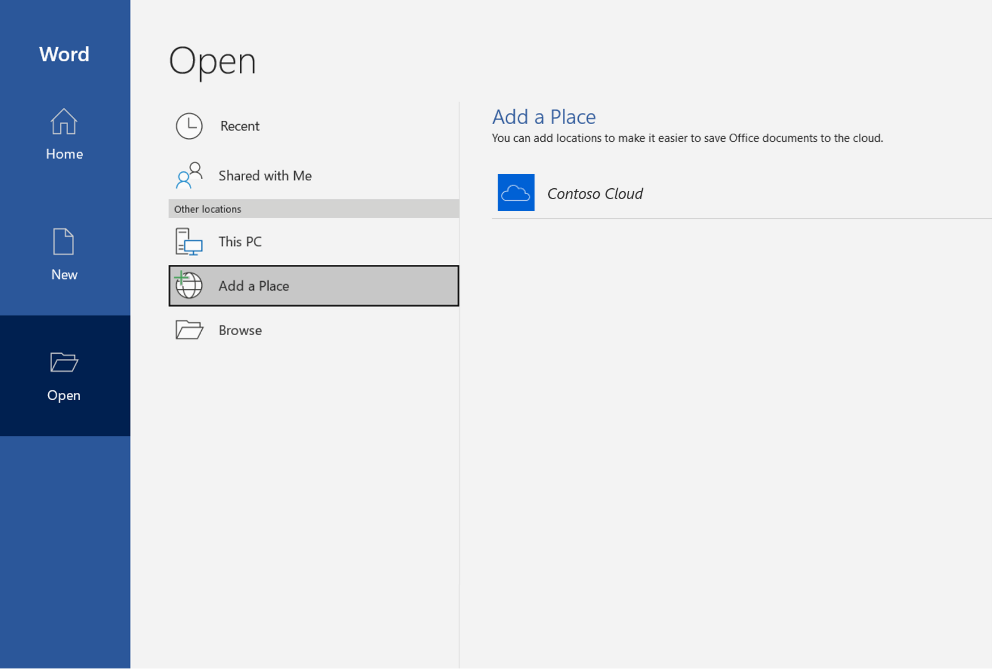
How Cloud Storage Partners integrate their services with Microsoft Teams and Office
We have added new ways for our Cloud Storage Partners to integrate their services to ensure customers can collaborate on documents no matter where they are stored.
Announcing general availability of Microsoft Graph Export API for Microsoft Teams messages
Microsoft Graph Export API for Teams supports exporting Teams messages and message hosted content for a particular user or team that is subject to compliance.
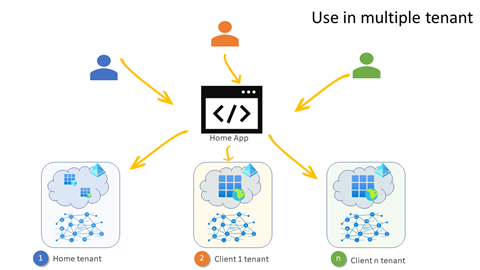
Multi-tenant architecture for SaaS apps
Learn how to convert a simple single tenant JavaScript application into a multi-tenant app that can run across different tenants to bring data into the app. Same app, different data.
Changes to the Microsoft 365 advanced eDiscovery create case API (beta)
Take advantage of the latest and greatest functionality in advanced eDiscovery using the Microsoft Graph APIs.
Breaking changes to the me/assignments endpoint in the Microsoft Graph Assignments API (beta)
We are rolling out changes for developers using the Microsoft Graph assignments API starting October 8, 2021 in the response to the me/assignments GET endpoint to enhance its performance.

Announcing a new Microsoft Teams authentication provider and file upload feature in the Microsoft Graph Toolkit

Today, thanks to the support and contributions of the community, we are excited to share another new release of the Microsoft Graph Toolkit, version 2.3. This release includes a new Microsoft Teams authentication provider, file upload support in the File List component, and several feature updates and bug fixes!
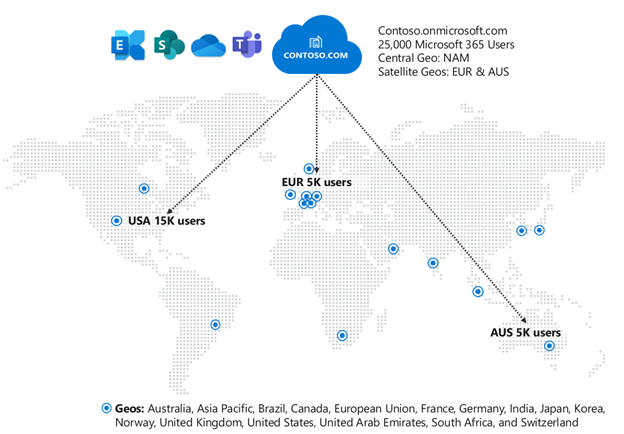
Updates for Microsoft Teams bots in Multi-Geo environments
With Microsoft 365 Multi-Geo, organizations have greater control over the location of specific data centers their data is stored in. We have made some significant updates to be aware of when developing Microsoft Teams bots.

Changes to the Microsoft 365 usage reports API

We are making a change to Microsoft 365 usage analytics on September 1, 2021 to pseudonymize user-level information by default.
Update your Office Add-in Dialog for cross-domain calls

We have recently implemented a security update to the Office add-in Dialog API that affects cross-domain communication between the dialog and the parent page.

New public preview version on upcoming SharePoint Framework 1.13
We are excited to announce the updated public preview of the SharePoint Framework (SPFx) 1.13 - with Microsoft Viva Connections extensibility support for optimized mobile experiences.
Reminder: Breaking changes coming to the Microsoft Graph userPurpose API (beta)
Breaking changes to the Microsoft Graph UserPurpose API will roll out beginning August 24, 2021 as scheduled. Learn how to handle the changes during the downtime
Attention: Outlook REST API v1.0 deprecation final notice
If your applications are currently using Outlook REST API v1.0, you should plan to transition to Microsoft Graph to ensure continued access to Exchange Online data.
Explore and deploy SharePoint Framework solutions from partners in SharePoint (Microsoft 365)
Solve challenges with tailored apps. To empower teamwork in your intranet, we’re bringing a modern app store to SharePoint in Microsoft 365.
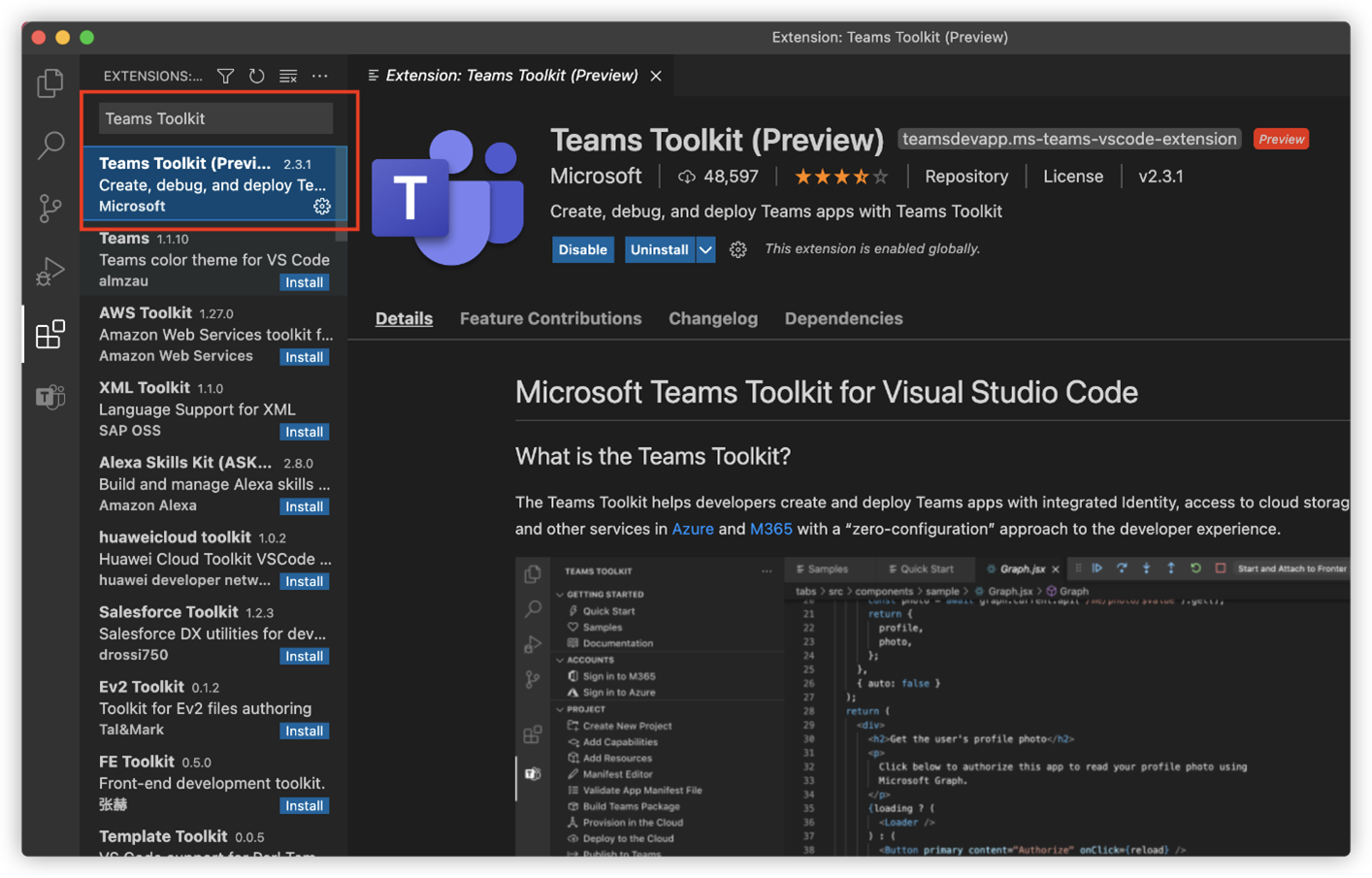
Build and run your Microsoft Teams app in 10 minutes with the Teams Toolkit for VS Code
More and more developers are building unique and custom apps in Microsoft Teams to support a wide range of scenarios. The Teams Toolkit for Visual Studio Code is one of the many tools that make building these apps easier.
Microsoft Graph JavaScript SDK 3.0.0 is now generally available
Do more with the new 3.0.0 release of the Microsoft Graph JavaScript SDK. This release includes support for multiple authentication flows and enhancements to the large file upload task.
Breaking changes to the Microsoft Graph connectors API (beta)

We have made improvements to our API to make it more useful and intuitive to developers. Implementing these improvements requires us to introduce some breaking changes detailed here.
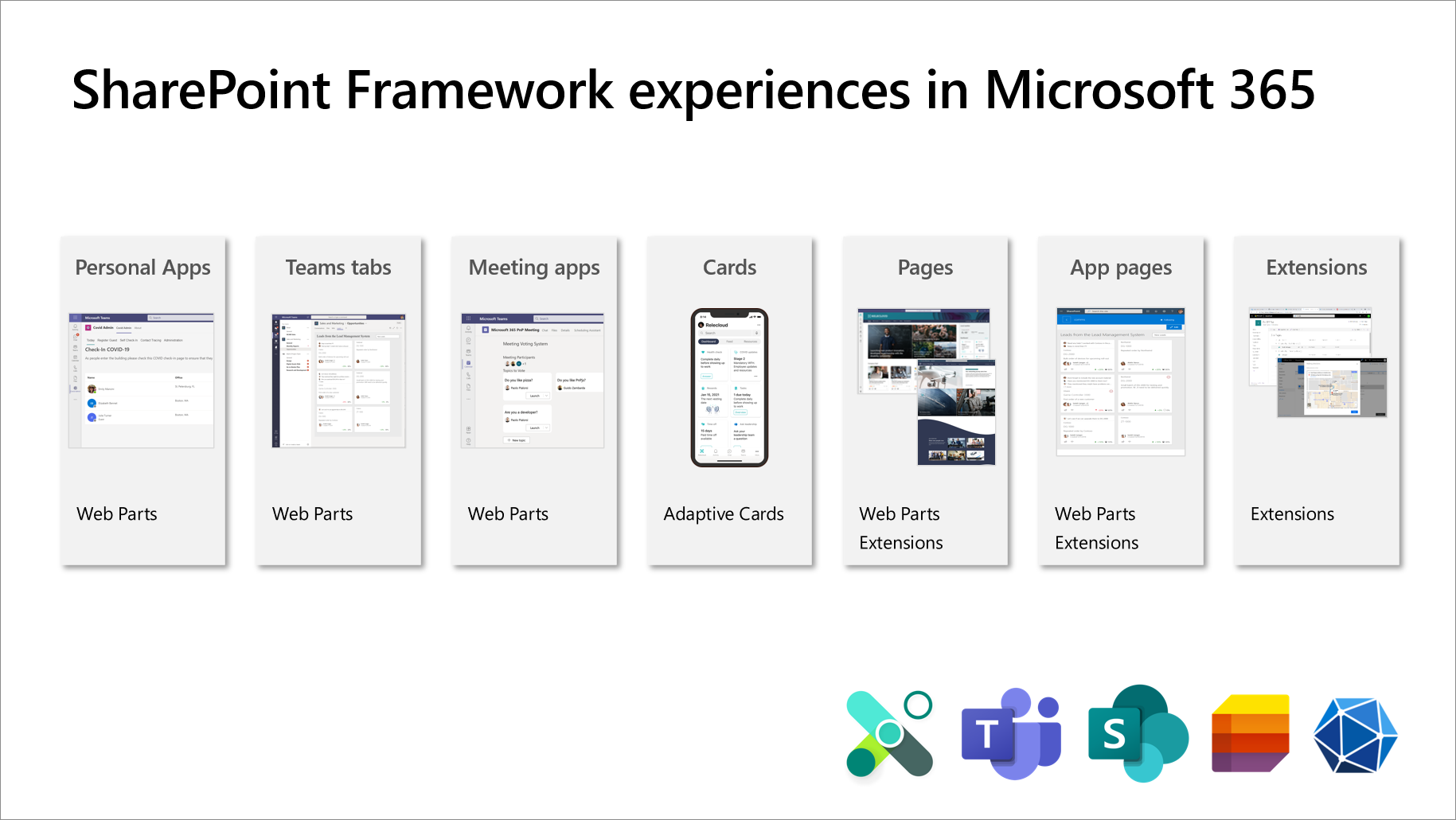
Announcing public preview of SharePoint Framework 1.13 – with Viva Connections Extensibility
We are excited to announce the availability of public preview of the SharePoint Framework (SPFx) 1.13 - with Microsoft Viva Connections extensibility support for optimized mobile experiences.
Microsoft Graph .NET SDK v4 now generally available with streamlined authentication and more
New features and improvements simplify building high-quality, efficient and resilient applications accessing Microsoft Graph.
MSAL for Angular v2 is now available
This library improves on the existing MSAL Angular v1 library bringing exciting new features to provide a better experience.
MSAL for React is here!
The new release of MSAL for React expands the libraries you can use with the Microsoft identity platform to developers using React.
Announcing upcoming Microsoft Viva Connections public developer preview
We are excited to announce an upcoming public preview for building experiences for Viva Connections using SharePoint Framework. We will be releasing this preview capability as part of the SharePoint Framework 1.13 beta, which is scheduled to get published by end of July.
Access Microsoft Graph through a new preview CLI
We’re excited to bring an alternative to PowerShell and JMESPath capabilities to you with the preview new command line interface (CLI) for Microsoft Graph.
Get Microsoft 365 Certification by demonstrating app security controls
As an app publisher, you can work with analysts in the Microsoft 365 App Compliance team to demonstrate that both your application and its supporting infrastructure are qualified to protect the security and privacy of your customers’ sensitive data.
Office Scripts help Uniper boost employee productivity
Using Office Scripts and Power Automate, I built a script that fully automates a report that used to take me at least one to two hours per month.
Explore new change notification API resources for your Microsoft Teams app
You can now subscribe to all types of changes (create, update, and delete) to teams, channels, and team membership. You also have the option to request resource data when receiving the change notification itself. The expansion of support to these additional Teams resources will open even more scenarios that you can tap into and automate.
Manage frontline workers in Microsoft Teams with Tags and Time Clock APIs
Learn about some scenarios where these APIs come in handy and view the code snippets that you can leverage to manage Tags and Time Clock in Teams.
Updates on the Microsoft 365 platform community calls

We are adjusting our Microsoft 365 platform community call structure based on the community survey feedback. As part of this change, some calls will be discontinued and combined to more holistic Microsoft 365 platform call with engineering demos across the platform.
Office Scripts help Analysis Cloud Limited automate and modernize workflow
At Analysis Cloud Limited, we’ve used Office Scripts to completely automate a Covid-19 reporting process used by one of our clients. Using Office Scripts meant that an arduous process was reduced to a simple action.
Attention: breaking changes coming to the Microsoft Graph userPurpose API (beta)
The userPurpose API will be offline for some pre-production updates. To mitigate the impact of this downtime, we are making another *temporary* API called userPurposeV2.
Microsoft Graph Mailbag – Explore Microsoft Graph with Postman

Learn how to use the Microsoft Graph Postman collection to explore the Microsoft Graph API.
Universal Actions: Unified developer experience for Adaptive Cards on Teams and Outlook
The new Universal Action model for Adaptive Cards includes many improvements. Get a glimpse of what they are and how our partners are already using them to transform user experiences.
Improved API support for working with files in the SharePoint recycle bin
We’re rolling out some improvements for working with files in the SharePoint recycle bin. Once these changes are active, files and folders that are recycled will be placed into new “recycle bin libraries”. Contents of recycled files in these new libraries can be accessed by APIs with the use of a special request header.
Assignments API for Microsoft Graph is now generally available
The assignments API in Microsoft Graph, now generally available on the v1.0 endpoint, makes it easy for you to build solutions that integrate with educational resources for various school and classroom scenarios.
Microsoft Graph Mailbag – A deeper look into the Microsoft Graph PowerShell SDK
Learn how to navigate the Microsoft Graph Powershell SDK and how to use the SDK for some of the core features available with Microsoft Graph.
Universal Actions in Adaptive Cards on Microsoft Teams

The new release of Universal Actions in Adaptive Cards on Microsoft Teams brings support for user specific views, sequential workflows and up-to-date views on Adaptive Cards!
Change notifications extended for federated chats
Change notifications for Microsoft Teams messages are now available for federated scenarios.
Four new features to build richer apps for Microsoft Teams meetings
With hybrid work, the need for first-rate meeting experiences, whether remote or in-person, for every participant is critical. Four new features expand the breadth and capabilities of apps in meetings.
What’s new in Office Platform at Build 2021
Take a tour of the new features for Excel and Outlook that will help you bring your business solutions more seamlessly into Office.
Microsoft Graph @ Build 2021
We are excited to share all the new features that we’ve added to Microsoft Graph to enable developers and IT administrators to adapt to a new reality. Learn what's new at Build 2021!
What’s new for the Microsoft 365 developer at Build 2021
It's Microsoft Build 2021! This year, we have an exciting set of new features and announcements from across the entire canvas of Microsoft 365 that we’re thrilled to share with you!
Microsoft Teams App Development Challenge Winners!
We would like to congratulate the four winning partners on their awards and publishing their innovative new Microsoft Teams apps.
Announcing new file components, MSAL 2 Provider, and SharePoint Framework library in Microsoft Graph Toolkit
New Microsoft Graph Toolkit release includes enhanced features that makes your integration with Microsoft Graph even easier than before.
Publish your apps to the Microsoft Teams store
When you publish your SaaS offering to the Microsoft Teams store, you can reach more than 500,000 organizations, including small and large corporations and educational institutions.
Add custom keyboard shortcuts to your Office Add-ins in Excel
Today, we are excited to announce general availability for custom keyboard shortcuts for Office Add-ins in Excel.
Microsoft Graph .NET SDK v4 adds enhanced features – now in preview
Leverage new modern development features when integrating your application with Microsoft through Microsoft Graph .NET SDK v4
Five new features enhancing Adaptive Cards in Microsoft Teams
Learn about the new Adaptive Cards features that will simplify workflows and user interaction models for your bots and work across multiple platforms including Microsoft Teams, Outlook, Windows and more.
New renewal offering for your app’s Publisher Attestation and Microsoft 365 Certification
The Microsoft 365 App Compliance Program now offers an annual renewal process for app developers to update their existing Publisher Attestation questionnaire and documentation required for certification.
Microsoft Graph Mailbag – Azure AD applications and users for testing
Learn best practices to configure Azure AD applications and users in your development environment for testing Microsoft Graph queries.
Understanding the Office Add-ins runtime
Learn about the latest changes in Office's use of web runtimes as well as the runtimes that we've used on various platforms in the past.
Application permissions support for assignments API in Microsoft Graph now available
The assignments API in Microsoft Graph now supports application permissions for various GET APIs in addition to delegated permissions.
Announcing SharePoint Framework 1.12.1 – Extending more of Microsoft Teams
The release of SharePoint Framework v1.12.1 for building extensibility for Microsoft Teams and SharePoint focuses on providing more flexibility on Microsoft Teams extensibility and updated technical dependencies.
Learn how to develop apps with the Microsoft Graph Toolkit
Using the Microsoft Graph Toolkit is the easiest way to connect your app to Microsoft 365. But don’t just take our word for it. Complete this NEW learning path and experience it for yourself.
Microsoft Graph Mailbag – Create engaging apps with the Microsoft Teams Activity Feed API
Learn how to use the Activity Feed API in Microsoft Graph to allow your apps to provide richer experiences and better engage users by keeping them up to date.
Build quality Microsoft Teams apps with these best practices: Part 3

In this last part of the series, we share some of the critical considerations that must be thought through before publishing your Microsoft Teams app.
Utilize change notification APIs for Microsoft Teams messages
Change notifications for Microsoft Teams messages are now generally available in the Microsoft Graph v1.0 endpoint for delegated scenarios.
Breaking changes to the Microsoft Graph assignments API (beta)
The assignments API enables education users and partners to get and set properties associated with assignments in Microsoft Teams EDU. Breaking changes will be rolling out on May 17, 2021.
Leverage new Microsoft Teams chat APIs to enable new scenarios
General availability of the Microsoft Teams chat APIs in the Microsoft Graph v1.0 endpoint enable additional capabilities with chat and messages.
Migrate messages from other chat platforms to Microsoft Teams with Microsoft Graph APIs
Microsoft Graph APIs to enable the migration of messages to Microsoft Teams are now Generally Available. .
Enhance app engagement with the Microsoft Teams Activity Feed API
The Microsoft Graph API for sending notifications in the Microsoft Teams Activity Feed is now generally available with enhanced features.
Build quality Microsoft Teams apps with these best practices: Part 2
In Part 2 of this series, we share best practices on building and designing tab apps, message extensions, mobile experiences, meeting apps, and notifications.
Announcing public preview of SharePoint Framework 1.12.1
We are excited to announce public preview of upcoming SharePoint Framework 1.12.1 with updated quality assurance process for all upcoming versions.
Microsoft Graph Mailbag – Copy/Move Files and Folders in SharePoint Online
In this blog, we share a scenario on constructing Microsoft Graph API calls to copy/move files from one SharePoint Online site to another.
Enable compliance scenarios with hosted content and delta message APIs in Microsoft Teams
Microsoft Graph APIs are now generally available to help expand capabilities of solutions for critical compliance and archiving scenarios.
Explore Microsoft Graph scenarios for JavaScript development now on Microsoft Learn
New learning path with hands-on exercises to show you how to perform common tasks in a JavaScript app using Microsoft Graph APIs.
New feature request experience for Microsoft Graph and Office Platform
Our feature request experience is moving to the Microsoft Technical Community (MTC) Ideas space. We welcome and encourage your feedback.
Jedox explains batching Excel Custom Functions API calls
Jedox is on a mission to optimize value creation through Enterprise Performance Management (EPM) solutions, helping organizations outperform their competition and enabling people to effectively collaborate. Microsoft Excel has always been the key front end for delivering this mission.
Build quality Microsoft Teams apps with these best practices: Part 1
Build high quality, impactful and engaging apps for Microsoft Teams by following the guidance in this blog. First of a 3-part series.
Get Microsoft Graph change notifications delivered via Azure Event Hubs
This change notification node will enhance high throughput processes and minimize chances of missing change notifications from Microsoft Graph due to their endpoint downtimes.
Accelerate your app adoption with MSAL for Node.js
With the new release of MSAL Node you can write applications to authenticate users and enable your app to access data and intelligence in Microsoft 365 through Microsoft Graph.
Microsoft Graph Fundamentals now on Microsoft Learn
Learn the basic concepts and fundamentals of Microsoft Graph in our new learning path on Microsoft Learn.
Microsoft Graph Java SDK v3 adds enhanced capabilities with general availability
Microsoft Graph Java SDK v3 adds features and improvements for authentication, asynchronous API, Fluent API and more.
Tips for using the shared JavaScript runtime in your Office Add-in
Tips for using the shared JavaScript runtime in your Office Add-in to simplify your code. Share data and functionality, access the task pane DOM from anywhere, keep running even when the task pane is closed, and more.
Microsoft Graph Mailbag – Getting Started with the Microsoft Graph PowerShell SDK
Learn how to start working with Microsoft Graph using PowerShell and how to utilize our current PowerShell skills with the Microsoft Graph PowerShell SDK.
Upgrade signed Office VBA macro projects to V3 signature

To enhance the security of the Office VBA macro project signing, we recommend that users apply a security update listed in Microsoft Common Vulnerabilities and Exposures. A more secure version of the VBA project signature scheme is available for Microsoft 365, Office 2016, and Office 2019.
Announcing SharePoint Framework 1.12 – Extending more of Microsoft Teams
We are excited to announce a new version of the SharePoint Framework for building extensibility for Microsoft Teams and SharePoint. This releases focused on providing more flexibility on the Microsoft Teams extensibility and to update technical dependencies.
FactSet for Excel leverages the EquivalentAddin element for COM add-in compatibility
FactSet delivers flexible, open data and software solutions which help investment professionals see and seize opportunity sooner. The FactSet for Excel add-in enables users to bolster their Excel models and workbooks with dynamic, refreshable FactSet content including financials, estimates, prices, ownership, credit analysis, and more.
Four device capabilities developers can utilize for Microsoft Teams mobile apps
The enhanced Microsoft Teams platform allows partners to integrate device capabilities, such as camera, QR or barcode scanner, photo gallery, microphone, and location with their web apps.
Microsoft Graph Mailbag – Microsoft Graph in Electron applications using Microsoft Graph Toolkit
How to build a Microsoft Graph-powered Electron application using the Electron provider from the Microsoft Graph Toolkit for authentication.
Microsoft Graph Toolkit adds a new Electron Provider plus enhanced capabilities
Microsoft Graph Toolkit v2.1, available today, has a new authentication provider for Electron applications plus other improvements to make for an easier Microsoft Graph integration.
What’s new for Excel add-ins developers in 2021

When it comes to extending Excel, the Office Add-ins platform makes it easy for you to get your data into the hands of Excel users across Windows, Mac, and on the web. Our team is invested in helping you build your own capabilities into software used by millions of people worldwide.
Office Add-ins partner Sheetgo integrates Excel’s extensibility features
Learn how Sheetgo uses add-ins to connected Excel spreadsheets to build custom, automated workflows.
What’s new for Microsoft 365 and Teams Platform @ Ignite 2021
Learn what's new with the Microsoft 365 and Teams platform at Ignite this week, March 2-4, 2021.
Microsoft Graph Mailbag – Intro to Microsoft Graph and Top 5 API Requests
A quick introduction on Microsoft Graph and what are the 5 most interesting APIs you should start with today.
Controlling app access on a specific SharePoint site collections is now available in Microsoft Graph
Microsoft Graph has now new permission named Sites.Selected, which can be used to control app access on a specific SharePoint site collections.
Announcing Microsoft Teams App Generator (Yo Teams) version 3
Announcing a new version of the Microsoft Teams Yeoman generator (yo teams) with the new capabilities on making the creation of enterprise grade solutions for Microsoft Teams as easy as possible.
Microsoft Graph Mailbag – Blazor Web Assembly and Microsoft Graph with Azure Functions
Surface your Microsoft 365 data using Microsoft Graph with Microsoft Azure Functions and ASP.Net Core Blazor Web Assembly.
Microsoft 365 Community (PnP) – February 2021 update
Monthly summary on the latest news, guidance, videos, samples, and solutions from Microsoft or from the community for the community.
Basic Authentication and Exchange Online – February 2021 Update
Due to the pandemic and the effect it has on priorities and work patterns, we are announcing some important changes to our plan to disable Basic Auth in Exchange Online.
Application Access Policy Support Added to Exchange Web Services in Exchange Online
We previously introduced Application Access Policy support for Microsoft Graph, and we are now adding Application Access Policy support to Exchange Web Services (EWS) in Exchange Online.
Use the shared JavaScript runtime to improve the UI experience of your Office Add-in
This blog is the first of a series highlighting the shared runtime feature of the Office Add-ins platform.
Announcing the public preview of Microsoft Graph Java SDK v3
The next version of the Microsoft Graph Java/Android SDK is now available for preview! Leverage new modern development features when integrating your application with Microsoft Graph.
Use UI Automation custom properties to customize your assistive technologies to Office applications
Today, we announce that Office applications on Windows have added support for UI Automation custom properties in PowerPoint and Excel so that assistive technologies have access to application-specific information through UI Automation.
New Microsoft 365 Patterns and Practices (PnP) team members – February 2021
We are excited to welcome April Dunnam, Emily Mancini and Veronique Lengelle to our virtual Microsoft 365 Patterns and Practices (PnP) team which leads the different community engagement in Microsoft 365 areas.
Best practices and updates for bot lifecycle events in Microsoft Teams
We’re excited to share that we’ve recently added some new team and channel conversation update event types for you to use. We’re also happy to share that we’ve created a new event, Installation update, adding another event type for you to use.
General Availability of the new PnP Framework library for automating SharePoint Online operations
PnP Framework, replacing classic PnP Sites Core SDK, is now Generally Available. This library extends the Microsoft CSOM for .NET Standard 2.0 for typical scenario based operations.
CLI for Microsoft 365 v3.5
We've just published a new version of CLI for Microsoft 365 with commands for managing Microsoft 365 tenants and SharePoint Framework projects on any platform.
Office Add-in Development Community (PnP) – December 2020 update
The Office Add-ins developer platform team has new updates to share this month on Office Add-ins Patterns and Practices.
New version of the PnP PowerShell – Open-source cross-platform PowerShell module to manage Microsoft 365
Open-source cross-platform PnP PowerShell module to manage Microsoft 365 is now generally available.
What’s Coming for Office Add-ins in 2021

As we begin 2021, one of the team’s goals is to do even more sharing of the enhancements we’re making to the add-in platform capabilities in Excel, Outlook, PowerPoint, and Word. We’ll highlight some of our focus areas for the upcoming year, with several additional posts that dig into specific topics and stories from some of the partners that have been working closely with us.
Build your personalized enterprise search experience with PnP Modern Search v4 solution
We’re proud to release the v4 of the PnP Modern Search web parts for SharePoint Online with Microsoft Search support
Microsoft Graph Mailbag – Batch requests with Power Automate custom connectors
Build Power Automate custom connectors to batch requests for Microsoft Graph.
Guides and tools to design your Microsoft Teams app effectively
We’re sharing the new Microsoft Teams UI Kit and Microsoft Teams UI Library to help designers, product managers, and developers quickly understand the key design considerations for making quality Teams apps and also simplify the process by providing templates and tools to use.
Microsoft Graph Mailbag – Taking advantage of mgt-get component in the Microsoft Graph Toolkit
In today’s Microsoft Graph Mailbag post we will cover one of the most flexible components of the Microsoft Graph Toolkit, the mgt-get component.
Microsoft 365 Community (PnP) – January 2021 update
Summary of the updates in our Microsoft 365 Community - Latest samples, videos and other assets, including acknowledgement of the community contributors and companies which have been involved on our community efforts.
CLI for Microsoft 365 v3.4
We've just published a new version of CLI for Microsoft 365 with commands for managing Microsoft 365 tenants and SharePoint Framework projects on any platform.
Run CLI for Microsoft 365 in Docker
We are delighted to announce that CLI for Microsoft 365 Docker images are now available to download and use from the Docker Hub.
Microsoft Graph Mailbag – Use Graph Explorer Like a Professional
In today's Microsoft Graph Mailbag post we will cover features of Graph Explorer to help you be as effective as possible when querying Microsoft Graph.
Connect with the Microsoft identity developer advocates on our new Twitch channel
Connect with the Microsoft identity developer advocates on our new Twitch channel
Office Add-in Development Community (PnP) – November 2020 update
We've published a new Office Add-ins PnP sample showing how to set up a basic Excel add-in project that utilizes keyboard shortcuts.
Announcing the General Availability of Microsoft Graph Toolkit 2.0!
We've released a new version of Microsoft Graph Toolkit. We've added a React wrapper package, redesigned and added features to Person Card, split into 8 new packages.
Microsoft 365 Patterns and Practices (PnP) – December 2020 update
Summary of the updates in our Microsoft 365 Community - Latest samples, videos and other assets, including acknowledgement of the community contributors and companies which have been involved on our community efforts.
Announcing “Microsoft Graph Mailbag” Blog Series
Today we are announcing the start of the “Microsoft Graph Mailbag” blog series, where we’ll share insights, lessons learned, and useful samples for working with Microsoft Graph and related services.
Letsignit leverages the Outlook Add-ins Platform to manage email signatures
Today we'd like to introduce you to Sébastien Telouk who is the Vice President of Sales at Letsignit, an email signature management solution for Microsoft 365. He sat down with us to chat about how Letsignit has leveraged the power of Outlook Add-ins to bring their email signature management system to life. Tell us about Letsignit Letsignit is an Outlook Add-in that allows organizations to create and manage email signatures in a few clicks. This solution lets customers centrally manage all employee email signatures which saves time and keeps their brand image consistent. Users can also add promotional banners t...
Join us to learn how to build Teams apps together!
Join us on December 16, for a 2-hour live stream about developing apps for Microsoft Teams. We’ll explain what Teams apps are, how you can build them, and how you can integrate them with Teams.
Microsoft Search query API for Microsoft Graph is now Generally Available!
We’re pleased to announce that we’re making the Microsoft Search API in the Microsoft Graph available in v1.0
Announcing public preview of the Microsoft Teams Activity Feed API on Microsoft Graph
New Microsoft Teams Activity Feed APIs now available in preview on Microsoft Graph, developers can build and surface engaging, actionable content from their own apps in the Microsoft Teams Activity Feed.
New Microsoft 365 Patterns and Practices (PnP) team members
We are excited to welcome Luise Freese and Sébastien Levert to our virtual Microsoft 365 Patterns and Practices (PnP) team which leads the community engagement in multiple areas.
Increase customer trust with publisher verification
We have released official documentation on Publisher verification, which protects users from application-based attacks such as consent phishing.
How to create single sign-on authentication for tab apps with Microsoft Teams Toolkit for Visual Studio Code
We're excited to announce that with Microsoft Teams Toolkit for Visual Studio Code version 1.1.3, you’ll be able to create single sign-on (SSO) authentication with Azure Active Directory (AAD) for Teams tab apps directly within the toolkit
CLI for Microsoft 365 v3.3
We've just published a new version of CLI for Microsoft 365 with commands for managing Microsoft 365 tenants and SharePoint Framework projects on any platform.
Retiring Microsoft Graph notifications API (beta)
We will retire Microsoft Graph notifications on February 1, 2021 to give customers who were potentially exploring using this service time to begin exploring Azure Notification Hubs instead.
Outlook REST API v1.0 deprecation update
Today we are announcing that on April 30, 2021, we will fully deprecate the Outlook REST API v1.0 endpoint.
Outlook REST API v2.0 production and beta endpoint deprecation
Today, we are announcing the deprecation of Outlook REST API v2.0. The API will be decommissioned on a date still to be determined.
Microsoft Teams App Development Challenge
Be a part of the fastest growing business app in Microsoft’s history—register today, build and publish a Teams App to be eligible to win a share of $45,000 in cash, and prizes.

Microsoft 365 App Compliance Program is now integrated into Partner Center!
Our Microsoft 365 App Compliance program is now integrated into Partner Center and will allow you to take advantage of the new automated process for completing Publisher Attestation and Microsoft 365 Certification.
Office Add-in Development Community (PnP) – October 2020 update
Office Add-ins Patterns and Practices gives updates on extending your SaaS web application so that your customers can open their data from a web page directly to Microsoft Excel.
Microsoft 365 Patterns and Practices (PnP) – November 2020 update
Microsoft 365 Community (PnP) November 2020 update is out with a summary of the latest guidance, samples, and solutions from Microsoft or from the community for the community.
Announcing a new, redesigned Microsoft Graph changelog
Today, we’re excited to announce that in response to your feedback, we’re changing the changelog! You will find the new, redesigned changelog on the Microsoft Graph Dev Center.
Announcing general availability of Microsoft Teams Resource-specific consent and read channel messages
We are pleased to announce the general availability of resource-specific consent and the APIs to read channel messages. Enabling you to build apps that can read messages and manipulate channels, without needing to beg an admin for access to the entire tenant.
Announcing the general availability of the Microsoft To Do API in Microsoft Graph
We are excited to announce that Microsoft To Do API is now generally available in Microsoft Graph worldwide. Previously, you could consume these APIs through the beta endpoint but now you can access them through the production v1.0 endpoint.
CLI for Microsoft 365 v3.2
We've just published a new version of CLI for Microsoft 365 with commands for managing Microsoft 365 tenants and SharePoint Framework projects on any platform.
Microsoft Teams App Generator (Yo Teams) v 2.16
We have just recently published a new version of the Microsoft Teams App Generator, aka Yo Teams. A new release that has been focused on bringing the latest of developer extensibility innovations in Microsoft Teams into the generator - with support for the two latest versions of the Microsoft Teams App manifest 1.7 and 1.8.
Looking to automate in Excel? Check out what’s cooking with Office Scripts
Learn all about Office Scripts. Office Scripts is a new feature within Excel on the web, built with the goal of enabling Office users to automate their tasks anytime and anywhere.
Mailbox 1.9 JavaScript API is Generally Available
Mailbox 1.9 JavaScript API is now generally available. Mailbox 1.9 JavaScript API enables you to add an append-on-send feature in the Mailbox 1.9 API, ensuring a disclaimer or text that needed to be in the message is included. By using plain text, or even HTML, you can programmatically ensure your message is ready for sending.
Importing third-party platform messages to Microsoft Teams is now available in beta
Announcing the beta release of the import capabilities in Microsoft Teams. These new capabilities give you the ability to import channel messages into a new team, specify the message sender and timestamp and link to files.
Announcing deprecation of includeProperties property for Microsoft Graph change notifications
We are retiring the includeProperties property currently on the Microsoft Graph beta endpoint as of January 1, 2021. If your Microsoft Teams app currently uses the includeProperties resource, please update it immediately to use includeResourceData to ensure your code still works.
Microsoft 365 Patterns and Practices (PnP) – October 2020 update
Microsoft 365 Community (PnP) October 2020 update is out with a summary of the latest guidance, samples, and solutions from Microsoft or from the community for the community.
Announcing the General Availability of Microsoft Graph Teams Membership API
We're pleased to announce the general availability of team membership APIs in the Microsoft Graph v1.0 endpoint.
Outlook add-ins and optional connected experiences
We want to share an important update regarding how Outlook add-ins behave when the optional connected experiences privacy setting is turned off.
Microsoft.Identity.Web is now generally available!
We're excited to announce that Microsoft.Identity.Web is now generally available. Microsoft.Identity.Web brings a renewed, simplified, end-to-end experience for developers to build secured-by-default web apps or web APIs, possibly calling Microsoft Graph or other web APIs.
CLI for Microsoft 365 v3.1
We've just published a new version of CLI for Microsoft 365 with commands for managing Microsoft 365 tenants and SharePoint Framework projects on any platform.
Microsoft Graph advanced queries for directory objects are now generally available
Developers can query the directory objects with Microsoft Graph using $count, $filter, $search, and $orderBy on more objects, properties, and links.
Breaking change to Microsoft Graph Users API: Updates to on-premises sync-enabled user contact numbers are no longer allowed
Today we're announcing an upcoming breaking change to developers using the Microsoft Graph Users API. The Users API enables admins to get and set properties associated with user objects in Azure AD. This change will be rolling out to all tenants by October 5, 2020. What is the change? This bug fix will prevent Microsoft Graph updates to the mobilePhone property of users who are mastered on-premises and synced to Azure AD. To learn more about user properties, see the user resource topic. Why the change? When using Azure AD Connect to synchronize Active Directory users, groups, and contacts to Azure AD (the cloud),...
Change Notifications for Microsoft Teams Messages now Generally Available
Back in February we announced the public preview of change notifications for Teams messages and we are excited to share we have now moved the change notification for Teams to general availability. This was one of the most common requests made in UserVoice, and we heard it from developers who wanted to listen to Teams messages in near-real time, without polling, to enable scenarios such as data loss prevention, enterprise information archiving, and bots that listen to messages that they aren't @mentioned on. We're excited to tell you change notifications for Teams messages are now generally available, and you can ...
Ignite 2020: The emergence of Microsoft Graph services
Learn how our engineers are working hard to extend the capabilities and even the definition of Microsoft Graph for developers building the next generation of productivity applications.
Microsoft Teams & Microsoft Graph Dev Platform @ Ignite 2020
The way we work is changing faster than ever. At Ignite 2020 we’ll share how the Microsoft 365 platform empowers developers to adapt, innovate, and meet the challenge of that change head-on.
Ignite 2020 | Microsoft Teams platform round-up
Read about all the Microsoft Teams announcements at Ignite this year, and get links to the virtual hub for online sessions.
Office at Ignite 2020
Welcome to Ignite 2020! While this year feels different compared to others, we are excited to share our sessions for this year and hear from you. This year we will have open access to everyone – whether you’re sharpening your skills or building your first ever Office integration, we hope that you are able to take away something from our Program Managers, partners, and customers.
Buckle up and get ready for Ignite 2020!
It’s that time of the year again! Are you all ready for Ignite 2020? We are absolutely thrilled to be joining you this year for our all-digital Ignite conference. For those of you who are new, Ignite is our biggest Microsoft conference where, amongst many other things – you can get the latest updates on Microsoft Teams platform, Microsoft Graph, Windows and cross platform development, SharePoint, Office add-ins and more!
Microsoft 365 Patterns and Practices (PnP) – September 2020 update
Microsoft 365 / SharePoint Patterns and Practices (PnP) September 2020 update is out with a summary of the latest guidance, samples, and solutions from Microsoft or from the community for the community. This article is a summary of all the different areas and topics around the Microsoft 365 Patterns and Practices (PnP) community during the past month.
Fluid Framework is now open source
We're excited to say that Fluid Framework is now available as an open source project!
PnP Virtual Conference – September 2020 – Summary and Recordings
Microsoft 365 Patterns and Practices (PnP) executed a virtual conference on 1st of September. We are happy to share that the session recordings are now available in our YouTube channel for everyone to benefit in anyway as needed.
CLI for Microsoft 365 v3
We've just published a new version of CLI for Microsoft 365 with commands for managing Microsoft 365 tenants and SharePoint Framework projects on any platform.
Retirement of certain SharePoint Online WebPartPagesWebService methods
Retirement of certain SharePoint Online WebPartPagesWebService (WebPartPages.asmx) methods
New Microsoft 365 Patterns and Practices (PnP) team members
We are excited to announce that we are extending our virtual Microsoft 365 Patterns and Practices (PnP) team with additional community members.
Office Scripts now enabled by default – Preview

Office Scripts will be enabled by default for all users that have a commercial or EDU license that gives access to the Microsoft 365 office desktop apps such the Office 365 E3 and E5 licenses. This change will first roll out to the targeted release audience before all other eligible users.
Announcing the public preview of Microsoft Graph change notifications delivery via Azure Event Hubs
We're pleased to announce the public preview of an additional delivery mode for Microsoft Graph change notifications. You can now use Azure Events Hubs to receive change notifications instead of traditional webhooks. Historically, change notifications have used webhooks to let applications receive notifications about changes in Microsoft Graph resource data like Outlook messages, OneDrive files, and more. This delivery mode (HTTP POST) requires subscribers to expose a publicly available notification URL, which can be limiting for two types of scenarios: Using Azure Event Hubs, a popular real-time events ...
New SharePoint CSOM version released for SharePoint Online – August 2020
We are happy to announce the availability of new SharePoint Client-Side Object Model (CSOM) version targeted for the Office 365 or more specifically for SharePoint and Project Online. August 2020 release.
The new & improved Microsoft Graph To Do APIs are now in Public Preview
We’re excited to announce that APIs are now available in public preview on the beta endpoint of Graph.
What’s new for change notifications and change tracking in Microsoft Graph – August 2020
Change notifications uses webhooks to let applications get notified about changes in Microsoft Graph resource data, such as Outlook messages or OneDrive files. Change tracking uses delta queries to let applications discover newly created, updated, or deleted entities without performing a full read of the target resource with every request. Over the last few months, the Microsoft Graph team has delivered new capabilities to unlock new change notification and delta query scenarios for our customers. Change tracking for new entities v1.0 Delta query for service principals, and oAuth2PermissionGrant is now available ...
Announcing WebView2 for Office Add-ins Platform – Preview
We're excited to announce that we're taking the next steps in evolving the web viewer control used by the Office Add-ins platform for add-ins running on Windows.
Microsoft 365 & SharePoint Ecosystem (PnP) – August 2020 update
Microsoft 365 / SharePoint Patterns and Practices (PnP) August 2020 update is out with a summary of the latest guidance, samples, and solutions from Microsoft or from the community for the community. This article is a summary of all the different areas and topics around the Microsoft 365 and SharePoint community (PnP) during the past month.
Announcing General Availability of Single Sign-On (SSO) for Office Add-ins
We are excited to announce that the single sign-on (SSO) functionality for Office Add-ins is moving to General Availability with version 2008. This authentication service allows an add-in to automatically and securely sign in a user after being granted consent, providing a more convenient experience by reducing the number of times they are requested to sign in. SSO works with both work and school accounts as well as Microsoft accounts.
Let your users skip sign-in with Single Sign-On support for Microsoft Teams tabs
Developers can now build their apps to sign-in their users using the same account they are using to sign into Microsoft Teams -- giving users a more enjoyable and frustration-free sign-on experience and where they don't have to repeatedly enter their username and password each time they open the app.
Frictionless app development and enablement with the Microsoft Teams App Submission API
Streamline Microsoft Teams app staging and publishing with the Teams app staging and submission APIs now generally available on the Microsoft Graph v1.0 endpoint.
How to build a Blazor web app with Azure Active Directory authentication and Microsoft Graph
This step by step guide will help you build a Blazor web app with Azure Active Directory authentication and Microsoft Graph.
MSAL.js 2.0 is now generally available with support for authorization code flow
MSAL.js 2.0 supports authorization code flow for single-page applications with PKCE and CORS is now generally available.
Microsoft Graph Schema extensions is now available in US Government Clouds
Today we’re announcing the general availability of Microsoft Graph Directory Schema extensions in US Government clouds. Schema extensions have been available in the commercial cloud and we’re excited to extend these capabilities to the US Government cloud.
Office 365 CLI v2.12
We've just published a new version of the Office 365 CLI with commands for managing Microsoft 365 tenants and SharePoint Framework projects on any platform.
Announcing SharePoint Framework 1.11: Extend more of Microsoft Teams, and publish to AppSource
We’re pleased to announce the next step to make SharePoint Framework solutions widely available by supporting publishing in Microsoft AppSource, the commercial marketplace for Microsoft 365.
Microsoft 365 & SharePoint Ecosystem (PnP) – July 2020 update
Microsoft 365 / SharePoint Patterns and Practices (PnP) July 2020 update is out with a summary of the latest guidance, samples, and solutions from Microsoft or from the community for the community. This article is a summary of all the different areas and topics around the Microsoft 365 and SharePoint community (PnP) during the past month.
Redesigned Word Comments VBA deprecation announcement
Announcing Microsoft Word Comments redesigned user experience. This blog outlines the four Word VBA commands that are no longer fully supported in Word Comments.
Microsoft Graph Service: Deprecating TLS 1.0 and 1.1 and preparing for TLS 1.2 in US Gov Cloud
In order to provide the best-in-class encryption to our customers, all Microsoft products/services are in the process of deprecating Transport Layer Security (TLS) versions 1.0 and 1.1.
A Lap around Microsoft Graph Toolkit Day 15 – Microsoft Graph Toolkit Resources, Roadmap, and Next Steps

In the last article of A Lap around Microsoft Graph Toolkit series we will wrap up with a few project and community resources, share our roadmap, ask for your feedback, and provide some next steps you can take.
Updated content recommendations on your Microsoft 365 Developer Program dashboard
We’ve made the content in the Microsoft 365 Developer Program dashboard better. By combining data science with your selected preferences, we’ve updated the dashboard to help you get started quickly with your preferred products and technologies.
Get notified of presence changes – the Microsoft Graph presence subscription API is now available in public preview
We’re excited to announce that our presence subscription API is now in Microsoft Graph beta! As part of our Cloud communications API set, this API is used to subscribe to the Teams presence information of other users. Use webhooks to receive notifications when a user’s presence changes.
A Lap around Microsoft Graph Toolkit Day 14 – Using Microsoft Graph Toolkit with Angular
In day 14 of A Lap around Microsoft Graph Toolkit, we will show you how to add toolkit components in your Angular projects from creating an Angular project to adding custom templating!
Duration of change tracking tokens for identity and education resources
Effective today, delta links for identity and access and education resources have a lifetime of seven (7) days instead of the previous lifetime of thirty (30) days.
A Lap around Microsoft Graph Toolkit Day 13 – Using Microsoft Graph Toolkit with React
Welcome to Day 13 of the Microsoft Graph Toolkit blog series! There are many application scenarios where developers need to create or modify stand-alone web applications using specific frameworks such as React - not just HTML or JavaScript. In this blog, we create a web application in React and show you how to use the Microsoft Graph Toolkit for both authentication and event visualization.
Breaking changes for Microsoft Teams beta APIs – permissions for installing personal apps, removing unused properties from code snippets
At the end of July, we will make breaking changes to the beta endpoint that include different permissions for app installations for a user and removing redundant data from code snippets inside chatMessages. APIs on the v1.0 endpoint will not be affected.
Announcing a simplified API for Office Scripts
We're excited to announce the API simplification for Office Scripts in public preview. The API design is packed with features intended to make the script development experience delightful. It carries forward all the functionalities provided by the previous model and makes the learning and development process much simpler.
Office 365 CLI available in Azure Cloud Shell
We're proud to announce, that as of today, Office 365 CLI is available by default in Azure Cloud Shell.
A Lap around Microsoft Graph Toolkit Day 12 – Success Stories of Microsoft Graph Enabled Apps
In this edition of A Lap Around the Microsoft Graph Toolkit, we’re going to share real-life examples of how some of our Education-focused partners are building solutions that address today’s challenges of remote and hybrid learning with Microsoft Graph Toolkit powered apps and the Microsoft Teams platform.
Office 365 CLI v2.11
We've just published a new version of the Office 365 CLI with commands for managing Office 365 tenants and SharePoint Framework projects on any platform.
Announcing the general availability of Microsoft Graph Identity Protection APIs
Today we’re announcing general availability of our two Azure AD Identity Protection APIs in Microsoft Graph: riskyUsers and riskDetections. Previously you could only consume these APIs through the beta endpoint, but can now find the riskyUsers and riskDetections resource types on the v1.0 endpoint. These APIs enable you to query risk detections and risky users detected by Azure AD Identity Protection, and to take action on risky users.
A Lap around Microsoft Graph Toolkit Day 11 – Microsoft Graph Toolkit Proxy Provider
Hey devs, welcome to day 11 of the Microsoft Graph Toolkit blog series! Today we will explore the Microsoft Graph Toolkit proxy provider. Microsoft Graph Toolkit (MGT) provider enables you to use a proxy API behind the Graph Toolkit components rather than calling the Microsoft Graph API directly.
Announcing SharePoint Starter Kit v2
The SharePoint Starter Kit (starter kit) is a comprehensive solution designed for SharePoint Online and SharePoint 2019 which provides numerous SharePoint Framework (SPFx) web parts, extensions, and other components, as well as PnP PowerShell driven provisioning which you can use as an example and inspiration for your own customizations.
Video training package for Microsoft Teams Yeoman generator
We are thrilled to announce new video training package for getting stared with yo Teams - the Microsoft Teams Yeoman generator for creating solutions for Microsoft Teams.
.NET Standard version of SharePoint Online CSOM APIs
Today we are thrilled to announce availability of a new version of the SharePoint Online CSOM NuGet package, which also includes .NET Standard versions of the CSOM APIs.
A Lap around Microsoft Graph Toolkit Day 10 – Microsoft Graph Toolkit Teams Provider
Microsoft Teams plays an increasingly critical role in the remote collaboration and productivity work landscape. Teams applications can help you create collaboration and productivity solutions tailored to your organization’s needs. Microsoft Graph Toolkit (MGT) makes building Microsoft Teams solutions even easier. This article will show you end to end how to use Microsoft Graph Toolkit to build applications for Teams.
Update your applications to use Microsoft Authentication Library and Microsoft Graph API
Today we're announcing end of support timelines for Azure AD Authentication Library (ADAL) and Azure AD Graph. Starting June 30th, 2020, we will no longer add any new features to ADAL and Azure AD Graph. We will continue to provide technical support and security updates but will no longer provide feature updates. Starting June 30th, 2022, we will end support for and Azure AD Graph and will no longer provide technical support or security updates. Apps using Azure AD Graph after this time will no longer receive responses from the Azure AD Graph endpoint.
Microsoft Graph Toolkit adds Presence, Templating for the Login component, a React wrapper preview, and more!
Today we’re excited to share another update to the Microsoft Graph Toolkit! This update includes new features and improvements including the addition of presence to the Person and Person Card components, templating support for the Login component, a preview of mgt-react and more.
Deprecation of riskEventTypes property in signIns v1.0 API on Microsoft Graph
We have introduced a new riskEventsTypes_v2 (string) property to the signIns v1.0 API. We will retire the current riskEventTypes (enum) property on June 11, 2022 in accordance with our Microsoft Graph deprication policy.
Building a Windows Presentation Foundation (WPF) Microsoft Teams App
This post covers Alessandro Avila's recent experience with an enterprise customer, ABB – a global digital transformation leader, helping their marketing organization through their Teams adoption, as well as custom app solution development to address some of their process automation needs.
A Lap around Microsoft Graph Toolkit Day 9 – Microsoft Graph Toolkit SharePoint Provider
A Lap around Microsoft Graph Toolkit Day 9 - in this blog we’ll show you how you can apply what you’ve learned so far in your own SPFx solutions.
Changes to risk event properties and Identity Protection APIs on Microsoft Graph
We’re updating a couple preview APIs in the Identity Protection space. We’re changing the way that we’re representing risk event types, and we’re also introducing a new /identityProtection segment to the Microsoft Graph.
Script Lab now supports Outlook
Script Lab for Outlook enables you to launch Outlook, open a small code window, and instantly start writing and executing JavaScript that interacts with your emails and appointments.
Building Microsoft Teams Apps with Visual Studio and Visual Studio Code Extensions
Learn how to build Teams apps for collaboration and productivity in VS Code and VS with the new #MicrosoftTeams Toolkit! Available now in preview for @Code with @VisualStudio coming soon!
Microsoft 365 / SharePoint Community (PnP) – June 2020 update
Microsoft 365 / SharePoint Patterns and Practices (PnP) June 2020 update is out with a summary of the latest guidance, samples, and solutions from Microsoft or from the community for the community. This article is a summary of all the different areas and topics around the Microsoft 365 and SharePoint community (PnP) during the past month.
Announcing support for new Groups properties via Microsoft Graph API
We are excited to announce that Microsoft 365 Groups now supports more flexible methods of hiding and showing groups in any Outlook client or the address book.
A Lap around Microsoft Graph Toolkit Day 8 – Microsoft Graph Toolkit Recap at Build 2020 & What’s in Season 2
Here's what we announced at Build for the Microsoft Graph Toolkit. You can now watch the recordings if you missed us live!
Office 365 CLI v2.10
We've just published a new version of the Office 365 CLI with commands for managing Office 365 tenants and SharePoint Framework projects on any platform.
Announcing OAuth Support for POP in Exchange Online
We’re happy to be able to confirm OAuth support for POP is also now available in Exchange Online.
New Microsoft Teams Shifts features to build richer Firstline Worker experiences
New features and APIs for developers to extend the Shifts app experience in Microsoft Teams for Firstline Workers.

Introducing the new Microsoft Graph To Do API
Today, we’re excited to announce a preview of the Microsoft Graph To Do API, developed for partners like you to bring tasks from your apps in To Do.
Record calls and meetings – the updateRecordingStatus API in Microsoft Graph is now generally available
We’re pleased to announce that our updateRecordingStatus API is now generally available in Microsoft Graph v1.0! This API allows bots to record Microsoft Teams calls and meetings as part of our policy-based recording solution.
Enhanced programs to promote the privacy and security of your apps
The goal of the Microsoft 365 Certification program is to offer assurance and confidence to enterprise organizations that data and privacy are adequately secured and protected when your Microsoft 365 or Microsoft Graph API applications are introduced.
Power up with Office Add-ins @ Build 2020
We’re excited to announce new capabilities that let you create your own custom experiences in Microsoft 365, and enable your users to achieve more in the Office products they already use every day: Outlook, Excel, Word and PowerPoint.
What’s new in the Microsoft Teams Platform | Microsoft Build 2020
Today at Build, we’re excited to show you all the new features and capabilities that’ll enhance and streamline the end-to-end app development experience for developers and provide an engaging experience with end users.
The API to your organization: Microsoft Graph @ Build 2020
Build 2020 arrives at a time when a lot has changed in the world. We’ve traded the Washington State Convention Center in Seattle, with its lecture rooms and exposition spaces, with a virtual event space, where sessions are online. We packed a lot of content into this two-day event, and we know it’s a lot to track. We hope this blog post – and its consolidation of Microsoft Graph news - helps pull everything together. Over the past few years, we’ve seen the emergence of Microsoft Graph as “the API to your organization”. And if you’re a developer building new productivity tools, or modernizing old ones to meet the...
Microsoft identity platform at Build 2020
Hello Developers - While we wish we could all meet in person this year at Build 2020, we have a great line up of free, virtual sessions and some exciting announcements to share with you wherever you are in the world. To learn more about all the news related to the Microsoft identity platform read the Build 2020: Fostering a secure and trustworthy app ecosystem for all users on the Azure AD Tech Community blog. -Microsoft identity platform team
New improvements across the Microsoft 365 platform help you build collaborative apps
Learn about the latest Microsoft 365 platform for Graph, Identity, Microsoft Teams and Fluid Framework.
Build advanced queries in Microsoft Graph with $count, $filter, $search, and $orderby
UPDATE 9/22: read the General Availability announcement. Some of the top asks we have received on Azure Active Directory were for better sorting, counting, and filtering capabilities. We are excited to announce that we are now providing these capabilities on Azure Active Directory objects to developers through Microsoft Graph! In addition to addressing these important requests, we’ve added the ability to provide keyword-based searches. In the past, if you’ve tried to filter and sort users in the same request, using a query like this: You might have seen the following response: Now, this will result in a sorte...
Service principal API in Microsoft Graph is now generally available
At Ignite 2019 we announced the general availability of the application API that allows you to programmatically create and configure applications. Building on that that momentum, we are excited to announce general availability of the service principal API in Microsoft Graph.
New Graph Explorer is now GA

Today, we’re excited to announce that the new Graph Explorer is generally available, including the following new features and improvements. This version is built using the React/Redux framework.
Microsoft Build 2020 – Guide to the Microsoft 365 Developer Platform
We have provided descriptions of session types along with relevant detailed session information for content on the Microsoft 365 developer platform.

Microsoft 365 / SharePoint Community (PnP) – May 2020 update
Microsoft 365 / SharePoint Patterns and Practices (PnP) May 2020 update is out with a summary of the latest guidance, samples, and solutions from Microsoft or from the community for the community. This article is a summary of all the different areas and topics around the Microsoft 365 and SharePoint community (PnP) during the past month.
Beta Outlook API throttling limits deploying to v1.0 on Microsoft Graph – May 2020
Over a year ago, we announced new Outlook API throttling limits on the Microsoft Graph beta endpoint. We wanted to give developers a "heads-up" that we are planning to deploy these same limits to the v1.0 endpoint (as well as the v2.0 endpoint of the Outlook REST API). This change will begin deploying on June 1, and should be fully deployed to all tenants by mid-June.

Using your own Azure AD identity with Office 365 CLI
Create your own Azure AD application with permissions restricted to only read information about SharePoint Online Site Collections and use this custom application with the Office 365 CLI.
What’s new for change notifications and change tracking in Microsoft Graph – May 2020
Change notifications uses webhooks to let applications to get notified about changes in Microsoft Graph resource data such as Outlook messages or OneDrive files. Change tracking uses delta queries to let applications discover newly created, updated, or deleted entities without performing a full read of the target resource with every request. Over the last few months, the Microsoft Graph team has delivered new capabilities to unlock new change notification and delta query scenarios for our customers. Change notification types in SDK (preview) We’ve added support for the notification types in the beta SDKs. Now, yo...
A Lap around Microsoft Graph Toolkit Day 7 – Microsoft Graph Toolkit Providers
Welcome to Day 7 of the Microsoft Graph Toolkit blog series! Today we will talk about the last remaining piece of the puzzle, the piece that makes everything magically work – the provider.
Token configuration in Azure AD app registrations now generally available
Hello Developers, Last year we introduced the Token configuration experience within Azure AD App registrations and now we’re excited to announce its general availability. Optional claims can be used to include additional claims in tokens, change the behavior of specific claims and access custom directory extension claims. The Token configuration experience helps to minimize optional claims issues by providing a dynamic list of claims for your Azure AD application (no need for you to figure out which optional claims are applicable) and even shows any existing optional claims. Some highlights of the Token configur...
Announcing OAuth 2.0 support for IMAP, SMTP client protocols in Exchange Online

Announcing the availability of OAuth 2.0 authentication for IMAP, SMTP AUTH protocols to Exchange Online mailboxes.
A Lap around Microsoft Graph Toolkit Day 6 – The Power of mgt-get
On Day 6 of the Microsoft Graph Toolkit blog series we are taking a look at mgt-get, one of the most interesting and flexible components in the Microsoft Graph Toolkit. We will also construct a packing app using mgt-get
Microsoft 365 developer Learn Paths – localized
Have you completed the Microsoft 365 Learn Paths? Up your skill level with our 6 Learn paths, and now localized in three languages.
A Lap around Microsoft Graph Toolkit Day 5 – Customizing Components using Templates
Day 5 of A Lap around Microsoft Graph Toolkit, we will explore an extremely useful feature, templates, that allows us to customize the UI of individual toolkit components.
Office 365 CLI v2.9
We've just published a new version of the Office 365 CLI with commands for managing Office 365 tenants and SharePoint Framework projects on any platform.

New Microsoft 365 Patterns and Practices (PnP) team model with new community leads
We are happy to announce that the Microsoft 365 Patterns and Practices (formally known as Office 365 dev PnP and SharePoint PnP) initiative is growing and scaling to an even larger team of people who are coordinating the open-source and community activities in multiple different areas.
A Lap around Microsoft Graph Toolkit Day 4 – Customizing Components
In day 4 of A Lap around Microsoft Graph Toolkit, we will show you how to use attributes, properties, and CSS properties to customize the functionality and appearance of components. A cool demo of how to create a display of your team members that it looks like a bunch of polaroids!
Microsoft Graph tutorial and quick start updates – April 2020

Hello Microsoft Graph developers! I wanted to provide some information about the latest updates to our Microsoft Graph tutorials and quick-starts, and share the upcoming plans to improve and expand these experiences.
A Lap around Microsoft Graph Toolkit Day 3 – Microsoft Graph Toolkit Components
Welcome to Day 3 of the Microsoft Graph Toolkit blog series! In this blog post we walk through the Microsoft Graph Toolkit Playground, a website where you can view and test toolkit components directly online without having to create a real project. It also gives you an overview of components available in the latest version of the Toolkit (version 1.2).

Microsoft 365 / SharePoint Community (PnP) – April 2020 update
Microsoft 365 / SharePoint Patterns and Practices (PnP) April 2020 update is out with a summary of the latest guidance, samples, and solutions from Microsoft or from the community for the community. This article is a summary of all the different areas and topics around the Microsoft 365 and SharePoint community (PnP) during the past month.
A Lap around Microsoft Graph Toolkit Day 2 – Zero to Hero
Welcome to Day 2 of A Lap Around Microsoft Graph Toolkit! Today's post will show you how to get started with Microsoft Graph Toolkit from Zero to Hero. The exercise will walk you through registering your application, setting up authentication, and using your first Microsoft Graph Toolkit components with only a couple lines of code.
Getting started with Office 365 CLI and PowerShell
Learn how to get started managing your Office 365 tenant and SharePoint Framework projects in PowerShell and PowerShell Core.
A Lap around Microsoft Graph Toolkit Day 1 – An Overview of Microsoft Graph Toolkit
Microsoft Graph Toolkit in Day 1 - An overview of Microsoft Graph Toolkit. Why we designed it, who should use it, and what it is designed to do.
Announcing “A Lap Around Microsoft Graph Toolkit” Blog Series
For the next two months, we will publish articles that aim to introduce developers to Microsoft Graph Toolkit. Microsoft Graph Toolkit is a collection of reusable, framework-agnostic web components and helpers for accessing and working with Microsoft Graph.
Titus Classification for Outlook on the web built on the Office Add-in platform
Titus Classification for Microsoft Outlook on the web is a security and governance add-in that enables organizations to ensure consistent and prudent handling of Outlook emails in real time.
Postponed- iCalUId update on Microsoft Graph
In a blog post dated February 25, 2020, we announced plans to update iCalUId on Microsoft Graph to make it adhere to its industry definition. Since then, many of our customers' priorities have changed in response to the COVID-19 crisis. As a result, we have decided to postpone making this update. We will provide the developer community with additional information on new rollout date as we return to normal operations. Happy, safe coding.
Outlook API Public Preview Announcement – April 2020
This post announces a couple of Outlook add-ins API features that were introduced in preview as of April 2020.
Announcing Microsoft Graph Toolkit 1.2 with new Microsoft Teams Channel Picker web component
We’re excited to announce another update to the Microsoft Graph Toolkit! In this update, we’re introducing our new Microsoft Graph Toolkit playground, a Teams Channel Picker component, new features for the mgt-get component, and improvements and fixes to existing components.
Deferred end of support date for Basic Authentication in Exchange Online
Last year we announced end of support for Basic Authentication for Exchange Web Services (EWS), Exchange Active Sync (EAS), Post Office Protocol (POP), Internet Message Access Protocol (IMAP), and Remote PowerShell (RPS) in Exchange Online. In response to the COVID-19 crisis and knowing that priorities have changed for many of our customers we have decided to postpone disabling Basic Authentication in Exchange Online for those customers still actively using it until the second half of 2021. We will provide a more precise date when we have a better understanding of the impact of the situation. This means that exi...
New licensing options for Microsoft 365 for unattended scenarios
We’re pleased to announce a new licensing option that complements unattended scenarios for Office applications. Find out more about Office applications and guidelines for their usage in unattended and automated process scenarios.
Office 365 CLI v2.8
We've just published a new version of the Office 365 CLI with commands for managing Office 365 tenants and SharePoint Framework projects on any platform.

Office Add-in Development Community (PnP) – March 2020 update
This months Office Add-ins PnP updates include how to use a shared library to migrate your Visual Studio Tools for Office Add-in to an Office web add-in, manage ribbon and task pane UI, and run code on doc open and share global data with a shared runtime
API outage: Bots posting typing indicators may receive 502s
As a part of our commitment to customers and Microsoft cloud services continuity during these unprecedented times, we're making temporary adjustments to select capabilities within Microsoft 365. One of those adjustments is that we are temporarily scaling back typing indicators support in Teams.
Page limit added to Microsoft Graph OneNote API
We made a change to the OneNote API to set a page limit at the section level. This affects the Create page scenario. When this limit is reached for a section and an attempt is made to create a new page in that section, you will see a response with HTTP status code 507 and message "Exceeded the maximum number of pages allowed per section". For more information on this error code, see OneNote Error Codes. This change addresses issues we have uncovered on our end with sections with too many pages, which impacts our ability to provide the best possible experience to all of our customers. You can use one of the...
Accessing Outlook items in a user’s archived, shared or delegated mailboxes using Microsoft Graph
We have noticed that a few customers are unsure about the right way to access Outlook messages and contacts in mailboxes other than the signed-in user’s primary mailbox (archive, delegated, or shared mailboxes). For example, some customers use one of the following API URLs to access Outlook items in another mailbox, using the item ID and the /me URL path. https://graph.microsoft.com/v1.0/me/messages/{message_id} https://graph.microsoft.com/v1.0/me/contacts/{contact_id} Note that the item ID corresponds to an item that resides in a mailbox (archive, shared, or delegated) that is different from the signed-in user...
Microsoft Graph .NET SDK updates
It has been a while since the Microsoft Graph SDK team provided an update and customers have been asking us when the next update will be available. It is great to hear that people care! These updates took a longer to deliver than we planned as we made a few bolder steps towards our longer-term plans, and we had a few hiccups along the way.

UI Fabric is evolving into Fluent UI
We've renamed our UI Fabric GitHub repo to Fluent UI. This is step one toward our vision to make the Fluent Design System a true design-to-code system. Fluent UI will directly connect that effort to a broad set of products, through code, specifically the convergence of our most used web engineering frameworks - Fabric and Stardust.

Build contextual UI experiences with Office add-ins
Microsoft is previewing enhancements to Office add-ins that provide two-way messaging between dialog and host page, hiding the task pane, and disabling buttons and menu items.
Announcing Xamarin broker support in MSAL.NET 4.9.0
We are excited to announce that MSAL.NET now supports brokers for both Xamarin iOS and Xamarin Android apps!
Microsoft 365 / SharePoint Community (PnP) – March 2020 update
Microsoft 365 / SharePoint Patterns and Practices (PnP) March 2020 update is out with a summary of the latest guidance, samples, and solutions from Microsoft or from the community for the community. This article is a summary of all the different areas and topics around the Microsoft 365 and SharePoint Dev ecosystem during the past month.
Identity Protection APIs for US Gov: New Availability & Deprecation Notice
Today we’re announcing two new ways for customers in the US Government cloud to get Azure AD Identity Protection data through Microsoft Graph: The riskyUsers API and the riskDetection API.
Build your own SCIM endpoint for streamlined provisioning of your applications
Today we published an overview on how design, build and test your own SCIM endpoint for your application. To learn more, read our Provisioning with SCIM – design, build, and test your SCIM endpoint post on the identity standards blog.
Office 365 CLI v2.7
We've just published a new version of the Office 365 CLI with commands for managing Office 365 tenants and SharePoint Framework projects on any platform.
Announcing change notifications for Microsoft Teams messages
One of the most common requests we receive in UserVoice is change notifications for messages. Developers want to build apps that can listen to Teams messages in near-real time, without polling, to enable scenarios such as bots that listen to messages on which they aren't @mentioned, or assist with enterprise information archiving and data loss prevention. We are pleased to announce that developers can now subscribe to change notifications for Microsoft Teams messages. This feature is available in beta on the Microsoft Graph API.
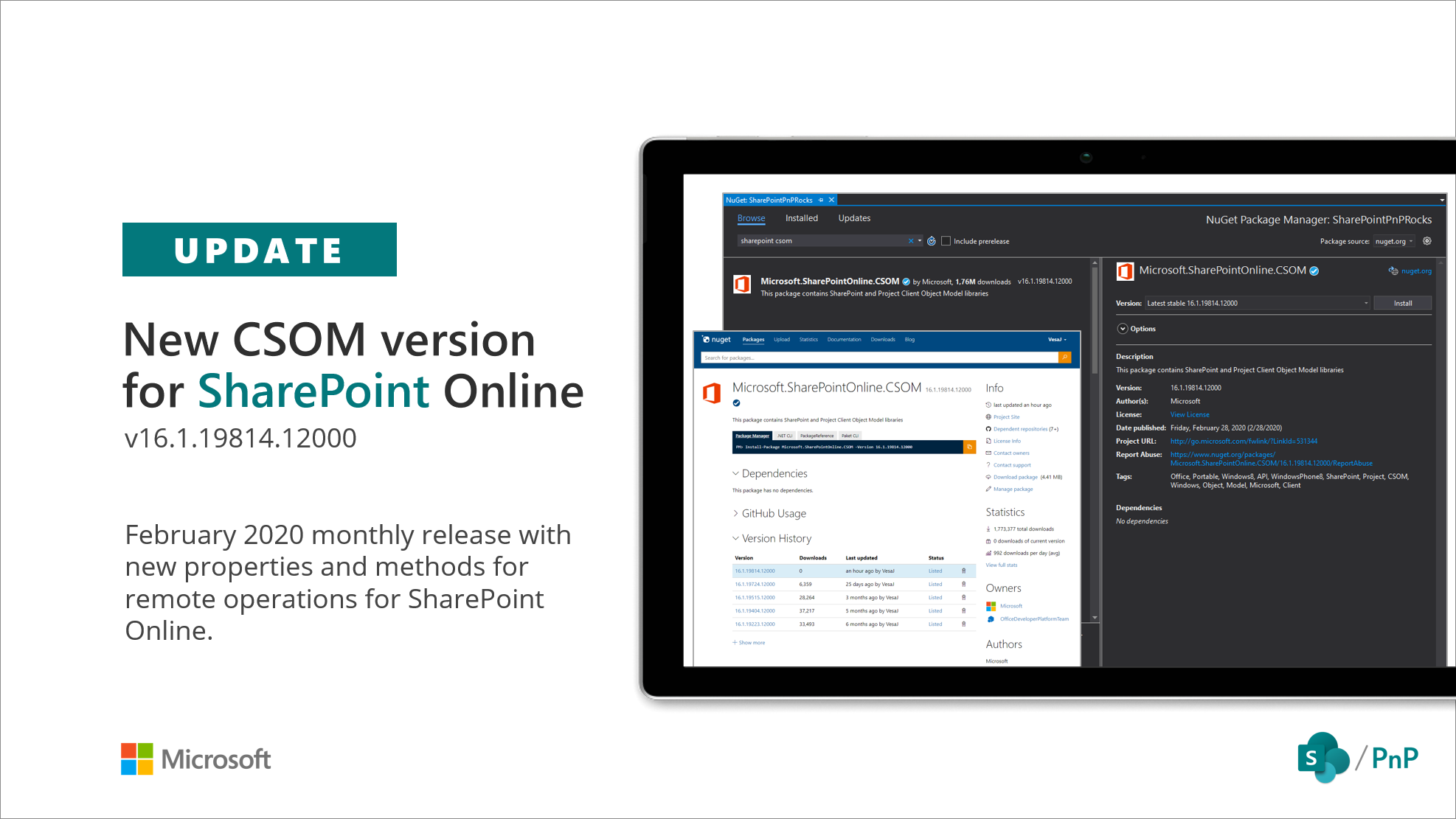
New SharePoint CSOM version released for SharePoint Online – February 2020
We are happy to announce the availability of new SharePoint Client-Side Object Model (CSOM) version targeted for the Office 365 or more specifically for SharePoint and Project Online. Februar2020 release.
Changes coming to Microsoft Teams Bot APIs for fetching team/chat members
Currently, bot developers who want to retrieve information for one or more members of a chat or team use the Microsoft Teams bot APIs (for C#) or (for TypeScript/Node.js) APIs (documented here). These APIs have several shortcomings today: Separately, with the introduction of org-wide teams, we realized it was time to better align these APIs with Office 365 privacy controls: bots used in large teams are able to retrieve basic profile information, which is similar to the Microsoft Graph permission. Tenant administrators have a great deal of control over which apps and bots can be used in their tenant, bu...
Microsoft Graph calendar events – iCalUId Update
The iCalUId returned by the Calendar event resource type in Microsoft Graph is defined as a unique, read-only identifier that is shared by all instances of an event across different calendars. It adheres to the RFC iCalendar specification of UID.
Adaptive Cards 1.2 are GA in Microsoft Teams
Adaptive Cards 1.2 are GA in Microsoft Teams on desktop and mobile! Check out highly requested features such as RichText, visibility toggles, and more!

Microsoft 365 & SharePoint Community (PnP) – February 2020 update
SharePoint Dev Ecosystem / SharePoint Patterns and Practices (PnP) February 2020 update is out with a summary of the latest guidance, samples, and solutions from SharePoint engineering or from the community for the community. This article is a summary of all the different areas and topics around the SharePoint Dev ecosystem during the past month.
Microsoft Graph subscriptions to change notifications – deprecating TLS 1.0 and 1.1
Starting May 15th, 2020, subscribers who use notification endpoints that only support TLS 1.0 or TLS 1.1 will stop receiving notifications, unless they upgrade their infrastructure to compliance and support TLS 1.2.
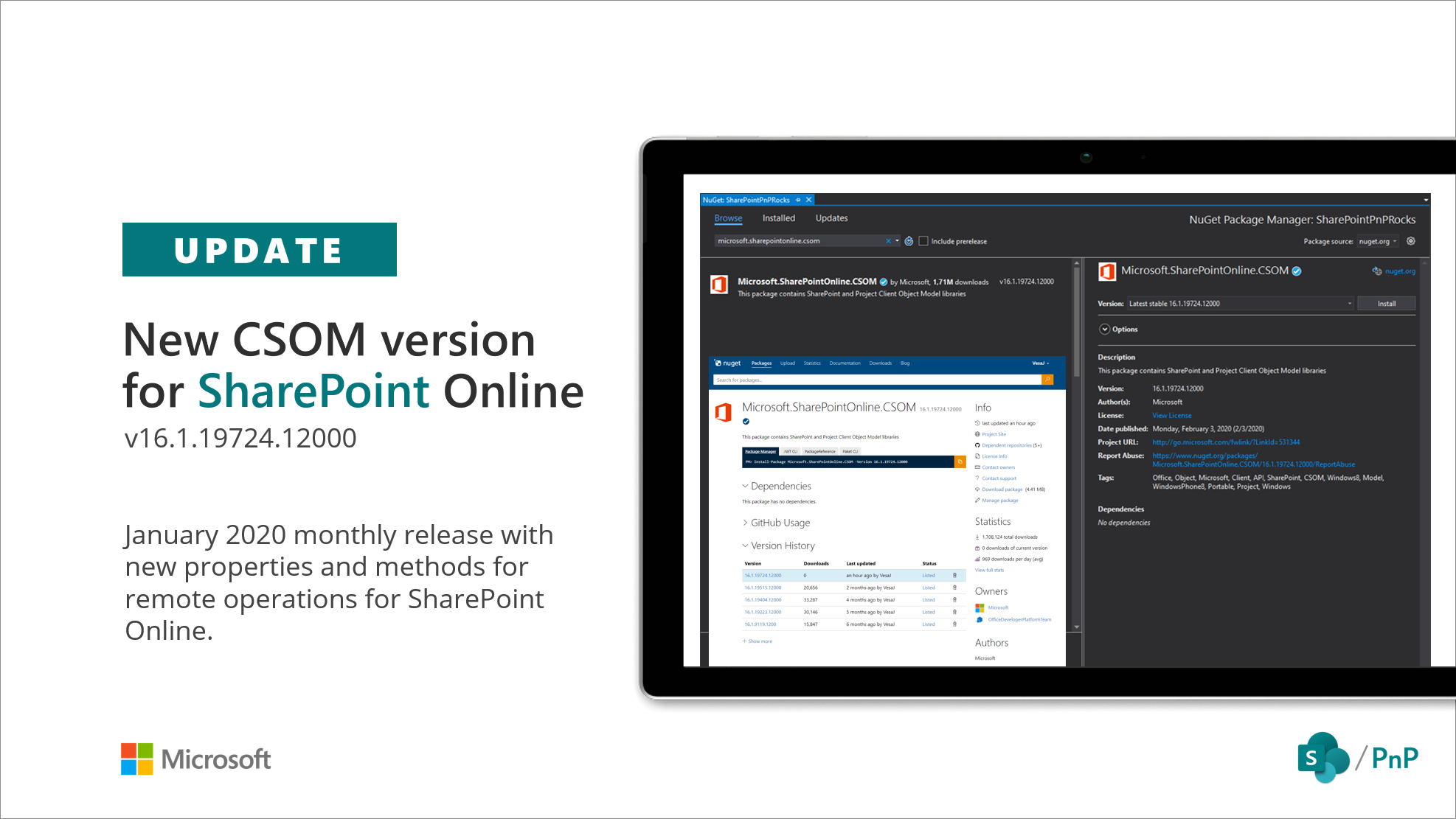
New SharePoint CSOM version released for SharePoint Online – January 2020
We are happy to announce the availability of new SharePoint Client-Side Object Model (CSOM) version targeted for the Office 365 or more specifically for SharePoint and Project Online. January 2020 release.
Impact on Authentication from SameSite changes in Chrome
Following the recent updates to the standards of SameSite property in HTTP cookies, Chrome has announced changes to the default behavior of SameSite in an upcoming release of the browser in February. Web application developers are recommended to update their application code to handle different SameSite properties on Chrome and other browsers.
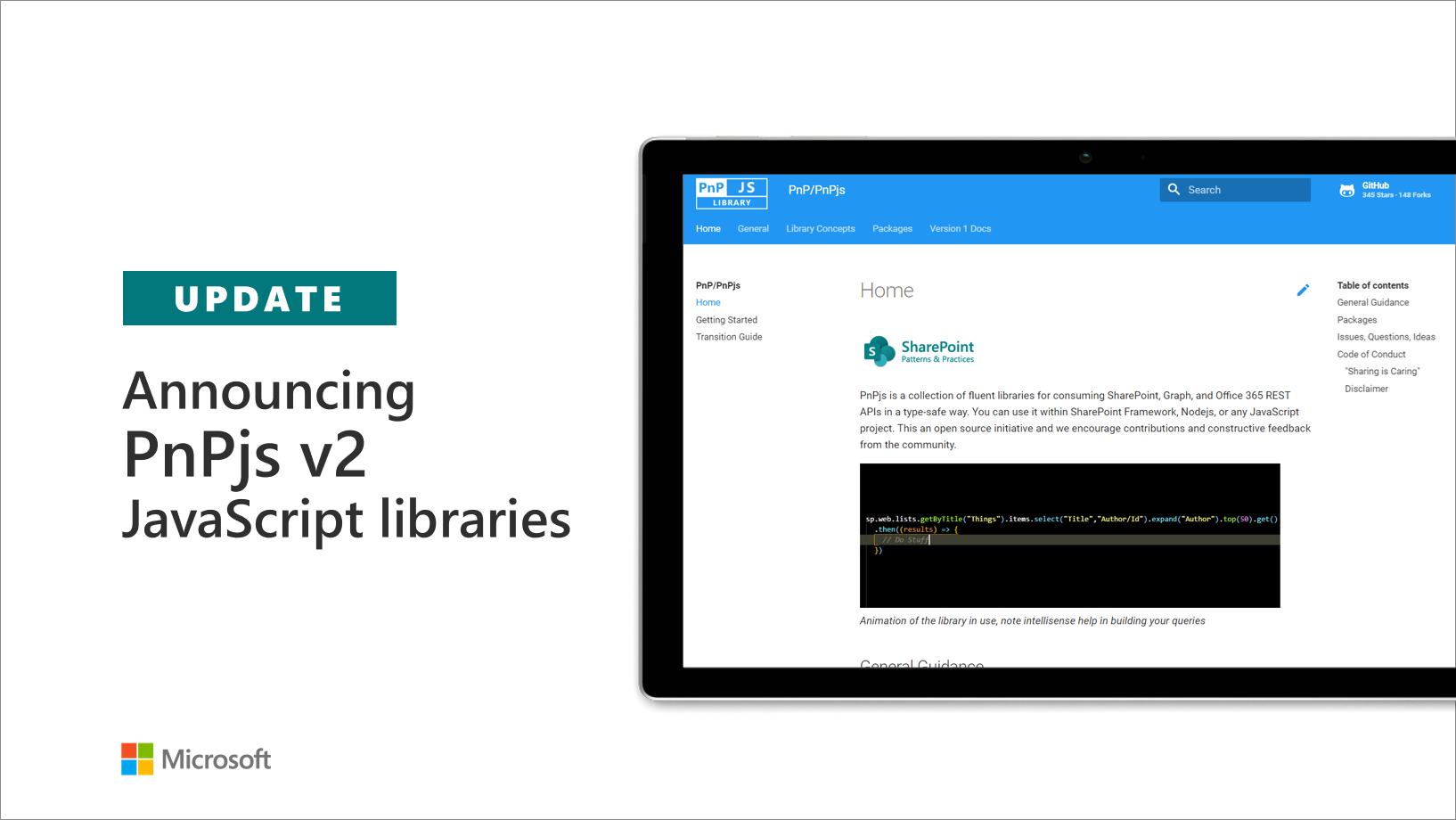
Announcing PnPjs 2.0 JavaScript libraries
We are excited to announce the release of PnPjs 2. This release is the culmination of months of work to re-architect the PnPjs library to support better modern development standards such as selective imports, to refactor inconsistencies in the implementation, and to update our testing and documentation to provide complete coverage of the entire code base.
Microsoft Graph PowerShell Preview – Now on PowerShell Gallery

The Microsoft Graph PowerShell Preview 0.1.1 is now available on the PowerShell Gallery.
Announcing the Microsoft Teams Meetings Capture solution template
The Meetings Capture app showcases how you can accelerate the development of a canonical business app using the Microsoft 365 platform.
Creating single sign-on add-ins for Office has never been easier
The Office Add-ins developer experience team has been improving single sign-on (SSO) for Node.js Office Add-ins.

SharePoint Development Community (PnP) – January 2020 update
SharePoint Dev Ecosystem / SharePoint Patterns and Practices (PnP) January 2020 update is out with a summary of the latest guidance, samples, and solutions from SharePoint engineering or from the community for the community. This article is a summary of all the different areas and topics around the SharePoint Dev ecosystem during the past month.

Announcing SharePoint Framework 1.10 – extending SharePoint Framework across Microsoft 365
Announcing SharePoint Framework 1.10, we’re introducing several new ways to bring your web dev and SPFx skills to building new Microsoft 365 app extensions.

Delivering OnePlaceMail on the Office Add-in Framework
OnePlaceMail is an award-winning Outlook add-in that brings SharePoint to the workplace and enables people in business to achieve more.
Microsoft Graph Cloud Communications APIs are now generally available
Now renamed the cloud communications APIs, we're excited to announce that the first set of APIs is generally available through Microsoft Graph v1.0!
Microsoft Authentication Libraries for Java and Python are now generally available
Hello developers! Earlier this year at //Build, we announced the general availability of Microsoft Authentication Libraries (MSAL) for .NET and JavaScript, followed by iOS, macOS and Android. As the year ends, we’re excited to announce that MSAL Java and MSAL Python are now generally available! MSAL enables applications to integrate with the Microsoft identity platform by authenticating Microsoft identities and providing secure access to APIs on the Microsoft identity platform. Java and Python developers can now take advantage of the key features of MSAL, including: Get Started We have seve...
Microsoft Graph insights API is now available in v1.0
We're happy to announce that the Microsoft Graph insights API is now generally available worldwide.
Microsoft Graph Toolkit offers new Tools and Updates!
Today, we are releasing an update to the Microsoft Graph Toolkit. Thanks to feature requests from the community, we have introduced two new features: the mgt-get component and a Proxy Provider.
Now available: Azure AD App registrations Token configuration (preview) simplifies management of optional claims
Hello Developers! To simplify the management of optional claims, we’re introducing a new Token configuration (preview) experience within Azure AD App registrations. App developers can use optional claims to specify which claims they want in the tokens sent to their application, which is useful when migrating apps to the Microsoft identity platform (e.g. from ADFS to Azure AD or from a third-party identity provider to Azure AD). The new Token configuration (preview) experience minimizes optional claims misconfigurations by providing a dynamic list of claims for your Azure AD application based on token type,...

Updated SharePoint Framework developer training package (December 2019)!
We are pleased to announce the availability of an updated SharePoint Framework training package targeted to be used for self-learning or for redelivering provided material as a local training delivery inside of your own company or for your customers. All materials are provided for you to reuse anyway you preferred without any needs for asking permissions or notifying anyone ("sharing is caring").
SharePoint Development Community (PnP) – December 2019 update
SharePoint Dev Ecosystem / SharePoint Patterns and Practices (PnP) December 2019 update is out with a summary of the latest guidance, samples, and solutions from SharePoint engineering or from the community for the community. This article is a summary of all the different areas and topics around the SharePoint Dev ecosystem during the past month.
Microsoft Graph presence APIs are now available in public preview
Today, we're excited to announce the preview of Microsoft Graph presence APIs.
SharePoint Development Community (PnP) – December 2019 update
SharePoint Dev Ecosystem / SharePoint Patterns and Practices (PnP) December 2019 update is out with a summary of the latest guidance, samples, and solutions from SharePoint engineering or from the community for the community. This article is a summary of all the different areas and topics around the SharePoint Dev ecosystem during the past month.
Management of Office Store solutions is now in Partner Center
Today marks an exciting milestone as we roll out a modern management experience for the Office Store program in Partner Center. Effective immediately, new developers can onboard to the Office Store program through a simplified enterprise registration process using their corporate credentials.
How to empower your Microsoft 365 team with a Microsoft Graph and IFTTT integration!
Learn how to utilize If This Then That (IFTTT) to create and run recipes with Microsoft Teams, Calendar, Contacts, and OneNote services
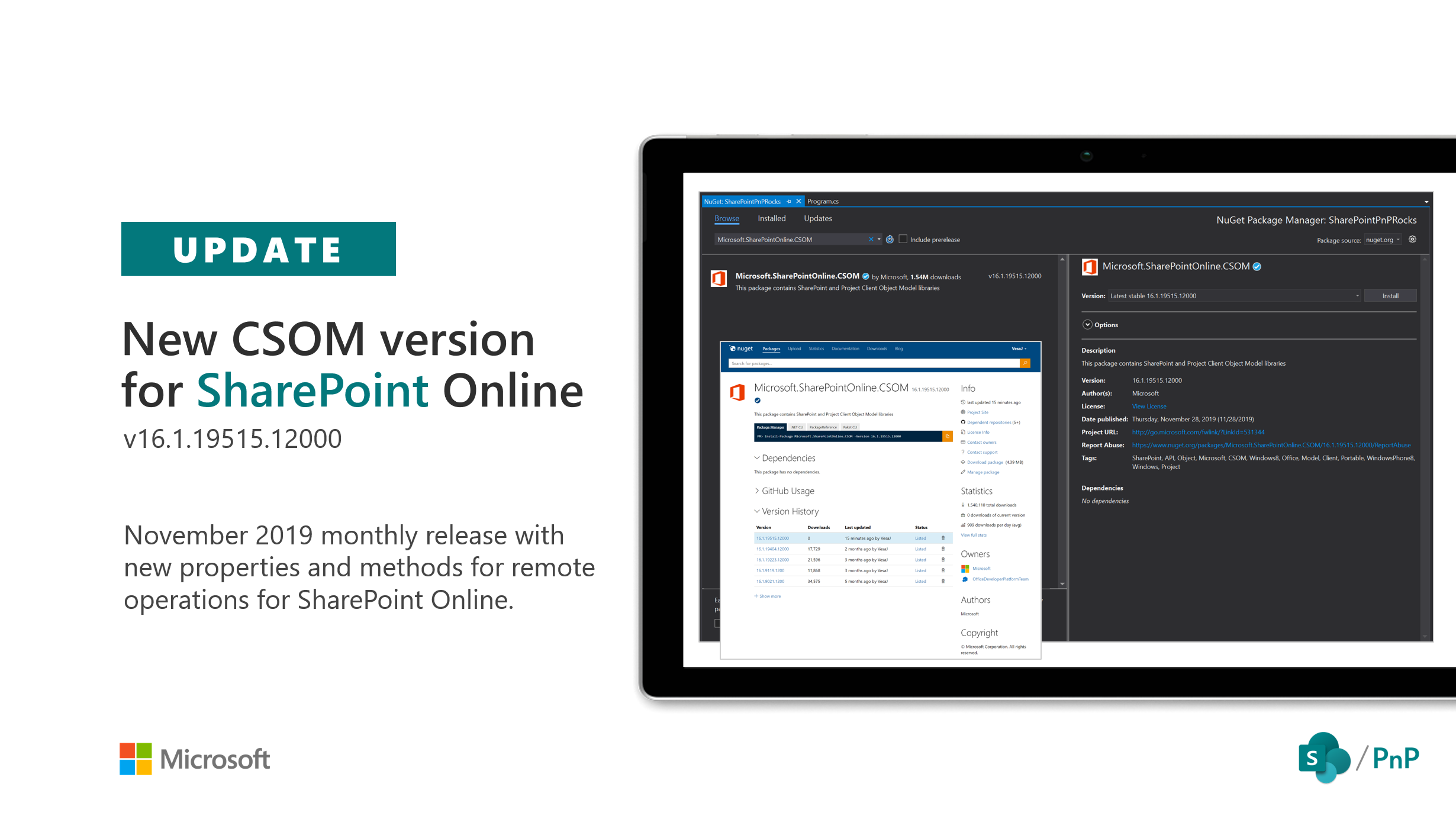
SharePoint CSOM version released for SharePoint Online – November 2019
We are happy to announce the availability of new SharePoint Client-Side Object Model (CSOM) version targeted for the Office 365 or more specifically for SharePoint and Project Online. November2019 release.
Office Add-in Development Community (PnP) – November 2019 update
We’re excited to announce a new authentication solution for Office Add-ins PnP released in November 2019
Upcoming API changes to return limited information for inaccessible member resources
Hi folks, Starting soon, when your application does not have access to some of the types in a response’s collection, a limited amount of information will be returned. When an application does not have access to a type of resource, we will no longer return a 403 when instances of that resource are members of groups, roles, etc. Instead, we will now return the data type and ID, and all other properties will have a null value. Applications will not be able to use the ID to get the actual resource unless they have the necessary permission to read that resource’s type. Before (and until this change goes into ef...
The Microsoft Graph team wants to hear from you!
Have you got an application in production that depends on Microsoft Graph? Perhaps you’re still considering integrating with Microsoft Graph, or have feedback from using it in the recent past?
Upcoming API changes to SharePoint social feed APIs and following
Learn how we are making changes that impact how some of our existing APIs return data.
Deprecation of App registrations (Legacy) experience and the Application Registration Portal (apps.dev.microsoft.com)
In May 2019, we announced general availability of a new unified App registrations experience in the Azure portal to give developers a central place to register and configure all their apps that sign in Azure Active Directory accounts and personal Microsoft accounts. With the new App registration experience available to all developers, we are sharing our planned end of life of the Application Registration Portal (apps.dev.microsoft.com) and App registrations (Legacy) experience.

Microsoft 365 training modules & Microsoft 365 Certified: Developer Associate certification
To help you accelerate your self-paced learning as a Microsoft 365 developer, we’re introducing new training modules specifically for developers interested in building solutions for the Microsoft 365 platform.
SharePoint Development Community (PnP) – November 2019 update
SharePoint Dev Ecosystem / SharePoint Patterns and Practices (PnP) November 2019 update is out with a summary of the latest guidance, samples, and solutions from SharePoint engineering or from the community for the community. This article is a summary of all the different areas and topics around the SharePoint Dev ecosystem during the past month.
Microsoft 365 App Award Winners 2019
The evaluations are complete, the results are tallied, the votes are counted, and the trophies distributed. Now it’s time to share and showcase this year’s winning apps. We hope that you find their solutions as creative, helpful and practical as our judges did.
Microsoft identity platform at Ignite 2019
We’re thrilled to be at Microsoft Ignite in Orlando, FL this week engaging with our community of IT professionals and developers. We’re excited to be showing the latest improvements that we’re making to the Microsoft identity platform so it's easier to develop apps that integrate with any Microsoft identity. Read on to learn more on how we’re continuing to improve the Microsoft identity platform and what we’re announcing this week at Ignite.
Ignite 2019: Microsoft Graph News
A lot of hard work goes into the planning and preparation for Ignite, but we’re always excited to showcase the progress we’ve made towards meeting our developer community’s needs and our company’s vision. The tools, capabilities and features we’re announcing this year support each.
Building Microsoft 365 Apps – connected experiences across devices
At Microsoft Ignite 2019, we’ve introduced many new innovations and platform opportunities for you to create these connected experiences on the Microsoft 365 platform – that is, delivering Microsoft 365 Apps.
Office 365 Developer Platform at Ignite 2019
Microsoft Ignite 2019 is happening now - If you are attending in Orlando, watching remotely, or just trying to stay on top of the news, we are excited to share updates and new capabilities across Office 365 development.
Customize and Tailor Every Workflow in Microsoft Teams
At Microsoft Ignite 2019, we announced over two dozen new innovations with the Microsoft Teams developer platform, further extending the ability to deeply tailor Teams to your work.

Ignite 2019 Guide to the Microsoft 365 Developer Platform
As we close in on the last few days until Microsoft Ignite 2019 in Orlando next week, November 4-8, the Microsoft 365 Developer Platform team is working diligently to put the finishing touches on our sessions and preparing to meet you all at the Hub to chat in person. We have some exciting things in store for you.

Office Add-in Development Community (PnP) – October 2019 update
The Office Add-ins platform team has new updates to share this month on Office Add-ins Patterns and Practices. We're excited to announce two new solutions for Office Add-ins PnP released in October 2019.
Deprecation of the IdentityRiskEvents API
If you have been using the identityRiskEvents API, you should transition to the riskDetection API.
The new version of Visio JavaScript APIs is now available for public preview

In this blog post, we are happy to announce the public preview of some of the most requested JavaScript APIs. Visio JavaScript APIs are used to extend Visio for the web and build rich mashup scenarios.
Attaching large files to Outlook messages in Microsoft Graph (preview)
Today, we’re excited to announce the release of Large file attachment upload support for Outlook messages via the Microsoft Graph beta endpoint.
Develop applications and reports using the new Project for the web
This blog discusses the power and versatility of the new Project, including ease of integration with the tools and systems your organizations uses. Learn how easy it is to develop and deploy using the Power Platfrom: PowerApps, Flow, Power BI, and AI Builder.
Moving management of solutions from Seller Dashboard to Partner Center
Microsoft is rolling out a modern management experience for the Office Store program in Partner Center. Office Add-ins (including Outlook add-ins), SharePoint add-ins, Teams apps, and Power BI visuals will be migrated to Partner Center.
Microsoft Authentication Libraries for Android, iOS and macOS are now Generally Available
We are excited to announce General Availability of Microsoft Authentication Libraries (MSAL) for Android, iOS and macOS!

SharePoint Development Community (PnP) – October 2019 update
SharePoint Dev Ecosystem / SharePoint Patterns and Practices (PnP) October 2019 update is out with a summary of the latest guidance, samples, and solutions from SharePoint engineering or from the community for the community. This article is a summary of all the different areas and topics around the SharePoint Dev ecosystem during the past month.
New CDN URLs and Subresource Integrity Hash for MSAL JS
To ensure our commitment towards providing a great developer experience, we are announcing a new set of CDN URLs for MSAL JS. The new CDN URLs will be hosted on Microsoft Azure CDN and will ensure better availability of our library, so you can continue to have a great user experience for your application.
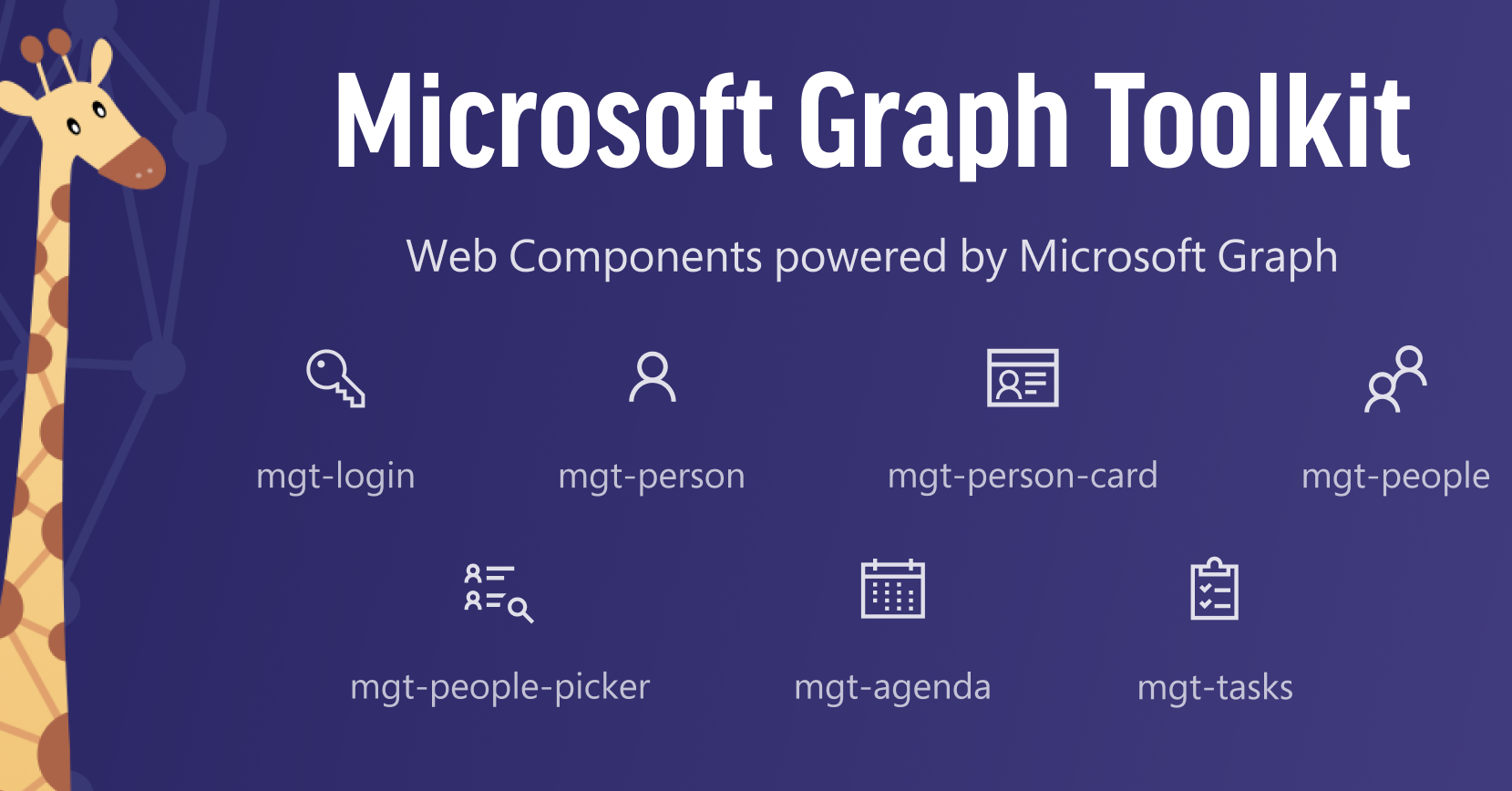
The Microsoft Graph Toolkit is now generally available!
In May 2019 we introduced the Microsoft Graph Toolkit, a collection of reusable, framework-agnostic web UI components that work automatically with Microsoft Graph. We’re excited to announce that this first collection of UI components is now generally available!
MIME format support for Outlook mail and attachments, translate item ID APIs are now available in Microsoft Graph v1.0
You can now use these Outlook APIs in Graph v1.0 to implement production apps that require access to the raw contents of an email message or an attachment. You can download file attachments in binary format or item attachments in MIME format. Also, you can translate the format of identifiers of multiple resources by specifying the source and target ID types.
End of support for Basic Authentication access to Exchange Online API’s for Office 365 customers
Today, we are announcing that on October 13th, 2020 we will stop supporting and retire Basic Authentication for Exchange Active Sync (EAS), Post Office Protocol (POP), Internet Message Access Protocol (IMAP), and Remote PowerShell (RPS) in Exchange Online. This means that new or existing applications using one or more of these API’s/protocols will not be able to use Basic Authentication when connecting to Office 365 mailboxes or endpoints and will need to update how they authenticate.
Announcing XAML controls for Microsoft Graph in the Windows Community Toolkit
Today at UnoConf in Montreal, we are announcing that the Windows Community Toolkit now includes a preview of XAML controls for Microsoft Graph. To watch the announcement via live stream please tune in for the Uno Platform Keynote at 10:45AM EST available online here.
Breaking changes: Calls and online meetings API updates in Microsoft Graph beta
We’re announcing several changes to the calls and online meetings APIs in Microsoft Graph beta, including a few breaking changes.
Breaking change: redundant beta APIs for Microsoft Teams to be removed
In the last week of September we will remove the following beta APIs, as the same functionality is already available through different APIs. v1.0 APIs are not affected.

Office 365 CLI version 2 has been released
We are happy to announce new major version being released for the Office 365 CLI tool.
SharePoint Development Community (PnP) – September 2019 update
SharePoint Dev Ecosystem / SharePoint Patterns and Practices (PnP) September 2019 update is out with a summary of the latest guidance, samples, and solutions from SharePoint engineering or from the community for the community. This article is a summary of all the different areas and topics around the SharePoint Dev ecosystem during the past month.
Breaking change: policy API update in Microsoft Graph beta
The existing policies collection will be replaced with a policies URL segment. Under the policies segment we will group multiple typed policy resources.

Updated SharePoint Framework developer training package (September 2019)!
We are pleased to announce the availability of an updated SharePoint Framework training package targeted to be used for self-learning or for redelivering provided material as a local training delivery inside of your own company or for your customers. All materials are provided for you to reuse anyway you preferred without any needs for asking permissions or notifying anyone ("sharing is caring").
New SharePoint CSOM version released for SharePoint Online – August 2019
We are happy to announce the availability of new SharePoint Client-Side Object Model (CSOM) version targeted for the Office 365 or more specifically for SharePoint and Project Online. August 2019 release.
Breaking changes: Application and ServicePrincipal API updates in Microsoft Graph beta
Breaking changes: Application and ServicePrincipal API updates in Microsoft Graph beta
New Microsoft 365 E5 subscription with EMS now available for developers
Starting this week, all new members of the Office 365 Developer Program (including Visual Studio Professional and Enterprise members) can sign up for a Microsoft 365 E5 developer subscription (Windows not included). This replaces the Office 365 E3 developer subscription that we made available starting in March 2018.
Microsoft Graph SDK for JavaScript – 2.0.0
We are excited to announce a new <a href="https://github.com/microsoftgraph/msgraph-sdk-javascript/releases/tag/2.0.0">release</a> of our JavaScript SDK 2.0.0 for Microsoft Graph.
Microsoft Graph Sample Data Packs Now Available in Office 365 Developer Program
Today we’re excited to announce the launch of two sample data packs to help remove this pain point with basic automated sandbox creation: Users - Includes fictitious users, metadata, and photos to simulate a small corporate environment of 16 users. Mail & Events (to be installed after Users) - Populates Outlook email conversations and calendar events for each of the 16 sample users.
Nominations closed for the 2019 Microsoft app awards People’s Choice award
The People’s Choice award is part of the 2019 Microsoft app awards, where we recognize the best of partner apps built on the Microsoft 365 platform. Vote for your favorite app. Winners receive promotion on AppSource or Microsoft Store and recognition at Microsoft Ignite 2019.
People Picker component now available in the Microsoft Graph Toolkit
We are excited to announce the addition of the People Picker web component to the public preview of the Microsoft Graph Toolkit.
SharePoint Development Community (PnP) – August 2019 update
SharePoint Dev Ecosystem / SharePoint Patterns and Practices (PnP) August 2019 update is out with a summary of the latest guidance, samples, and solutions from SharePoint engineering or from the community for the community. This article is a summary of all the different areas and topics around the SharePoint Dev ecosystem during the past month.
Upcoming deprecation of Discovery Service API
If you are still using Discovery Service API to locate the service endpoint, please note that beginning November 1, 2019, API requests to the Office 365 Discovery Service endpoint will no longer work. Learn about what you need to do to prepare for this change.
Microsoft Graph SDK for Objective-C GA Release
With our generally available release of the Graph SDK for Objective-C, we have reached feature parity with our .NET, Java and JavaScript SDK.
Microsoft Graph outage July 30th 2019
Today between 22:16 and 23:05 UTC clients calling Microsoft Graph may have observed increased latency in the North America and APAC geographic regions.
Office Add-in Development Community (PnP) – July 2019 update
We're excited to share three new code samples for Office Add-ins Patterns and Practices. One sample uses storage techniques to access data from an Office Add-in when offline. The other two samples show you how to authenticate Office Add-ins to get file info from Microsoft Graph. Try them out today!
MSAL.NET 4.2.1 is now available!
We are excited to announce the release of MSAL.NET 4.2.1 which brings a number of new features.
Update your custom functions project
If you built your custom functions project using the Yo Office Yeoman generator template during the preview period prior to May 6, you’ll want to update parts of the project ensure it is using the GA version libraries and features. This blog post covers the methods that have changed.

Get started developing security applications
The fast growing cybersecurity market offers lots of opportunity for developers to build modern, connected security applications. We want to help developers quickly get started in building security solutions focused on three key scenarios: security management and investigations, threat detection, and information protection.
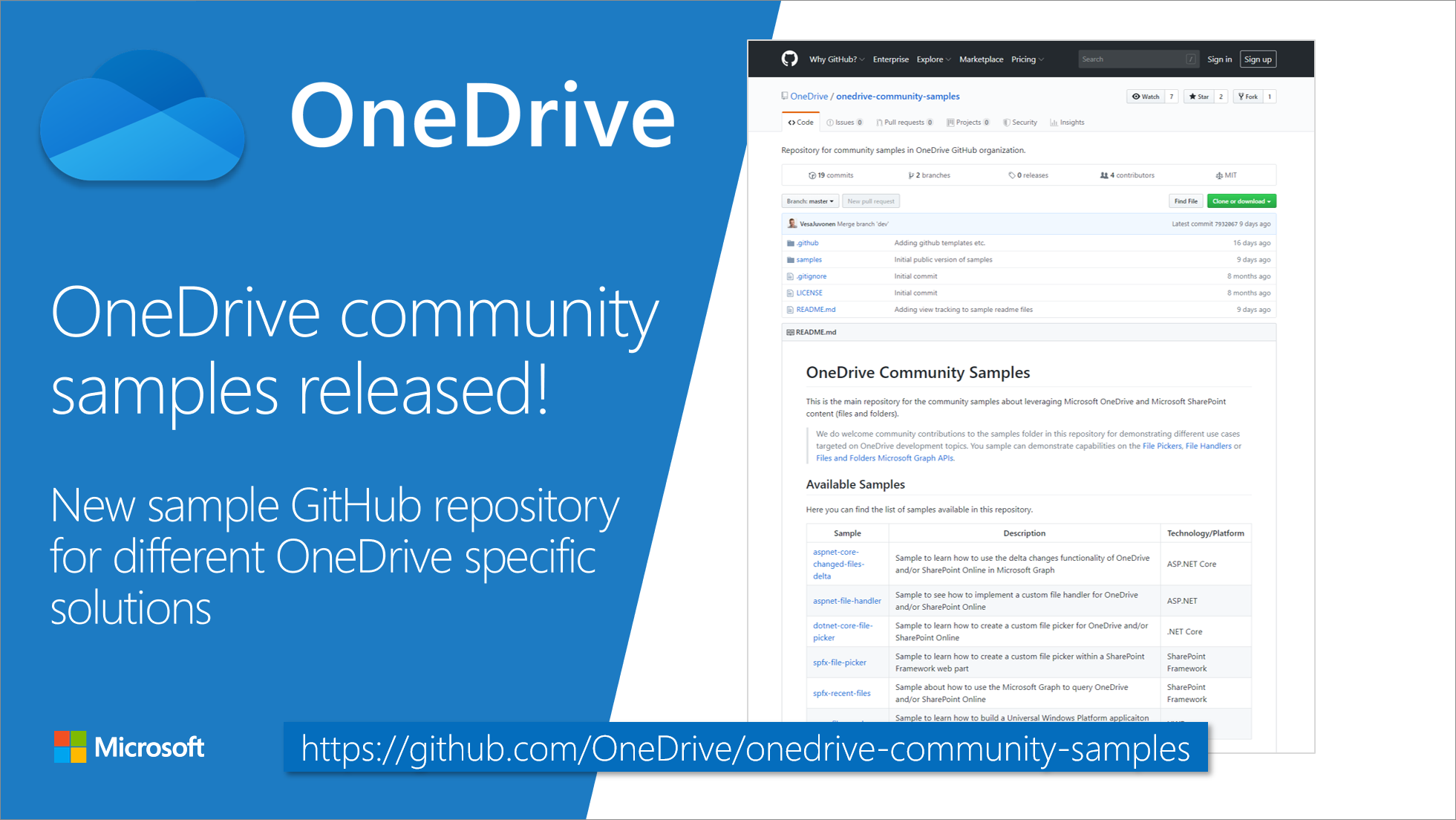
Introducing OneDrive community samples GitHub repository
Introducing new OneDrive community samples GitHub repository for sharing your OneDrive specific samples cross the community.
Breaking changes: Calls and online meetings API updates in Microsoft Graph beta
We're announcing several changes to the calls and online meetings APIs in Microsoft Graph beta, including a few breaking changes.
Nominations closed for 2019 Microsoft 365 app awards
Nominate your favorite Microsoft 365 app. If there’s an application that changes how you work or makes you more productive, nominate that solution for the 2019 Microsoft app awards. Nominations close Aug 9.

New SharePoint CSOM version released for SharePoint Online – June 2019
We are happy to announce the availability of new SharePoint Client-Side Object Model (CSOM) version targeted for the Office 365 or more specifically for SharePoint and Project Online. June 2019 release.
Office Add-in Development Community (PnP) – June 2019 update
We're excited to announce two new solutions for Office Add-ins Patterns and Practices! Learn about batching custom function calls and how to save and share state in custom functions. This blog links to the complete code samples and docs for both solutions.
Updated Microsoft Graph developer training package-June 2019
We are pleased to announce the availability of an updated Microsoft Graph training package which is targeted to be used for self-learning or for redelivering provided material as a local training delivery inside of your own company or for your customers.
2019 Global Microsoft 365 Developer Bootcamps
We are excited to kick off our 3rd annual developer bootcamp, and even more excited this year it will be Global Microsoft 365 Developer Bootcamp. Events will be held from October 1 - Decemer 15 worldwide.
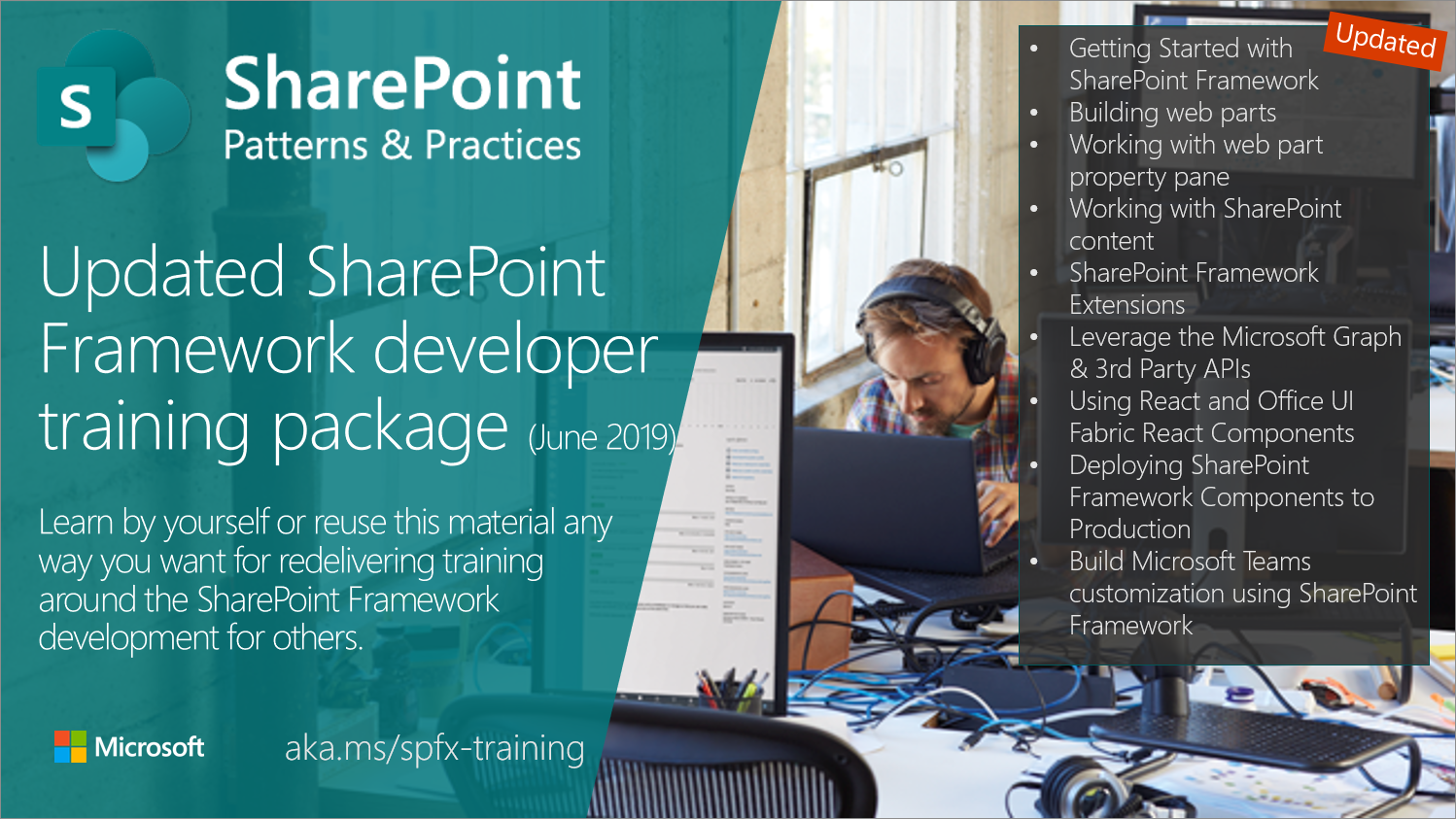
Updated SharePoint Framework developer training package (June 2019)!
We are pleased to announce the availability of an updated SharePoint Framework training package targeted to be used for self-learning or for redelivering provided material as a local training delivery inside of your own company or for your customers. All materials are provided for you to reuse anyway you preferred without any needs for asking permissions or notifying anyone ("sharing is caring").
30DaysMSGraph – Upgrading to MSAL .NET v4
We wrapped up the #30DaysMSGraph series in Nov 2018. Since that time there have been a few updates to the Microsoft Graph SDK as well as the Microsoft Authentication Library (MSAL). Notably MSAL for .Net and JavaScript are now generally available (GA) with v3.0.8 and MSAL.Net 4.0.0 is now available as well. This is a good opportunity to upgrade the samples in the dotnetcore-console-sample repo to leverage MSAL .Net v4.

SharePoint Development Community (PnP) – June 2019 update
SharePoint Dev Ecosystem / SharePoint Patterns and Practices (PnP) June 2019 update is out with a summary of the latest guidance, samples, and solutions from SharePoint engineering or from the community for the community. This article is a summary of all the different areas and topics around the SharePoint Dev ecosystem during the past month.
Mail Search folder support for Microsoft Graph APIs
Today we’re announcing the release of mail search folder APIs to the Microsoft Graph v1.0 endpoint. A mail search folder is a virtual folder in the user's mailbox that contains all the email items matching a specified search criterion. A Microsoft Graph app can use this feature to quickly fetch all emails that match a predefined search criterion.
Updated capabilities for SharePoint Page Transformation
Latest update on page transformation which now supports publishing pages to modern page transformations.
Scoping Microsoft Graph application permissions to specific Exchange Online mailboxes
Today we’re excited to announce the release of the Application Access Policy feature for Exchange Online PowerShell. This feature allows Exchange Online administrators to scope application permissions for Microsoft Graph to allow access to specified mailboxes in their Office 365 tenant.
MSAL.NET 4.0.0 is now available!
MSAL.NET 4.0.0 is now available! We are excited to announce we are now releasing our first incremental update to MSAL.NET, bringing features that customers and partners have been asking for. These enhancements include ADFS 2019 support, asynchronous token cache serialization and interactive token acquisition on .NET Core (through the OS browser), including on Linux and Mac.
Migrate from Azure AD Graph to Microsoft Graph
We recently updated our documentation to include new Azure AD migration guidance, to help you move your apps from Azure AD Graph to Microsoft Graph.
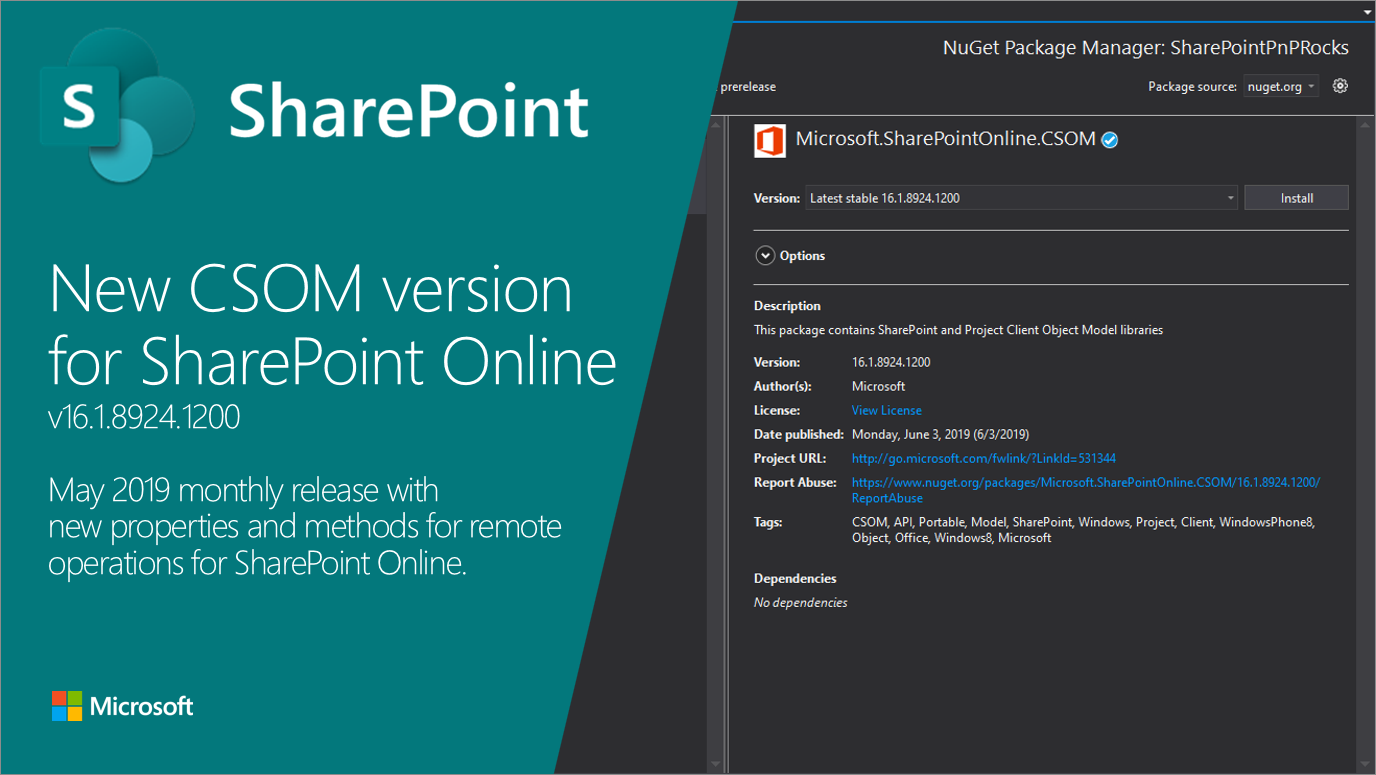
New SharePoint CSOM version released for SharePoint Online – May 2019
We are happy to announce the availability of new SharePoint Client-Side Object Model (CSOM) version targeted for the Office 365 or more specifically for SharePoint and Project Online. May 2019 release.

New updates and capabilities for developers at SharePoint Conference
Leverage SharePoint Framework in new ways, and for new scenarios
Microsoft Graph SDK for Java Release Notes for May 2019
We recently updated our Java Graph SDK to version 1.4.0. This includes all the recent updates the Microsoft Graph. Additionally we now have new Java Core library that contains common infrastructure for making HTTP requests to the Microsoft Graph as well as a host of new capabilities.
Microsoft Graph SDK for JavaScript – Updates for May 2019
In the run up to Microsoft Build and shortly after we made a significant set of improvements to our JavaScript SDK.

Microsoft Edge WebView for Office Add-ins
Beginning with Office 365 version 16.0.11629 and the first 2019 Windows 10 update, Office Add-ins running on Office 365 for Windows will use an Edge WebView as the runtime.
Microsoft Graph @ Build 2019: Recap
If you couldn’t make it to Seattle to attend Build in person this year – we’re sorry you weren’t able join us. You can still check out all the Microsoft Graph content we delivered.
Messaging Extensions available on mobile devices for Microsoft Teams
Beginning on May 10th custom messaging extensions will be available on Microsoft Teams for iOS and Android.
MIME format support for Outlook mail and attachments in Microsoft Graph (preview)
Today we’re excited to announce the release of two highly requested APIs to the Microsoft Graph beta endpoint. These allow you to retrieve the contents of an email message in MIME format and to download file, item attachments in their raw format.
[Outlook add-ins] Check certificate if mailbox.getCallbackTokenAsync starts returning “An internal error has occurred”
Renewing your SSL certificate may help you resolve "An internal error has occurred" errors returned by mailbox.getCallbackTokenAsync.
Microsoft Teams Platform Enhancements for Build 2019
Microsoft Teams at Build 2019 by Bill Bliss
Build 2019: Microsoft Graph powers the Microsoft 365 platform
Check out all the latest Microsoft Graph news from Build 2019
Microsoft Authentication Libraries for .NET and JavaScript are now Generally Available!
I'm happy to announce that Microsoft Authentication Libraries (MSAL) for .NET and JavaScript are now Generally Available! MSAL makes it easy for your application to sign in users and get access tokens to securely call protected APIs - from your own APIs to Microsoft Graph. MSAL enables secure access to data for any Microsoft identity – from personal Microsoft accounts to work or school accounts provided by Azure Active Directory.
New App registrations experience is now generally available!
The new app registrations experience in the Azure Portal is now generally available worldwide and in national clouds! Last November we kicked off the public preview for this experience and since then we’ve seen a number of organization and developers using the new experience and have been working hard to polish it.

The Microsoft Identity platform is OpenID Connect certified!
Azure AD and personal Microsoft accounts come together under a single standards-compliant protocol – OpenID Connect.
Office Extensibility: Build 2019
As thousands of developers arrive in Seattle for the Microsoft Build conference, we’re excited to share with the community what we’ve been working on in Office Extensibility. We’ll also be sharing news about Microsoft 365, Microsoft Graph, and Microsoft Teams in separate blog posts.
Microsoft 365 at Build 2019 – the guide
If you are attending Microsoft Build in Seattle or watching virtually, you can use this guide as a way to stay current on all the sessions, stories, and information from Build. Check back during the event for updates as they become available.
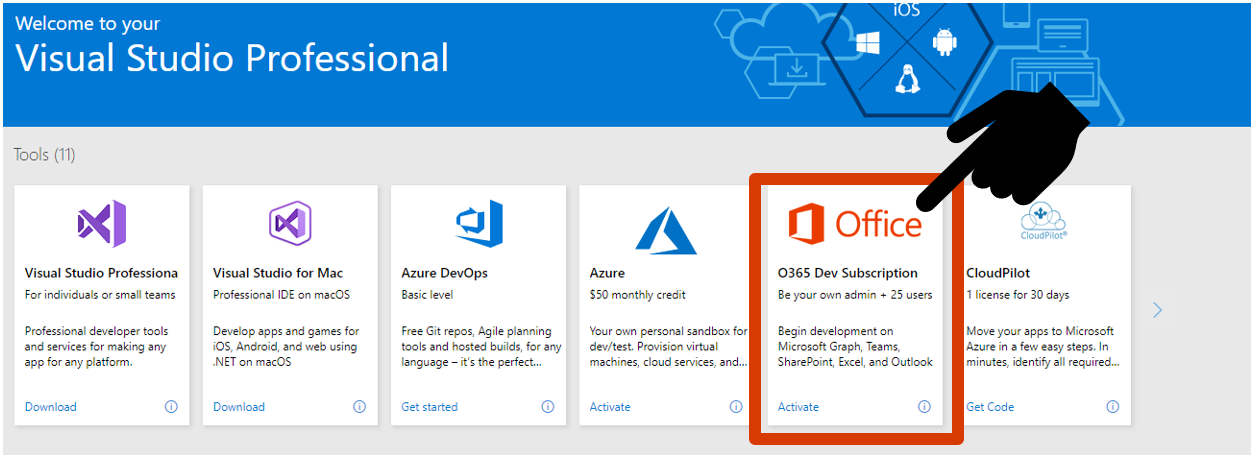
New Microsoft 365 Developer Program benefits for Visual Studio subscribers
Office 365 Developer Program now offers integrated benefits with Visual Studio Professional and Enterprise. Your paid subscription in both programs grants you a free renewable Office 365 Developer subscription with up to 25 users.
Our thoughts on implicit grant with Microsoft identity
Microsoft Azure Active Directory uses open industry standard protocols such as OAuth2 and OpenID Connect. The OAuth2 working group recently released a draft of the best practices on how to secure applications using OAuth2 and OpenID Connect.
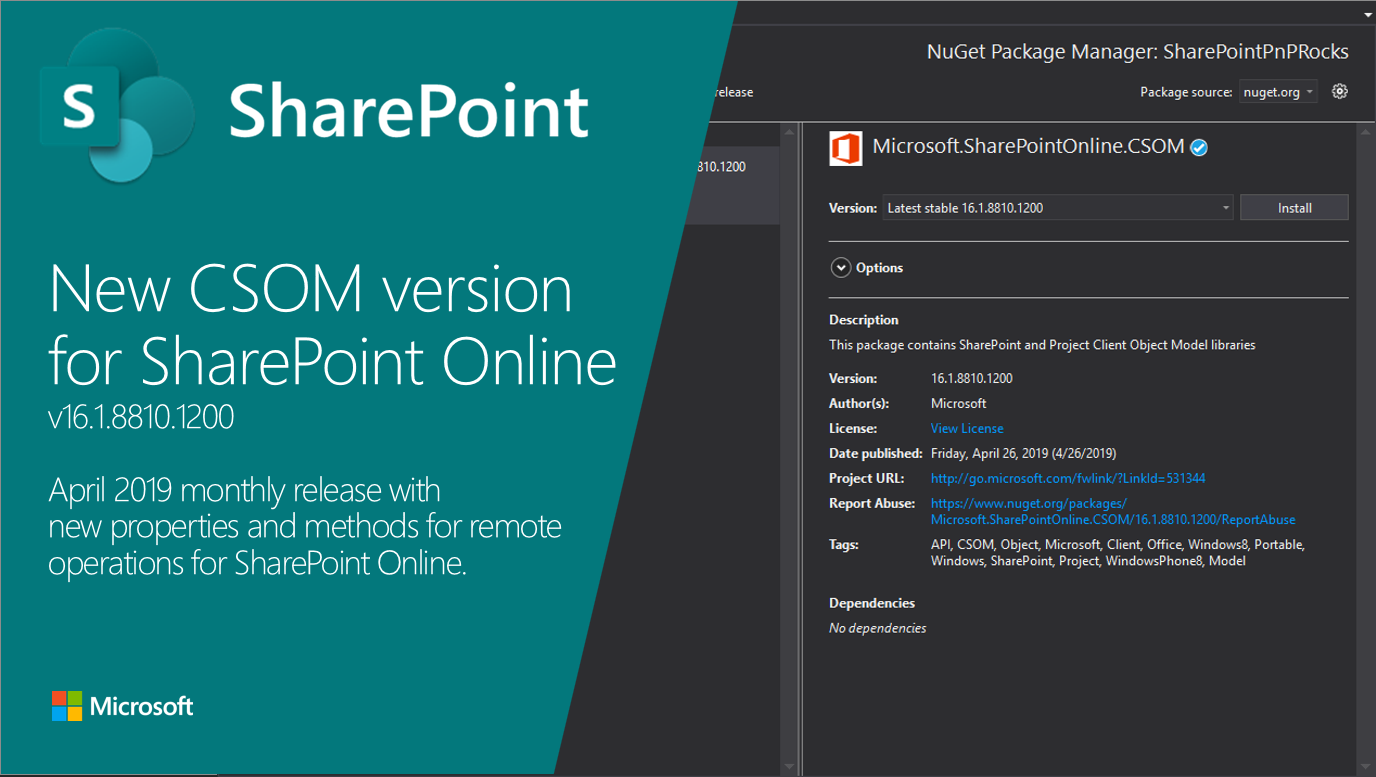
New SharePoint CSOM version released for SharePoint Online – April 2019
We are happy to announce the availability of new SharePoint Client-Side Object Model (CSOM) version targeted for the Office 365 or more specifically for SharePoint and Project Online. April 2019 release.
New Microsoft Graph endpoints in US Government cloud
We are happy to announce new Microsoft Graph endpoints for Microsoft Cloud for US Government. These new endpoints are specific to the US Government cloud and are segregated from the Microsoft worldwide cloud. They are fully compliant with US Government data classification levels such as DoD information impact level 4 and level 5.
Behavior Change: Confirmation dialog for native OAuth 2.0 applications
We’re announcing that we will be introducing a user experience change to our OAuth 2.0 authorization code flow for native applications
Announcing some exciting Script Lab improvements
Announcing some exciting Script Lab improvements! We've made some improvements to the Script Lab add-in that we want to let developers know about.
SharePoint Page Transformation webcast series
SharePoint Page Transformation allows you to transform you classic wiki, web part and publishing pages into modern client-side pages. Most of SharePoint Online customers do have sites with classic pages which can be "upgraded" to modern client-side pages and to make this easier for you we've created this series of short videos that walk you through the various aspects of Page Transformation. Page transformation typically is done via PnP PowerShell and the videos in this series focus on that. You, however, can also use .Net code if you prefer that. If you're familiar with page transformation you can immediately ju...
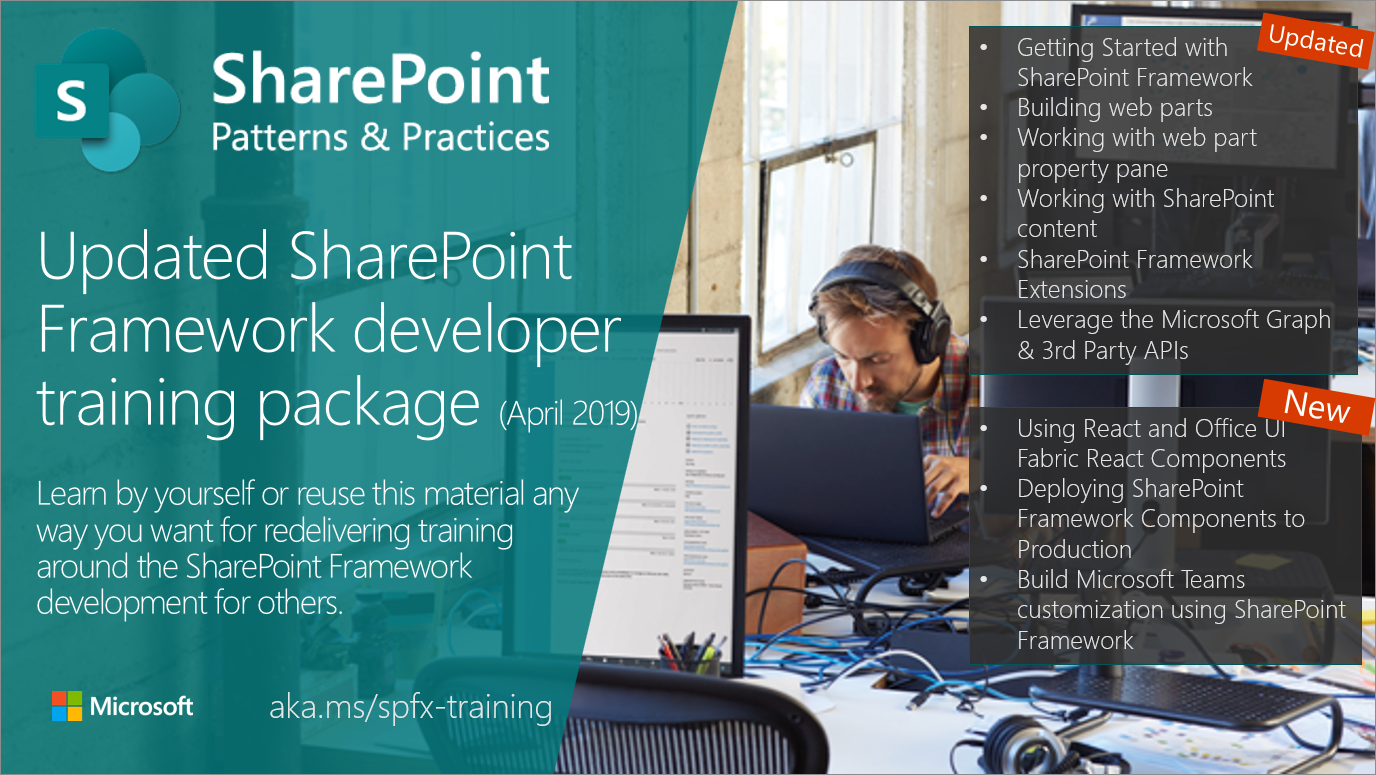
Updated SharePoint Framework developer training package (April 2019)!
We are pleased to announce the availability of an updated SharePoint Framework training package with three completely new modules which is targeted to be used for self-learning or for redelivering provided material as a local training delivery inside of your own company or for your customers. All materials are provided for you to reuse anyway you preferred without any needs for asking permissions or notifying anyone ("sharing is caring").
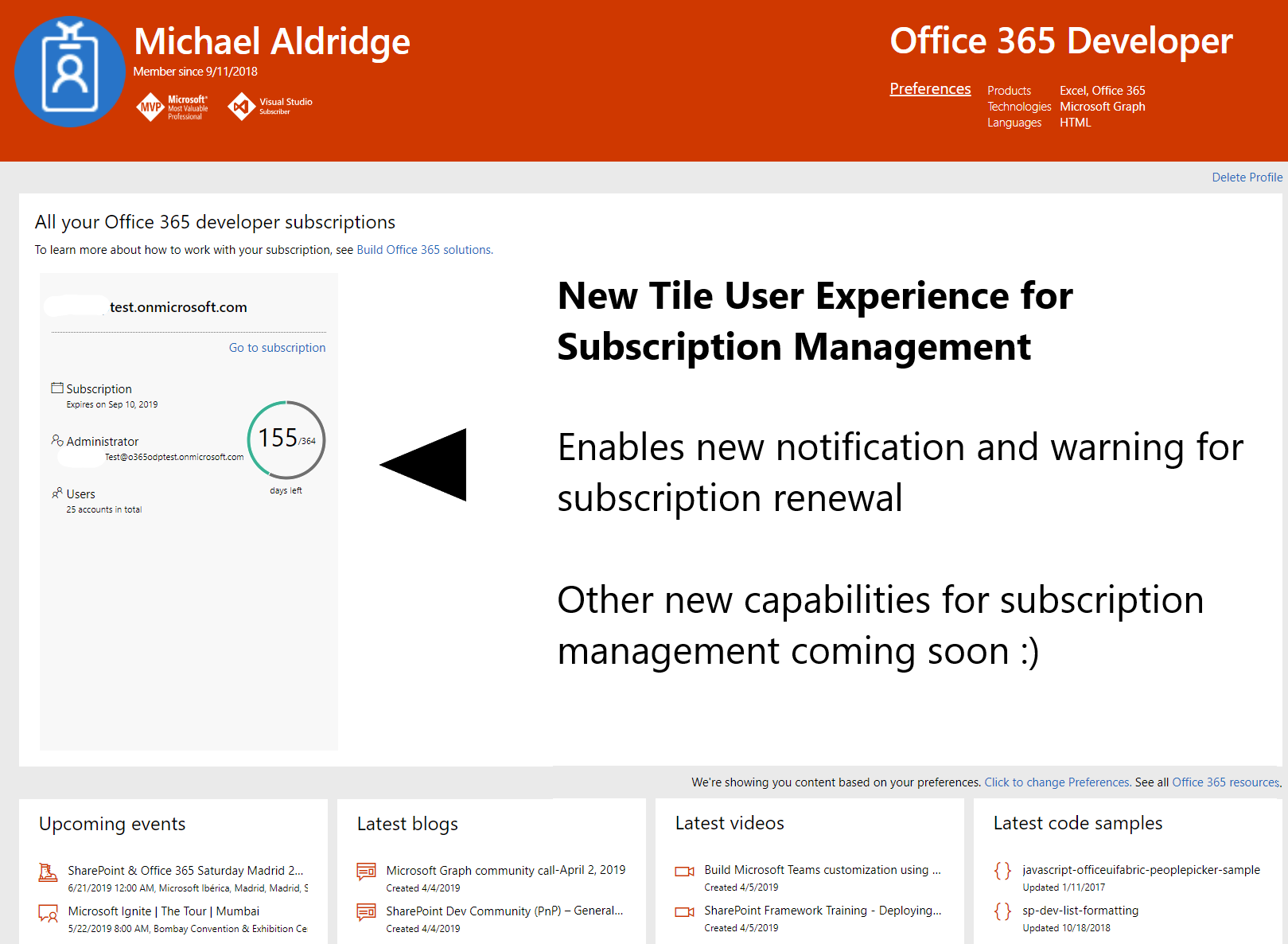
New renewable Office 365 developer subscriptions launch on April 3rd
Office 365 developer program announces a new renewable developer subscription. On April 3rd, we moved to a new model that enables a perpetual renewal of your developer subscription. Now, you can get a free Office 365 developer subscription with 25 user licenses to use to build your solutions and it will remain active for as long as you’re actively developing and deploying solutions. No more rip and replace after one year.
We’ve moved! New Microsoft Graph UserVoice for Feature Requests
We are excited to announce that we have a new dedicated home for feature requests for Microsoft Graph to microsoftgraph.uservoice.com

SharePoint Development Community (PnP) – April 2019 update
SharePoint Dev Ecosystem / SharePoint Patterns and Practices (PnP) April 2019 update is out with a summary of the latest guidance, samples, and solutions from SharePoint engineering or from the community for the community. This article is a summary of all the different areas and topics around the SharePoint Dev ecosystem during the past month.
New basic read access to a users mailbox
Today we are releasing a new Mail.ReadBasic permission scope which allows you to call the Microsoft Graph on behalf of a user and get their Mail messages without the body or attachments.
Breaking change: Education API updates in Microsoft Graph beta
We are announcing breaking changes in the Assignments Education API related to updates in Microsoft Graph beta
The Microsoft Graph Security Hackathon winners have been announced!
We're thrilled to announce the winners of the first ever Microsoft Graph Security Hackathon...
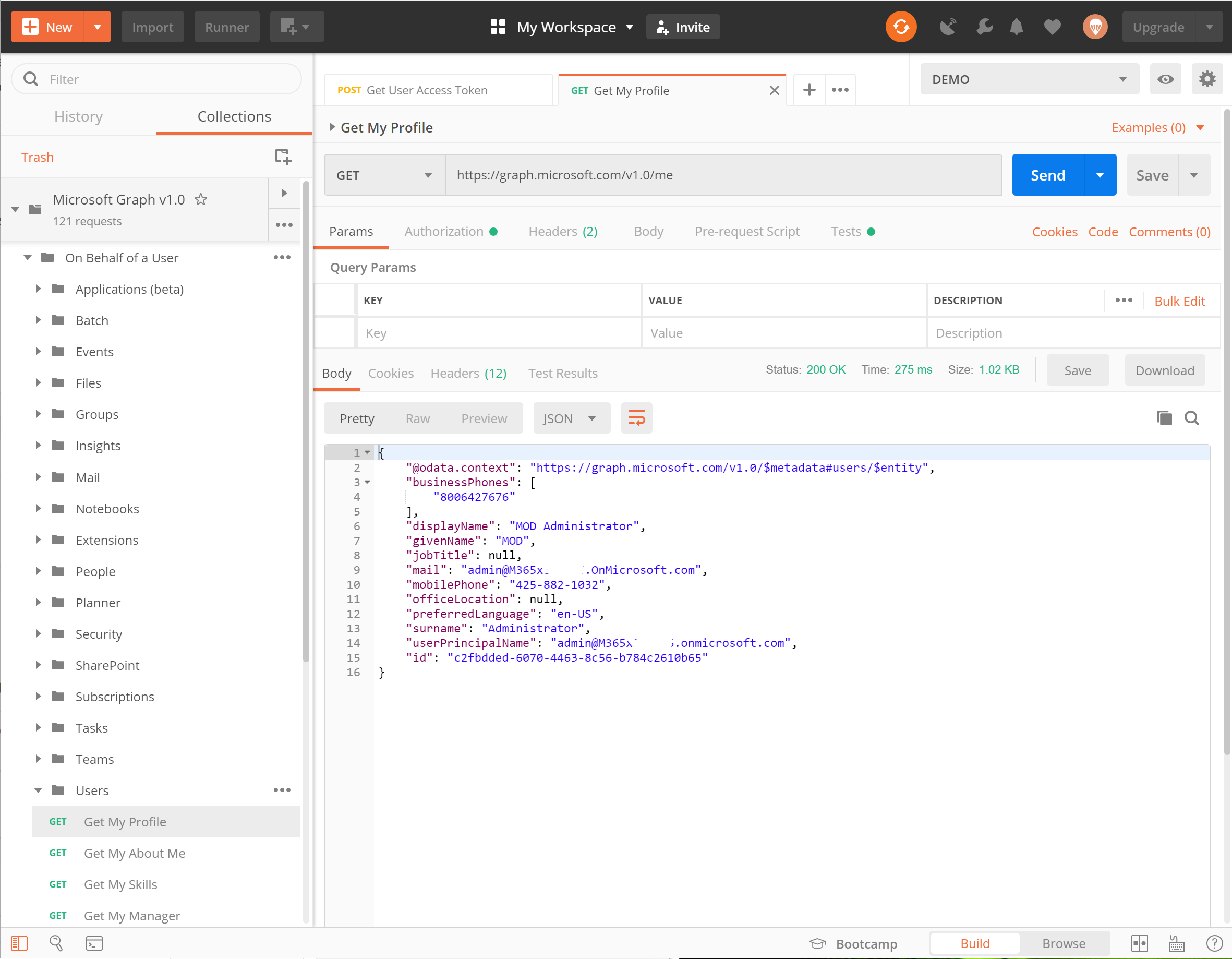
Announcing Microsoft Graph Postman Collections
We have released a new Postman Collection that you can import and use with any application you have created in your Microsoft 365 Tenant.
New SharePoint CSOM version released for SharePoint Online – March 2019
We are happy to announce the availability of new SharePoint Client-Side Object Model (CSOM) version targeted for the Office 365 or more specifically for SharePoint and Project Online. March 2019 release.
Take actions right from messages in Microsoft Teams
With Message Actions your app can initiate those actions directly from the message, closing the collaboration loop and keeping the communication lines alive.
Add rich previews to messages using Link unfurling
Customize link previews for your app using App based link handling with Messaging extensions.
Microsoft Graph SDK for .NET 1.14.0 Release Notes
We recently updated our .Net SDK for Microsoft Graph with exciting additions that are aimed at simplifying usage of the client library.
MSAL.NET 3.0-preview now available
We are excited to announce the release of MSAL.NET 3.0-preview, which has a number of changes that will improve your experiences. Since our release of MSAL.NET 2.0-preview in August, we’ve been receiving great feedback from the community. Since August we’ve released fourteen incremental updates of MSAL.NET, improving both the API and the behavior of the library. You’ve been awesome helping us make MSAL.NET a great authentication library, but you also told us that things could be improved upon.

Office 365 International Developer Survey
We need your feedback! Let us know what we can do to better support Office 365 INTERNATIONAL developer experience by completing this survey.

Announcing the General Availability of SharePoint Framework 1.8
Today, we launched SharePoint Framework version 1.8, bringing a number of preview technologies to general availability, and updating unified extensibility options across Microsoft Teams and SharePoint.

Modernize your SharePoint pages: March update
An overview of what's new in the March release for SharePoint PnP Page Transformation.
Microsoft Graph SDK for Objective-C 0.1.1 Release Notes
In our most recent preview release of the Graph SDK for Objective C, we incorporated a wide range of enhancements. We have added support for MacOS and distribution via CocoaPods.
Microsoft Graph Java SDK 1.1.0 Release Notes
We recently updated our Java Graph SDK to version 1.1.0. The SDK takes advantage of some significant updates to our code generation infrastructure that eliminates large amounts of generated code. The result is a leaner and meaner SDK that uses less resources and paves the way for us to produce a beta SDK in the near future that contains a lot more functionality.
Explore SharePoint designs with the preview of the SharePoint Provisioning Service
Today, with the launch of the preview of the SharePoint Provisioning Service, you can explore the many capabilities and ideas for building amazing communication sites with SharePoint, and complements the SharePoint look book as another source of design ideas.
SharePoint Development Community (PnP) – March 2019 update
SharePoint Dev Ecosystem / SharePoint Patterns and Practices (PnP) March 2019 update is out with a summary of the latest guidance, samples, and solutions from SharePoint engineering or from the community for the community. This article is a summary of all the different areas and topics around the SharePoint Dev ecosystem during the past month.

Office 365 Developer User Research Survey
We want your feedback. Help us improve your Office 365 developer experience on the Office Dev Center by completing this user research survey.
Announcing Dynamics 365 Business Central in Microsoft Graph
We are pleased to announce the availability of Dynamics 365 Business Central APIs in Microsoft Graph.
Handle high-DPI scaling in your Office solutions
To help you handle DPI changes in your Office solutions, we published a new article, Handle high DPI and DPI scaling in your Office solution. This article explains how to handle DPI changes for the following types of solutions: VSTO add-ins, COM add-ins, ActiveX controls, ribbon extensions, OLE servers, Office add-ins, and custom task panes.
Preview release of the Node.js Bot Builder v4 SDK for Microsoft Teams
We’re excited to announce the preview release of the Node.js Teams Bot Builder v4 SDK. This has consistently been a top ask from our bot builders and we’re very happy to begin expanding our support for bots built on Bot Framework to include the newest version. This preview release is just the beginning; over the next few months we’ll be adding new documentation, samples and releasing our SDKs for both .NET and Node.js.

New SharePoint CSOM version released for SharePoint Online – February 2019
We are happy to announce the availability of new SharePoint Client-Side Object Model (CSOM) version targeted for the Office 365 or more specifically for SharePoint and Project Online. February 2019 release.
Breaking Change: Invalidate All Refresh Tokens update in Microsoft Graph Beta
Breaking Change: Invalidate All Refresh Tokens update in Microsoft Graph Beta
New Microsoft Graph APIs for automating team lifecycles
What's new in Microsoft Graph APIs for Microsoft Teams since the APIs became generally available in November.
Microsoft Graph SDK for JavaScript Release Notes
We recently updated our JavaScript Graph SDK to version 1.4.0 and our Typescript Graph Types package to 1.6.0.
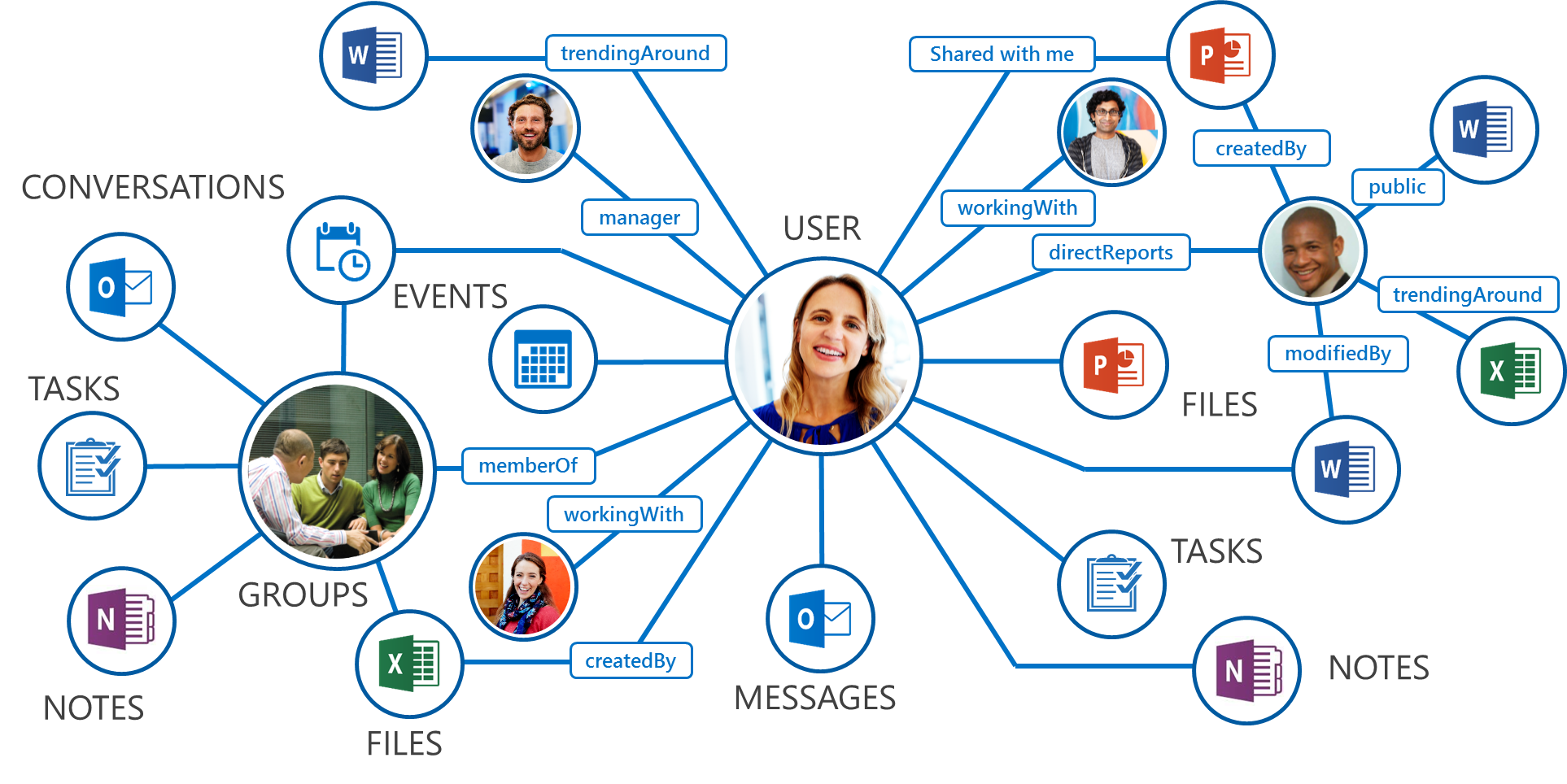
Microsoft Graph or the Azure AD Graph
Provides guidance and a roadmap for using Microsoft Graph vs. Azure AD Graph.
MVP Article – SharePoint Column Formatting – Show Map in Rich Text Field
MVP Article - Step by step guidance on how to show a map based on location information in SharePoint lists with a no-code approach using just SharePoint Column Formatting capability.
Throttling changes coming to beta Outlook APIs and Outlook-related APIs in Microsoft Graph
For the latest information on throttling for Outlook-related resources in Microsoft Graph and the Outlook REST API, see https://docs.microsoft.com/graph/throttling.
SharePoint Development Community (PnP) – February 2019 update
SharePoint Dev Ecosystem / SharePoint Patterns and Practices (PnP) February 2019 update is out with a summary of the latest guidance, samples, and solutions from SharePoint engineering or from the community for the community. This article is a summary of all the different areas and topics around the SharePoint Dev ecosystem during the past month.
Integrate electronic health record data using FHIR in Microsoft Teams
Today we announced several new partners who are creating solutions for interoperability with electronic health record data and Microsoft Teams.
Deliver a consistent & repeatable Microsoft Teams experience with the launch of Templates
Today we announced that Teams Templates have become generally available, allowing you to quickly pre-define a team’s channel, install apps, pin tabs, and more.
Deliver a consistent repeatable Microsoft Teams experience with the launch of Templates
Today we announced that Teams Templates have become generally available, allowing you to quickly pre-define a team’s channel, install apps, pin tabs, and more.
New SharePoint CSOM version released for SharePoint Online – January 2019
We are happy to announce the availability of new SharePoint Client-Side Object Model (CSOM) version targeted for the Office 365 or more specifically for SharePoint and Project Online. January 2019 release.
We heard your requests! Jira Server Integration is now available for Microsoft Teams
Jira Server Integration is now available for Microsoft Teams
New Azure AD Identity Protection APIs now in preview in Microsoft Graph
Today we’re announcing two new ways to get Azure AD Identity Protection data through Microsoft Graph: The newly introduced riskyUsers API and an updated sign-in API with enhanced risk information.
Preview Release of .Net Teams Bot Builder v4 SDK
Announcing the preview release of the .NET Teams Bot Builder v4 SDK for building bots for Microsoft Teams.

Updated SharePoint Framework developer training package now available (2019)!
We are pleased to announce the availability of a completely updated SharePoint Framework training package which is targeted to be used for self-learning or for redelivering provided material as a local training delivery inside of your own company or for your customers. All materials are provided for you to reuse anyway you preferred without any needs for asking permissions or notifying anyone ("sharing is caring").
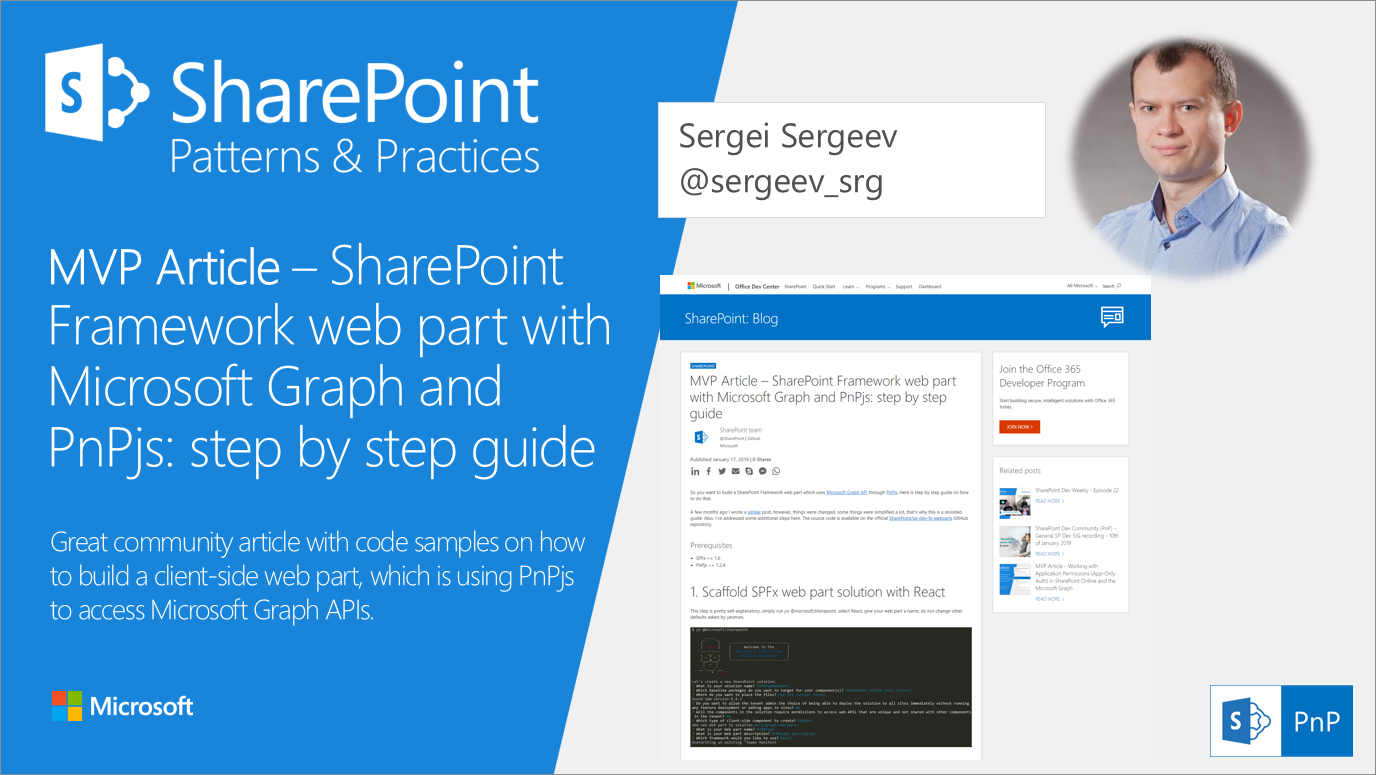
MVP Article – SharePoint Framework web part with Microsoft Graph and PnPjs: step by step guide
MVP Article - SharePoint Framework web part with Microsoft Graph and PnPjs: step by step guide. Great community article with code samples on how to use the PnPjs and Microsoft Graph in SPFx solutions.

MVP Article – Working with Application Permissions (App-Only Auth) in SharePoint Online and the Microsoft Graph
MVP Article - Working with Application Permissions (App-Only Auth) in SharePoint Online and the Microsoft Graph. Great community article with code samples on different code authentications options for the SharePoint Online and Microsoft Graph.
Subscription lifetime changes for Outlook resources
We are in the process of deploying a change to the OutlooK REST API and Microsoft Graph that will expire subscriptions to Outlook-related resources (mail, calendar, contacts, tasks) automatically when certain security-related events occur.

SharePoint Development Community (PnP) – January 2019 update
SharePoint Dev Ecosystem / SharePoint Patterns and Practices (PnP) January 2019 update is out with a summary of the latest guidance, samples, and solutions from SharePoint engineering or from the community for the community. This article is a summary of all the different areas and topics around SharePoint Dev ecosystem during the past month.
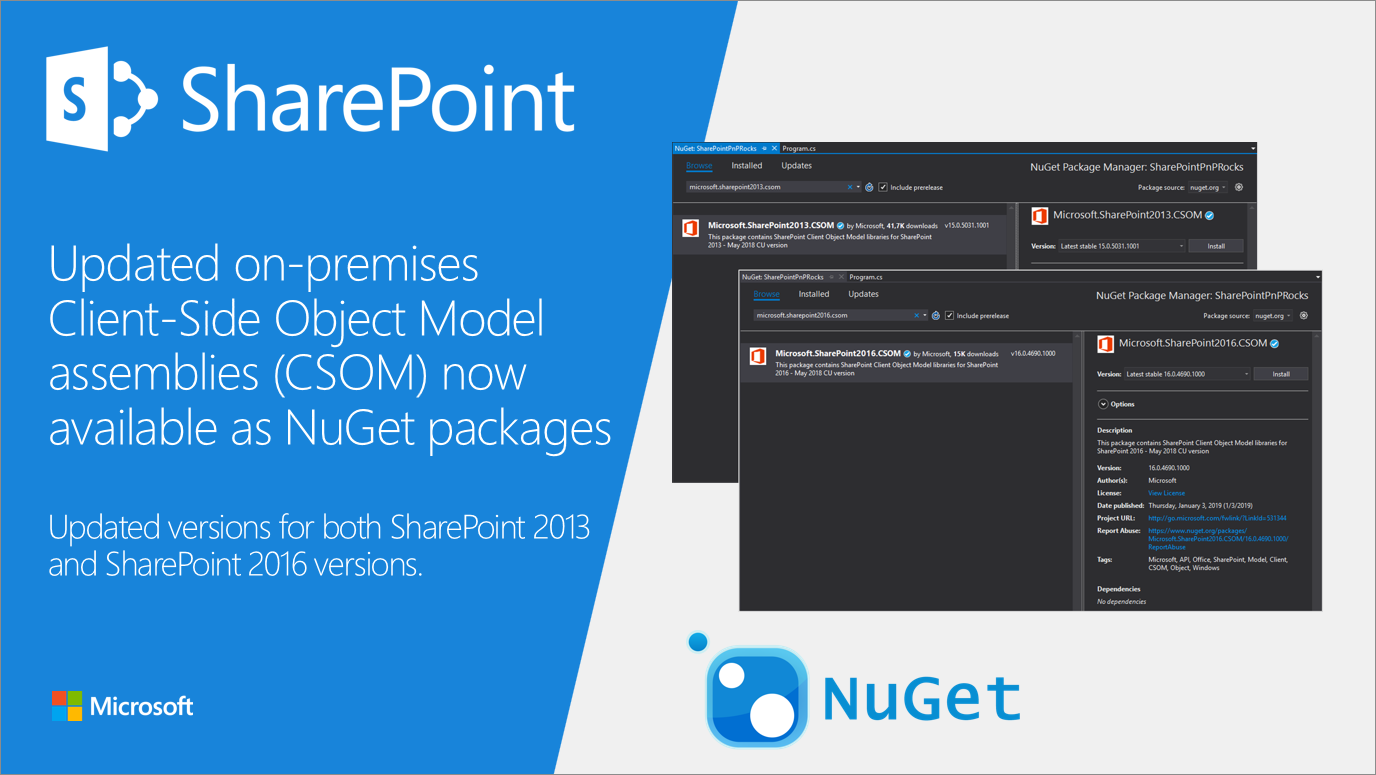
Updated versions of the SharePoint on-premises CSOM NuGet packages
We are happy to announce updates on the CSOM API NuGet packages for SharePoint 2013 and SharePoint 2016.
Announcing Script Lab React!
Over the past year, we have been busy rewriting the Script Lab add-in using React and Fabric React UI components. We decided to use React to give developers like you an example of an Office add-in built using the React library and to make Script Lab more accessible.

New SharePoint CSOM version released for SharePoint Online – December 2018
We are happy to announce the availability of new SharePoint Client-Side Object Model (CSOM) version targeted for the Office 365 or more specifically for SharePoint and Project Online. December 2018 release.

Site Scripts & Site Designs – Fall 2018 Update
As we move into summer, we are pleased to announce the availability of additional Site Script actions and capabilities for Site Designs. These new actions are designed to facilitate the programmatic configuration of common site settings and elements – and can be applied both manually through PowerShell or integrated into the SharePoint Online self-service site creation experience.
Modernize your SharePoint pages
SharePoint Online is continuously evolving and improving, which is a great thing for you as a consumer of the service. One of the key features is the availability of modern sites, which are modern Office 365 group-connected team sites or communication sites, combined with improved functionality that can be consumed from a beautiful, responsive, modern user interface. All of this is great, but you might ask yourself, I have lots of classics (team) sites...how do I bring them into the modern SharePoint world? The answer is (in-place) modernization: you can fully transform (or "modernize") a classic site team sites ...

SharePoint Development Community (PnP) – December 2018 update
SharePoint Dev Ecosystem / SharePoint Patterns and Practices (PnP) December 2018 update is out with a summary of the latest guidance, samples, and solutions from SharePoint engineering or from the community for the community. This article is a summary of all the different areas and topics around SharePoint Dev ecosystem during the past month.
Join in the Microsoft Graph Security Hackathon!
Join Microsoft Graph Security Hackathon - an opportunity to make a positive impact on the cybersecurity industry and win* awesome prizes!
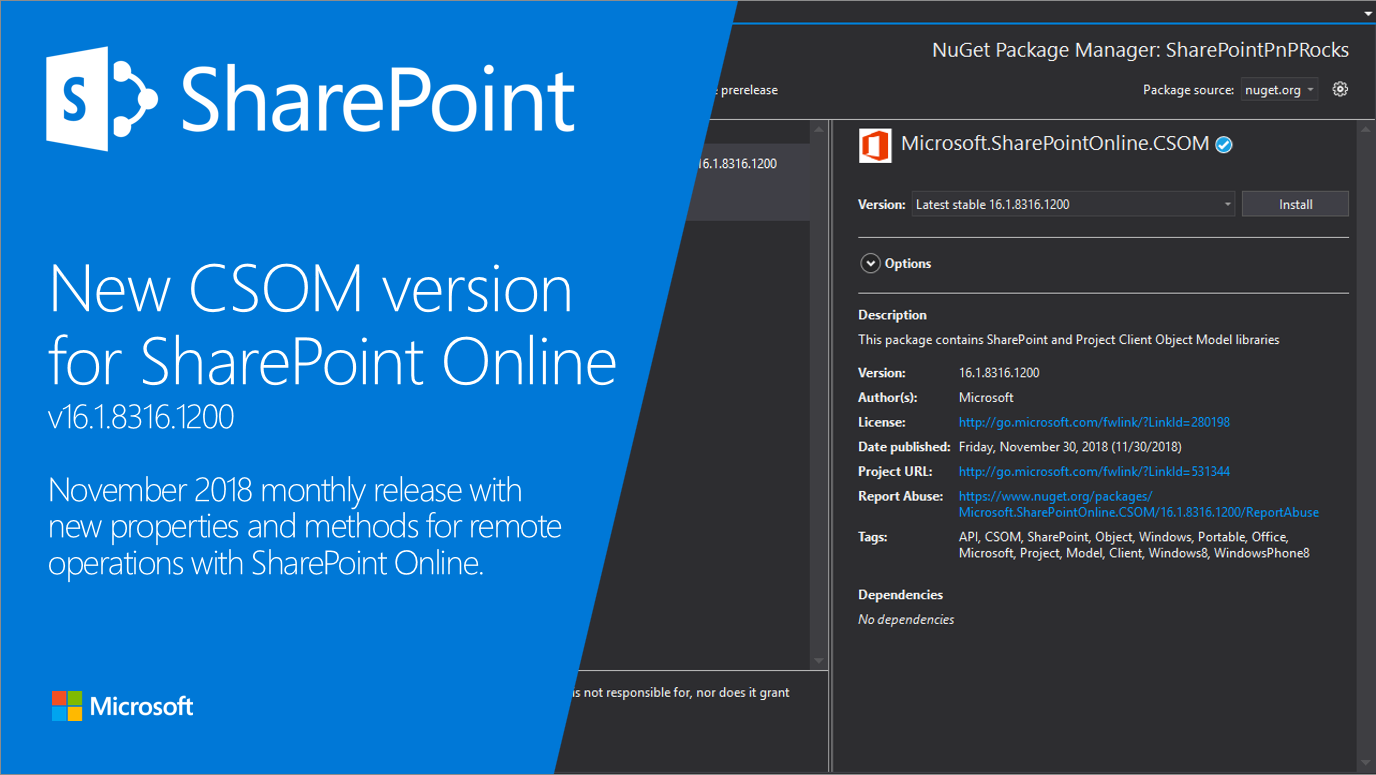
New SharePoint CSOM version released for SharePoint Online – November 2018
We are happy to announce the availability of new SharePoint Client-Side Object Model (CSOM) version targeted for the Office 365 or more specifically for SharePoint and Project Online. This was mainly a small maintenance release with minimal updates on the CSOM API surface.
30DaysMSGraph – Day 30 – Community resources and next steps
In Day 29 we uploaded files to OneDrive with Microsoft Graph requests. Today we wrap up this 30 Days of Microsoft Graph series with a few community resources, ask for your feedback, and share a few next steps.
30DaysMSGraph – Day 29 – Use case: Upload files to OneDrive
In Day 28 we created a webhook notification for Microsoft Graph events. Today we will interact with files stored in OneDrive.
Outlook REST API v1.0 BasicAuth Deprecation
Last year, we announced that on November 2018, we will stop supporting Basic Authentication in the Office 365 Outlook REST API v1.0 and this is a follow up announcement to reiterate that we will be decommissioning Basic Authentication in Outlook REST API v1.0 this month.
30DaysMSGraph – Day 28 – Use case: Webhooks
In Day 27 we created a Team with Microsoft Graph. Today we’re looking at webhooks in Microsoft Graph.
Microsoft Graph documentation has a fresh new look
We've heard your feedback over the years that you'd like to see some improvements to the Microsoft Graph documentation experience. Today we are announcing that we've moved to https://docs.microsoft.com/graph, which gives our docs a fresh new look!
30DaysMSGraph – Day 27 – Use case: Create a Team
In Day 26 we concluded calling Microsoft Graph using Flow. Today, we'll show how to create teams and automate team lifecycles.

Microsoft Teams platform update
This is the first in a series of regular updates for our beloved developers on all things Microsoft Teams.
30DaysMSGraph – Day 26 – Use case: Calling Microsoft Graph using Flow

In todays post we will show you how to make Microsoft Graph API calls using Microsoft Flow.
30DaysMSGraph – Day 25 – Use case: Create a OneNote notebook
In Day 24 we concluded configuring implicit flow authentication on a single-page application. Today we'll extend the base console application to create a OneNote notebook, section, and page.
30DaysMSGraph – Day 24 – Use case: Calling Microsoft Graph from a single-page application Part 2
In todays post we will see at four samples covering Azure AD v1 and v2 that uses ADAL and MSAL along with TypeScript, JQuery, React and Webpack.
30DaysMSGraph – Day 23 – Use case: Calling Microsoft Graph from a single-page application Part 1
Today and tomorrow, you'll learn to do much the same thing directly from a web browser in a Single Page Application. Today's article will walk you through updating your app registrations (for v1 and v2) so they'll work from the browser; tomorrow we'll dig into the code.
30DaysMSGraph – Day 22 – Device and App Management with Intune
In day 21 we added plans, buckets, and tasks to Planner. Today we will be building on the .Net Core sample application started in Day 15 to add support for the device and app management functionality offered by Intune.
30DaysMSGraph – Day 21 – Use case: Create plans, buckets, and tasks in Planner
In Day 20 we configured the base .Net Core console application to utilize the device code authentication flow. Today we will continue with that path by extending this application to interact with Planner.
30DaysMSGraph – Day 20 – Use case: Device Code flow to authenticate users
In Day 19 we assigned user permissions to an Office 365 Group (unified group) using Microsoft Graph requests. Today we'll introduce device code authentication and modify the .Net Core console application to utilize this authentication flow.
30DaysMSGraph – Day 19 – Use Case: Assign Permissions using Unified Groups
In this post we will show you how to add users to Office 365 unified groups. By virtue of being part of these groups, the user will get permissions to access not just the group but also the associated SharePoint Online site.
Better organize and automate the Microsoft Teams experience with the availability of the Microsoft Graph APIs
The Microsoft Graph APIs are a game-changer for devs, and in this blog you’ll see how you can build an unparalleled Teams experience.
30DaysMSGraph – Day 18 – Use Case: Update User Mailbox Settings
In preparation for onboarding a user, once the user is created and appropriate license is applied, now we can update the user specific mailbox settings like the users time zone, locale info, working hours etc.
30DaysMSGraph – Day 17 – Use Case: Assign an Office 365 license
In Day 16 we extended the base .Net Core console application to create a user by calling Azure AD. Today we'll extend the base console application to assign a user license in Office 365.
Verification guidance – SharePoint Online moves to React 16
Guidance on verification testing for your SharePoint Framework solutions as SharePoint Online is moving to React version 16.
30DaysMSGraph – Day 16 – Use Case: Create user in Azure AD
In Day 15 we registered an Azure Active Directory (Azure AD) application and created a console application using .Net Core. The application uses a client secret and the Microsoft Authentication Library (MSAL) to establish an authentication context with the Microsoft Graph API. Today we'll extend that application to create a user within Azure AD.
MVP Article – How I joined the PnP Core Team?
MVP Article - Journey on how contributions for the community will result in different opportunities for anyone who is willing to share their knowledge.
30DaysMSGraph – Day 15 – Microsoft Graph in .NET Core application
In Day 14 we discussed batch processing requests to Microsoft Graph requests. Today we'll take a big jump and build our first project in .Net Core that can make calls against Microsoft Graph.
30DaysMSGraph – Day 14 – Batch processing
In Day 13 we discussed calling Microsoft Graph with Postman. Today we'll look at the concept of batching that can help optimize your application by combining multiple Microsoft Graph queries.
30DaysMSGraph – Day 13 – Postman to make Microsoft Graph calls
In Day 12 we reviewed authentication flows for Microsoft Graph requests. Today we'll look at using the Postman tool to make Microsoft Graph queries.
SharePoint Development Community (PnP) – November 2018 update
SharePoint Dev Ecosystem / SharePoint Patterns and Practices (PnP) November 2018 update is out with a summary of the latest guidance, samples, and solutions from SharePoint engineering or from the community for the community. This article is a summary of all the different areas and topics around SharePoint Dev ecosystem during the past month.
30DaysMSGraph – Day 12 – Authentication and authorization scenarios
In Day 11 we discussed Access Tokens which are crucial to make Microsoft Graph requests. Today we'll look at the various authentication scenarios that are possible when querying with Microsoft Graph.
30DaysMSGraph – Day 11 – Azure AD application permissions
In Day 10 we discussed Azure AD applications created through the V1 endpoint. Today we'll look at the permissions available and how to assign them to a user / Azure AD application.
30DaysMSGraph – Day 10 – Azure AD applications on V1 endpoint
In Day 9 we discussed how to register an Azure AD Application using V2 endpoint. Today we’ll look at registering an Azure AD Application using V1 endpoint that will be used to communicate with Microsoft Graph.
30DaysMSGraph – Day 9 – Azure AD applications on V2 endpoint
In Day 8 we discussed the authentication roadmap and access tokens which are crucial to make Microsoft Graph requests. Today we'll look at registering an Azure Active Directory (Azure AD) application that will be used to communicate with Microsoft Graph.
Bring your apps to more places with new SharePoint Framework and Microsoft Teams releases
With SharePoint Framework v1.7 and upcoming releases in Microsoft Teams, you can now share some of your best customizations across SharePoint and Microsoft Teams.
30DaysMSGraph – Day 8 – Authentication roadmap and access tokens
In Day 7 we discussed paging results for Microsoft Graph requests. Today we'll look at the current and future states of authenticating to Microsoft Graph, specifically obtaining access tokens.
New App registrations experience now in public preview
Hi there! The Microsoft Identity Platform team has heard your feedback about our application registration experience and how it needs to be simpler. We agree with you, and so over the last few months we've made several changes to improve the developer experience and make it simpler to configure and manage your apps. Today, we’re excited to announce public preview for the new App registrations experience in the Azure portal! The new app registrations experience will be the place to manage all your applications that authenticate Azure AD and personal Microsoft accounts. The new app registrations experience inclu...
MVP Article – PnP SPFx Yeoman generator v1.4.0 – Angular Elements support is here!
MVP Article - Angular Elements support is was released for the open-source PnP SPFx generator and this blog post explains the design decisions and the background around the released implementation.
30DaysMSGraph – Day 7 – Paging and NextLink
In Day 6 we finished discussing many of the query parameters available for Microsoft Graph requests. Today we'll look at the concept of paging results when there are more records than can be returned in a single response.
30DaysMSGraph – Day 6 – Query Parameters Part 2
In Day 5 we began discussing the query parameters available for Microsoft Graph requests. Today we'll continue looking at query parameters available for requests against Microsoft Graph.
30DaysMSGraph – Day 5 – Query Parameters Part 1
In day 4 we discussed the syntax for Microsoft Graph requests. Today we'll begin looking at query parameters available for requests against Microsoft Graph.
30DaysMSGraph – Day 4 – Request syntax
In Day 3 we discussed the Graph Explorer. Today we'll inspect the syntax for Microsoft Graph requests.
30DaysMSGraph – Day 3 – Graph Explorer
While it may be great to read about Microsoft Graph and all that it can do it is equally important to see it in action. Thankfully, Microsoft Graph product group has made it extremely easy to test out queries and view examples against a demo tenant or live on your own tenant.
Announcing Angular Elements support in PnP SPFx generator
Open-source PnP SPFx Yeoman generator now supports also Angular Elements.
30DaysMSGraph – Day 2 – Overview Microsoft Graph
What started as an Office specific set of APIs (read here for more on the history) has now expanded into Microsoft Graph which covers APIs across multiple services including Office 365, Azure AD, Enterprise Mobility and Security, Windows 10, and Education.
30DaysMSGraph – Day 1 – Why you should learn Microsoft Graph
Microsoft Graph unifies API access to the services in the Microsoft 365 suite. Developers can now consume data through a single public endpoint (https://graph.microsoft.com) – using simple REST calls or with an SDK available on just about any platform.
What’s New in App Studio – October 2018
Explore new features available now in Microsoft Teams App Studio in October 2018
New SharePoint CSOM version released for SharePoint Online – October 2018
We are happy to announce the availability of new SharePoint Client-Side Object Model (CSOM) version targeted for the Office 365 or more specifically for SharePoint and Project Online. This was mainly a small maintenance release with minimal updates on the CSOM API surface.
Announcing “30 Days of Microsoft Graph” Blog Series
Throughout the month of November 2018, we are publishing daily articles (30 total) that aim to introduce developers to Microsoft Graph. We’ll have content that covers 0-level to 200-level topics. Each post should take you 5-15 mins to read and try out the sample exercises. No prior knowledge of Microsoft Graph is required.
Approval reports and SaaS app changes for Office submissions
Changes to Office Add-In validation, Approval reports and SaaS app submission changes. Approval reports are coming and will allow ISVs Add-ins to be approved with a lower bar on metadata. SaaS apps need to be submitted via the Cloud Partner Portal
SharePoint Development Community (PnP) – October 2018 update
SharePoint Dev Ecosystem / SharePoint Patterns and Practices (PnP) October 2018 update is out with a summary of the latest guidance, samples, and solutions from SharePoint engineering or from the community for the community. This article is a summary of all the different areas and topics around SharePoint Dev ecosystem during the past month.
Ignite 2018 Microsoft Graph sessions on-demand
A quick reference to the Microsoft Graph on-demand sessions at Ignite 2018
Opening SharePoint Dev Blog for community posts
We are happy to announce that we open SharePoint Dev blog also for MVP articles. SharePoint has one of the most active communities in the industry and we want to have a new opportunity for our MVPs for getting additional visibility by posting their articles also through the SharePoint Dev blog.
MVP Article – Using Theme Colors in List Formatting
MVP Article - List formatting for modern list views is an incredibly powerful tool that allows you to quickly and easily add instant meaning, visual appeal, and dynamic visualizations directly to your lists. How to use Theme Colors in List Formatting?
New SharePoint CSOM version released for SharePoint Online – September 2018
We are happy to announce the availability of new SharePoint Client-Side Object Model (CSOM) version targeted for the Office 365 or more specifically for SharePoint and Project Online. This was mainly a small maintenance release with minimal updates on the CSOM API surface. The September 2018 release was delayed until early October due to few logistic issues.
Microsoft Graph SDK Release Notes for September 2018
Release notes for Microsoft Graph SDKs including GA and preview releases for public and beta APIs.
Announcing the 2018 Office App Award Winners
We are excited to highlight the winners that were announced at the 2018 Office App Awards event at the Microsoft Ignite Conference this week!
Ignite 2018: Marking a year of platform and partner growth
It’s time for Ignite 2018. Over 20,000 Microsoft employees, customers, and partners are converging in Orlando to learn, share, discuss, and experience what’s new and what’s next in our business. Many of us who’ve worked hard to create the tools and technology that power the Office 365 Ecosystem have arrived at the Orange County Convention Center, excited to show off what we’ve built and show you how customers and partners can build solutions that unlock creativity, generate new insights, and improve teamwork.
Do more with new upcoming SharePoint development capabilities announced at Ignite 2018
SharePoint is great for getting your apps out to teams and departments, and across your organization. As a developer, you can take advantage of many services to complete your app, including document storage, a page model that allows for easy customization, SharePoint lists for basic data, connections to APIs and data from Microsoft Graph, and much more.
Microsoft Graph @ Ignite 2018
For the last several months, Microsoft Graph engineering teams in Redmond and around the world have worked to prepare for Ignite 2018. That moment has finally arrived. We have 58 sessions across Ignite 2018 that highlight the ways in which the Microsoft Graph is changing our products and ecosystem. We’re pleased to provide an overview of the all work we’ve done to create a richer, deeper, more powerful tool for our developer communities and the customers they serve.
Evolving the Microsoft Graph SDKs
Microsoft Graph SDKs are evolving to meet the demands of more users and more scenarios by introducing a flexible component architecture.
Consistently extend SharePoint with the SharePoint Framework
Using the SharePoint Framework, developers can extend SharePoint to their organization's specific needs. And with the latest version of the SharePoint Framework, they can do it consistently across all sites in the tenant using tenant wide deployment capability.
Announcing Immutable ID for Outlook resources in Microsoft Graph
In the coming weeks, we're rolling out a new feature designed to make it easier to work with Outlook item IDs: Immutable ID. With this feature, Microsoft Graph will provide an identifier in the id property that will not change over the lifetime of the item, so long as the item stays in the same mailbox.
Getting started with SharePoint Framework – Tutorials – September 2018
With the release of SharePoint Framework 1.6, we also did refresh the step-by-step getting started tutorials for both SharePoint Framework web parts and SharePoint Framework extensions.
Introducing open-source PnP SPFx Yeoman generator
We are happy to announce the availability of the PnP SPFx Yeoman generator, which enables the community to work together with the SharePoint engineering and to add new supported JavaScript framework and other options to the templates.
SharePoint Development Community (PnP) – September 2018 update
SharePoint Dev Ecosystem / SharePoint Patterns and Practices (PnP) September 2018 update is out with a summary of the latest guidance, samples, and solutions from SharePoint engineering or from the community for the community. This article is a summary of all the different areas and topics around SharePoint Dev ecosystem during the past month.
Visio 2010 SDK and Visio 2010 Viewer available for download
Until now, there hasn’t been a way to automate the settings in this dialog via the API. In Visio 2010, we’ve enhanced the object model to make it possible to drive these settings programmatically using a set of new methods and properties on the ApplicationSettings object.
SharePoint development platform @ Ignite 2018
We’re excited to welcome all the Microsoft customers and partners from around the world traveling to Orlando, plus the thousands more attending virtually, to Ignite 2018. We’re pleased to share the latest news and updates about the investments we’re making in the SharePoint platform, including the great new capabilities also on the extensibility story. This blog post has a list of all the different SharePoint developer topics in the Ignite 2018. We have quite a few breakouts, theater sessions and also booths for you to attend and visit.
Announcing the release of SharePoint Framework v1.6!
We are pleased to announce the release of SharePoint Framework v1.6 – bringing the availability of new tools to help you build engaging team and communication sites. APIs for calling into Microsoft Graph and Web APIs are now generally available, we’ve improved our Dialog user experience framework, and you can now deploy SharePoint Framework tenant extension across your entire tenancy.
New SharePoint CSOM version released for SharePoint Online – August 2018
We are happy to announce the availability of new SharePoint Client-Side Object Model (CSOM) version targeted for the Office 365 or more specifically for SharePoint and Project Online. This was mainly a small maintenance release with minimal updates on the CSOM API surface. The August 2018 release was delayed until early September due to few logistic issues.
New Azure AD access reviews feature on the Microsoft Graph
The Azure AD access reviews feature now has an API in the Microsoft Graph beta endpoint.
Install and Test Your Teams App with App Studio
Creating and testing a Teams app with App Studio just got a lot easier. Install your apps without having to manage an app manifest or app package.
New Office Add-in Analytics available in Seller Dashboard and Partner Dashboard
We are excited to announce the availability of enhanced Office Add-in analytics within the Partner Dashboard. The Acquisition report has been augmented with channels and conversion information, so you can see how customers were directed to your AppSource listing and evaluate the effectiveness of your custom campaigns.
Online reference and SDK documentation for Visio and Visio Services
For Visio Services developers, documentation is available online as well as offline via the Microsoft SharePoint 2010 SDK. This blog describes previous versions of Visio developer content that is still available for use.
Developer Reference for Visio 2007 Viewer released
The Visio 2007 Viewer Developer Reference is up and can be accessed at: https://docs.microsoft.com/en-us/previous-versions/office/developer/office-2007/cc297211(v=office.12) The reference includes the full API reference and some short samples on how to embedded the viewer in different environments. The Viewer provides an application programming interface (API) that enables solution developers to perform the following tasks:
Visio 2010 API for configuring raster export
The blog discusses ways to automate the settings in PNG output dialog via the API. In Visio 2010, we’ve enhanced the object model to make it possible to drive these settings programmatically using a set of new methods and properties on the ApplicationSettings object.
Overview of Visio Services JavaScript Mashup API
Previously, we took a look at how to create interactive mashups with Visio diagrams without writing any code. If you need more flexibility in creating rich diagram mashups than offered out of the box by web part connections, you can use the Visio Services JavaScript Mashup API. In this post we'll review the breadth of possibilities by the Visio Services Mashup API and show you how to get started coding with a few simple examples.
Introducing the Visio 2010 Beta SDK
This blog details the features in the Visio 2010 SDK that is currently available for download.
Visio Diagram Validation API
In this post, we focus on the details of using the validation API to create validation rules, trigger validation, and manage validation issues.
Publishing Visio 2007 Solutions
This blog discusses how to publish Visio 2007 solutions. In this context "solutions" refers to the add-ins, templates, stencils and/or help files that you have created and want to distribute to other people.
Creating Visio Add-ins with VSTO 2005 SE
There have been several newsgroup postings about using VSTO to create Visio Add-ins. The deployment of these add-ins can be especially challenging. There is a new developer article by Chris Castillo detailing how to write VSTO add-ins for Visio. Chris explains why using VSTO is desirable and aggregates information from a number of sources to walk you through the development and deployment process.
Container, List and Callout API in Visio 2010
This post examines the programmability features for Containers, Lists and Callouts in Visio 2010. It supplements an earlier post that describes how these special shapes are constructed and how they can be customized.
Visio 2010 Connectivity API
In this blog post, we introduce the new Visio 2010 methods used for working with connected diagrams. Then we will see these methods in action by doing a visual walk-through of a program that manipulates a flowchart.
Intelligent Diagrams in Visio
This is the sixth topic in a series discussing the essential features that make up the Visio application.
Managed Access to Microsoft Graph Data in Private Preview
We’re pleased to announce that we are expanding the focus of the Managed Access to Microsoft Graph Data preview, announced this spring at our Build 2018 conference, to include scenarios for Enterprises as well as ISVs.
SharePoint Development Community (PnP) – August 2018 update
SharePoint Dev Ecosystem / SharePoint Patterns and Practices (PnP) August 2018 update is out with a summary of the latest guidance, samples, and solutions from SharePoint engineering or from the community for the community. This article is a summary of all the different areas and topics around SharePoint Dev ecosystem during the past month.
Introduction to SharePoint Server 2019 Preview Development Platform
SharePoint Server 2019 Preview was announced on 24th of July in Microsoft Tech Community. Announcement blog post covered the key platform capabilities from the end user and administrative perspective, but as it did not cover key changes from the development perspective, we wanted to provide this blog post around covering some additional details, which would be relevant for architects and developers.
Site Scripts & Site Designs – Summer 2018 Update
As we move into summer, we are pleased to announce the availability of additional Site Script actions and capabilities for Site Designs. These new actions are designed to facilitate the programmatic configuration of common site settings and elements – and can be applied both manually through PowerShell or integrated into the SharePoint Online self-service site creation experience.
New SharePoint CSOM version released for SharePoint Online – July 2018
We are happy to announce the availability of new SharePoint Client-Side Object Model (CSOM) version targeted for the Office 365 or more specifically for SharePoint and Project Online. This was mainly a small maintenance release with minimal updates on the CSOM API surface. The July 2018 release was delayed until early August due small timing issues.
2018 Office App Awards-Nominations now open
Across the Office platform, we’ve seen an amazing set of new applications developed, spanning from Office-integrated mobile applications, to new SharePoint web parts, to bots and integrations. We’d love to feature some of the best applications and integrations you’ve seen, but we need your help.
DevTools now accessible from the Microsoft Teams Desktop Client
You can now access browser DevTools on the Microsoft Teams desktop client (both Mac and Windows). Read this post for more information.
Upcoming changes to Exchange Web Services (EWS) API for Office 365
Over the last few years, we have been investing in services that help developers access information in Office 365 in a simple and intuitive way. As we make progress on this journey , some technologies become obsolete and they no longer provide the best way to interact with Office 365 data. Today we are sharing our plans for the roadmap of Exchange Web Services (EWS) and the planned deprecation of Basic Auth access for EWS in October 13th, 2020.
New Microsoft Graph powered developer template supports work life balance and compliance
Today we are releasing a Timesheet Tool developer template to create your own applications which can give intelligent work insights with the Microsoft Graph and demonstrate how Office extensibility can support local compliance efforts.
2018 Global Office 365 Developer Bootcamp
Following the success of last year, Global Office 365 Developer Bootcamp now becomes an annual event. It is a free, one-day, hands-on training event led by Microsoft MVPs with support from Microsoft and local community leaders.
SharePoint Development Community (PnP) – July 2018 update
SharePoint Dev Ecosystem / SharePoint Patterns and Practices (PnP) July 2018 update is out with a summary of the latest guidance, samples, and solutions from SharePoint engineering or from the community for the community. This article is a summary of all the different areas and topics around SharePoint Dev ecosystem during the past month. What is SharePoint Patterns & Practices (PnP)? SharePoint PnP is a nick-name for SharePoint Dev Ecosystem activities coordinated by SharePoint engineering. SharePoint PnP is community driven open source initiative where Microsoft and external community members are sharing ...
New SharePoint CSOM version released for SharePoint Online – June 2018
We are happy to announce the availability of new SharePoint Client-Side Object Model (CSOM) version targeted for the Office 365 or more specifically for SharePoint and Project Online. This was mainly a small maintenance release with minimal updates on the CSOM API surface.
Formula Editor – Hack Productivity
We are excited to continue the developer momentum from Build with our ongoing Hack the workday with Office 365 hackathon. Join us to see how Office 365 can help you reach over 130M users a month with the power of Microsoft Graph.
Flow scenario #1: Send a survey daily

This blog discusses the scenario where you might need to send a survey with the same set of questions on a daily basis. This could be automated very simply using Microsoft Flow. In case you are new to Flow or the Kaizala connector, suggest you read this post to get started.
Kaizala extensibility and programmability overview
Kaizala is a mobile application that allows you to get work done within the context of a conversation and group using actions. While the application provides a whole lot of functionalities that allows small and medium businesses and enterprises to get work done, it also supports extensibility that allows you to integrate it to existing business processes and workflows.
Extending SharePoint Patterns and Practices team with new MVP community members – June 2018
We are happy to announce additional community members being included in the SharePoint Patterns and Practices (PnP) team. We are really excited to grow the team, which will help us to address growing interest in the SharePoint community and development topics.
Introducing SharePoint Starter Kit
We are happy to announce the availability of a new SharePoint Starter Kit open-source project, which can be used to demonstrate possibilities with the communications sites and group associate team sites in Office 365.
SharePoint Development Community (PnP) – June 2018 update
SharePoint Dev Ecosystem / SharePoint Patterns and Practices (PnP) May 2018 update is out with a summary of the latest guidance, samples, and solutions from SharePoint engineering or from the community for the community
Announcing SharePoint Framework version 1.5: new tools and a beta preview
SharePoint Framework version 1.5 is now available, bringing both new tools to make your development more efficient as well as a new channel for trying new preview features.
Working with files in your Microsoft Teams bot (Preview)
We announced at Build 2018 that bots will soon be able to send and receive files. I’m happy to let you know that it’s finally here! If you have a Microsoft Teams app that works with files, it’s time to switch to Public Developer Preview and check it out.
New SharePoint CSOM version released for SharePoint Online – May 2018
We are happy to announce the availability of new SharePoint Client-Side Object Model (CSOM) version targeted for the Office 365 or more specifically for SharePoint and Project Online. This was mainly a small maintenance release with minimal updates on the CSOM API surface.
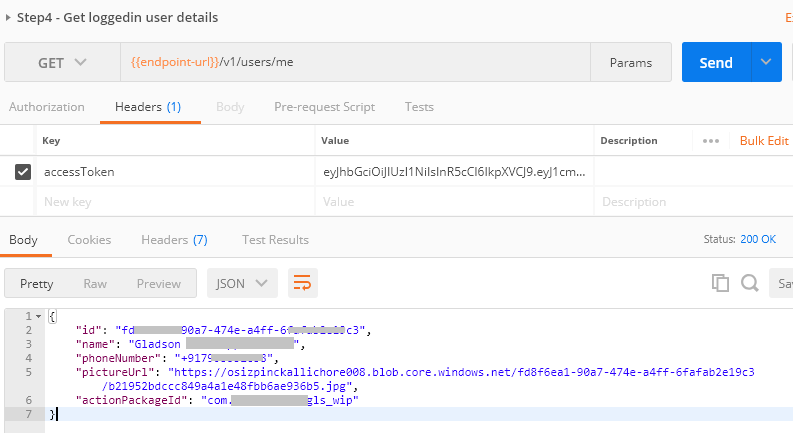
Securing API requests from Kaizala action
There are scenarios where you may want to query your service from within the Kaizala card. While the APIs to be queried are public (without any authentication), you can query them directly. But, in case you want to secure your APIs to make sure the calls are made by the particular user from within the Kaizala card alone – you use the Integration Service token. This post explains how you generate this token and subsequently validate this on the service side.
Excel JavaScript API 1.7 goes GA
We're pleased to announce that the Excel JavaScript 1.7 API is now generally available! We received lots of great feedback on the design of the APIs during the beta period and we appreciate your active participation.
Kaizala extensibility training available now on Microsoft Virtual Academy
Kaizala Extensibility training is now available as a course on Microsoft Virtual Academy (MVA) click here – which has the videos as well as the slides.
Updates from Build: New improvements for SharePoint Framework coming soon
At Microsoft Build, we previewed several upcoming changes and improvements coming to SharePoint Framework. You’ll see these changes start to release over the coming weeks, and we’ll go into more detail at the upcoming SharePoint Conference – North America.
Harness the growing network of apps and insights in Microsoft Graph
Microsoft Graph is the unified API endpoint that offers developers a gateway to the rich data and powerful insights behind a large and growing set of Microsoft products. Based on consistent REST-based standards, tools, and features, the set of scenarios you can power with the Microsoft Graph grows exponentially as new products, datasets and capabilities are added to the endpoint.