
Azure SQL Dev Corner
Voices from the Azure SQL PM Team, focusing on development and developers
Latest posts

The Polyglot tax – Part 2

When JSON Met Graph Part 2 of 4 - The Multimodal Database Series A note on naming. Throughout this series, when we say "SQL Server 2025" we also mean Azure SQL. The multimodal capabilities we discuss - native JSON, graph, vector, and columnstore - are available across both the on-premises engine and the Azure SQL family. In Part 1 we described the moment every fast-moving project hits: the agent built your prototype in a morning, and now the product team wants features that do not fit neatly into relational tables. Device fingerprints arrive as nested JSON. The anti-fraud team needs to trace connections ...

What questions will you ask your data agent?

Data API builder (DAB) 1.7+ delivers secure MCP-based CRUD access with deterministic, policy-enforced query generation and an upcoming aggregate tool that enables complex, production-safe analytical questions without exposing raw SQL to AI agents.
The Polyglot Tax
Part 1 of 4 - The Multimodal Database Series This is a four-part series about what happens when a single database engine handles relational, document, graph, vector, and analytical workloads natively - and what you stop paying for when it does. You spin up a database, point an agent at it, and start building. The first few tables go fast - users, orders, maybe a product catalog. The agent writes your CRUD, wires up the API, and you have a working prototype by lunch. Then the requirements come in. The product team wants semantic search. The fraud team needs to trace connections between accounts. Marketing wan...
MSSQL Extension for VS Code: Query Profiler, ADS Migration Toolkit & More


The MSSQL Extension for VS Code continues to evolve, delivering features that make SQL development more integrated, more powerful, and more developer-friendly. In version v1.40.0, we're introducing the ADS Migration Toolkit, Basic Database Management, Flat File Import, Database Backup & Restore, Database Object Search, and Query Profiler — six capabilities that bring seamless Azure Data Studio migration, essential database operations, and real-time performance monitoring directly into your development workflow inside Visual Studio Code. What’s new in MSSQL extension for VS Code v1.40 https://www.youtube.com...
Light up Multiple Databases with a Single API with Data API builder’s multi-source configuration
Data API builder (DAB) supports multi-source configurations Data API builder (DAB) connects to your database with a safe REST or GraphQL endpoint. But DAB is not limited to just one database. Using a multi-source configuration, you can connect to more than one database simultaneously. Learn more about Data API builder: https://aka.ms/dab/docs Multi-source configuration A multi-source configuration is one of DAB's most powerful features. There is no special requirement other than a valid connection string. This lets multiple databases take advantage of a single instance of DAB with REST and GraphQL, but al...

Federating Databases with Data API Builder Chaining
For decades, DBAs relied on linked servers to stitch data together. If you needed data from two places, you wired them up and moved on. It worked. It was straightforward. It felt native to SQL. But what if linked servers are not an option? What if policy blocks them? What if one of the systems is not SQL or lives in another cloud? How do you cross engines, environments, and ownership boundaries without turning your architecture into a science project? In most modern enterprises, the limitation is not SQL. It is usually more hidden things like governance, separation of duties, or risk management policy. Applicat...

Dear Copilot, can you help me with SQL?
Perhaps we missed it at first, but Copilot is more than comfortable with SQL. This goes beyond autocomplete. This is moving from nothing to a working database without leaving our tools. Have we really arrived? Yes, sort of. For database engineers and app engineers alike, we have crossed an important line. Making us more productive is easy for Copilot. Modern developers already lean on these models. Making Copilot productive is the real unlock. From schema design to publishing in Azure, the question is not whether Copilot can help, but how we 10x Copilot. Walking through a common workflow, this article makes few ...
Build Intelligent Apps with SQL: Join the SQL + AI Datathon

The SQL + AI Datathon is a hands‑on challenge designed to show how the foundations for building modern, intelligent applications with SQL. Over a set of guided missions and a focused open hack, you’ll learn how to combine SQL with embeddings, semantic search, and Retrieval Augmented Generation (RAG) to build real AI‑powered experiences. The SQL + AI Datathon puts SQL at the center of the architecture. You’ll learn how to: Who Should Participate? The SQL + AI Datathon is designed for: Learn Along the Way with the Reactor Series To help you succeed, the Datathon i...

Time Travel in Azure SQL with Temporal Tables
Applications often need to know what data looked like before. Who changed it, when it changed, and what the previous values were. Rebuilding that history in application code is tedious and error prone. This is especially valuable when exposing a database to an AI agent through MCP servers like SQL MCP Server, where information discovery matters. Learn more about SQL MCP Server at https://aka.ms/sql/mcp Azure SQL includes a built in feature that tracks row history automatically. Temporal tables let the database keep a full change history without triggers, audit tables, or custom logic. Working demo https...

Masking Sensitive Data in Azure SQL
Applications often need access to data without needing access to everything. Social Security numbers, email addresses, and phone numbers are common examples. Storing them is required. Exposing them broadly is not. This is especially valuable when exposing a database to an AI agent through MCP servers like SQL MCP Server, where safety and reversibility matter. Learn more about SQL MCP Server Azure SQL includes built-in features that let the database protect sensitive values automatically. The application does not decide what is visible. The database does. Working demo https://gist.github.com What We Ar...

Enable Soft Delete in Azure SQL
Sometimes applications need to remove data without actually losing it. Soft delete keeps rows in the database while making them invisible to normal application access. This is especially valuable when exposing a database to an AI agent through MCP servers like SQL MCP Server, where safety and reversibility matter. Learn more about SQL MCP Server Filtering on an column in every query is fragile. One missed filter exposes your data. Row Level Security enforces visibility rules inside the database so application code cannot bypass them. Working demo https://gist.github.com What We Are Building A table...
Introducing Budget Bytes: Build Powerful AI Apps for Under $25

When developers hear "cloud" and "AI," their first thought is often about cost. "How much will this cost me to learn? Can I build something meaningful without racking up a surprise bill?" Budget Bytes is a new series is designed to inspire developers to build affordable, production-quality AI applications on Azure with a budget of $25 or less. Yes, you read that right, twenty-five dollars! What is Budget Bytes? Budget Bytes is an episodic video series featuring developers building end-to-end scenarios from scratch. But here's what makes it different: This season c...
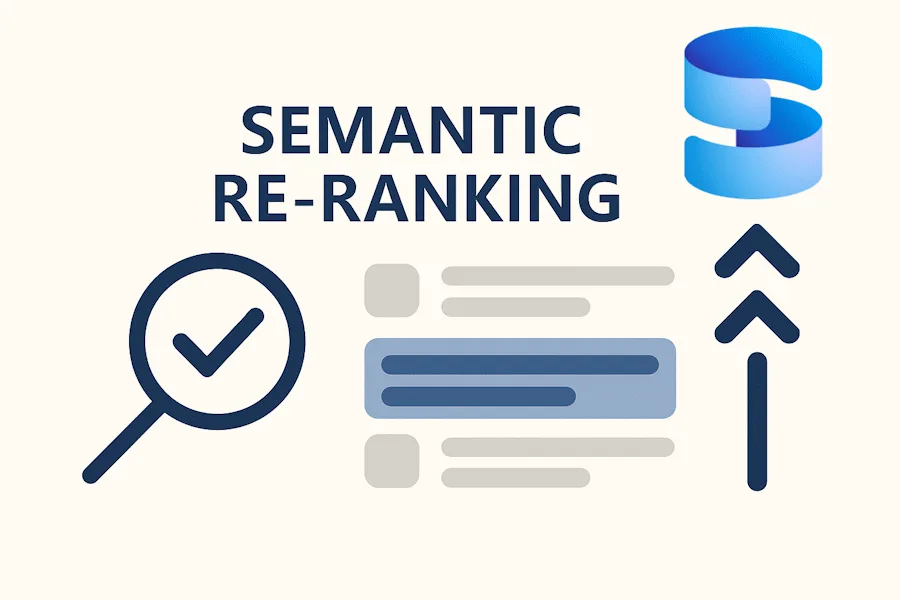
Semantic Reranking with Azure SQL, SQL Server 2025 and Cohere Rerank models

Supporting re‑ranking has been one of the most common requests lately. While not always essential, it can be a valuable addition to a solution when you want to improve the precision of your results. Unfortunately, there isn’t a universal, standardized API for a “re‑rank” call across providers, so the most reliable approach today is to issue a manual REST request and build the payload according to the documentation of the re‑ranker you choose. How a Re-ranking Model Improves Retrieval Vector search is excellent for quickly finding likely matches, but it can still surface items that aren’t the best answer. A re‑r...

Data API builder’s “request-body-strict” Simplifies Client Code
Data API builder (DAB) provides REST and GraphQL endpoints over SQL Server, Azure Cosmos DB, PostgreSQL, MySQL, and SQL Data Warehouse. The configuration value controls how REST endpoints treat unknown JSON properties in the payload: * When set to (default), unknown properties are rejected and an exception is thrown. * When set to , unknown properties are allowed and ignored. This is especially useful for .NET developers. Read the documentation. Let's try it out The database table Imagine a simple table called Category with only two columns: The configuration file Create your Data API builder co...
MSSQL Extension for VS Code: Introducing Edit Data (Public Preview)
Overview Working with table data is an essential part of database development — whether you’re validating behavior, debugging issues, or quickly seeding data. But switching between tools or writing repetitive T-SQL statements can slow down your workflow. We are excited to announce the Public Preview of Edit Data in the MSSQL extension for Visual Studio Code — a modern, interactive way to browse and modify table data directly within the editor. Edit Data (Preview) brings a familiar, spreadsheet-like experience, combining inline editing, validation, pagination, and real-time script generation into a fast and intu...
New T-SQL AI Features are now in Public Preview for Azure SQL and SQL database in Microsoft Fabric

At the start of this year, we released a new set of T-SQL AI features for embedding your relational data for AI applications. Today, we have brought those features to Azure SQL and SQL database in Microsoft Fabric. This post will help you get started using the new AI functions of Azure SQL. Prerequisites Set up your environment The following section guides you through setting up the environment and installing the necessary software and utilities. Set up the database The following section guides you through using the embeddings model to create vector arrays on relation data and use ...
MSSQL Extension for VS Code: GitHub Copilot Chat GA and New Public Previews for Edit Data, Data-tier Application, and more
The MSSQL Extension for VS Code continues to evolve, delivering features that make SQL development more integrated, more consistent, and more developer-friendly. In version v1.37.0, we’re announcing the Public Preview of Edit Data, Data-tier Application (DACPAC/BACPAC) export & import, and the SQL Database Projects Publish Dialog, along with the General Availability of GitHub Copilot — four capabilities that bring modern data editing, migration workflows, schema publishing, and AI-powered assistance directly into your development workflow inside Visual Studio Code. What’s new in MSSQL extension for VS Code...
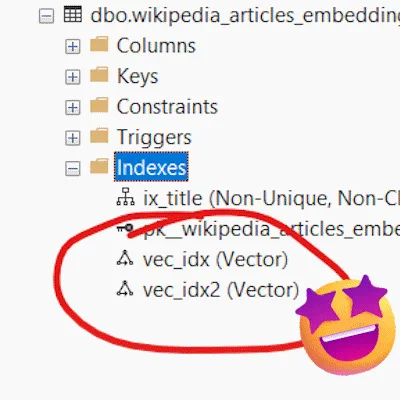
Public preview of vector indexing in Azure SQL DB, Azure SQL MI, and SQL database in Microsoft Fabric

We are happy to share that DiskANN vector indexing is now in public preview across Azure SQL Database, Azure SQL Managed Instance, and SQL database in Microsoft Fabric. DiskANN is a cutting-edge algorithm for efficient vector similarity search, making it ideal for powering recommendation systems, image and multimedia search, and advanced retrieval-augmented generation (RAG) solutions. Built for large-scale vector search, DiskANN integrates seamlessly with the Microsoft SQL query engine, enabling you to combine semantic search with the full power of T‑SQL, joins, filters, analytics, without moving data or addin...