
#ifdef Windows
The home for modern Windows app development.
Latest posts
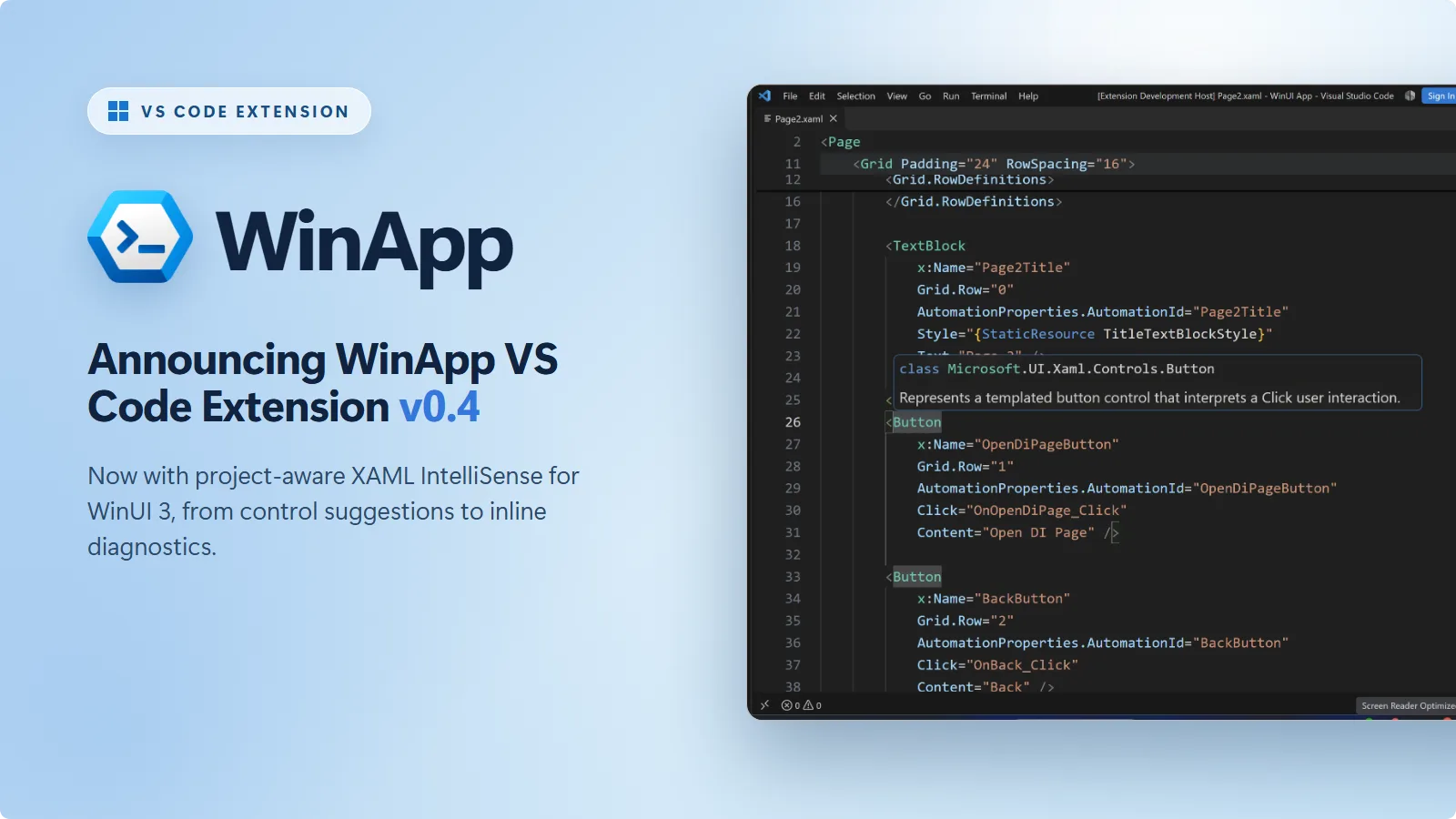
Announcing XAML IntelliSense Support in the WinApp VS Code Extension

From creating your first project to writing UI and debugging with package identity, the WinApp extension helps you build Windows apps right in VS Code. It combines language support for app manifests with tools to create, run, debug, package, and sign your app, bringing more of your everyday development workflow into the editor. Get it now: Install the WinApp extension from the VS Code Marketplace. We're excited to announce the release of v0.4. This release introduces an experimental preview of project-aware IntelliSense for your WinUI XAML, adds a command for creating new WinUI apps, and lets you build and ru...
Microsoft.UI.Reactor: a C#-first way to build WinUI apps

If you caught our session at Microsoft Build 2026 or you've been watching the repo, you've seen this one taking shape in public for a while now, and a lot has changed since Build. Here's the longer tour: Microsoft.UI.Reactor, an experimental C# framework that brings the MVU (Model-View-Update) pattern to WinUI desktop apps. No XAML files, no code-behind, no ViewModels. Two things before the fun part. Reactor is experimental: no support policy, no API guarantees, published this early on purpose because we'd rather hear we got the design wrong now than once people have shipped on it. And it is not a replacemen...
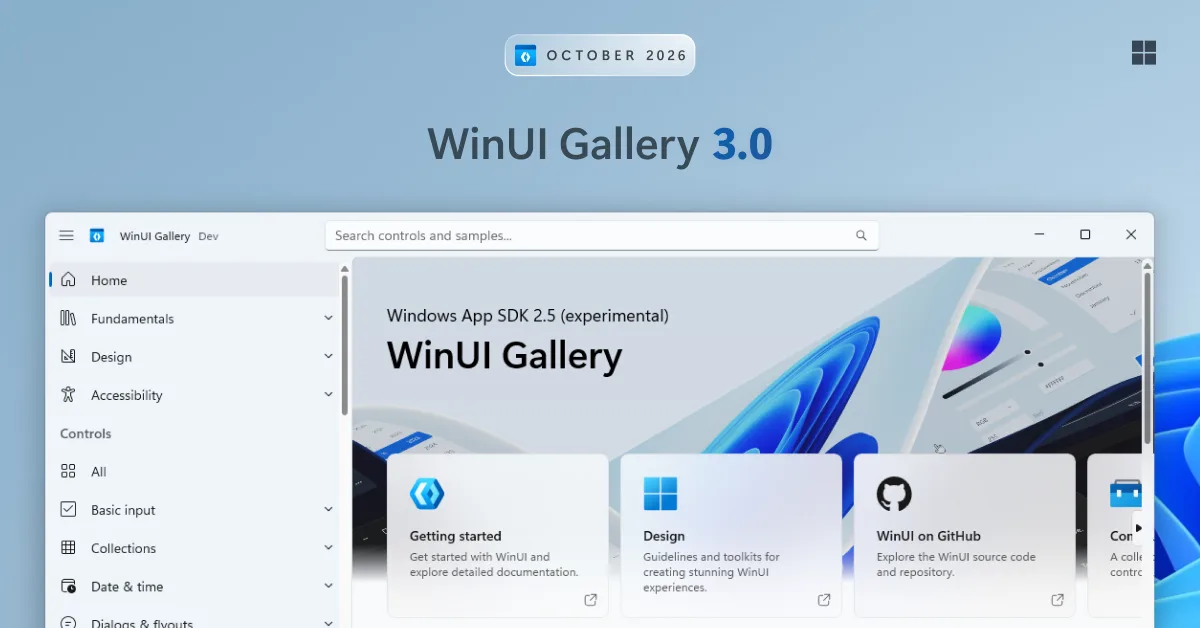
WinUI Gallery 3.0 is here: TableView, Charts, InkCanvas and more

Hey WinUI developers! If you're new around here, WinUI Gallery is the go-to app for exploring WinUI 3 controls, samples, design guidance, and handy tools, all in one place. Today, we're excited to announce WinUI Gallery 3.0, the first version of the Gallery built on the experimental channel of the Windows App SDK. That means you can try upcoming WinUI controls and APIs in the Gallery as soon as they ship in an experimental release. 🧪 Embracing experimental Until now, new controls usually showed up in the Gallery after they reached a stable Windows App SDK release. By then, the APIs were mostly locked, and t...
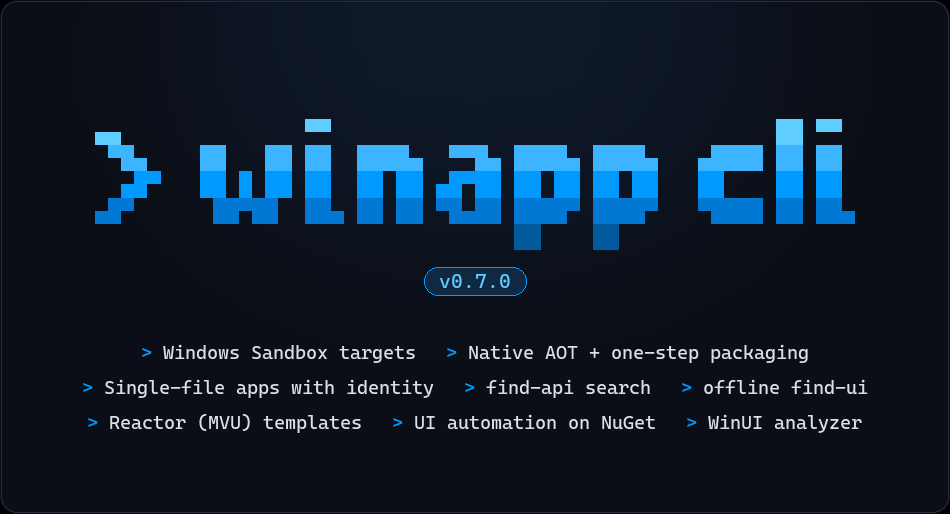
WinAppCLI v0.7.0 – Windows Sandbox automation, Native AOT support, single-file applications, and more

Windows App Development CLI v0.7.0 has shipped, and we're excited to share it. Here are the highlights: Grab it with winget install Microsoft.WinAppCLI, or head to the repo for npm and other install options. Here's a tour of what's new. 🏝️ Run and automate your app in Windows Sandbox The new --on sandbox option runs your app inside a persistent Windows Sandbox instead of on your desktop. You build on your machine as usual, and WinApp deploys, registers, launches, and UI-automates the app inside the guest. The app is never installed on your host, and ...
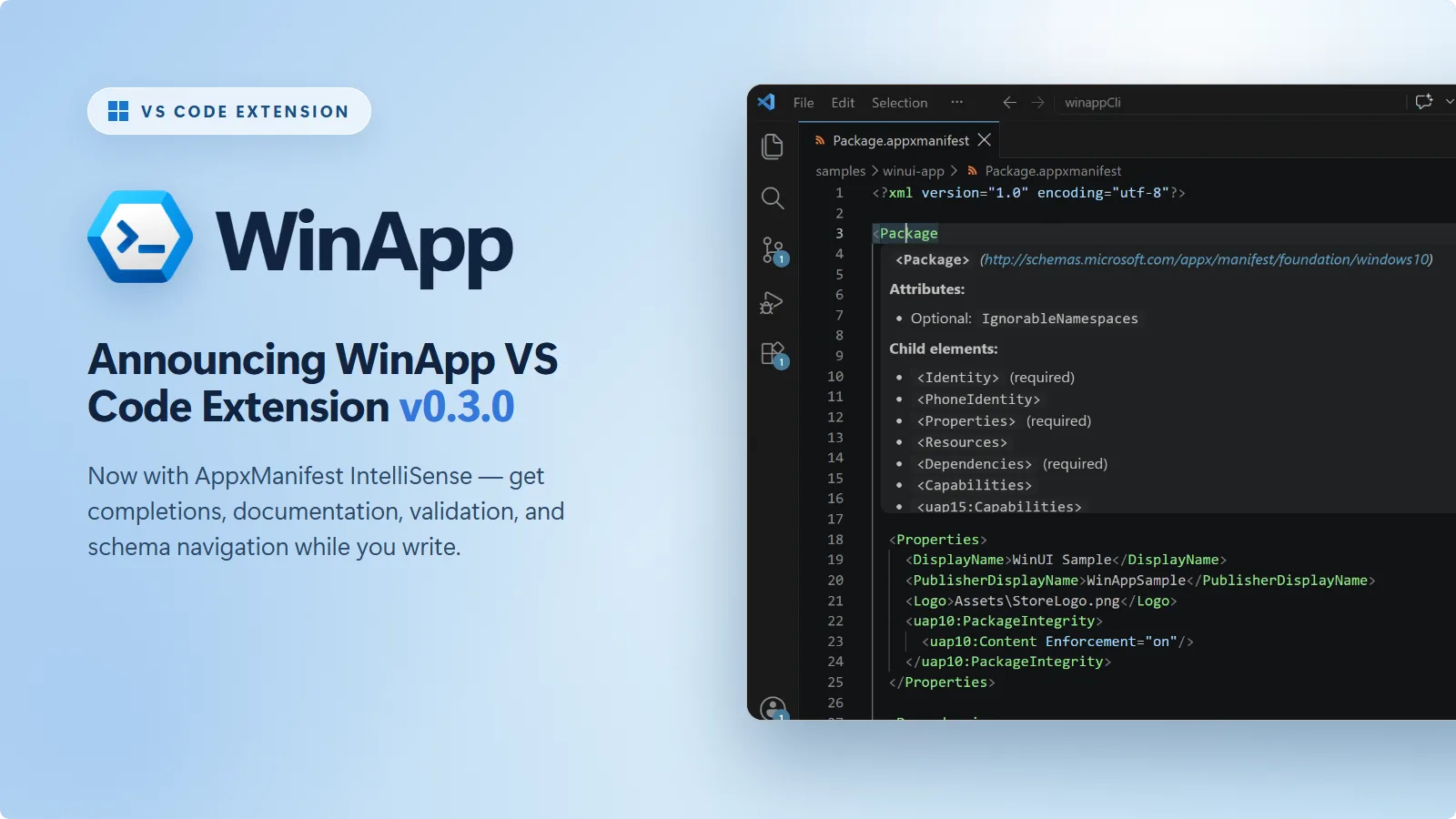
Announcing AppxManifest IntelliSense Support in the WinApp VS Code Extension
The WinApp VS Code extension exists to make Windows app development feel at home in VS Code. It brings the Windows App Development CLI right into the editor, so you can initialize, run, debug, define the identity of, package, and sign Windows apps built with .NET, WPF, WinUI, C++, Electron, Rust, Tauri, or Flutter, all without switching tools. Get it now: Install the WinApp extension from the VS Code Marketplace. We're excited to announce the release of v0.3.0. This release brings schema-aware IntelliSense to your manifest files, adds workspace search to the commands that require a file or folder, and i...
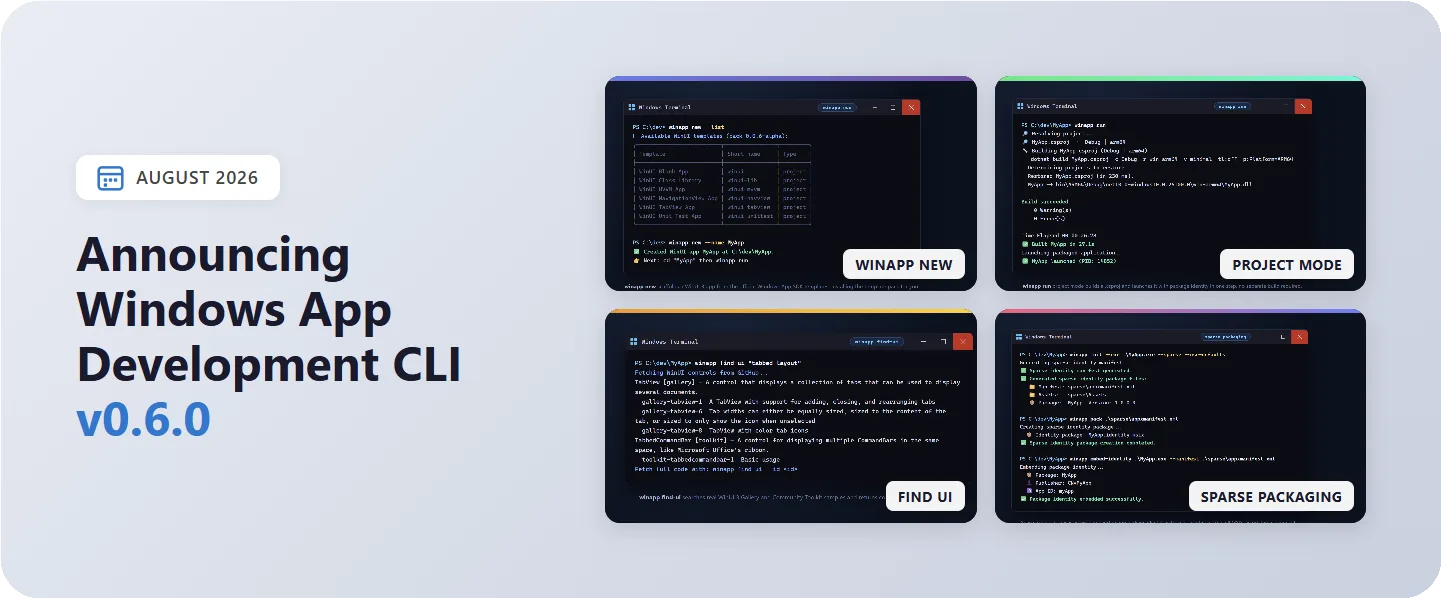
Windows App Development CLI v0.6 – create new WinUI applications, sign packages with Azure, and more
Windows App Development CLI v0.6.0 has just shipped and contains a ton of new features. Much of the changes in this release focus on getting from zero to a running app faster: scaffold a fresh WinUI project with a single command, search real WinUI controls and samples without leaving the terminal, and run your app straight from a .csproj with no manual build step first. It also adds cloud-based artifact signing, sparse-package workflows, and agent-friendly UI recordings. Grab it with winget install Microsoft.WinAppCLI, or head to the repo for npm and other install options. Here's a tour of the highligh...
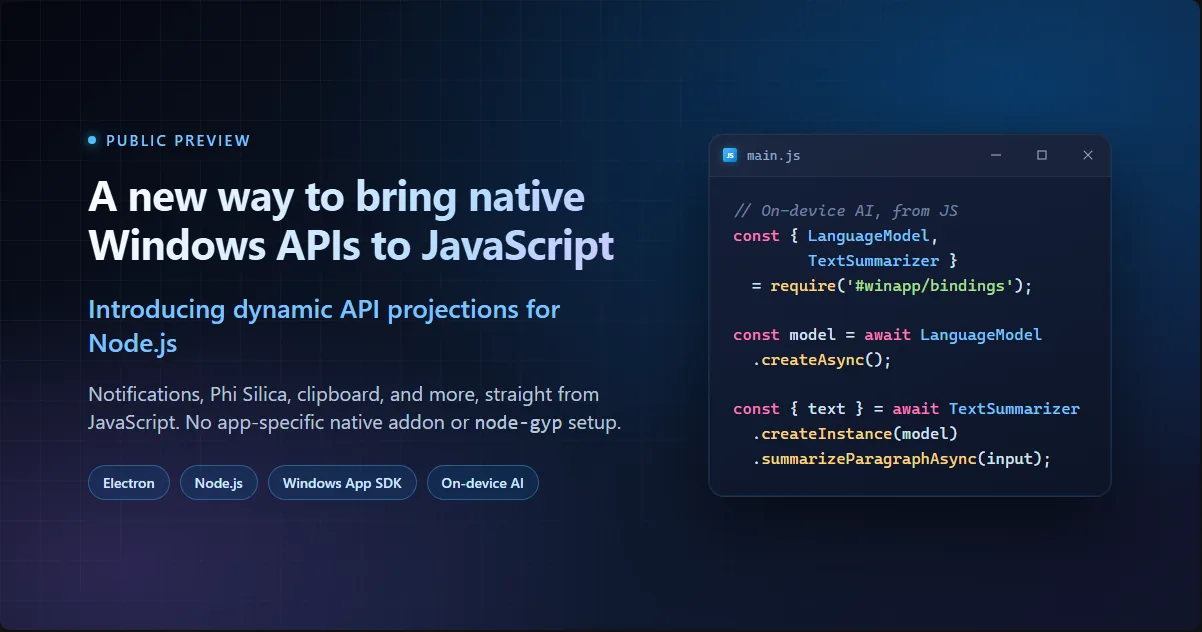
A new way to bring native Windows APIs to JavaScript – introducing dynamic API projections for Node.js

Electron and Node.js make it straightforward to build Windows desktop apps in JavaScript. Calling Windows Runtime APIs has been less straightforward: features such as on-device AI often required a C++ or C# bridge, manual translation of WinRT types and asynchronous behavior, and wrapper code for every exposed API. That meant another language and toolchain to build, test, and keep compatible with Electron. We're making a dynamic Windows Runtime API (WinRT) projection for Node.js available in public preview. It lets an Electron app or plain Node.js process call supported Windows Runtime APIs directly fro...
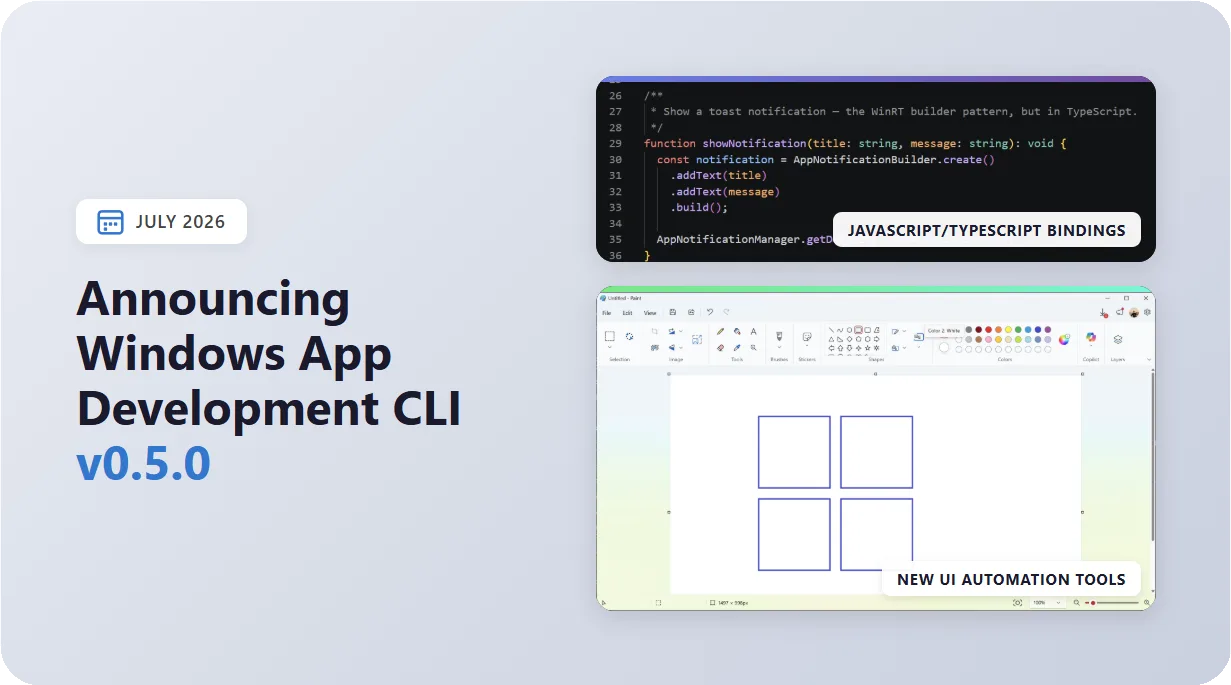
Windows App Development CLI v0.5.0 – expanded UI automation, JS/TS bindings, and more
WinApp CLI v0.5.0 greatly expands the UI automation toolkit (recording, touch, pen, and keyboard injection), lets you call Windows Runtime APIs straight from JavaScript and TypeScript with zero native addons, and makes WinUI crashes far easier to diagnose. Get the update by running winget install Microsoft.WinAppCLI or check the repo for other install options. Here's what the new version has to offer in depth: 🕹️ An expanded UI automation toolkit The winapp ui command family grew from inspection into a complete automation toolkit. On top of the existing inspect/click/screenshot verbs, these relea...
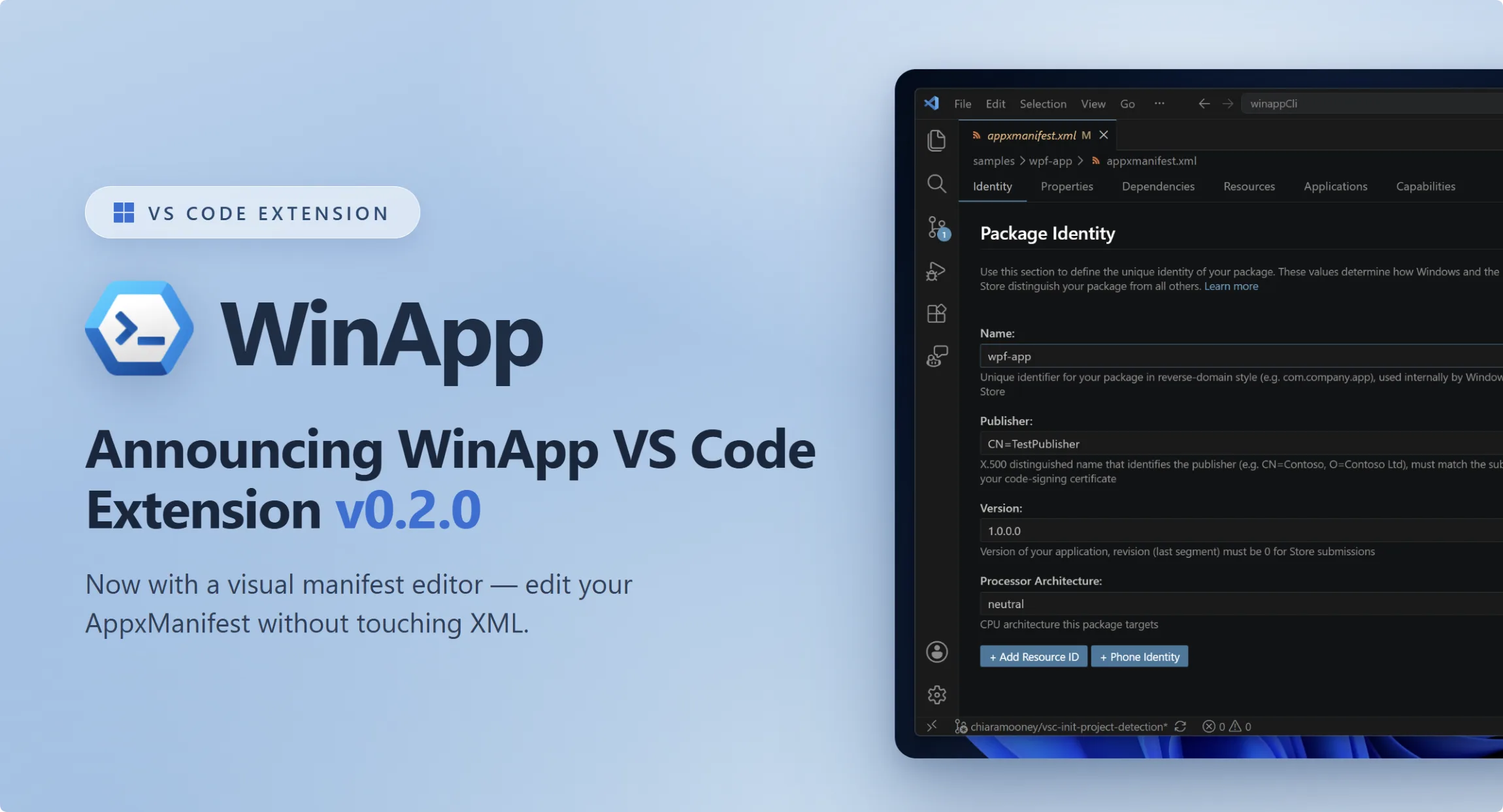
Announcing a New Visual Manifest Editor in the WinApp VS Code Extension
The WinApp VS Code extension exists to make Windows app development feel at home in VS Code. It brings the Windows App Development CLI right into the editor, so you can initialize, run, debug, package, and sign Windows apps built with .NET, WPF, WinUI, C++, Electron, Rust, Tauri, or Flutter, all without switching tools. Get it now: Install the WinApp extension from the VS Code Marketplace. We're excited to announce the release of v0.2. This release includes a new editor that supports editing a manifest file without touching raw XML and support for running WinApp commands in multi-app workspaces. A Visu...