#ifdef Windows
A hub for Windows app development updates, tutorials and deep dives.
Latest posts
Windows App Development CLI v0.3: new run and ui commands, plus dotnet run support for packaged apps
Windows App Development CLI v0.3 is here! This release brings some of our best features yet including a full run-and-debug experience outside Visual Studio and built-in UI Automation from the command line. With v0.3, we've unlocked a whole class of agentic and automation scenarios. Agents or a script can now run, debug, see, and interact with a running Windows app — not just build it. Whether you're building with WinUI, WPF, WinForms, C++, Electron, Rust, Tauri, Flutter, or Avalonia — the Windows App Development CLI is for you. It provides the tooling to package, run, add Windows App SDK support, and mo...
Announcing WinUI Gallery 2.8
Hey WinUI developers! If you’re new around here, WinUI Gallery is the go-to app for exploring WinUI 3 controls, samples, design guidance, and handy tools — all in one place. Today, we’re excited to announce WinUI Gallery 2.8, bringing jump list support, new samples, improved accessibility, and several quality-of-life improvements and bugfixes! Jump list support The Gallery now integrates with Windows jump lists, making it easier to quickly return to the samples and tools you use most. Right-clicking the app icon in the taskbar (or accessing it from the Start menu) now shows a Jump List that inc...
Windows App Development CLI v0.2: .NET support, manifest placeholders, “winapp store” and more!
Windows App Development CLI v0.2 is here! This release is driven largely by community feedback and packs in native .NET project support, manifest placeholders that eliminate hardcoded executable names, Microsoft Store Developer CLI integration, a revamped help experience, and more. Get the update by running or check the repo for other install options. Let’s dive in! 🟣 First-class .NET project support This was one of our most requested features. .NET projects (WinUI, WPF, WinForms, console apps) now work natively with winapp CLI. No more winapp.yaml for .NET. Just run winapp init in a folder with a ....
Use Windows on-device AI in your Electron app
Last year we published AI Dev Gallery, an open-source app full of interactive Windows AI examples. A common follow-up question from Electron developers has been: “How can we build similar on-device AI experiences in our Electron apps?” In this blog, we’ll walk through how we built an Electron app filled with samples of on-device Windows AI, using the Windows App Development CLI and Windows AI projections for JavaScript. Along the way, you’ll see patterns you can reuse to build your own AI experiences in Electron. Electron on Windows Gallery We built an open-source sample app with concrete examples of how to int...
XAML Studio is now Open Sourced
XAML Studio Open Sourced It's been over 8 years since what became XAML Studio was started. And from nearly the beginning, it was always envisioned as an open-source project… So, it's with great pleasure that I'm happy to announce that day has finally come! XAML Studio is now an open-source project! 🎉 A big thanks to the .NET Foundation for helping to make this journey happen and allowing us to become a new seed project within their organization. If you want to learn more about the history of XAML Studio as a project, you can actually read all about that on our GitHub discussion post about the...
Announcing WinUI Gallery 2.7
Hey WinUI developers! WinUI Gallery 2.7 is here and it’s packed with fresh updates. If you’re new around here, WinUI Gallery is the go-to app for exploring WinUI controls, samples, design guidance, and handy tools — all in one place. This release brings a mix of brand-new features, upgraded samples, and plenty of community-driven improvements. Let's dive in: Sample history & favorites No more losing track of what you were exploring! The home screen now has history and favorites tabs: Thanks to @Zakariathr22 for #1875 New & updated samples TitleBar Updated to use th...
Announcing Windows Community Toolkit v8.2
Announcing Windows Community Toolkit v8.2 We're happy to announce that version 8.2 is available today! It's an incremental update which contains a variety of improvements, made possible again with the support and contributions of our developer community. 🎉 If you're not familiar with the Windows Community Toolkit, see below here! Or download our Sample Gallery from the Microsoft Store to start exploring what it has available for WinUI developers. At a Glance 🔍 Important Changes Dependencies/TFM The Toolkit's dependencies have been u...
Modernize your UWP app with preview UWP support for .NET 9 and Native AOT
We’re introducing the initial preview UWP (Universal Windows Platform) support for .NET 9, providing a path for existing UWP developers to modernize their apps with the latest .NET and Native AOT. Are you a UWP app developer considering migrating to Windows App SDK and WinUI 3? Or wanting to leverage the latest releases of .NET and Native AOT? Or perhaps you’ve been struggling with referencing new versions of your favorite libraries, because they only include support for .NET 6 and above? Well, look no further! This preview UWP support for .NET 9 provides a path for UWP apps to modernize using...
Announcing Windows Community Toolkit v8.1
Announcing Windows Community Toolkit v8.1 We're happy to announce that version 8.1 is available today! It's a minor update which contains a variety of new features and improvements, made possible again with the support and contributions of our developer community. 🎉 If you're not familiar with the Windows Community Toolkit, see below here! Or download our Sample Gallery from the Microsoft Store to start exploring what it has available for WinUI developers. At a Glance 🔍 Important Changes Dependencies/TFM The Toolkit's dependencies h...
Announcing Windows Community Toolkit v8.0
Announcing Windows Community Toolkit v8.0 🎉🎉🎉 It's here! The Windows Community Toolkit is back with a huge update with an array of improvements and features. We're happy to announce that version 8.0 is available today! Made possible again with the support and contributions of our developer community. 🎉 If you're new to the Toolkit, the Windows Community Toolkit is a collection of controls for WinUI 2, WinUI 3, and Uno Platform developers! It simplifies and demonstrates common developer tasks building experiences for Windows 10 and Windows 11 with .NET. The Toolkit is part of the .NET Foundation. You can downl...
Windows Community Toolkit 8.0 Pre-release
The Windows Community Toolkit 8.0 Pre-release We're thrilled to announce the first official pre-release packages for the Windows Community Toolkit 8.0 have been released to NuGet.org! 🎉🎉🎉 This blog is going to provide a brief overview of how to get started using these preview packages and how to provide feedback. This has been a culmination of nearly two years of work in understanding how we can better maintain the Toolkit, make it easier to contribute to, target multiple platforms with a single codebase, and still maintain a high quality bar! If you're still new to the Toolkits, you can find an introd...
Microsoft Store Open Source Series — AppServices library
Looking for ways to empower your UWP app beyond what you thought was possible? Today, we're going to show you how to leverage the AppServices library we built for the Microsoft Store to unlock the power of Win32 APIs. Plus, we have a new source generator which makes using app services a piece of cake! 🍰 This is part of our new "Microsoft Store Open Source Series" of blog posts, expanding on our prior posts about the new Microsoft Store for Windows — reducing binary size with trimming, and migrating from C++/WinRT to C#. The Microsoft Store Open Source Series In our previous blog posts, we used the Micros...
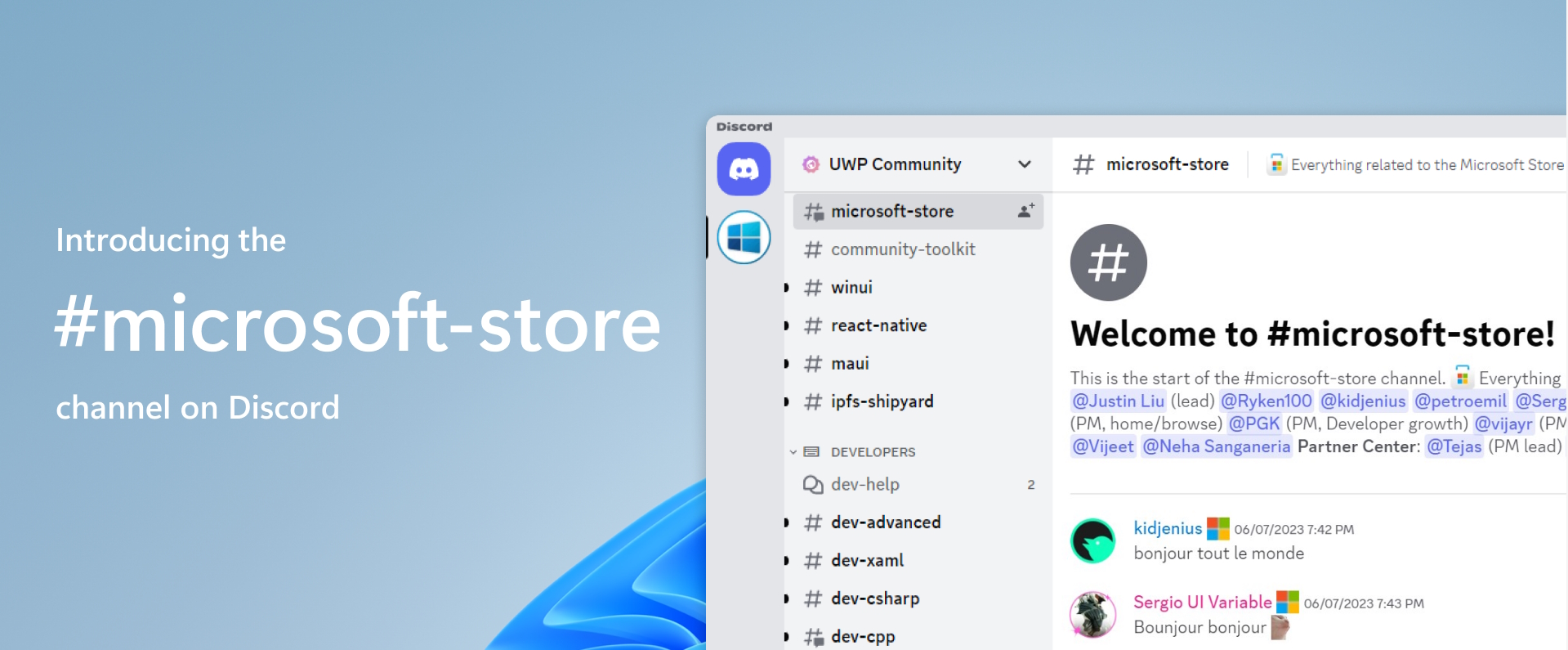
Introducing the Microsoft Store channel on Discord
This post was co-authored with Priyanka Gupta Kankane ( on Discord), Senior Program Manager in the Microsoft Store services team. We are excited to announce the launch of the channel on Discord, a dedicated space where you can connect, engage, and share feedback on everything related to the Microsoft Store app, website, Partner Center, MSIX packaging, and AppInstaller. It's time to get your questions answered and join the conversation! 🎉 This channel is part of the UWP Community Discord server, a place that connects Windows App users, creators and engineers from around the world. If you don't have Disco...
The Windows Community Toolkit 2023 Update
It's been a pretty busy year for the Windows Community Toolkit (WCT), even though you may not realize it! We wanted to share what we've been working on, why it's important, where things are at, and how you can help! If you're new to the Toolkits, you can find an introduction video to them here. In 2022, we announced the Windows Community Toolkit Labs as the starting point for all new components in the Toolkit itself (see our previous article for some of these). It was also for us to test a whole new infrastructure for building the Windows Community Toolkit. Now, with a single-codebase we can write a com...
Windows Community Toolkit Labs Experiments are Here!
In this post, we talk about the new Windows Community Toolkit Labs and some initial experiments that we're looking for feedback on.
Announcing the Windows Community Toolkit Labs!
In this post, we talk about the new Community Toolkit Labs for Windows as the future starting point for components in the Windows Community Toolkit.
Leveraging trimming to make the Microsoft Store faster and reduce its binary size
In this post, we will talk about how we restructured our codebase to minimize our use of reflection and to enable trimming, making the Microsoft Store faster and reducing its binary size
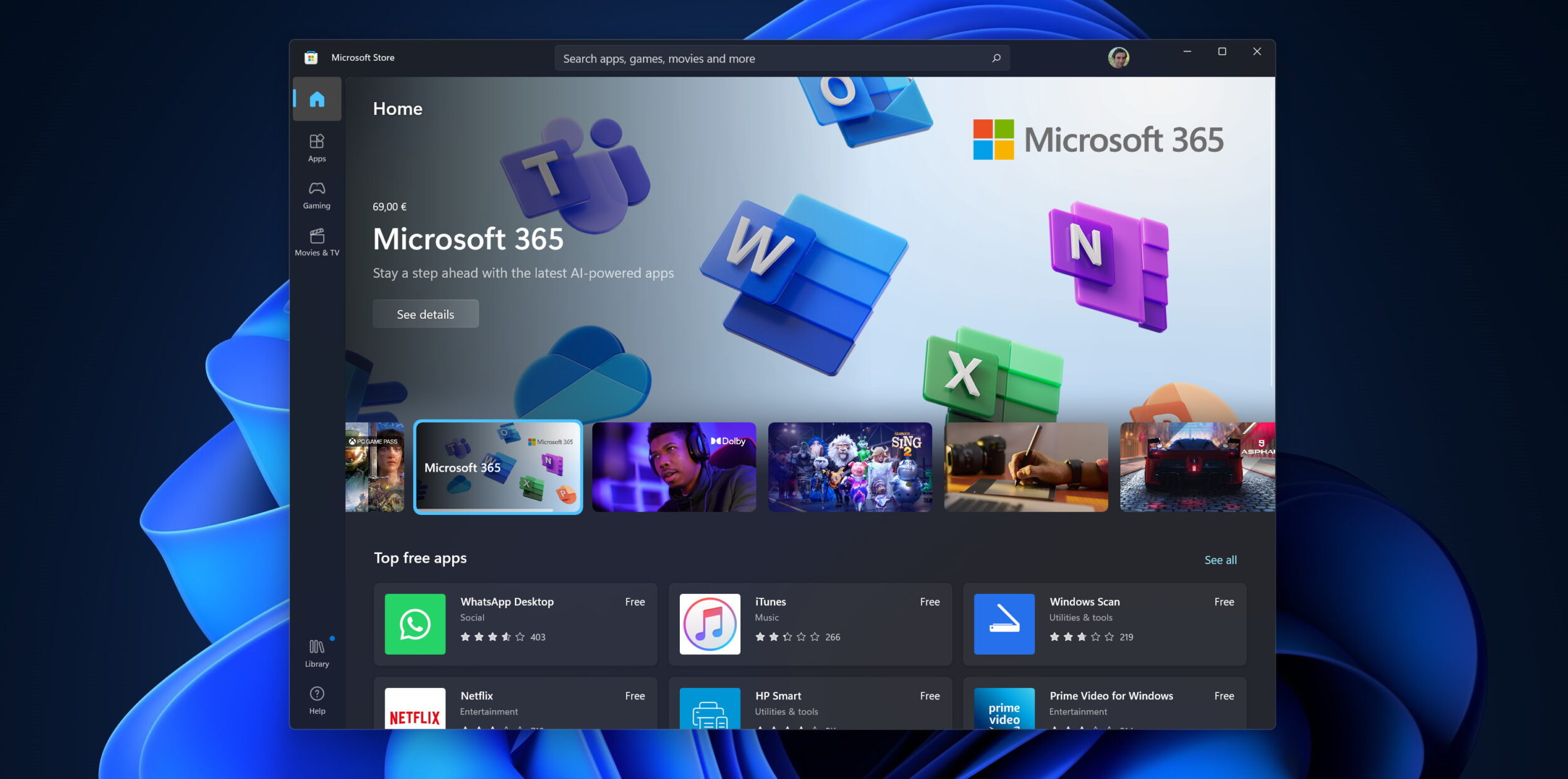
The journey of moving from C++/WinRT to C# in the Microsoft Store
In this post, we will talk about the journey we did to port the APIs to access Windows Package Manager in the Microsoft Store from C++/WinRT to C#
Announcing .NET Community Toolkit v8.0.0 Preview 3
In this post, we talk about all the new features and improvements the third preview version of the .NET Community Toolkit!
Announcing .NET Community Toolkit v8.0.0 Preview 1
In this post, we talk about all the new features and improvements the first preview version of the .NET Community Toolkit!
Astrophotography with Windows, Tiny PCs, and WPF
Windows on an embedded PC, running .NET and WPF apps for Astrophotography
Building Your First UWP Application
This article walks through getting setup with Universal Windows Platform development and showcases how to build a fun Soundboard starter application.
Build ML powered experiences with Windows Machine Learning (WinML) and Intelligent APIs!
This article introduces Windows Machine Learning, an API for machine learning model inference on Windows, and then talks about a new initiative called Intelligent APIs that aims to make it easier to integrate ML workloads into modern day applications.
Get started building a Progressive Web App!
Get started building a Progressive Web App! Hello fellow Web Developers! Today I want to talk about how you can use PWABuilder, an open-source project from Microsoft, Github, VSCode and Azure Static Web Apps to help you build a Progressive Web App (PWA) and then ship that PWA to both the Web AND app stores! We will be starting completely from scratch and then take our app all the way to publishing! What is a PWA? A progressive web app, or PWA for short, is a web app that uses modern web APIs to enable a true app-like experience delivered over the web. PWAs, through the usage of standard web APIs, can also ...
Windows Community Toolkit 7.1 Preview Release!
In this post, we talk about all the new features in our upcoming 7.1 release! Try out the preview today!
Welcome to the Community Toolkit!
In this post, we discuss recent changes to our GitHub organization and our plans for the future!
WinUI Desktop Unit Tests
Lets jump straight into how to create a Unit Test project for WinUI Desktop, using MSTest!