



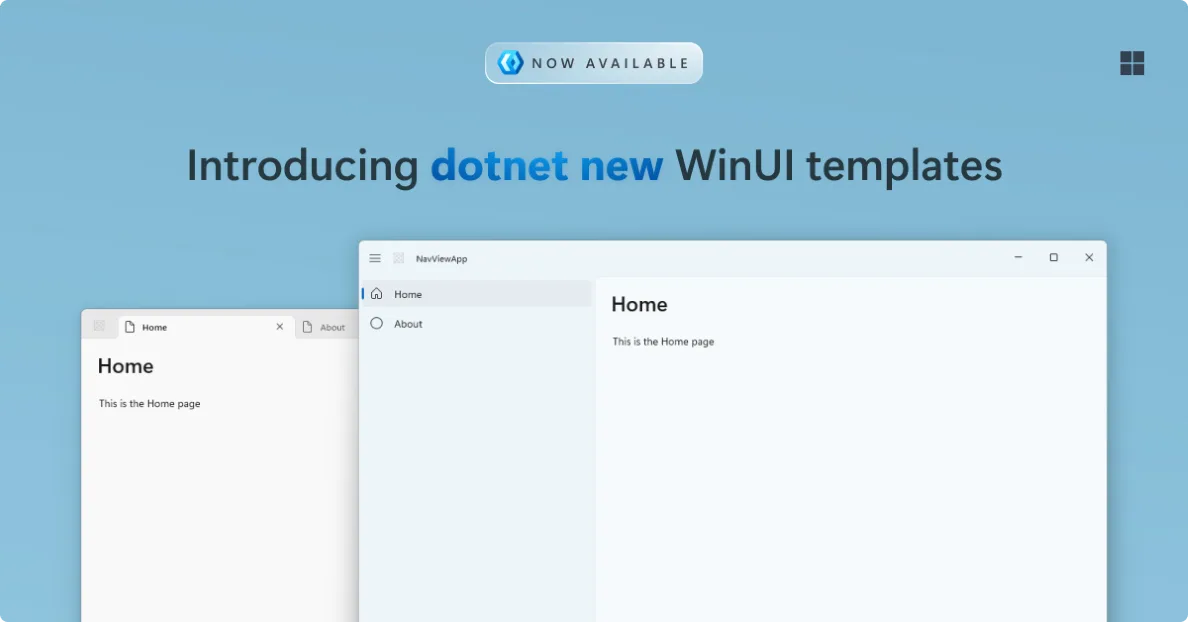
We’ve been working on something new for WinUI developers: a set of open-source project and item templates for WinUI you can use directly from the command line. 🚀
With these templates, you can now create and run a new WinUI app using dotnet new, without needing to go through Visual Studio. This makes it easier to get started quickly, script your setup, use VS Code or other editors for development, or integrate WinUI into your existing workflows.
These templates are currently in preview, and were developed based on the feedback by the community. We’re working on bringing them into Visual Studio so you’ll get the same experience there.
Getting started 🚀
# Install the templates
dotnet new install Microsoft.WindowsAppSDK.WinUI.CSharp.Templates

# List all the templates
dotnet new list winui

# Create a new WinUI app using a NavigationView
dotnet new winui-navview -n MyApp

# Run the app
cd MyApp
dotnet run
🎨 Built with Windows app silhouettes in mind
All templates are designed around the Windows app silhouettes. That means they follow modern Fluent Design patterns out of the box, including layout, navigation, and visual structure.
We also updated some of the defaults to better match modern Windows apps. For example, the default app icon has been refreshed and we now include an .ico asset by default, so your app looks right from the start in both light and dark mode.
⚡ New templates making your more productive
Blank template
The Blank WinUI app template gives you a clean starting point, but with a few important upgrades. It includes a modern title bar control, so your app already looks Fluent in both light and dark mode. Combined with the updated icon and defaults, this gives you a much more polished starting experience compared to older templates.
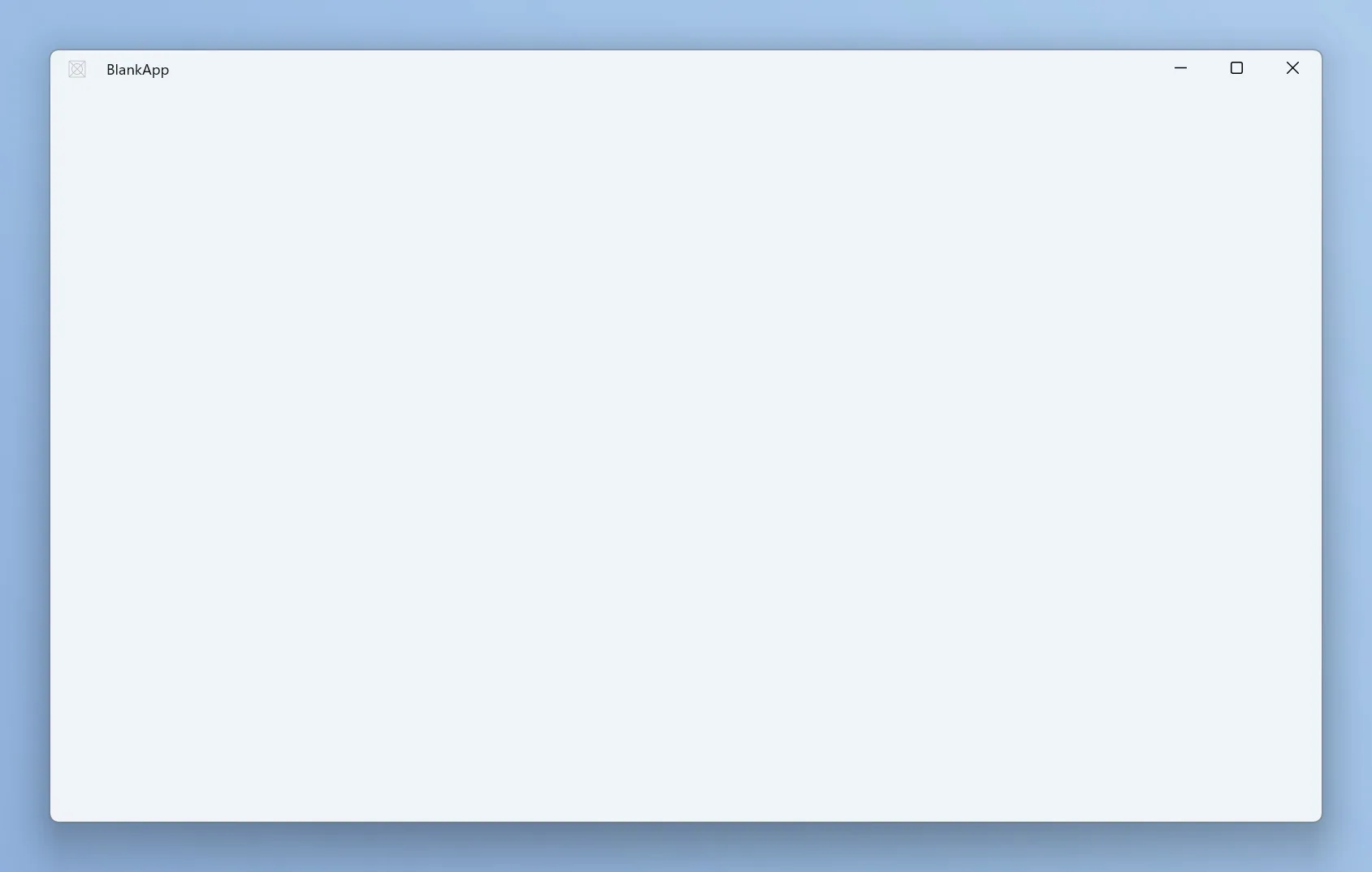
To use this template, simply use:
dotnet new winui -n MyAppNavigationView template
The NavigationView template is based on the familiar master detail pattern. It includes a fully wired up NavigationView, a modern title bar, and a basic navigation structure so you can start building multi page apps right away. It follows the standard Windows app silhouette for navigation based apps, making it a great starting point for many scenarios.
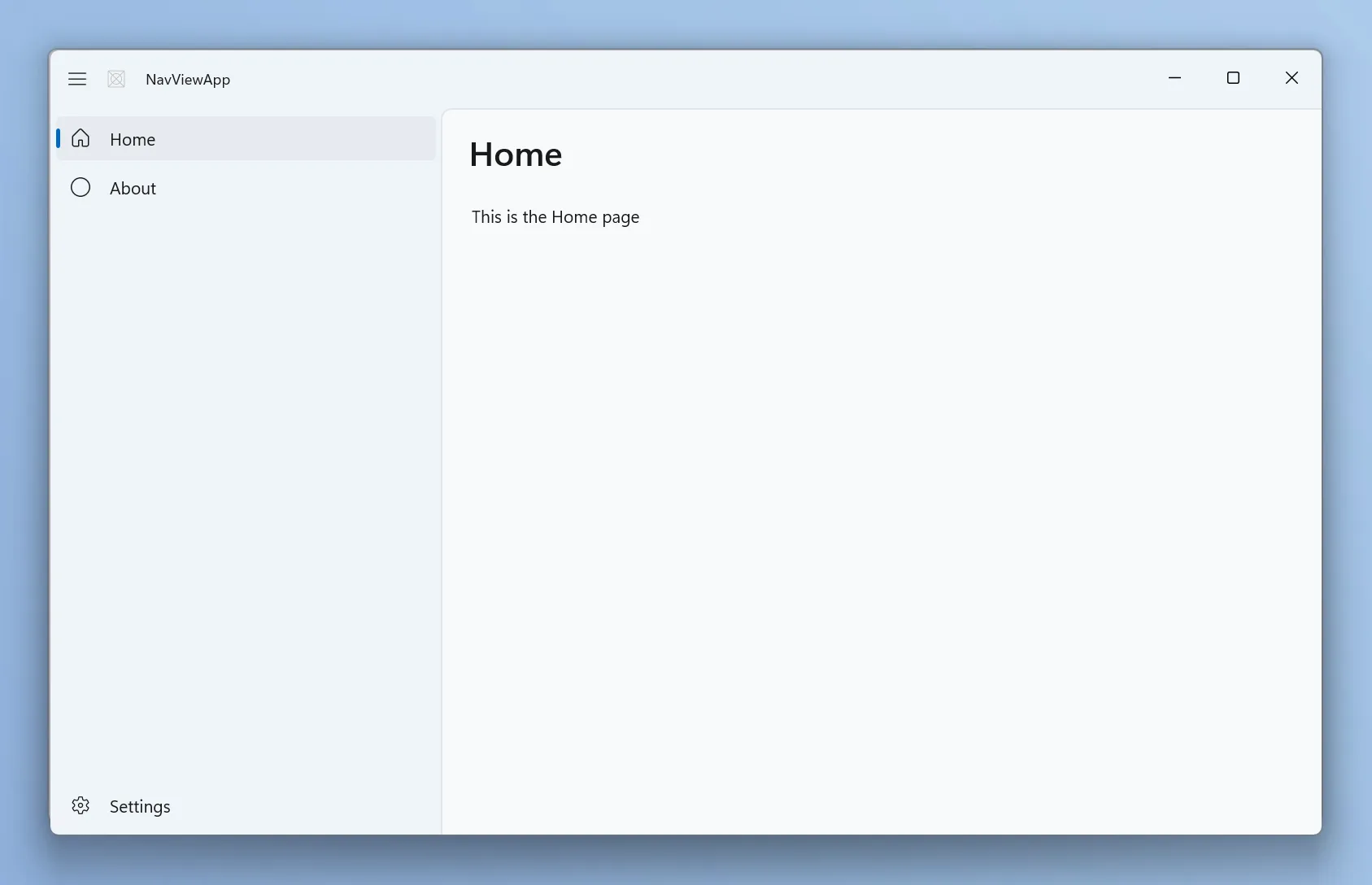
To use this template, simply use:
dotnet new winui-navview -n MyAppTabView template
The TabView template provides a UI silhouette centered around tabs. Out of the box, you get support for adding, removing, and dragging tabs, along with a layout that feels right at home on Windows. This is a great fit for apps that need to manage multiple documents or views at the same time.
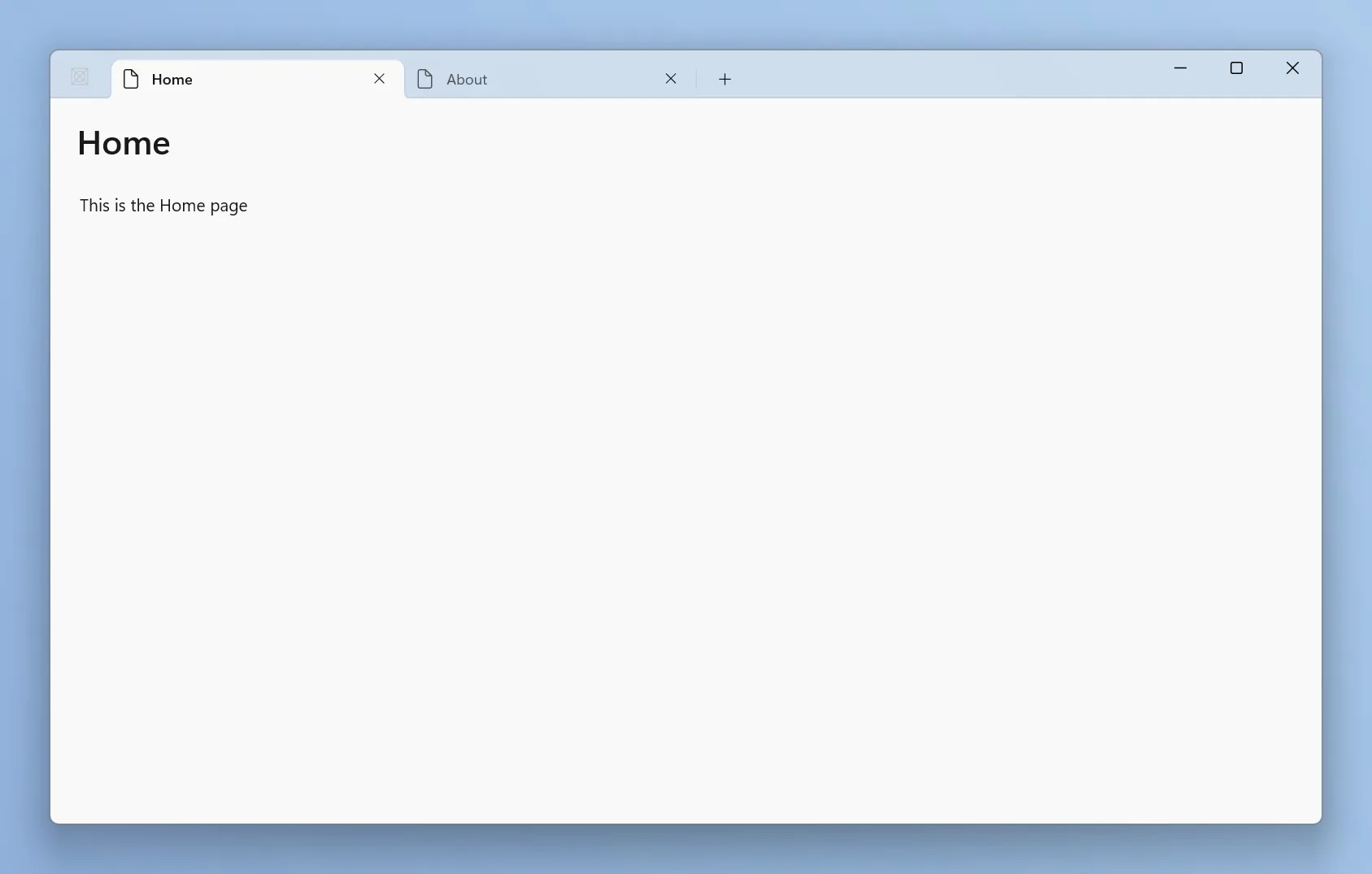
To use this template, simply use:
dotnet new winui-tabview -n MyAppMVVM template
The WinUI MVVM template helps you get started with the Model View ViewModel pattern right away.
It includes a simple working example and the basic structure you need to build apps using MVVM, so you don’t have to wire everything up from scratch. This makes it easier to follow best practices from the start while still keeping things lightweight and easy to understand.
dotnet new winui-mvvm -n MyApp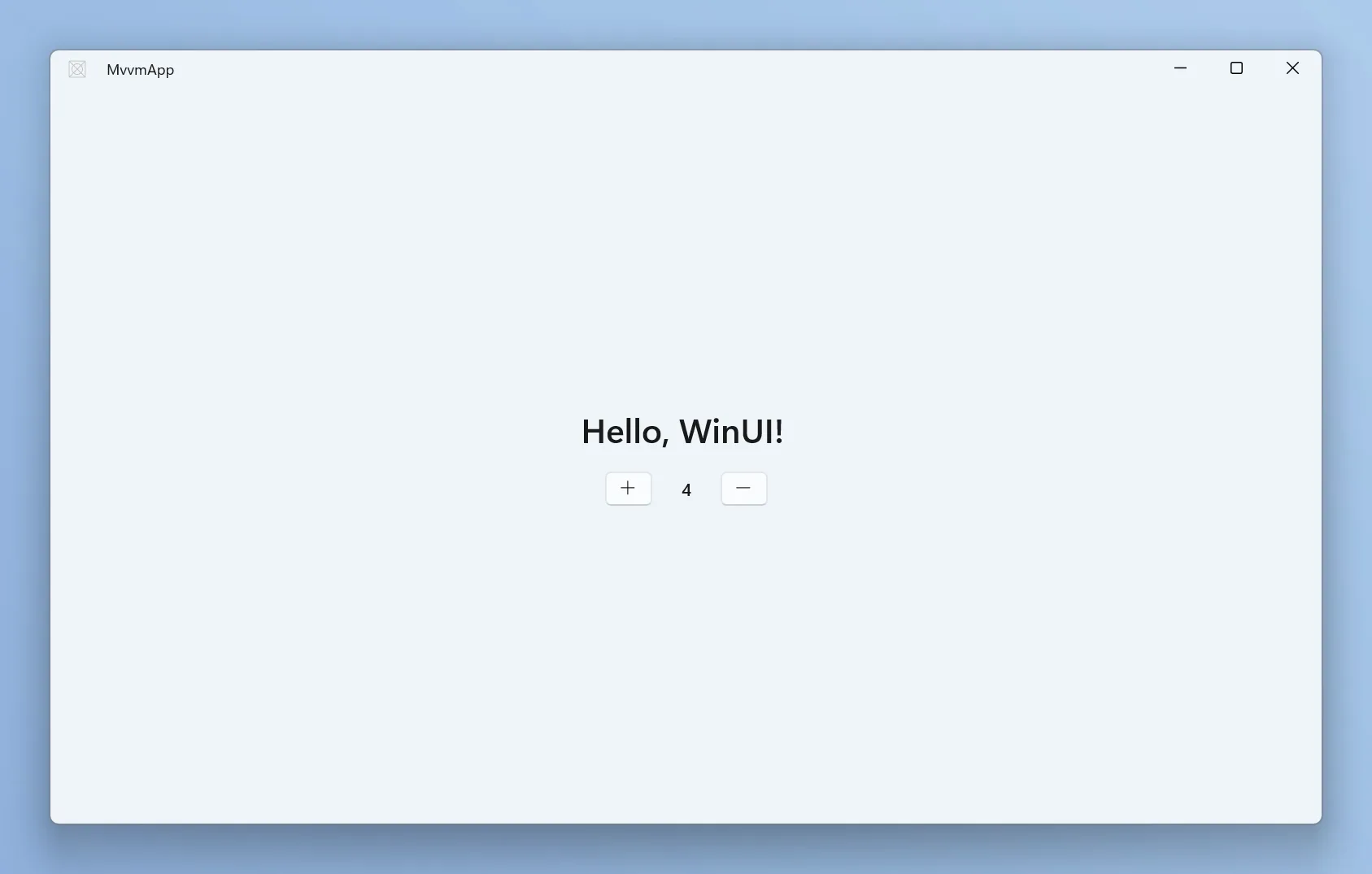
Item templates
In addition to project templates, we’ve added a set of item templates to make it easy to add common building blocks to an existing app – like new pages, windows, user controls, templated controls, resource dictionaries, and dialogs.
You can list all available item templates with (inside a project directory):
dotnet new list winuiHere’s an example of adding a ContentDialog to your app:
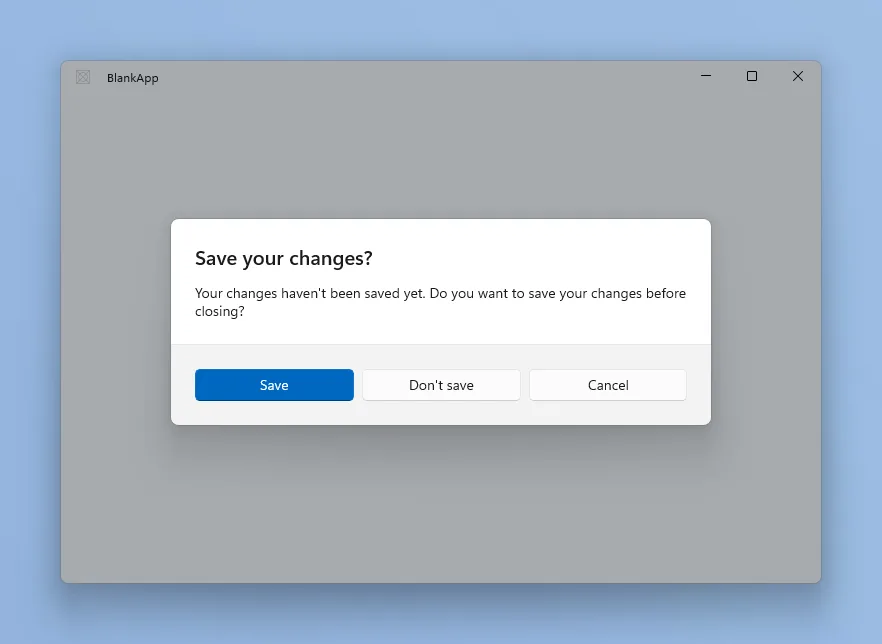
dotnet new winui -n MyApp
cd MyApp
dotnet new winui-dialog -n MyDialog
🚀 Run packaged WinUI apps directly with dotnet run
All of the new project templates reference the Microsoft.Windows.SDK.BuildTools.WinApp NuGet package by default. That means you can build and launch your app fully packaged, with package identity, straight from the command line – no Visual Studio or manual Add-AppxPackage required. Just run dotnet run and the WinApp CLI takes care of registering the loose-layout package and launching it for you.
To learn more about WinApp CLI and dotnet run support for packaged apps, check out the Windows App Development CLI v0.3 announcement.
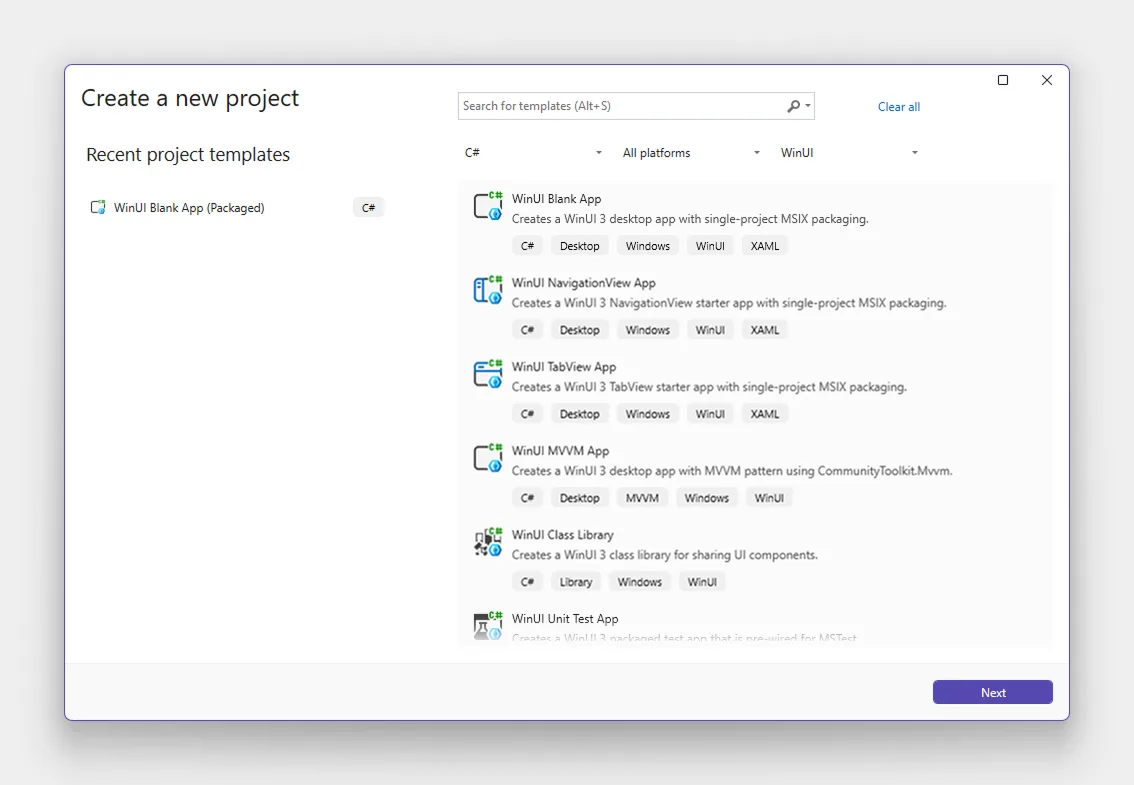
📢 Also coming to Visual Studio 2026
We’re actively working with the Visual Studio team to bring these templates into Visual Studio as well, so you’ll be able to create the same experiences in Visual Studio too.
Try them out and give feedback
These templates are open source and in preview, and we’d love your feedback. If something feels off or you have ideas for improvements, feel free to jump in and contribute.
Give them a try and let us know what you think!

Useless until it comes to VS2026. Who is using the command line for serious projects anyway?
Wake me up when WinUI gets a proper DataGrid
That’s great that we’ll finally be getting more advanced templates in Visual Studio than the basic “Win UI Blank App” we currently have.
Any news on a visual designer? I know some people prefer to hand code the UI, but there’s also a significant number of people who would prefer a visual drag and drop experience.
I agree a Visual Designer is a must if they want to see broad adoption of the WinUI 3 framework. I find it hard to believe Microsoft would be tone deaf on this issue. They've simply made a conscious choice in the past to not provide a well-supported UI framework and WYSIWYG designer/editor experience. This of course has led to even Microsoft's own internal teams re-writing major desktop applications like Teams and Outlook in the bloated web-based Electron framework.
There is a consequence for Microsoft not providing a modern well-supported and evangelized flagship UI framework for...