
Windows Command Line
Insights from the teams behind Windows Terminal, PowerToys, WinGet, and WSL
Latest posts
Windows Package Manager 1.2

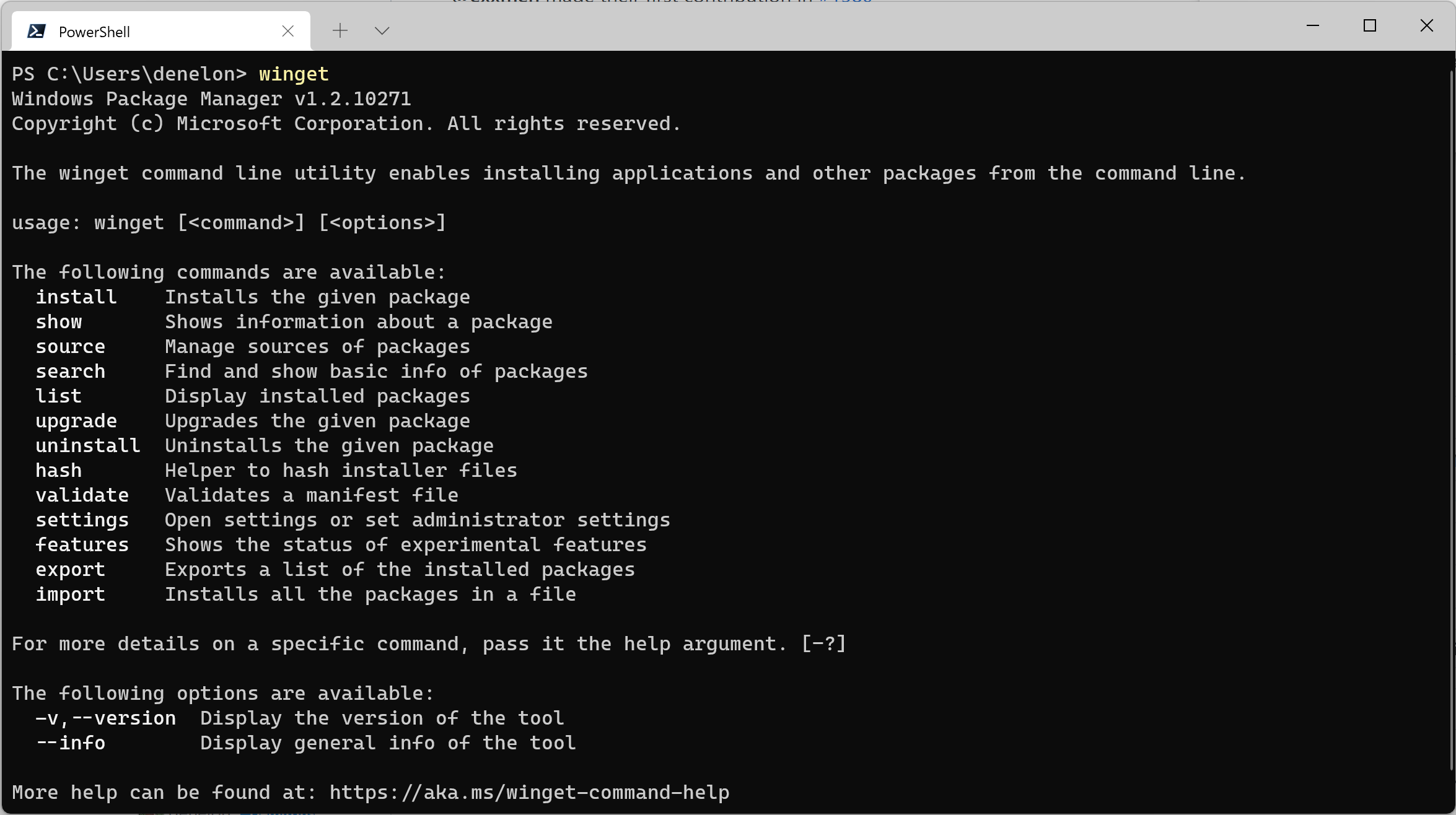
We've been busy improving the Windows Package Manager. Today I have the pleasure of announcing the availability of Windows Package Manager 1.2. It has been released to the Microsoft Store as an automatic update to the "App Installer" this morning if you're running Windows 10 (1809+) or Windows 11. ARM64 Support We've been working to improve the experience for users on ARM64 devices like the Surface Pro X, the Lenovo X13s, or the Samsung Galaxy Book Go. The Windows Package Manager chooses the best available package based on your hardware architecture. If a native option is not available, the next best option w...
Windows Terminal Preview 1.13 Release

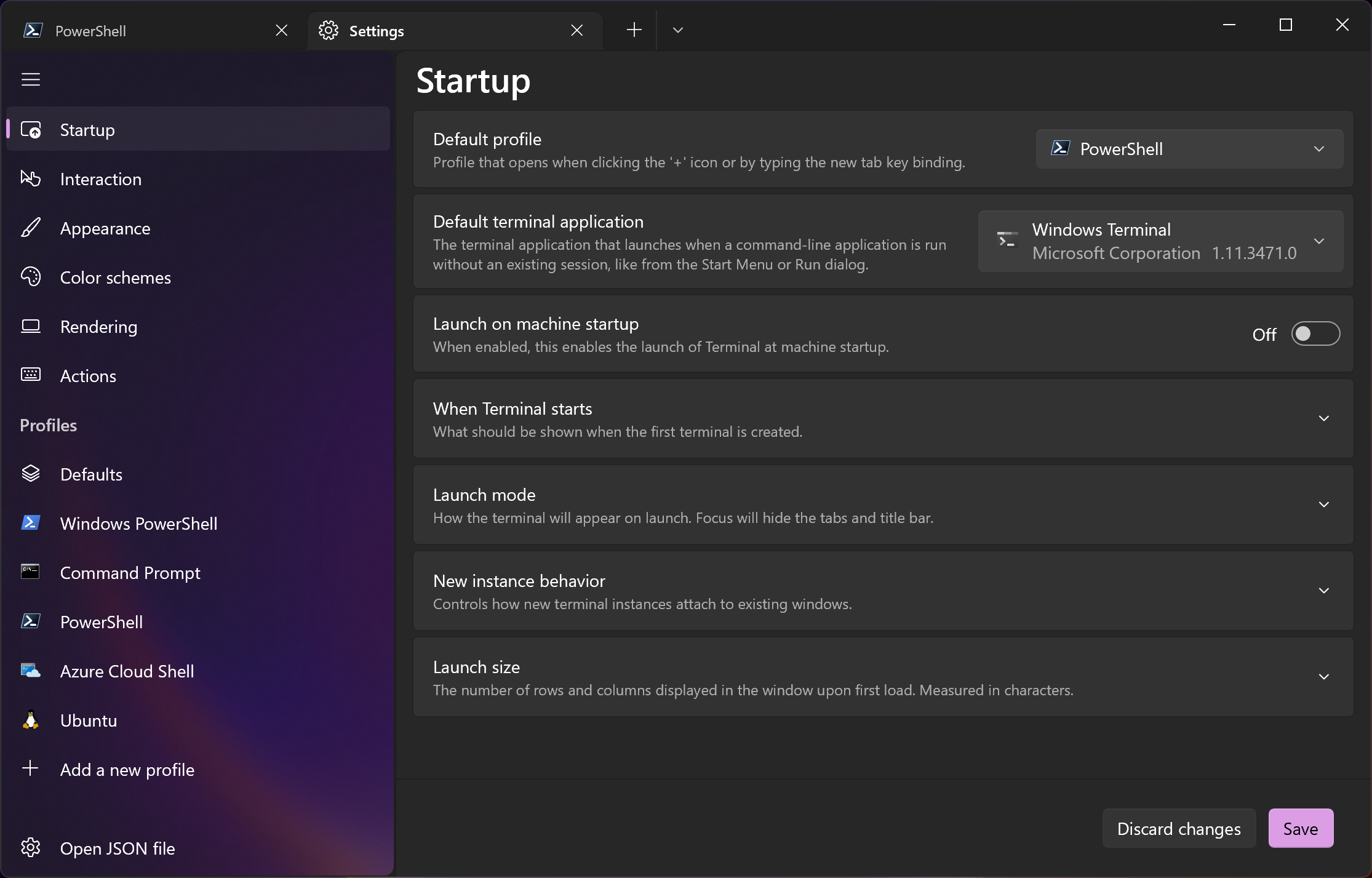
Welcome to the first Windows Terminal release of 2022! This release will add the new features below to Windows Terminal Preview 1.13 and migrate Windows Terminal to version 1.12, which includes all of the features from this previous blog post. The Windows Terminal 1.12 build will be released through the Windows Insider Program before being delivered to retail versions of Windows. As always, you can install Windows Terminal and Windows Terminal Preview from the Microsoft Store or from the GitHub repository. ❗The minimum supported version of Windows 10 for Windows Terminal 1.13+ has been increased from 18362 (19H1...
Windows Wednesday
Hey everyone! We have an exciting new web show planned to launch next year called Windows Wednesday that we'd love to tell you more about. 🙂 What is Windows Wednesday? Windows Wednesday is a weekly 30-minute live web show where we'll talk about anything related to Windows. We'll invite subject matter experts to talk about their tools and features, deliver live demos, and help answer any questions you may have! Some topics we'll be covering include Windows Terminal, Windows Subsystem for Linux, Windows Sounds, PowerToys, and Fonts, just to name a few. We would love to invite those of you who have products or t...
Windows Terminal as your Default Command Line Experience
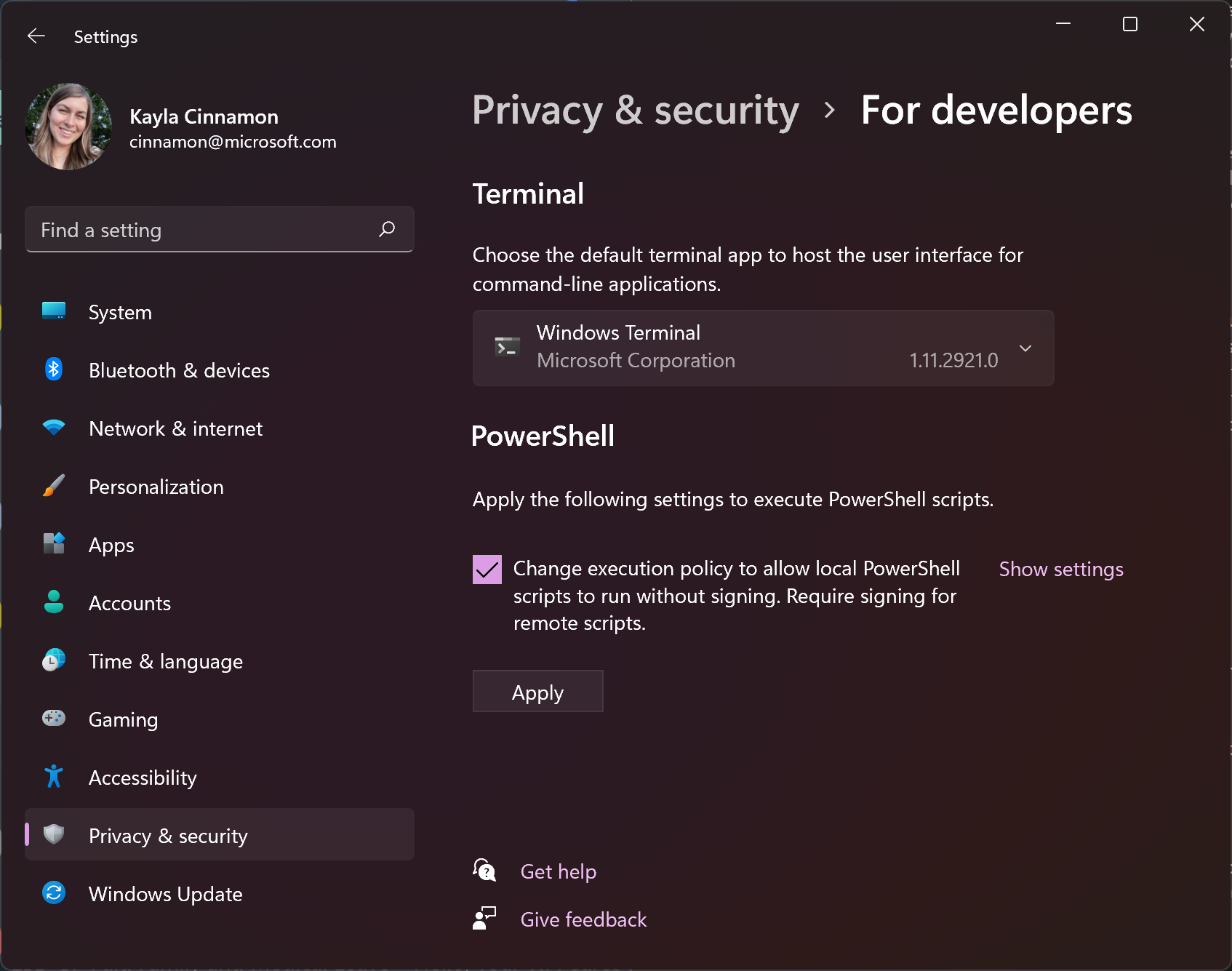
Hey Windows Terminal fans! This month we are delivering a servicing release and the next feature release is scheduled for January, so we figured we'd write a blog post discussing Windows Terminal as the default command line experience on Windows and what our future plans are. What is a default terminal? A default terminal is the terminal emulator that launches by default when opening a command line application. Starting from the dawn of Windows, the default terminal emulator has always been the Windows Console Host, conhost.exe. This means that shells such as Command Prompt and PowerShell have always opened ins...
Connecting USB devices to WSL

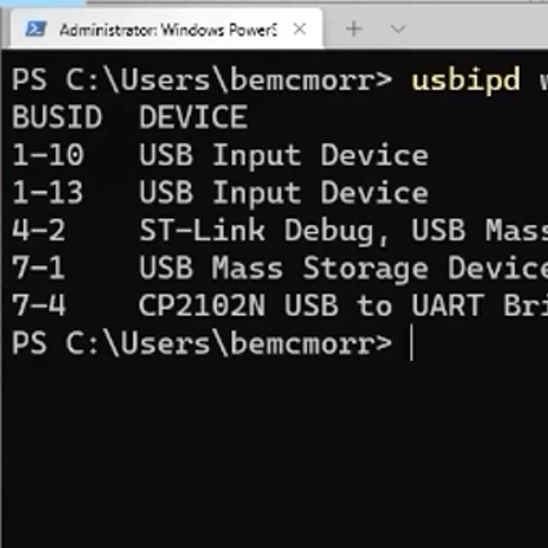
I’m a software engineer building tooling for Visual Studio and Visual Studio Code to support C++ embedded device development. These physical devices typically connect to a computer over USB, but we discovered we couldn’t use WSL to test our tools on Linux because it does not support USB. We weren’t alone — support for connecting physical USB devices to WSL is highly requested by the community as well. While this functionality is still not natively available in WSL, I’m excited to announce that our summer intern, Nelson Daniel Troncoso Aldas, contributed changes to the open-source usbipd-win project to enable com...
OneAPI/L0, OpenVINO and OpenCL coming to the Windows Subsystem for Linux for Intel GPUs

We are happy to announce, that in partnership with Intel, we are bringing support for hardware accelerated OneAPI/L0, OpenVINO and OpenCL on Intel GPUs to the Windows Subsystem for Linux (WSL). Support for these APIs in WSL further increases the choices of compute APIs available to developers and ensures the best performance and functionality can be achieved on Intel GPU platforms. These enable Windows developers targeting applications or containers running on Linux to develop and test their workload locally on their Windows PC at near native performance using the tools and APIs they are used to. Hardware accel...
Windows Terminal Preview 1.12 Release
Windows Terminal Preview 1.12 is here and it's HUGE! This release adds the new features below to Windows Terminal Preview 1.12 and adds the features from this previous blog post to Windows Terminal 1.11. Windows Terminal 1.11 will also be receiving the Defaults page in the settings UI along with the default terminal functionality. You can install Windows Terminal and Windows Terminal Preview from the Microsoft Store or from the GitHub releases page. Now let's get into the good stuff! Default terminal You can now set the Windows Terminal stable build as your default terminal emulator if you're on the Windows Ins...
A preview of WSL in the Microsoft Store is now available!

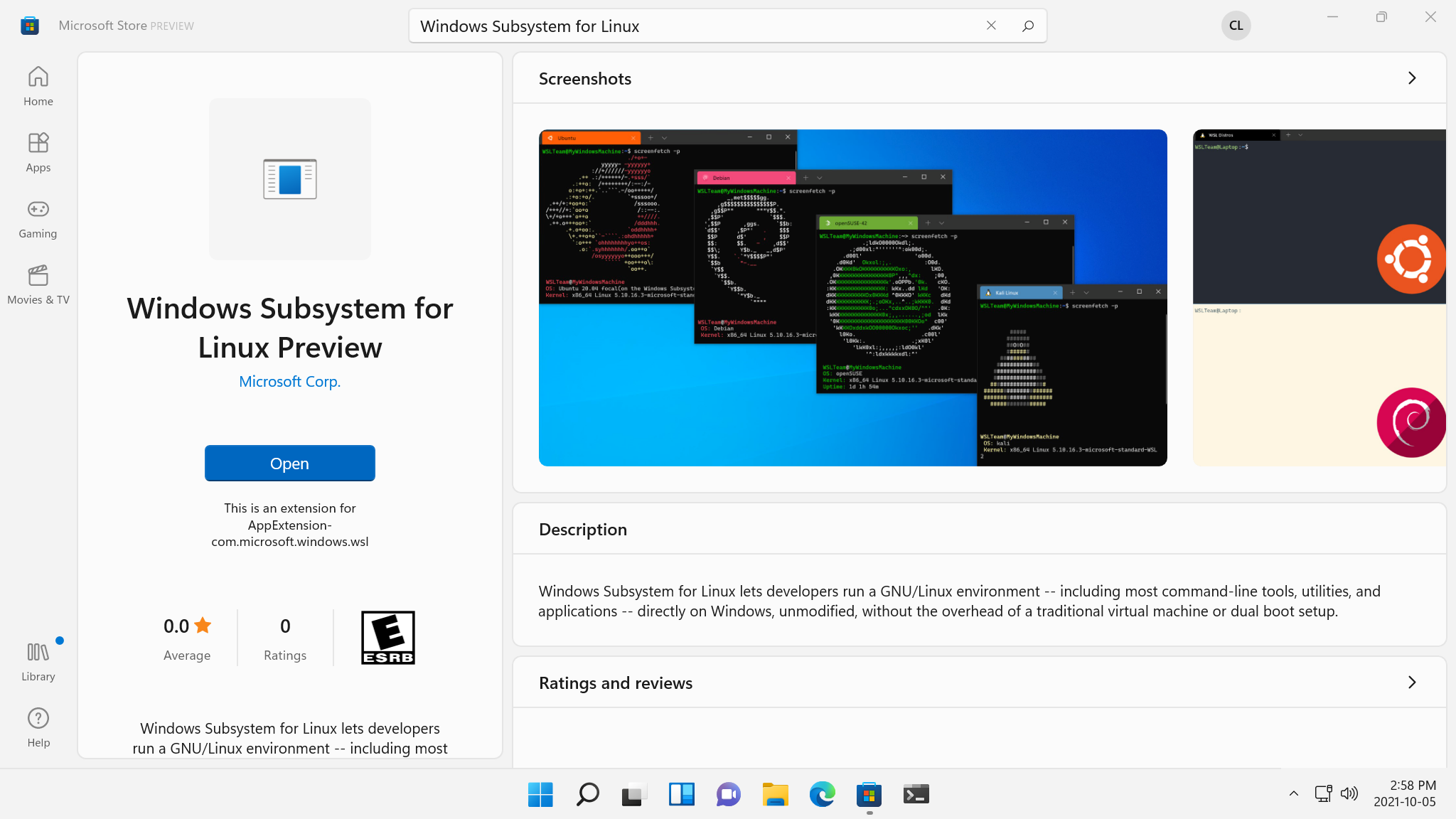
The Windows Subsystem for Linux (WSL) preview is now available in the Microsoft Store as a store application for Windows 11 machines! Installing WSL through the store will allow you to get the latest WSL updates and features faster, and without needing to modify your Windows version. Read on to see how that’s possible and what this means for WSL! Is this a new version of WSL? This is the exact same WSL that you know and love, all that we’ve changed is where it gets installed and updated from. We’ve created this as an initial preview to help ensure quality before making this generally available. Why would...
Windows Package Manager 1.1
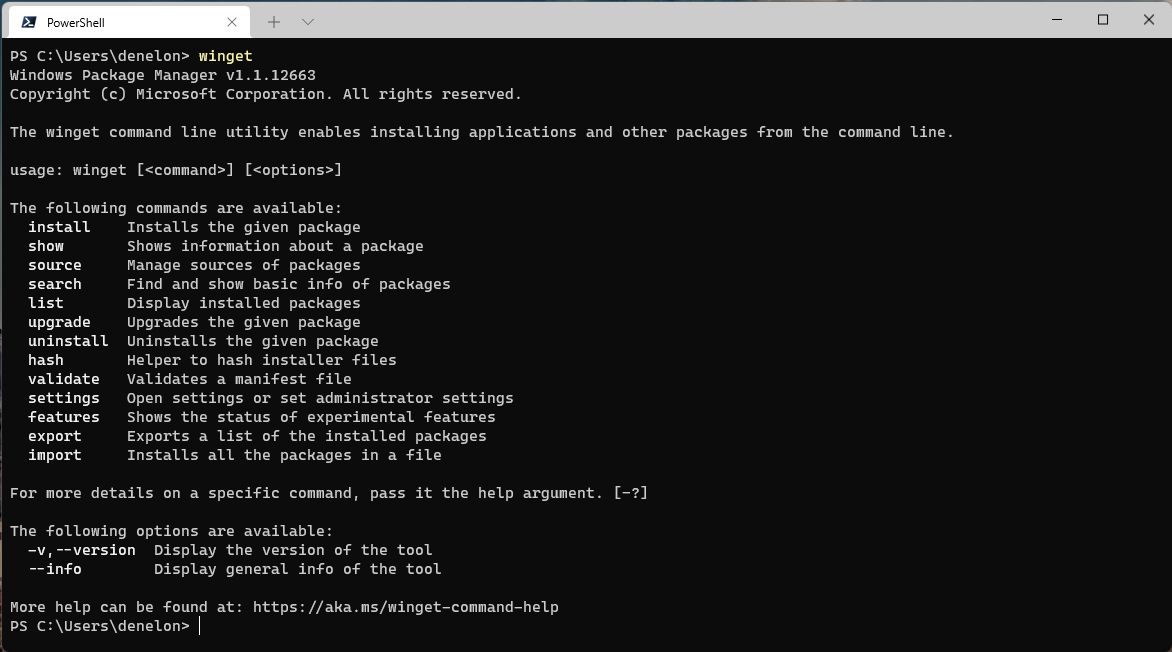
I’m excited to share some great news. We’re releasing Windows Package Manager 1.1. We’ve squashed some annoying bugs and added some highly anticipated features. The Windows Package Manager is being released to Windows 10 (build 1809 and newer) and Windows 11 as an automatic update via the Microsoft Store. The moment we’ve been waiting for has finally arrived. Grab yourself a cup of coffee (or any other favorite beverage). Don’t worry; I’ll wait. Cheers! Client The team has been busy over the last few months making improvements and adding new features. The most notable new feature is access to apps in the Micros...