


Microsoft C++ (MSVC) Build Tools version 14.51 is now generally available. It is the default compiler starting with Visual Studio 2026 18.6 and will receive 9 months of servicing fixes, as described in New release cadence and support lifecycle for Microsoft C++ Build Tools
Keeping current with your build tools delivers more than the status of being “up to date” and being covered by service fixes. You get access to new language features that can make your developers more productive, and you can benefit from improved code generation that can make your products run faster without needing to change a line of source code.
Update with confidence
Step 1 – Install or update Visual Studio 2026 and MSVC
Run the Visual Studio 2026 installer to install or update Visual Studio 2026. Make sure that you select the versions of MSVC that you want installed. If you select MSVC Build Tools for x64/x86 (Latest) or MSVC Build Tools for ARM64/ARM64EC (Latest), then you’ll always have the latest release version of MSVC installed when you update Visual Studio.
Step 2 – Configure your projects
Load your project in Visual Studio 2026. If you are using CMake, the automatic configuration should find the right version of MSVC. If you are using MSBuild (.vcxproj) and you are moving from a version of MSVC that came with Visual Studio 2022 or earlier, you may get our new Setup Assistant that helps you retarget your projects. If you want to open it manually, select Project > Retarget solution from the menu bar. You can also manually update the Platform Toolset in the project property pages.
Step 3 – Use GitHub Copilot modernization for C++ to quickly resolve upgrade issues
You can accelerate your update to the latest MSVC by using the @Modernize agent in the GitHub Copilot Chat window in Visual Studio. This agent will inspect your build for any upgrade-related issues and work with you to resolve them, possibly saving hours or days of your valuable time. Find out more about upgrading MSVC with the @Modernize agent on Microsoft Learn.
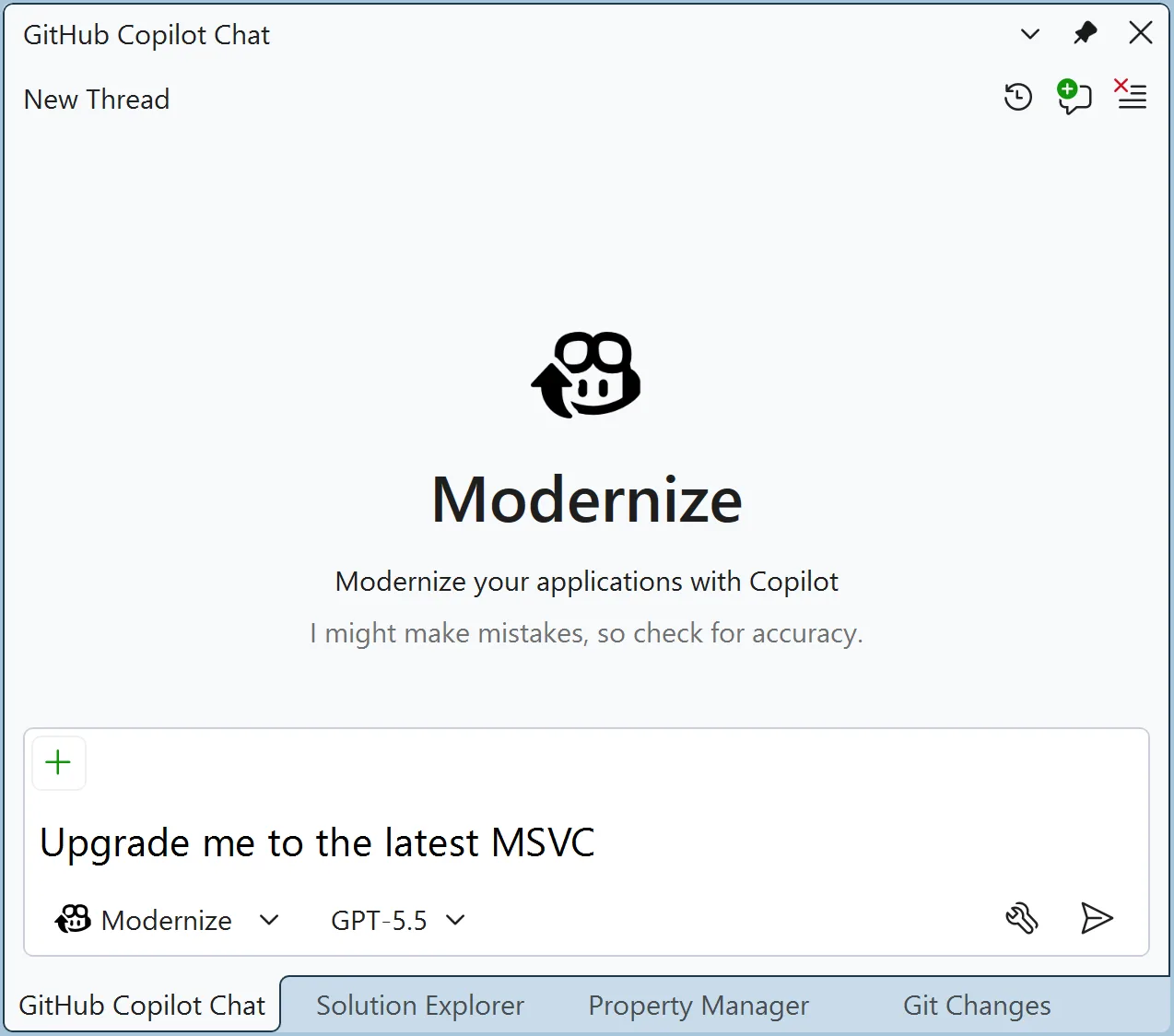
Changes since MSVC Build Tools v14.51 Release Candidate
Since the release of the MSVC v14.51 release candidate, we’ve made the following improvements:
- Preview support for Intel APX (Advanced Performance Extensions). This support is enabled via the
/feature:APXcompiler option to target various APX features like Extended General-Purpose Registers (EGPRs), New Data Destination (NDD), No-Flags Update (NF), new conditional ISA and optimized registers save/restore operations. These are documented in the Intel APX documentation.
MSVC Build Tools Previews
The team is already hard at work on delivering the next round of features and improvements for MSVC. You can get those bits early by installing Visual Studio 2026 Insiders and configuring MSVC Build Tools v14.52 Preview. Visual Studio Insiders + MSVC Preview is the best way to stay on the bleeding edge and receive frequent updates to MSVC.
Update today!
We have been working to make staying up-to-date with the latest MSVC as effortless as possible. Update today and share your feedback with us on Visual Studio Developer Community.


0 comments
Be the first to start the discussion.