

Since we introduced the Azure Cosmos DB MCP Toolkit at Ignite 2025 in preview, the response has been clear: developers want a straightforward way to connect AI agents to their production databases. Customers asked for stability, broader embedding provider support, and a smoother path from experimentation to production.
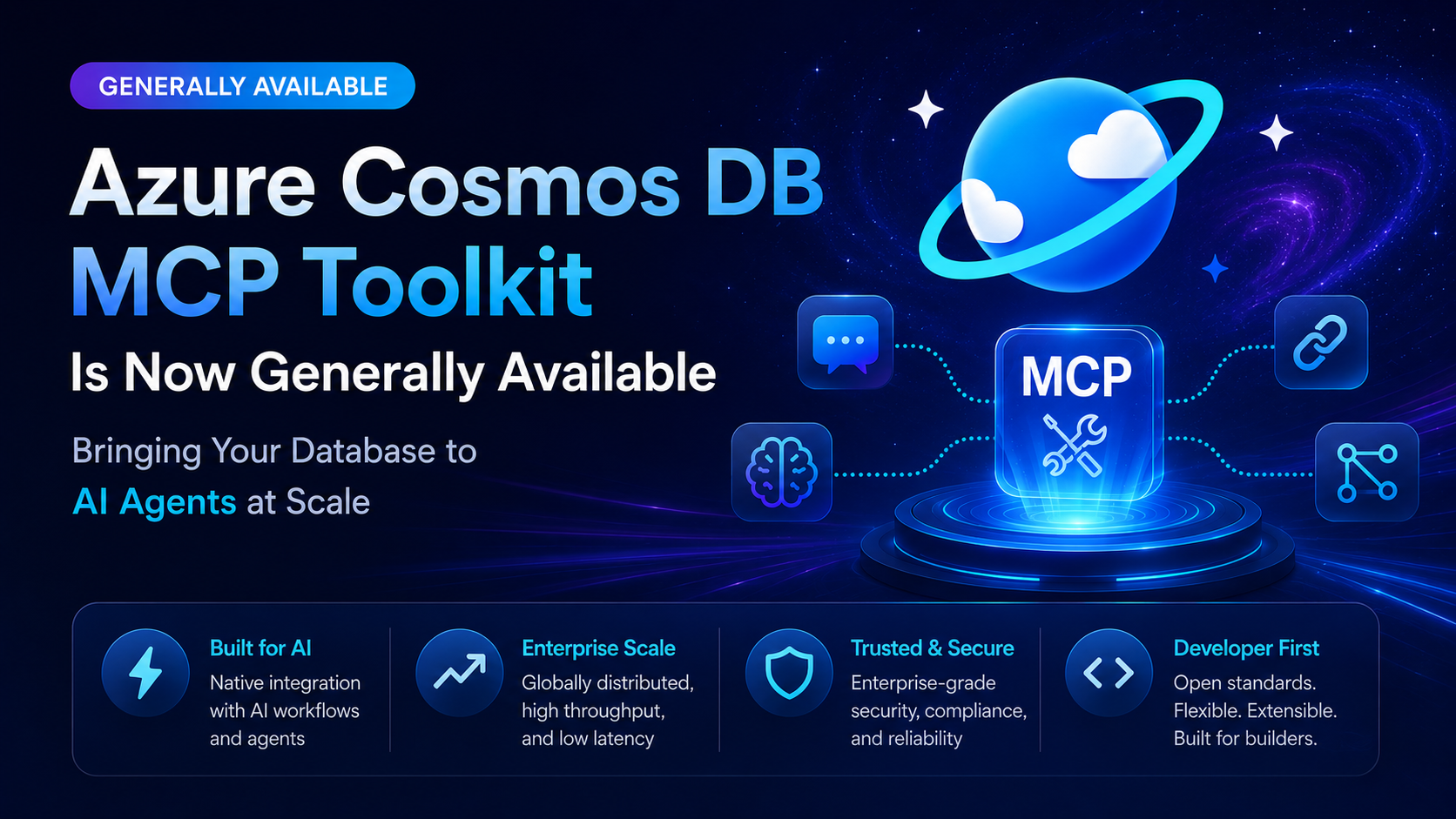
Today, we’re announcing the general availability of the Azure Cosmos DB MCP Toolkit (v1.1.2), now with deeper Microsoft Foundry integration, multi-provider embedding support, and the reliability improvements you asked for.
The Problem: Getting AI Agents to Talk to Your Data Is Harder Than It Should Be
Building an AI agent is one thing. Getting that agent to securely read, search, and reason over your actual production data is another challenge entirely.
Most teams face the same friction:
- Custom integration code for every agent-to-database connection
- Security concerns around giving LLMs direct database access
- Embedding lock-in to a single provider, making it hard to switch or optimize
- Brittle scripts that break when configurations change or permissions shift
You end up spending more time wiring plumbing than building the intelligent experiences your users actually want.
What’s New in the GA Release
The v1.1.2 GA release focuses on three areas customers asked for most: flexibility, reliability, and developer experience.
Multi-Provider Embedding Support
Vector search is no longer locked to a single embedding provider. The toolkit now supports:
- Azure AI Services (Cognitive Services endpoints)
- Azure AI Foundry project endpoints
- OpenAI native API
The system automatically detects your endpoint type based on URL pattern — no manual configuration flags needed. A new IEmbeddingClient abstraction layer means you can swap providers without changing your agent code.
    {
      "OPENAI_ENDPOINT": "https://your-resource.cognitiveservices.azure.com/",
      "OPENAI_API_KEY": "your-key",
      "OPENAI_EMBEDDING_DEPLOYMENT": "text-embedding-ada-002"
    }
Whether you’re using Azure AI Services, a Foundry project endpoint, or OpenAI directly — the same configuration pattern works. The toolkit figures out the rest.
Whether you’re using Azure AI Services, a Foundry project endpoint, or OpenAI directly — the same configuration pattern works. The toolkit figures out the rest.
Improved Reliability and Error Handling
We heard the feedback on rough edges during preview. The GA release includes fixes for:
- Role assignment scripts (Assign-Role-To-Users.ps1, Assign-Role-To-Current-User.ps1, Verify-Role-Assignments.ps1) now handle edge cases correctly
- Structured error responses — Role-denied tool calls return a proper 403 JSON-RPC response instead of a 500 error
- Foundry connection parameter handling works correctly when using project names
- Startup validation rejects invalid endpoint configurations early with actionable guidance
Better MCP Transport and Compatibility
- MCP HTTP transport is now properly registered for SDK endpoint mapping
- External MCP clients connect reliably at /mcp
- The web UI and SDK endpoints coexist without conflicts
Microsoft Foundry Integration
The MCP Toolkit integrates directly with Microsoft Foundry, giving your agents access to Cosmos DB in just a few clicks:
- Navigate to your Foundry project
- Go to Build → Create agent
- Select + Add in the tools section
- Select the Catalog tab
- Choose Azure Cosmos DB and click Create
That’s it. Your agent can now query databases, perform vector searches, and discover schemas — all through the standardized MCP protocol with enterprise-grade security (Entra ID, RBAC, managed identities).
What You Can Build
The toolkit exposes 8 MCP tools that cover the most common agent-to-database patterns:
| Tool | What It Does |
| list_databases | Discover all databases in your account |
| list_collections | Explore containers within a database |
| get_recent_documents | Retrieve recent documents sorted by timestamp |
| find_document_by_id | Look up specific documents by ID |
| text_search | Search by property values using CONTAINS |
| vector_search | Semantic search using vector embeddings |
| get_approximate_schema | Sample and infer container schemas |
Example: AI-Powered Support Agent
A support agent receives “What’s the status of order #12345?” and autonomously:
- Calls find_document_by_id to retrieve the order
- Reads shipping status and estimated delivery
- Responds with a personalized, accurate answer — no human lookup required
Example: Knowledge Base with RAG
A documentation agent uses vector_search to find semantically relevant articles, synthesizes answers from multiple sources, and cites specific documents — all backed by Cosmos DB’s global distribution and low latency.
Getting Started
# Clone the toolkit git clone https://github.com/AzureCosmosDB/MCPToolKit.git
# Configure your environment cp .env.example .env # Set your Cosmos DB connection, embedding endpoint, and auth settings
# Run the MCP server dotnet run For detailed setup including Entra ID authentication and managed identity configuration, see the Quick Start Guide.
If you’re setting up your development environment for Azure Cosmos DB, watch this session Azure Cosmos DB Dev Environment with AI | at Azure Cosmos DB Conf 2026
The Bottom Line
The Azure Cosmos DB MCP Toolkit v1.1 is production-ready, open source, and designed to get out of your way. Swap between Azure AI Services, Azure AI Foundry, or OpenAI embeddings without touching your agent code. Add Cosmos DB tools to a Foundry agent straight from the catalog. Run it at scale with proper error handling, validated configurations, and enterprise-grade RBAC then extend it however you need.
If you’ve been waiting for GA to move forward — now’s the time. If you’ve been running the preview, upgrade to v1.1 for the multi-provider embedding support and stability fixes.
If you’ve been waiting for GA to move forward — now’s the time. If you’ve been running the preview, upgrade to v1.1 for stability fixes.
About Azure Cosmos DB
Azure Cosmos DB is a fully managed and serverless NoSQL and vector database for modern app development, including AI applications. With its SLA-backed speed and availability as well as instant dynamic scalability, it is ideal for real-time NoSQL and MongoDB applications that require high performance and distributed computing over massive volumes of NoSQL and vector data.
To stay in the loop on Azure Cosmos DB updates, follow us on X, YouTube, and LinkedIn. Join the discussion with other developers on the #nosql channel on the Microsoft Open Source Discord.


0 comments