


Welcome to SQL
First, welcome to SQL! You’re going to like this.
Upgrading from PostgreSQL is real work, and depending on your old database, this process will vary widely in complexity. I am confident that you’re going to love the mindful and modern features of SQL. Take your time, make the most of the resources built to help you in Microsoft Learn, and know there is a huge community of SQL developers ready to help along the way.
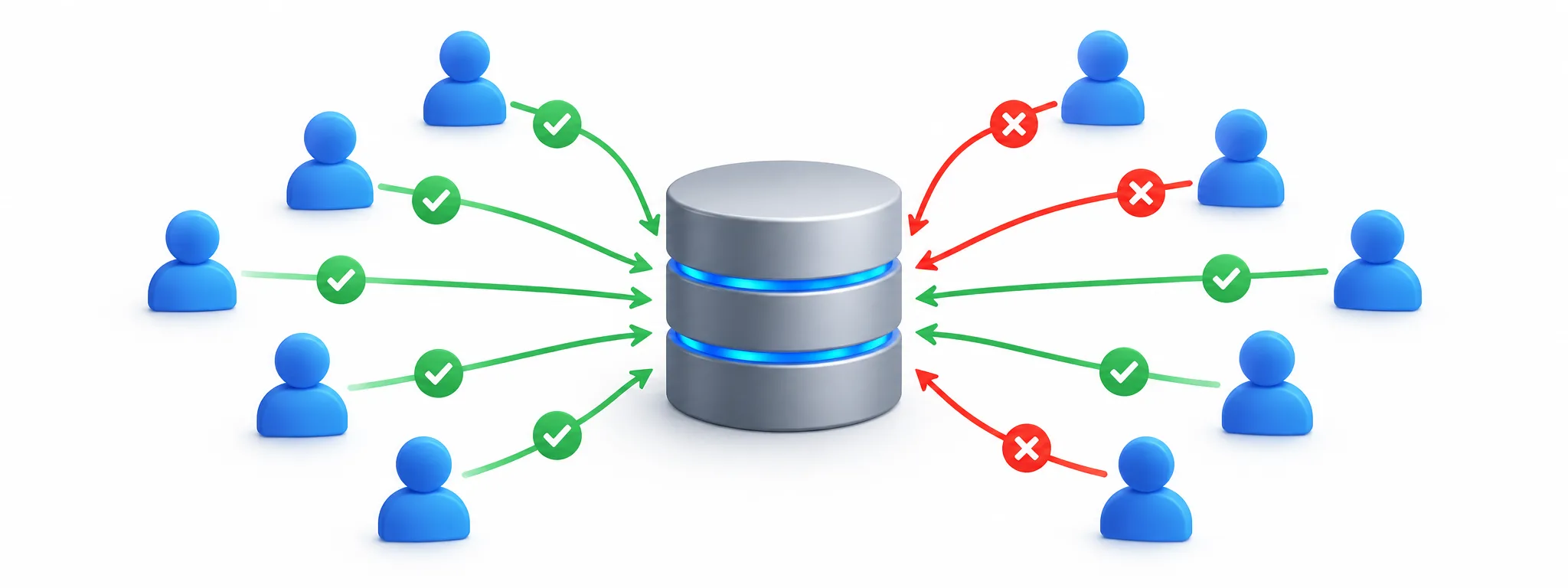
This blog is for the PG developer
Good news! The SQL standard is shared across both engines; that should help you get up to speed quickly. However, there are differences, and there aren’t always equivalents. To help fast-track your learning, this series will highlight some differences worth knowing. Although some may surprise you, I believe most will be a delight.
PostgreSQL connections
Let’s start with the prerequisite of prerequisites: connecting to the database. A user or system attempting to interact with any database must first connect.
using Npgsql;

using var connection = new NpgsqlConnection(connectionString);
connection.Open();

// Use the connection
This C# snippet makes it look easy to create a connection to a PostgreSQL database. It is! But there’s a lot you’ve had to pay attention to, too. Let’s talk through the high-level concerns you’ve had to manage.
Unfortunately, you already know the caveat
In PostgreSQL, developers always have connection management on their minds. This is because PostgreSQL uses one operating-system process per connection, making connections relatively expensive.
1) PostgreSQL connections are expensive
PostgreSQL connections are dedicated backend processes with private memory and execution state, plus OS scheduling and context-switching overhead. It’s a lot, and there’s a practical ceiling on the number of connections a server can handle before performance starts degrading.
Processor + Memory + Overhead = Connection Cost
This isn’t just theory. PostgreSQL’s own documentation says the default max_connections is typically only 100. Increasing it also causes PostgreSQL to allocate more resources, including shared memory. PostgreSQL is designed around the idea that connections are a resource you manage carefully.
2) PostgreSQL connections must be managed
A long-lived PostgreSQL connection isn’t necessarily a problem, but a lot of them can become a problem quickly. Idle connections still consume resources, while idle transactions trigger bigger concerns.
You’ve probably used pg_stat_activity for this. It’s a built-in PostgreSQL system view used to monitor sessions, their state, current queries, and transaction duration to identify connections that are active, idle, or, most importantly, idle in transaction.
SELECT *
FROM pg_stat_activity;
You might also deploy PgBouncer, the popular PostgreSQL connection pooler, to reduce the number of physical connections reaching the server.
You will certainly already know commands like these for ongoing management of problematic connections:
pg_cancel_backend()pg_terminate_backend()
All of this is really a matter of constant vigilance
All of this is really a matter of constant vigilance to ensure connections are properly managed and idle transactions do not accumulate. You can fire-and-forget your databases, but as reliability and scale start to dominate the conversation, you will pay far more attention to connection and transaction management.Preventing connection exhaustion
We also know that PostgreSQL connection limits are cluster-wide, not database-level. Each connection corresponds to a separate backend process, and the server’s finite capacity matters. When you move a database, the connection calculus must account for all the other databases on that server.
Think about that for a moment
The typical PostgreSQL default is 100 concurrent connections, and those connections are shared across its databases. PostgreSQL lets you raise that limit, of course, but raising it increases resource requirements.Spoiler alert: SQL’s connection limit is more than 32 thousand!
PostgreSQL behavior forces developer behavior
Unfortunately, app developers designing apps and agents must account for the cost and limitations of PostgreSQL connections in their architecture and code. Generally, this translates to limiting concurrent connections and keeping transactions short.
Consequently, PostgreSQL’s connection model dictates quite a bit of how developers must design and manage their applications, particularly in terms of connection handling and transaction management. When your app needs to break out of the box, you often must introduce additional strategies that can increase maintenance costs.
Great news! You’re using SQL now.
Things are different in Microsoft SQL, especially with connections. The biggest difference is that we manage connections and sessions in a way that generally eliminates the need to worry about exhausting server resources simply from their quantity and duration. Idle connections are comparatively inexpensive and generally aren’t an architectural concern.
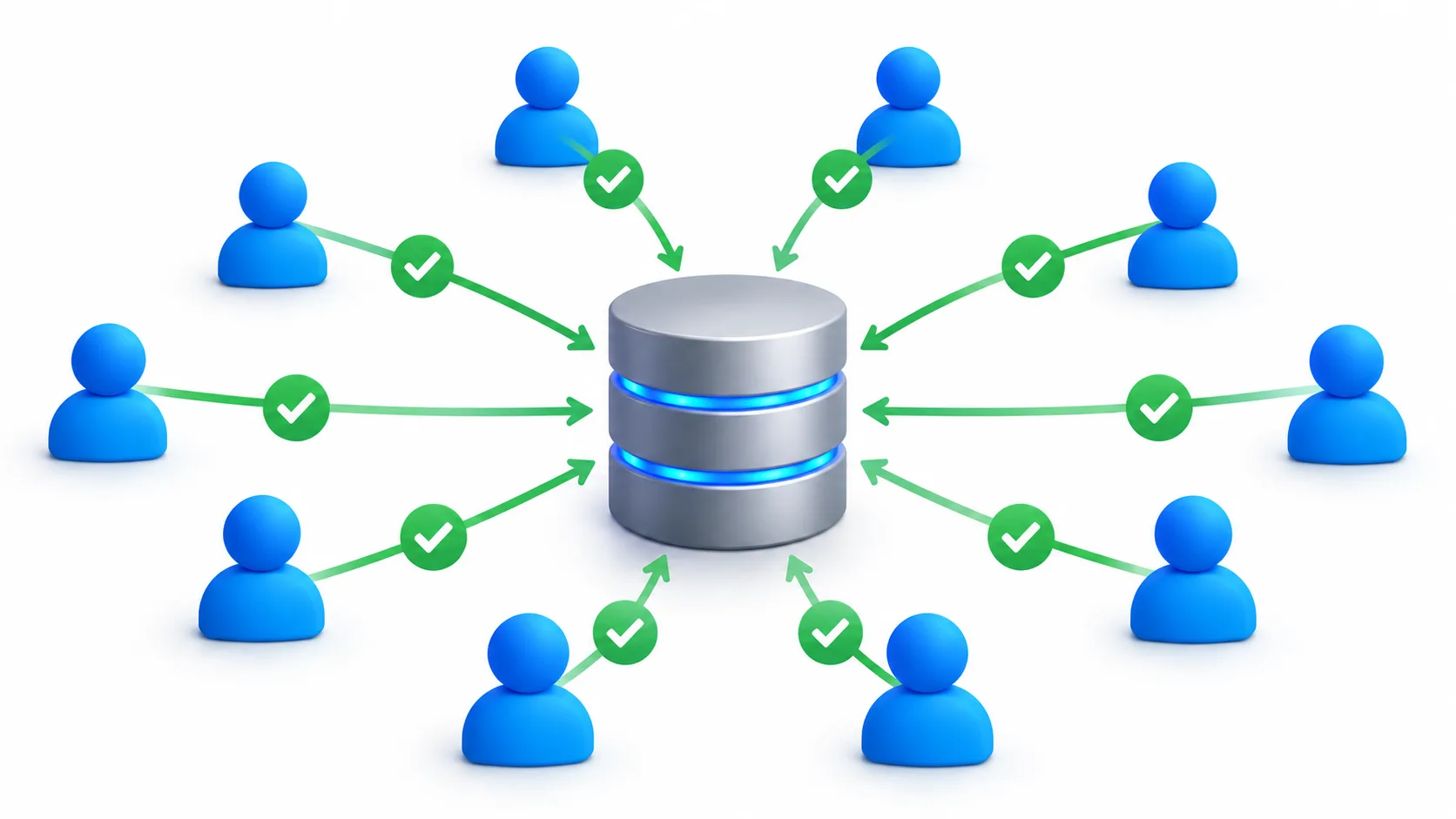
Microsoft SQL uses a worker-based architecture.
A connection does not require a dedicated operating-system process. Instead, Microsoft SQL assigns workers to execute work as needed. Connection pooling is also typically handled automatically by ADO.NET, making it easier to scale applications without intricate connection management strategies.
using Microsoft.Data.SqlClient;

using var connection = new SqlConnection(connectionString);
connection.Open();

// Use the connection
Like the PostgreSQL sample above, this C# code makes connecting to SQL look simple. It is! But unlike the PostgreSQL example, the app generally does not need to worry about exhausting server resources simply because connections remain open or idle. Not at all. You just connect and go.
Flexible resource assignment
A SQL connection is a physical connection to the logical server. Unlike PostgreSQL, it is not mapped one-to-one with a separate operating-system process or dedicated worker for its lifetime. Instead, workers are assigned when requests need to execute, then returned for use by other requests. As a result, idle connections consume relatively few server resources.
Microsoft SQL does it for you:
- Microsoft SQL supports up to 32,767 simultaneous user connections per instance.
- Microsoft SQL also supports up to 32,767 databases per instance.
- Each connection does not equate to a proportional increase in server resource consumption.
- Connection pooling further mitigates the overhead of establishing new physical connections.
- Applications can safely open and close connections at the pace that is right for the app.
Yes, you read those first two numbers correctly
32,767 connections and 32,767 databases. Of course, actual practical capacity depends on workload, hardware, service tier, and other resources. But the architectural difference should be clear. SQL is not designed around a small pool of dedicated backend processes.Here’s how it works
Because Microsoft SQL manages workers and resources across connections, it reduces the need for manual resource management, monitoring, and allocation. In fact, most applications should rely on SQL and the client connection pool to do this efficiently. Manually managing connection counts without a specific reason is generally an antipattern.
Like PostgreSQL, SQL has connections and sessions. However, Microsoft SQL does not dedicate a separate backend process to each connection. This separation helps disassociate connection count from resource consumption.
As a session begins executing work, Microsoft SQL dynamically assigns the workers and memory necessary to perform that work. As the work completes, those resources can be released for use by other sessions. A connection can remain open without unnecessarily tying up a dedicated process or worker.
You can still have control
All the management views you would want to see and manage connections are still there for you.
SELECT *
FROM sys.dm_exec_sessions
WHERE is_user_process = 1;
And you can ask SQL directly how many simultaneous user connections the instance supports:
SELECT @@MAX_CONNECTIONS AS MaxConnections;
On a normally configured SQL instance, the answer is:
32767
If you need to terminate a session, use KILL with the session ID:
KILL <session_id>;
This is your new default
Monitoring connections and killing sessions should generally be a last resort in Microsoft SQL, not a regular connection-management strategy. It’s far easier and ultimately more effective to rely on SQL and connection pooling to handle most scenarios for your application.
One less headache, one less maintenance task, one less ongoing cost to worry about.
Congratulations
Let me welcome you again to SQL! I hope it’s clear that you’ve joined a rich and thoughtful ecosystem.
Scaling connections isn’t just different, it’s better. Your application can choose the connection and transaction patterns that are best for your application, rather than designing around the database’s connection architecture. That sort of freedom helps you build better. And that’s a big win for everyone!
Happy querying!


Not saying you can't trumpet resource allocation behaviours for SQL Server/Azure SQL vs. PostgreSQL (you certainly can), but I wouldn't elaborate the claim by talking about the respective ADO.NET drivers. Unlike what this article implies, connection pooling is a default feature of Npgsql as well as SqlClient. While no doubt there are certain things you can get away with using SqlConnection that are a bad idea with NpgsqlConnection, the advice for the former has always been to instantiate in a using block when needed rather than keep one instance hanging around.
Arguably, as a ADO.NET driver Npgsql is nicer than SqlClient...
A reader could reasonably infer that automatic pooling is a SQL-specific benefit. What I should have made clearer is the distinction between client-side pooling and server-side connection architecture. Npgsql pooling reuses physical PostgreSQL connections, but each pooled physical connection still has a dedicated PostgreSQL backend process. SqlClient also reuses physical connections, but SQL Server doesn't dedicate a process or worker to each idle connection. That's the architectural difference I was trying to highlight. That difference allows SQL Server to maintain larger numbers of idle connections with comparatively little overhead, without requiring a dedicated server process for each one. Thanks again...
All fair points. This is a great time to point out the recent massive investments in the dotnet SQL client. If you haven’t already, read about the many things we have done INCLUDING our recent announcement around pooling. By the way, thanks for your comment. There’s a lot to love in both products, I know.