


Today I will modernize a .NET Framework application to .NET 10 using the GitHub Copilot modernization tooling built-in to Visual Studio.
The tooling helps us upgrade applications running on legacy versions of .NET and also migrate them to Azure. Today we’re going to focus on the upgrade portion.
And, the tooling will do all the work for us! But it doesn’t do everything at once, and that’s good. It introduces checkpoints into the .NET upgrade process to tell us what it has been up to we can then guide it towards the outcome we want. And at each of those checkpoints it creates a markdown file that we can check in to source control – in other words, a record of both what came out of and what went in to the upgrade process.
The app we’re modernizing
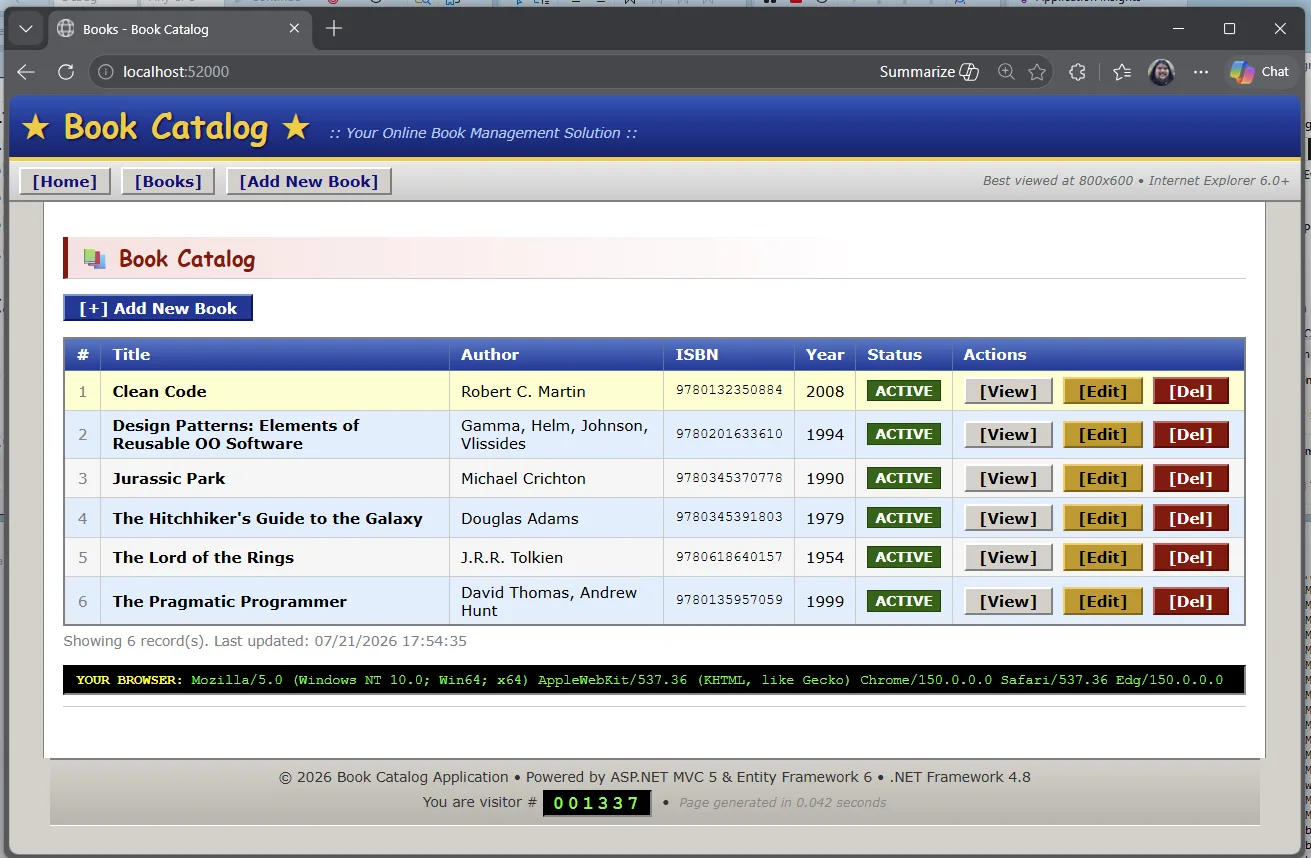
BookCatalog is a simple .NET Framework forms-over-data app. You can list books, add one, edit, delete.
Step 1: Open the sample
Clone the repo and open BookCatalog.sln from
shared-legacy-app/.
-
git clone https://github.com/microsoft/dotnet-modernization-for-beginners.git - Open BookCatalog.sln in Visual Studio 2022+ from the shared-legacy-app in the folder you cloned.
Step 2: Start modernization
In Visual Studio, right-click the project or solution and select Modernize. You can also start from Visual Studio with
@Modernize.
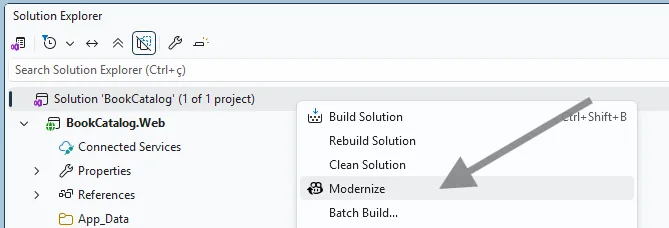 That opens the GitHub Copilot chat window with a customized modernization agent / experience loaded up. This agent is specifically tuned to go through the process of modernizing applications.
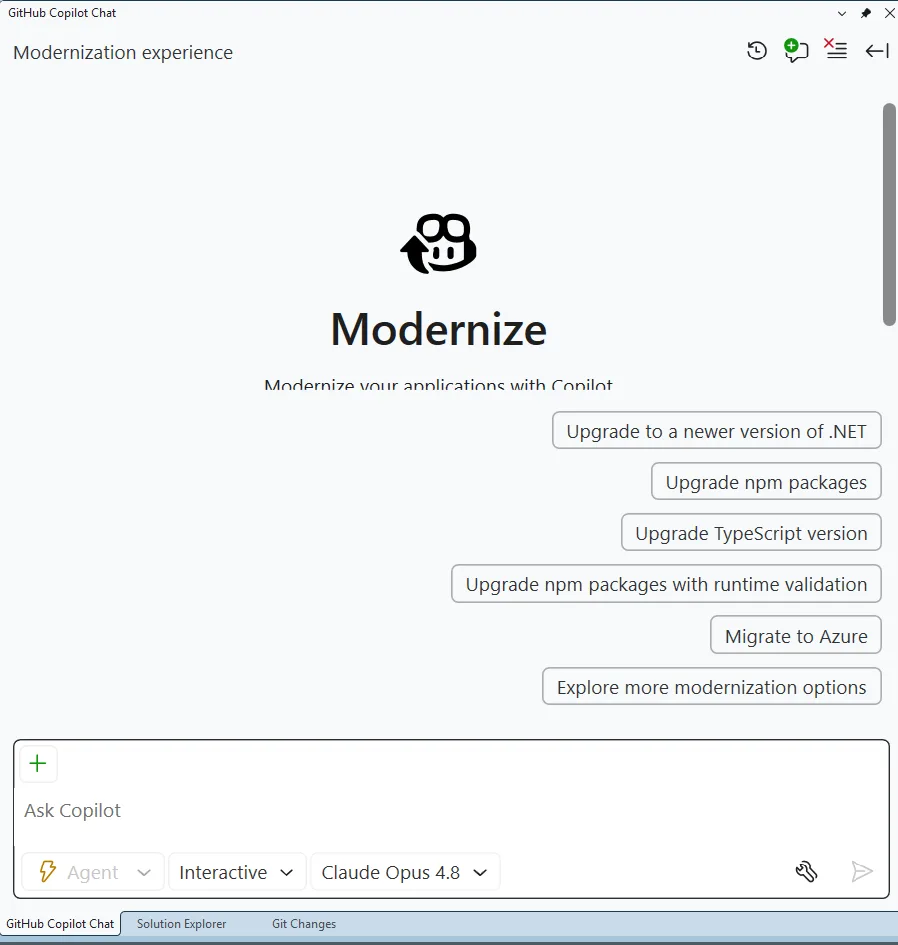
It provides several sample prompts, but you can also tell it what to do in natural language.
But for today, pick the top suggested prompt Upgrade to a newer version of .NET.
The agent will then ask you 2 questions. The first is which target framework to upgrade to – pick .NET 10.
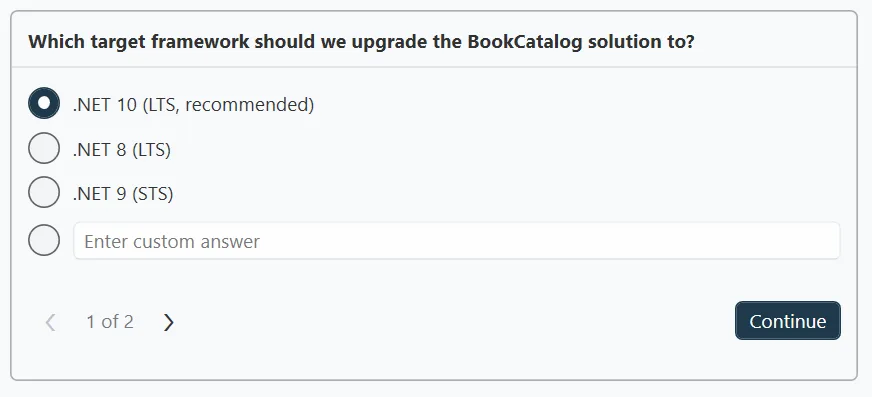
And then the flow mode. Remember when I said the modernization process would stop at checkpoints along the way – well, it’ll only do that if we pick Guided so pick that.
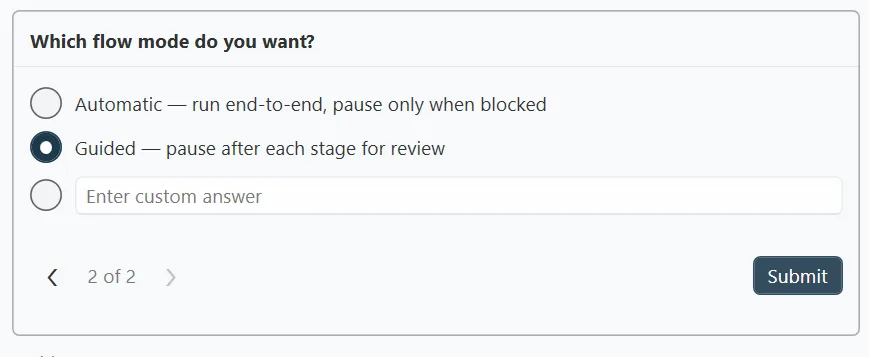
What Guided is going to do is it will pause and let you check its work.
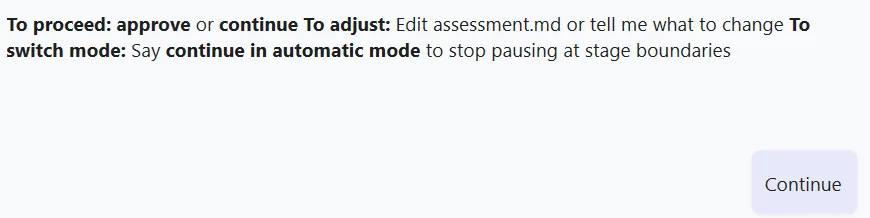
The agent will first assess our project and create a report. The guided mode allows us to review that report and make any changes to it. And … we can check that report in to source control. (It looks good – show it to your boss you’ll look super productive! 😉)
Then it will create a plan to fix any issues and do the upgrade. Guided mode lets us review and update that plan should we want to. Guided mode shows us a step-by-step execution of the upgrade itself. You get the picture.
Step 3: Review the assessment
The first thing it rolls through is the assessment. The assessment helps separate blockers, warnings, and informational findings before the upgrade itself starts to run.
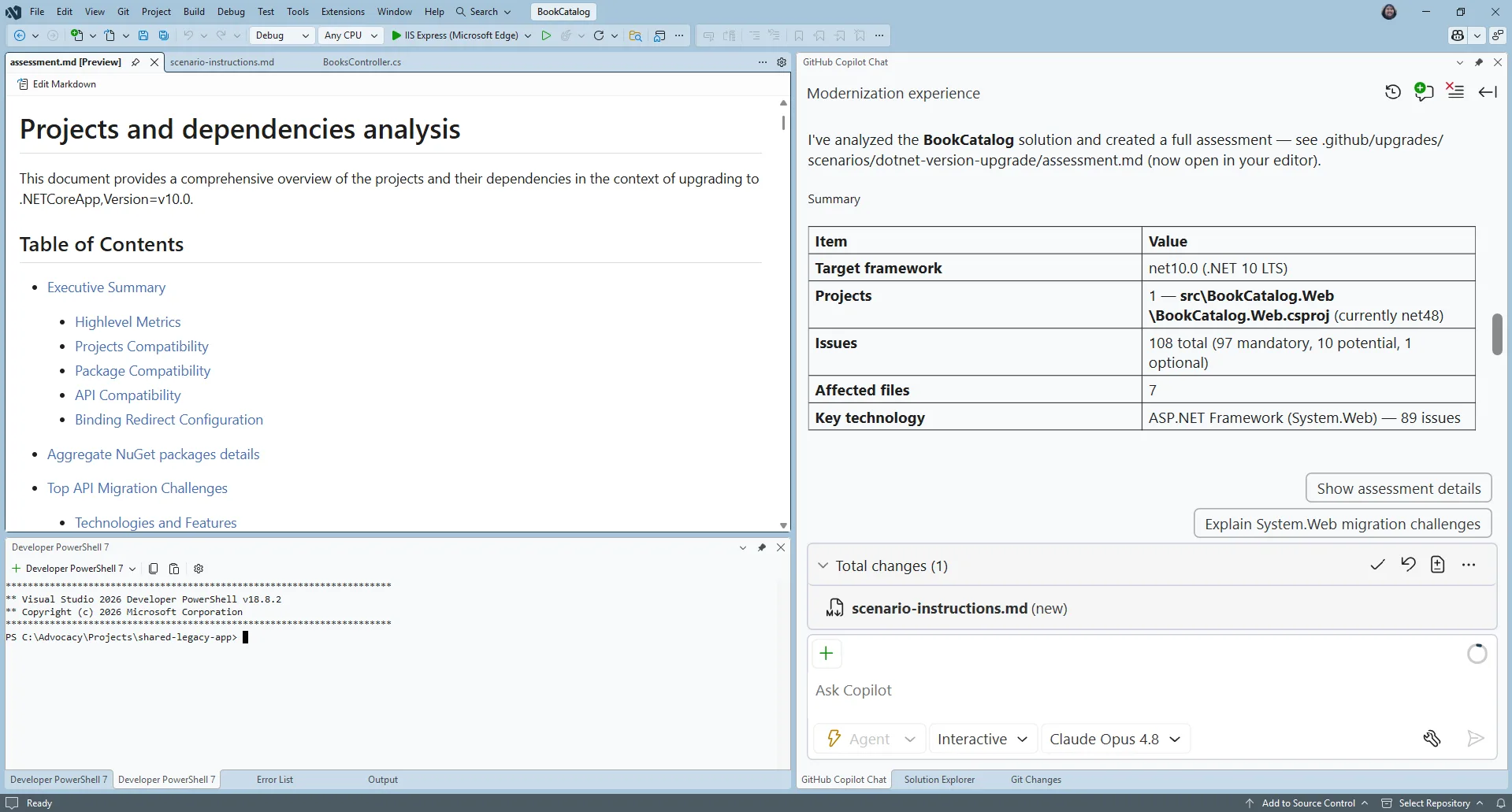
The assessment helps you understand what must change first. In this sample, the modernization work includes moving from System.Web.Mvc patterns toward ASP.NET Core equivalents and moving the data layer from Entity Framework 6 to EF Core.
Step 4: Review the upgrade plan
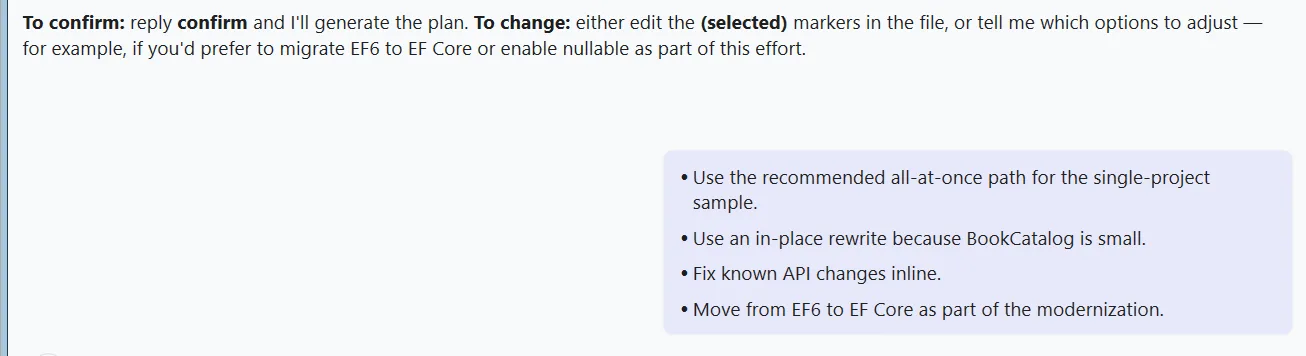
Once you approve the assessment, the agent will start to create a plan on how it will do the upgrade and it’ll present you with some options on how it can do it.
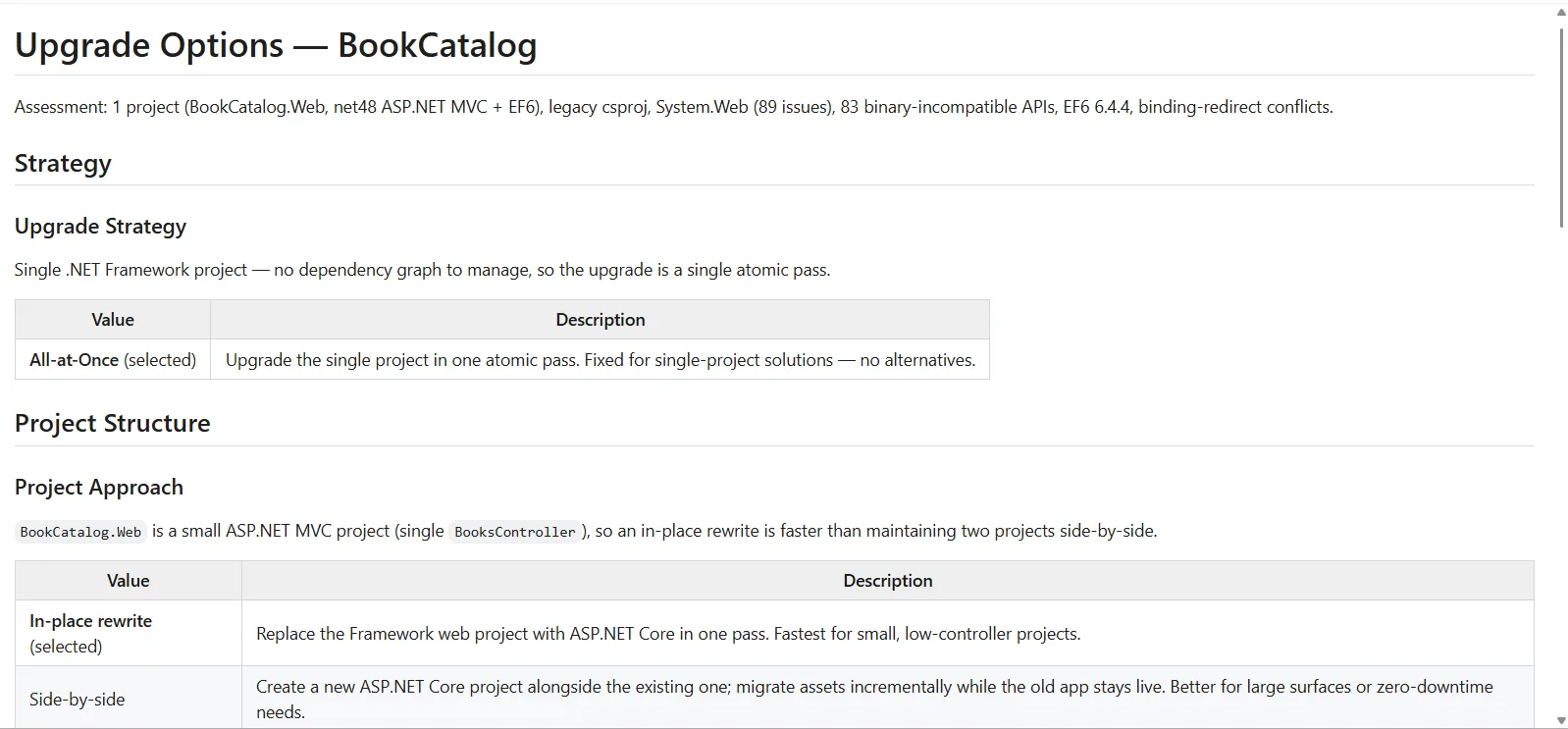
We could modify the options of how the agent creates the upgrade plan, but we’ll take the default.
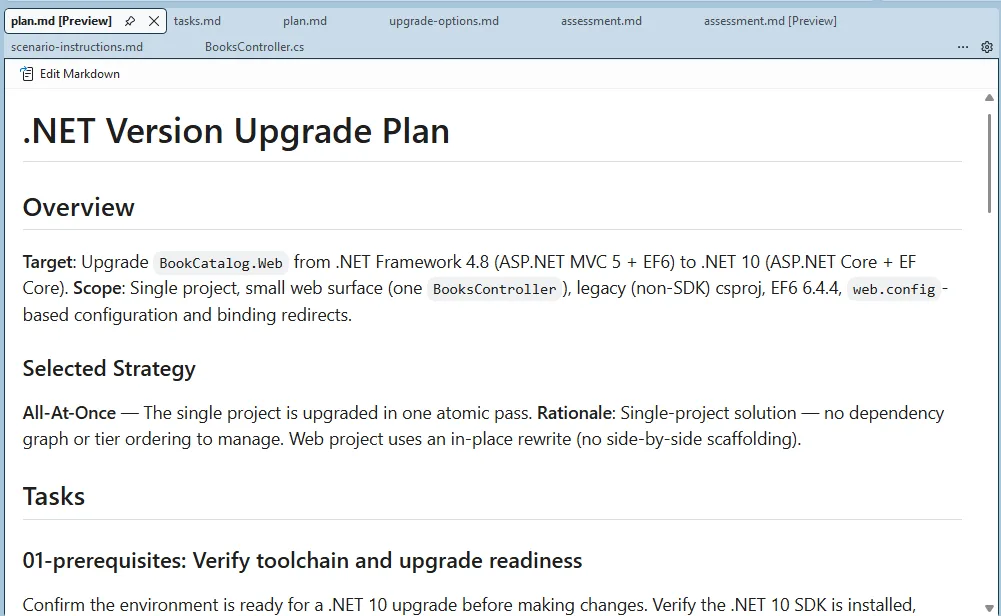
Then it produces the plan. It’s a good idea to read that through. This forms the basis of how the agent will upgrade the app.
Step 5: Upgrade!
Approve the plan and the agent starts working through the tasks one at a time.
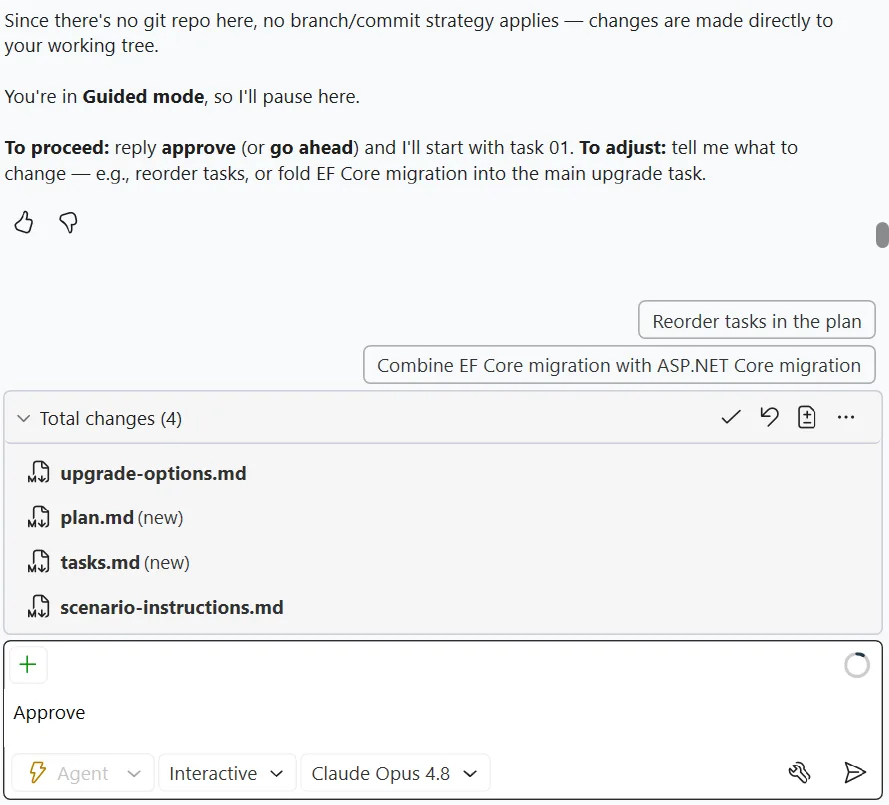 Guided mode will pause between the tasks so you can check on its work.
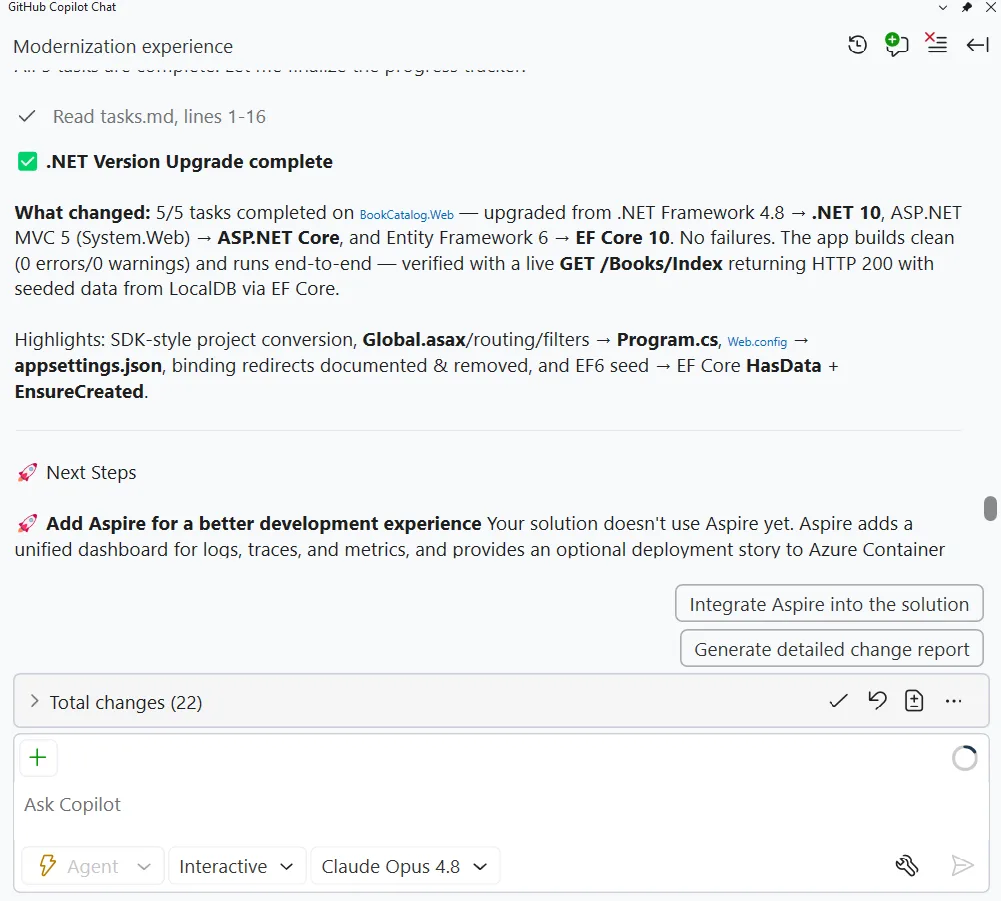
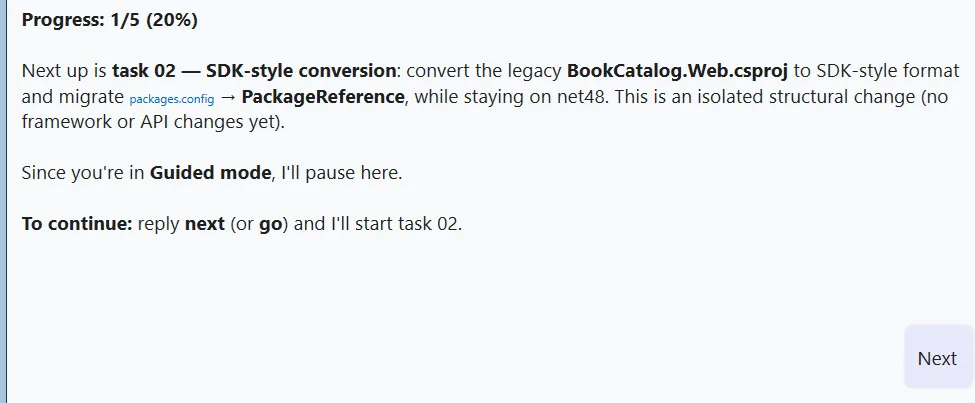 Five tasks later, it’s done!
Verify it
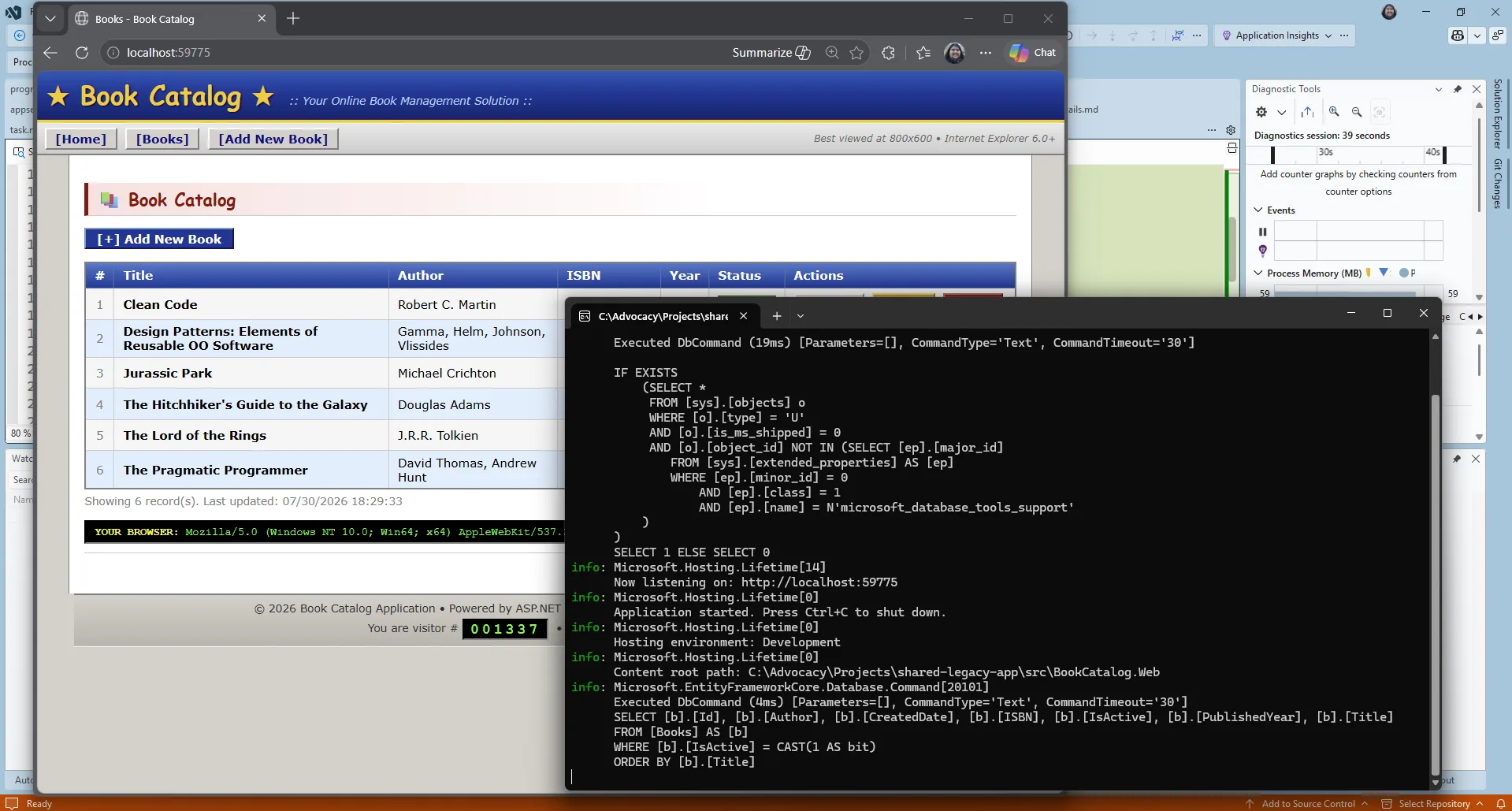
F5 the application and it should start up. Now, of course AI did the work. And it may not have worked the first time through. You never get the same thing twice with AI. In that case, use Visual Studio’s GitHub Copilot debugging features and you should get it up and running very quickly.
And once the app does start up… it looks exactly the same! The modernization agent doesn’t upgrade the UX for you – that’s for you to vibe on your own.
Wrap-up
The app is upgraded to .NET 10. If you want you can use the GitHub Copilot modernization for .NET tooling to migrate it to Azure too.
We’ve created a course : .NET Modernization for Beginners that goes more in-depth into both the upgrade and migration flows. Check it out. And of course, leave some comments on this post to let us know your experiences.


Today I will modernize a .NET Framework application to .NET 10 using the GitHub Copilot modernization tooling built-in to Visual Studio.
I very much want to make use of this at my job. Tons of apps to modernize! However there is a bigger issue. My company has Azure DevOps and M365 Copilot. They do not have anything in Github and Github Copilot is not available to us.
Is it possible to make this Modernize… feature work in my environment?
For simple apps then the tooling works OK but for a realistic app it fails miserably. I have yet to see it successfully migrate an app. At a minimum it gives up on anything that is outside some standard MS dependencies. EF to EF Core, for example, it struggles with and often converts wrong. It also has issues with even basic API projects.l
Another aspect that is incredibly frustrating is that you can give it very specific instructions, even instructions it generated for previous projects of the same type, and it still either doesn't follow them or it changes them. Legacy...
Hi Michael, thanks for the detailed feedback, this is really useful. We’ve filed it on our repo so it’s tracked: https://github.com/microsoft/upgrade-agent-plugins/issues/39.
If you don’t mind adding more detail on the issue, especially a project shape we could reproduce like the EF6 to EF Core conversion that came out wrong, that would help us investigate further.
Thanks for sharing your feedback, Michael. Yes, modernization is rarely a one-click process, especially for larger applications with custom dependencies and complex architectures, the goal of the modernization tooling isn't to replace engineering judgment, but to accelerate the parts that are repetitive and time-consuming.
Feedback like yours is really appreciated because it helps us understand where the tooling still falls short in real-world projects. If there are specific migration scenarios that consistently fail for you, we'd love to hear more about them. We are in search for the specific feedback for issues like yours and iterating constantly to improve the product....
Really don’t love that we’ve resigned to relying on AI to update projects. A simple utility to update solution/project files to the new format would have been really nice instead making us “ask” a chatbot to do it for us.
That’s a fair point Matthew! The challenge is that many modernization projects go well beyond updating project files and package references. They often involve API changes, framework replacements, configuration differences, dependency analysis, and architectural decisions that aren’t always the same from one application to another.
The AI-assisted approach is designed to help navigate that broader set of changes while still keeping the developer in control through reviews, plans, and checkpoints. If you would have any suggestions of improvement, the team would love to hear your feedback with more details and how we can support you with modernization overall!
Hey folks, thanks. Really appreciate the feedback. I’m gathering all of the comments and sharing them with the product team so we can better understand where the experience is working well and where it needs improvement. We truly looks towards continue to evolve the modernization tooling.
I think part of the issue is the fact that MS sees updating project structure and transitioning to .NET CORE as one in the same. In theory we should have a discreet process that can convert to new project structure without having to transition to .NET CORE. Then the developers can work on elevating code/dependencies to .NET CORE using whatever method they see fit (AI assisted or not).
I agree with Matthew.
The new modernization by Copilot is not only slow but also token consuming. I tried it once and it took a lot of time thinking but finally failed. I eventually gave the code to Deepseek and it gave me a almost working version within seconds.
Years ago, there was a "stupid, non-AI" but quick version that we could use it to convert the project files within seconds.
Please bring back that tool as an alternative. So there's a quick start.
We can ask AI for the rest of the conversion task if things really get complicated and we...