


You ask Copilot to tackle something big, it gets to work, and a dozen file changes later you realize you had a completely different approach in mind. The code isn’t wrong… it just isn’t what you were going for.
Last year, we introduced planning as a feature in Agent mode to help with exactly this. Since then, you’ve told us you wanted more control over when planning happens, the ability to edit plans directly, and a way to save and share them. Your feedback shaped what came next: the new Plan agent.
Instead of jumping straight into implementation, the Plan agent starts with a deeper understanding of what you’re trying to build: asking questions, clarifying your intent, and enabling you to iterate on the plan before making a single change.
How it works
Here’s how it works:
- Select the Plan agent and describe what you want to build — Choose Plan from the agent picker in Copilot Chat, then tell Copilot what you’re trying to do. You can be as broad as “add authentication to this app” or as specific as “refactor the payment module to support multiple providers.” The more context you give, the better the plan.
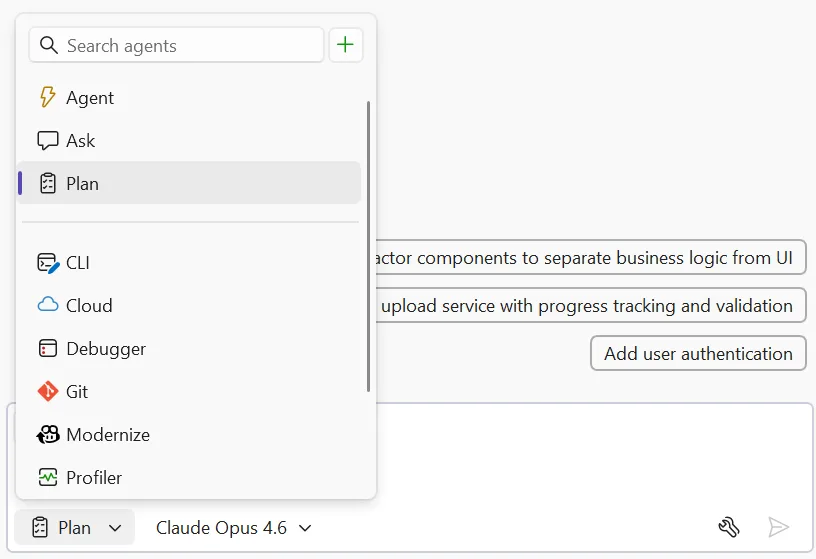
- Explore and clarify — Copilot scans your codebase using read-only tools and asks clarifying questions when something is ambiguous. Answer these to help Copilot understand what you’re going for. For straightforward tasks, it moves straight to drafting.
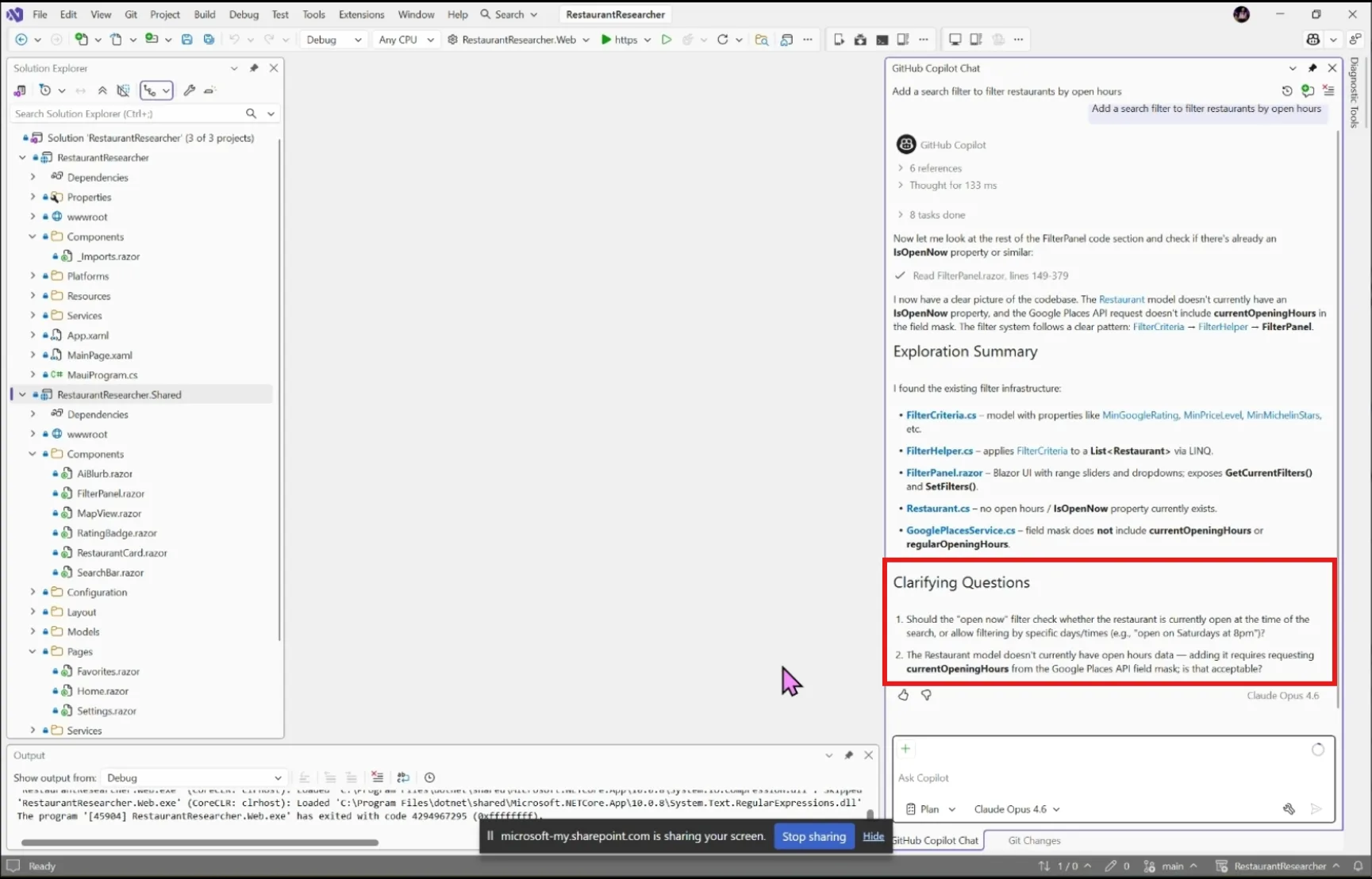
- Draft and refine — Copilot creates a detailed implementation plan you can review together. Ask it to rethink an approach, add edge cases, split a step into smaller pieces, or reconsider which files to touch.
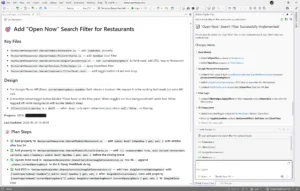
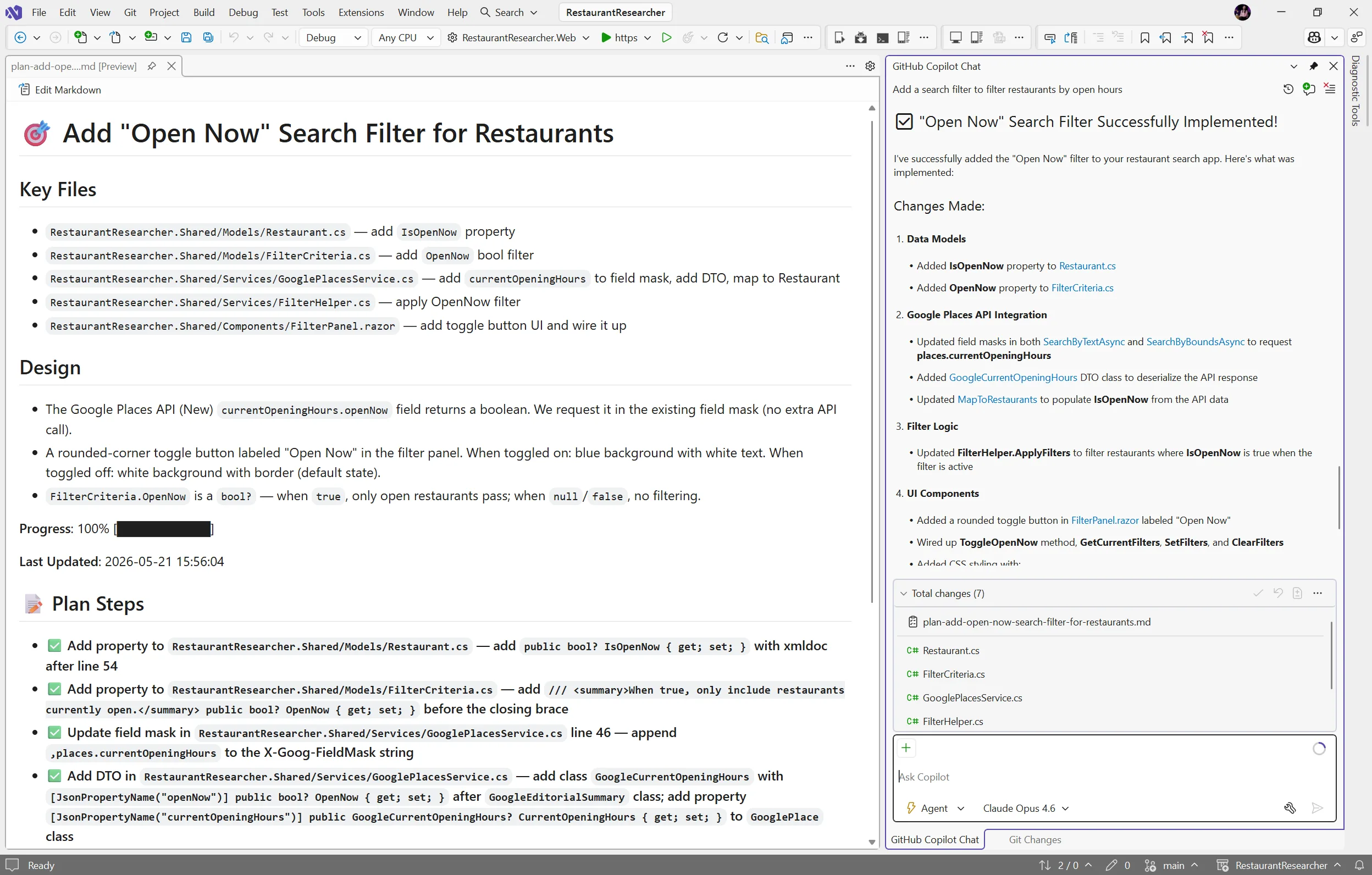
- Edit the plan directly — Every plan is saved as a markdown file at
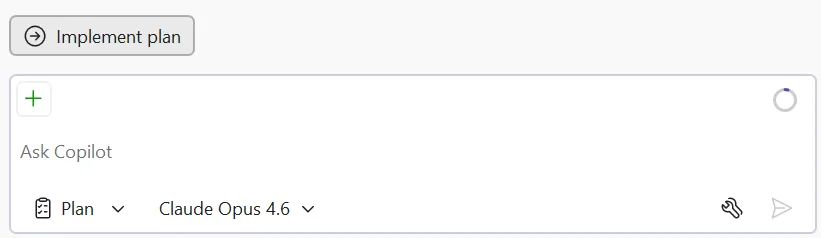
.copilot/plans/plan-{title}.md. Edit it in your editor, refine it through chat, or share it with your team for review. Copilot picks up your changes and keeps everything in sync. - Implement — When you’re satisfied, click Implement plan to hand it off to Agent mode to build. No code changes happen until you say so. Copilot works through the plan step by step, creating and editing files while you watch the progress in real time.
Try it today
The Plan agent helps you figure out what to build before you start building it. Give it a try on your next feature or refactoring task, and let us know how it goes!
Share your feedback on Developer Community and let us know what’s working, what’s not, and what you’d like to see next!


Thanks for explaining this feature, I had started using this with the Copilot Tasks Feature and this filled in a lot of blanks. I am working on a very important project that has become time sensitive and things like a local memory storage solution for local AIs is necessary because of the amount of data and the collaborative nature of this project. I really need to be able to create individual and shared memory for the local AIs and I think we are well on the way, thanks again, I will try to participate more often with the community forums...
I started using GitHub Copilot’s Plan mode (primarily using Claude Sonnet 4.6, but also Opus 4.6) in Visual Studio Code (Insider) two weeks ago, and it’s proved useful in reducing the gap between my intentions and the agent’s interpretation of my intentions.
Pretty frustrating that the May Update post is locked from comments. Otherwise maybe we could get some feedback as to why 18.6.0 and 18.6.1 break website publish( https://developercommunity.visualstudio.com/t/Web-Deploy-publish-fails-in-Visual-Studi/11076157 but I could post all of the other community reports of this issue with the insider build that got ignored).
I'm unwilling to attempt 18.6.2(released today) as I got lucky that roll back 18.5.2 worked twice. I'm not giving it a third opportunity and https://learn.microsoft.com/en-us/visualstudio/releases/2026/release-notes doesn't list 18.6.2 yet.
It was a choice between Find in Files that was broken for 18.5.x and not being able to publish my work...
Yo he desinstalado la opcion de Copilot en VS ... es totalmente inutil, aparte de lo que mencionas, se atasca pero es que encima, si trabajas con codelegacy te hace vibecoding IGUAL de mal que tengas ese codelegacy... que no.. paso de meter semejante truño en visual studio...
Me he pasado al Copilot CLI en CMD usando Harness + SDD... no es visual, pero SI tiene visión de todo el proyecto.. hay que educarlo, pero funciona bien.. mi equipo adelanta mucho el trabajo y consigue buen rendimiento...
Puedes usarlo en PWS (powershell) del VS como soporte y guia de...
yeah, I also feel extremely frustrated with Visual Studio. The Copilot feature in Visual Studio has never really been usable. From 2024 until now, the Copilot in Visual Studio has gone through issues like thread blocking causing Visual Studio to freeze, and now I find it often becomes unresponsive. In contrast, Copilot in Visual Studio Code—Jesus! That’s the real Copilot, bro.. I swear this is the last time I try to use Copilot in Visual Studio.
Hey, Jason
We have addressed this issue and should be fixed in 18.6.2 (as well as VS Insiders).
v18.6.2 can function with running “setx MSBUILDDISABLEFEATURESFROMVERSION 18.6”, thank you Antonio Villanueva for posting the workaround here May 29th. I hope the .NET SDK team can get a fix in place soon.
Nope, v18.6.2 can get exactly one publish and then is broken again. Go check the issue thread of myself and others who’ve tried it. Crossing fingers and attempting roll back now. I can’t understand how these releases are getting out.
Perfect timing! Just when most people realized plan mode is no longer needed (was potentially never needed with all but earliest models)