


We’re excited to announce the general availability of unified manifest support for Word, Excel, PowerPoint Add-ins, in addition to Outlook Add-ins. Unified manifest support first launched for Outlook Add-ins. Now, it extends across Word, Excel, and PowerPoint, making it possible to build a single app that works across Microsoft 365 apps. This update helps developers deliver a more consistent experience for users and gives IT admins a simpler deployment model.
Why it matters
The unified manifest brings Microsoft 365 extensibility closer to a single, consistent model for Teams apps, Office Add-ins, and Copilot agents. Developers have already used the unified manifest in Outlook Add-ins to simplify distribution, reduce customer friction, and increase adoption. A common request was to bring these same benefits to Word, Excel, and PowerPoint Add-ins. Over the last two years, teams across Microsoft have invested in making this possible. You can now bring existing add-ins forward with less effort and take advantage of a more streamlined path to support additional Microsoft 365 apps.
What you can do with the unified manifest
- Build once, distribute everywhere — Use one manifest to power experiences across Office Add-ins, Teams apps, and Microsoft 365 Copilot.
- Simplify deployment — Manage app access centrally through the Integrated Apps page in the Microsoft 365 admin center.
- Deliver a consistent experience — Help users find and use your app more consistently across supported Microsoft 365 surfaces.
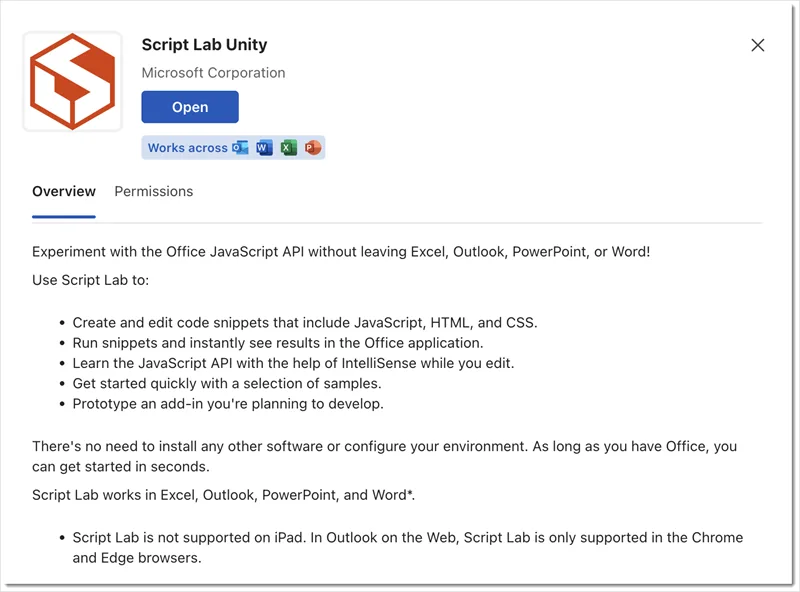
A great example of what this makes possible is Script Lab Unity. Previously, developers needed separate Script Lab add-ins for Outlook and for Word, Excel, and PowerPoint. Using the manifest converter tool, the team combined those experiences into a single app with minimal rework. The result is Script Lab Unity — one app that’s easier to acquire and use across Microsoft 365.
What’s available
Developers can now publish unified manifest add-ins for:
- Outlook
- Word
- Excel
- PowerPoint
Users can install and use these add-ins across Office for the web, Windows, and Mac. For more details, see client and platform support.
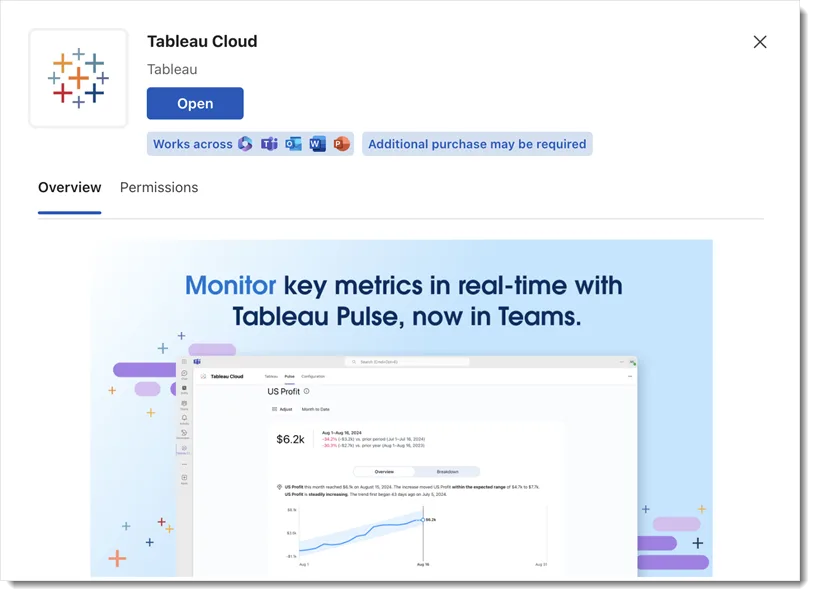
Another example of this model is the Tableau Cloud app developed by one of our partners.
Get started
Ready to get started? Begin with the unified manifest overview, then choose the path that fits your scenario:
We’d love to hear from you!
 We value your feedback and suggestions. You can submit feedback directly within Office apps such as Excel by clicking the Feedback button in the upper-right corner, or by going to Help > Feedback. You can also connect with us through the Office Add-ins developer community.
Happy coding!


0 comments