

In the Visual Studio 2012 Update 1 CTP blog post one of the new test features listed was: Automatic updates for Microsoft Test Manager and Microsoft Feedback Client.
Since these user interfaces do not have a the normal File, Edit, Tools, Help menu structure i thought it would be nice to show how this functionality is accessed/changed…

From Microsoft Test Manager you can access the Updates menu from the “Home” screen while displaying either the select Test Plan or change project dialogs.
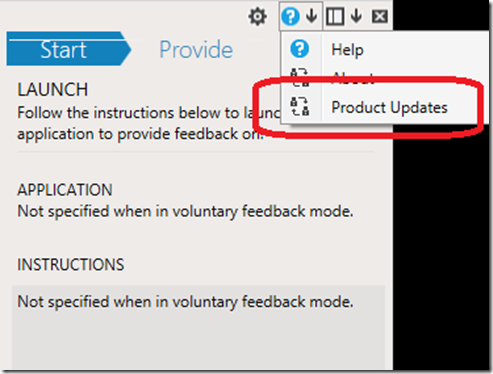
From the Microsoft Feedback Client the Help button is actually a drop down – now with “Product Updates” option.
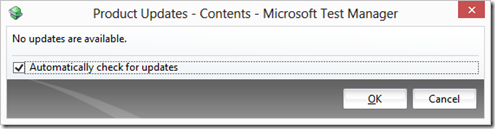
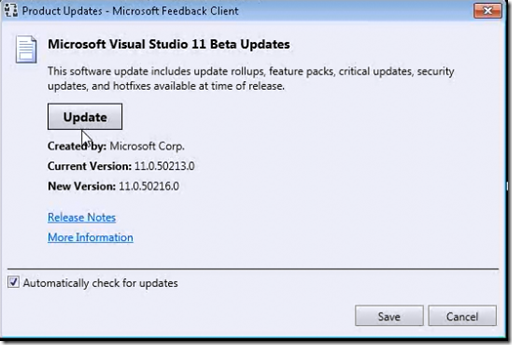
With the options for both of these clients being either “Automatically Check for Updates” –or not. (The default is for this to be on at this time)


0 comments