
Develop from the cloud
Build apps from the cloud with Dev Box, Azure Deployment Environments & more
Featured posts
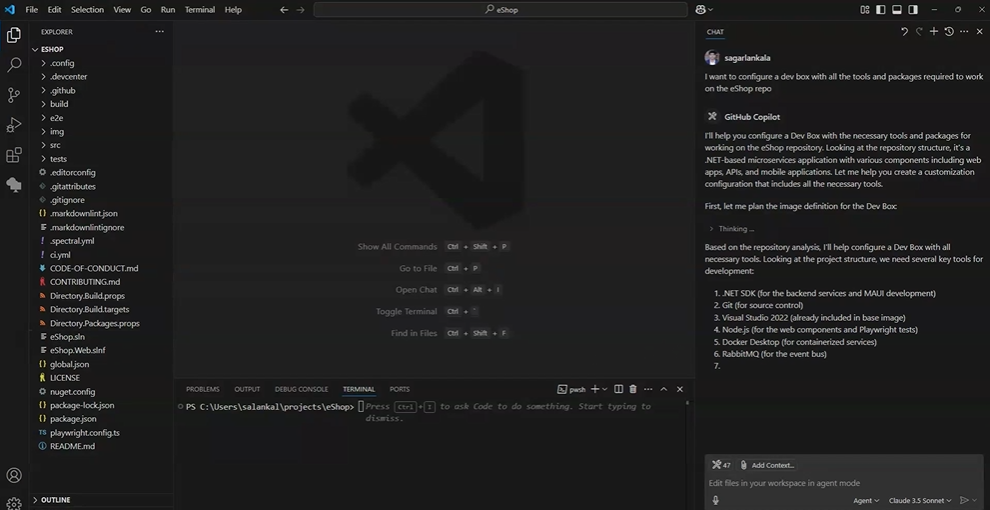
Unlock developer potential with Microsoft Dev Box

AI agents, model context protocols (MCPs), and emerging AI workflows are fundamentally transforming software development paradigms and broadening the range of a...
Latest posts

Beyond VDI: Get secure cloud dev environments with Microsoft Dev Box
Modern software development can drive innovation to new heights, but to get there, developers need tools that are built to handle today’s challenges and future demands. While some organizations look to traditional Virtual Desktop Infrastructure (VDI) for solutions, it’s not flexible enough for today’s development teams. Microsoft Dev Box bridges the gap by delivering cloud development environments that meet the unique needs of developers and dev teams, while also empowering the admins that support them. We’re excited to introduce new features that make it much easier for dev leads to configure and provision proje...
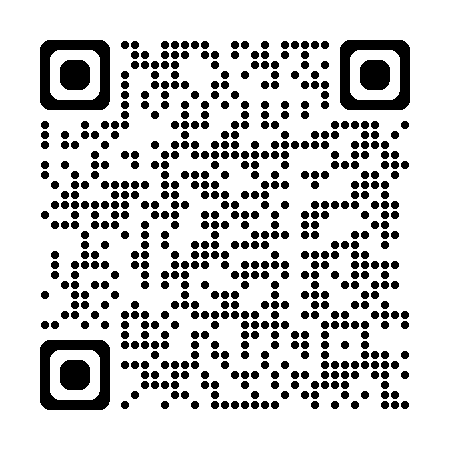
Developer Productivity Services QR codes

QR codes for Developer Productivity Services (DPS) resources:
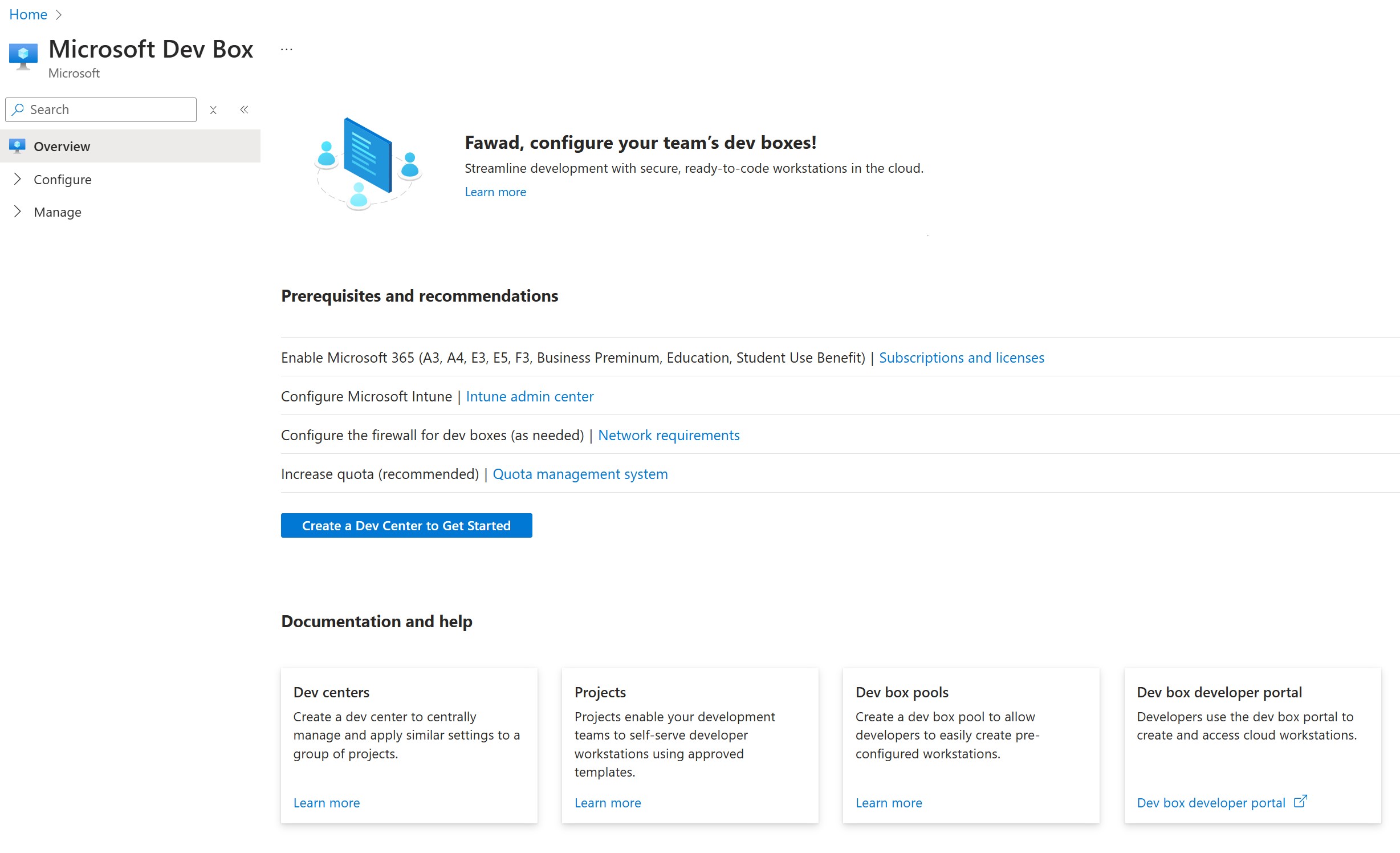
Setup Microsoft Dev Box quickly from our getting started page

The Dev Box team has been working hard to streamline the onboarding process for Dev Box administrators and platform engineers, especially for situations when you're unsure of all the necessary steps. In this blog, we are introducing a page in the Azure portal that will serve as a starting point for you to begin the Dev Box creation process. Introducing the Microsoft Dev Box pre-requisites page, designed to guide IT administrators and platform engineers through the essential steps needed to set up a Dev Box. This page provides the necessary guidance before diving into creating developer cloud machines for y...
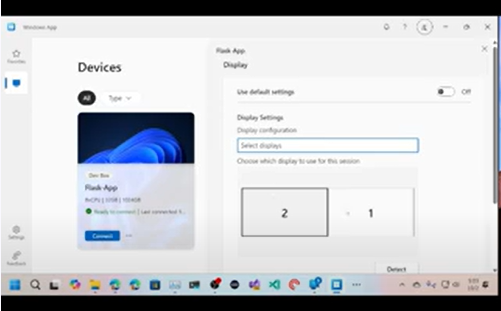
Utilize Multiple Monitors for Microsoft Dev Box with the Windows App

Do you use cloud-based developer environments like Microsoft Dev Box? Do you use multiple monitors in your setup? Did you know there a new app in Windows that will give you a great experience with multiple monitors and Microsoft Dev Box? Take a look at this video showing configuring multiple monitor setup with the Windows App and logging into Microsoft Dev Box With the new Windows App, available from the Microsoft Store, you have the ability to detect and configure multiple monitors for your cloud-based developer environments? To learn more, read the official documentation on Learn!
Effectively building Linux apps with Microsoft Dev Box and WSL
The following blog walks through how you as a developer can build Linux applications in Windows Subsystem for Linux with Microsoft Dev Box. A brief summary of the end developer experience is shown in the following video. Developers cherish nothing more than the environments they use every day to build apps. These environments have to be configured just right, with the tools they need for day-to-day tasks, and even the details like the size of the point mouse. One thing is certain, when you don’t have enough flexibility and control over their environment, it impacts how effective they can be. This challenge...
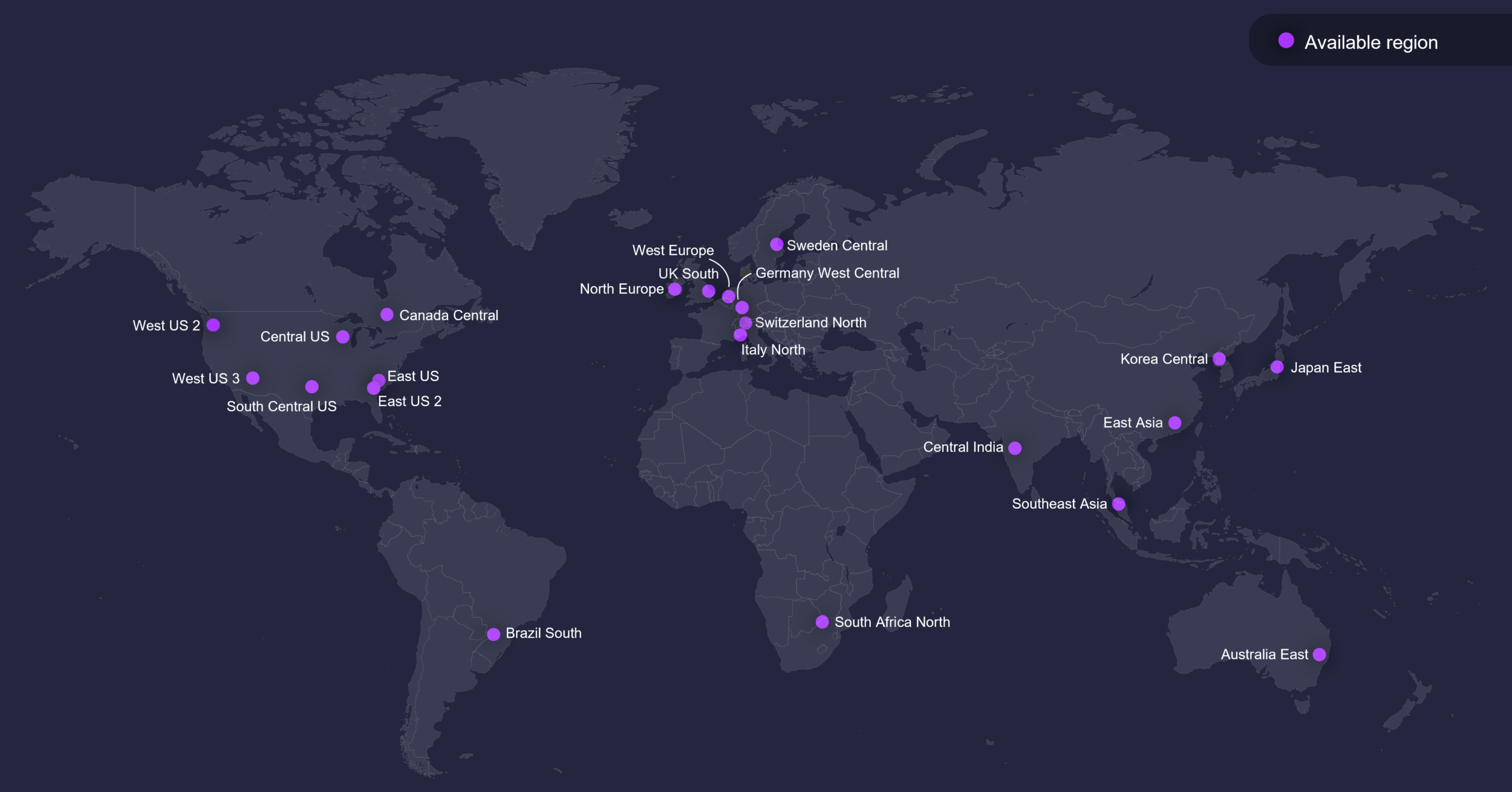
Microsoft Dev Box regional availability

We've received some questions recently about where Microsoft Dev Box is available. While you can always check the latest list at https://aka.ms/devbox/regions, for a quick reference, here’s the current regional availability for Dev Box: Not seeing your region? Drop us a comment below or submit a feedback request via our: https://aka.ms/devbox/feedback Looking for the best region to host your dev boxes? Our documentation on Azure regions for Dev Box and network connectivity with Dev Box, along with tools like the Azure Virtual Desktop Experience Estimator tool, can help you choose the optimal region ...

Roadmaps for Microsoft Dev Box and Azure Deployment Environments are now live!
We have just published the roadmaps for Microsoft Dev Box and Azure Deployment Environments! These roadmaps showcase our plans and upcoming features for both services, reflecting our commitment to enhancing your experience developing in the cloud. Your feedback is invaluable to us. We’ve built these roadmaps in a direct response to some feedback we’ve heard the past year since launching these services. If you notice anything we might have missed or if you have suggestions for improvements, please fill out the feedback forms for Dev Box and/or ADE. Thank you for being a part of our journey as we continue t...
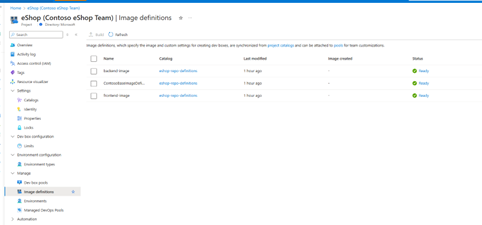
Use Dev Box Team Customizations and Imaging to streamline your team’s development workflow

TLDR: We are excited to introduce team-based customization of Dev Boxes with built in imaging capabilities, using the familiar Dev Box customization format, to help you create and optimize ready-to-code Dev Box configurations for your entire team. Sign up for the private preview here. Earlier this year, we announced the public preview of Microsoft Dev Box’s customization platform, that allows you to author code-ready configurations for dev boxes. The vision of the customization platform is to streamline developer onboarding by automating common setup and onboarding tasks as code, without the need for...

Microsoft Dev Box Customization Now Supports Native Run-as-user

Dev Box customization now supports native run as user in the customization yaml files. The native run-as-user capability is more powerful in terms of reliability, status tracking and error reporting. You can also see the execution progress on run-as-user customization tasks from Dev Portal. If you are using Dev Box customization, this feature will empower you to run tasks as user without having to implement run-as-user yourselves with scheduled tasks or following the samples. Go ahead and add your first userTasks and have us execute customization on your behalf! Run-as-user Tasks Comparison with System Tasks...