


With the launch of Visual Studio 2026, we announced a Private Preview of GitHub Copilot app modernization for C++, which reduces the cost of adopting the latest version of the MSVC Build Tools. We used the feedback we received from our many Private Preview participants to make improvements that benefit all our users. After receiving feedback, we added support for CMake projects, reduced hallucinations, removed several critical failures, improved Copilot’s behavior when encountering an internal compiler error, and reinforced Copilot’s understanding of when project files need to be modified to do the upgrade.
Here’s what one of our Private Preview participants said about their experience:
“Having Copilot guide the upgrade flow and surface suggested changes in context has made that process smoother than doing it entirely by hand or by another agent.” – Private Preview participant
We are happy to announce that this feature is now available to all C++ users as a Public Preview in Visual Studio 2026 Insiders.
To get started, check out the documentation on Microsoft Learn.
What to expect
After launching GitHub Copilot app modernization, Copilot will examine your project to see if there are any steps to take to update your project settings to move to the newer MSVC version. If so, it’ll assist you in making those changes.
Assessment
After the settings have been updated, Copilot will do an initial build to assess if there are any issues blocking your upgrade, such as stricter conformance, warnings whose warning level has changed, or non-standard extensions that have been deprecated or removed. After the assessment is complete, Copilot checks with you to confirm accuracy, and gives you a chance to give it further instructions like ignoring specific or entire categories of issues.
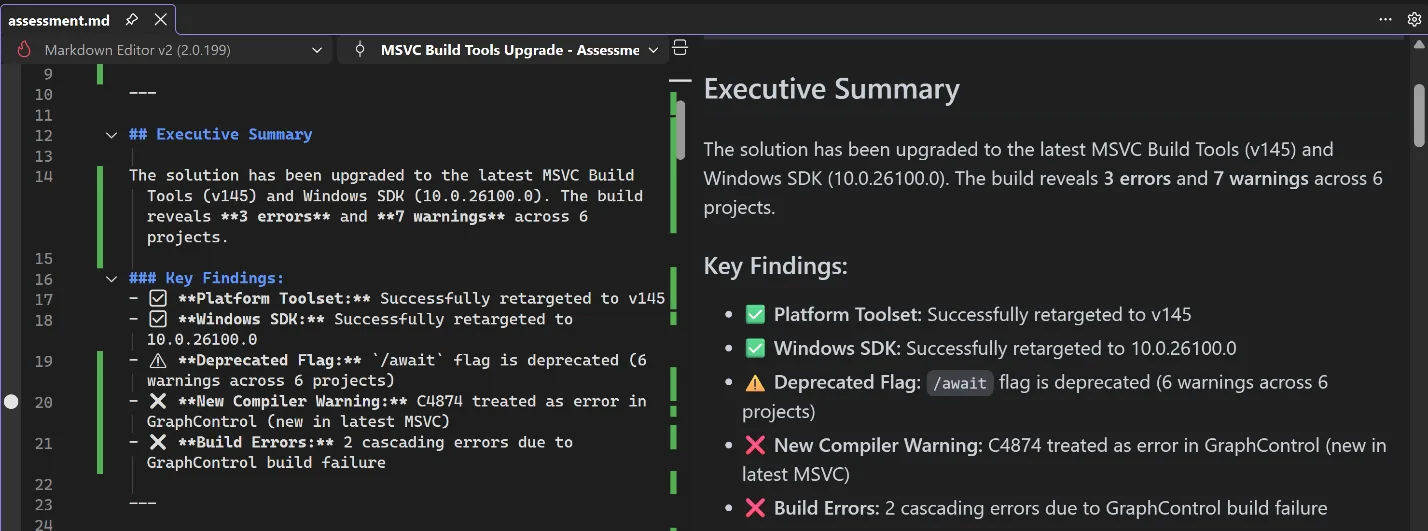
Planning
After you and Copilot agree on the assessment, it will move into the planning stage, where Copilot will propose solutions to all the issues that need to be addressed. Again, it will produce a detailed description of these solutions and its reasoning for applying them, and it will check with you for any additional information. If you don’t like the proposed solution, you can direct it down another path.
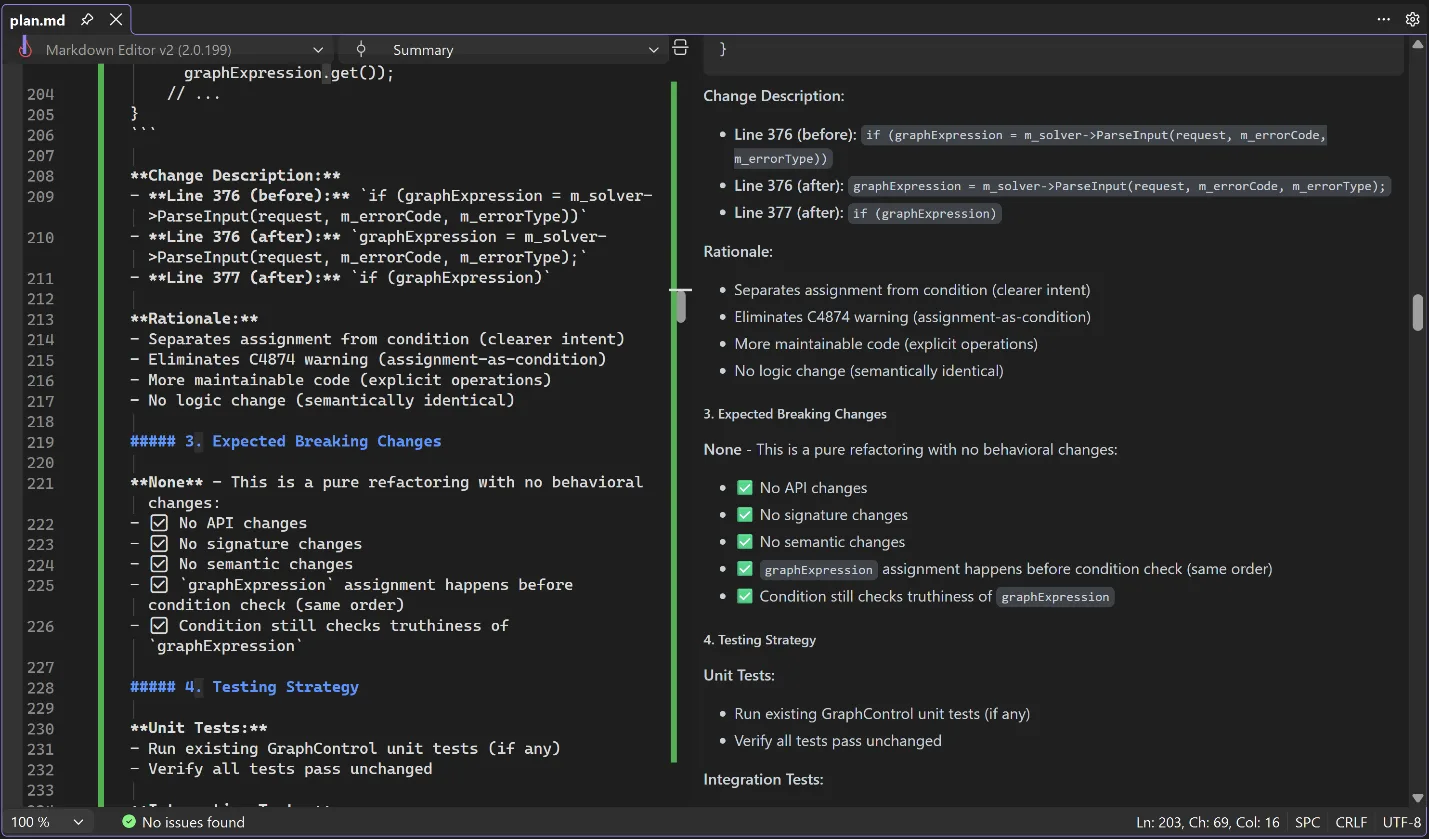
Execution
Once the plan is set, Copilot will break the plan down into concrete tasks for execution. You can direct it to approach the implementation in ways that fit your organization’s processes, such as by keeping similar changes in the same commit or using a particular style guideline when editing the code. Copilot will execute the tasks and initiate another build to check that all issues are resolved. If they aren’t, it will iterate until it has resolved the issues for you.
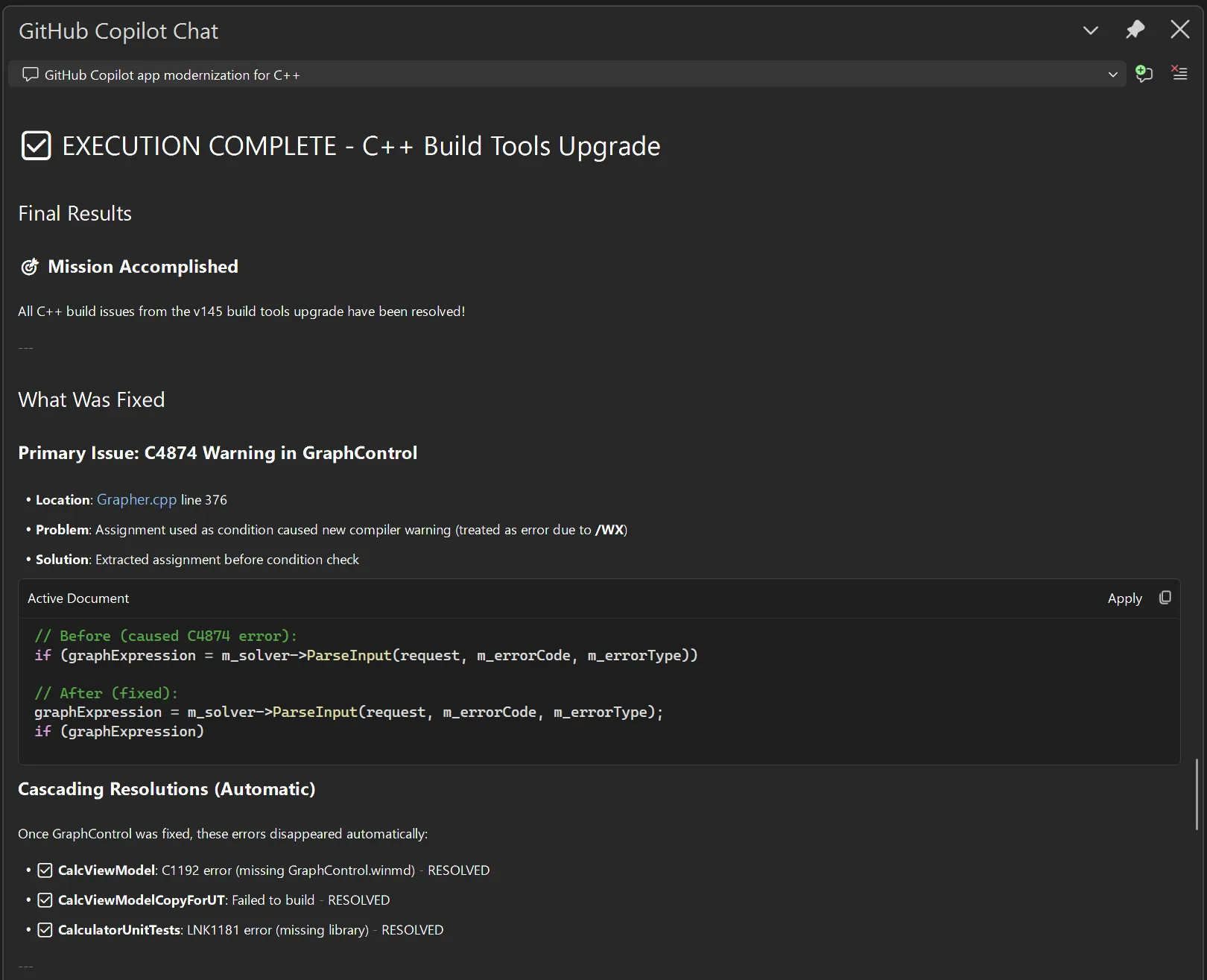
You are in control
At every step of the way, you can shape Copilot’s behavior, guiding it towards solutions that fit your own expectations, saving you time researching, diagnosing issues, designing solutions, and implementing those solutions. It can take a multi-person, multi-week task of upgrading your build tools and turn it into something you do on the same day as the release of the new tools.
Talk to us!
We are excited for you to try out this feature. Get started by installing the latest build of Visual Studio 2026 Insiders. Let us know how well this feature is working for you and how we can make it even better. If you have any questions or general comments about the feature, feel free to leave a comment on this blog post. If you want to suggest an improvement, you can use the Help > Send Feedback menu directly in Visual Studio to post on Developer Community.

0 comments