


Build AI Agents and RAG Applications with the New LangChain + LangGraph Connector for Azure Cosmos DB
Building AI agents and RAG applications today means stitching together half a dozen services, a vector database, a chat history store, a checkpointer for agent state, a semantic cache, a long-term memory layer. Each adds operational overhead, latency, and technical debt.
langchain-azure-cosmosdb collapses that stack. It’s a Python LangChain and LangGraph connector that turns Azure Cosmos DB for NoSQL into the single persistence layer for all of your agentic app scenarios.
Azure Cosmos DB for NoSQL natively supports vector, full-text (lexical), and hybrid search, combined with high elasticity, automatic sharding, autoscale or serverless models, and up to a 99.999% SLA. It scales vector search from thousands to billions of vectors and is also the database powering scenarios across OpenAI including ChatGPT histories and memories. This integration makes it easier to build your agentic apps with one efficient, highly scalable source of truth for all your agentic data needs.
It’s available today on PyPI and Github, and can be easily installed via:
pip install langchain-azure-cosmosdb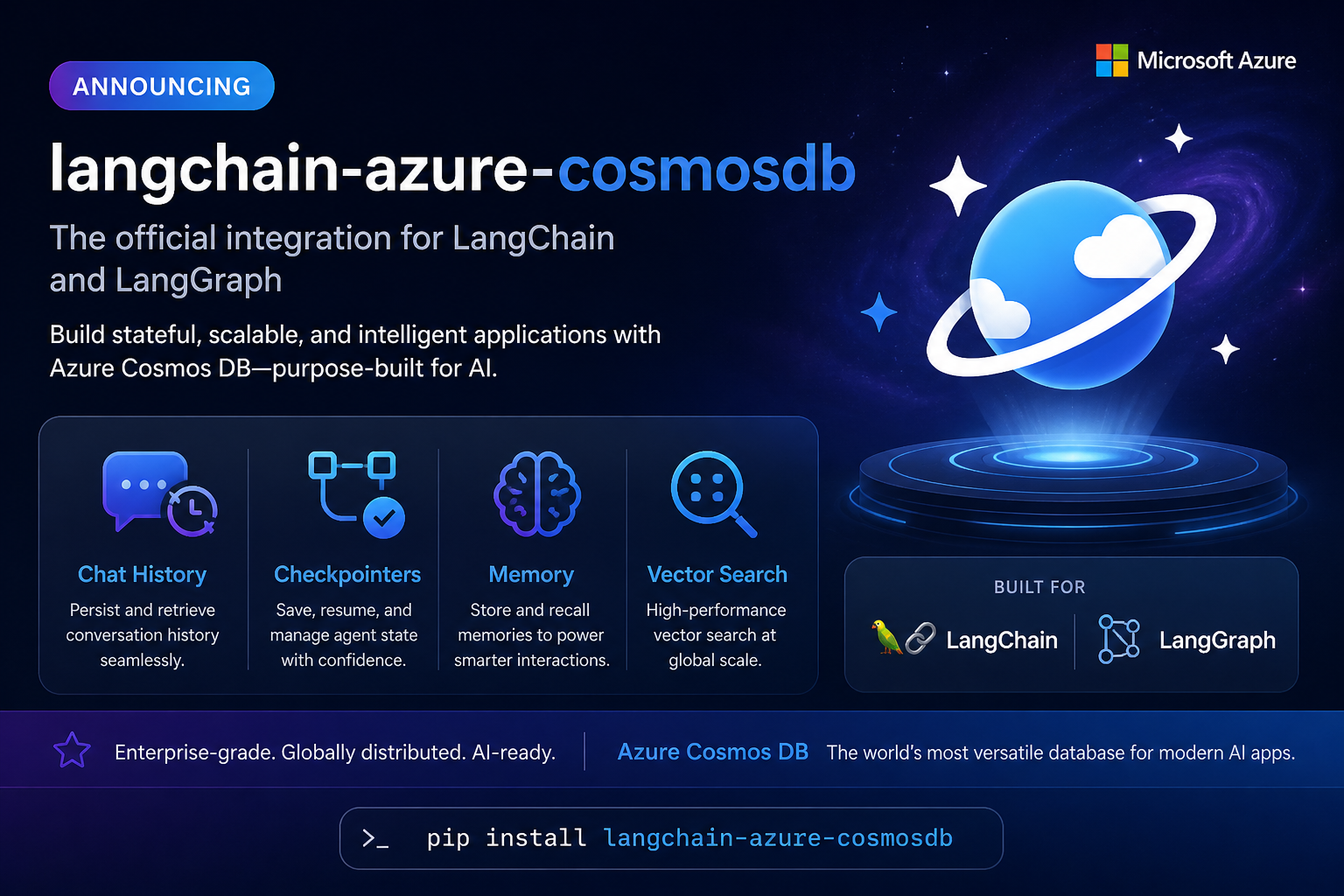
Why a Dedicated Connector?
When building AI agents and RAG applications, developers often face a fragmented stack:
- Vector search requires a separate vector database or service
- Chat history needs another storage backend
- Agent state checkpointing adds yet another system
- Semantic caching means even more infrastructure
- Long-term memory requires yet another bolt-on
This sprawl leads to complex integrations, higher operational costs, and a larger security surface. It also makes global distribution nearly impossible to achieve consistently across all these components.
The langchain-azure-cosmosdb package brings all of these capabilities directly into the LangChain and LangGraph ecosystem, so you can build your agentic apps on a single, highly scalable database, simplifying your app architecture and avoiding the need for specialized vector DBs or search engines.
What’s Included
The package ships with six integrations, each available in both synchronous and asynchronous variants:
| Integration | Sync | Async | What It Does |
|---|---|---|---|
| Vector Store | AzureCosmosDBNoSqlVectorSearch | AsyncAzureCosmosDBNoSqlVectorSearch | Vector, full-text, hybrid, and weighted hybrid search |
| Semantic Cache | AzureCosmosDBNoSqlSemanticCache | AsyncAzureCosmosDBNoSqlSemanticCache | Cache LLM responses to reduce latency and cost |
| Chat History | CosmosDBChatMessageHistory | AsyncCosmosDBChatMessageHistory | Persist conversation history with TTL support |
| LangGraph Checkpointer | CosmosDBSaverSync | CosmosDBSaver | Graph state persistence for multi-turn agents |
| LangGraph Cache | CosmosDBCacheSync | CosmosDBCache | Node-level result caching for graph workflows |
| LangGraph Store | CosmosDBStore | AsyncCosmosDBStore | Long-term memory with namespace organization and semantic search |
Every integration supports both access key and Microsoft Entra ID (Managed Identity) authentication out of the box.
Semantic Search: Beyond Basic Search
Azure Cosmos DB’s vector search capabilities go well beyond basic similarity matching. The connector exposes all search modes:
- Vector similarity search with DiskANN or Quantized Flat vector indexes for efficient similarity search at any scale
- Full-text search with BM25 ranking
- Hybrid search combining vector and full-text with RRF (Reciprocal Rank Fusion)
- Weighted hybrid search for fine-tuned control over vector vs. text relevance
Here’s how to set up a vector store and run a hybrid search:
from azure.cosmos import CosmosClient, PartitionKey
from azure.identity import DefaultAzureCredential
from langchain_openai import AzureOpenAIEmbeddings
from langchain_azure_cosmosdb import AzureCosmosDBNoSqlVectorSearch


cosmos_client = CosmosClient(
    "<endpoint>",
    credential=DefaultAzureCredential(),
)

vectorstore = AzureCosmosDBNoSqlVectorSearch(
    cosmos_client=cosmos_client,
    embedding=AzureOpenAIEmbeddings(
        azure_endpoint="<openai-endpoint>",
        azure_deployment="text-embedding-3-small",
    ),
    vector_embedding_policy={
        "vectorEmbeddings": [
            {
                "path": "/embedding",
                "dataType": "float32",
                "distanceFunction": "cosine",
                "dimensions": 1536,
            }
        ]
    },
    indexing_policy={
        "vectorIndexes": [
            {
                "path": "/embedding",
                "type": "diskANN",
            }
        ],
        "fullTextIndexes": [
            {
                "path": "/text",
            }
        ],
    },
    cosmos_container_properties={
        "partition_key": PartitionKey(path="/id"),
    },
    cosmos_database_properties={
        "id": "my-rag-db",
    },
    vector_search_fields={
        "text_field": "text",
        "embedding_field": "embedding",
    },
    full_text_search_enabled=True,
)

# Add documents
vectorstore.add_texts(
    [
        "Azure Cosmos DB is a globally distributed database.",
    ]
)

# Hybrid search
results = vectorstore.similarity_search(
    "distributed database",
    k=5,
    search_type="hybrid",
    full_text_rank_filter=[
        {
            "search_field": "text",
            "search_text": "distributed",
        }
    ],
)
Building a Multi-Turn Agent with LangGraph
One of the most powerful use cases is building conversational agents that remember context across turns. With CosmosDBSaverSync, your LangGraph agent’s state is persisted to Cosmos DB automatically:
from langchain_openai import AzureChatOpenAI
from langgraph.graph import StateGraph, START, END
from langgraph.graph.message import add_messages
from langchain_azure_cosmosdb import CosmosDBSaverSync


# Initialize LLM
llm = AzureChatOpenAI(
    azure_endpoint="<openai-endpoint>",
    azure_deployment="<chat-deployment>",
)

# Create checkpointer — falls back to DefaultAzureCredential if no key
checkpointer = CosmosDBSaverSync(
    database_name="agents-db",
    container_name="checkpoints",
    endpoint="<cosmos-endpoint>",
)


# Define state (simple message accumulator)
class State(dict):
    messages: list


# Define a simple chatbot graph
def chatbot(state):
    return {
        "messages": [
            llm.invoke(state["messages"]),
        ]
    }


graph = StateGraph(State)
graph.add_node("chatbot", chatbot)
graph.add_edge(START, "chatbot")
graph.add_edge("chatbot", END)

app = graph.compile(checkpointer=checkpointer)

# Multi-turn conversation — state persists across invocations
config = {
    "configurable": {
        "thread_id": "user-123",
    }
}

app.invoke(
    {
        "messages": [
            ("user", "Hi, I'm Alice!"),
        ]
    },
    config=config,
)

app.invoke(
    {
        "messages": [
            ("user", "What's my name?"),
        ]
    },
    config=config,
)
The checkpointer stores each graph step as a separate document in Cosmos DB, with support for get_state(), get_state_history(), and thread isolation.
Long-Term Memory with LangGraph Store
For agents that need to remember facts across sessions – user preferences, learned knowledge, extracted entities, the CosmosDBStore provides namespace-organized storage with optional semantic search:
from azure.identity import DefaultAzureCredential
from langchain_openai import AzureOpenAIEmbeddings
from langchain_azure_cosmosdb import CosmosDBStore


# Initialize embeddings
embeddings = AzureOpenAIEmbeddings(
    azure_endpoint="<openai-endpoint>",
    azure_deployment="text-embedding-3-small",
)

# Create store
store = CosmosDBStore.from_endpoint(
    endpoint="<cosmos-endpoint>",
    credential=DefaultAzureCredential(),
    database_name="agents-db",
    container_name="memory",
    index={
        "dims": 1536,
        "embed": embeddings,
        "fields": ["text"],
    },
)

store.setup()

# Store user preferences
store.put(
    ("users", "alice", "preferences"),
    "coffee",
    {
        "text": "Dark roast with oat milk",
    },
)

# Semantic search across all users
results = store.search(
    ("users",),
    query="beverage preferences",
    limit=5,
)
Semantic Caching: Reduce Costs and Latency
Identical or semantically similar prompts hitting your LLM repeatedly? The semantic cache stores responses and returns cached results for similar queries, dramatically reducing API costs and response times:
from langchain_core.globals import set_llm_cache

from langchain_azure_cosmosdb import (
    AzureCosmosDBNoSqlSemanticCache,
)


cache = AzureCosmosDBNoSqlSemanticCache(
    cosmos_client=cosmos_client,
    embedding=embeddings,
    vector_embedding_policy=vector_policy,
    indexing_policy=indexing_policy,
    cosmos_container_properties=container_props,
    cosmos_database_properties={
        "id": "cache-db",
    },
    vector_search_fields={
        "text_field": "text",
        "embedding_field": "embedding",
    },
    score_threshold=0.5,  # Configurable similarity threshold
)

set_llm_cache(cache)


# First call: ~3s (hits LLM)
llm.invoke("What is Azure Cosmos DB?")


# Second call: ~0.2s (cache hit)
llm.invoke("What is Azure Cosmos DB?")


# Similar prompt: ~0.2s (semantic cache hit)
llm.invoke("Describe Azure Cosmos DB briefly")
Full Async Support
Every integration has a native async counterpart using azure.cosmos.aio, so you can build high-throughput applications without blocking the event loop:
from langchain_azure_cosmosdb import CosmosDBSaver


async with CosmosDBSaver.from_conn_info(
    endpoint="<cosmos-endpoint>",
    key="<key>",
    database_name="agents-db",
    container_name="checkpoints",
) as checkpointer:
    app = graph.compile(checkpointer=checkpointer)

    result = await app.ainvoke(
        input,
        config=config,
    )
Enterprise-Ready from Day One
- Microsoft Entra ID / Managed Identity: All integrations that create their own Cosmos client automatically fall back to DefaultAzureCredential when no key is provided — no secrets to manage.
- Global Distribution: Cosmos DB’s multi-region writes and up to 99.999% SLA extends to your AI agent’s state, memory, and vector store.
- DiskANN Indexing: Purpose-built for high-dimensional vector search at scale, delivering low-latency results even with millions of vectors.
- User Agent Tracking: Every client connection includes a per-integration user agent string for usage tracking and diagnostics.
Get Started
Install the package:
pip install langchain-azure-cosmosdbExplore the samples:
- 10 runnable samples covering every integration
- Package documentation
- PyPI page
Explore the documentation:
We’d love to hear your feedback. Try it out, build something amazing, and let us know how it goes.


0 comments
Be the first to start the discussion.